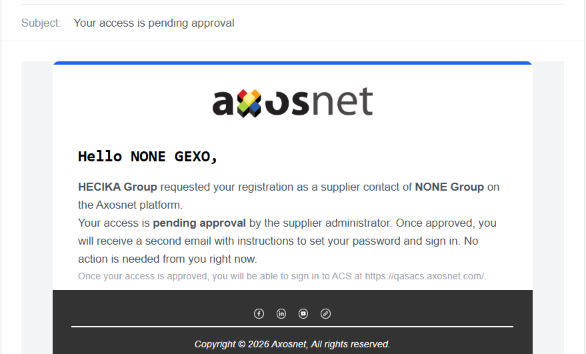
The contact request process involves the joint participation of the customer and the provider. Its main purpose is to allow the customer to request that the provider register a new user by submitting the person’s personal information and the required access credentials.
Once the request is received, the supplier evaluates the information to determine whether to approve or reject it:
- If approved: The supplier’s user who requested registration is automatically registered and receives an email notification with the necessary instructions to log in to the platform.
- If rejected: The provider is required to provide a justification or reason for the rejection. The system sends a notification to the customer detailing this reason, while the user receives no notification whatsoever, effectively resulting in a “silent rejection” for the user.
This manual outlines the steps a customer must follow to request that a supplier invite a new contact.
To send a New Contact Request, follow these steps:
1. Log in to ACS Management.
Note: A user must have the administrator role in ACS to perform this procedure.
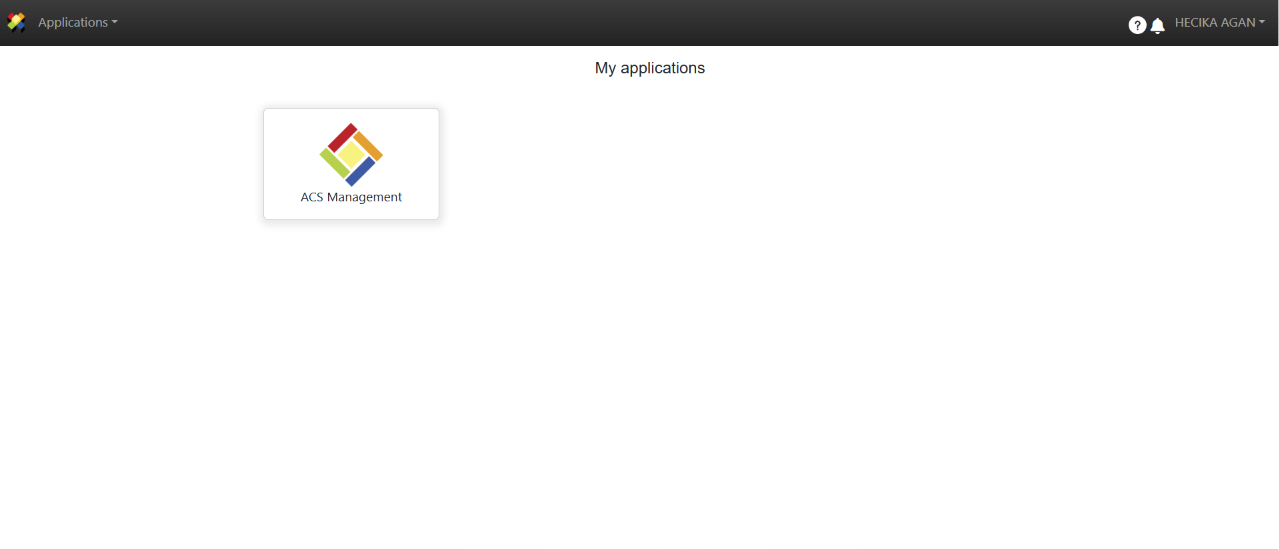
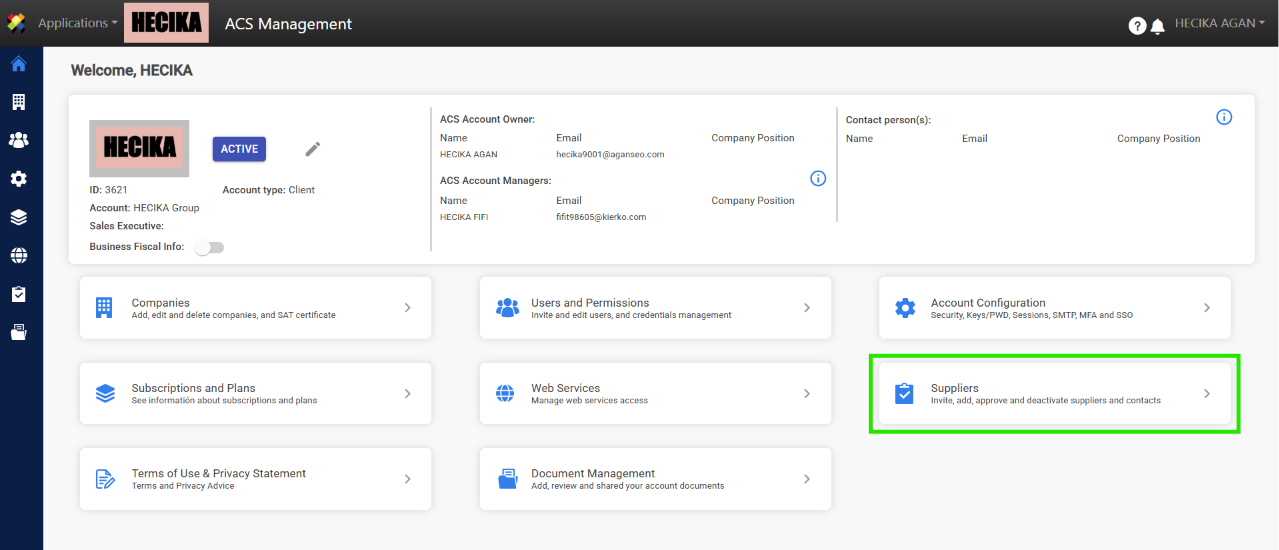
2. Click on the Suppliers section.
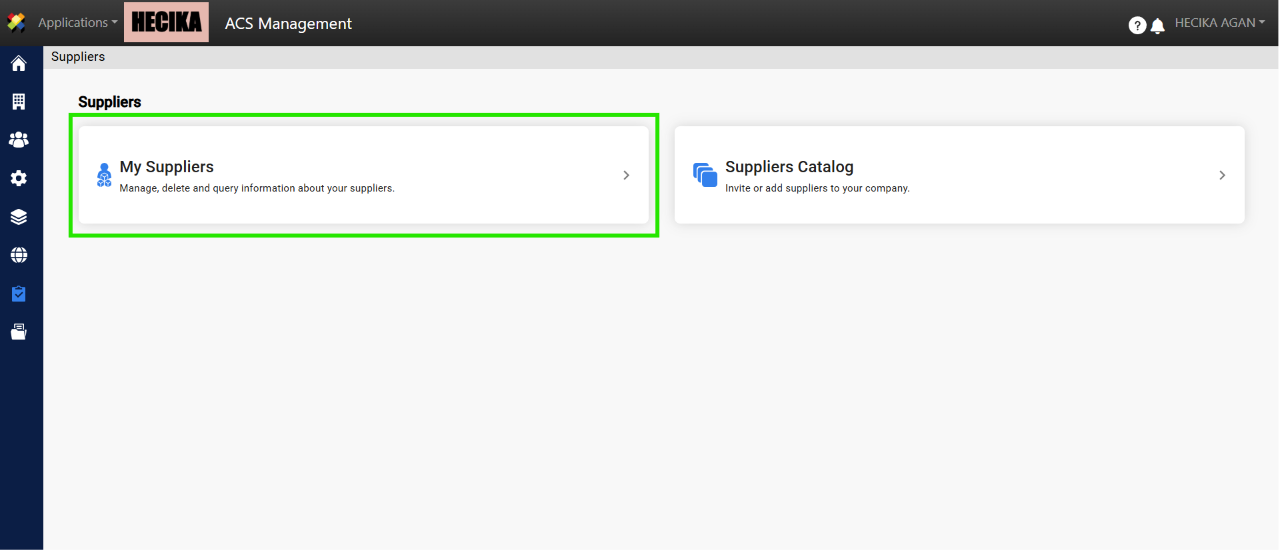
3. Click on My Suppliers.
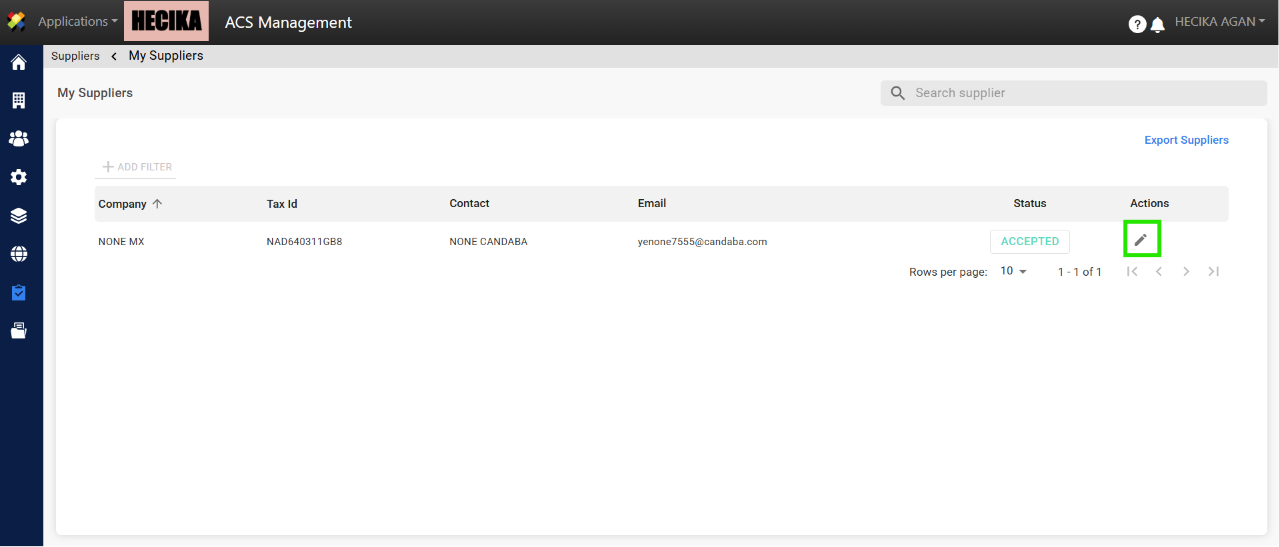
4. Select the provider from whom you will request the new contact’s registration, and click the Edit button.
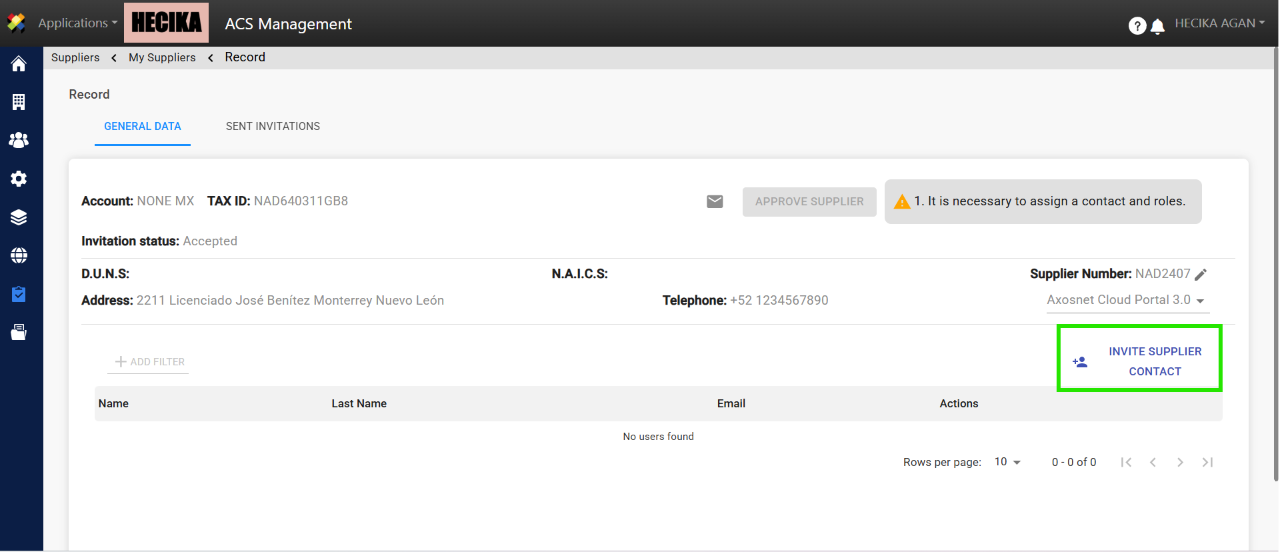
5. Click Invite Supplier Contact.
Note: You must have the supplier’s number on file.
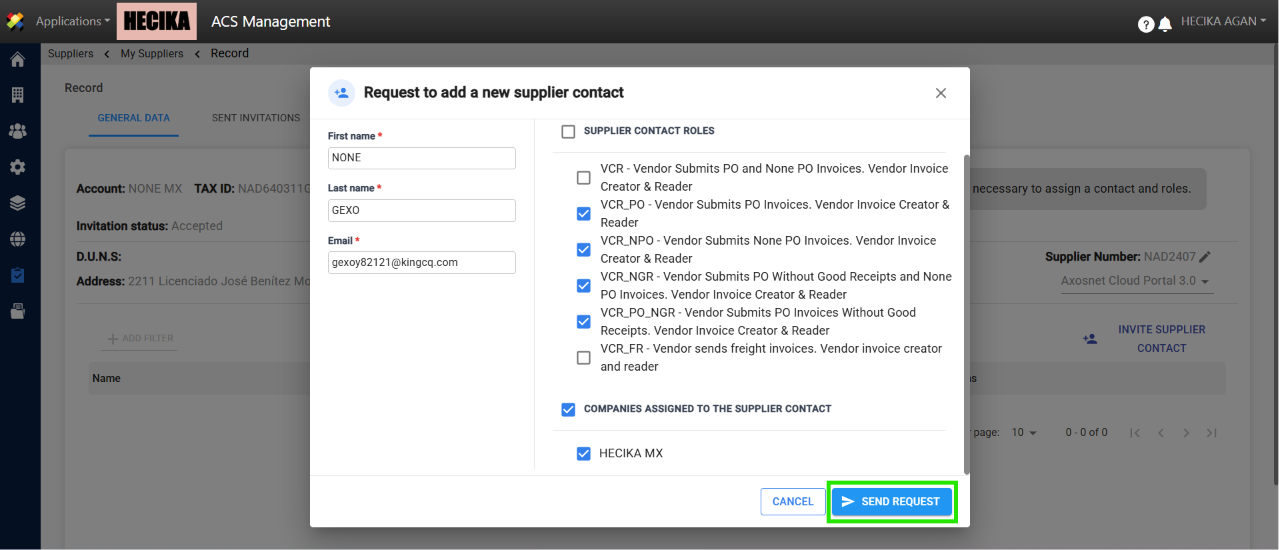
6. Fill out the form with the required information and assign the appropriate companies and roles. To finish, click Send Request.
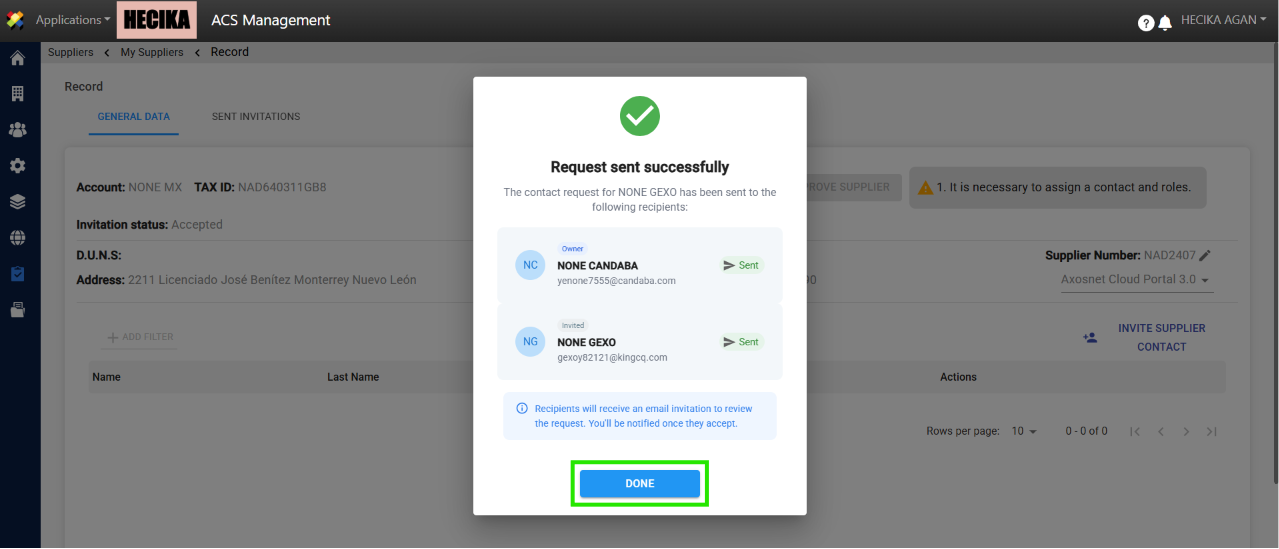
7. A pop-up window will appear to confirm that the request has been sent. The email is sent to every user at the provider who has ACS Administrator or Owner credentials. Click Done.
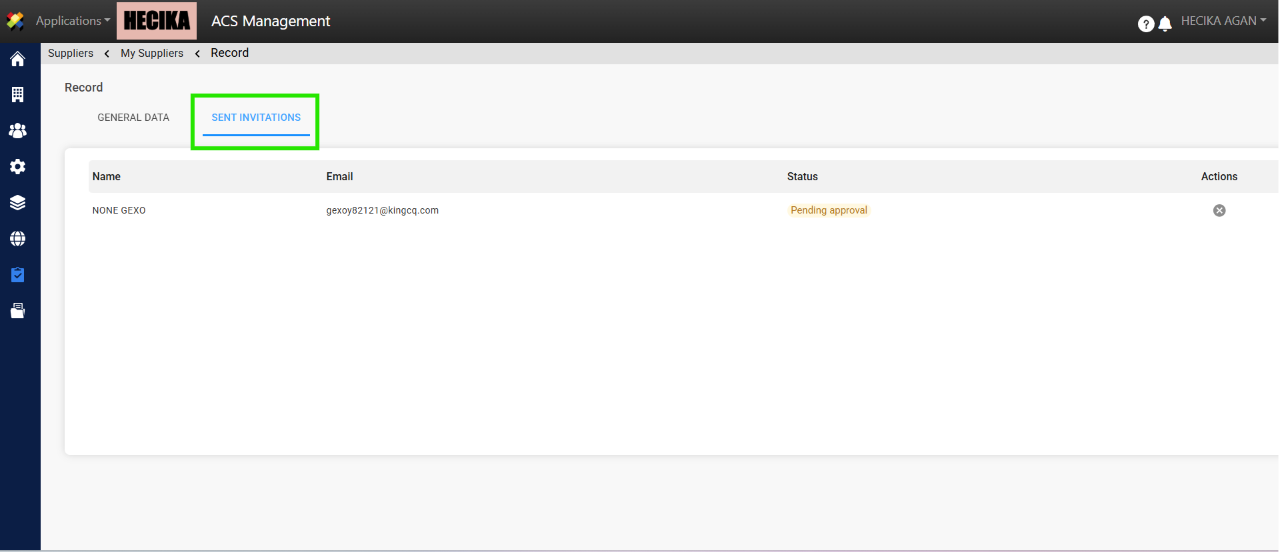
8. When you send the request, it will appear in the Sent Invitations tab.
Note: Only the user who sent the request can cancel it by clicking the X icon in the Actions column.
9. To continue with the process, you must Accept or Reject the contact request. For instructions on how to do this, please refer to the following guide:
– Approve / Reject Contact Request.
Note:The new user will receive an email notifying them that their access is pending approval.