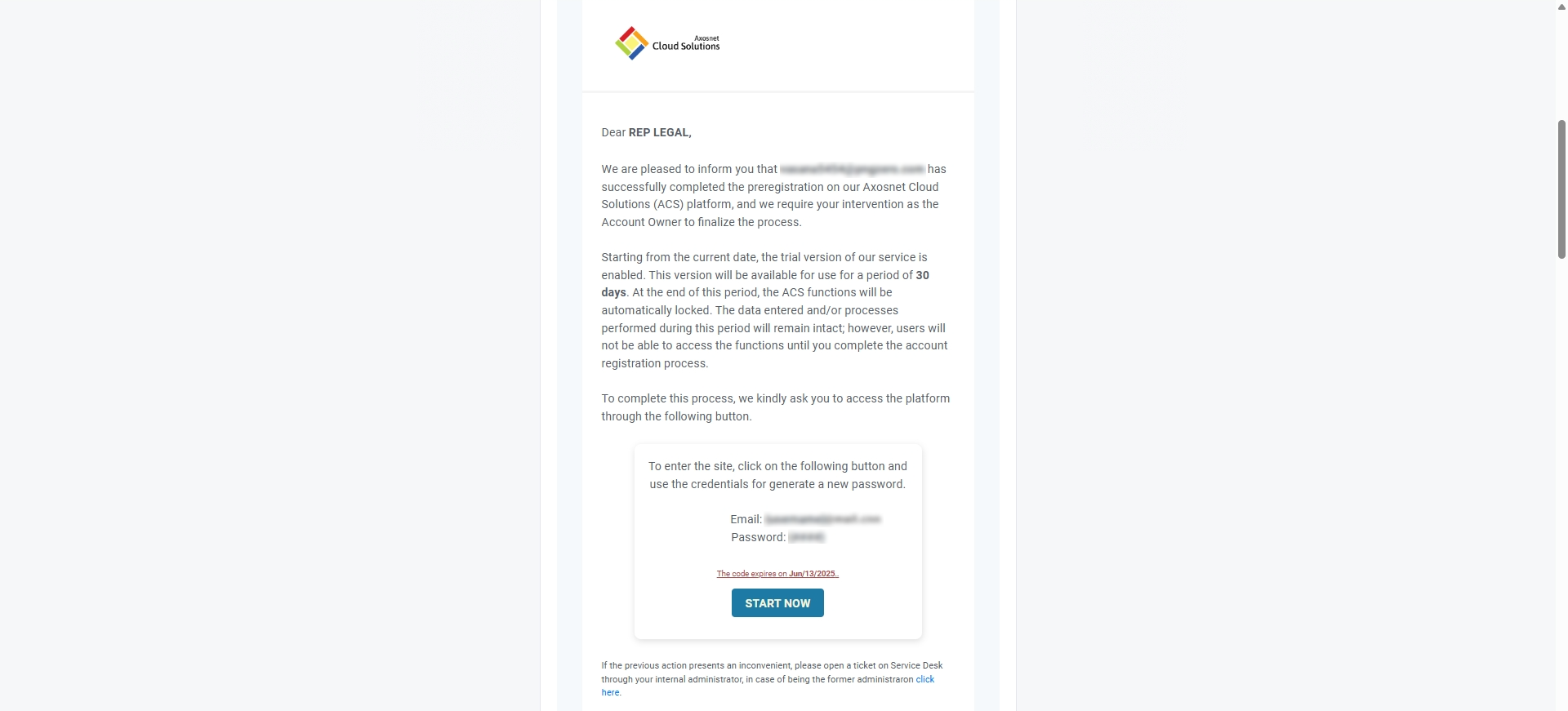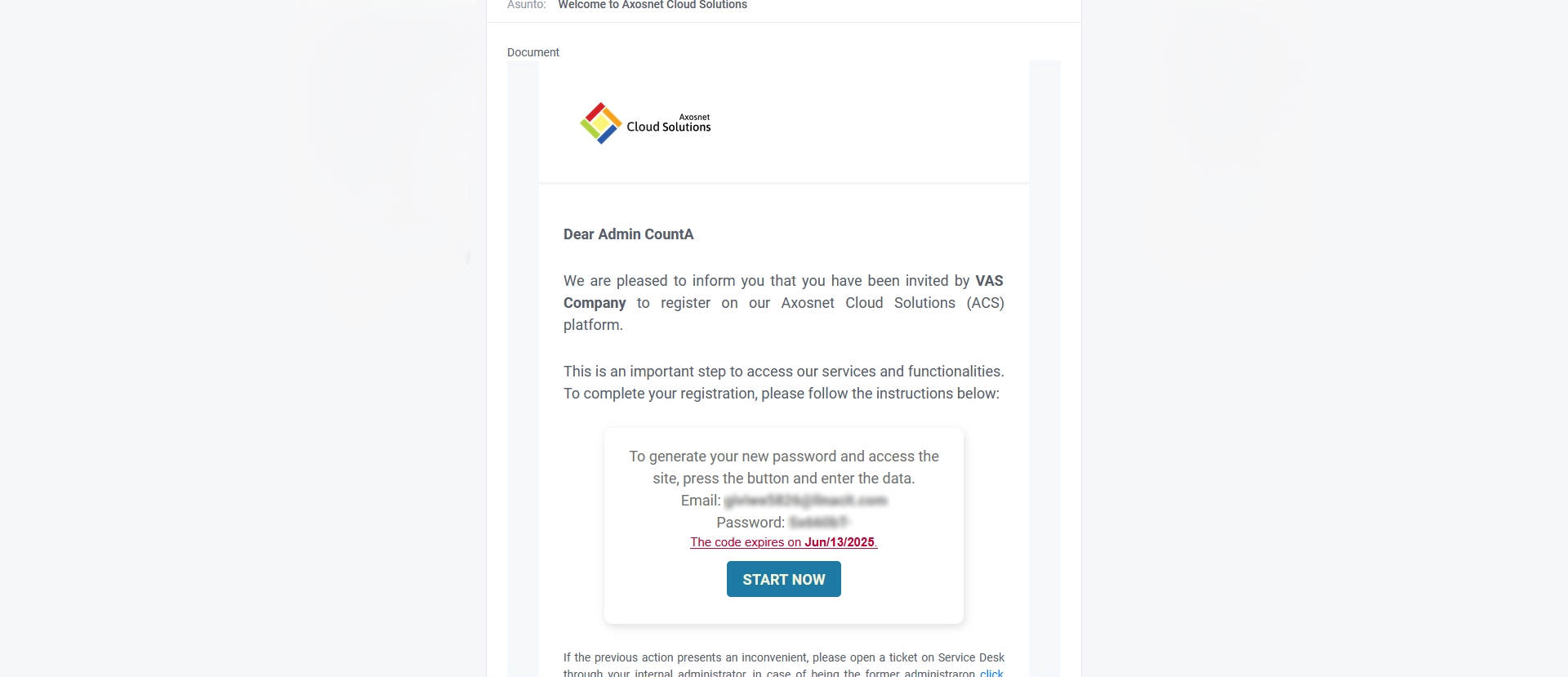
To register a business account, the administrator must complete the process described below by entering the required information.
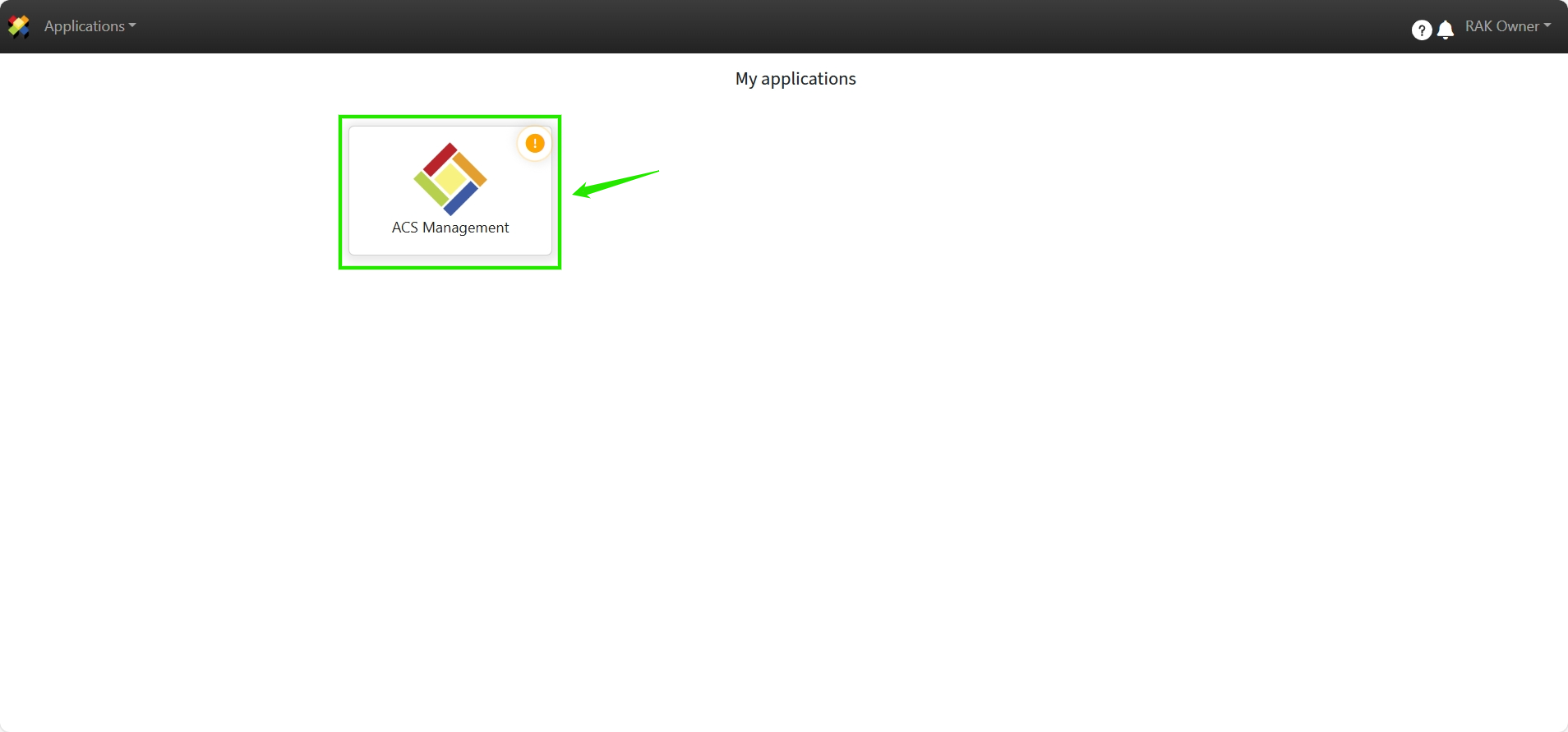
1. Log in to ACS and click “ACS Management“.
2. Click “Start”.
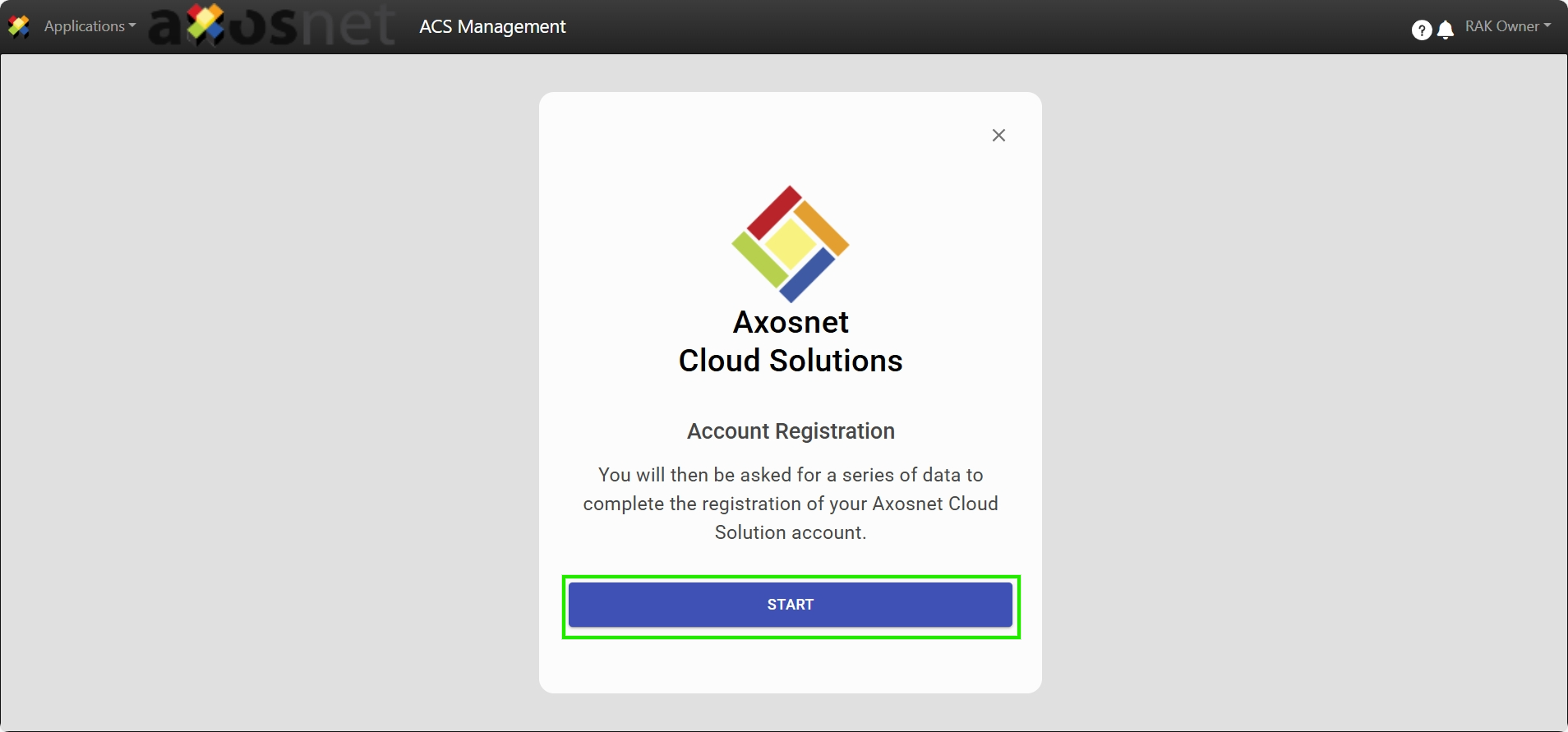
3. The requested steps to complete the registration of the business account in ACS will be displayed.
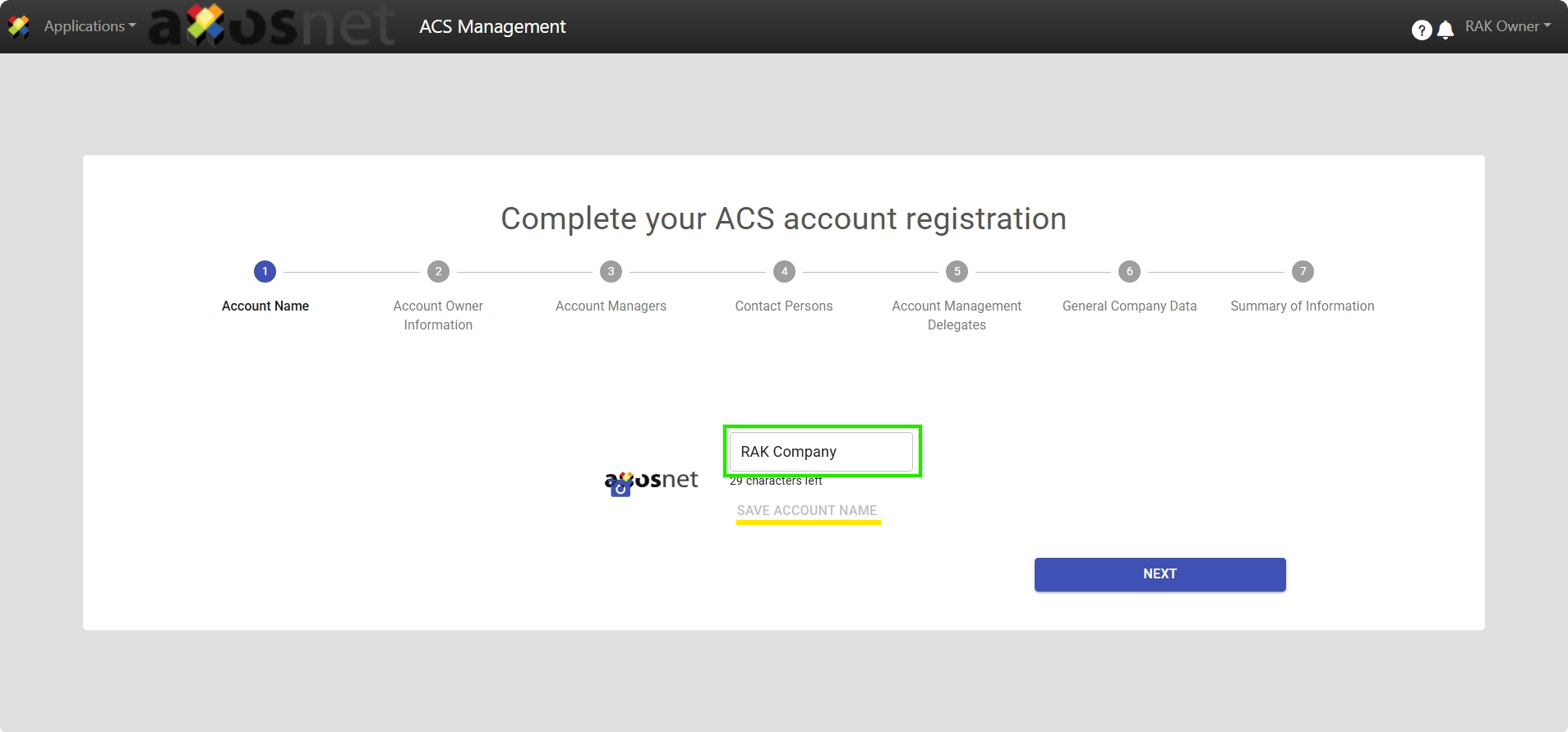
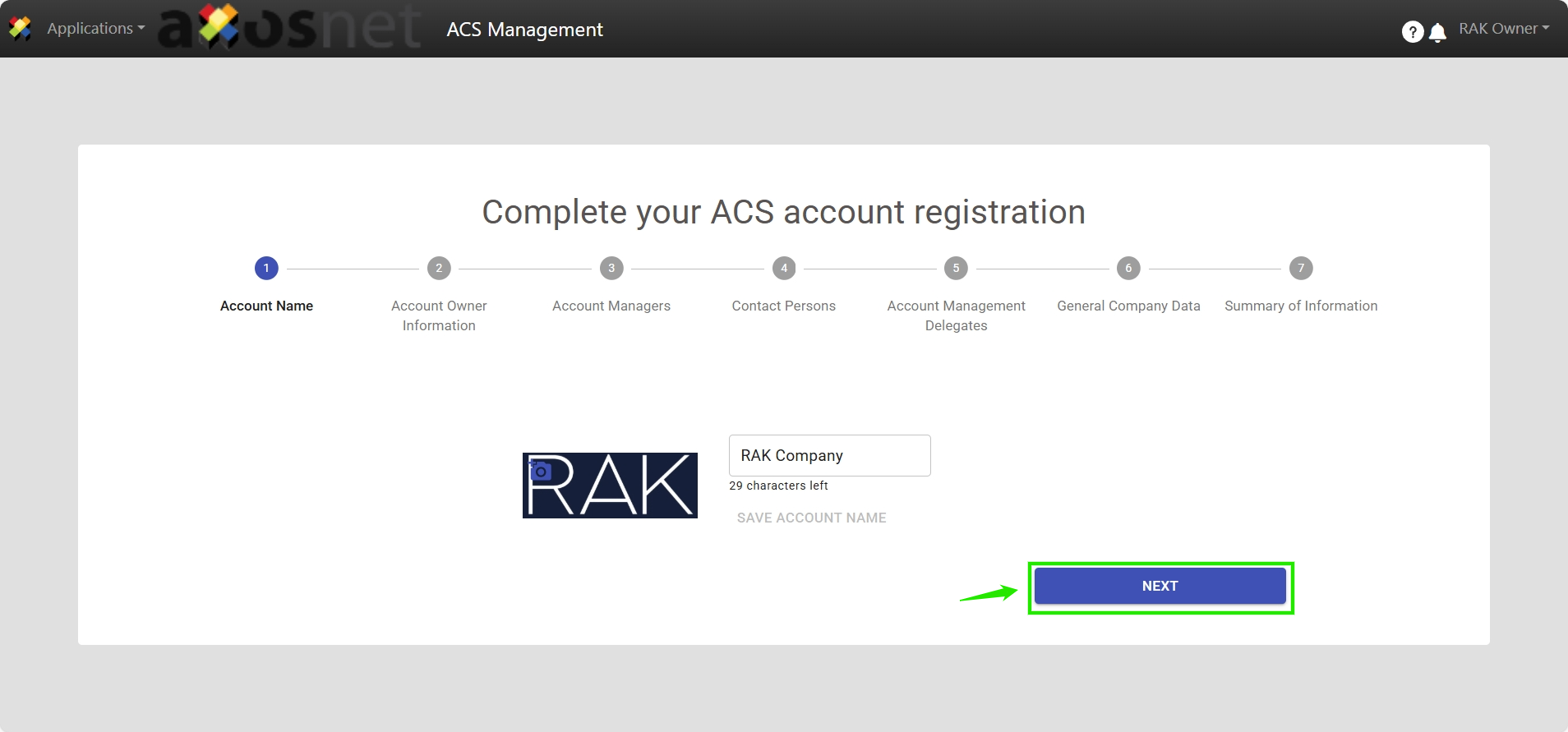
In Step 1, verify the Account Name or, alternatively, click on the field to edit it and finally click on “Save Account Name”.
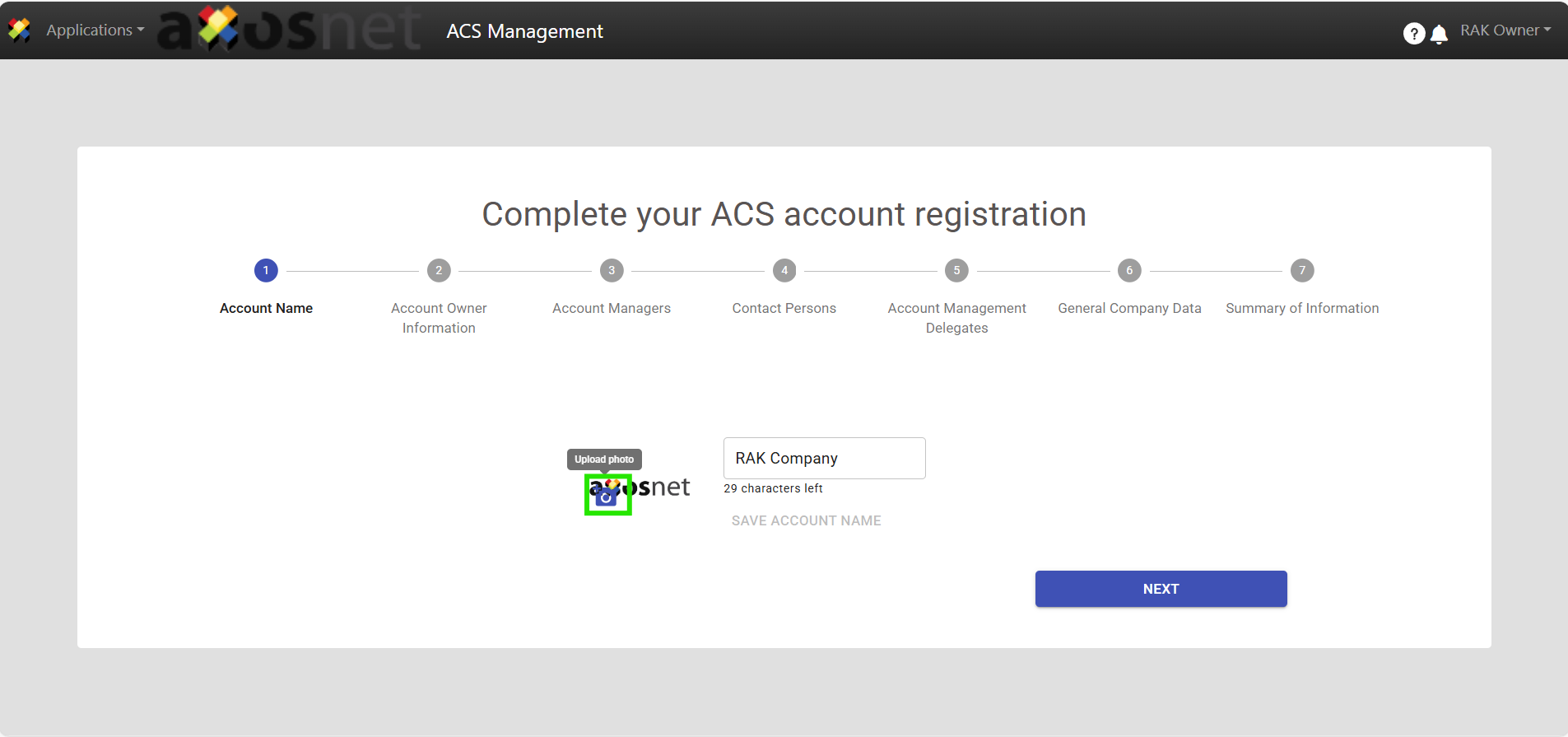
4. Click the “Axosnet” logo to change it, as it is set by default.
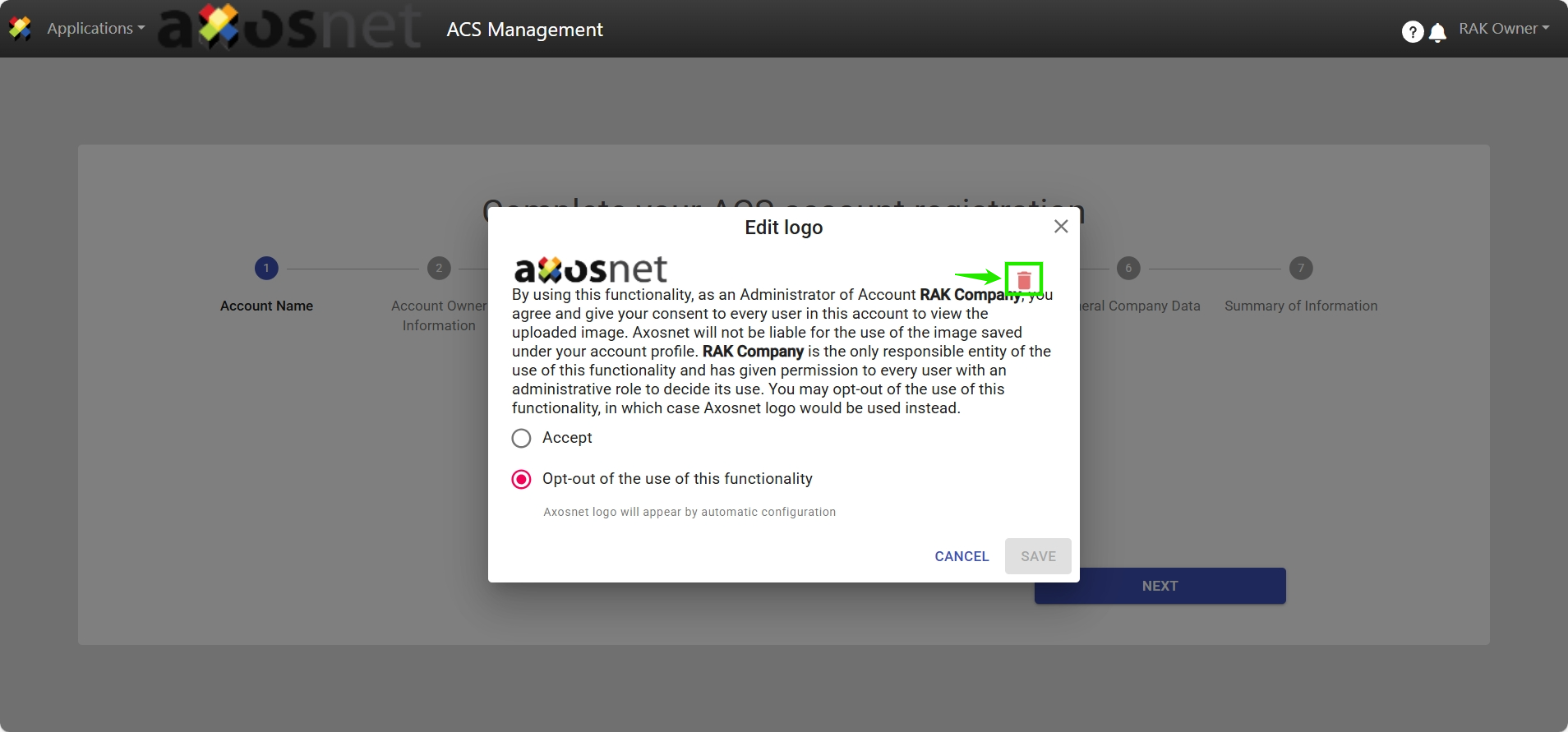
5. Click on the “Delete” icon to remove the Axosnet logo.
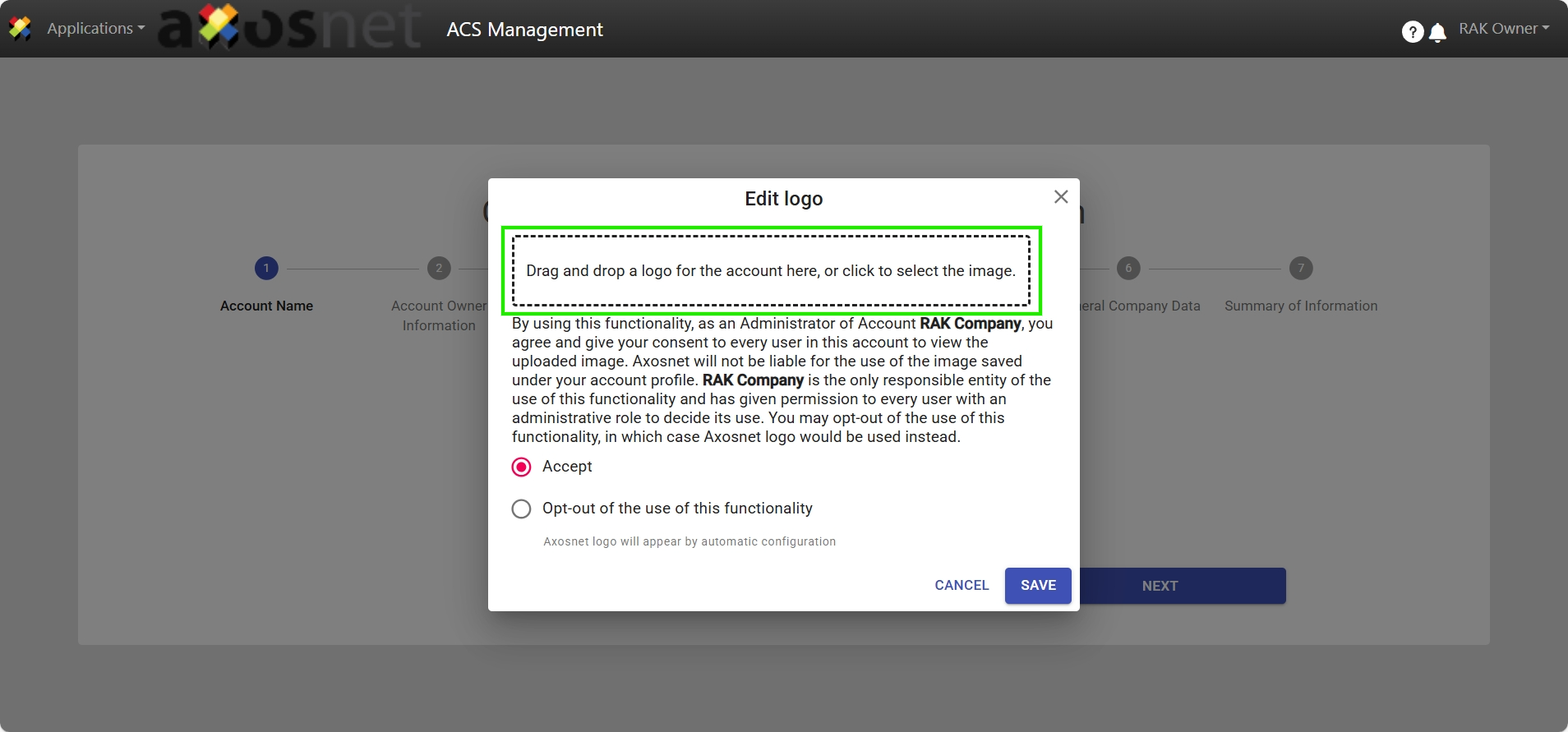
6. Upload the image of the Logo corresponding to your company if required and click “Save”.
7. Click “Next”.
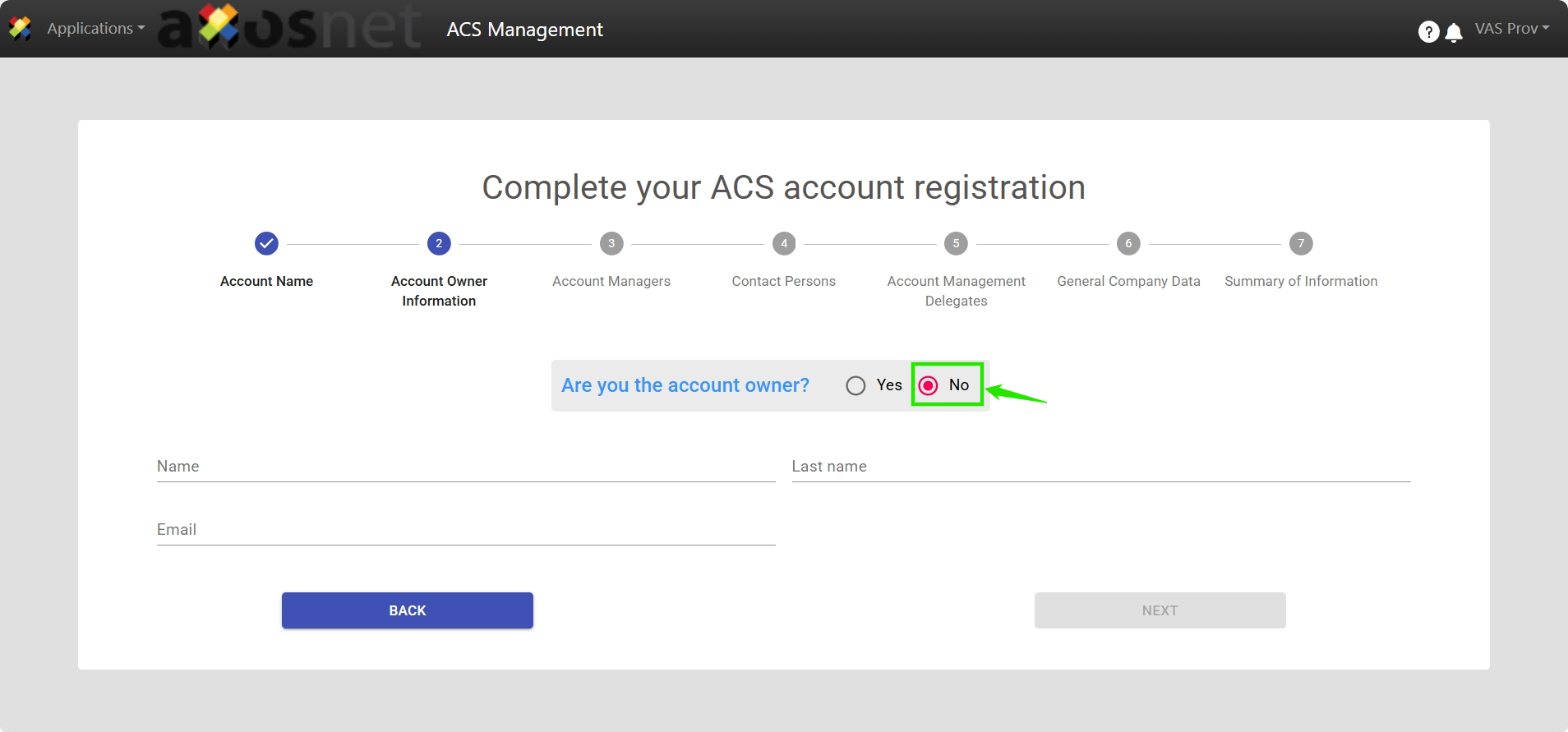
8. Select the “NO” checkbox if you are not the Account Owner.
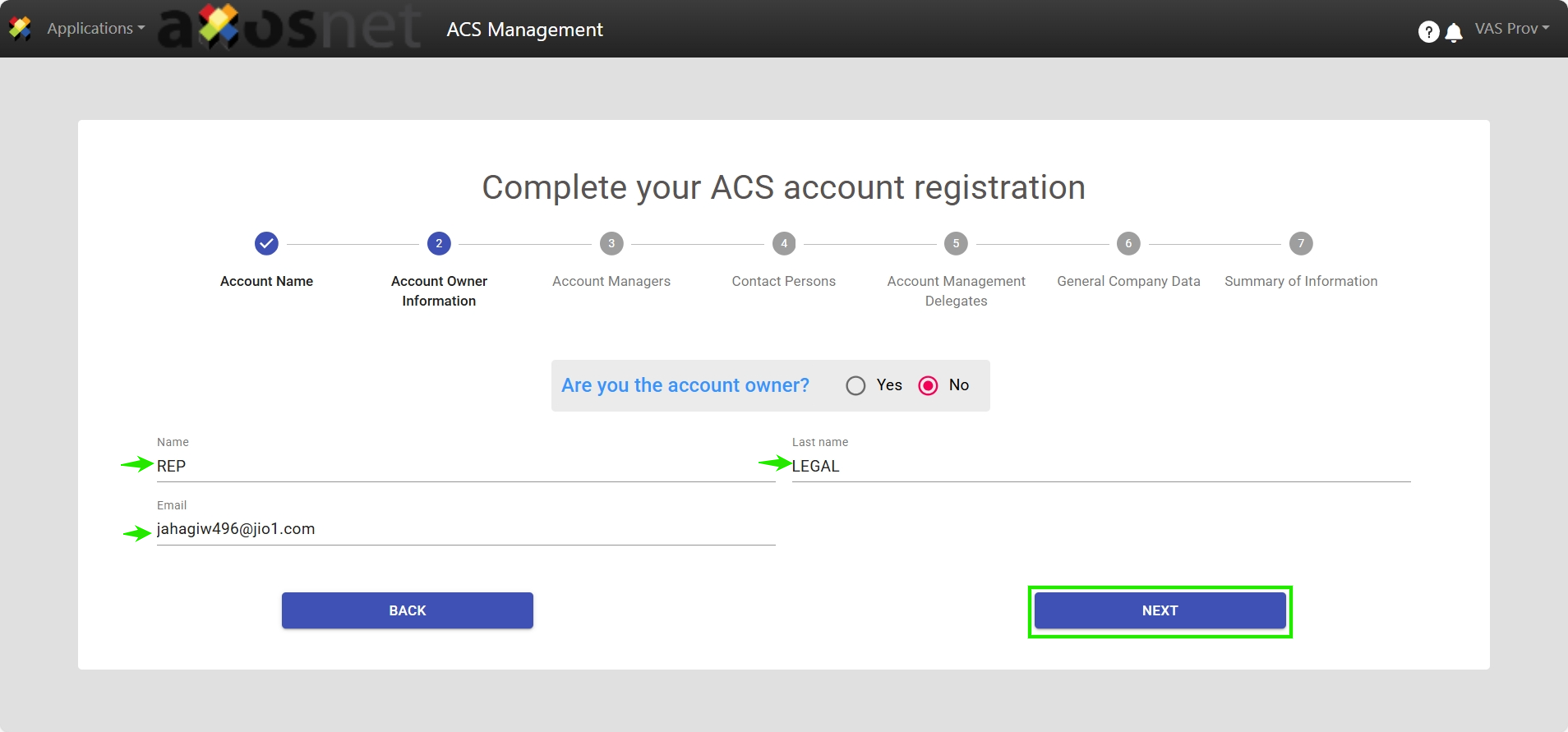
9. Enter the information of the user fulfilling that role and click “Next”.
10. Within Step 3 “Account Administrators”, register at least one additional user, as the proposed Account Owner’s registration will default to this section.
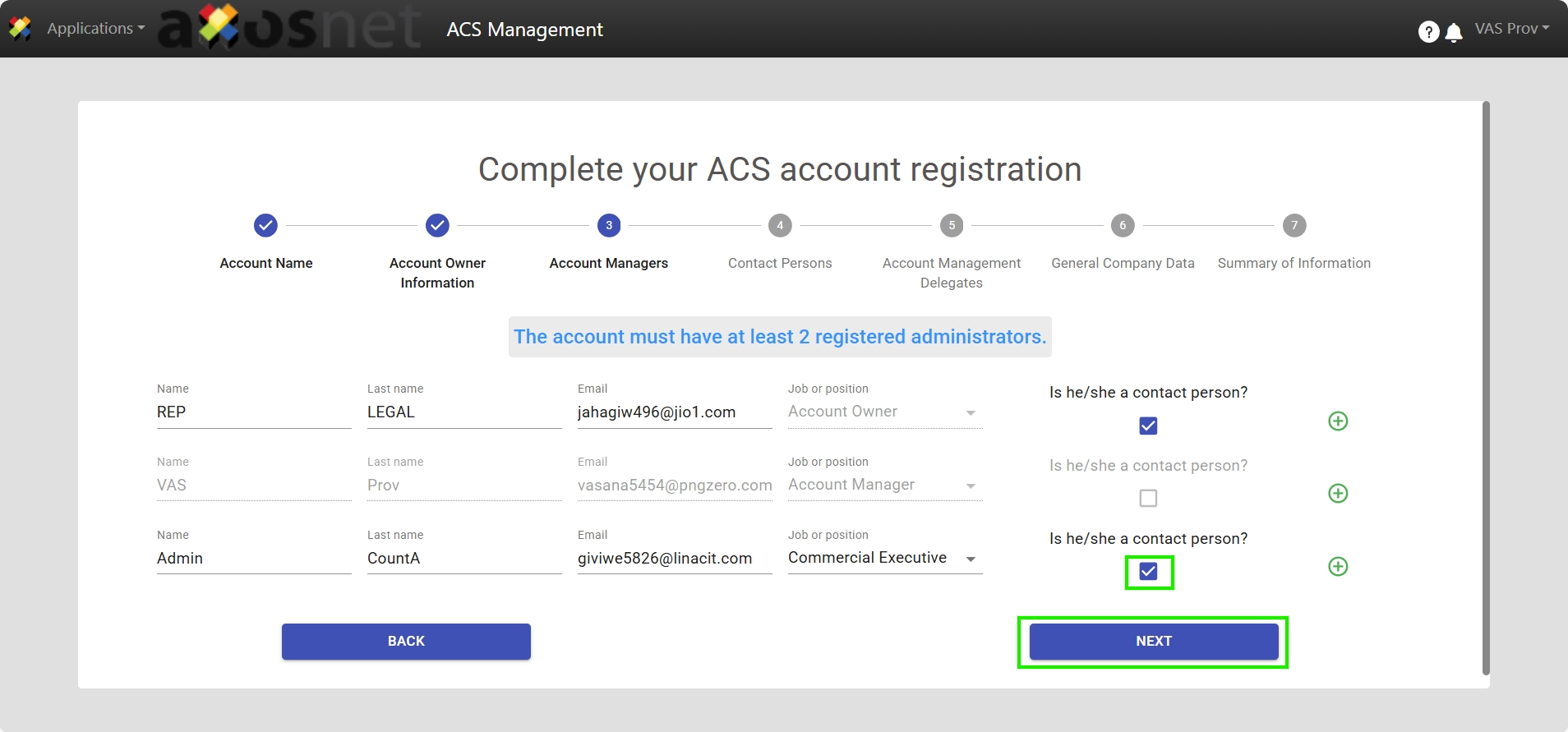
Note: If they are considered as contact persons, activate the option for the registration information to move to the next step.
11. For the “Contact Persons” step, you may register or leave the form blank, as it is an optional section. Click “Next”.
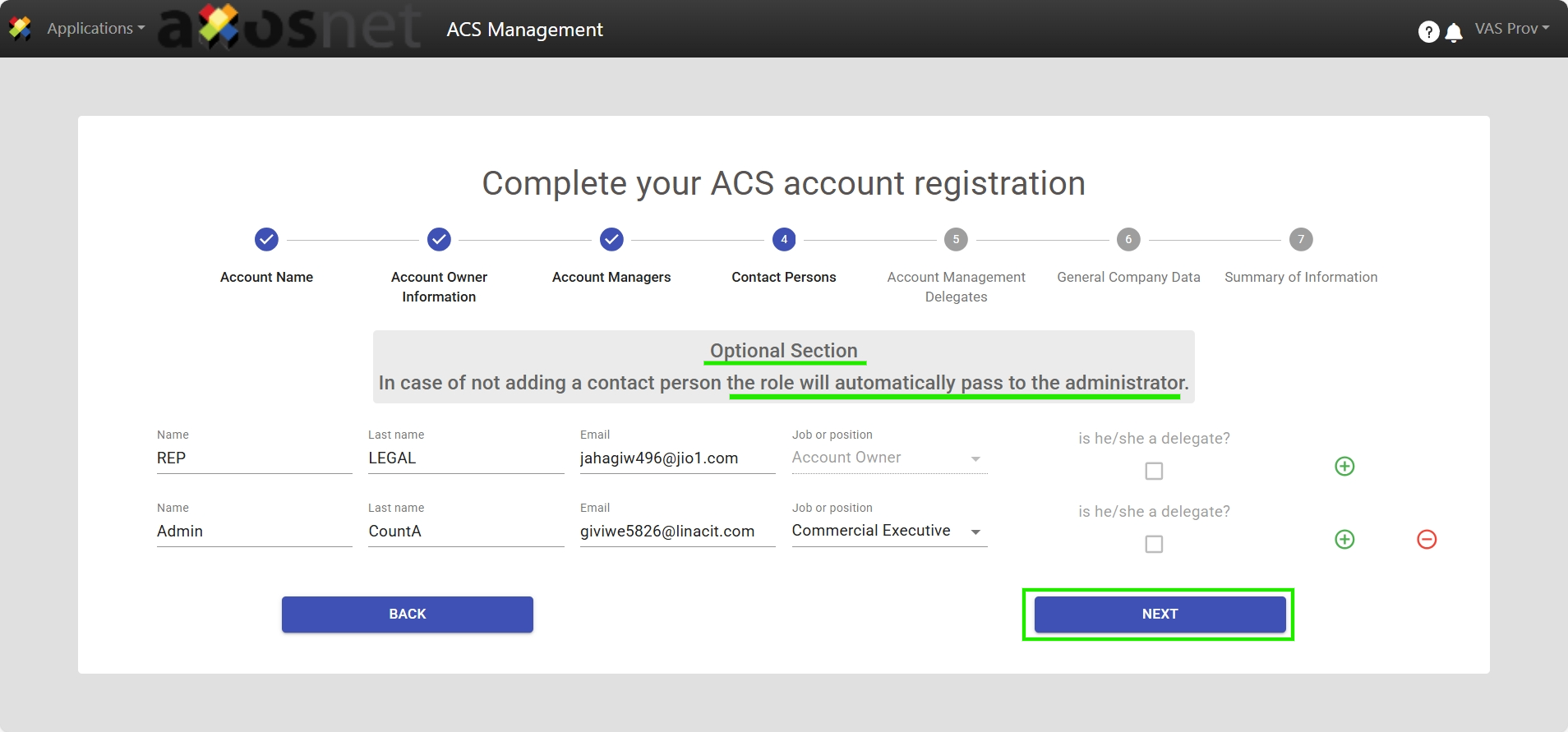
Note: If you have registered “contact persons”, you can activate the “Delegate?” checkbox if required.
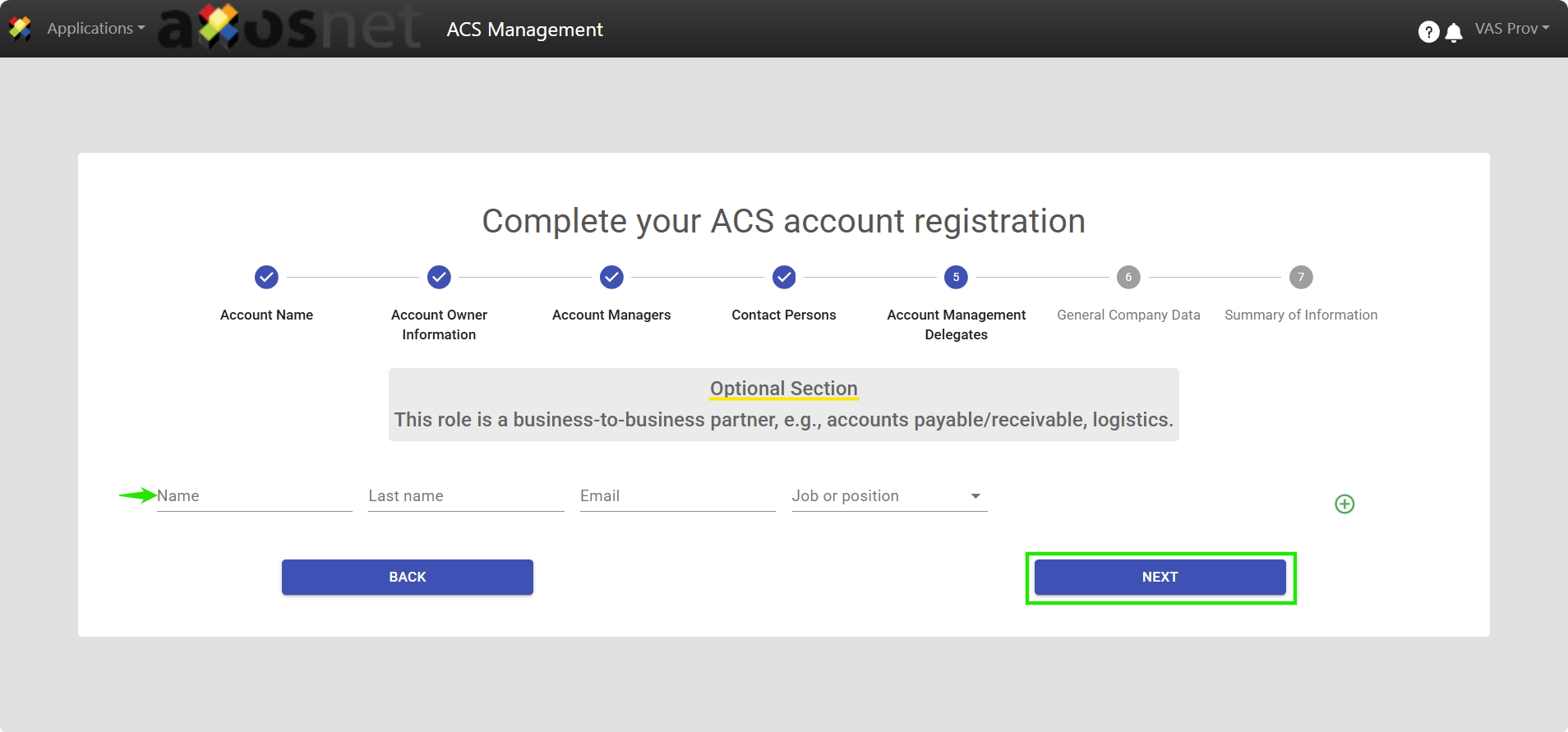
12. Within the “Account Administration Delegates” step, you may register or leave the form blank, as it is an optional section. Click “Next”.
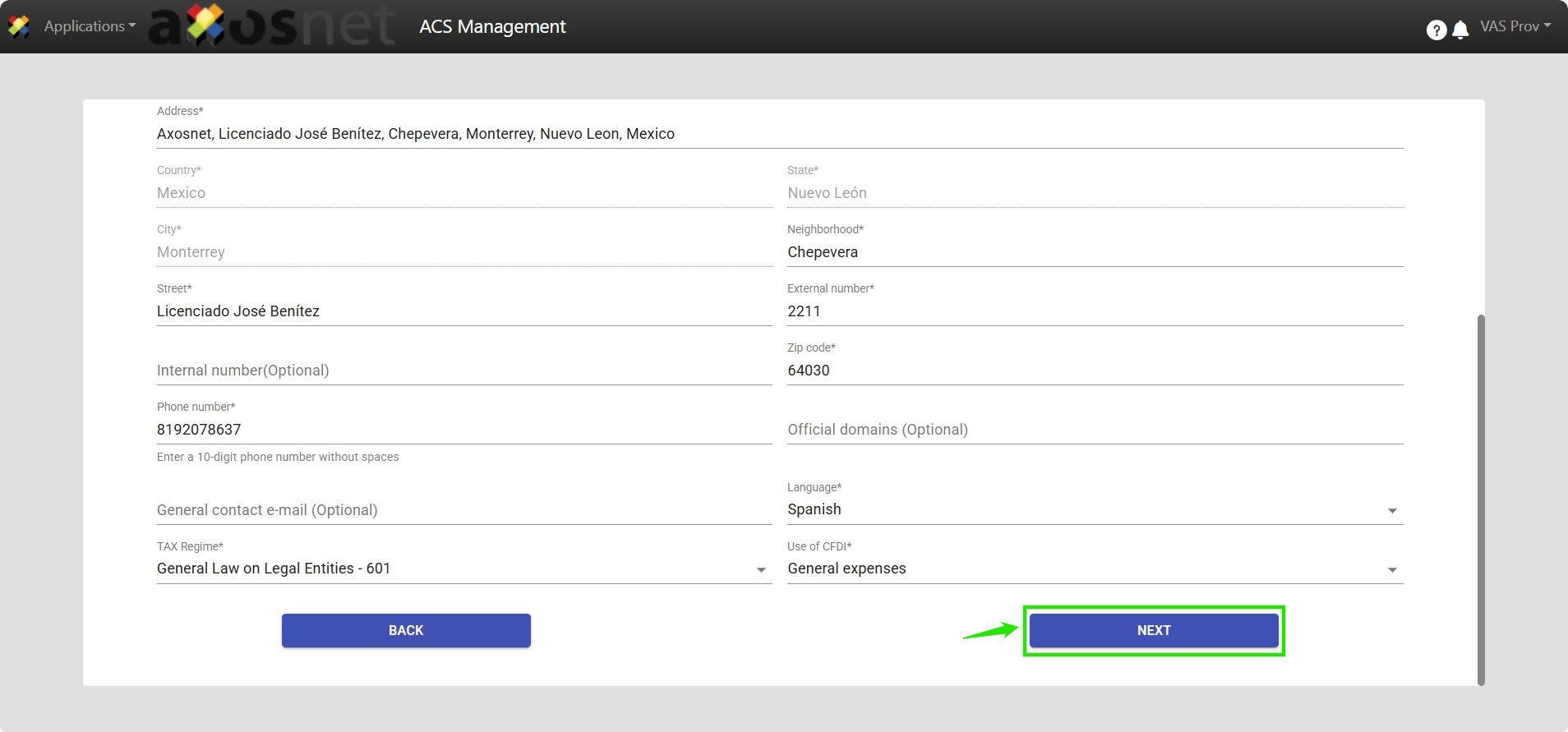
13. Register the General Company Information, with mandatory fields highlighted with an asterisk “*”. Click “Next”.
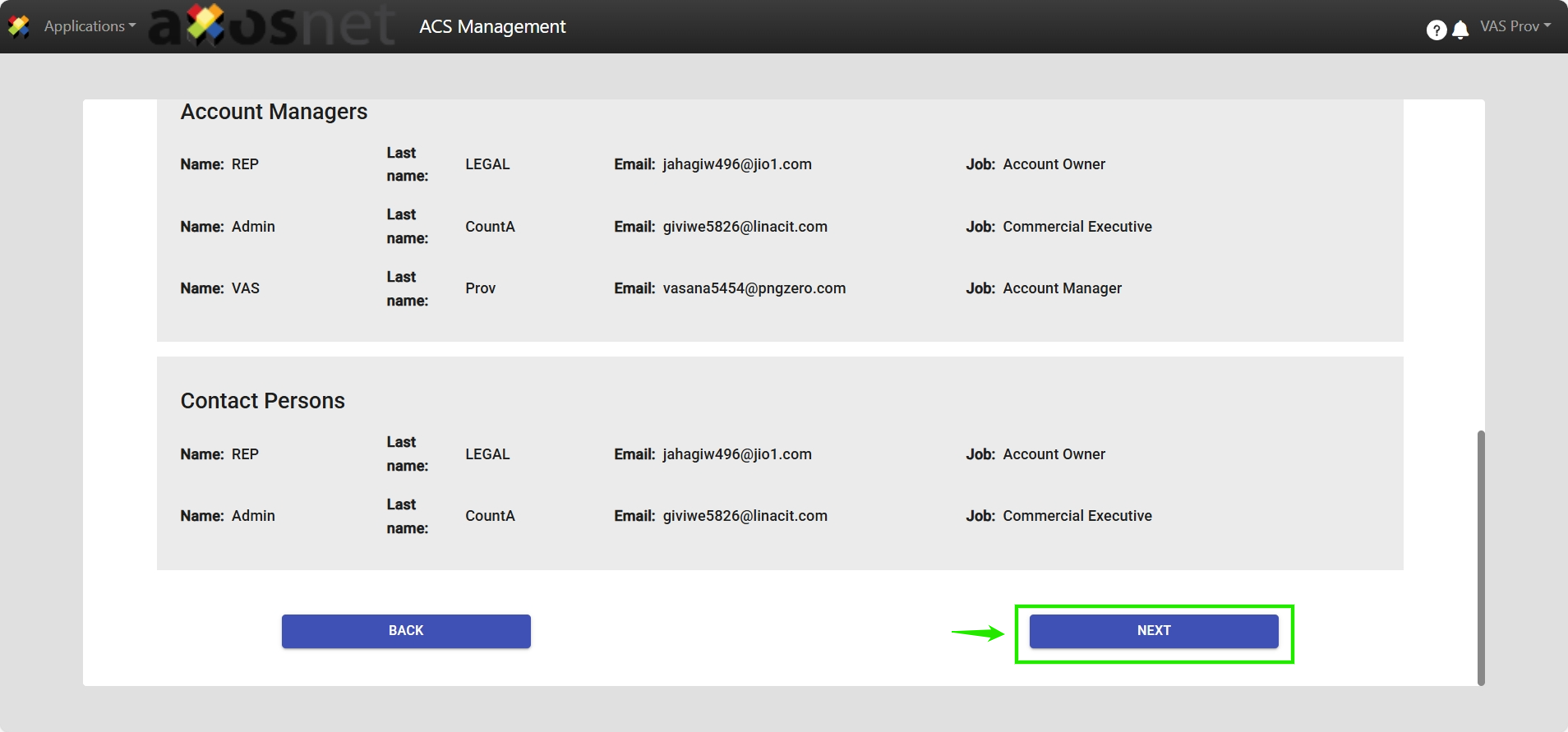
14. The “Summary of Information” will be displayed, verify the previously entered data and click “Next”.
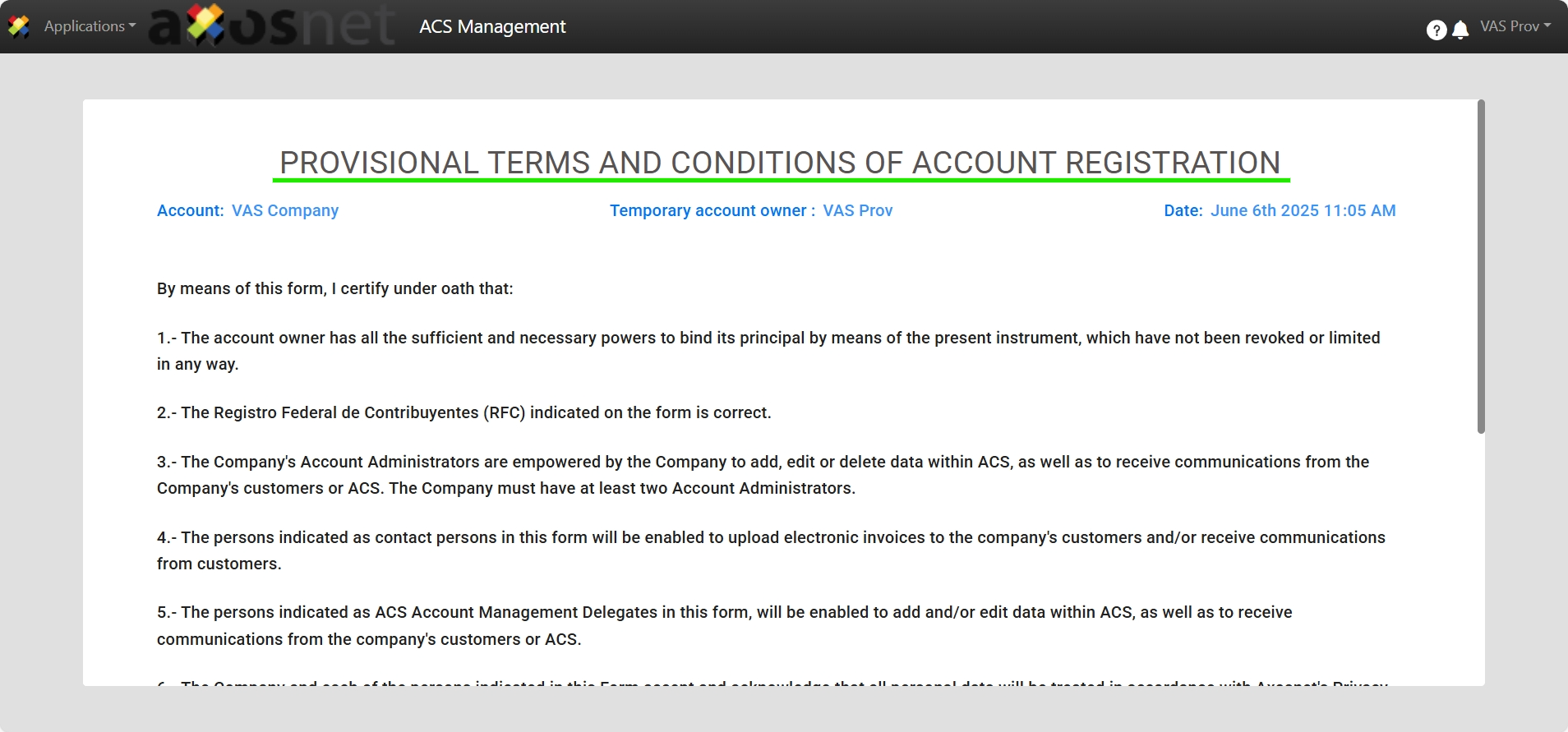
15. Finally, you will be able to review the PROVISIONAL TERMS AND CONDITIONS OF ACCOUNT REGISTRATION, read, accept, and click Confirm.
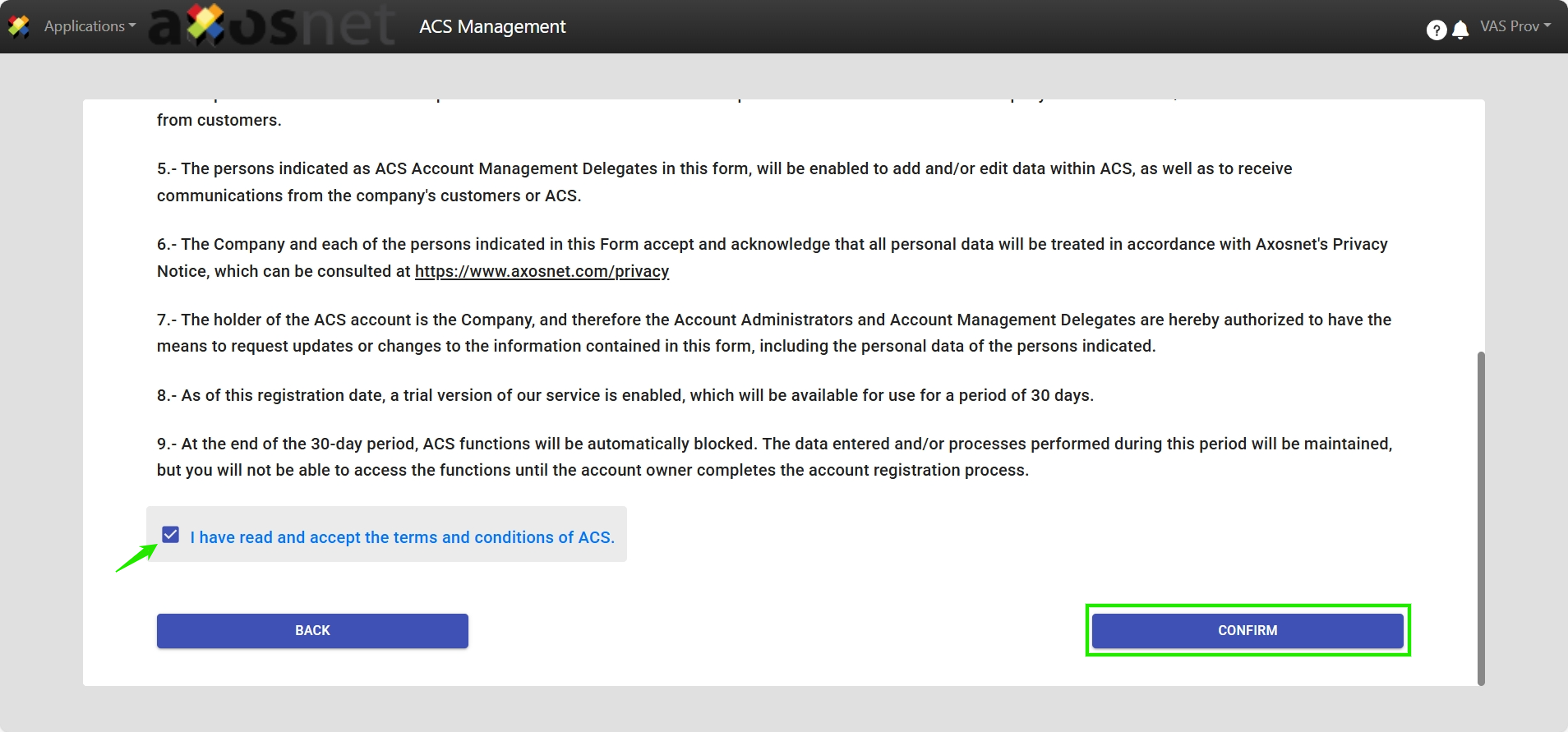
16. The Account Owner and Administrator will receive an email confirming the Pre-Registration of the account.
Note: Access to the Account Owner and Administrator of ACS Management will be “provisional”, meaning they will have a 30-day period before suspension if the Account Owner fails to complete the account registration. During this 30-day period, the Account Owner will receive a reminder to formally register the terms and conditions to finalize the account registration, transitioning from provisional status to active.