To edit an invitation sent to a supplier, follow these steps:
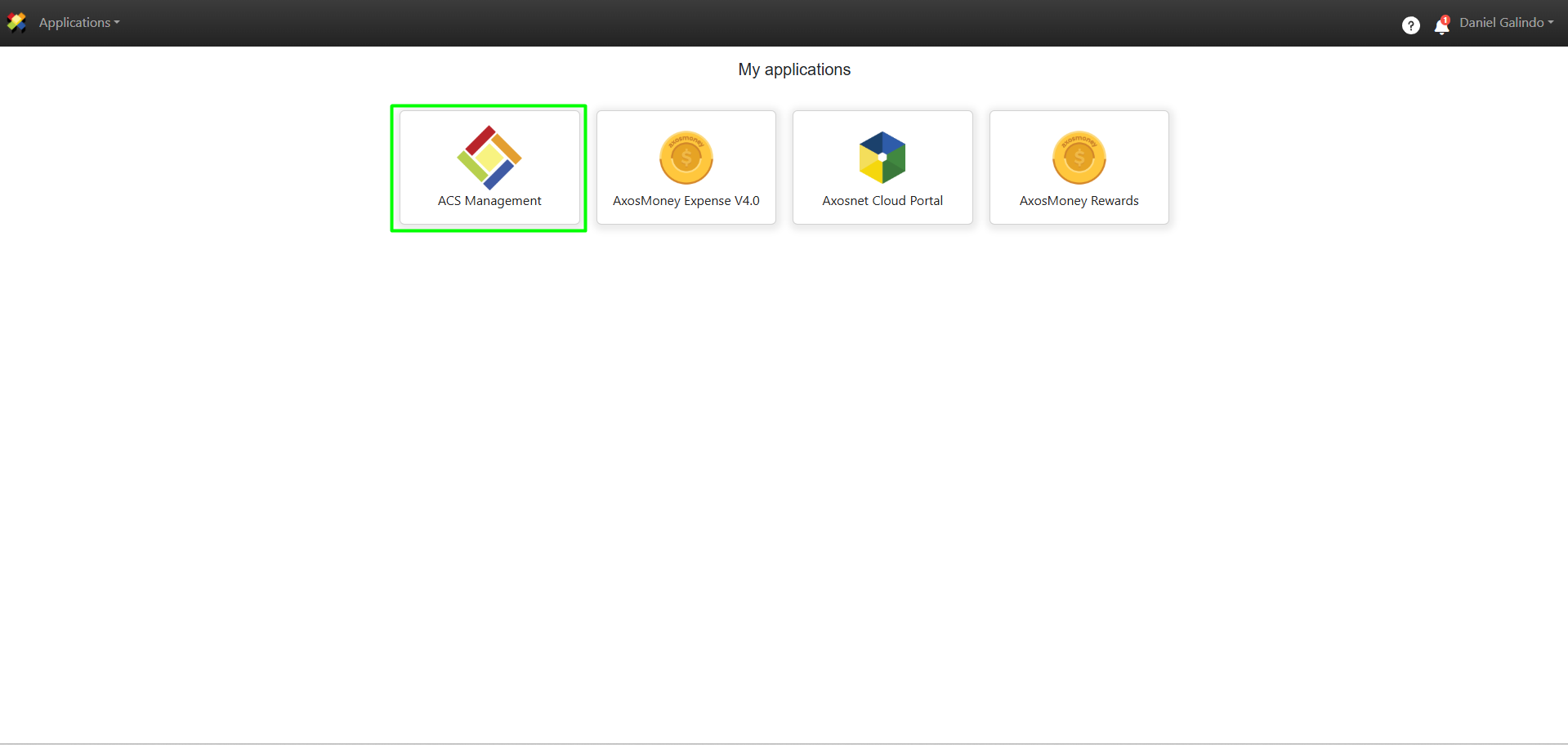
1. Log in to ACS Management.
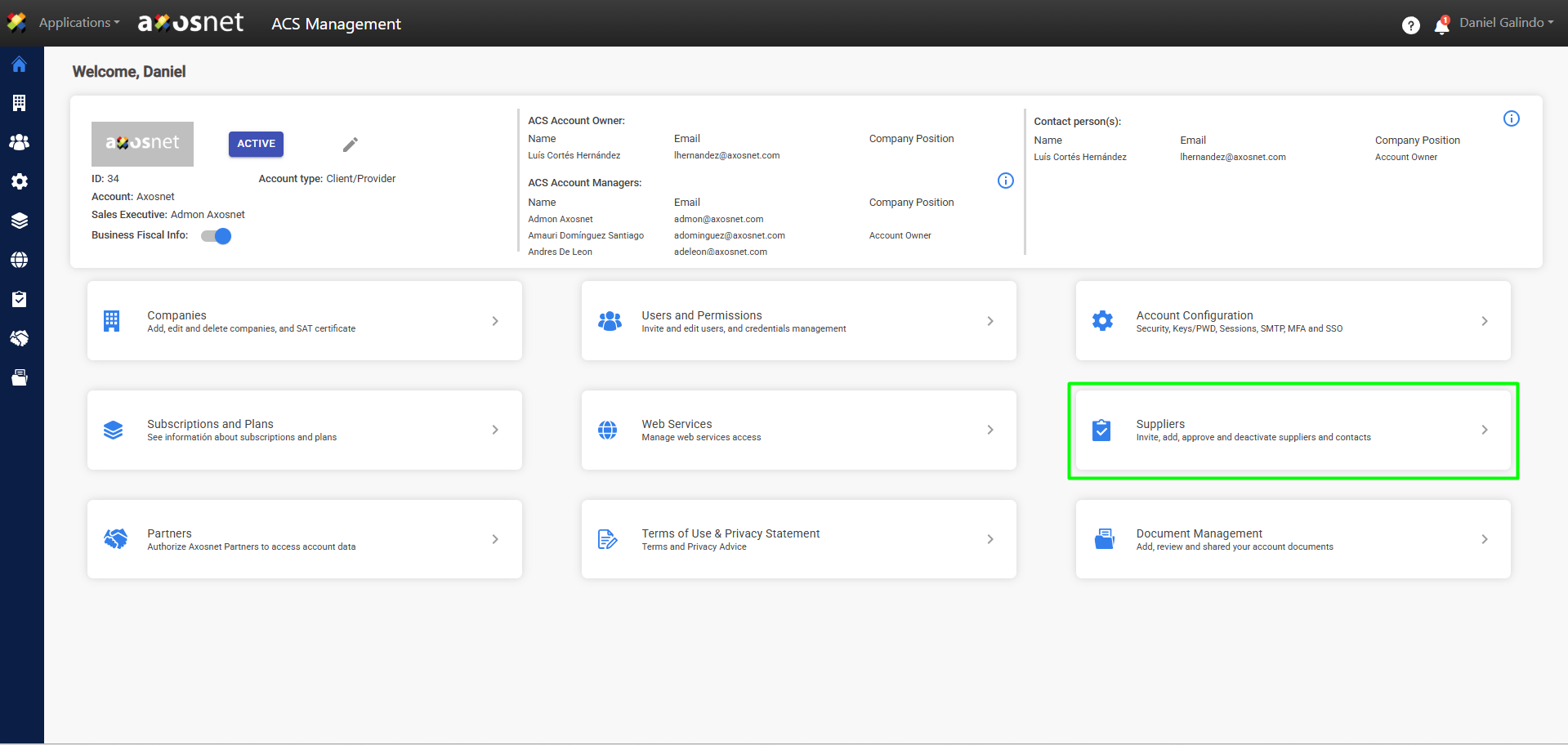
2. Go to the Suppliers section.
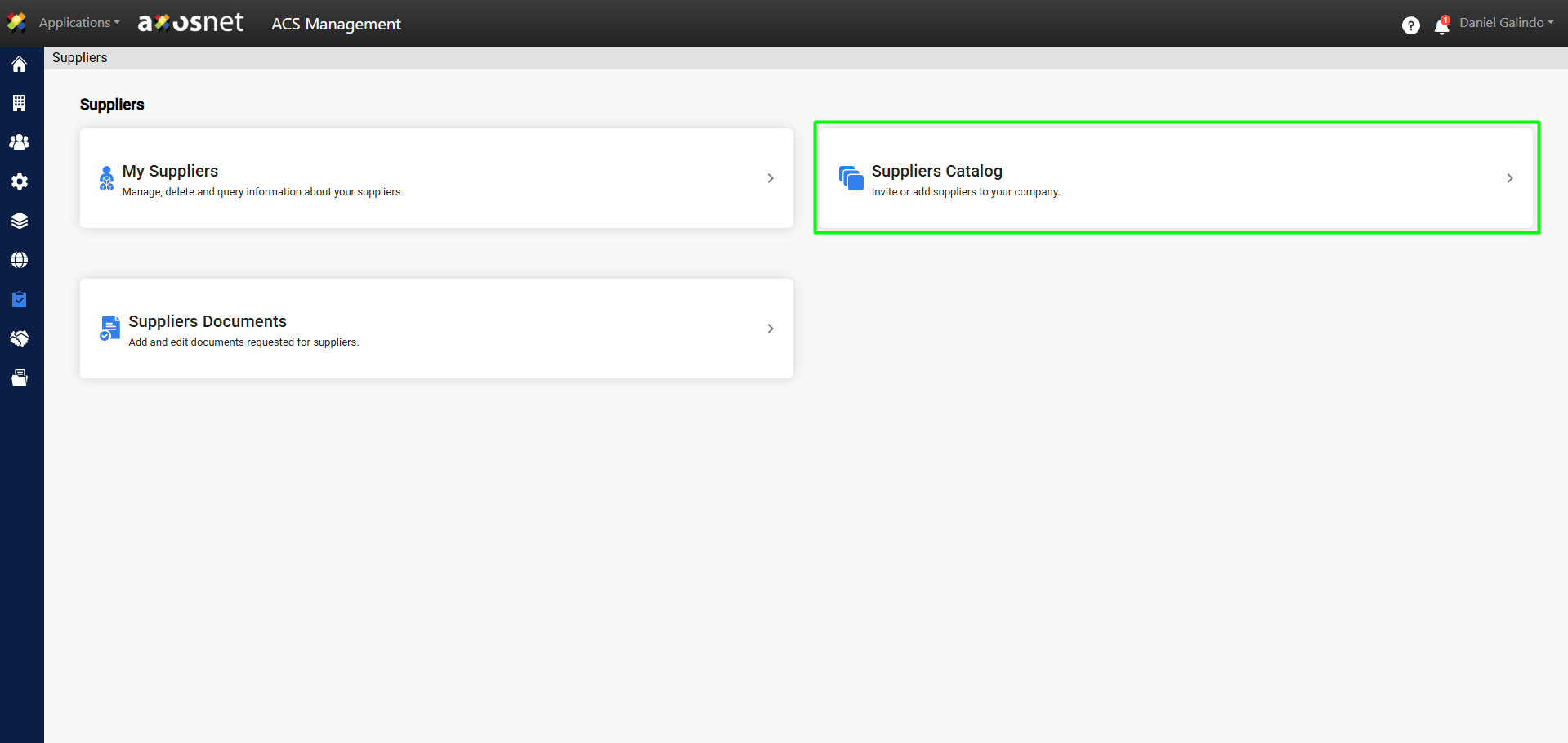
3. Select the Supplier Catalog option.
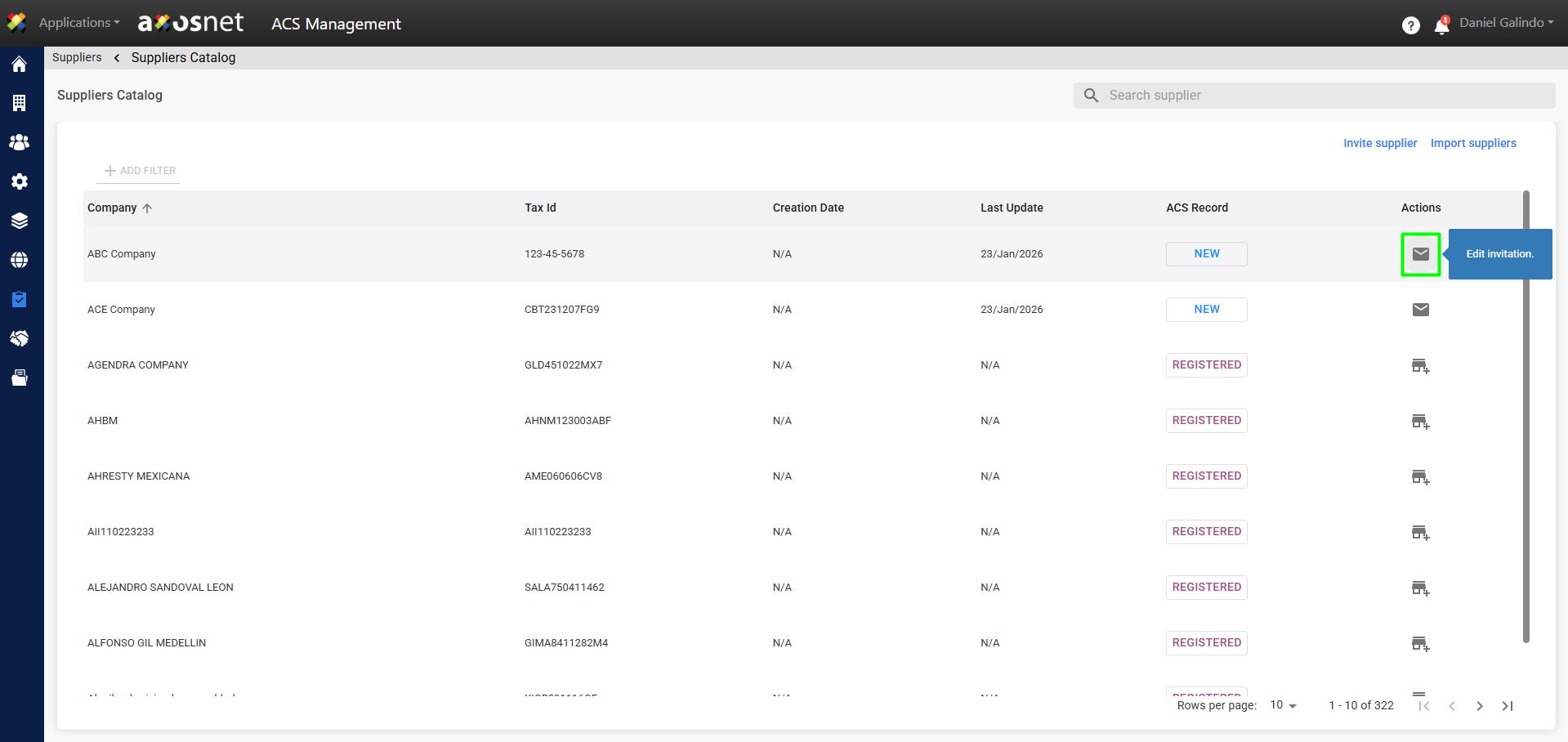
4. In this section, you’ll see a list of suppliers. To edit an invitation, click the envelope icon, as shown in the image.
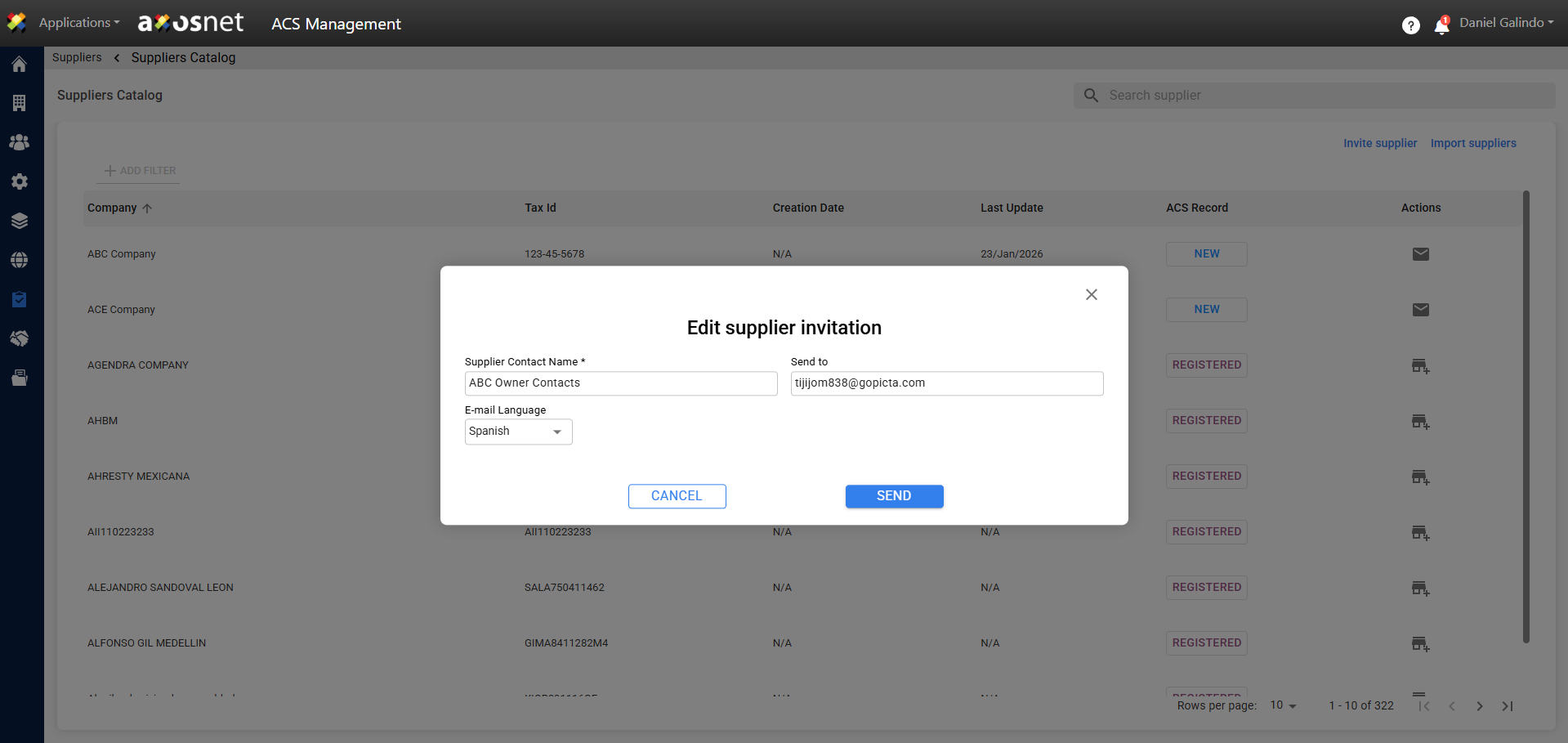
5. A window will appear where you can edit the invitation details. When you’re finished, click Send.
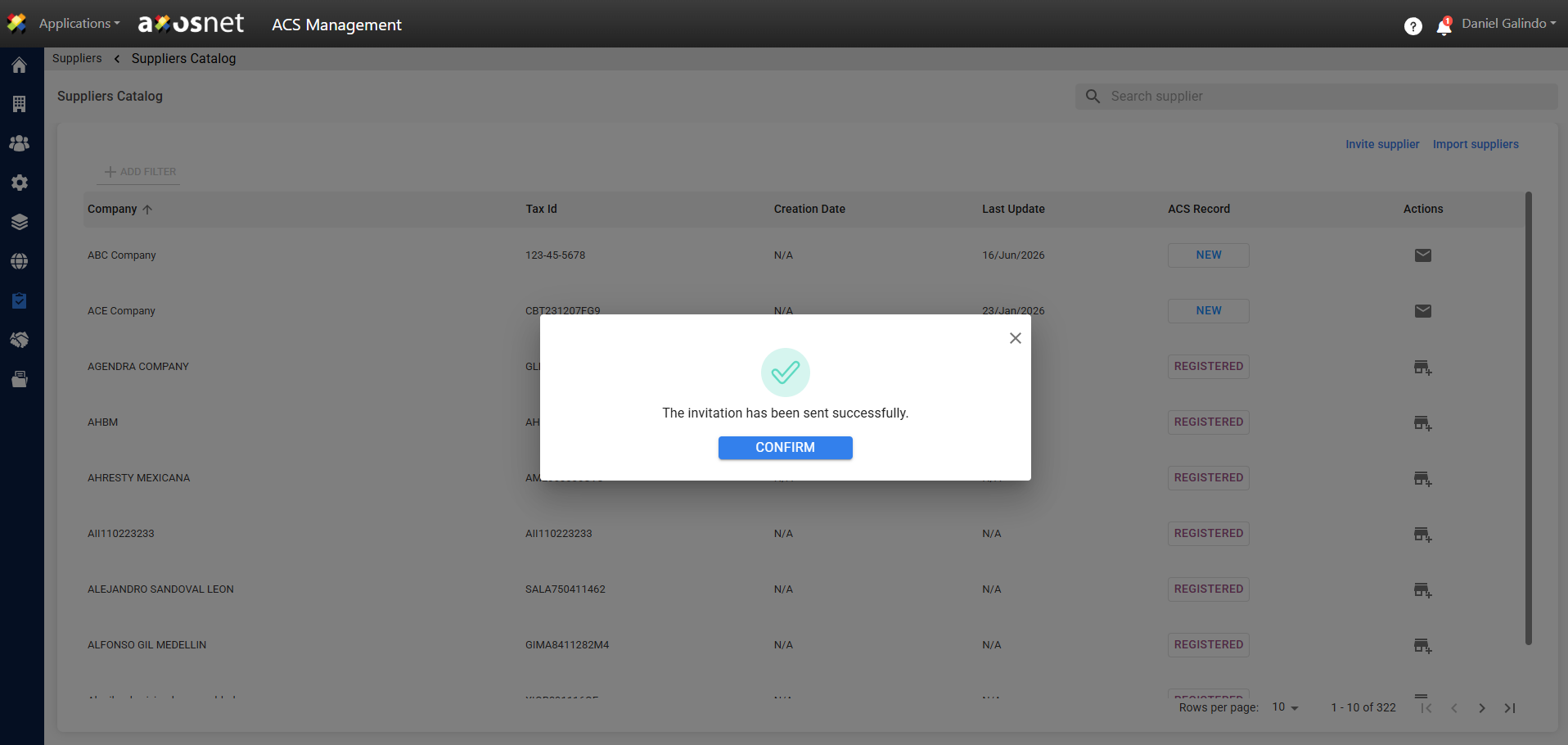
6. Finally, a message will appear confirming that the invitation was sent successfully.