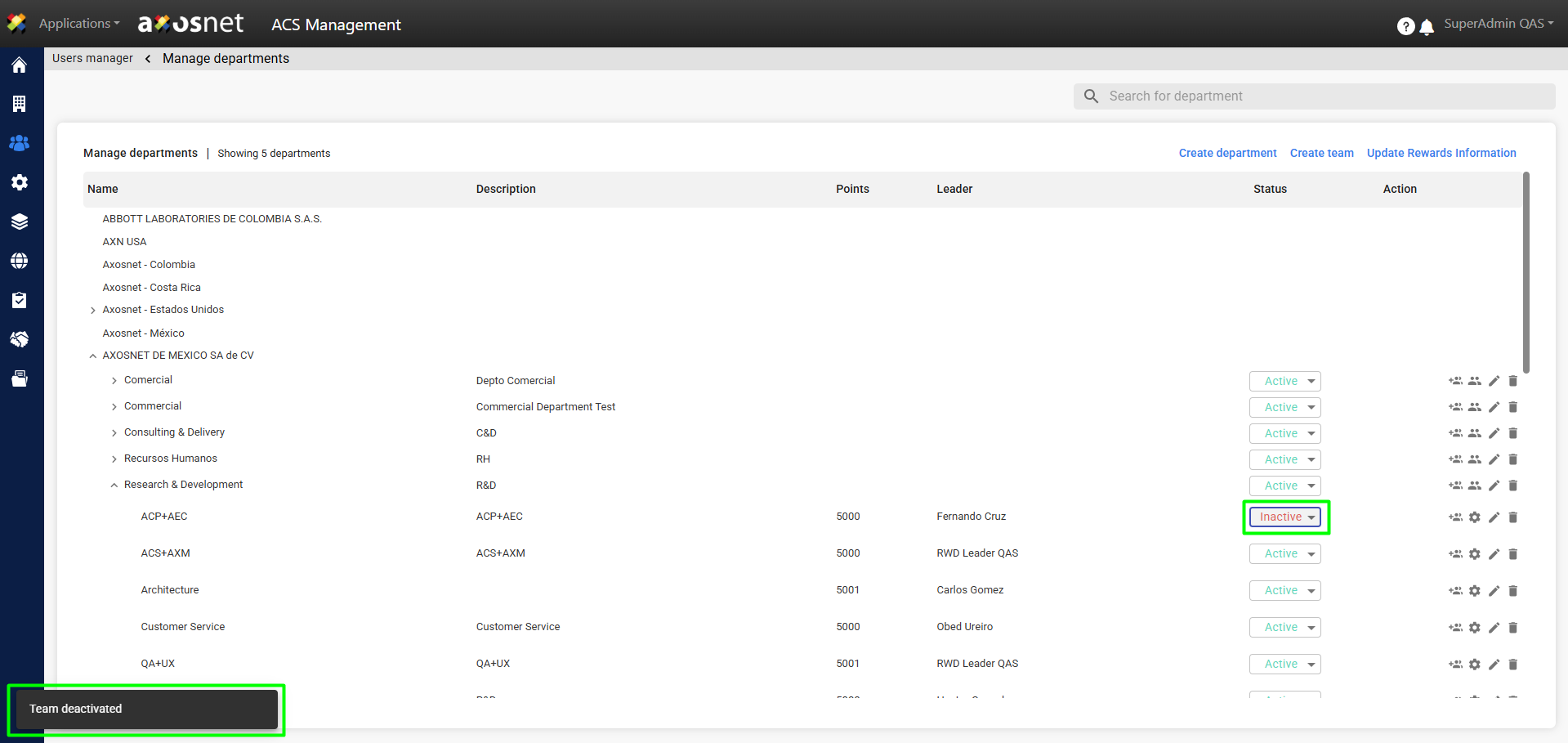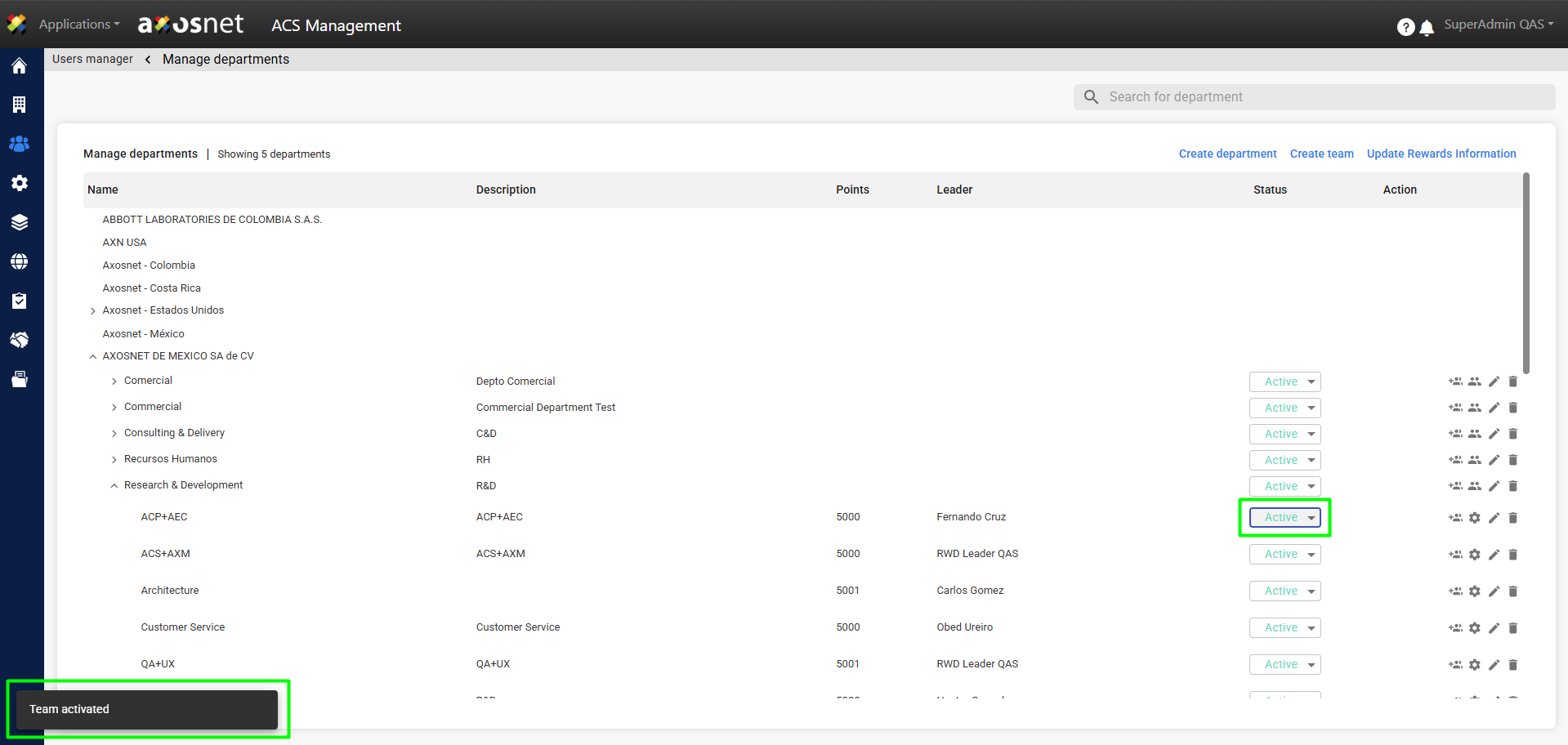
To enable or disable users in the Organizational Units section, follow these steps:
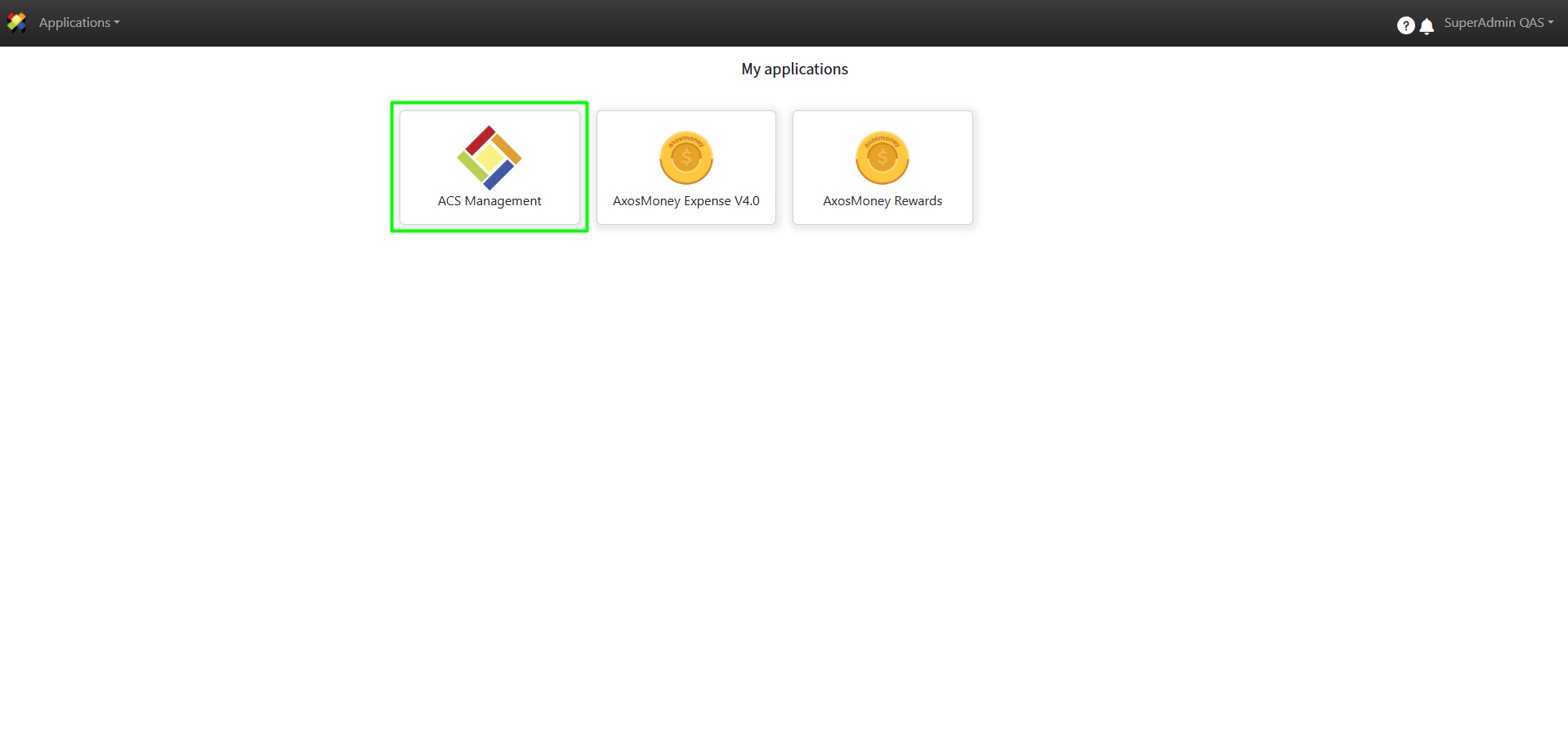
1. Log in to ACS Management.
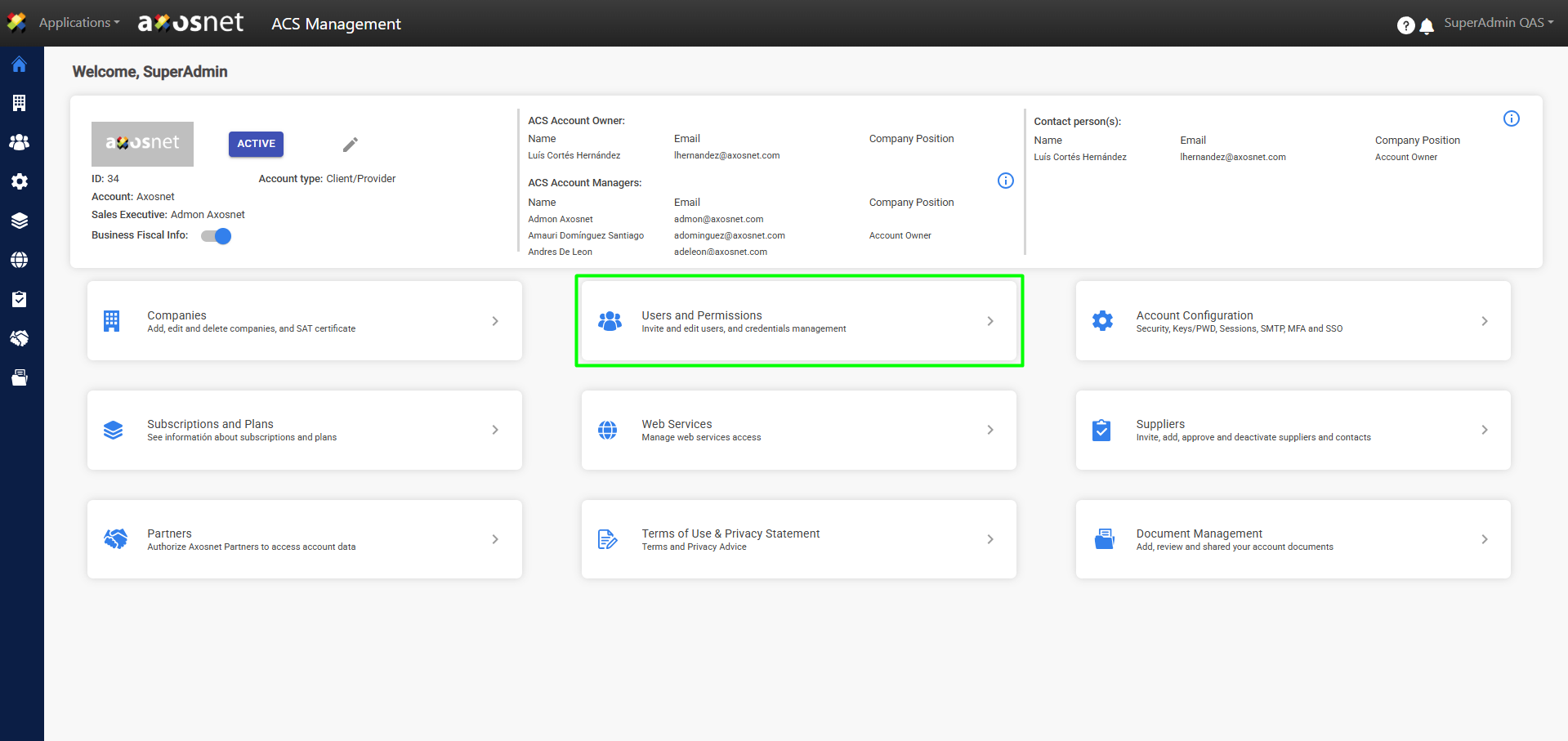
2. Select Users and Permissions.
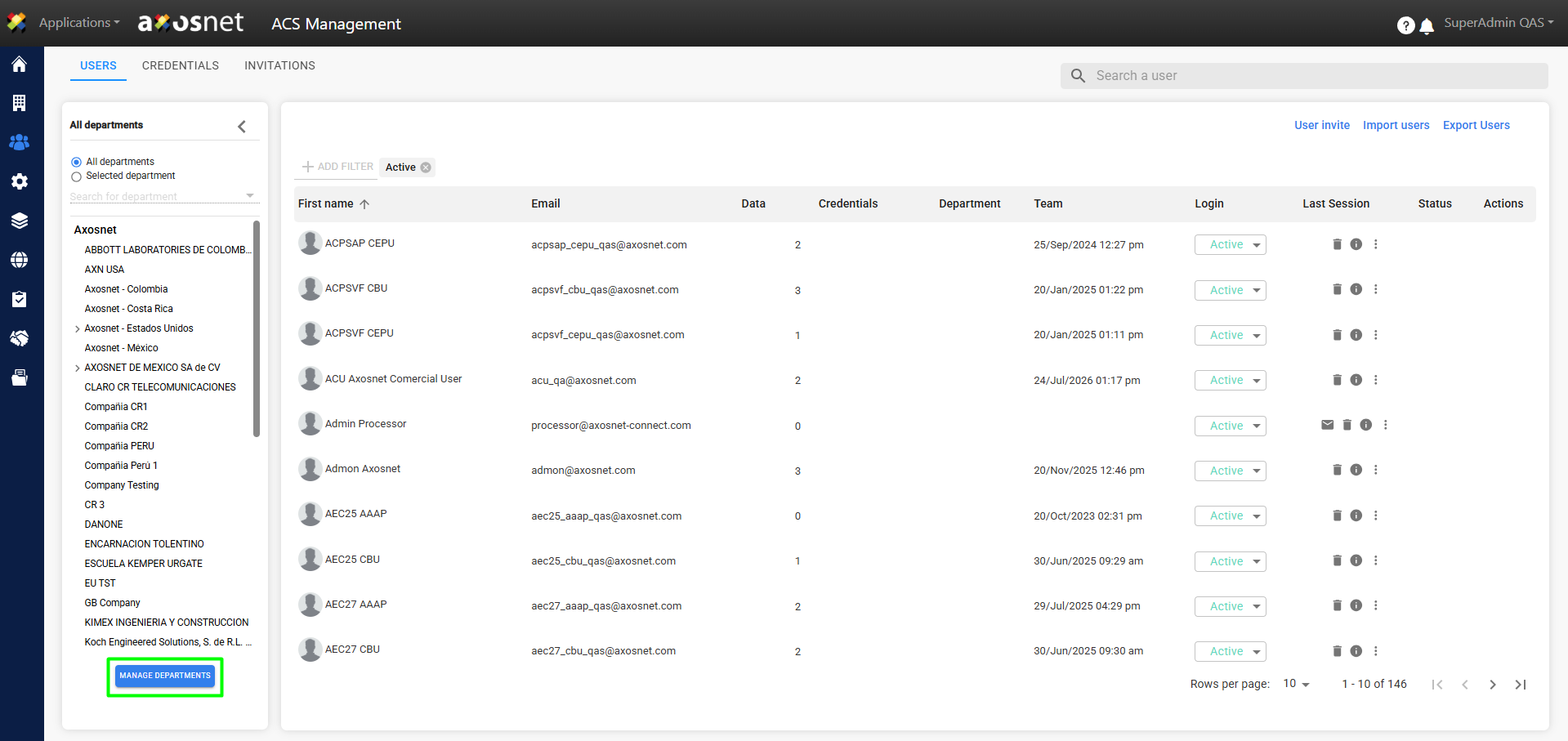
3. Access the organizational structure by clicking the MANAGE DEPARTMENTS button.
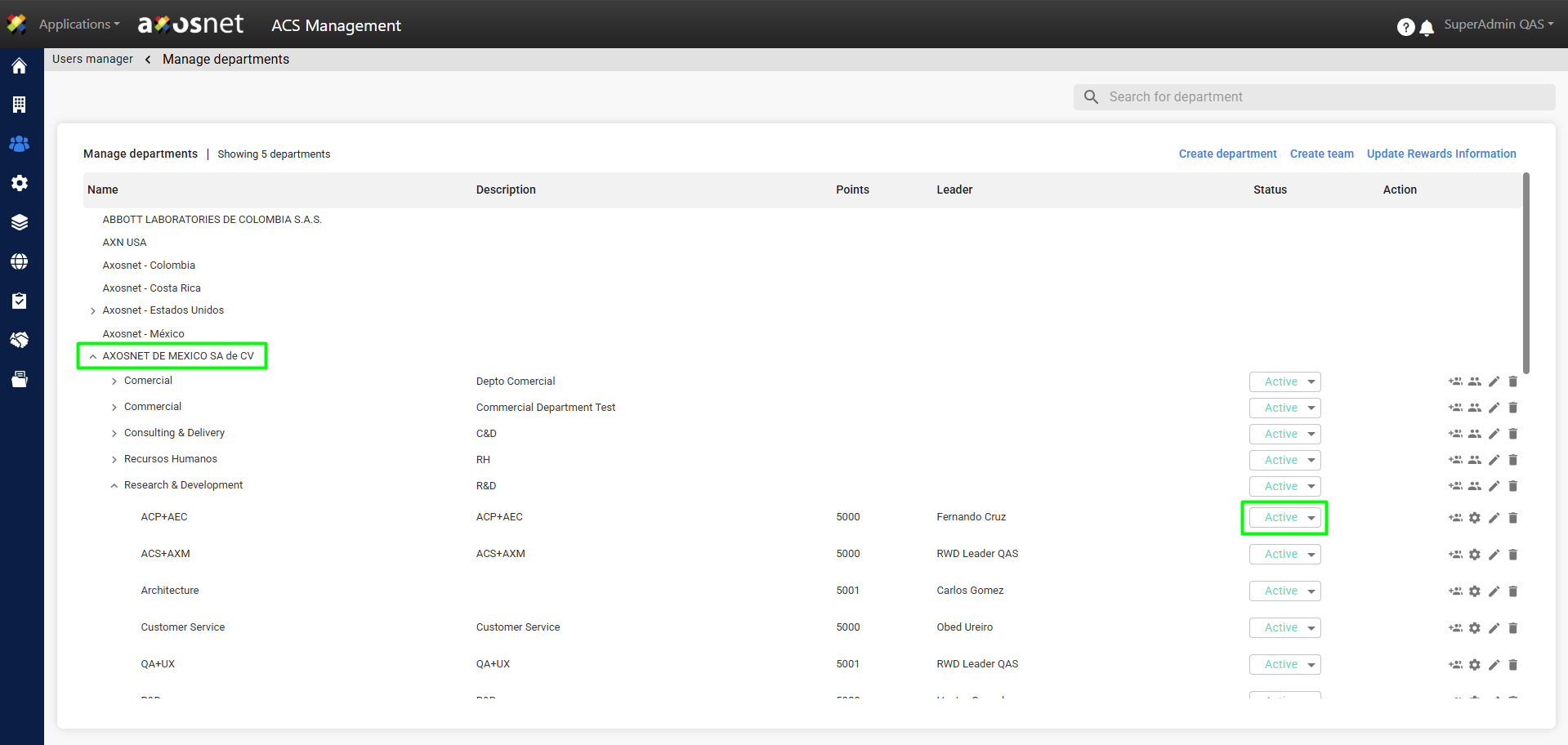
4. When you log in, you’ll see the companies; when you expand them, you’ll see the users in each one and their respective statuses.
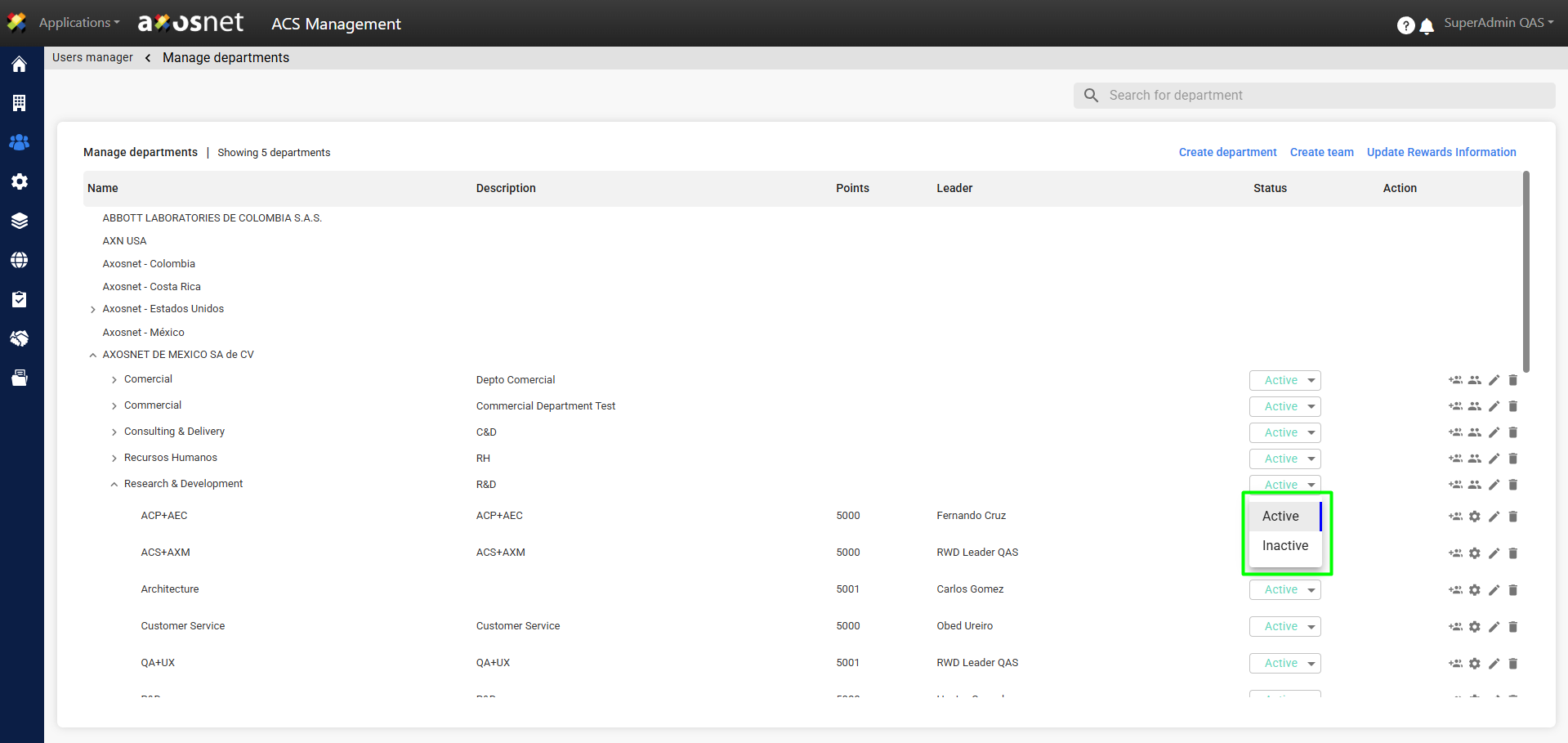
5. When you click the status button, you can select the option to set the user to ACTIVE or INACTIVE.
6. When you ACTIVATE or DEACTIVATE a user, a confirmation notification will appear.