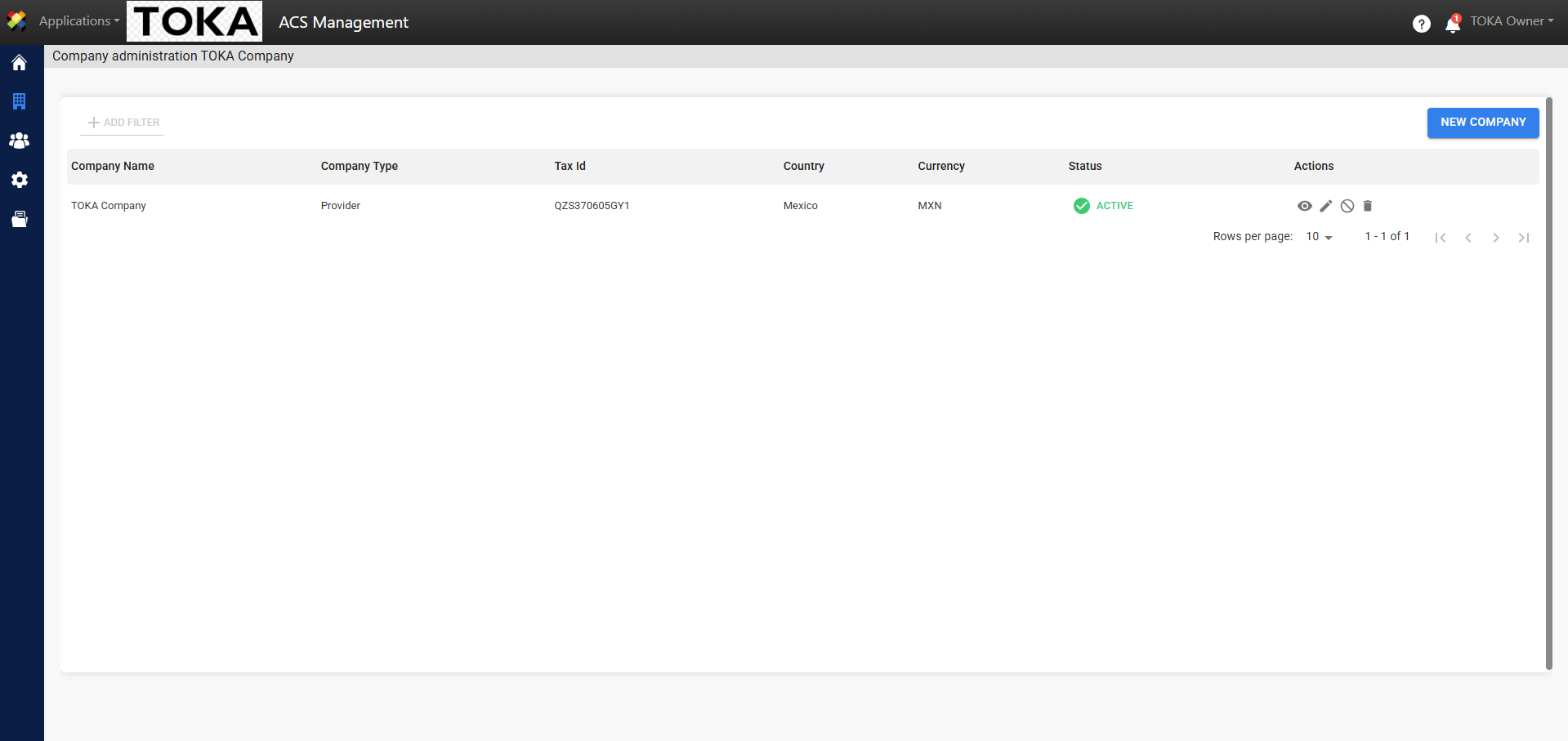
The Company Data Verification process was integrated into ACS Management with the goal of keeping tax and operational data up-to-date and valid at all times to ensure the proper flow of information. A periodic verification (every 90 days) was integrated, which is configurable (can be enabled or disabled). Through ACS Management, companies see a notification showing the number of days remaining to perform this verification and/or data update.
Enable Data Verification as an Administrator.
To enable data verification as an administrator, follow these steps:
1. Log in to ACS Management.
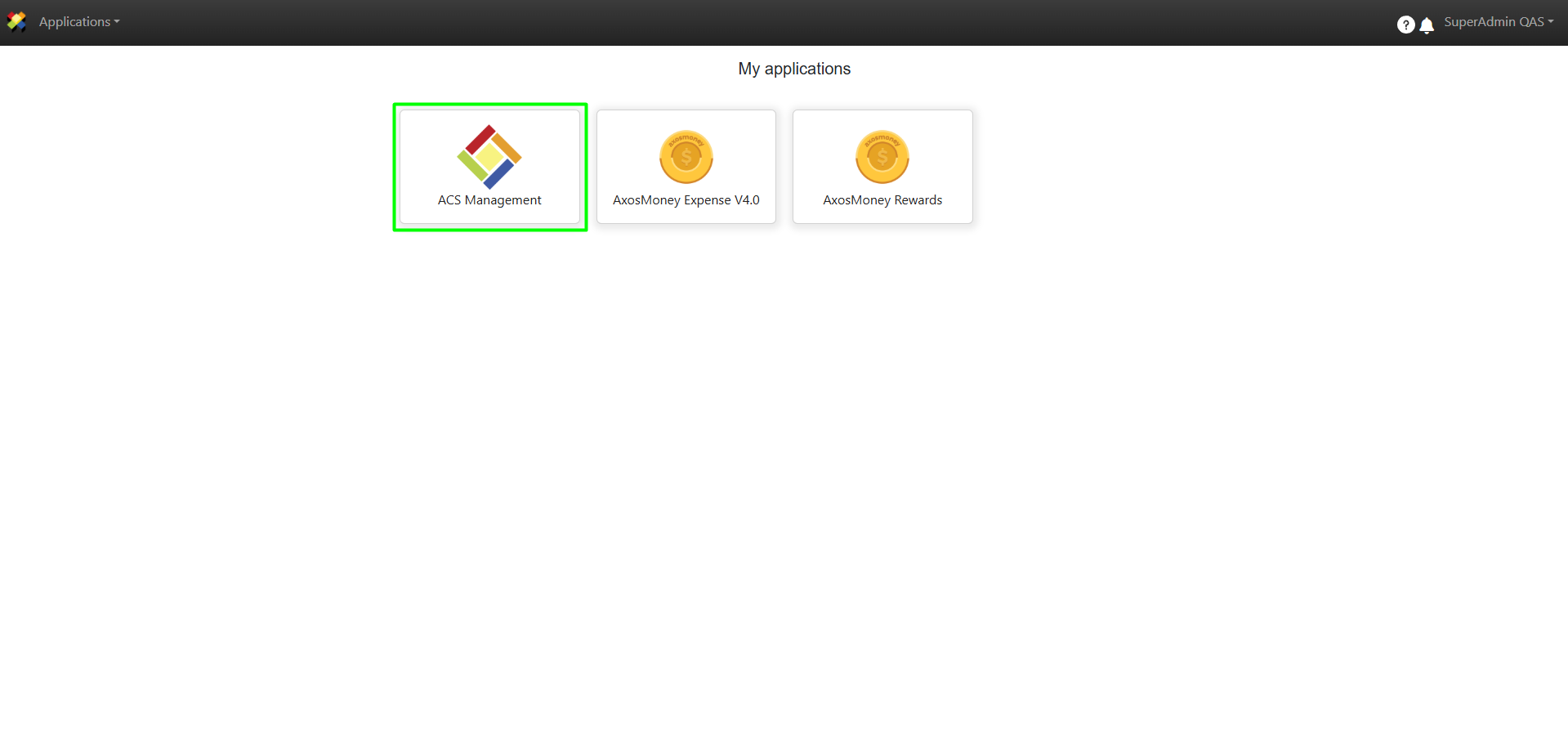
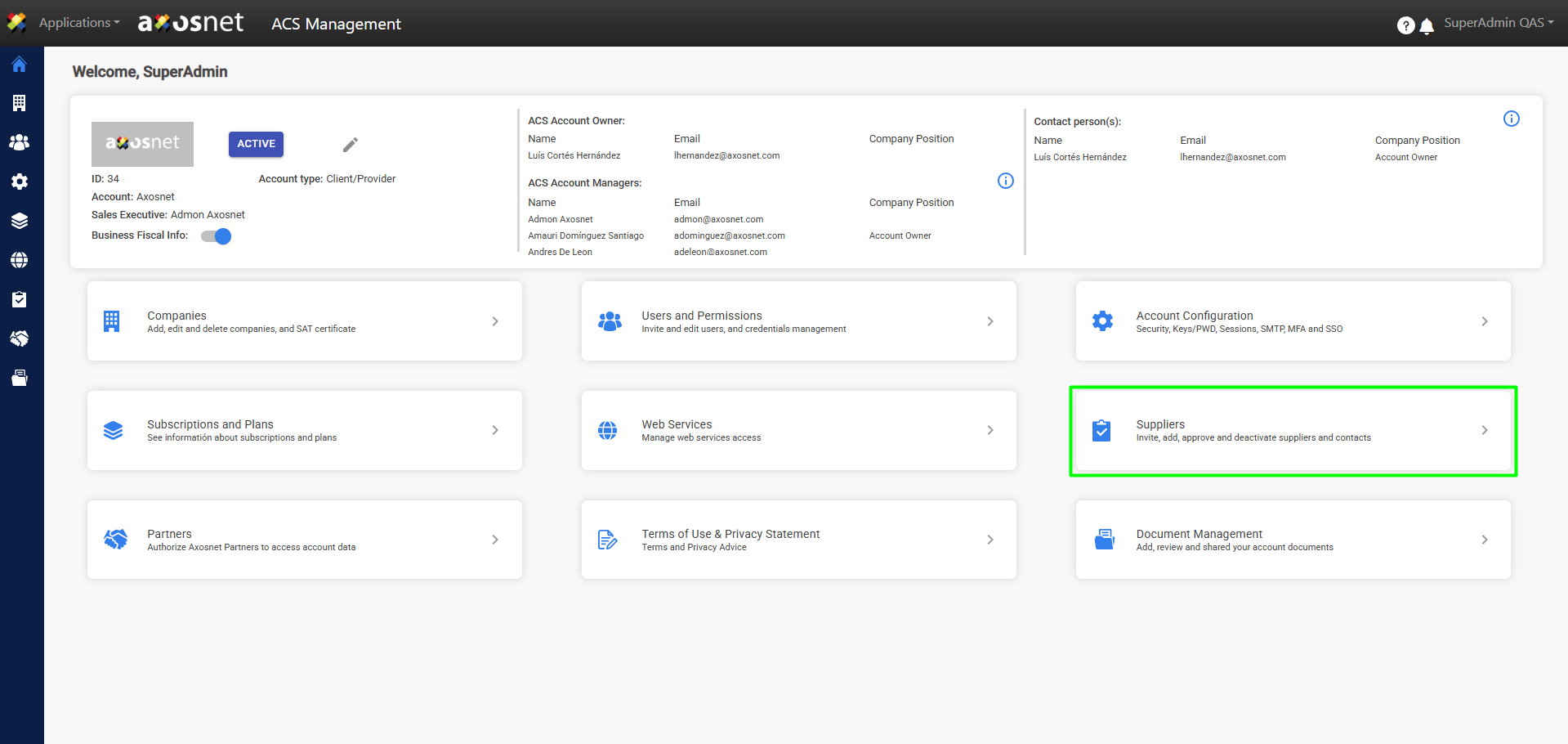
2. Go to the Suppliers section.
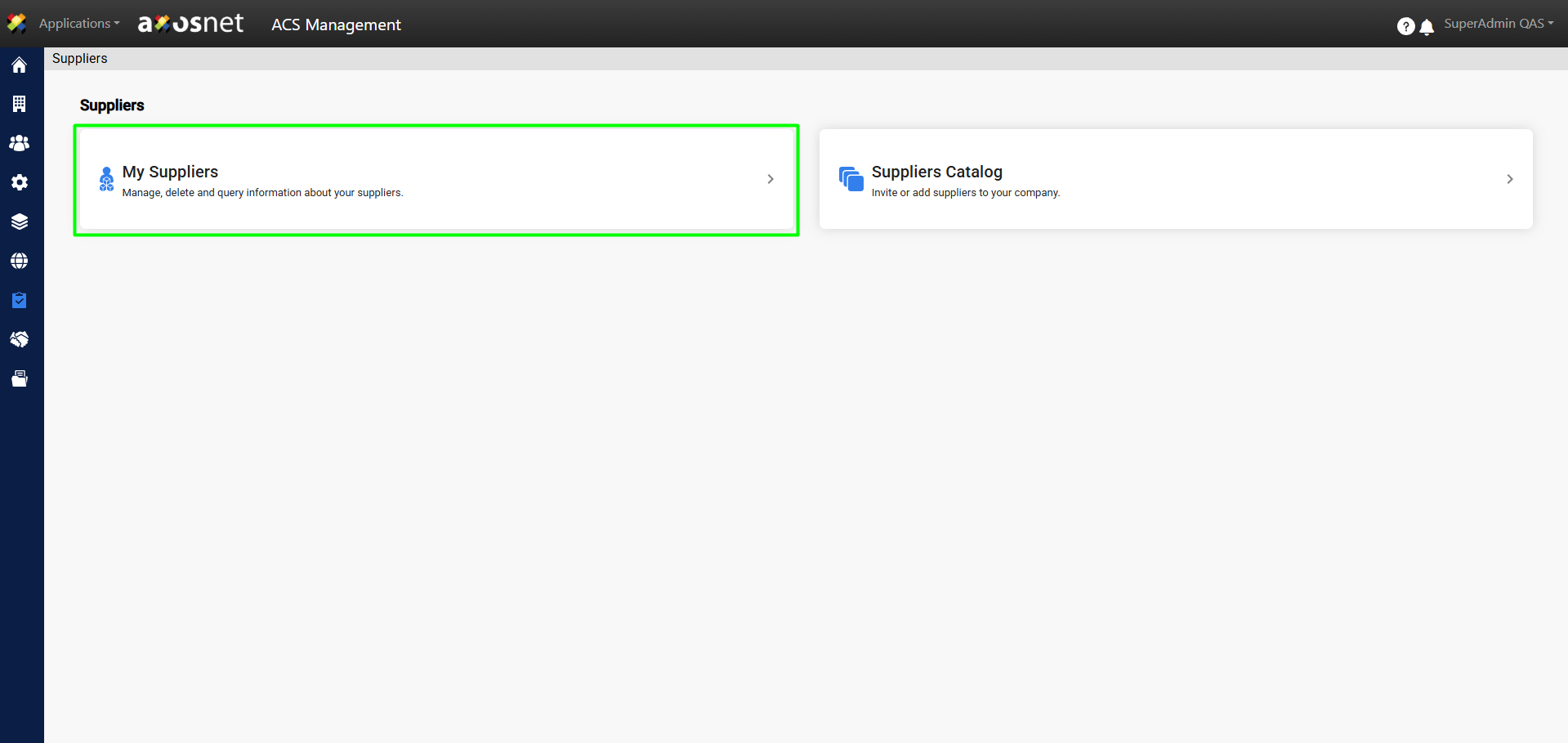
3. Select the My Suppliers option.
4. Click on Requires periodic verification.
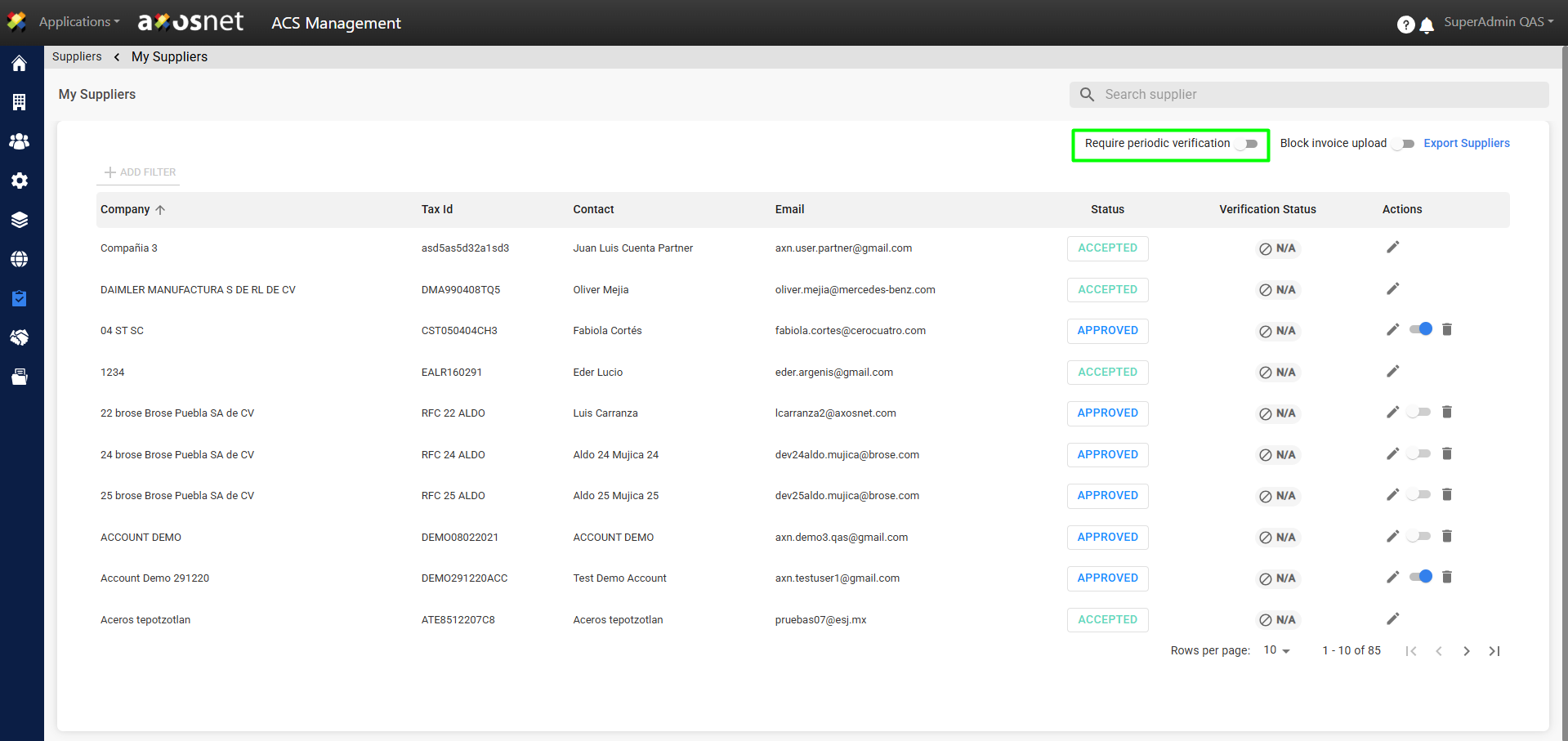
5. When Periodic Verification is enabled, the suppliers on the list will have up to 90 days to verify their information.
Note: This data verification applies to suppliers on the list whose status is “Approved.” The verification status will appear as “Pending” until they verify their information.
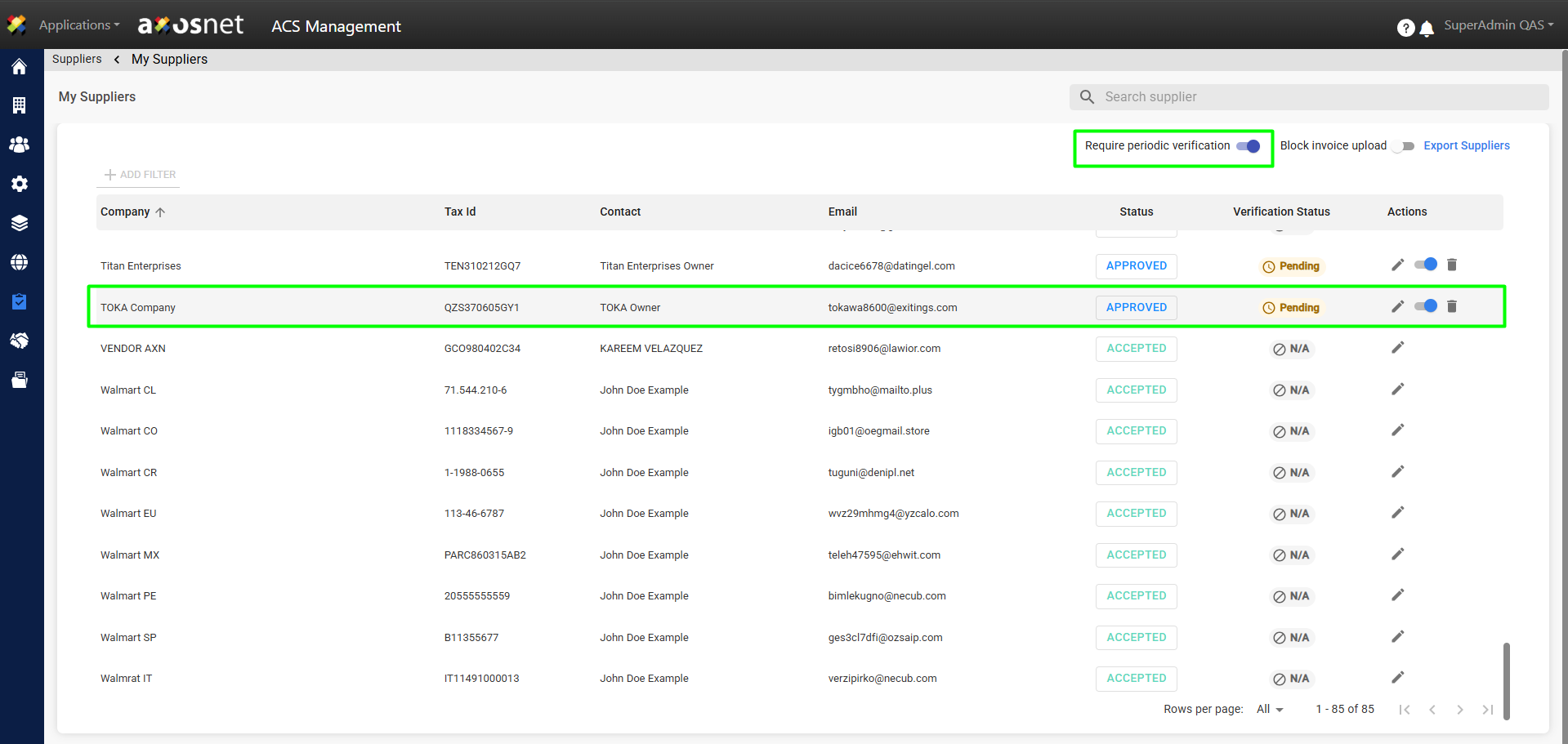
Data Verification as a Supplier
To verify your data as a supplier, follow these steps:
1. When you log in to ACS Management, a pop-up window will appear indicating that you have overdue data for a company and how many days you have left to verify it. Click Verify Data.
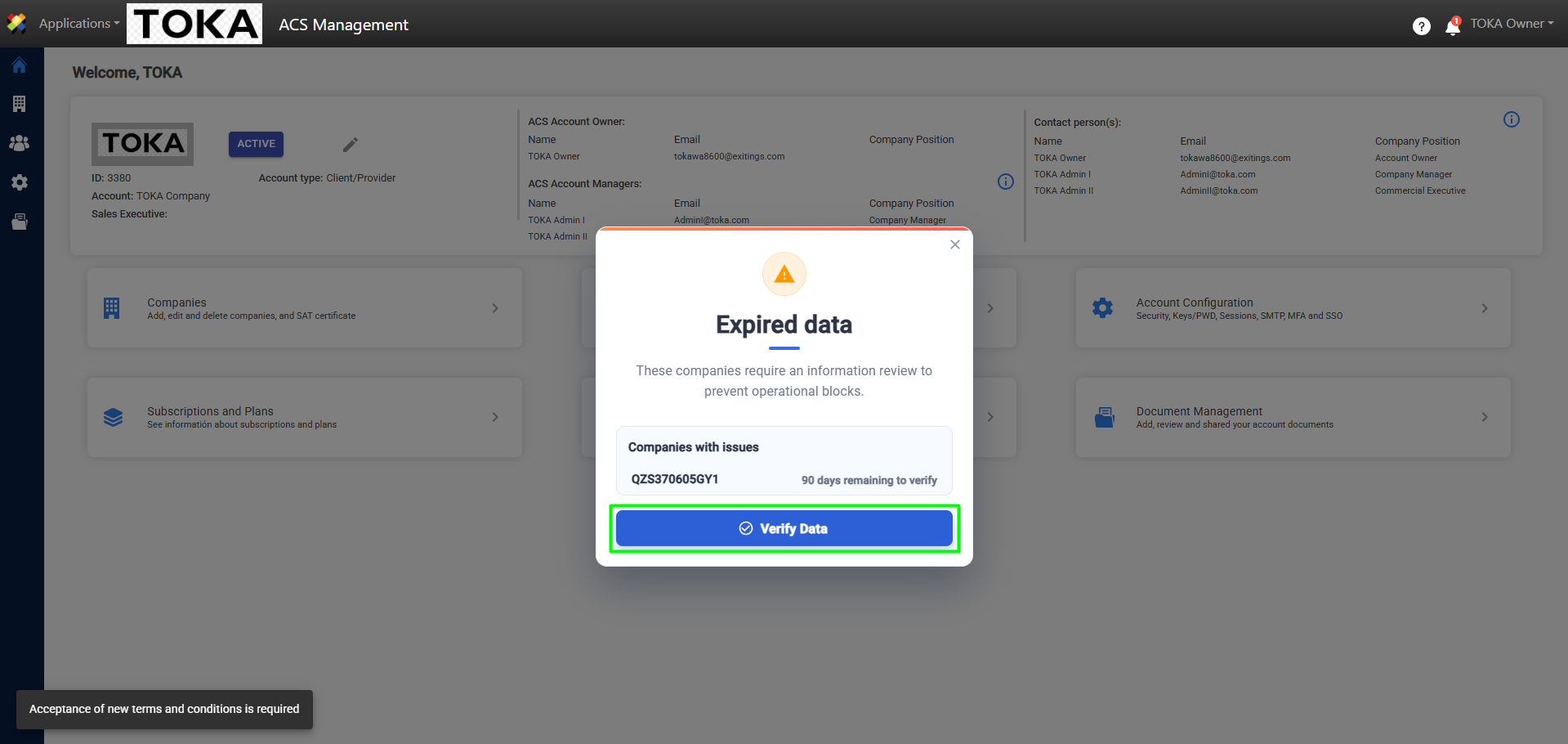
Note: If you wish, you can close the window and continue the process from the Companies module.
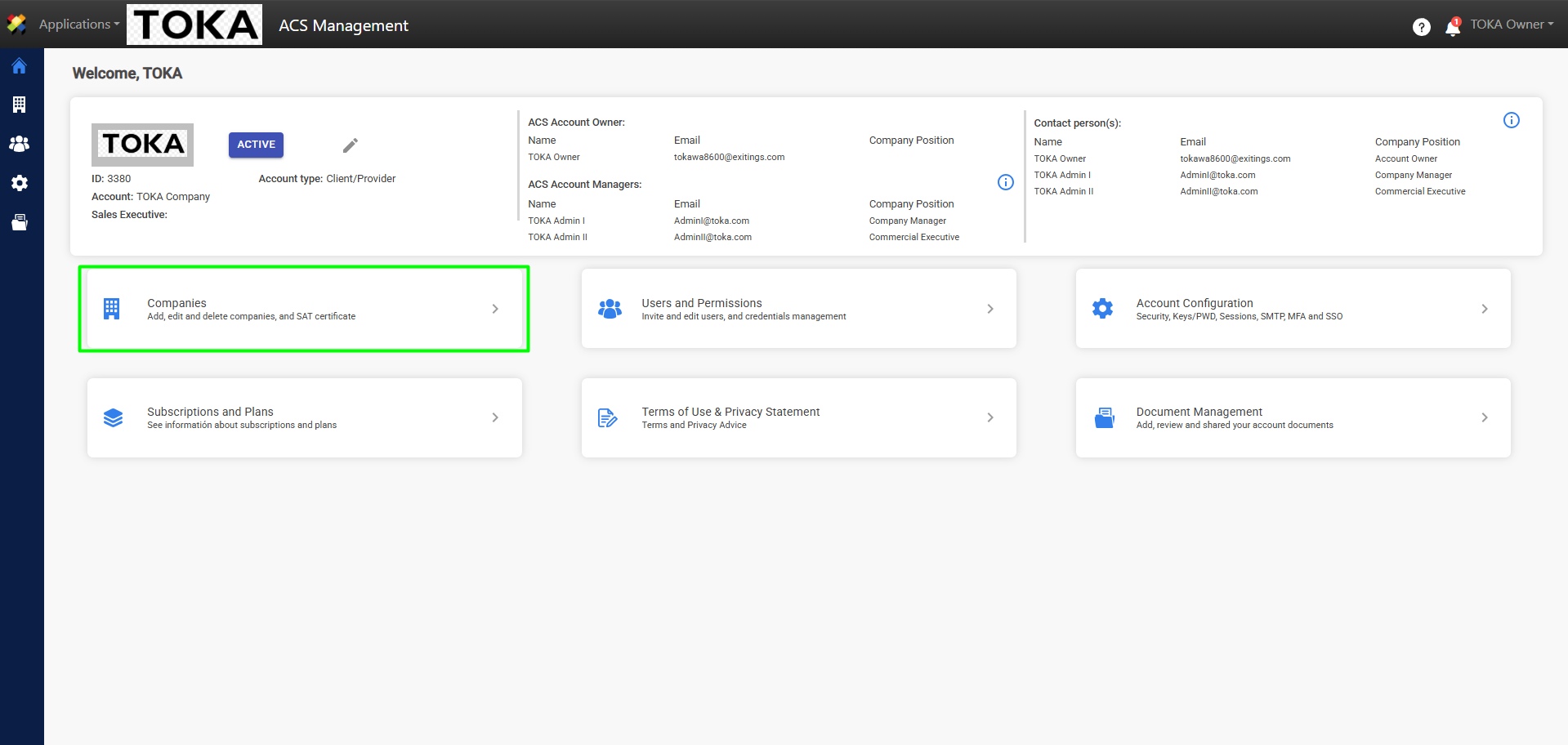
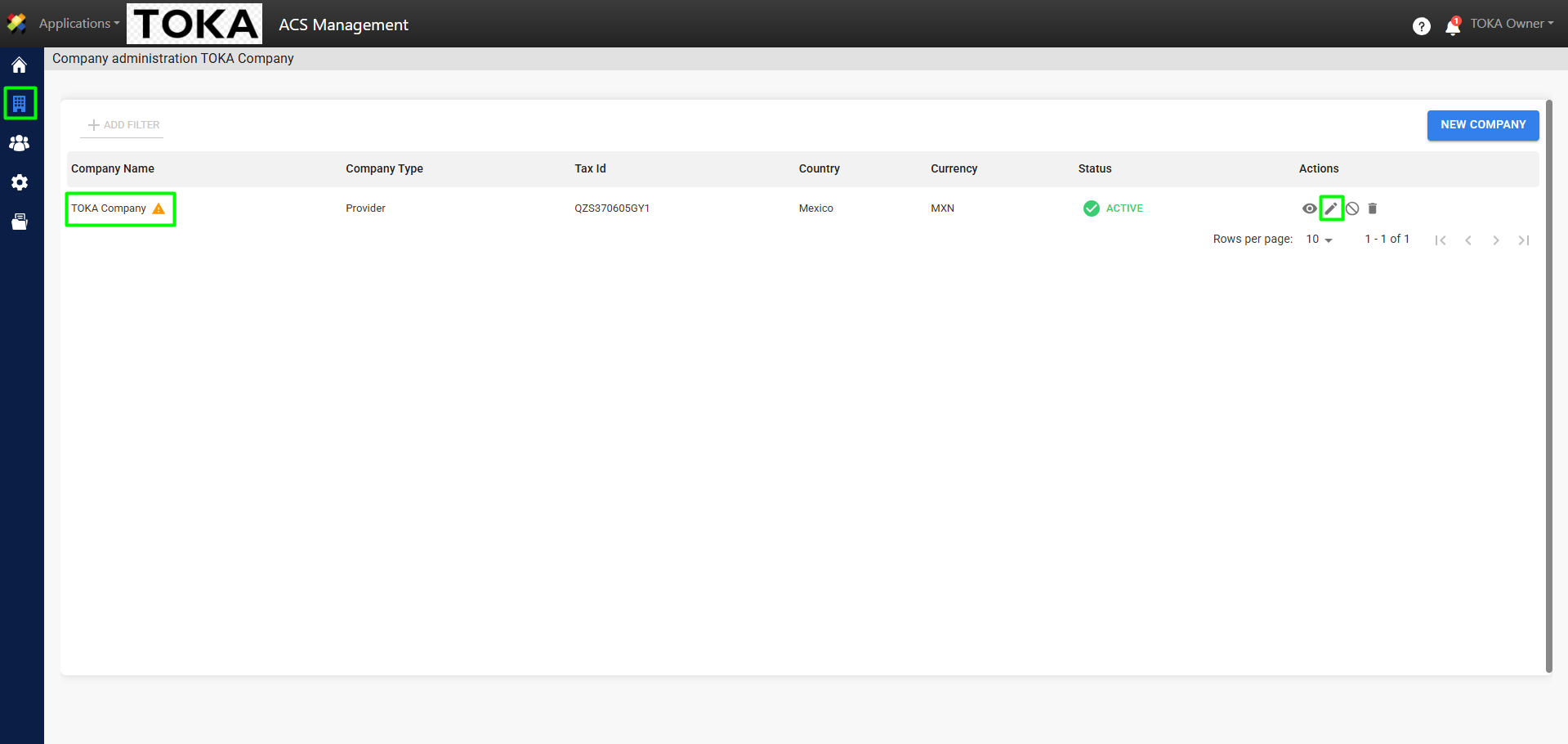
2. When you access the Companies module, you will see a warning icon next to the company that requires verification. Click the edit icon in the Actions column.
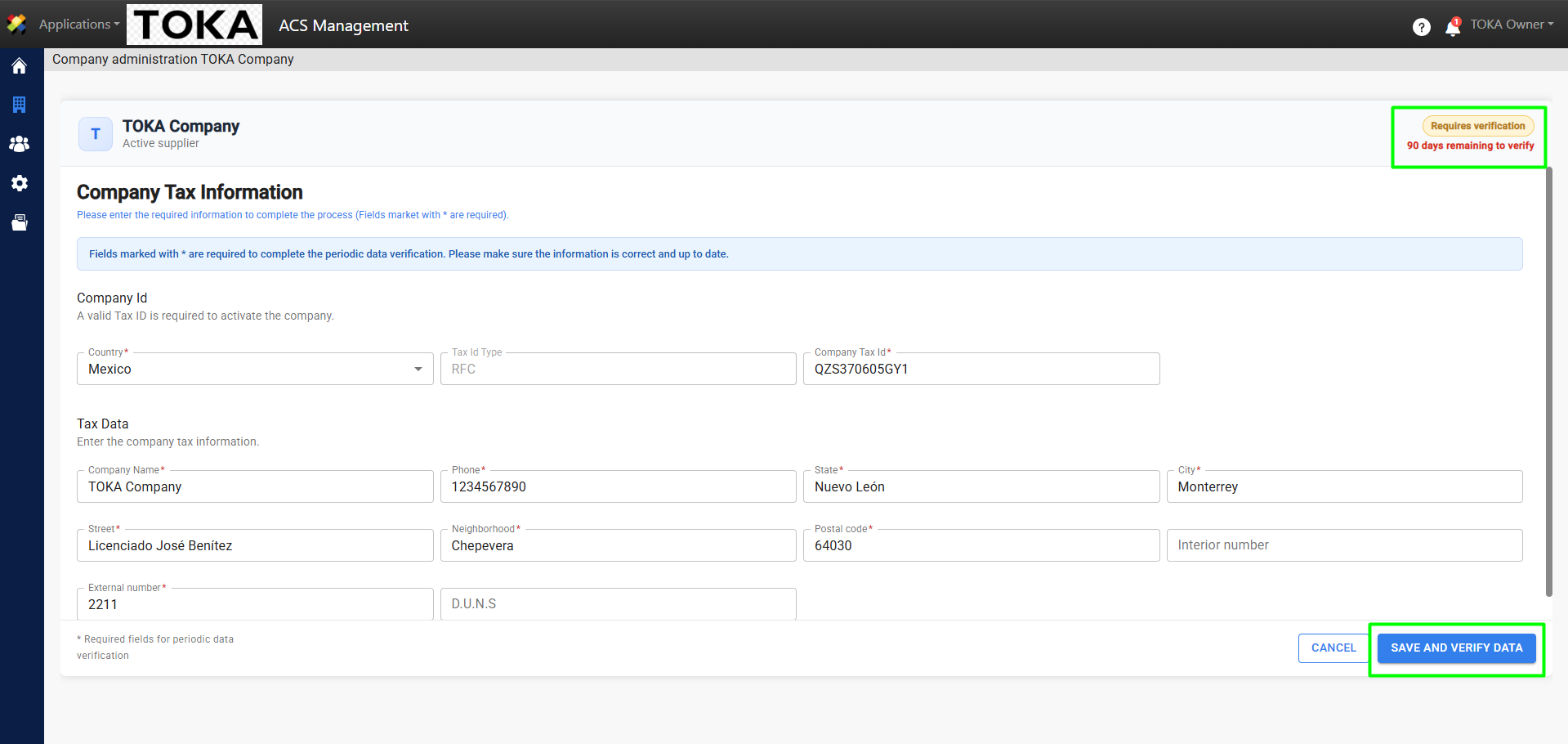
3. Once you enter, you’ll see the company’s tax information and the number of days remaining to verify its data. After updating the data, simply click Save and Verify Data.
4. A message will appear confirming that your data has been verified.