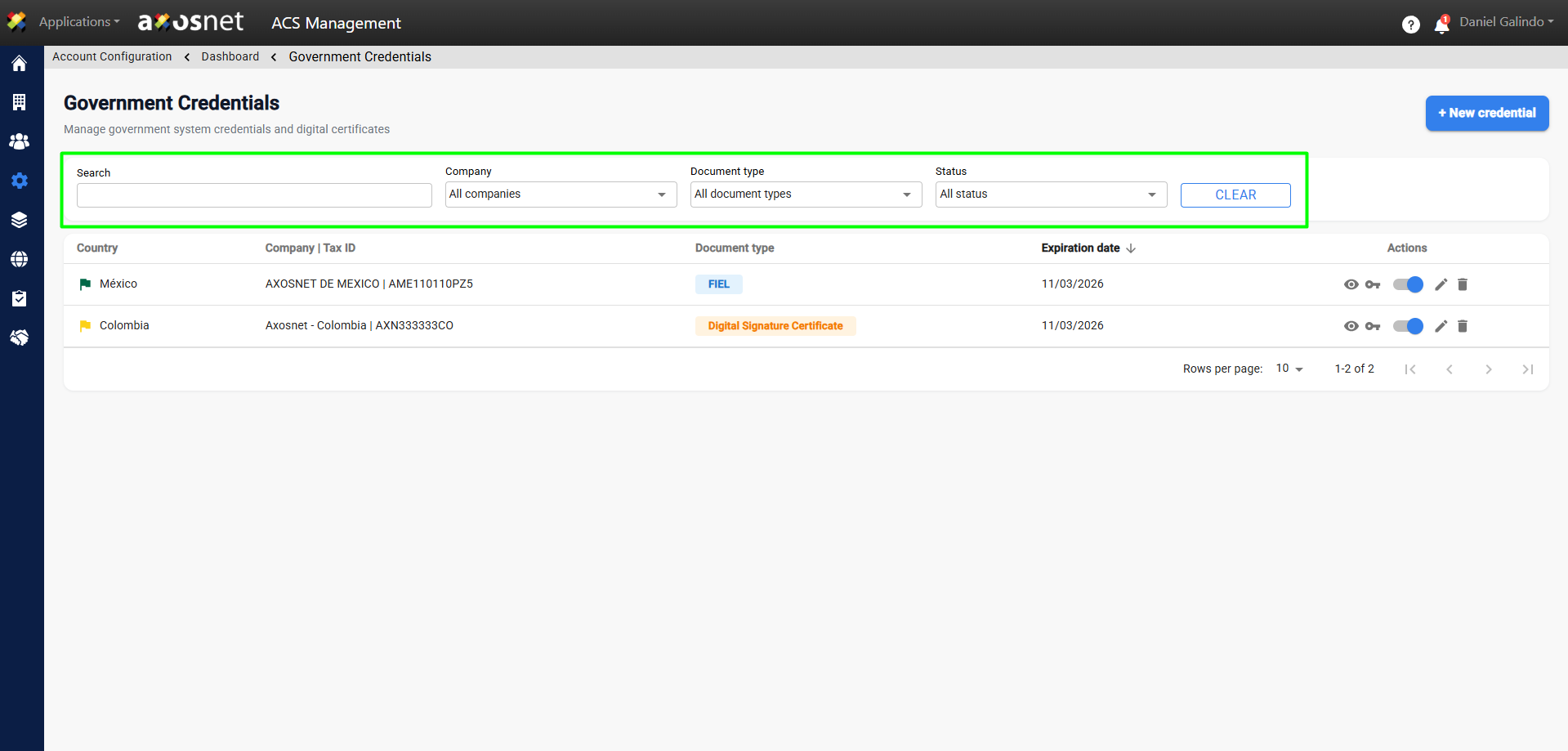
To filter or search for credentials, follow these steps:
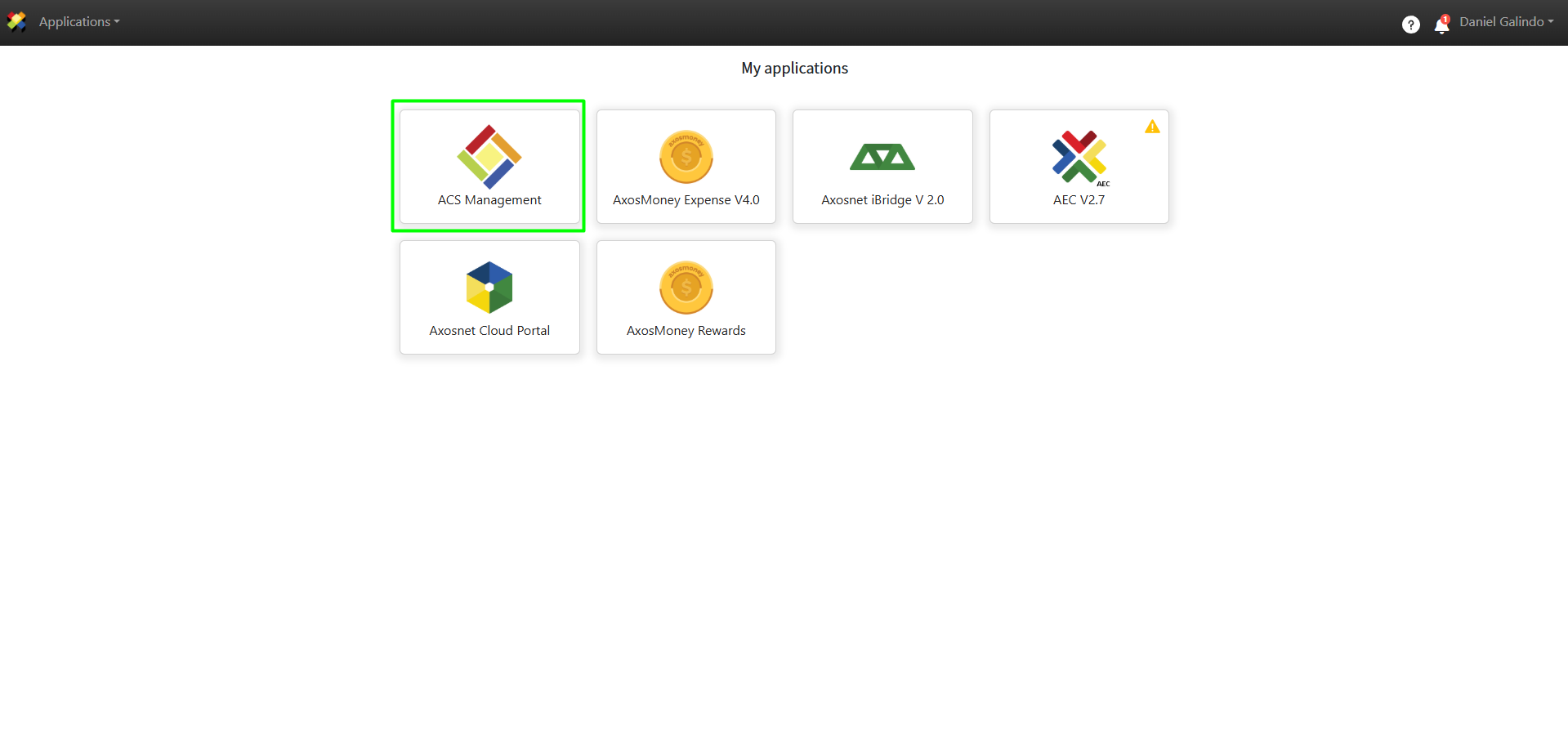
1. Log in to ACS Management.
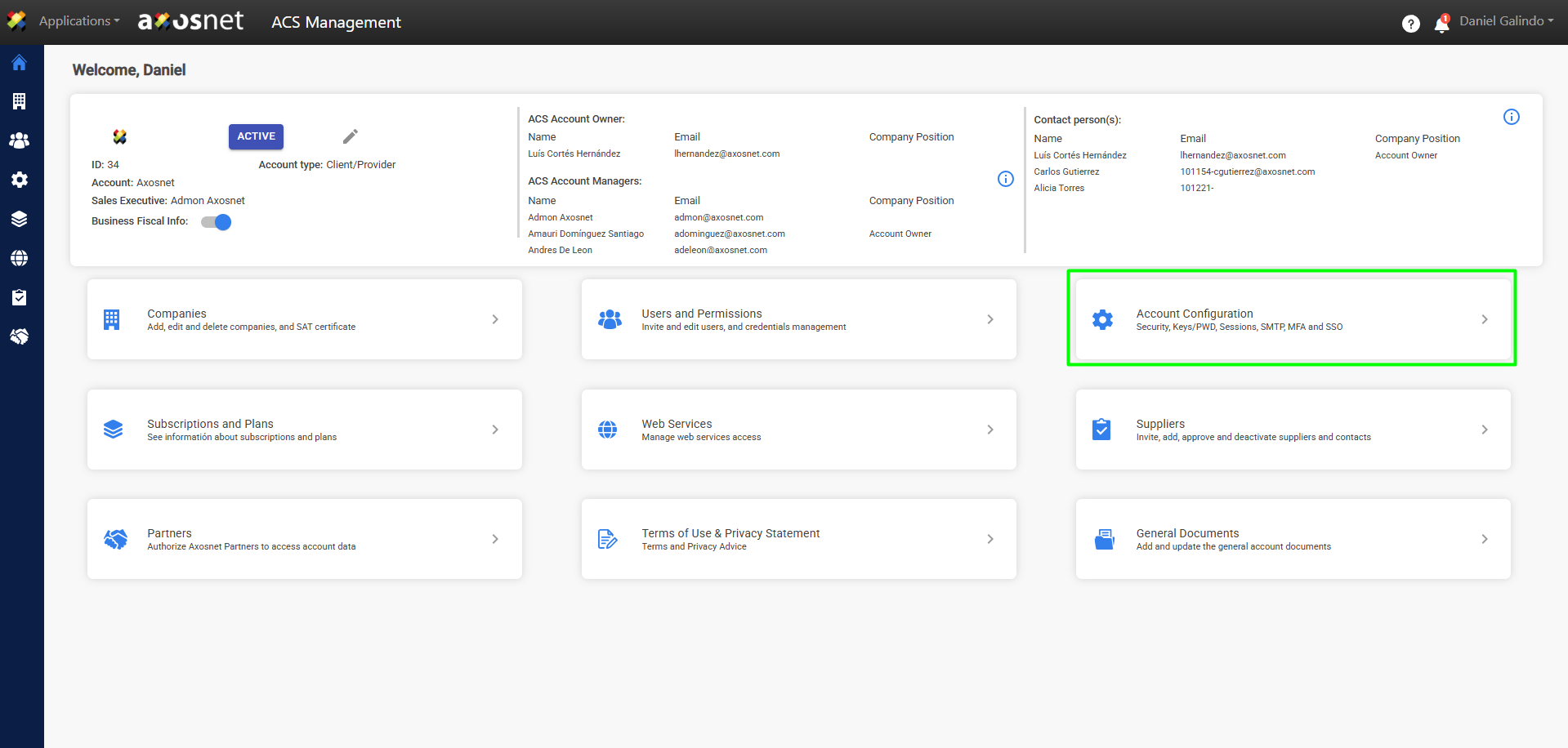
2. Go to the Account Configuration section.
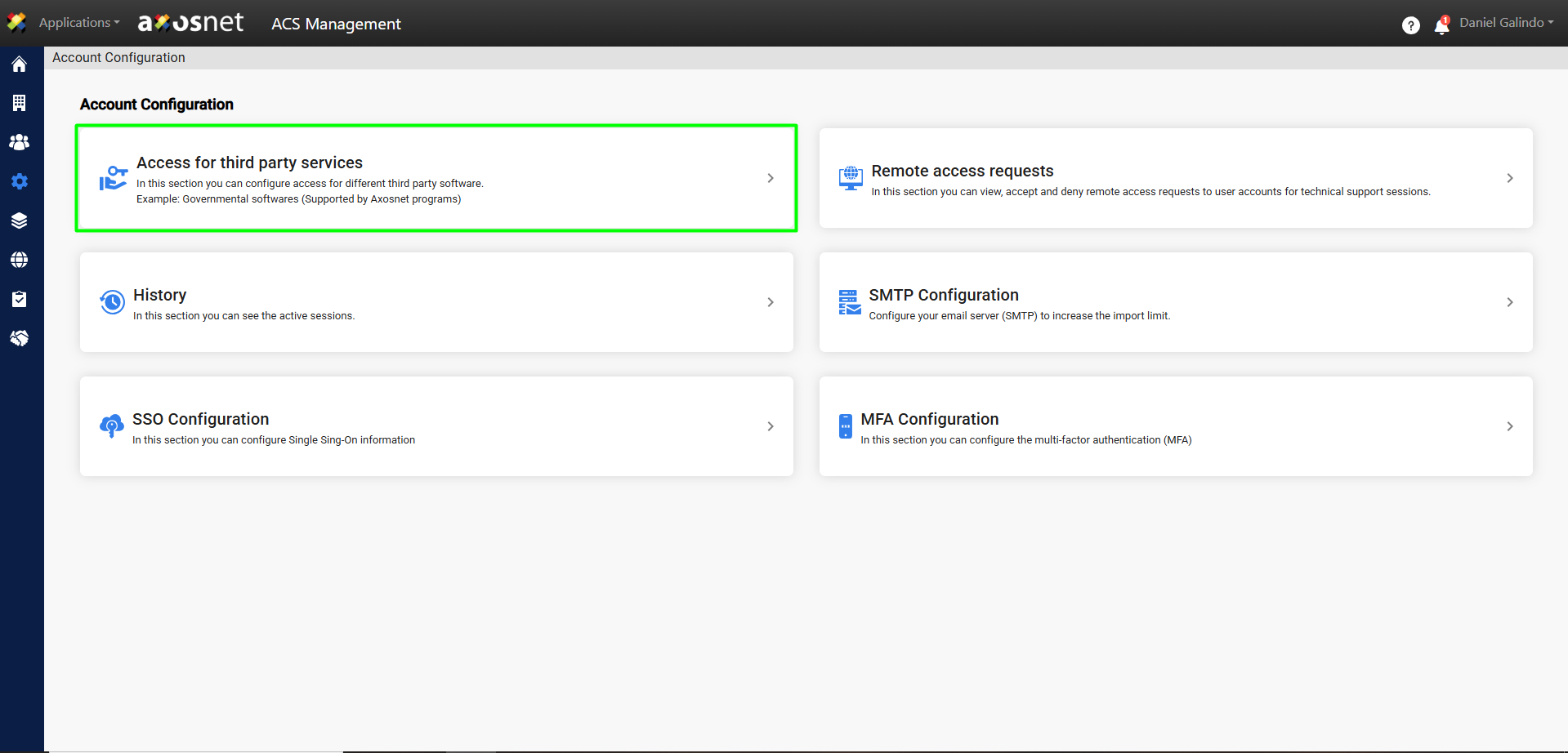
3. Click on Access to Third-Party Services.
4. Click View Government Credentials.
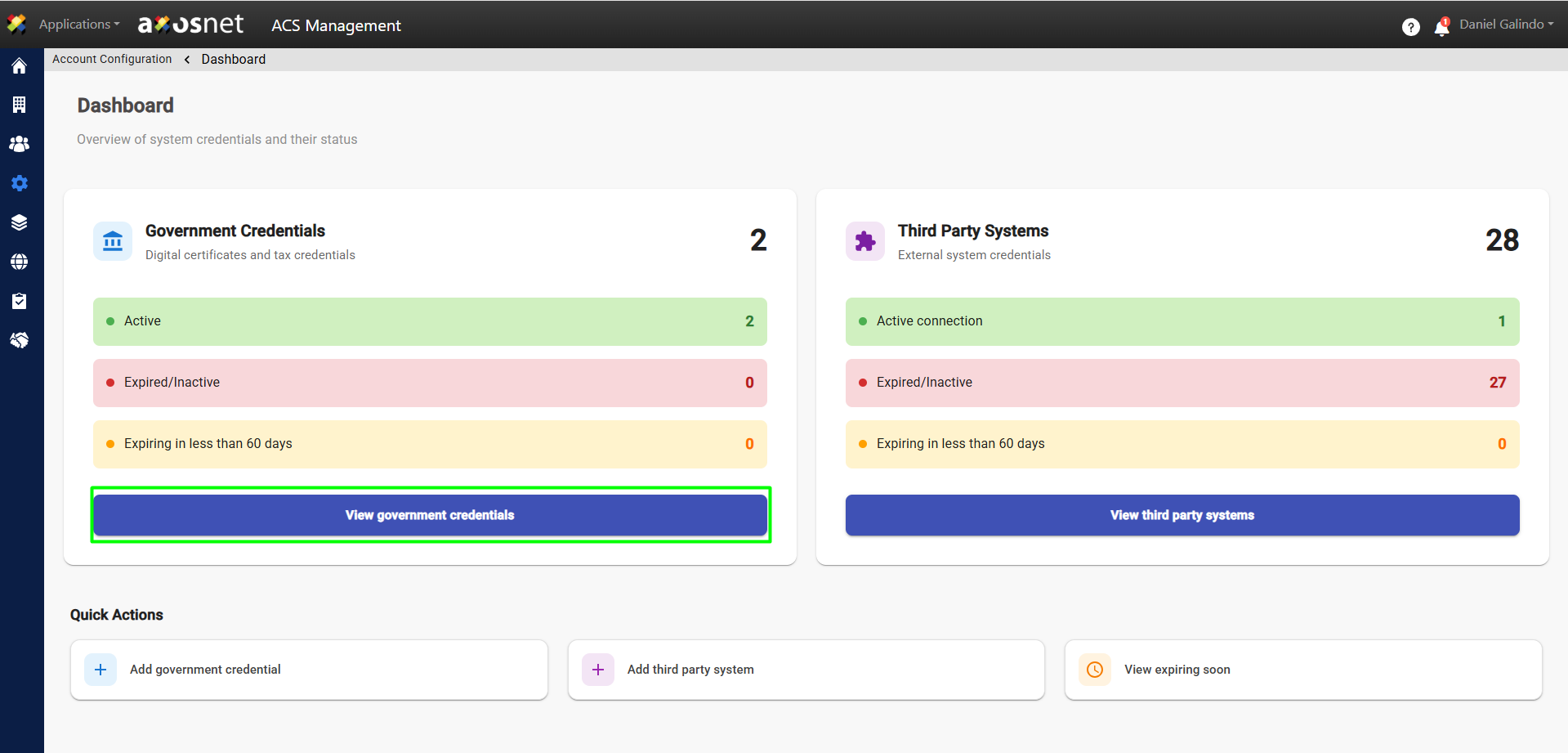
5. At the top of the list, you will see options for filtering or searching for credentials.
Note: Results will be displayed automatically as text is entered into the filters.