AxosMoney Rewards is a reward system for the employees of your organization, where they can redeem products through a point system. Points are earned by receiving recognition from other colleagues. A key role is that of team leaders, who are responsible for approving or rejecting said recognition. Additionally, the account administrator is in charge of managing both the available rewards and their assigned point value.
In the AxosMoney Rewards section, the Collaborator has the ability to recognize and reward the effort of their colleagues. This recognition translates into earning Rewards points, which can subsequently be used to redeem various rewards.
To Recognize a collaborator, you can follow these steps:
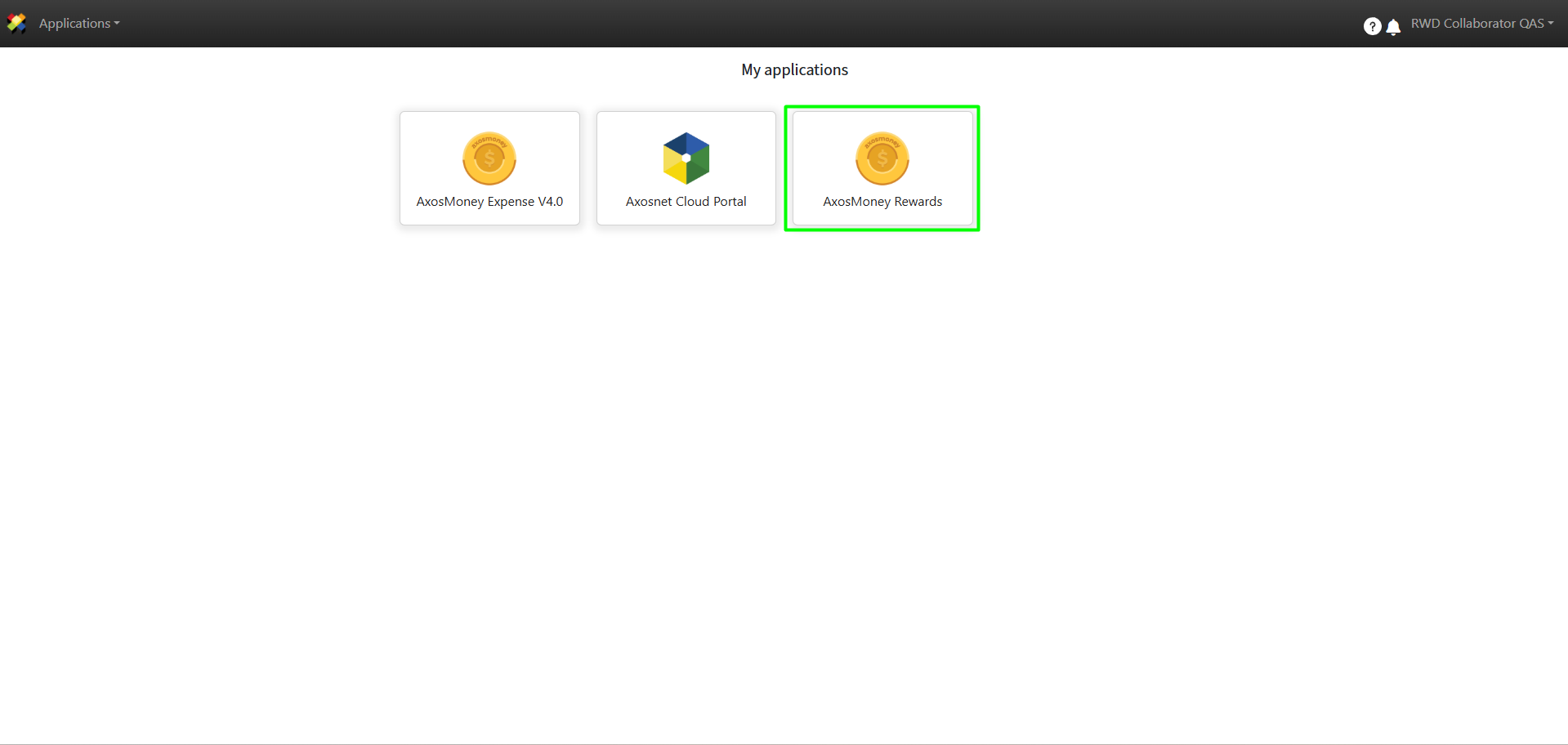
1. Log in to ACS Management and select the AxosMoney Rewards application.
2. Select the company the collaborator belongs to.
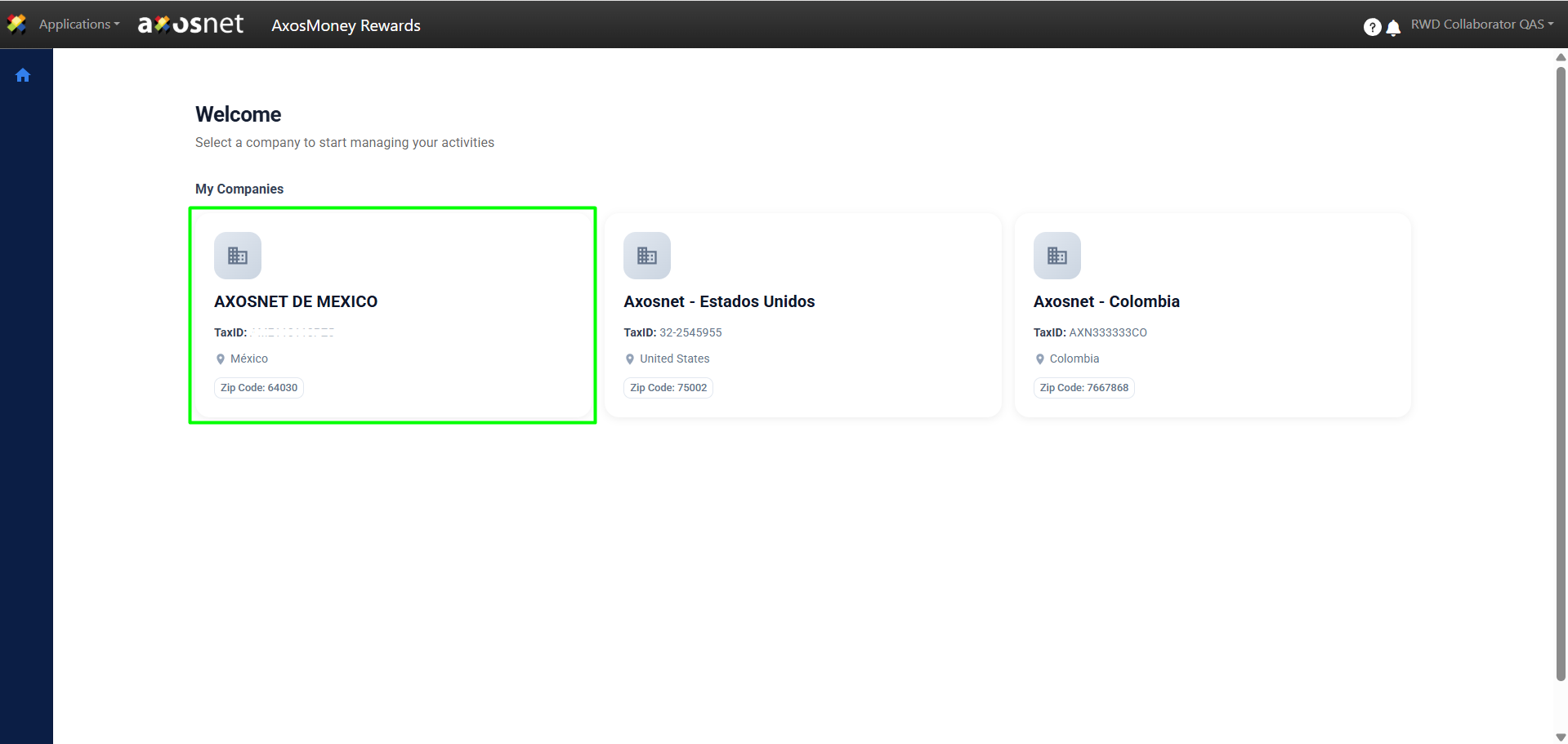
Note: A collaborator can be assigned to multiple teams, provided that each team belongs to a different company. For example, the same person could be part of the Finance team in the Mexico company and, simultaneously, the Administration team in the United States company.
3. Click on Rewards.
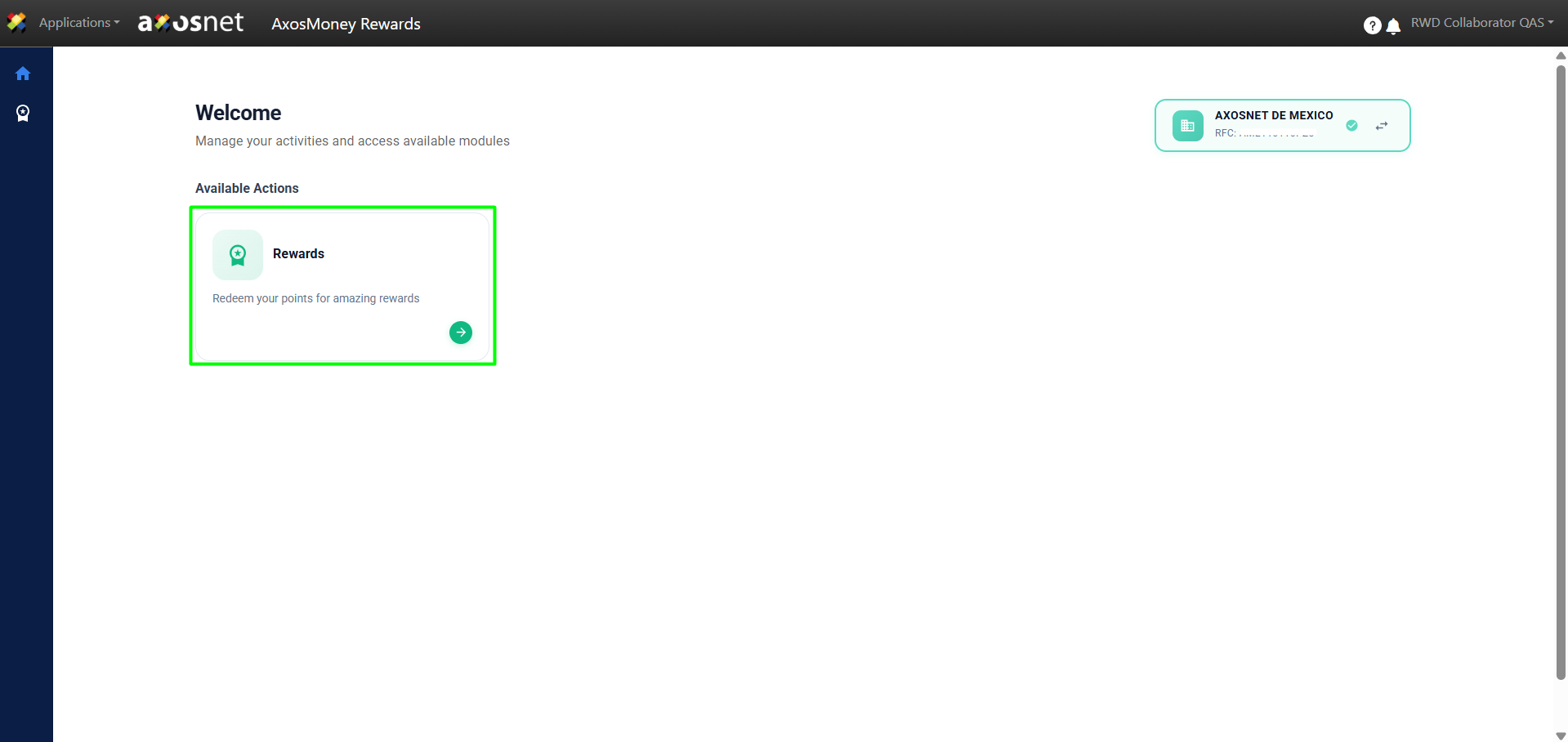
4. Click on Send Recognition.
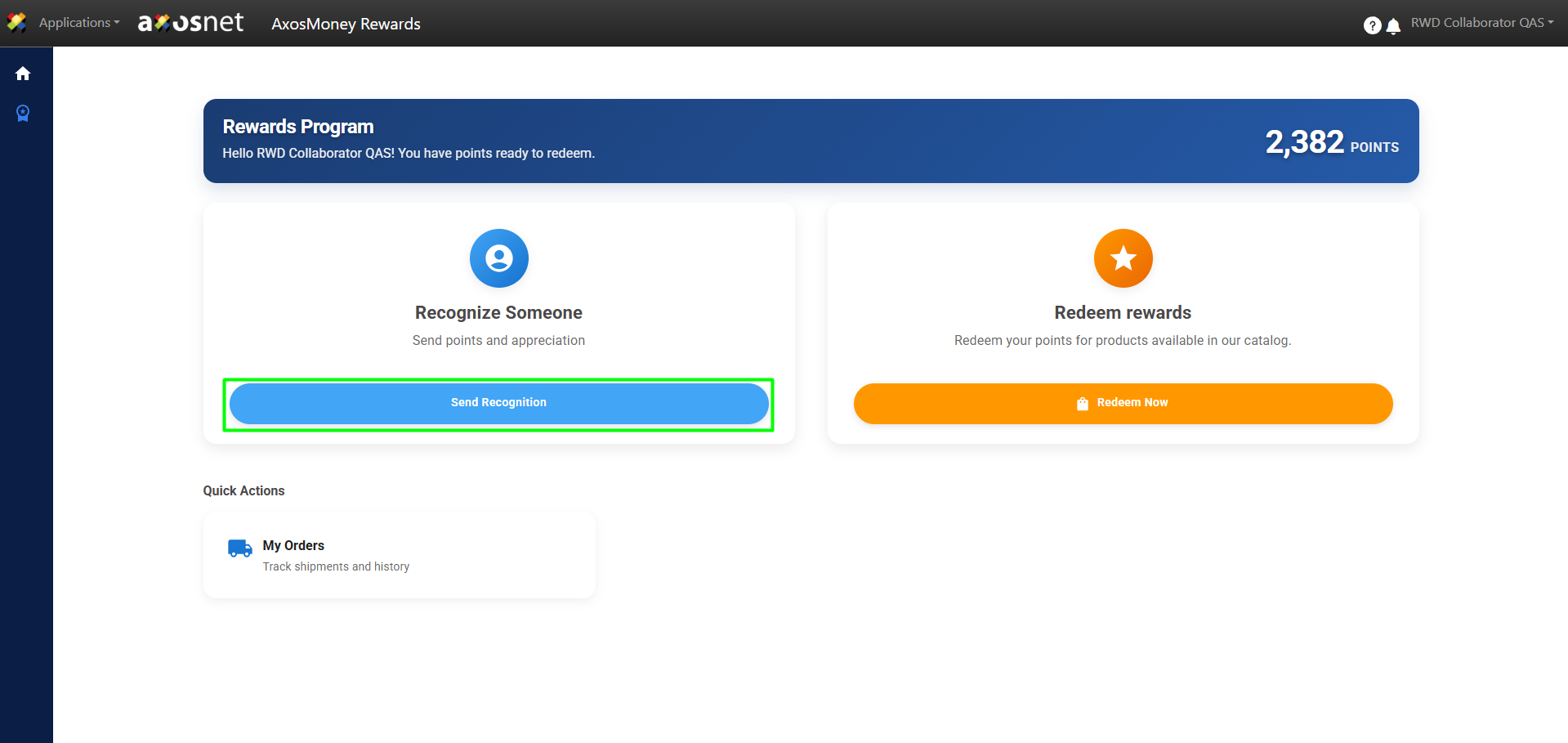
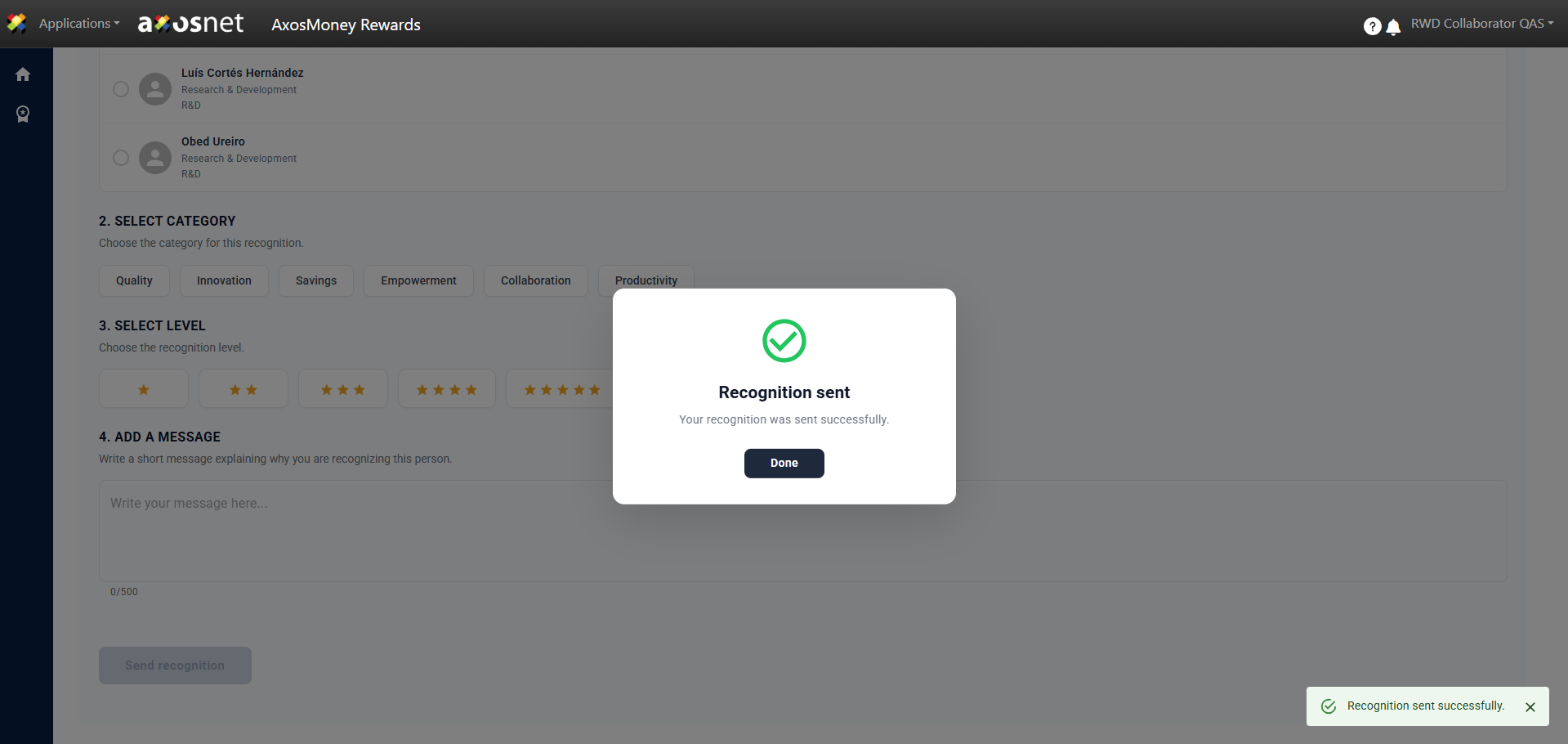
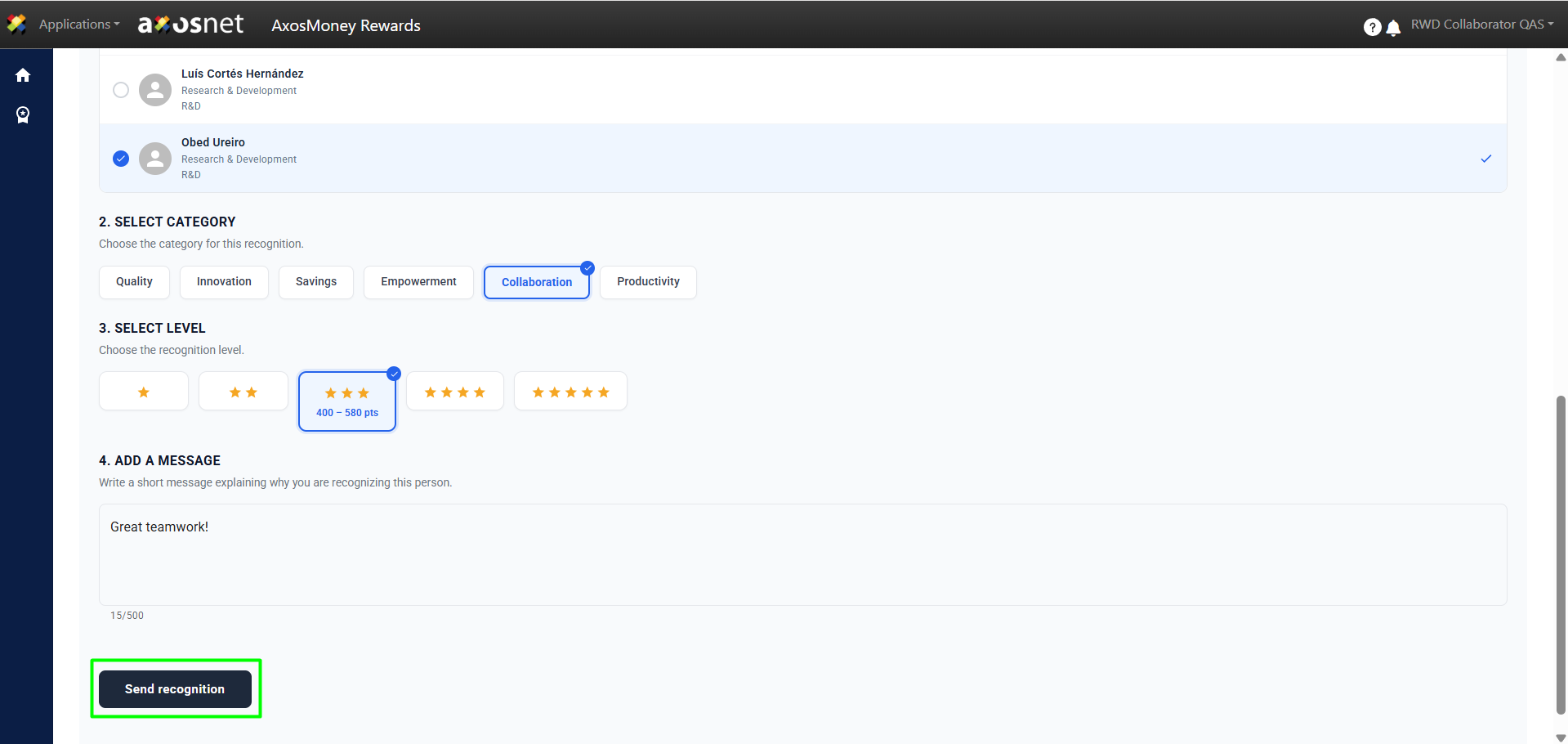
5. To send a recognition, you must choose the Collaborator(s) to recognize, select the category and level of the recognition, and finally include a concise message explaining the reason for the recognition. Finally, click on Send Recognition.
6. A confirmation message will appear, and the recognition will have been sent to be approved by a user with the Leader role.