This AxosMoney feature allows you to link expense types directly to the SAT code catalog. Thanks to this linkage, when you record and submit expenses, they are automatically categorized, optimizing and speeding up the validation process. This enhancement complements the existing solution without modifying or altering the current workflow.
To classify expenses, follow these steps:
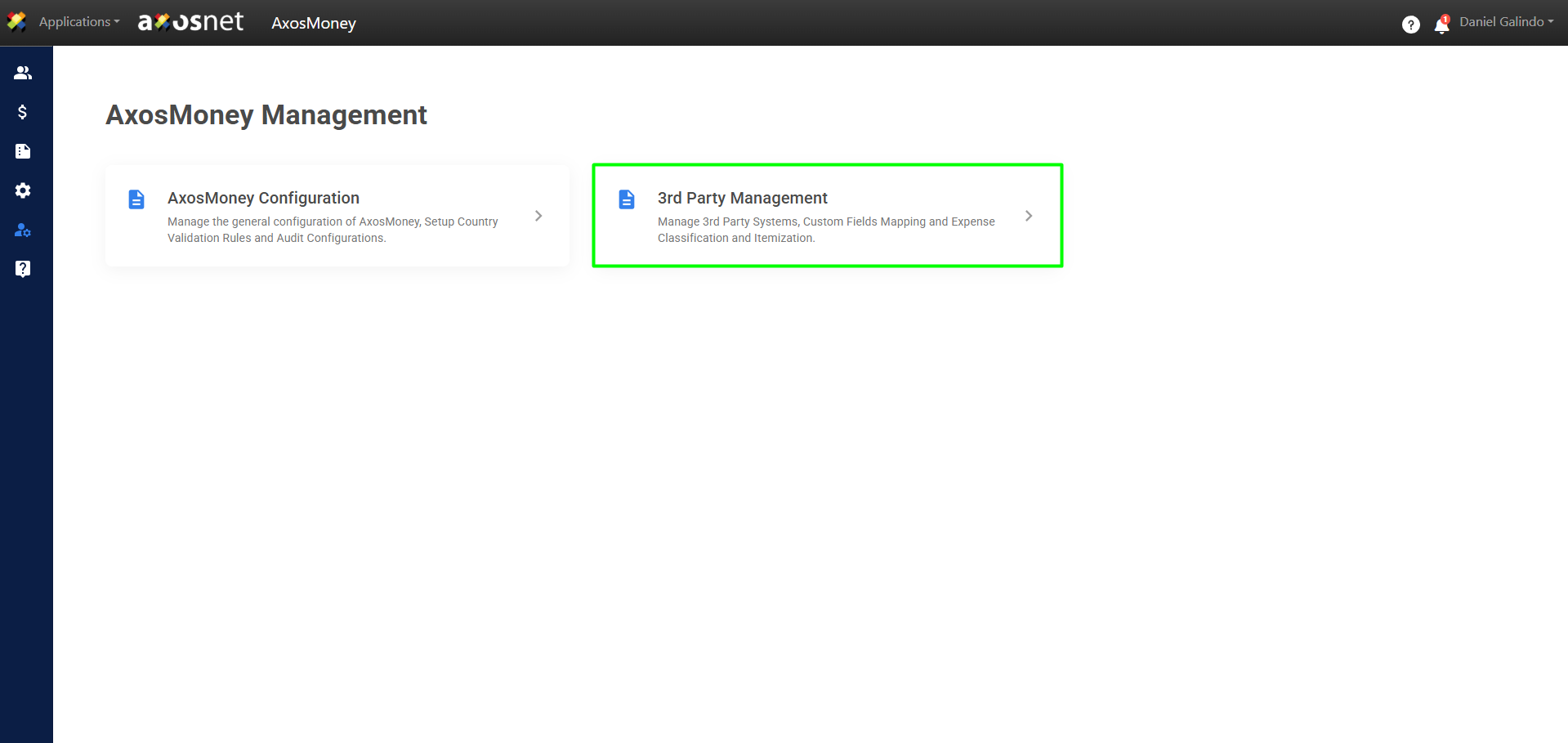
1. Go to the Administration of AxosMoney in the left-hand side menu and click on Third-Party Management.
2. Select the Expense Classification tab.
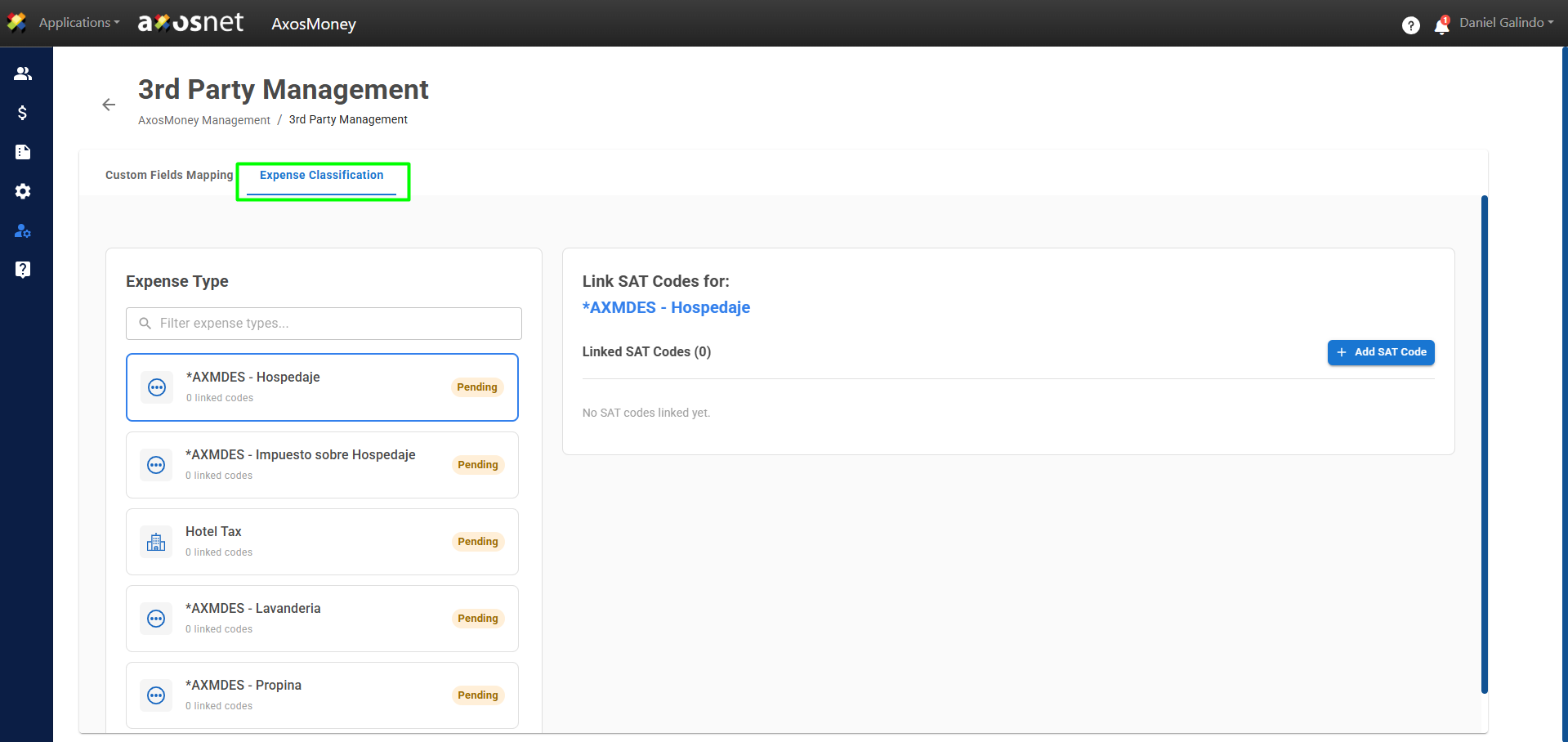
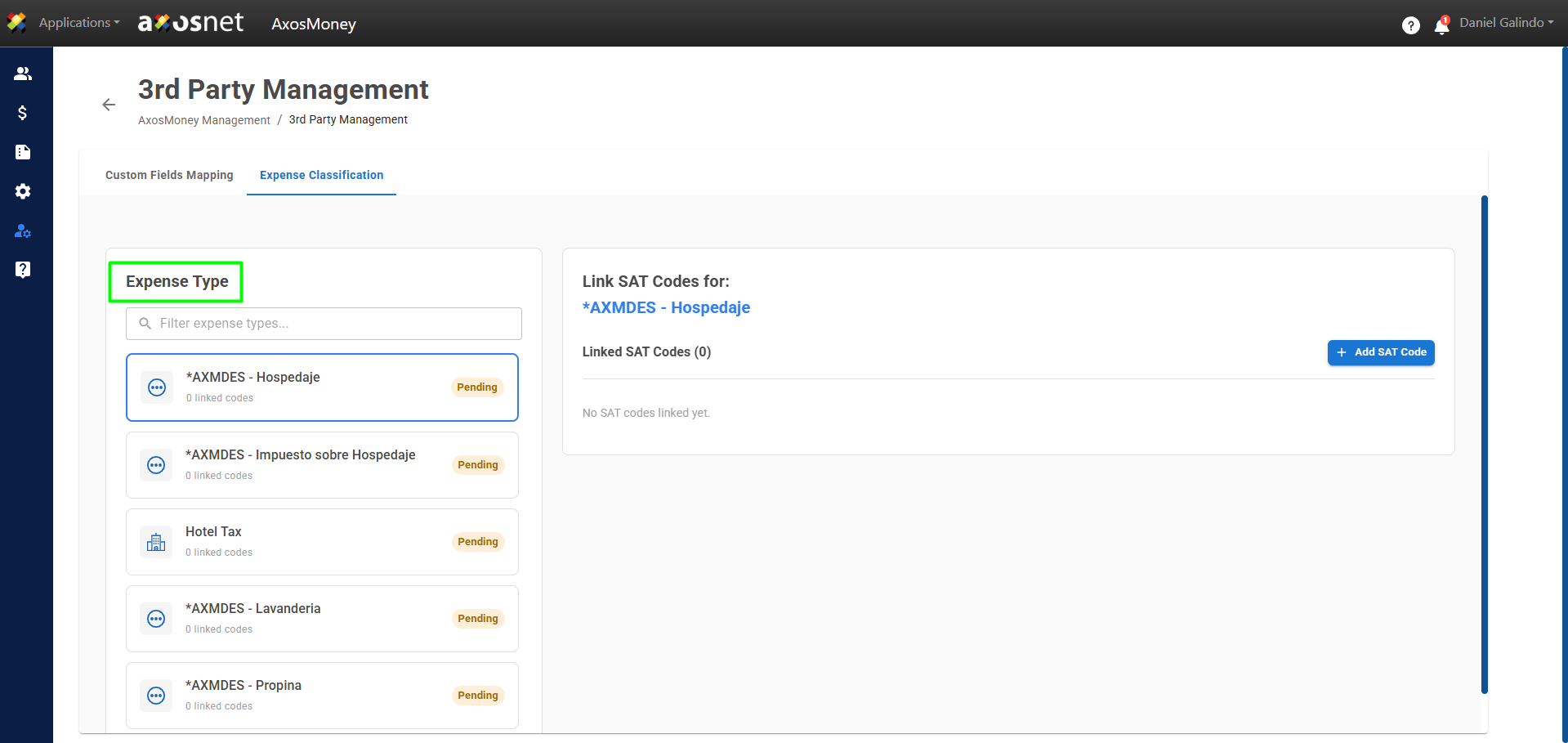
3. On the left side, you’ll see the Expense Types and can select one to add SAT codes.
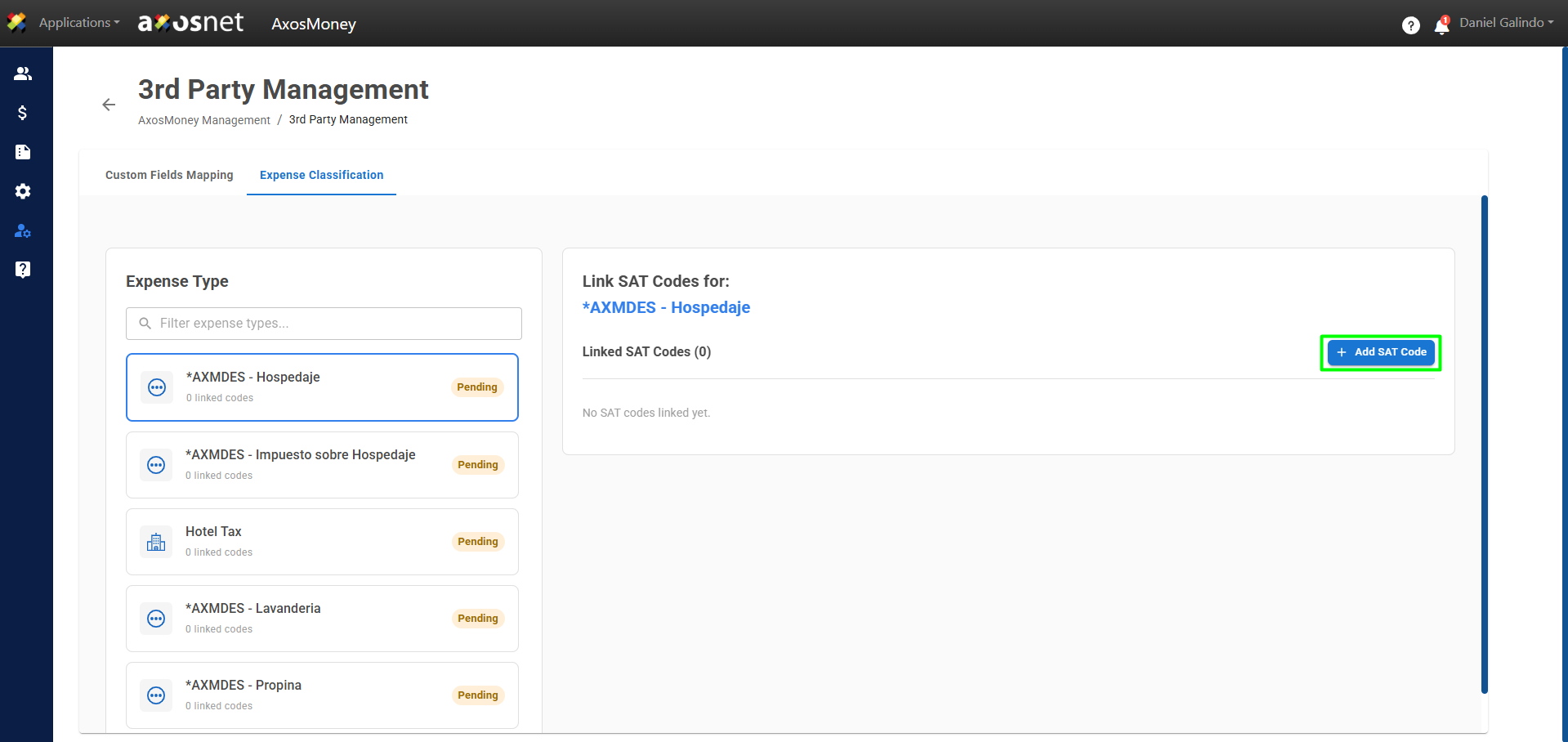
4. To add a code to an expense category, click the Add SAT Code button.
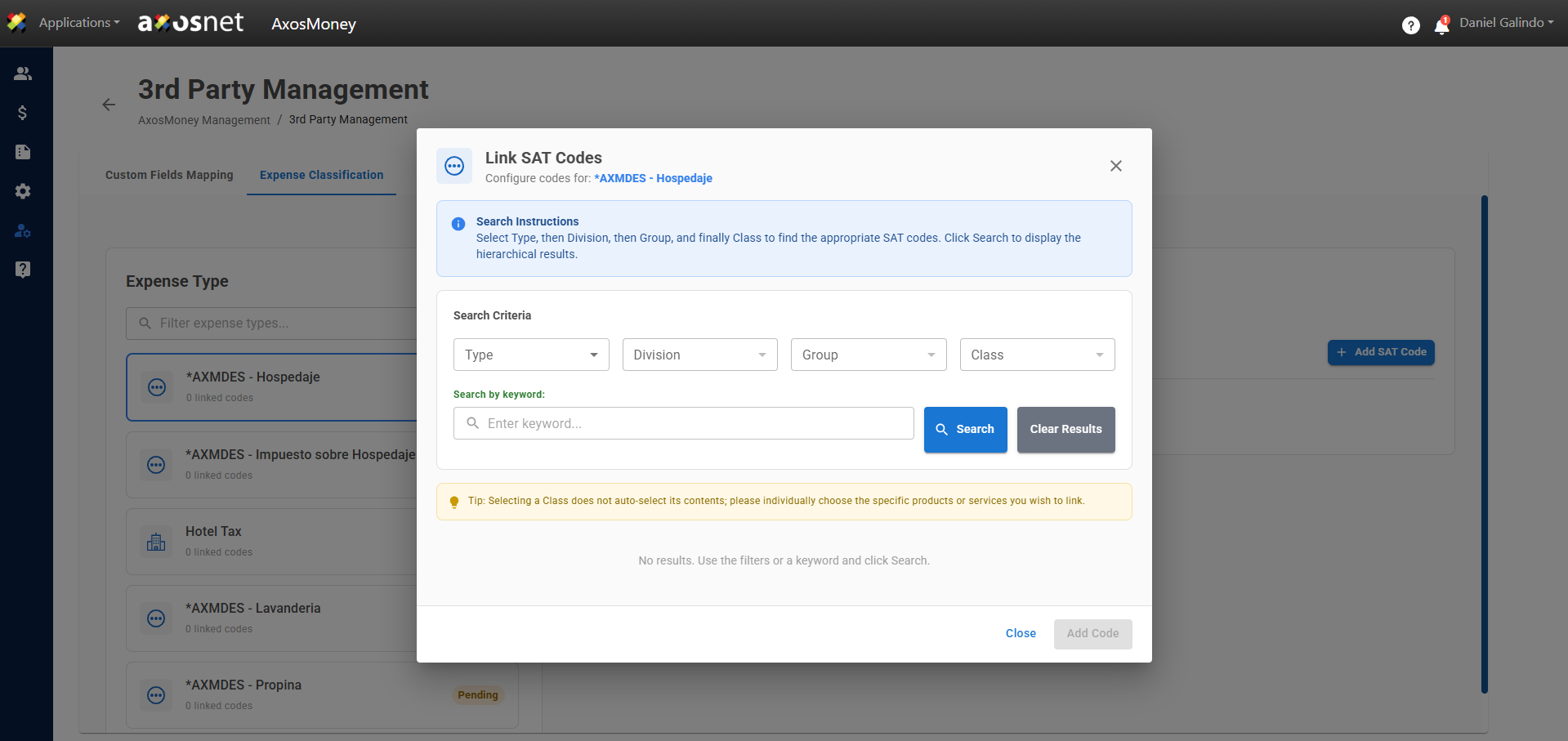
5. A pop-up window will appear where you can enter the search criteria to find the corresponding codes.
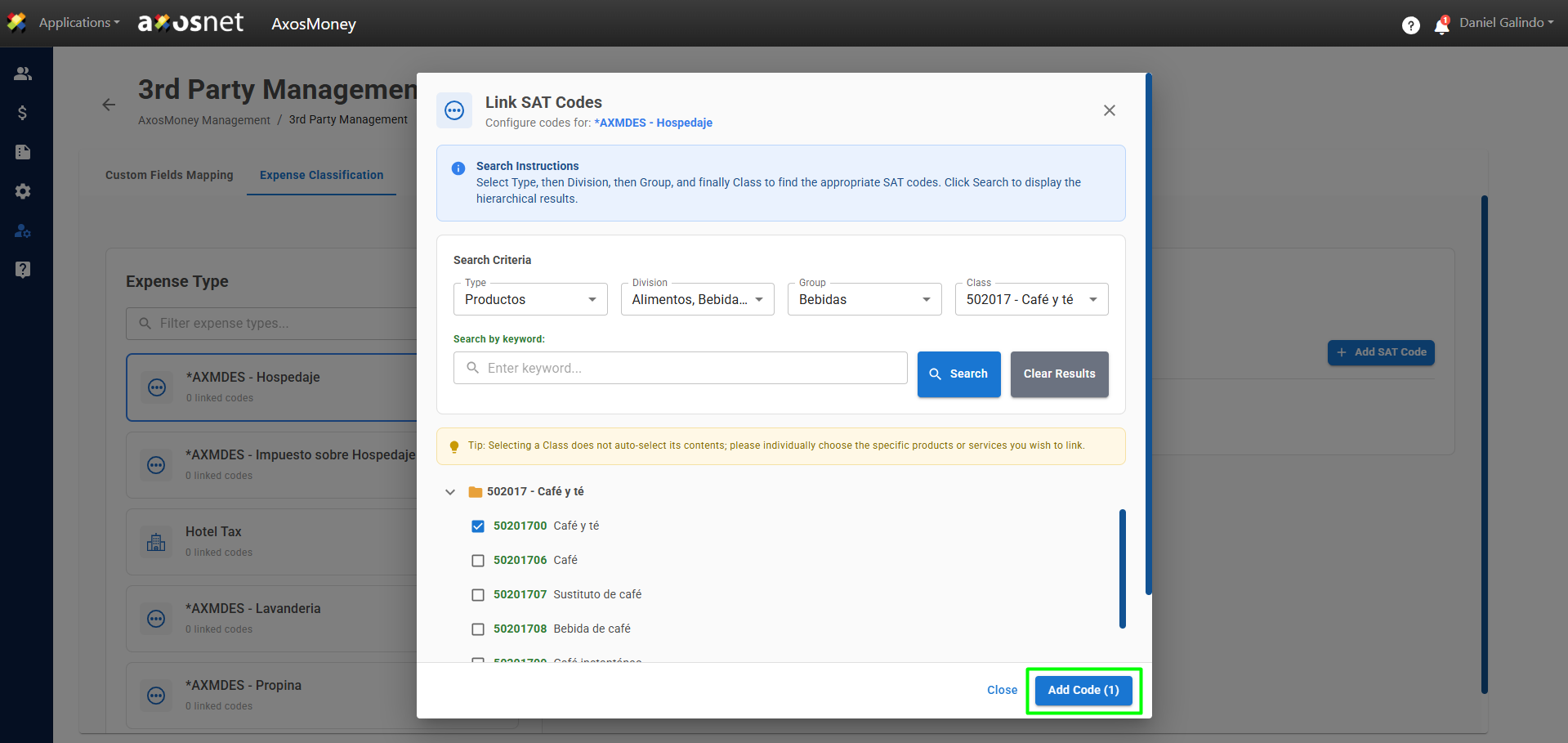
6. Once you’ve found and selected the code, you can click Add Code.
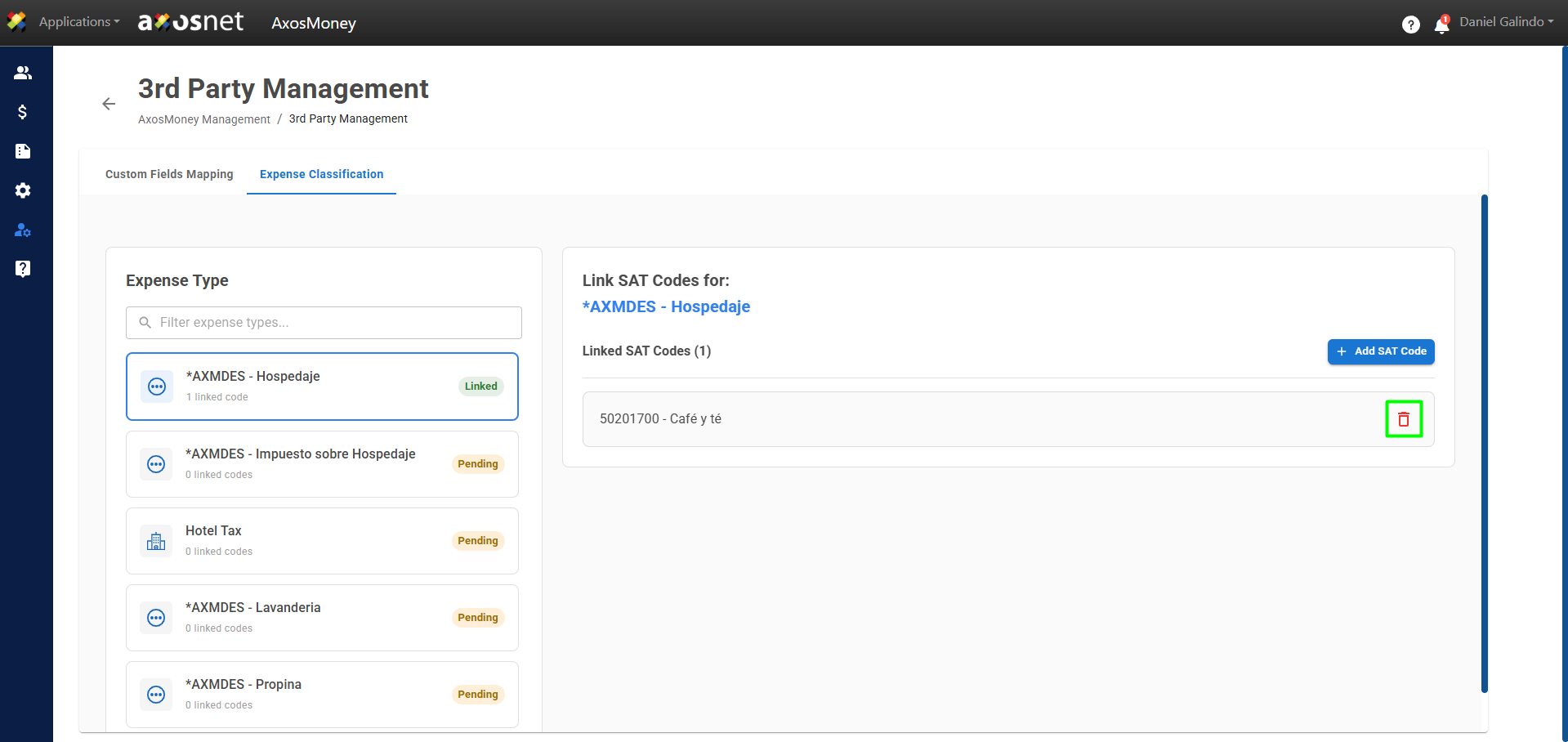
7. A confirmation message will appear, and the code will be displayed in the list of linked SAT codes.
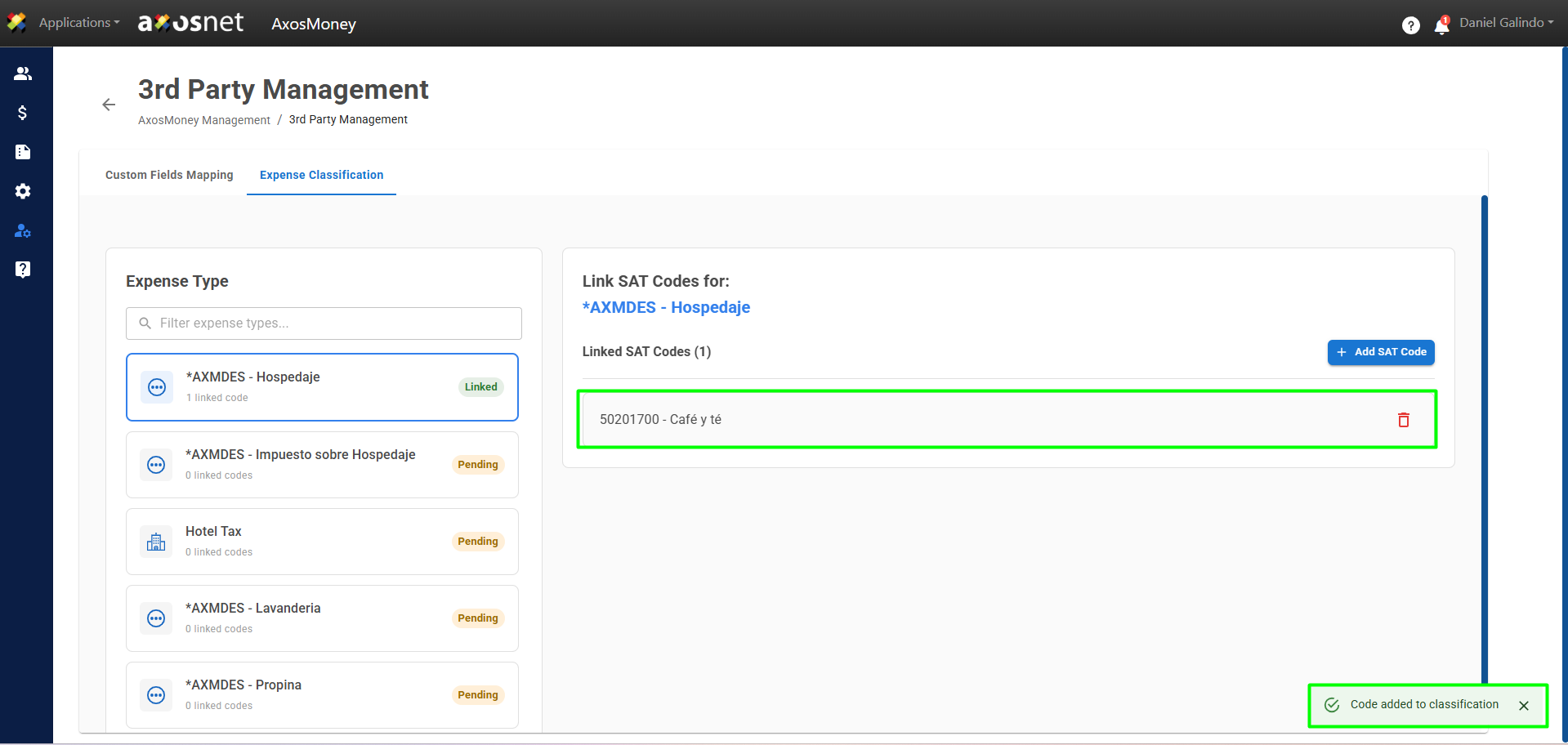
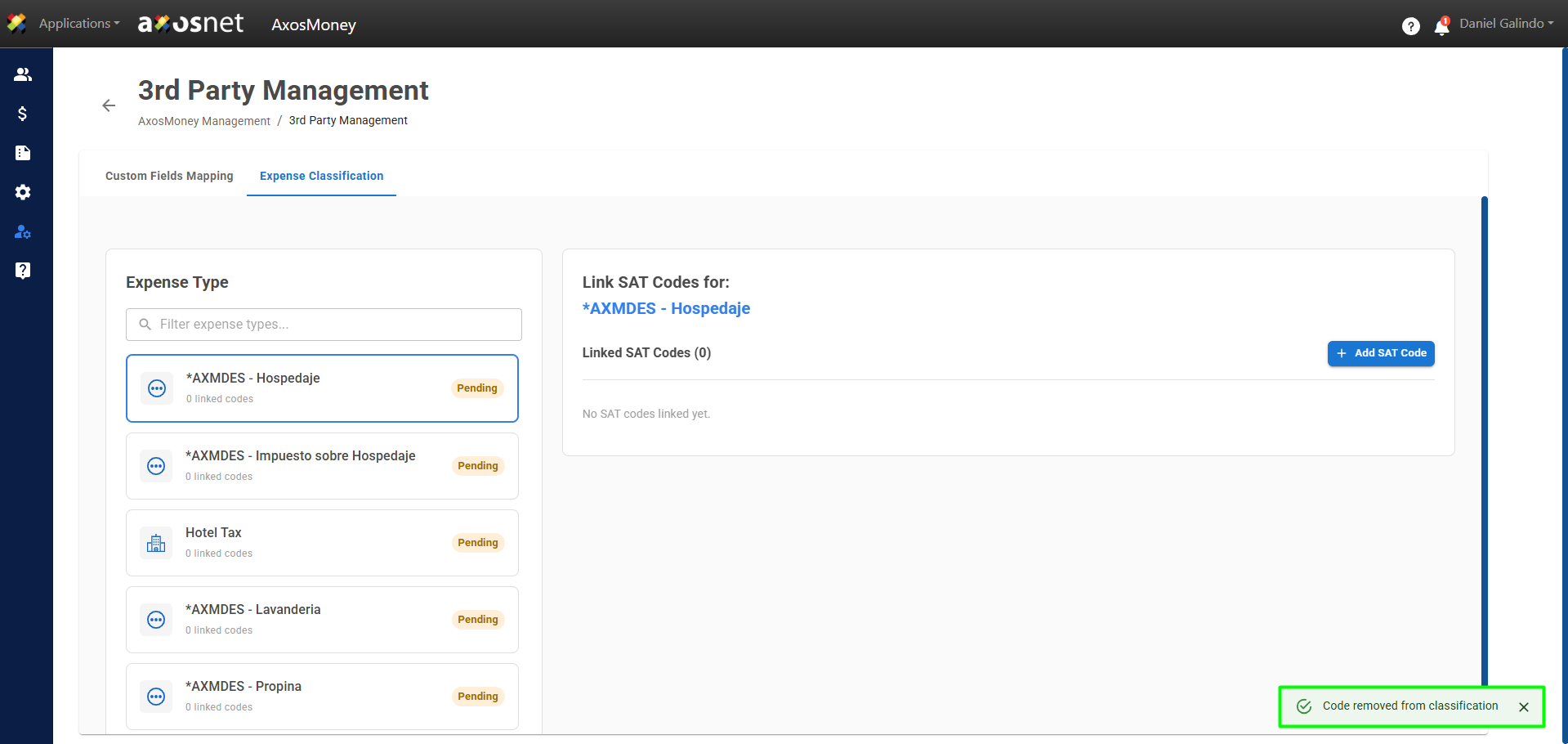
8. To delete a SAT code, simply click the trash can icon as shown in the image. When you do so, a message will appear confirming that the code has been removed.