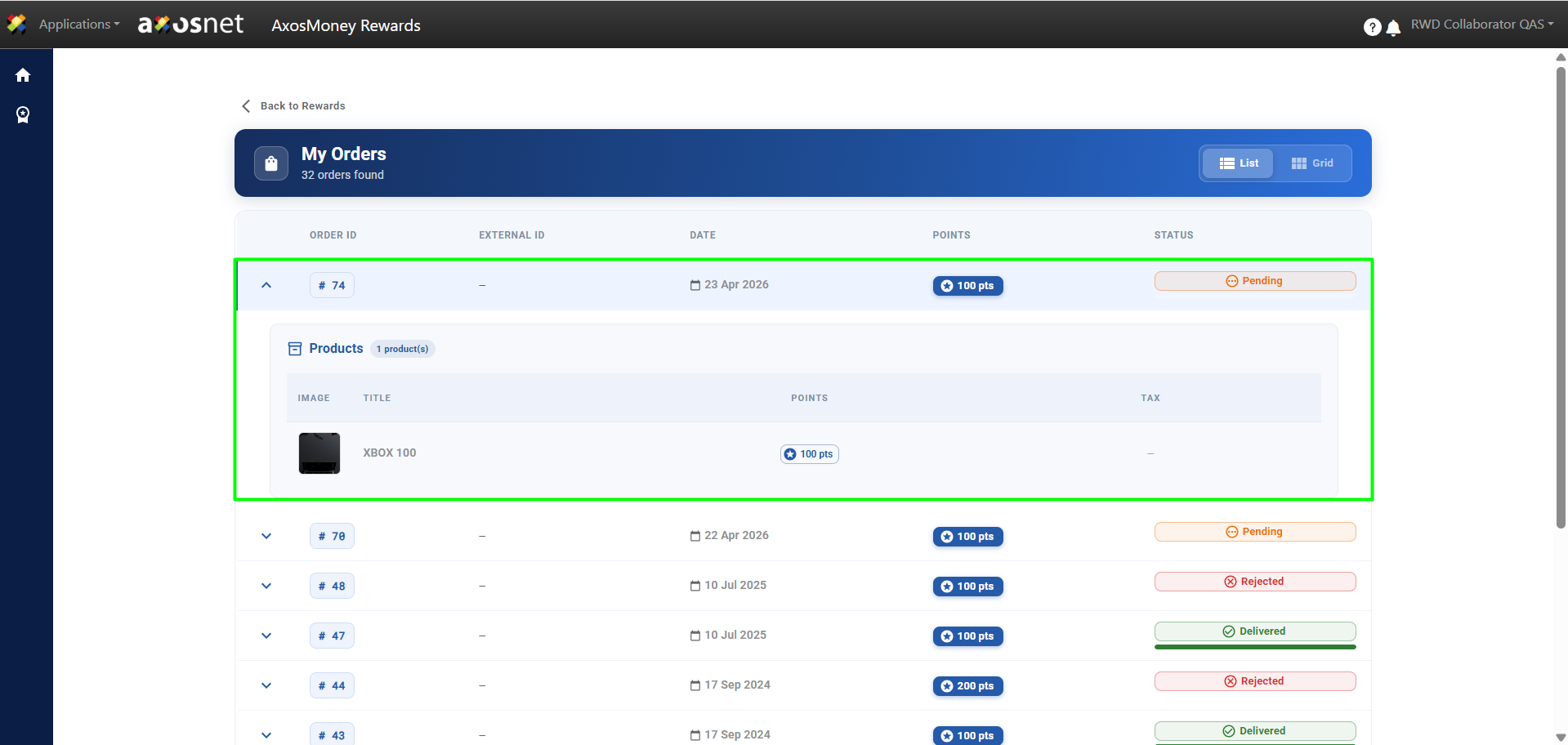
In the Quick Actions section of AxosMoney Rewards, the collaborator can monitor the status of the rewards they have redeemed. Here they can check if they have been approved or rejected and, in the case of rewards from the Amazon catalog, consult their delivery status.
To access this section, you can follow these steps:
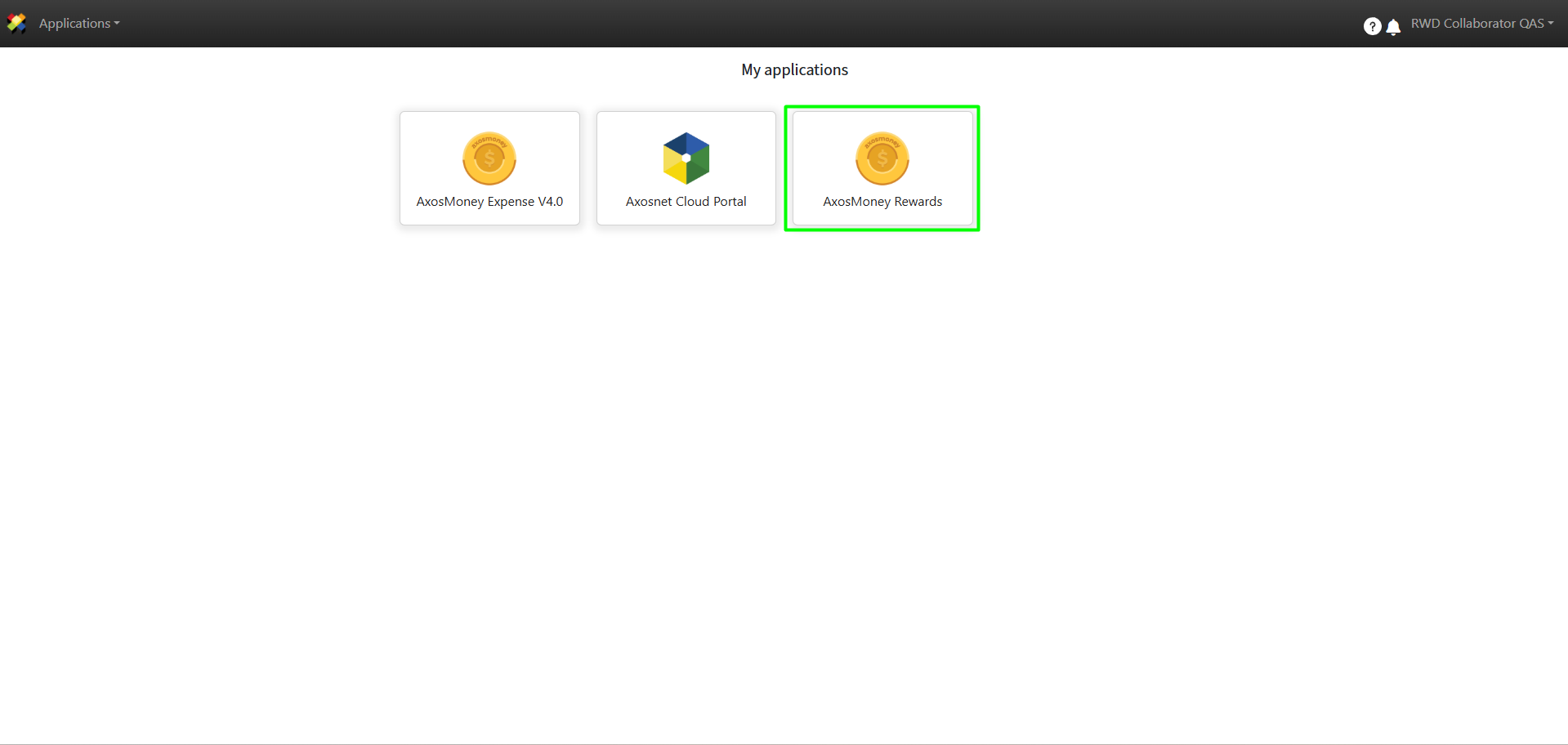
1. Access ACS Management and select the AxosMoney Rewards application.
2. Select the company the collaborator belongs to.
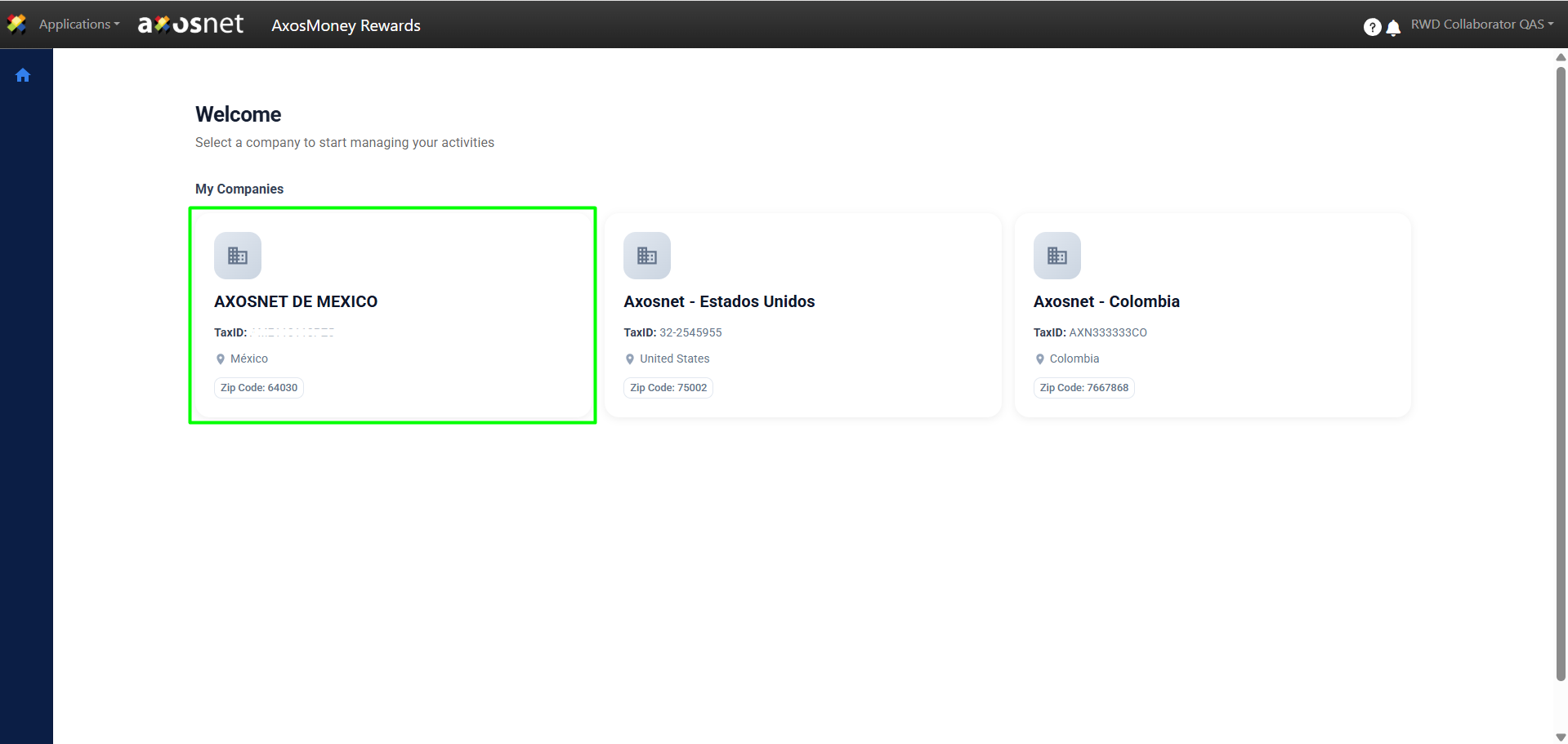
Note: A collaborator can be assigned to multiple teams, provided that each team belongs to a different company. For example, the same person could be part of the Finance team in the Mexico company and, simultaneously, the Administration team in the United States company.
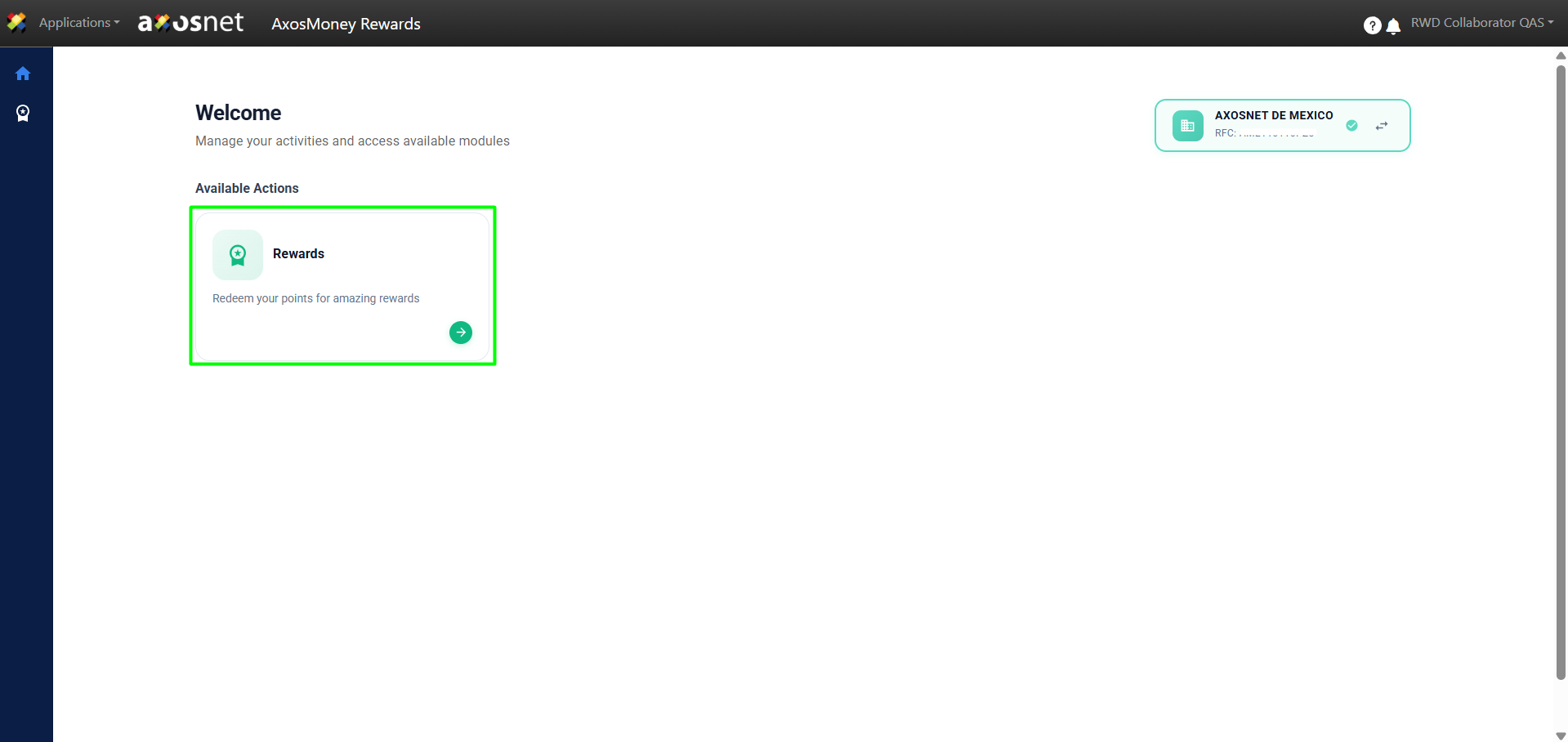
3. Click on Rewards.
4. Click on My Orders.
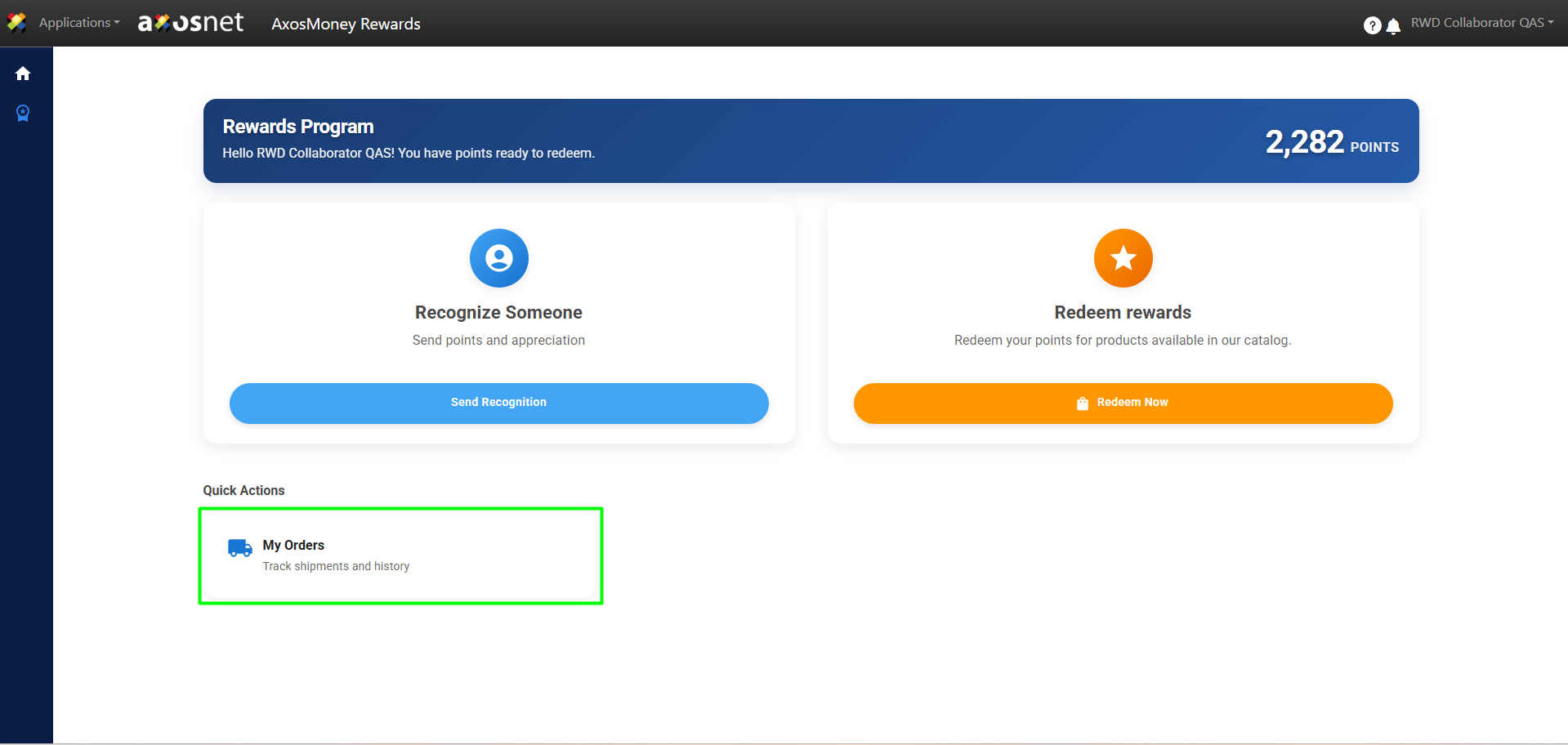
5. In this section, you can review the status of your orders, including whether they have been approved or rejected. You can also check the delivery status of requested rewards from the Amazon catalog.