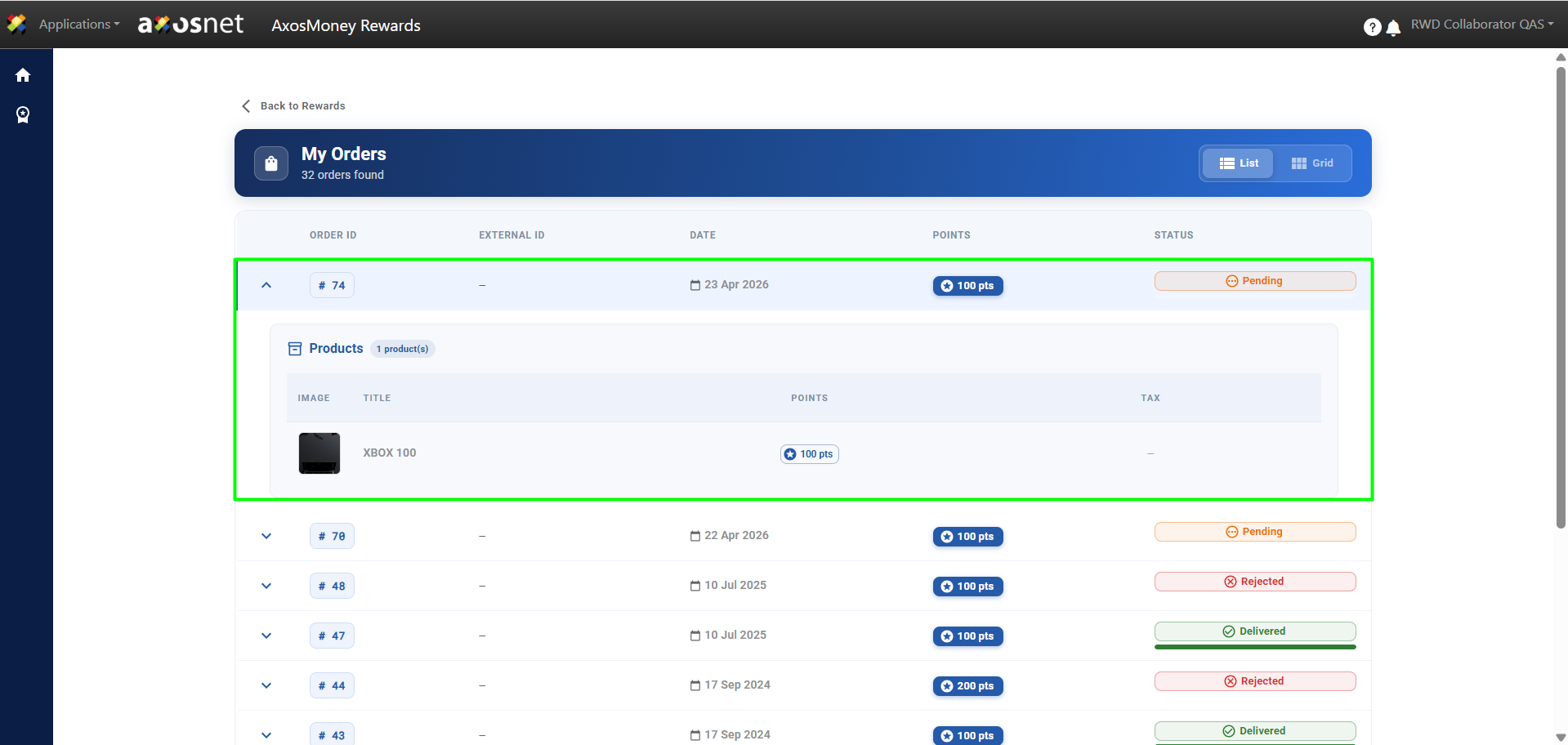
In the AxosMoney Rewards section, the Collaborator can use their accumulated points to redeem them for different rewards. These rewards include Souvenirs, Gift Cards, Courses, or the option to select an item from a predefined Amazon Business catalog.
To Redeem a Reward, you can follow these steps:
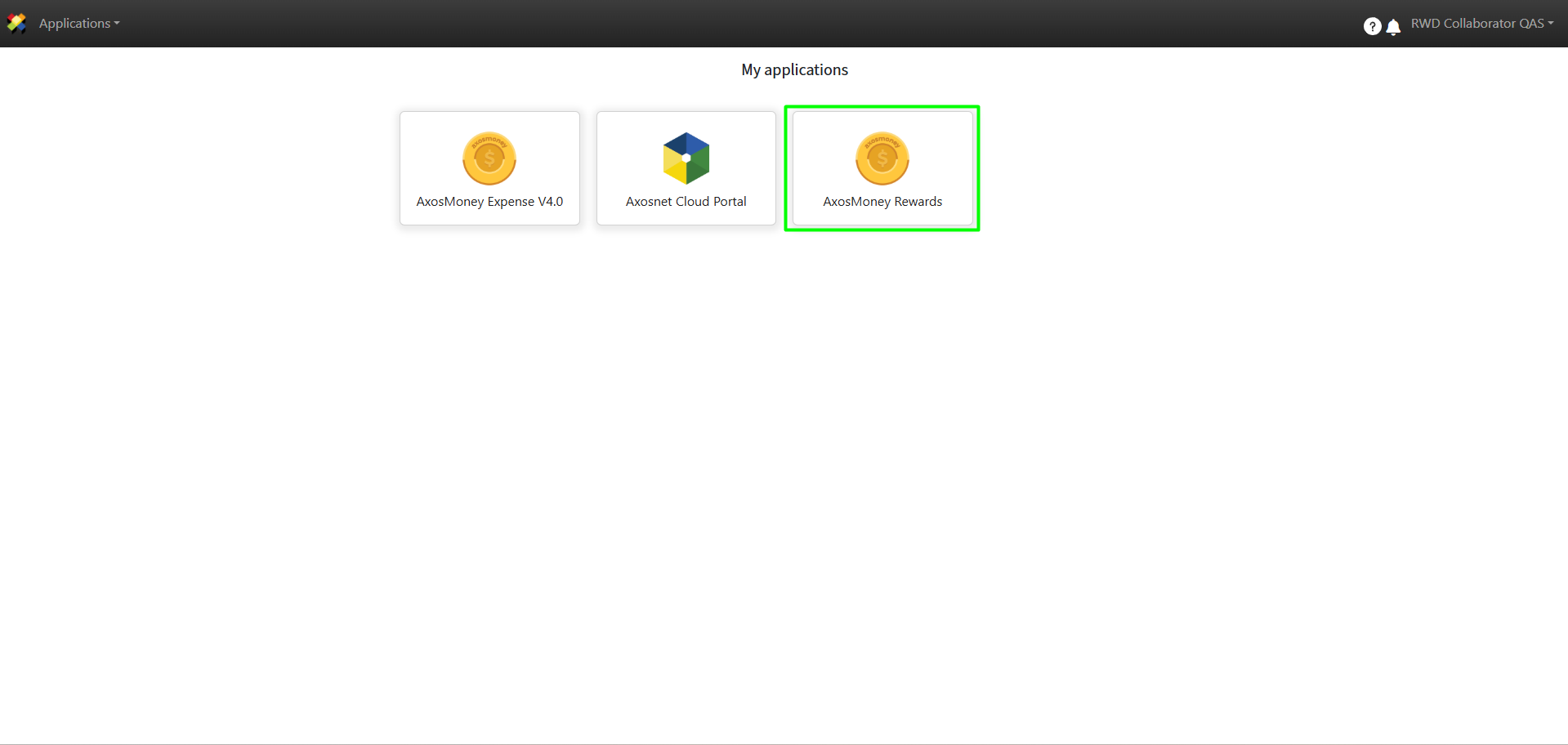
1. Access ACS Management and select the AxosMoney Rewards application.
2. Select the company the collaborator belongs to.
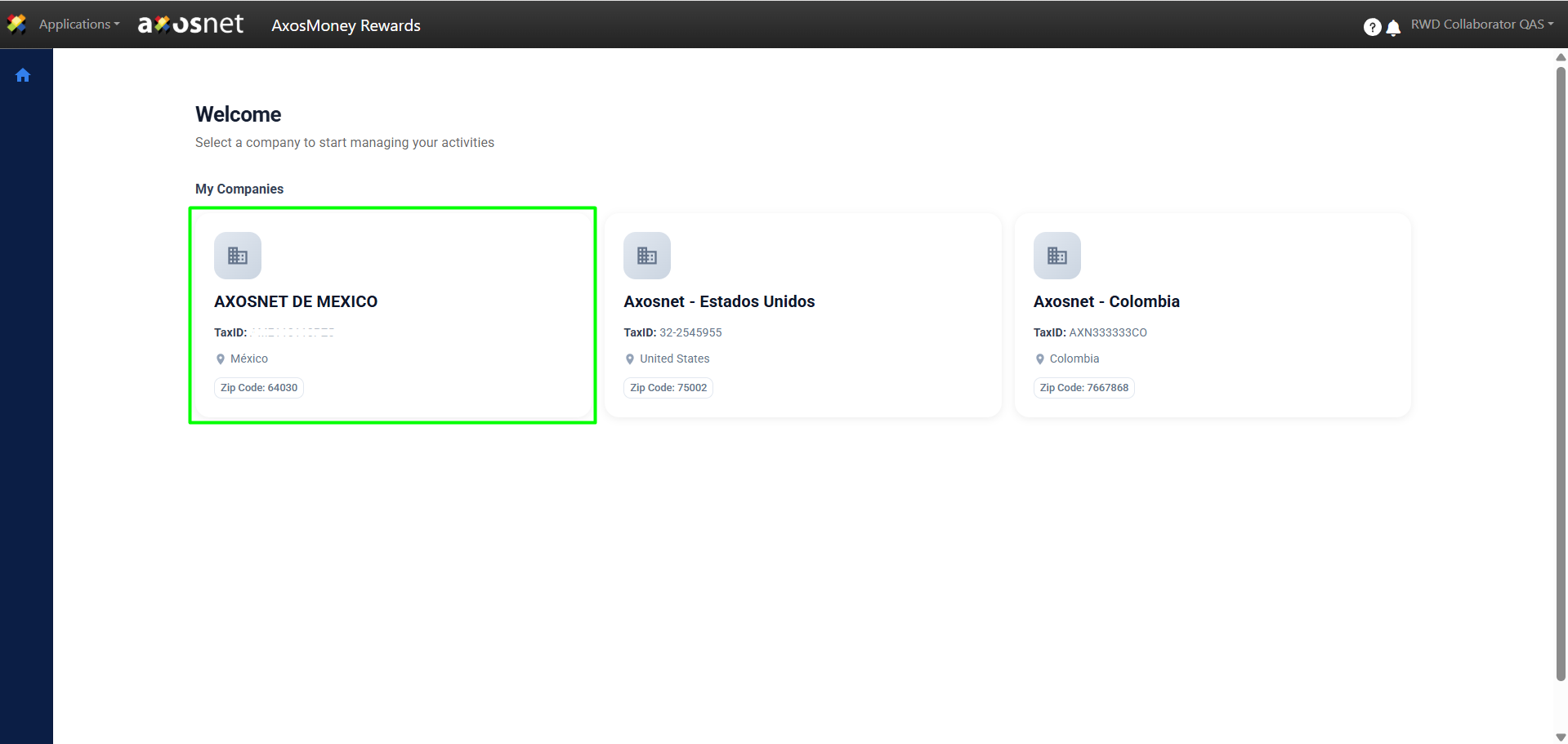
Note: A collaborator can be assigned to multiple teams, provided that each team belongs to a different company. For example, the same person could be part of the Finance team in the Mexico company and, simultaneously, the Administration team in the United States company.
3. Click on Rewards.
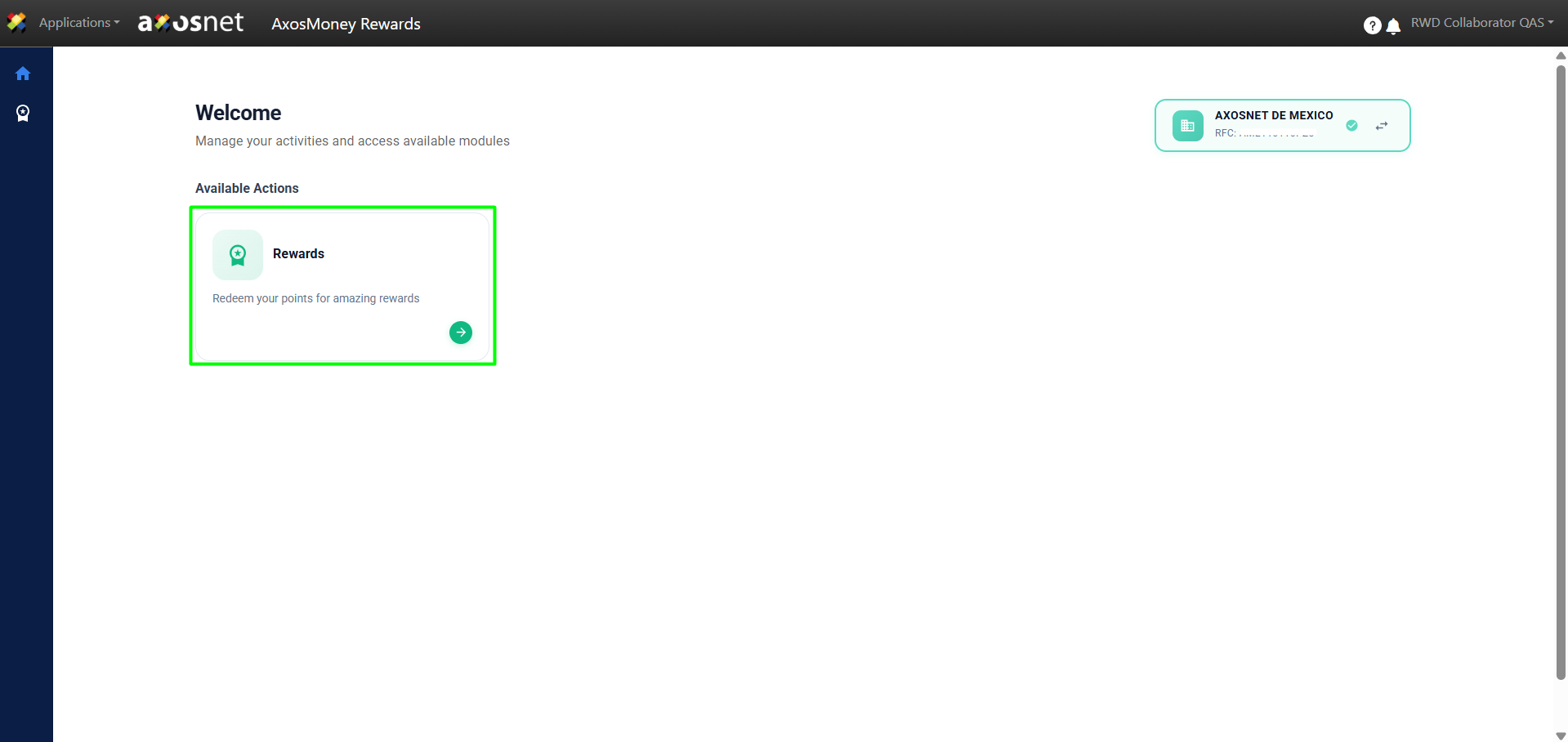
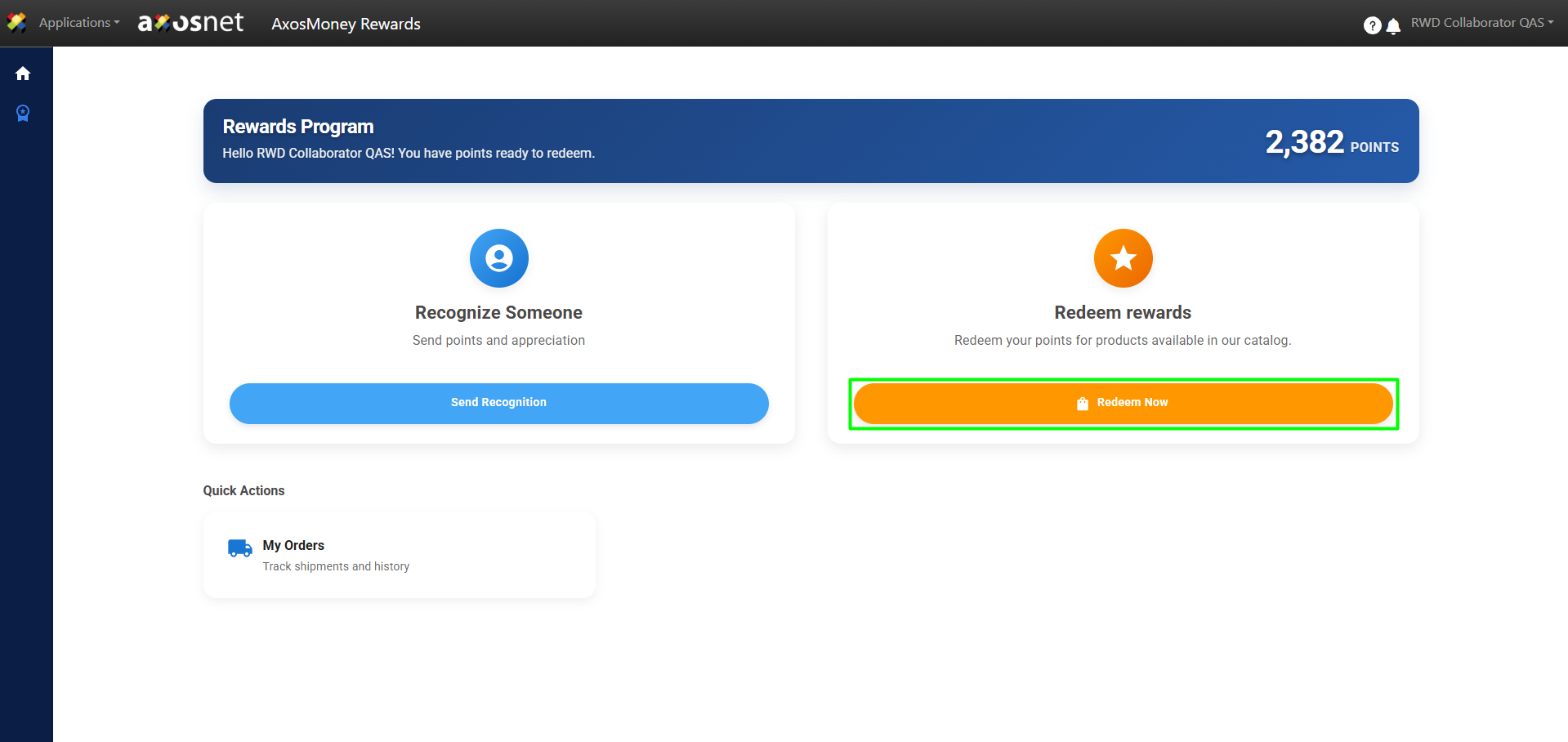
4. Click on Redeem Now.
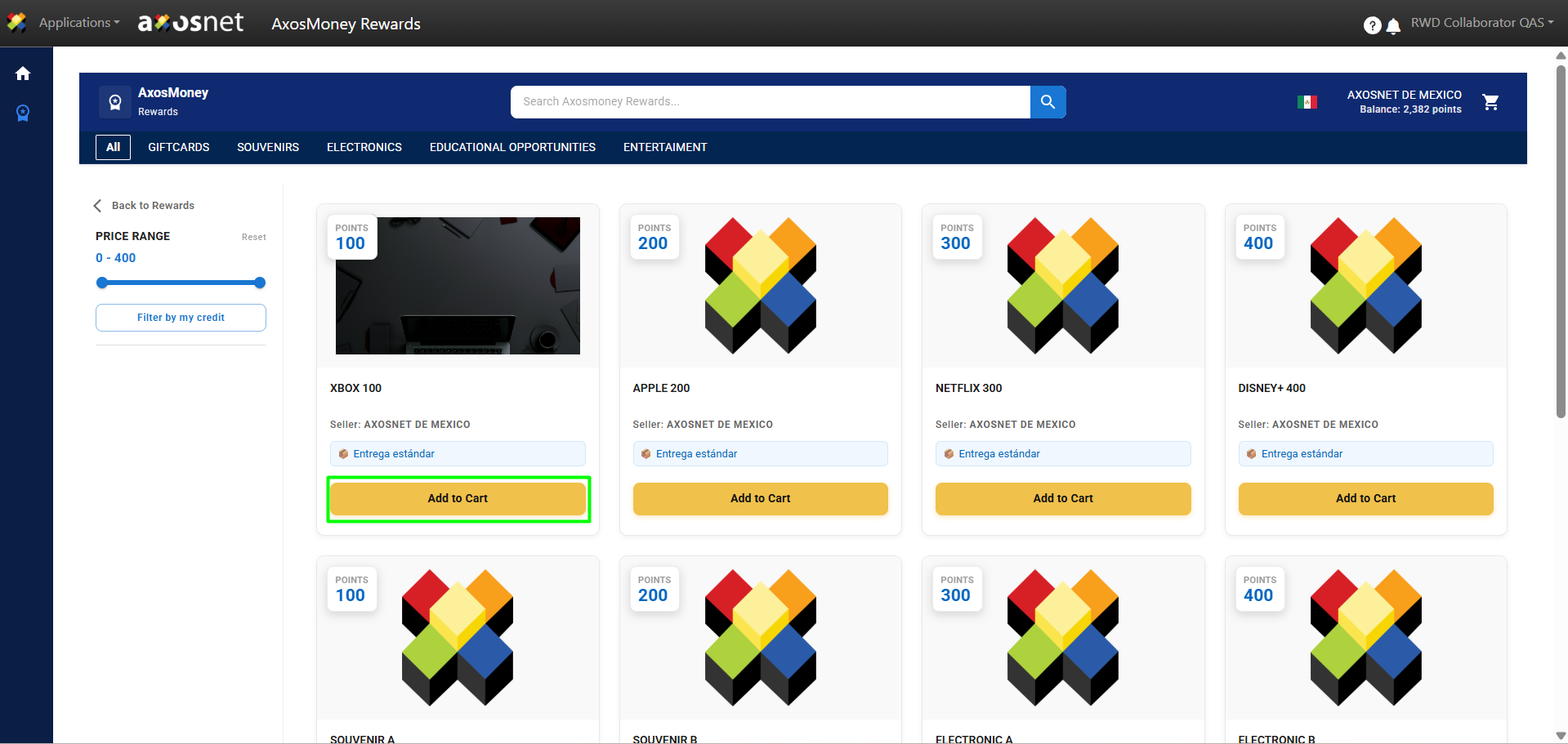
5. To redeem a product, click on Add to Cart.
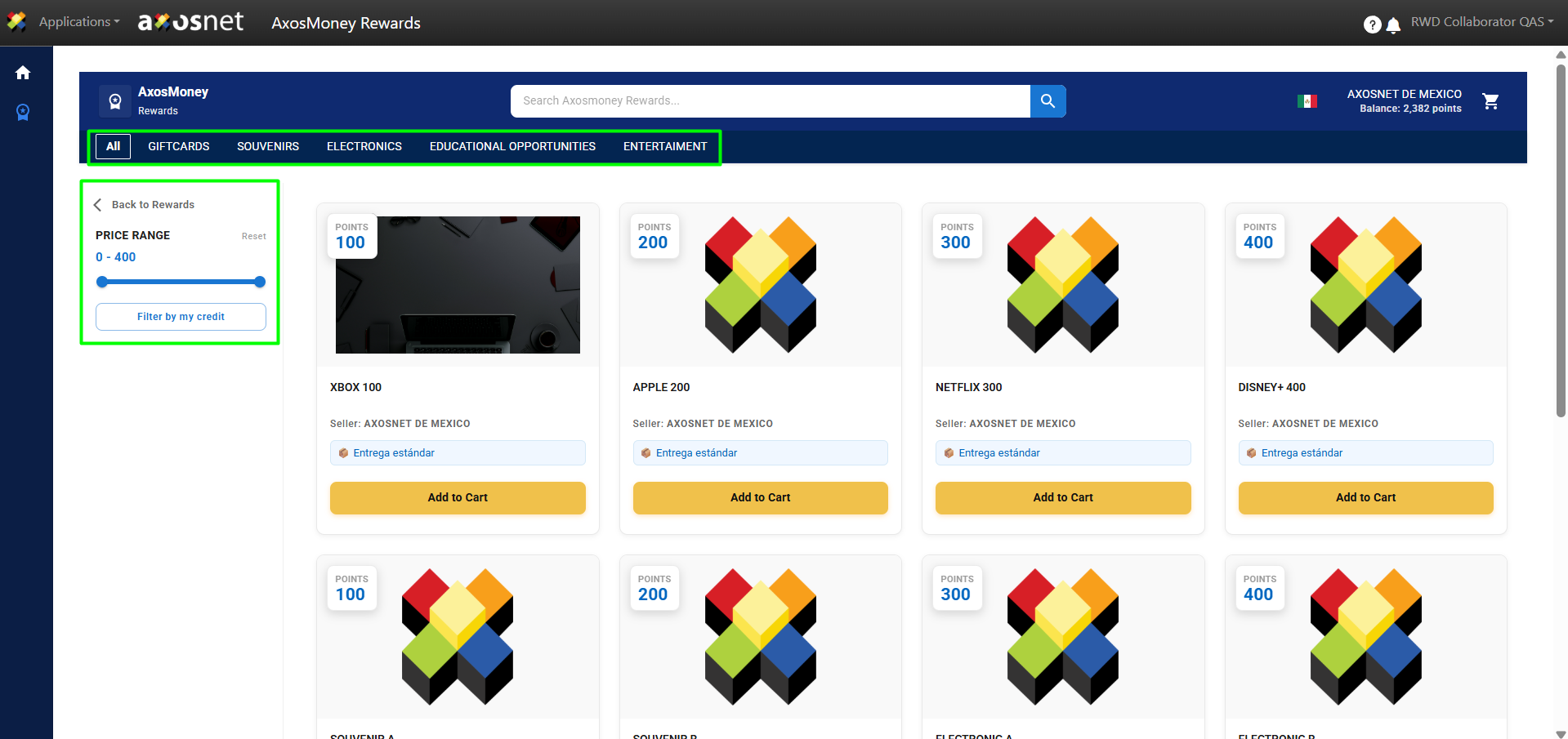
Note: It is possible to filter the products by category at the top or by their price in points using the filter in the left sidebar menu.
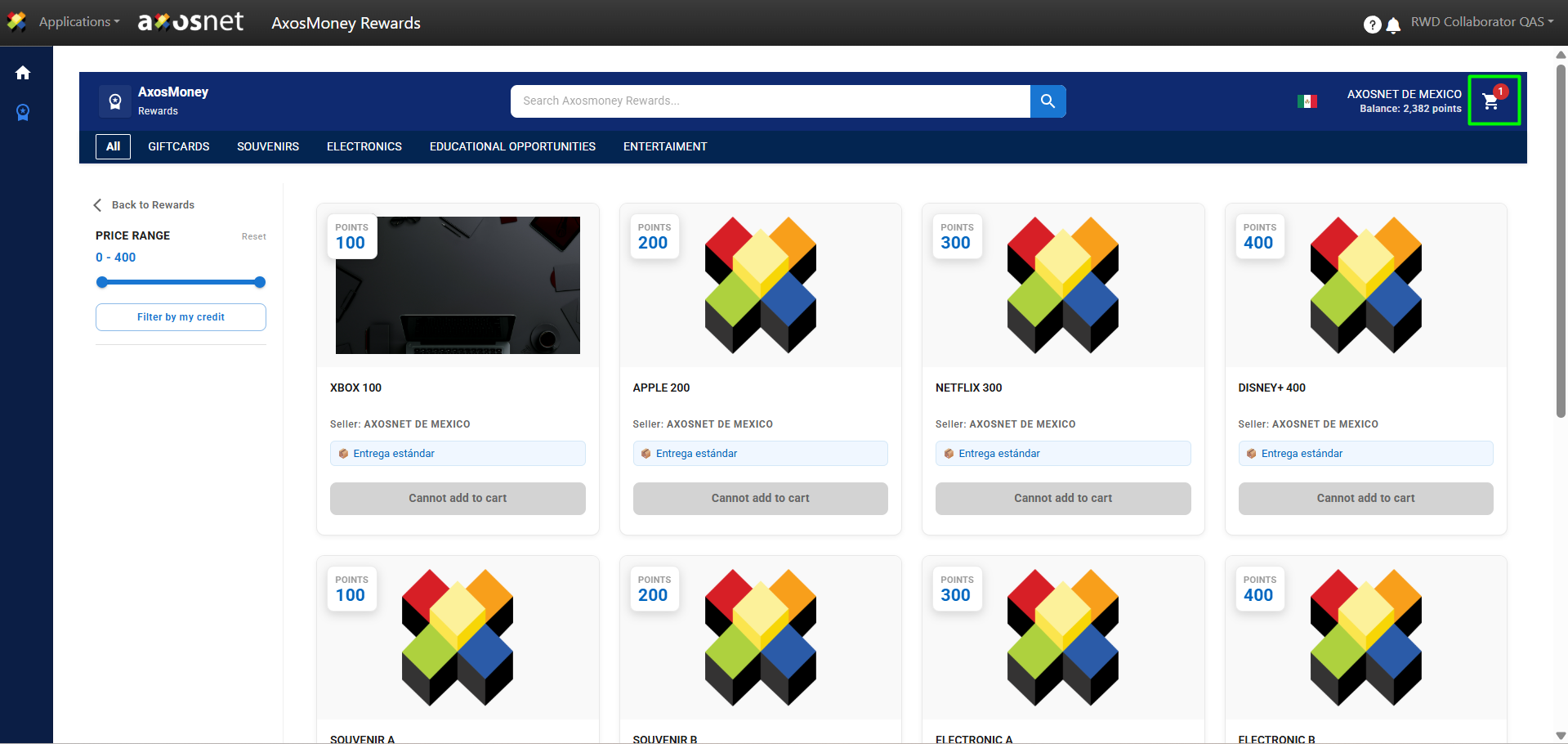
6. To continue with the redemption process, access the shopping cart icon and select the Proceed to Checkout option.
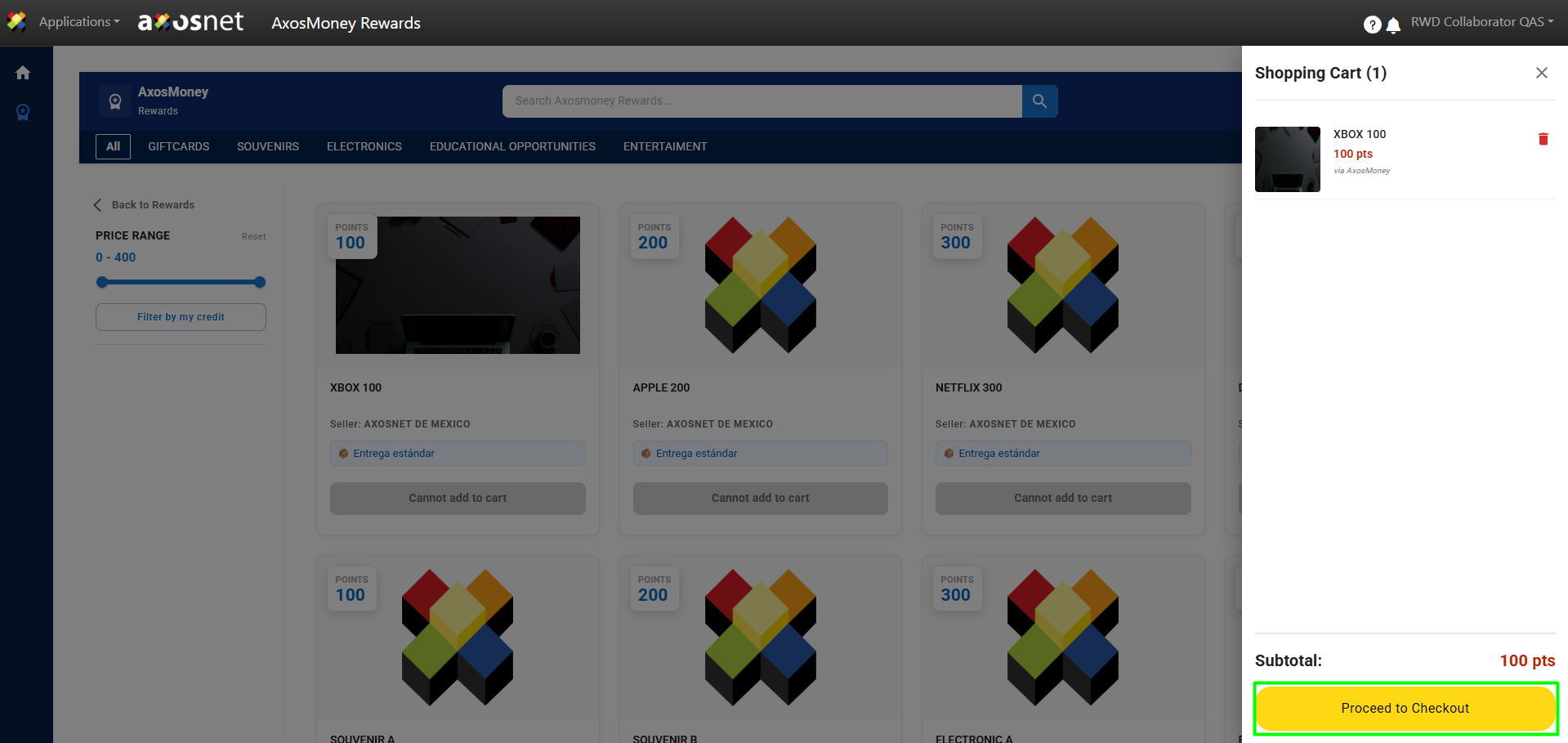
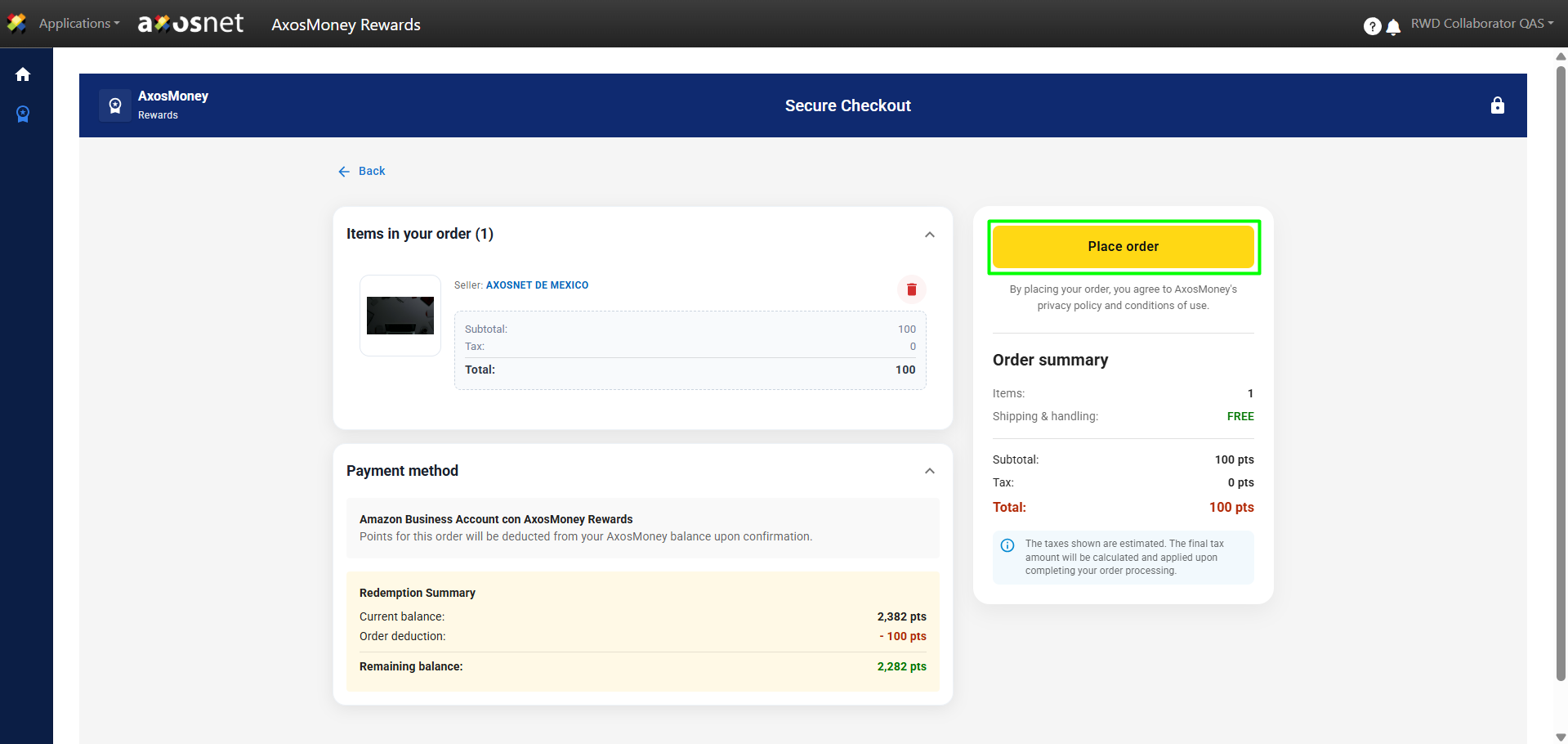
7. To confirm the reward redemption, click on Place Order.
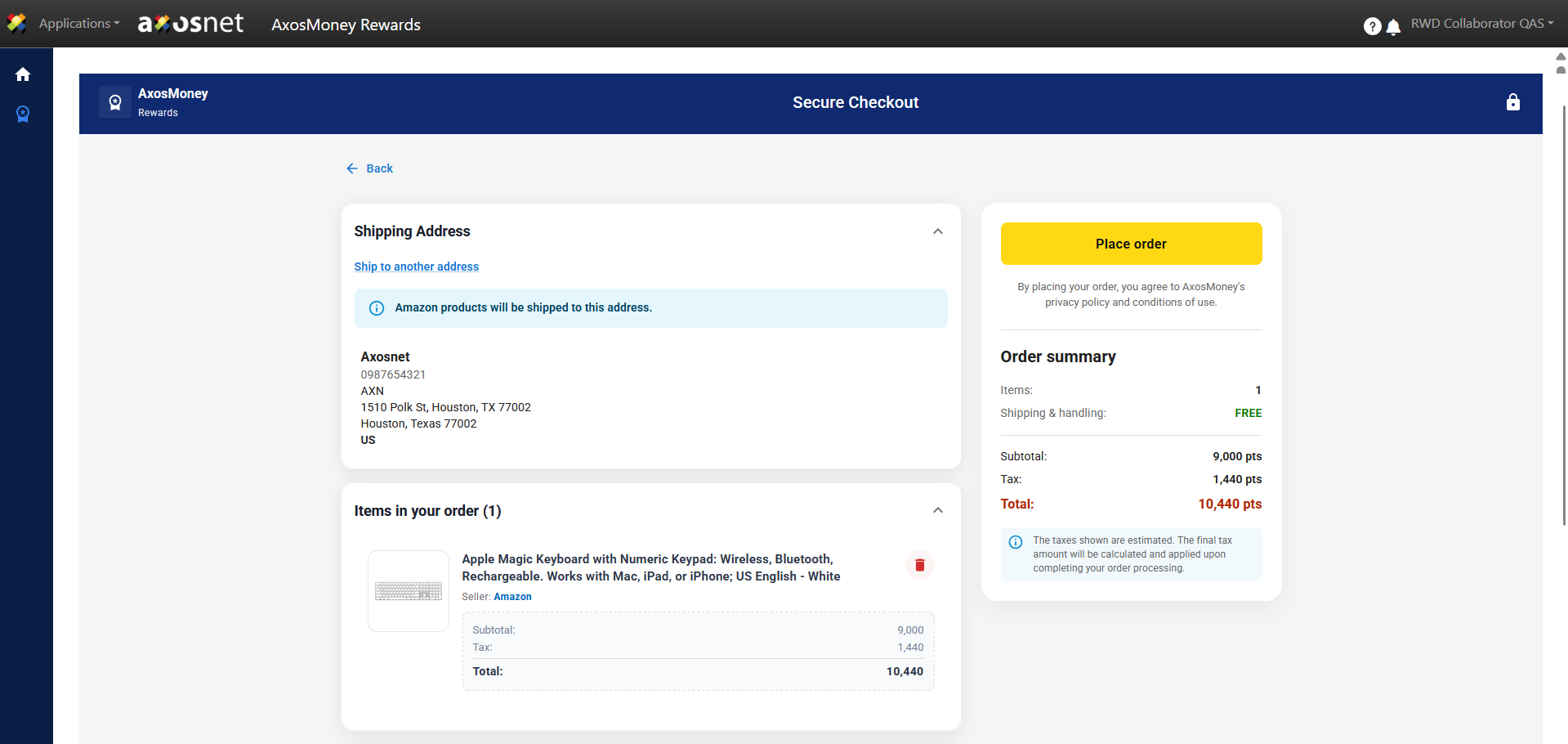
Note: When redeeming a product from the Amazon catalog, verify the shipping address before placing the order.
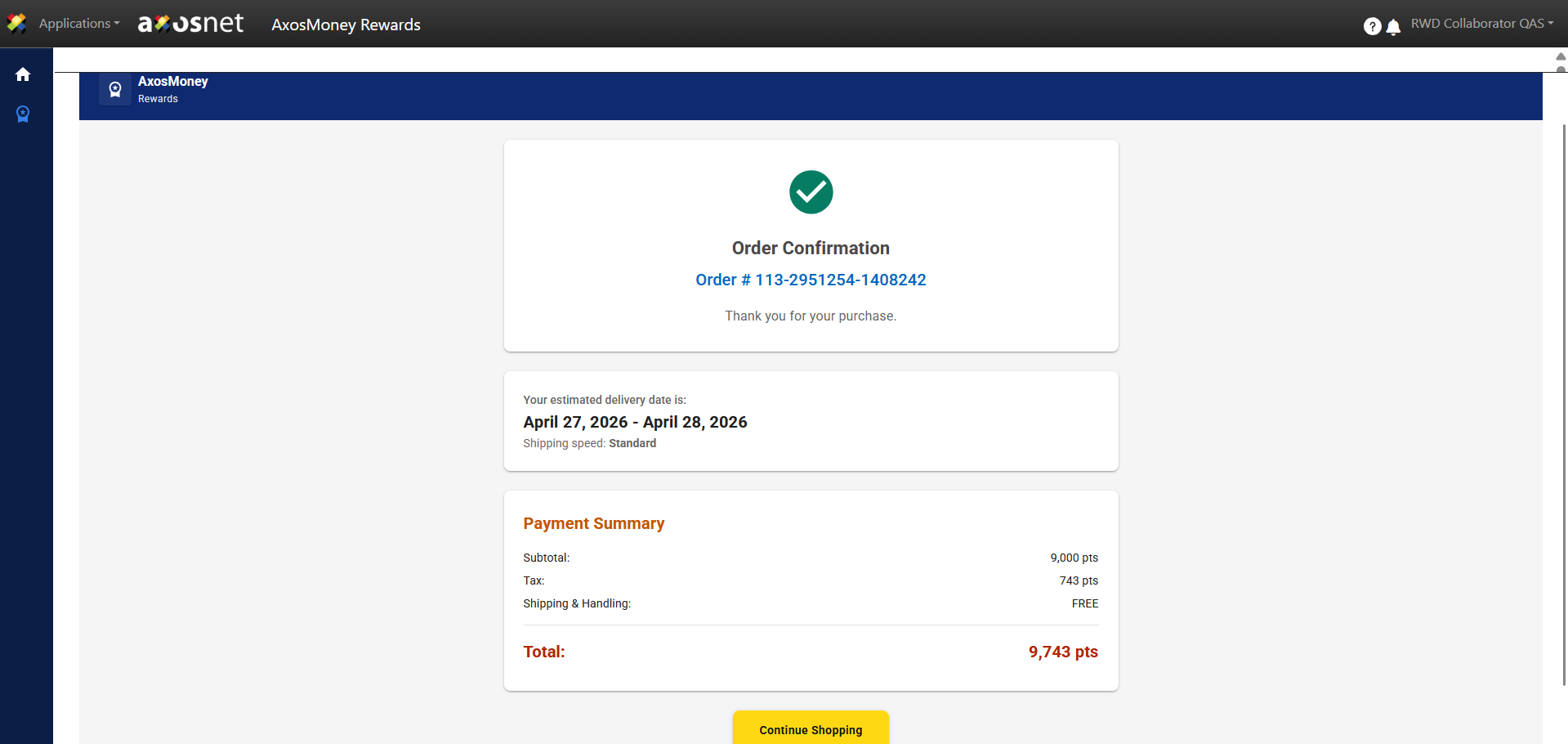
8. A message will appear confirming the order.
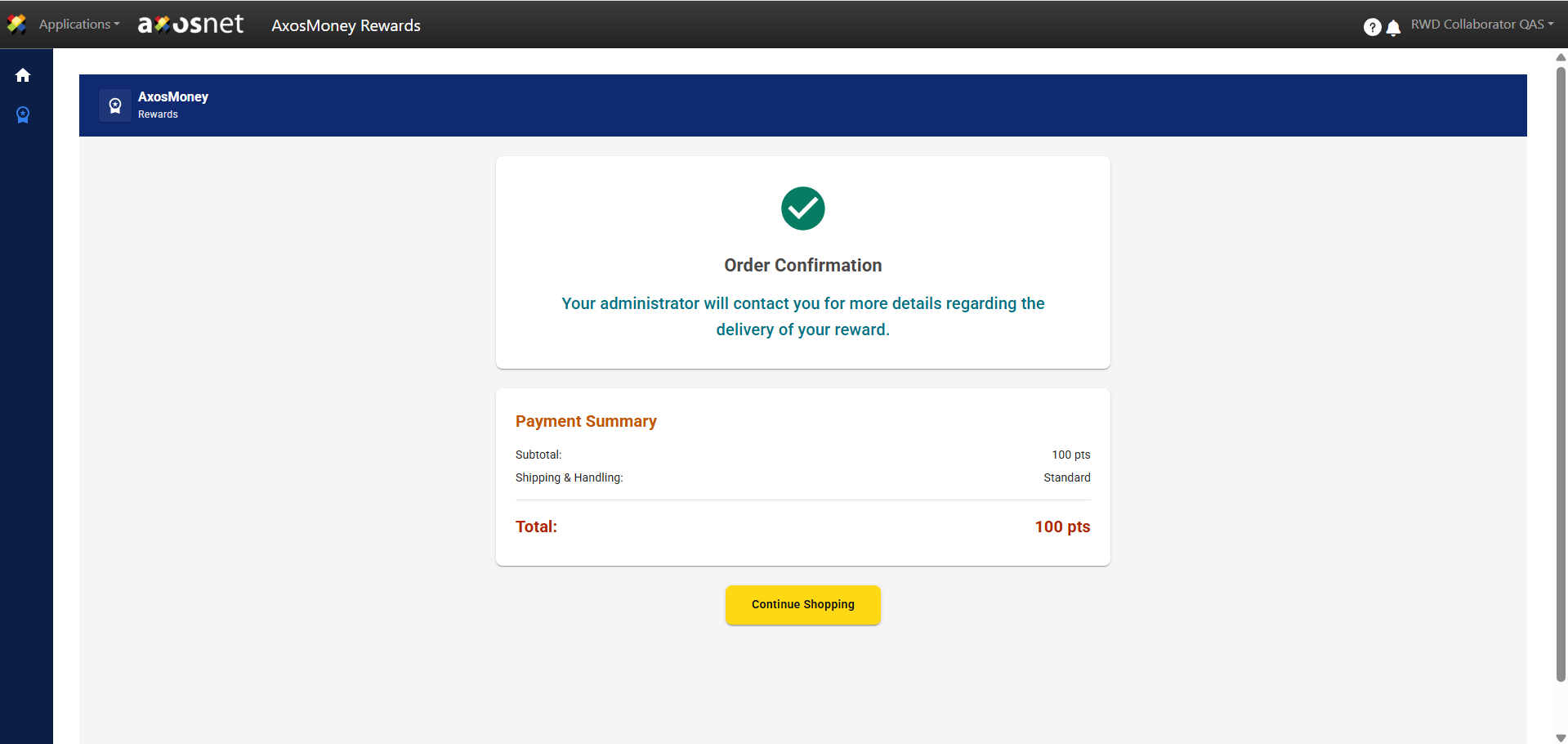
Note: When ordering a product from the Amazon catalog, the order number will be displayed for tracking.
9. Finally, the collaborator can track the order by going to the My Orders section.