To Deactivate the “Acting as” function, you need to click the blue box “Done Acting As” the “Act as” action will be stopped, and it will return to the original user.
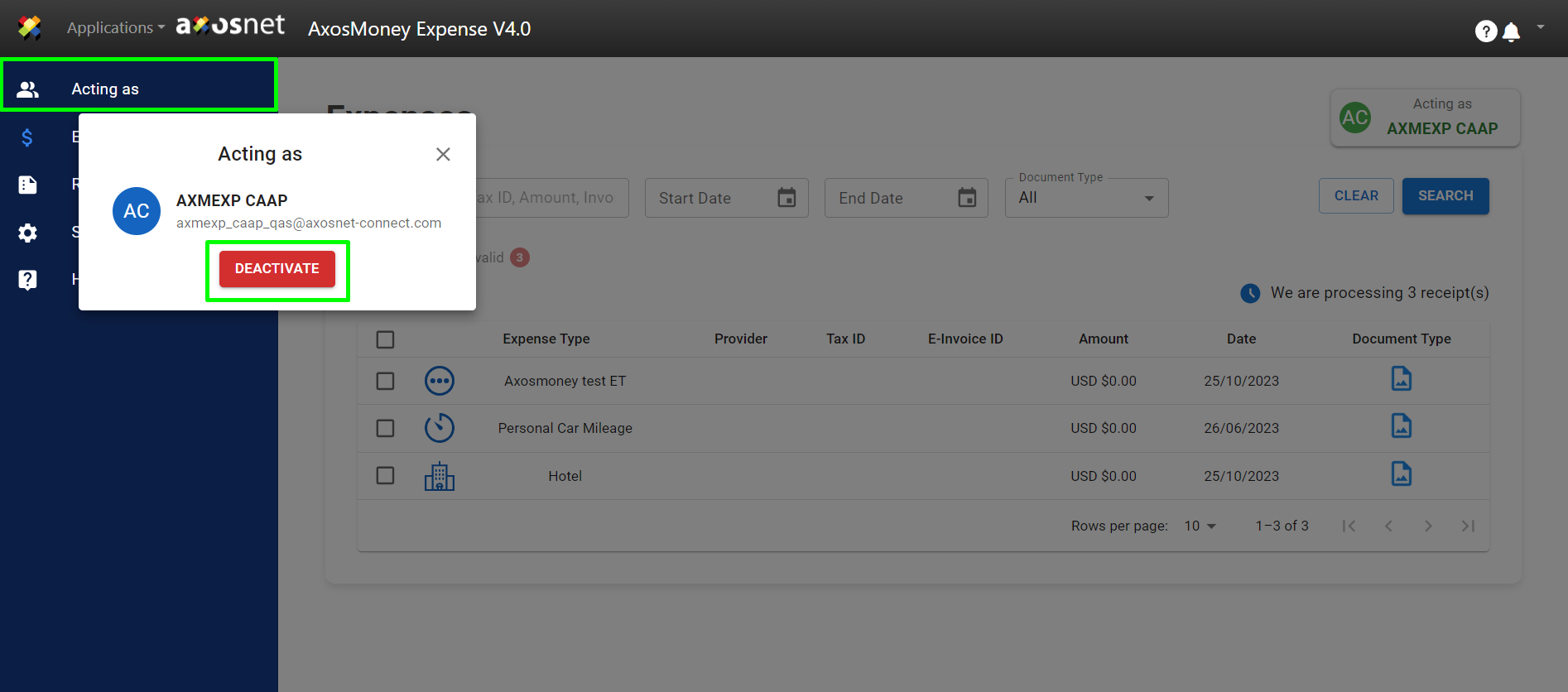

To Deactivate the “Acting as” function, you need to click the blue box “Done Acting As” the “Act as” action will be stopped, and it will return to the original user.