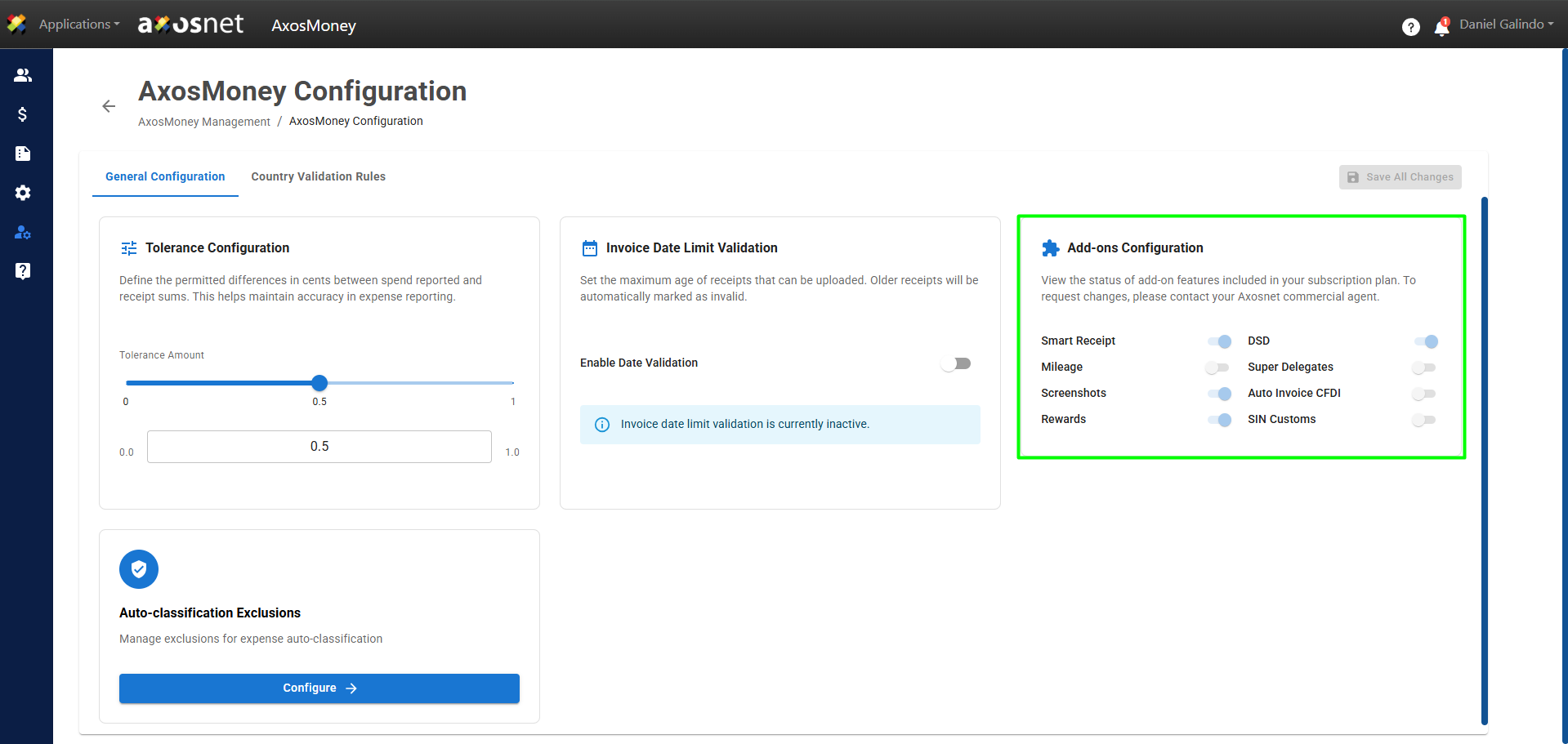
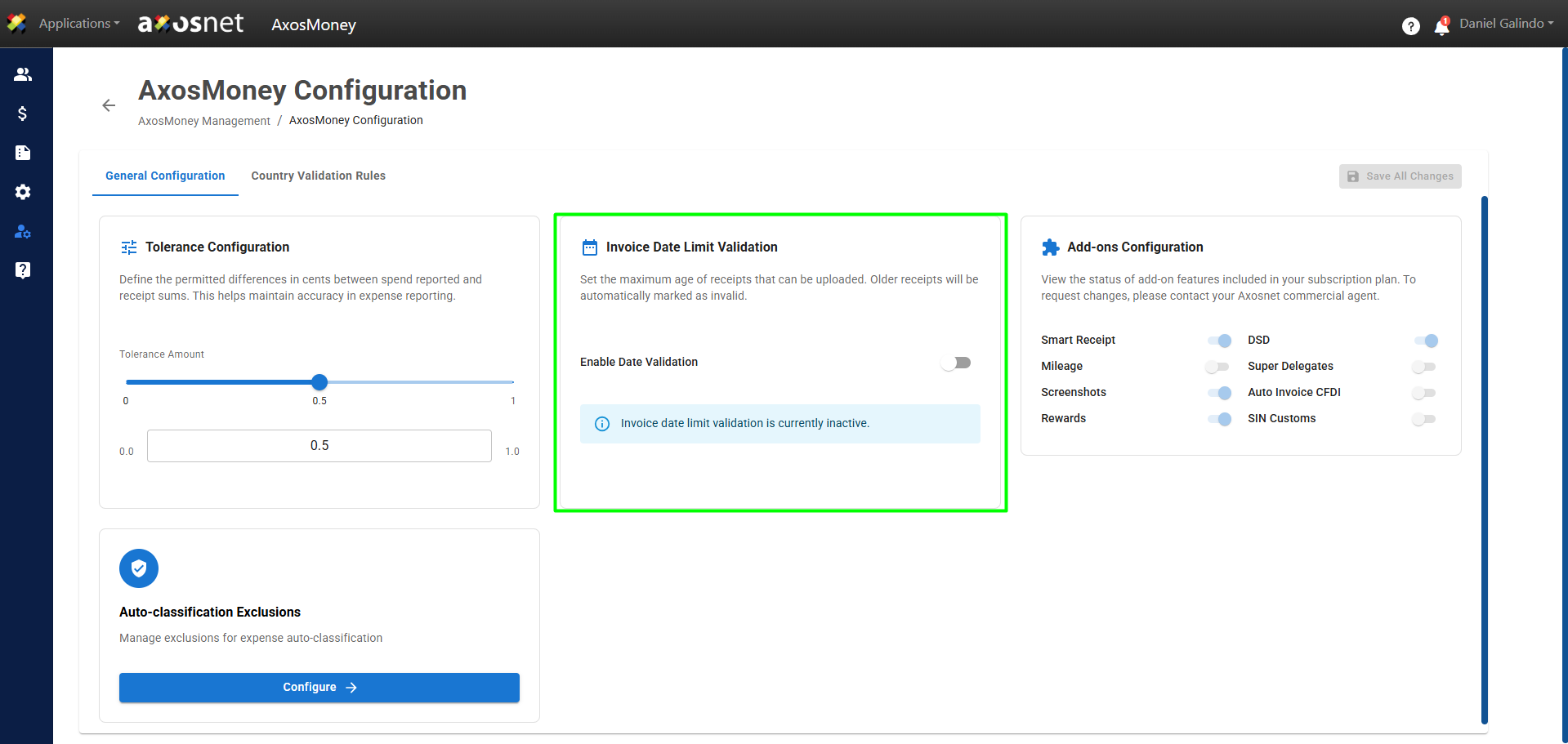
On the General Configuration tab, you can view AxosMoney’s general configuration settings. From here, you can adjust options that affect how the system operates and how documents are validated.
In this section you can:
- Set the amount tolerance allowed in tax validation.
- Set a limit on the number of days for receiving invoices from their date of issue.
- View the status of additional features or add-ons included with your subscription.
Parameters
| Item | Description |
| Tolerance Configuration | Allows for small differences due to rounding. Adjustment from 0 to 1 unit. |
| Invoice Date Limit Validation | Define the maximum period (in days) for receiving invoices from their date of issue before validating them. |
| Add-Ons Configuration | View the status of the additional features included in your subscription plan. |
Access to General Configuration
1. Go to the Management section in the left-hand side menu and click on AxosMoney Configuration.
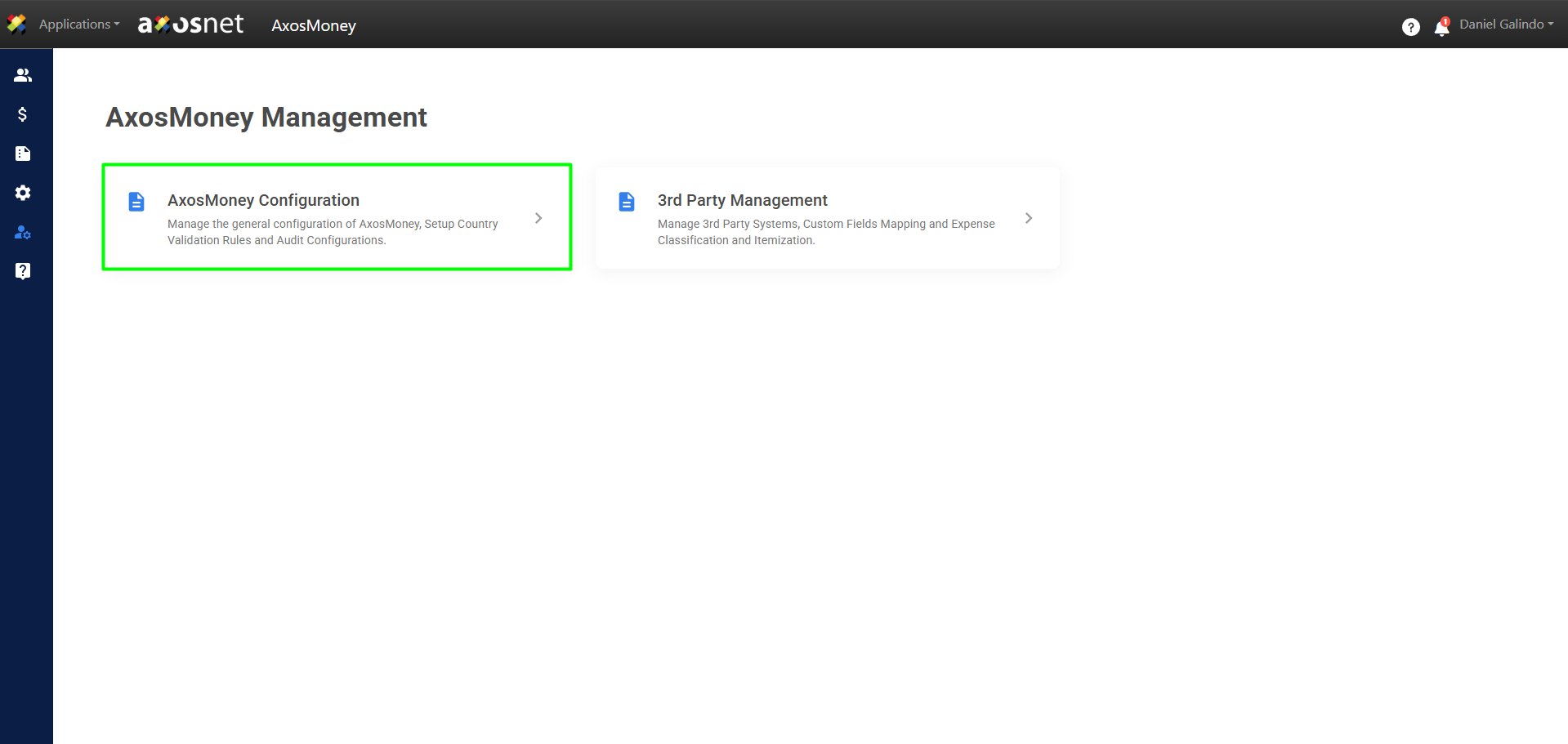
2. On the General Configuration tab, you will find the general configuration settings for AxosMoney. From here, you can adjust options that affect how the system operates and how documents are validated.
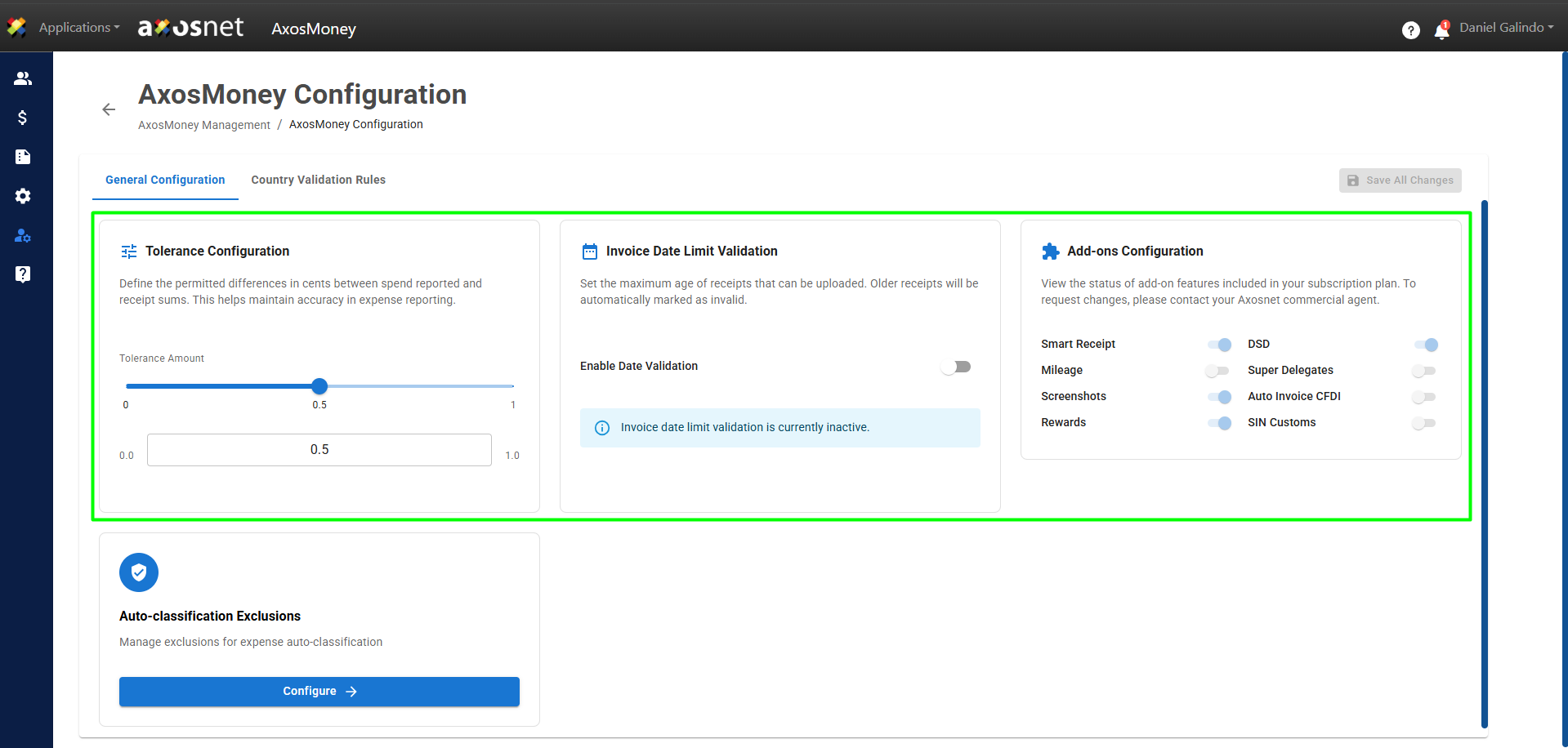
Tolerance Configuration
Locate the Tolerance Configuration option and drag the slider to set the allowed decimal margin (from 0 to 1 unit).
When you’re done modifying the settings, click Save All Changes to apply them.
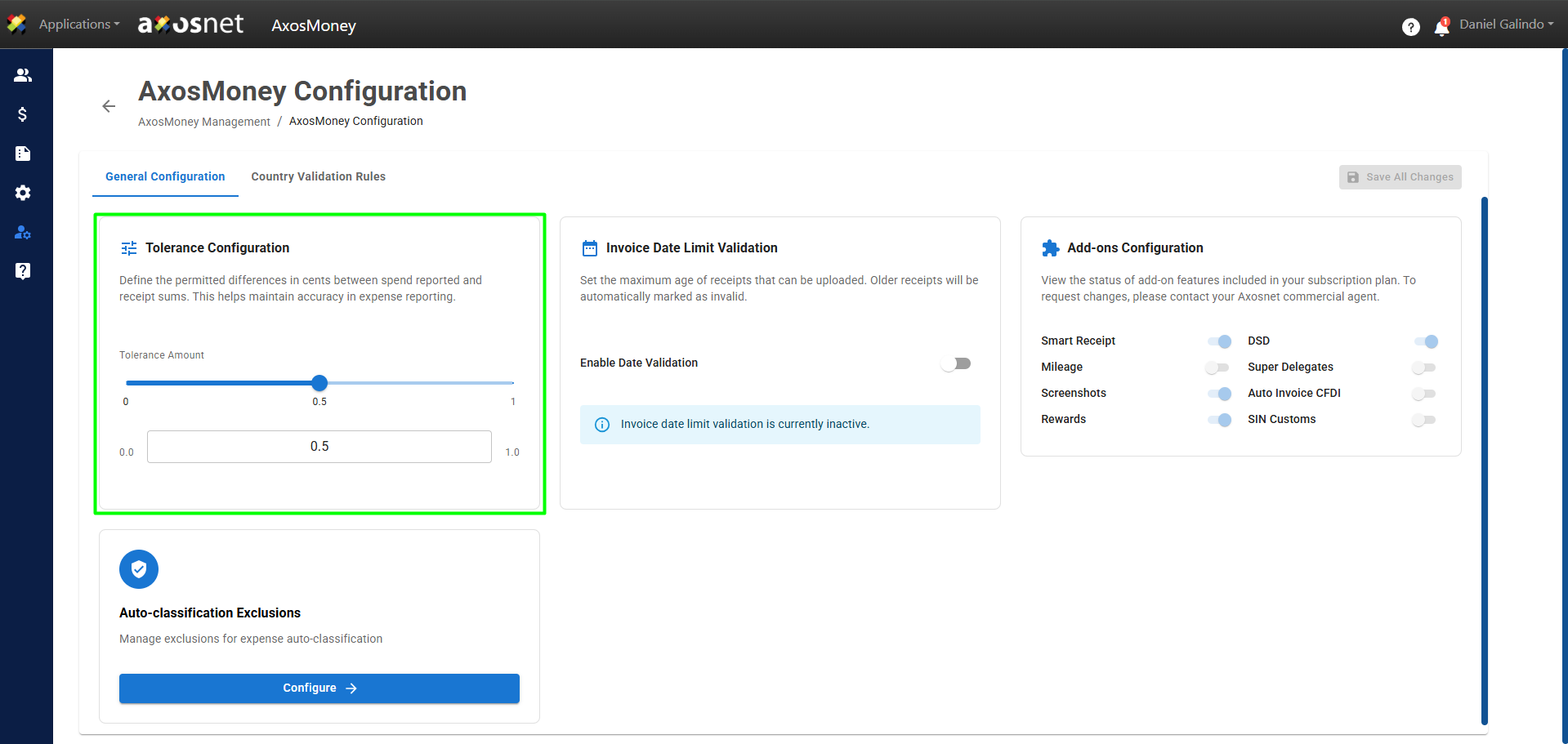
Invoice Date Limit Validation
Locate the Invoice Date Limit Validation option and enter the number of days allowed between the issue date and the validation date.
When you’re done modifying the settings, click Save All Changes to apply them.
Add-Ons Configuration
Go to the Add-Ons Configuration option to view the status of the additional features included in your subscription plan. To request changes, contact your Axosnet sales representative.