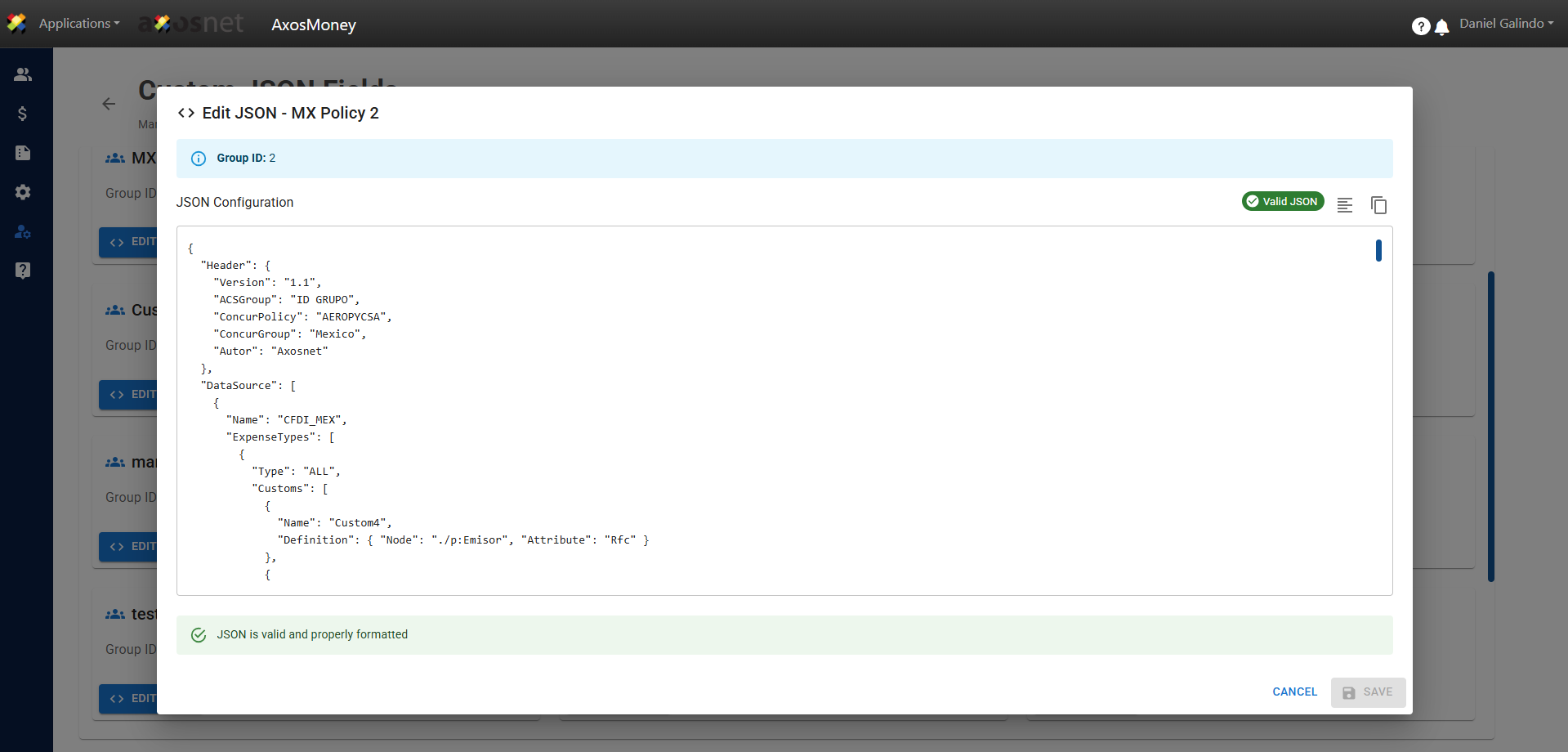
In this section, you can set the criteria for a specific policy for your organization. Custom fields are a key part of the policies we discussed in point i. To configure them, follow these steps:
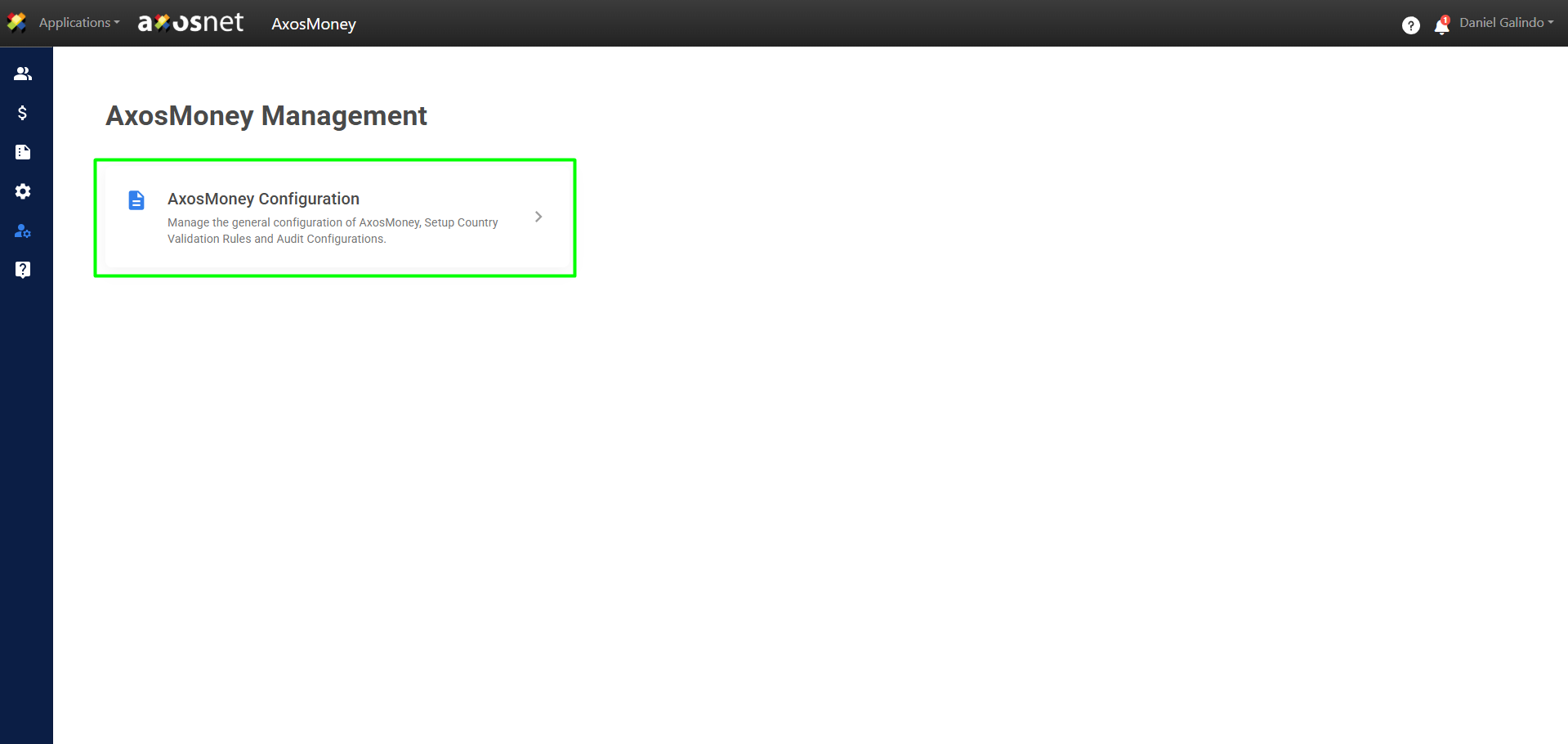
1. Go to the Administration section in the left side menu and click on AxosMoney Configuration.
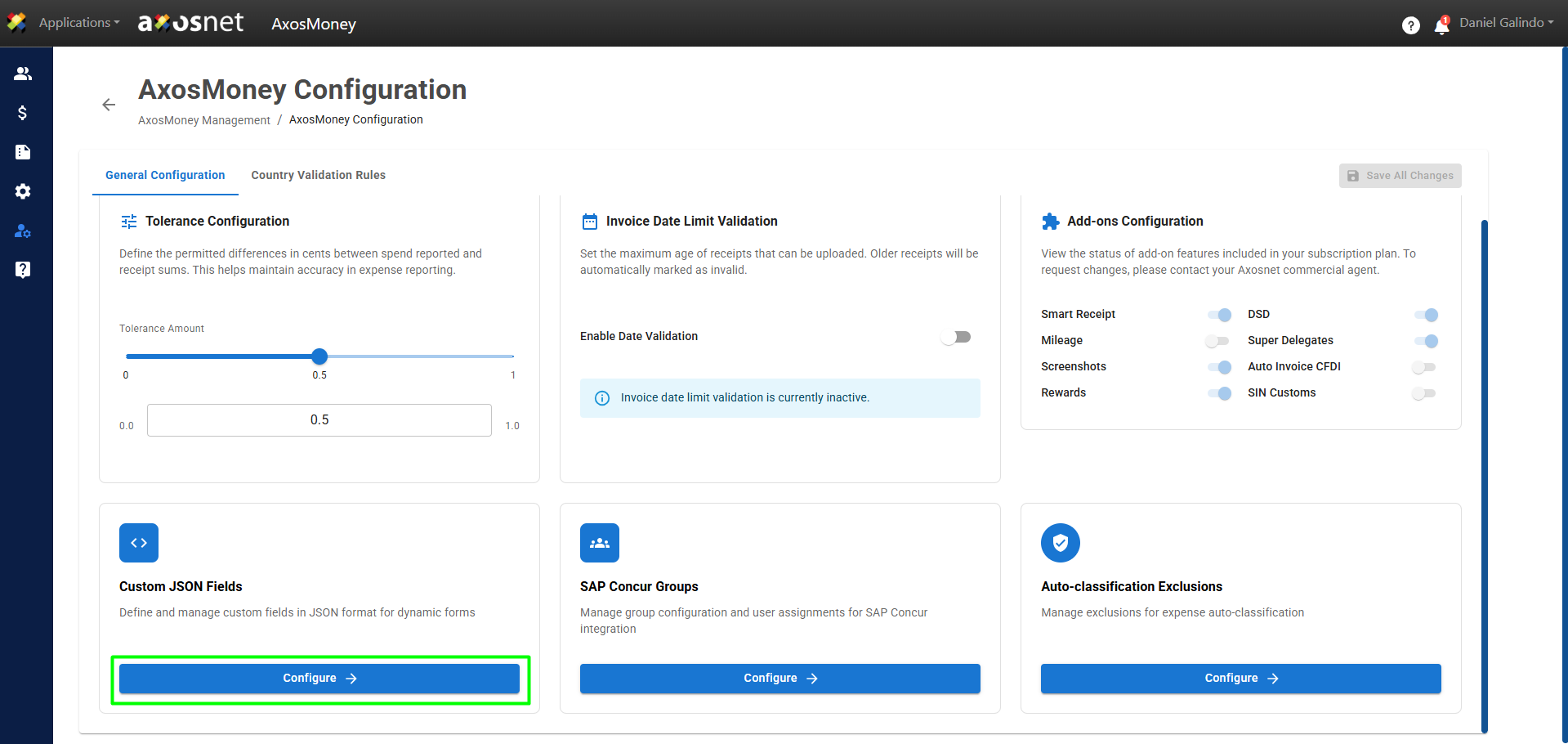
2. In the Custom JSON Fields section, click Configure.
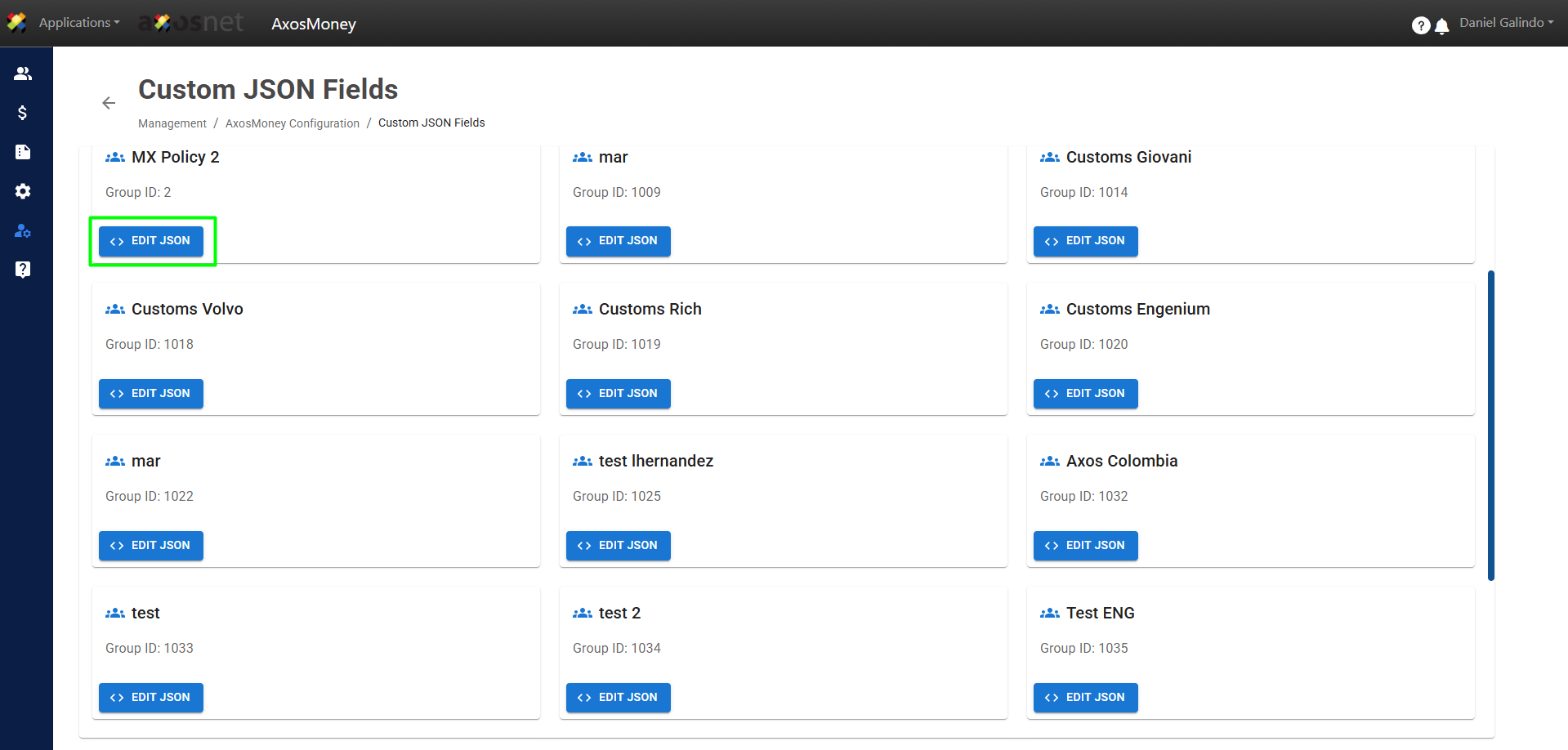
3. On this screen, you can click Edit JSON to edit the configuration.
4. When you click Edit JSON, a pop-up window will appear where you can edit or add all the settings you need for that specific custom field.