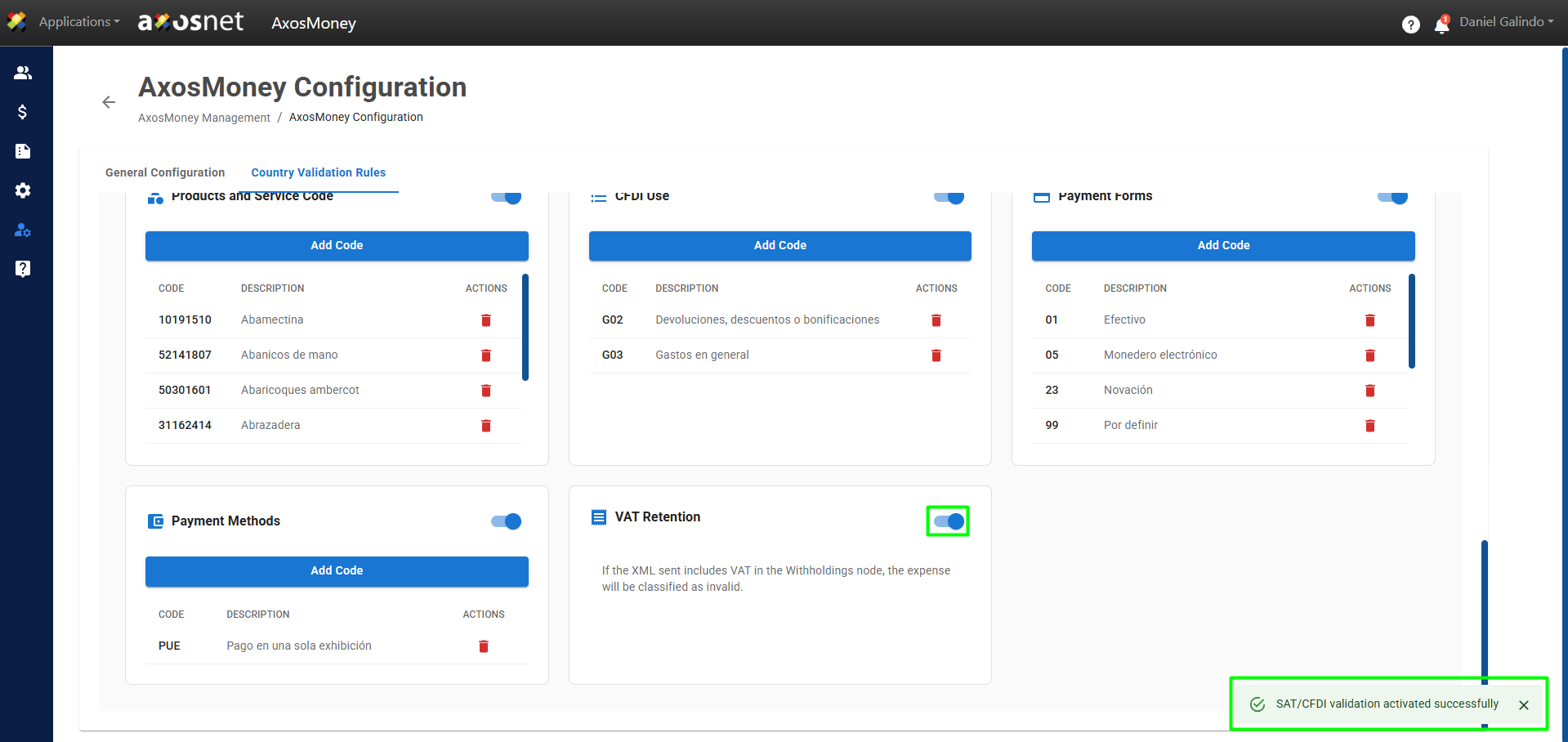
In this section, you will learn how account administrators can activate the validation for VAT Retention. This allows your AxosMoney application to validate and classify submitted expenses that include VAT in the Withholding node.
To activate it, follow these steps:
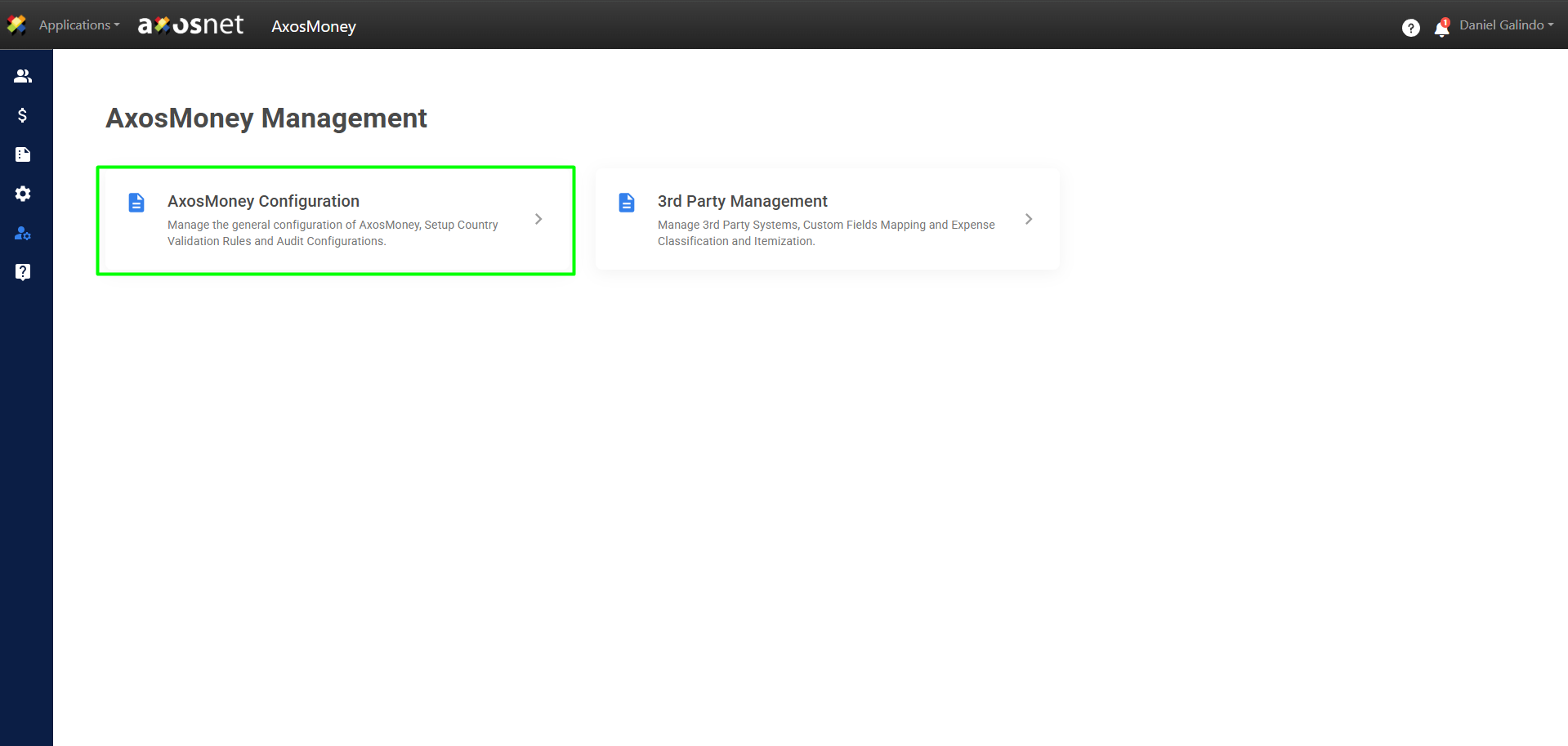
1. Go to the Administration section in the left side menu and click on AxosMoney Configuration.
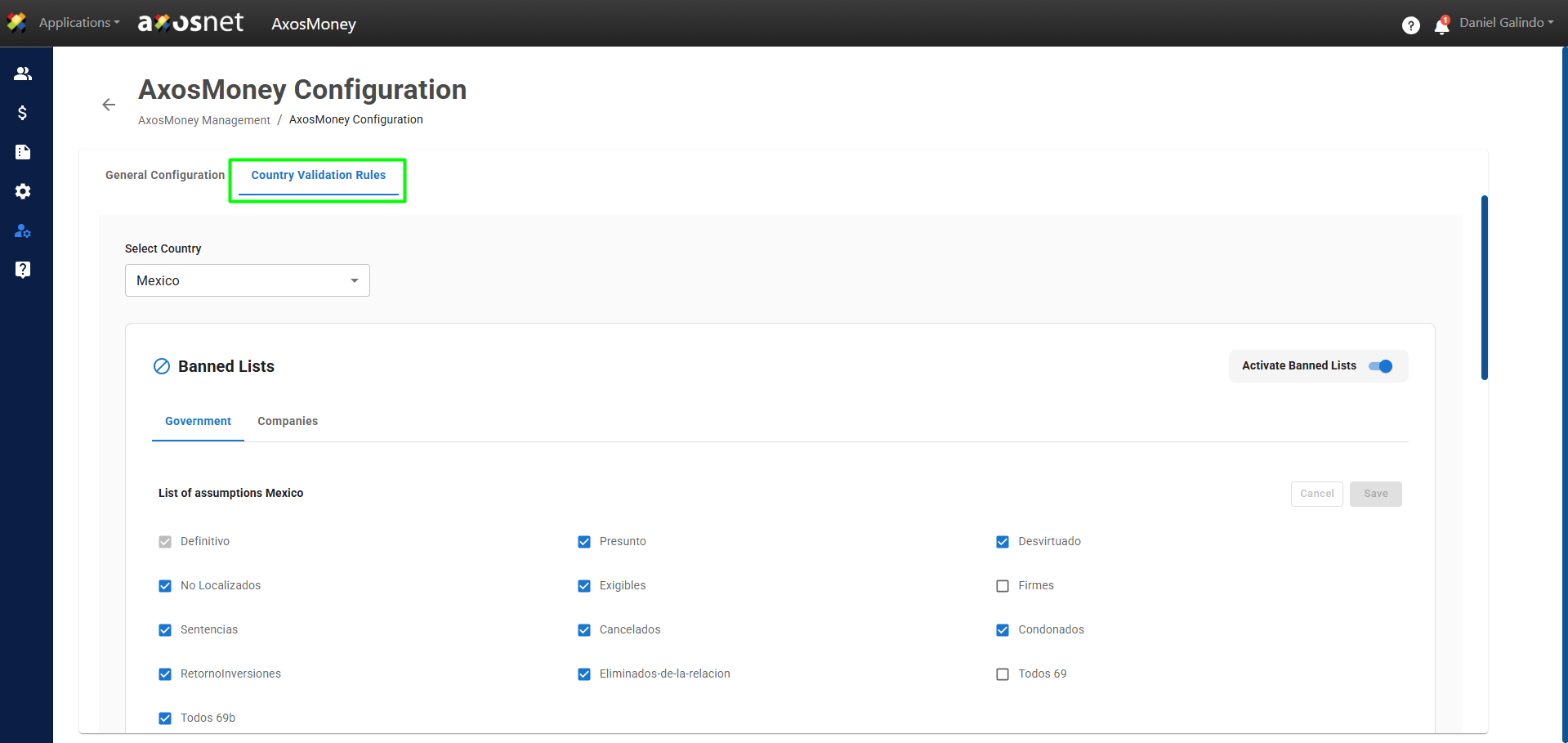
2. Select the Country Validation Rules tab.
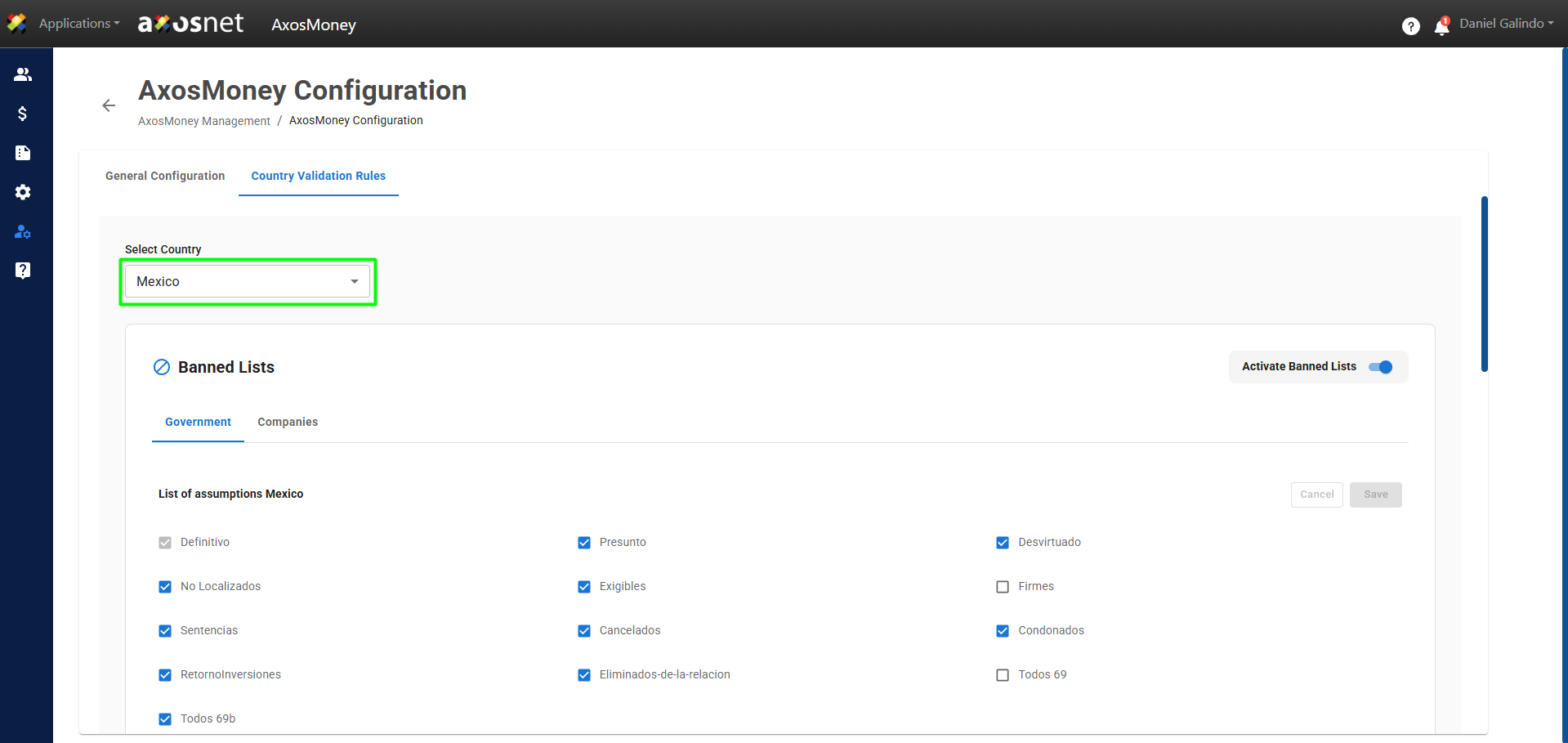
3. Select the country you want to configure.
4. Scroll down and locate the VAT Retention section.
Note: When validation for VAT retention is disabled and the submitted XML includes VAT in the “Retentions” node, the expense will be classified as invalid.
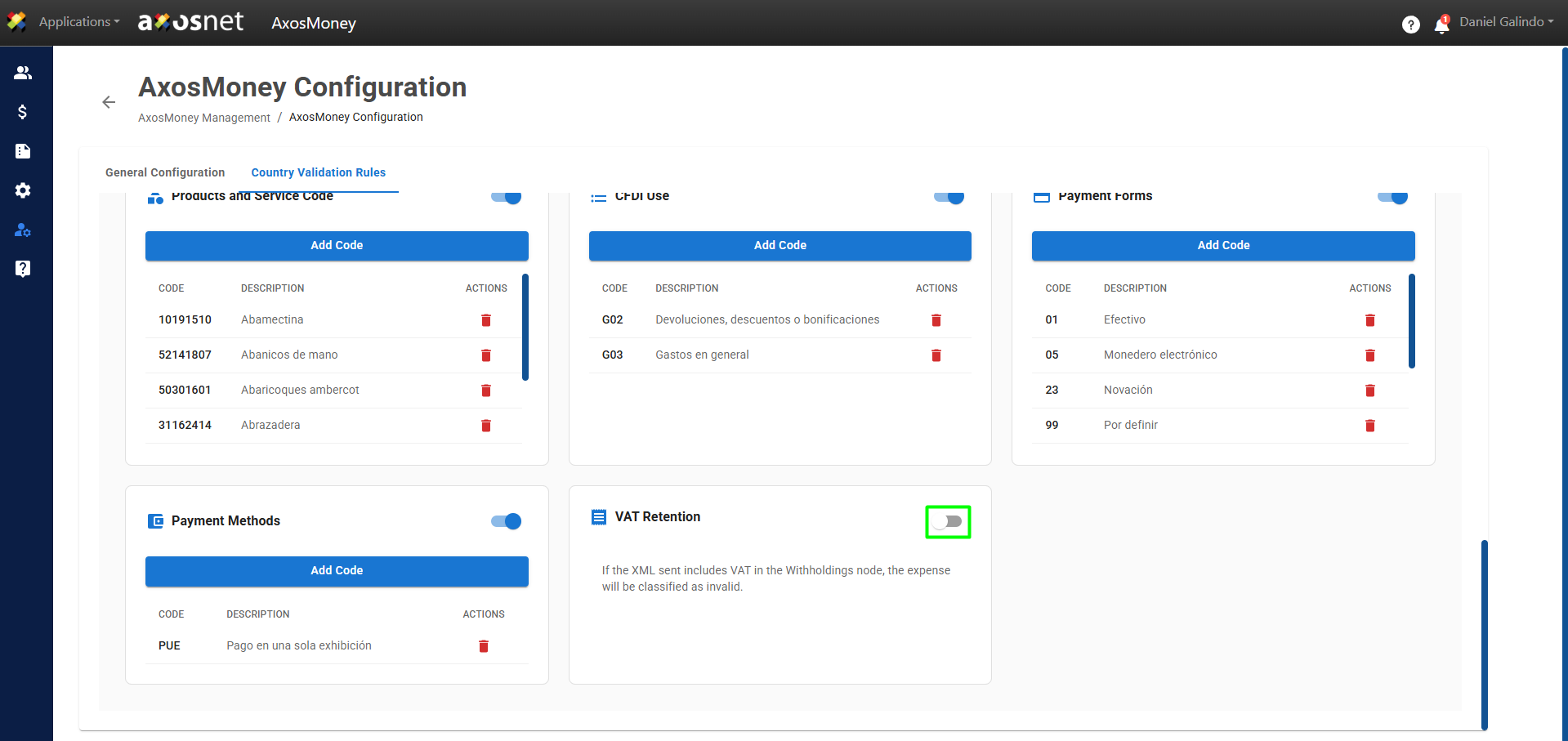
5. Once you activate it, a message will appear confirming the validation of VAT retention in your account.