In Rewards it’s necessary to set up the team leader, points to award recognitions and delegate in case of the absence of the leader, this configuration is done as follows.
Before proceeding with the setup it is necessary to create the Rewards credentials, to do so you can go to the section CREATE REWARDS CREDENTIALS and have the Organizational Structure previously established, if you do not have it you can do it by going to the section ORGANIZATIONAL STRUCTURE MANAGEMENT.
Add or Modify Leader, Points and Delegate
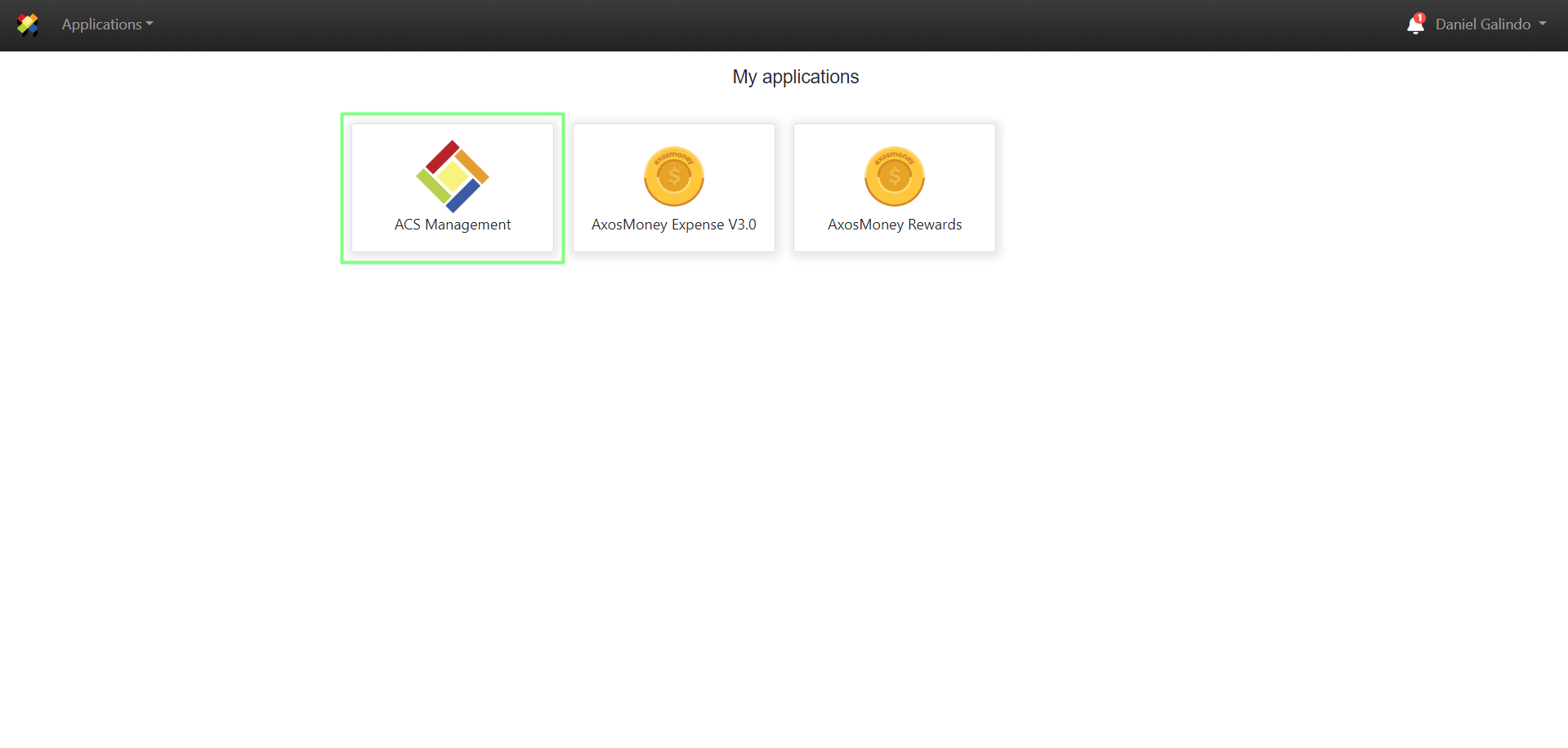
1. A user with Administrator credentials must log in to ACS Management.
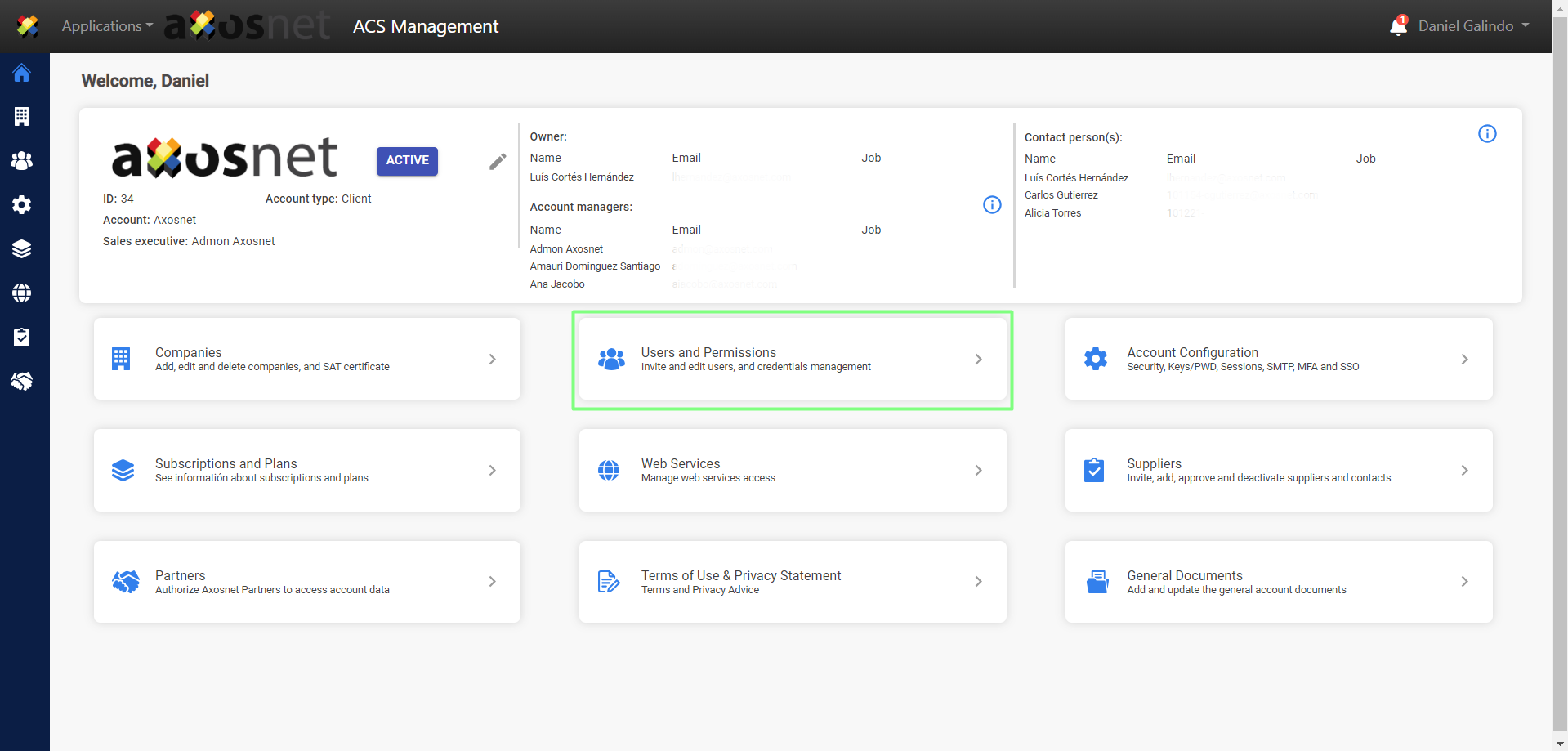
2. Go to the Users and Permissions section.
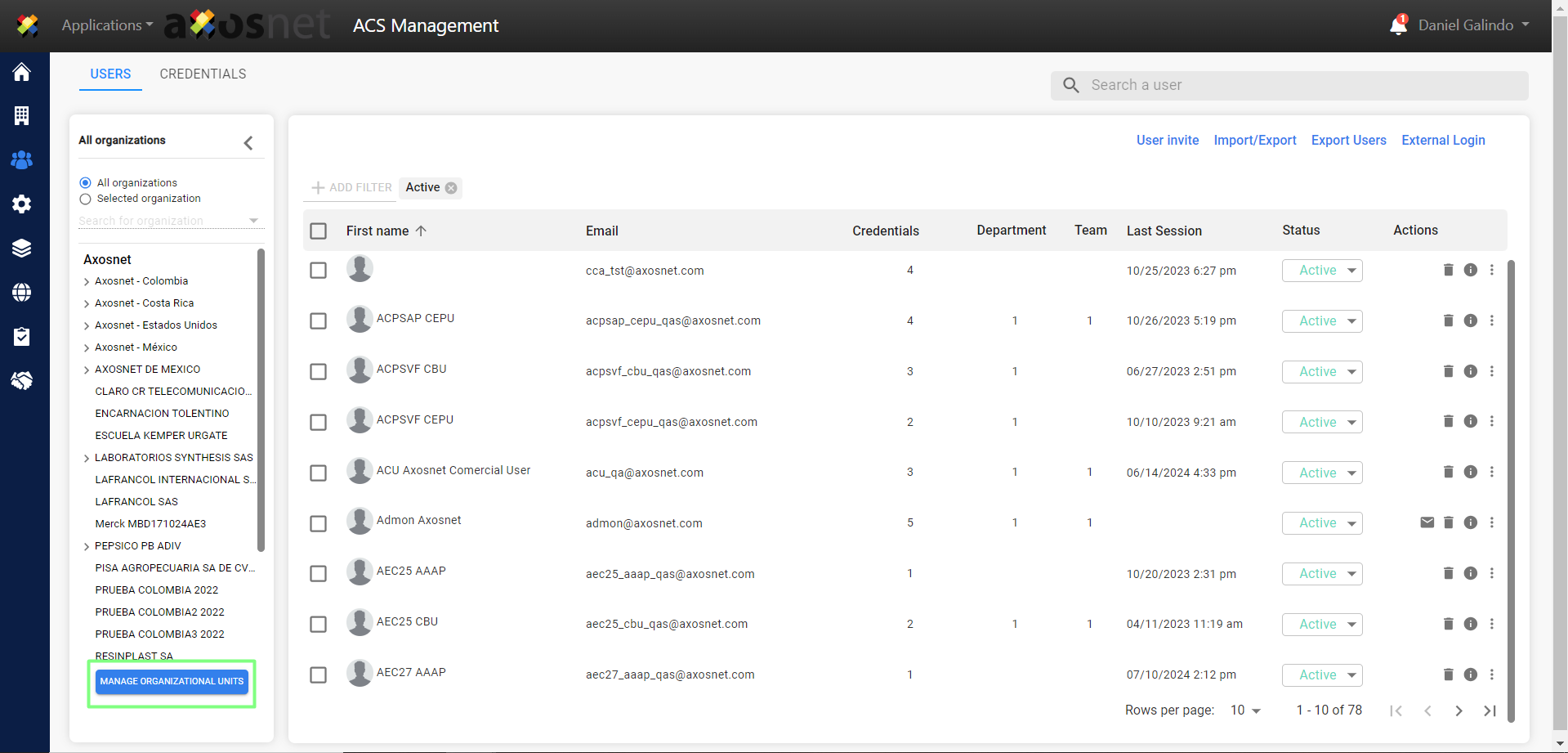
3. Enter the organizational structure by clicking on the MANAGE ORGANIZATIONAL UNITS button.
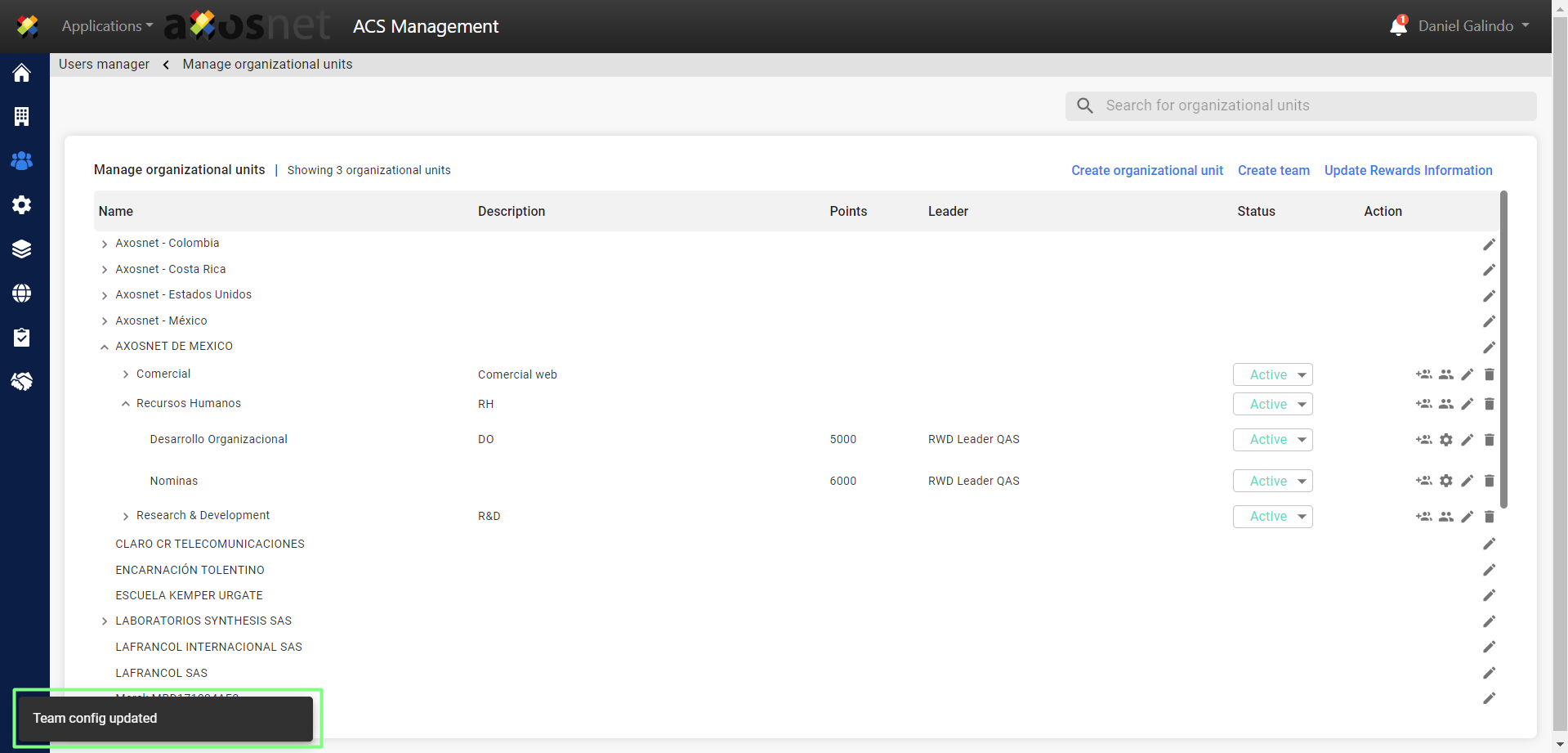
4. Go to the team to set up, you can locate it through the > icon in the organizational structure.
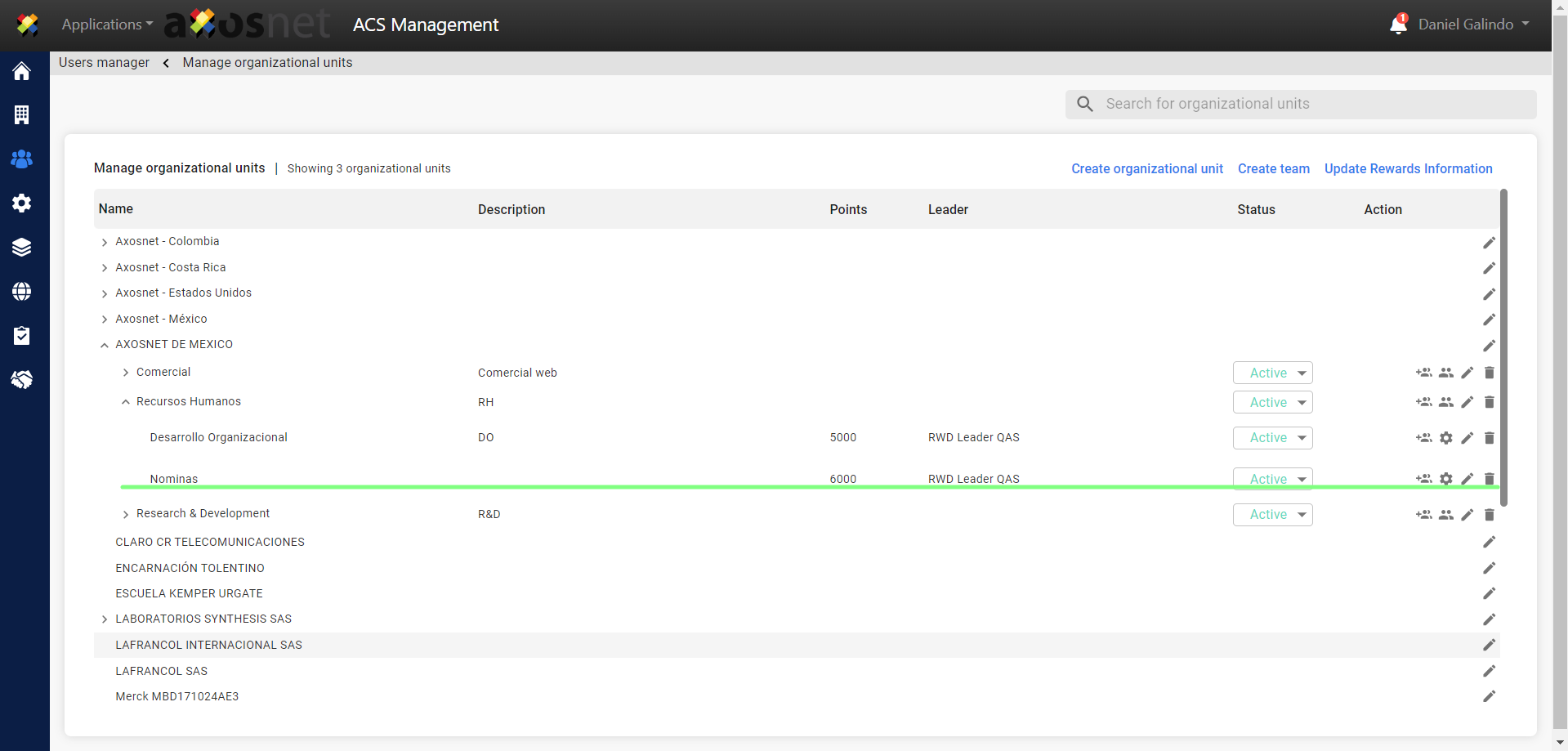
5. Click on the icon ⚙️.
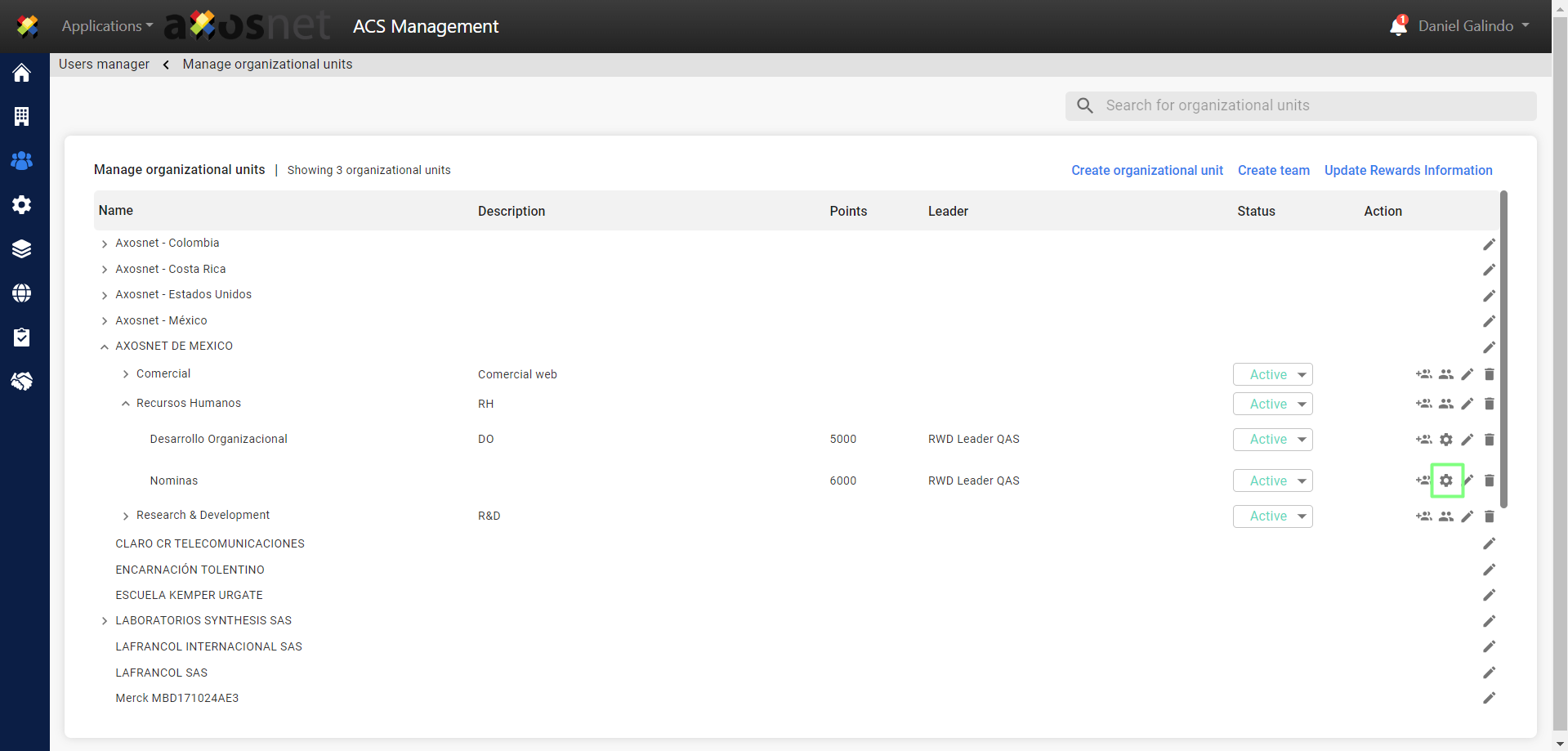
6. In the window shown, the following fields must be set up.
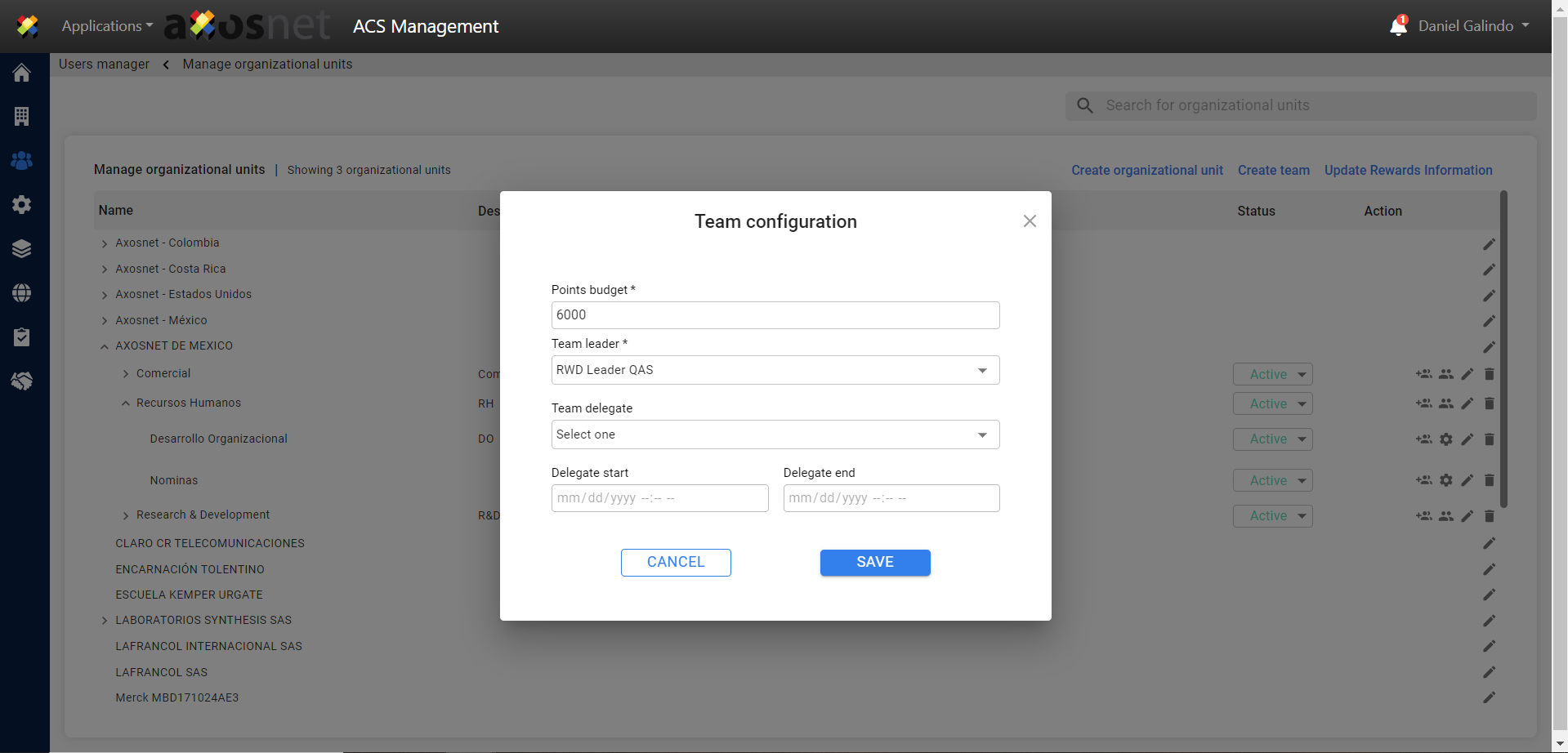
a) Points: This value is the amount of points the team will have to award recognitions.
b) Team Leader: From the list you must select the user who will be the team leader. The list will only show the users who have the credential with the leader role.
c) Delegate: This list will show any user who has a rewards credential so that in the absence of the leader they can perform the leader’s actions. It can be left empty until a delegate is required.
d) Delegation range: This is a range of dates in which the delegate will have the permissions to act as leader.
7. Click on SAVE to apply changes.
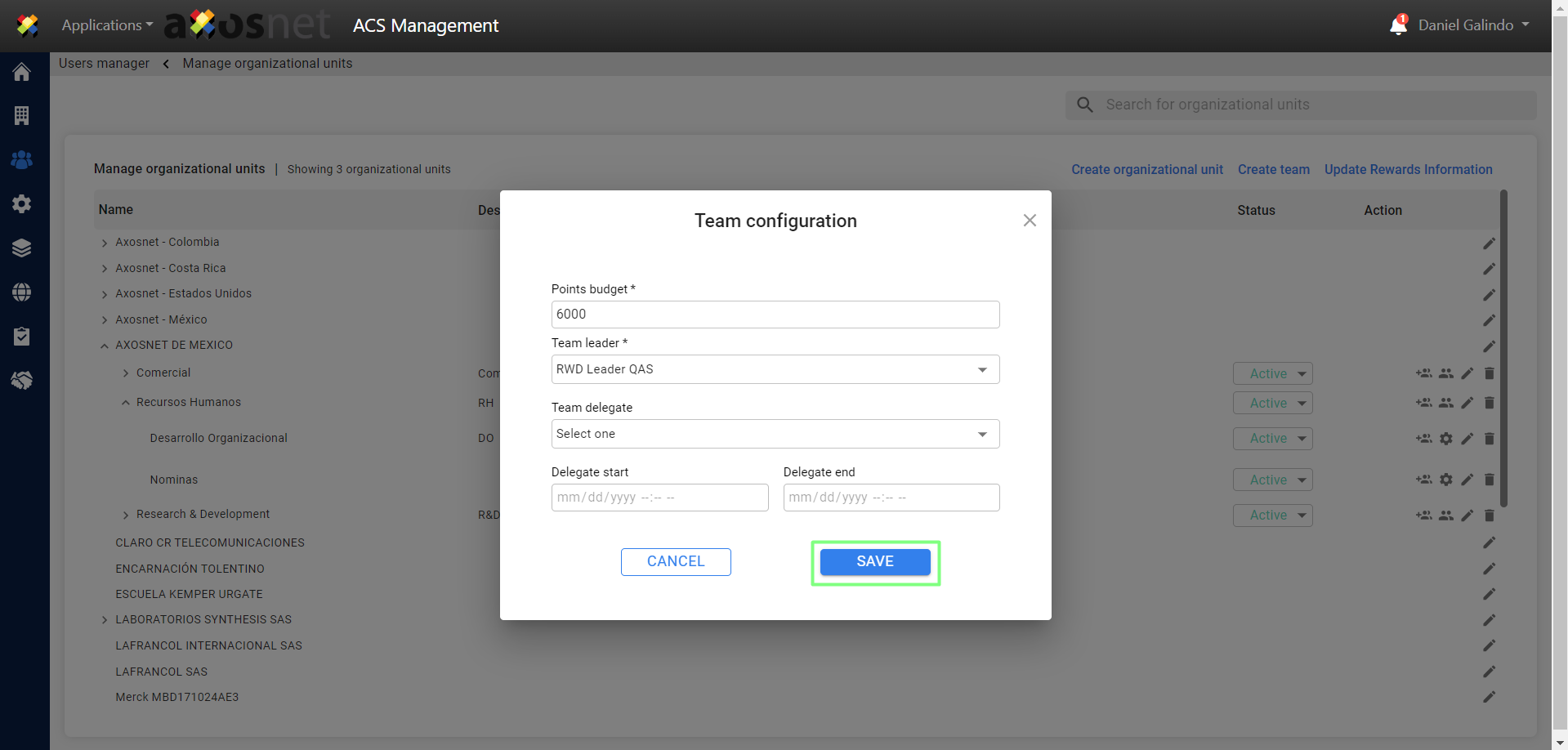
8. After saving you will see a message confirming the change.