To view details, edit, or delete a credential, follow these steps:
1. Log in to ACS Management.
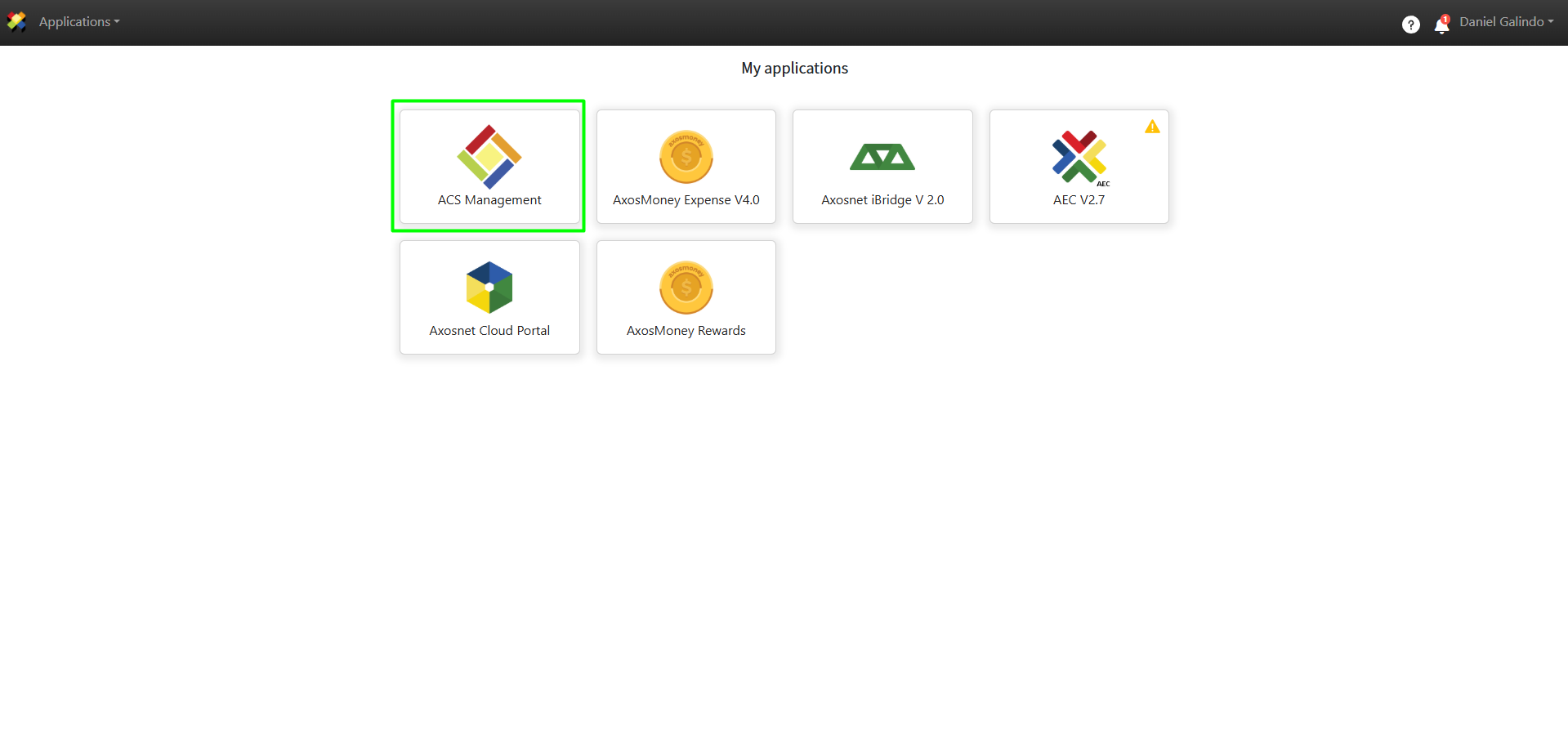
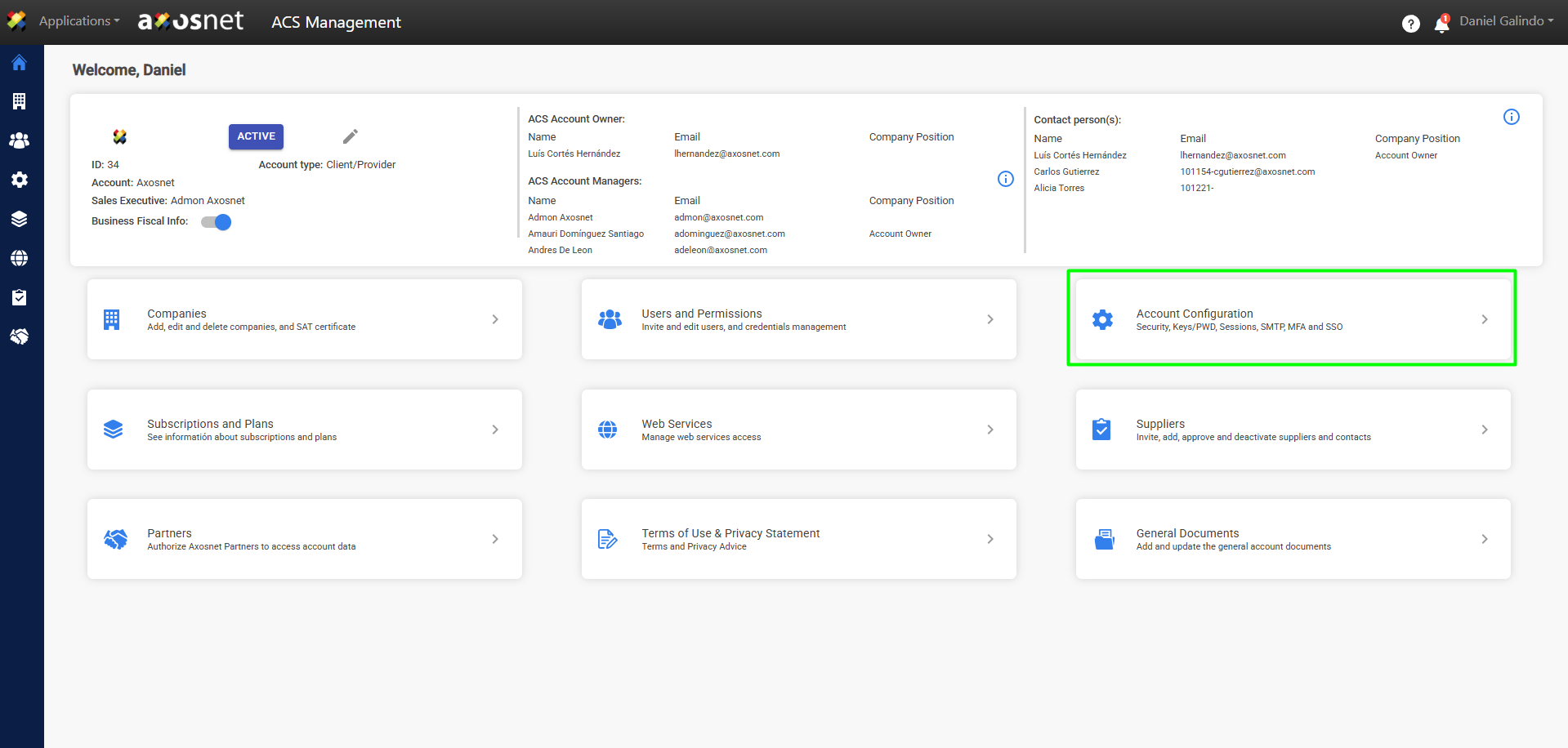
2. Go to the Account Configuration section.
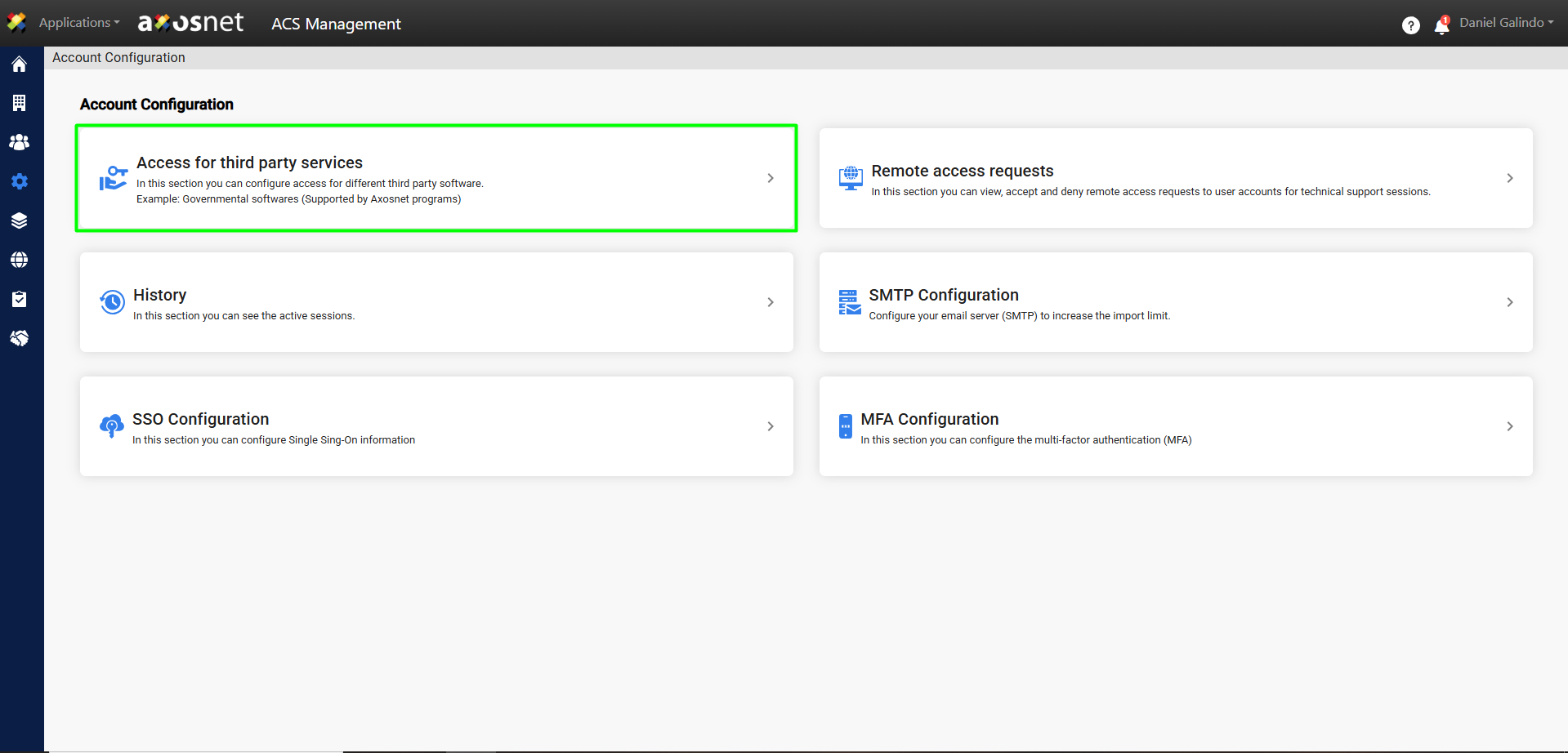
3. Click on Access to Third-Party Services.
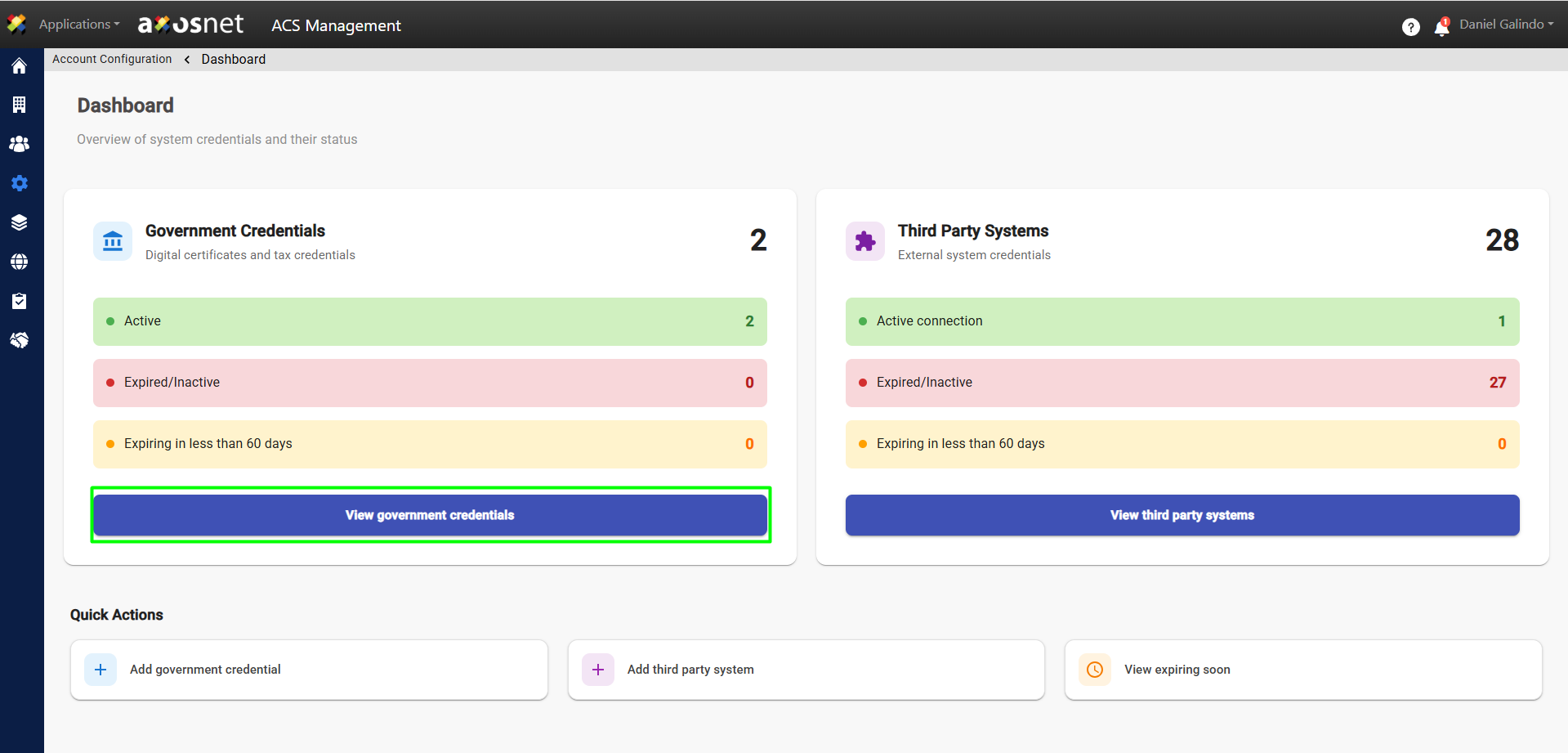
4. Click View Government Credentials.
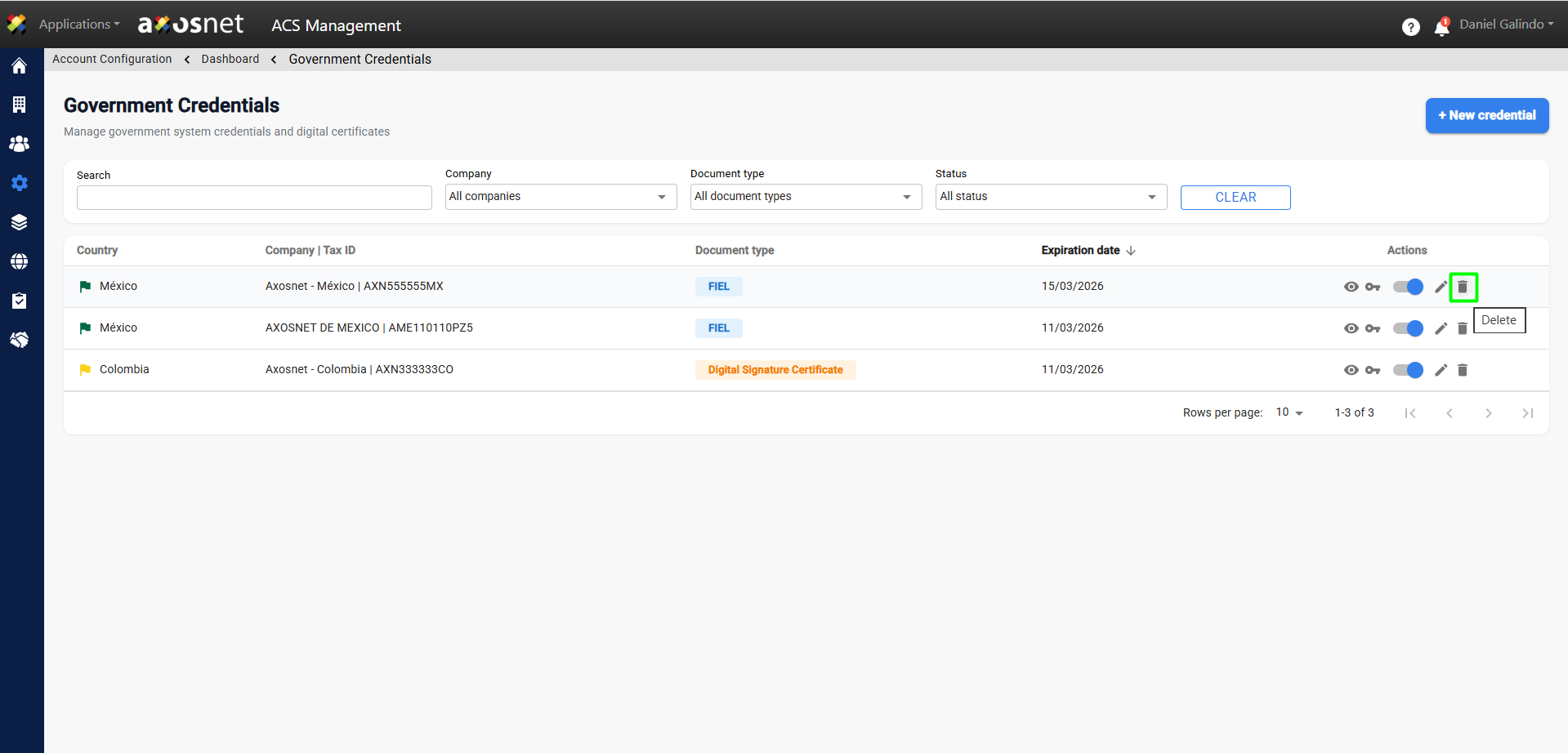
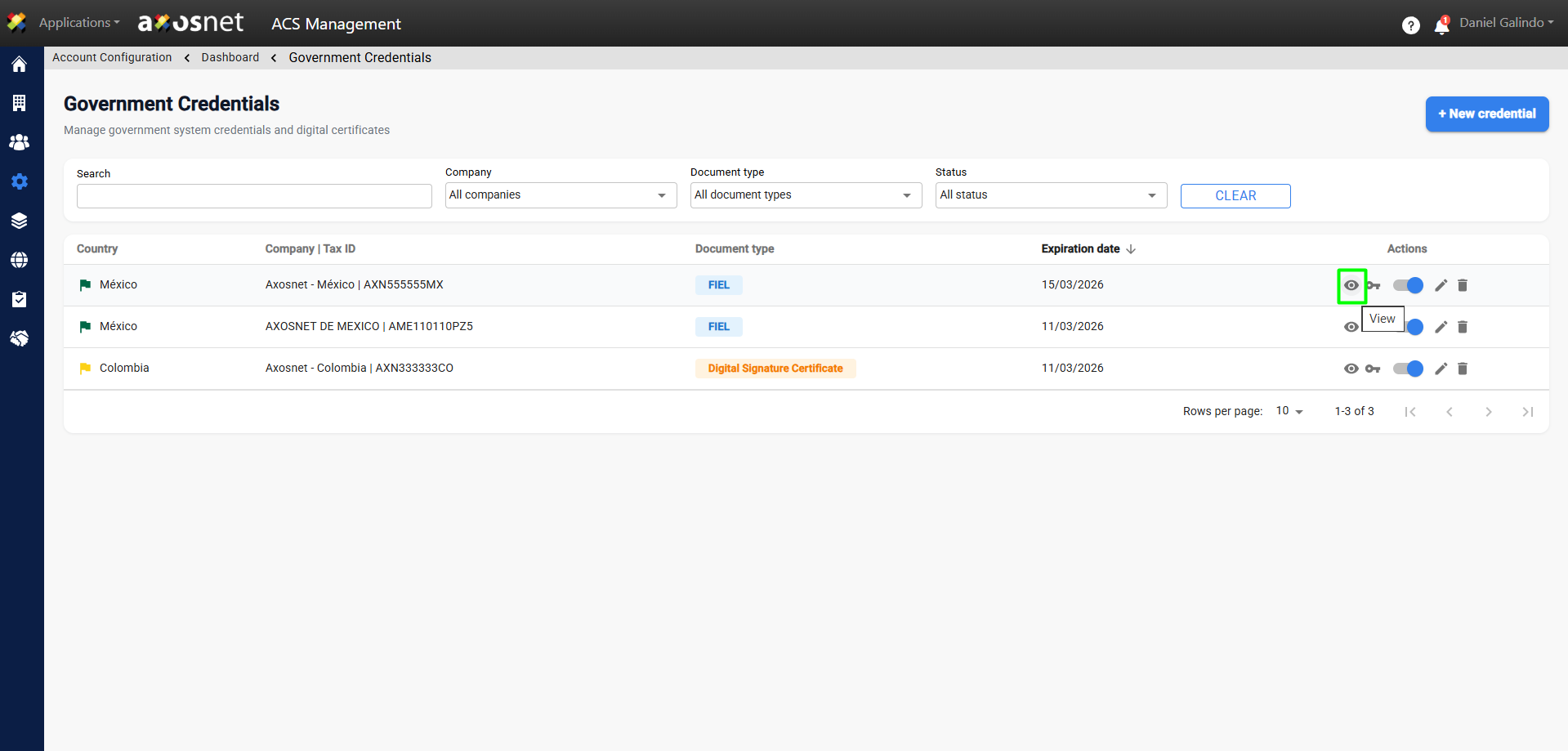
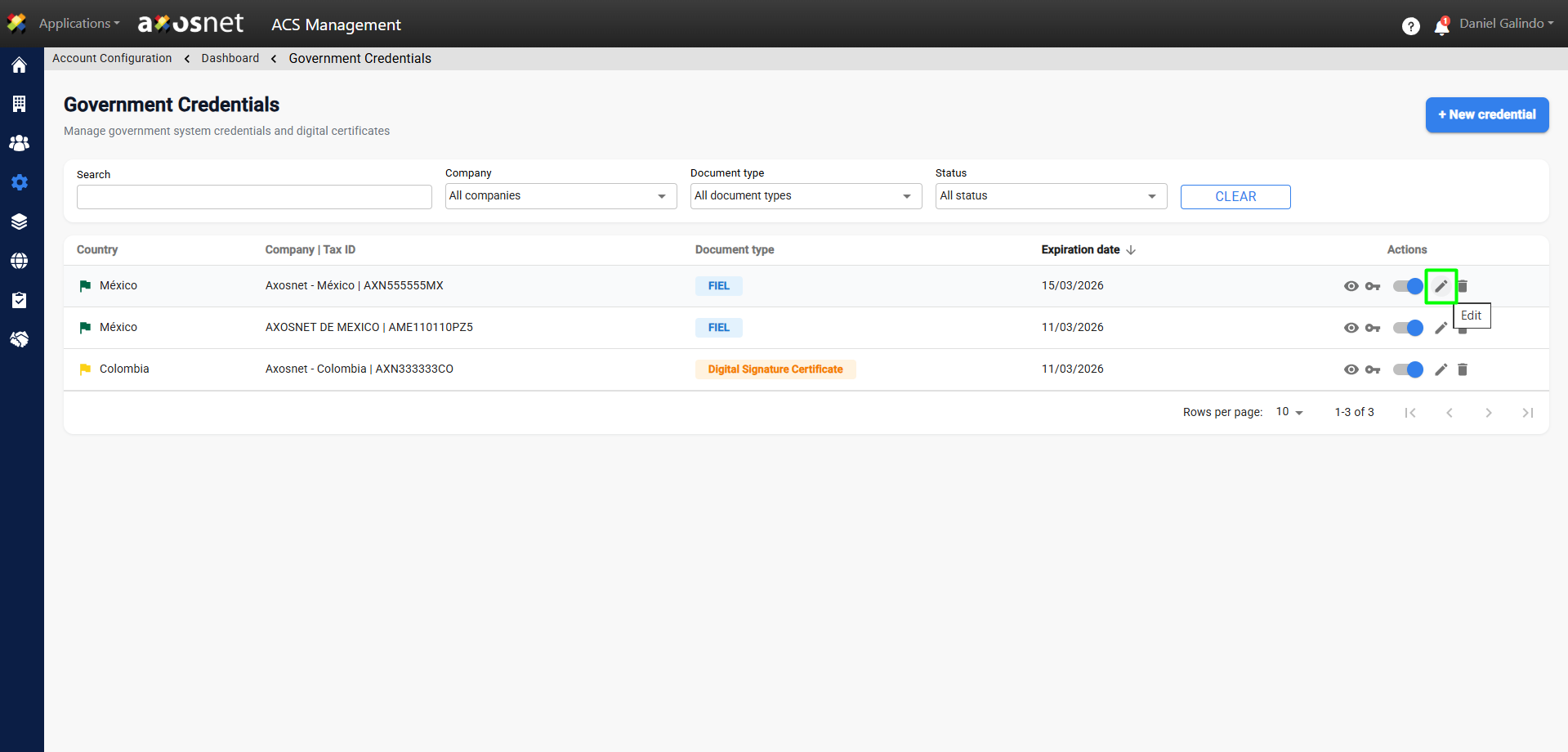
5. The actions column will have the following functions:
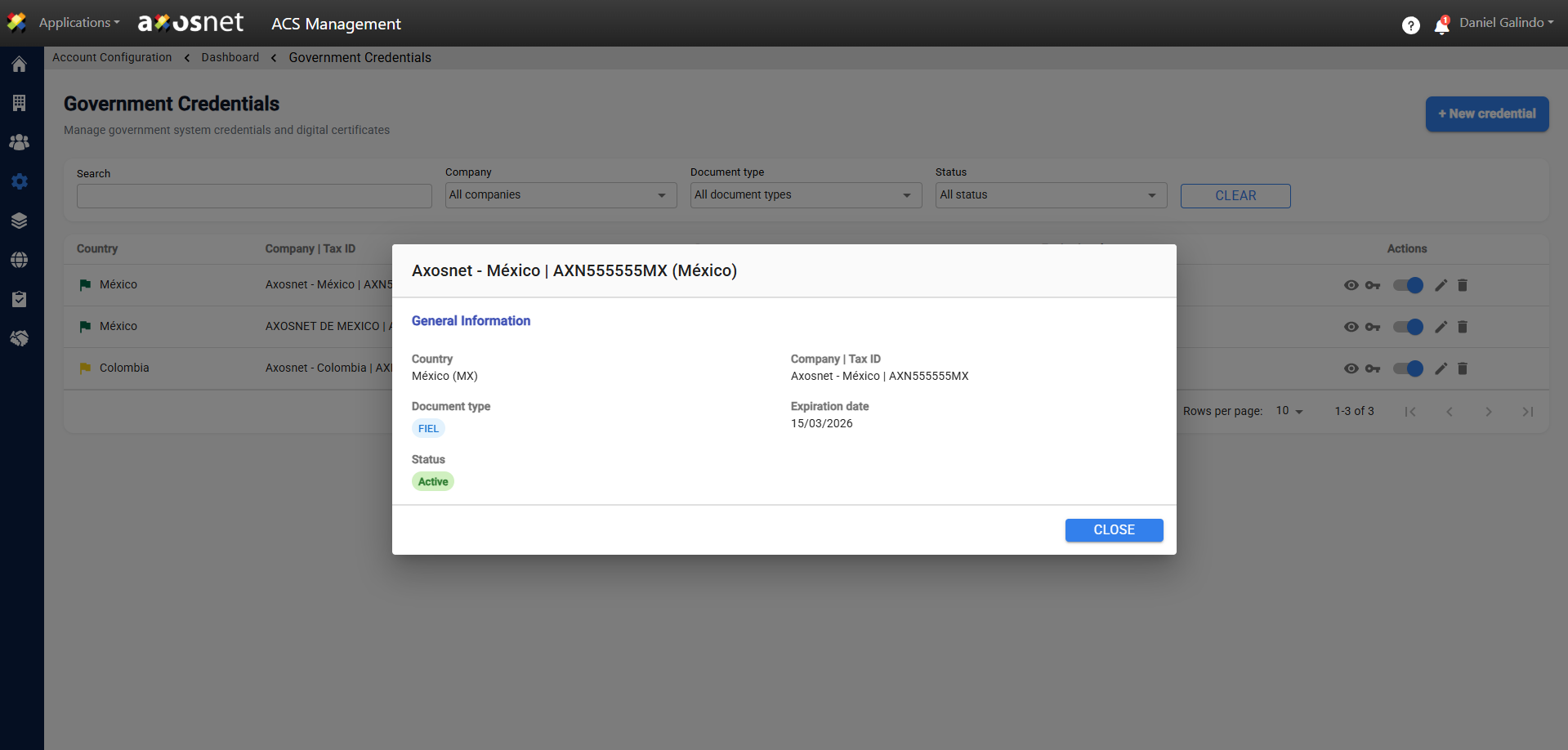
View Details
This action will allow you to view the information that was entered when the credential was created.
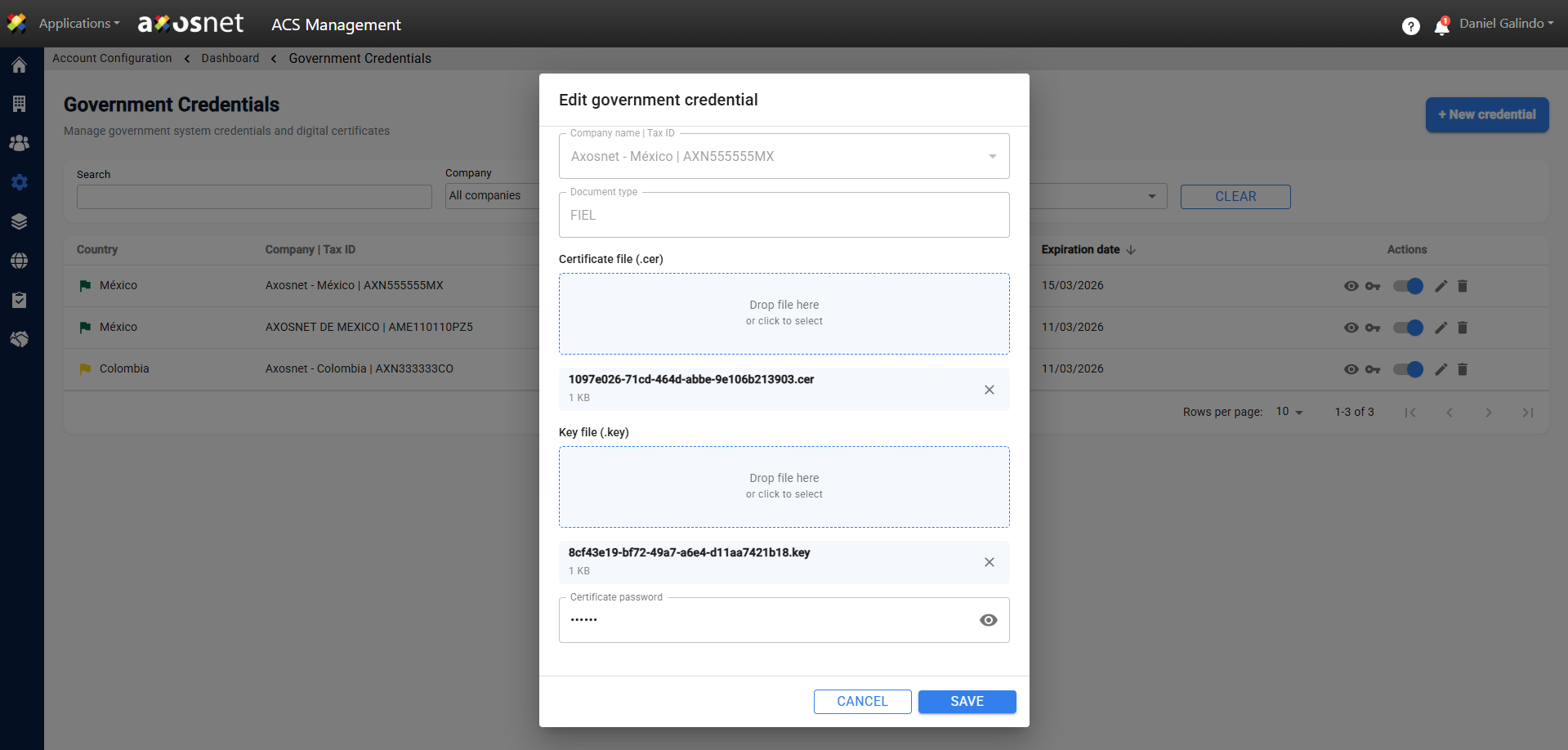
Edit
This action will allow you to edit the information entered when creating the credential.
Delete
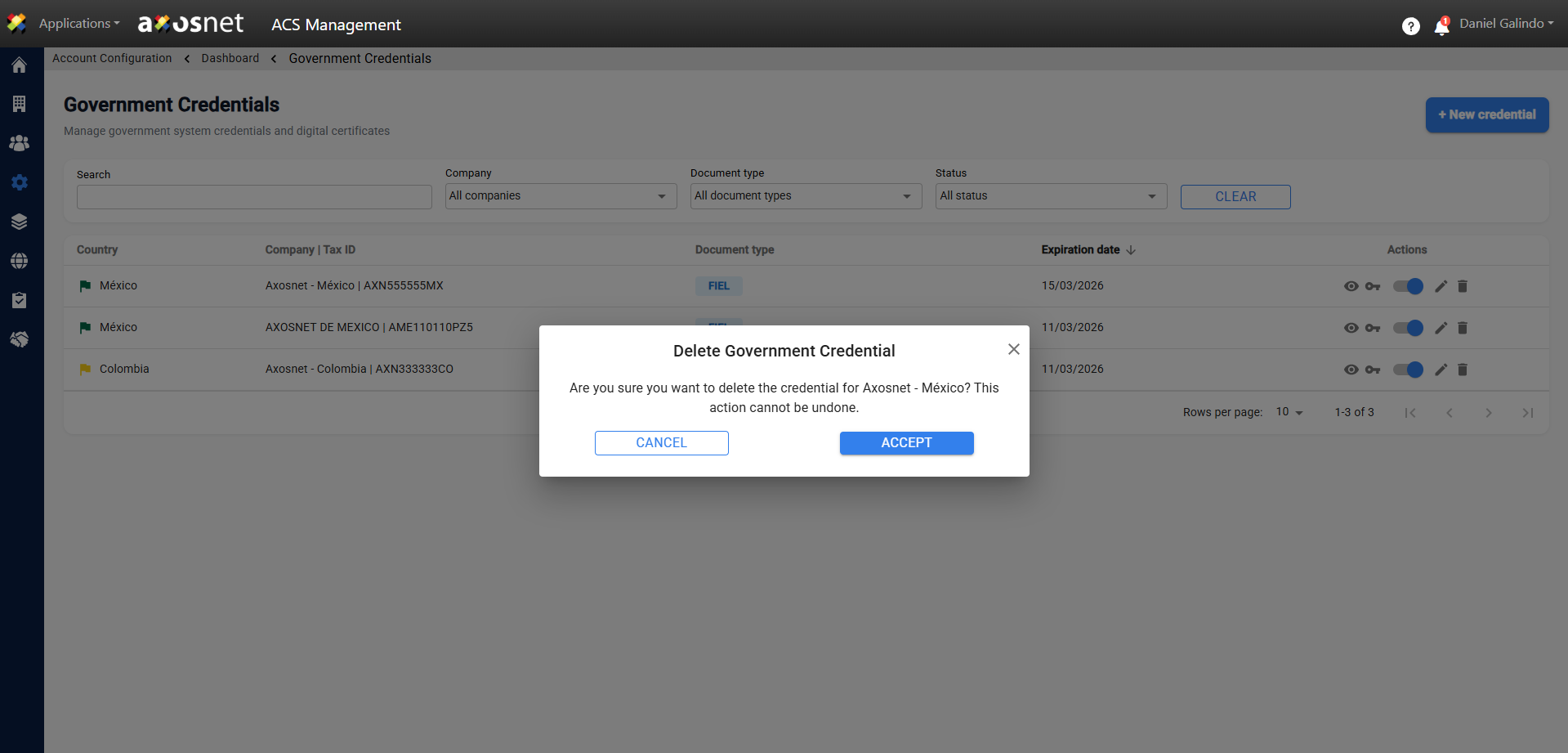
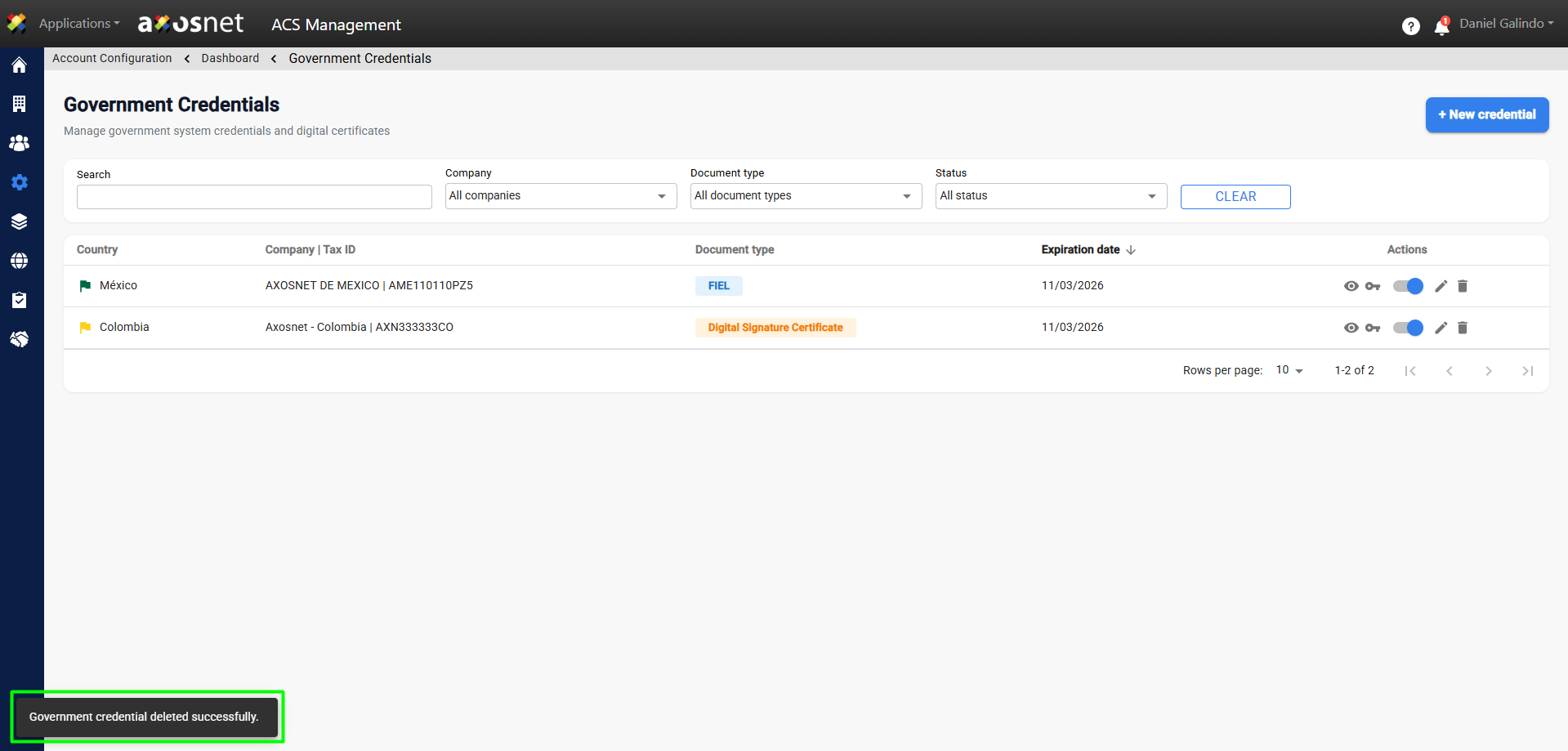
This action will allow you to delete the credential. Before doing so, you must accept the confirmation screen, as this action cannot be undone.