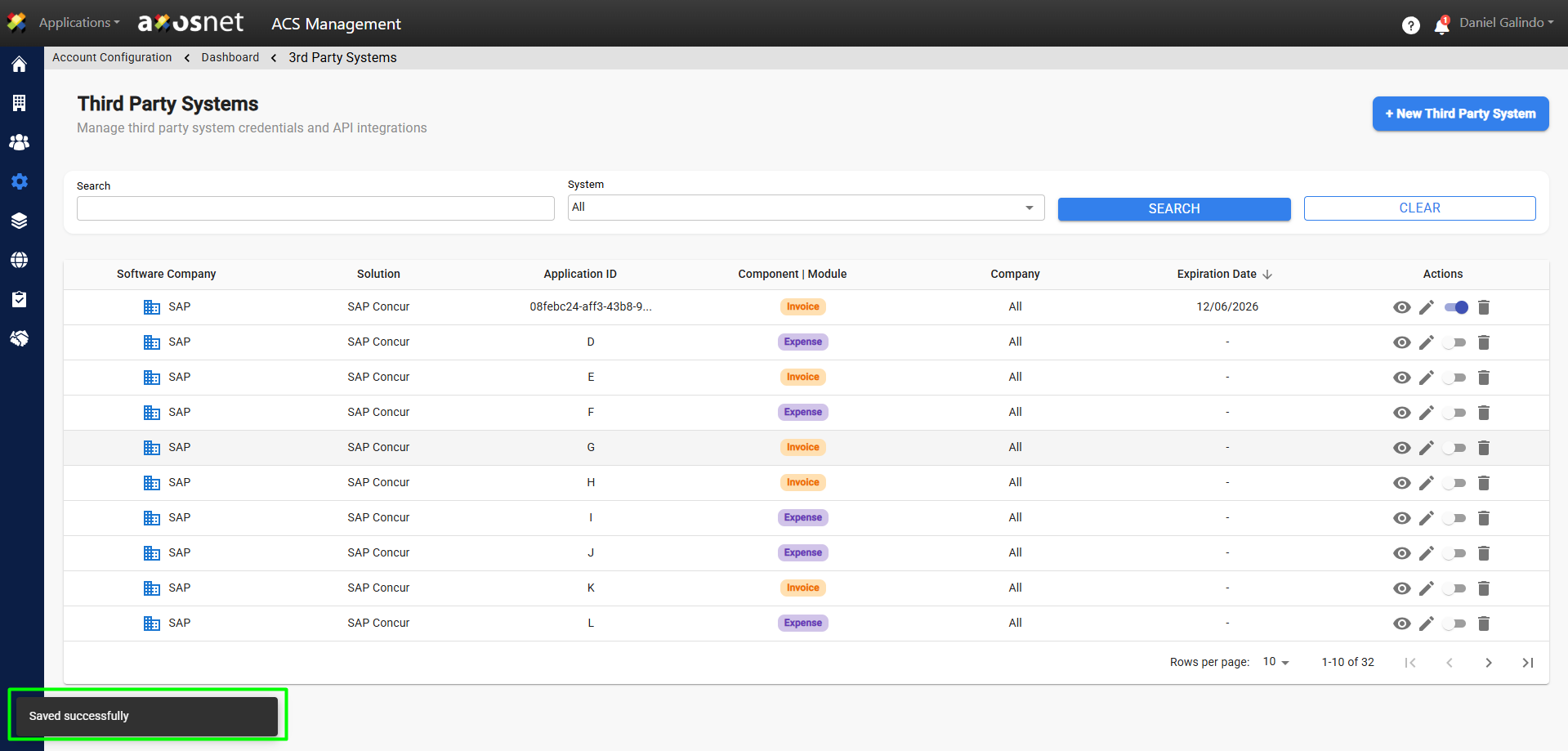
To create a new system, follow these steps:
1. Log in to ACS Management.
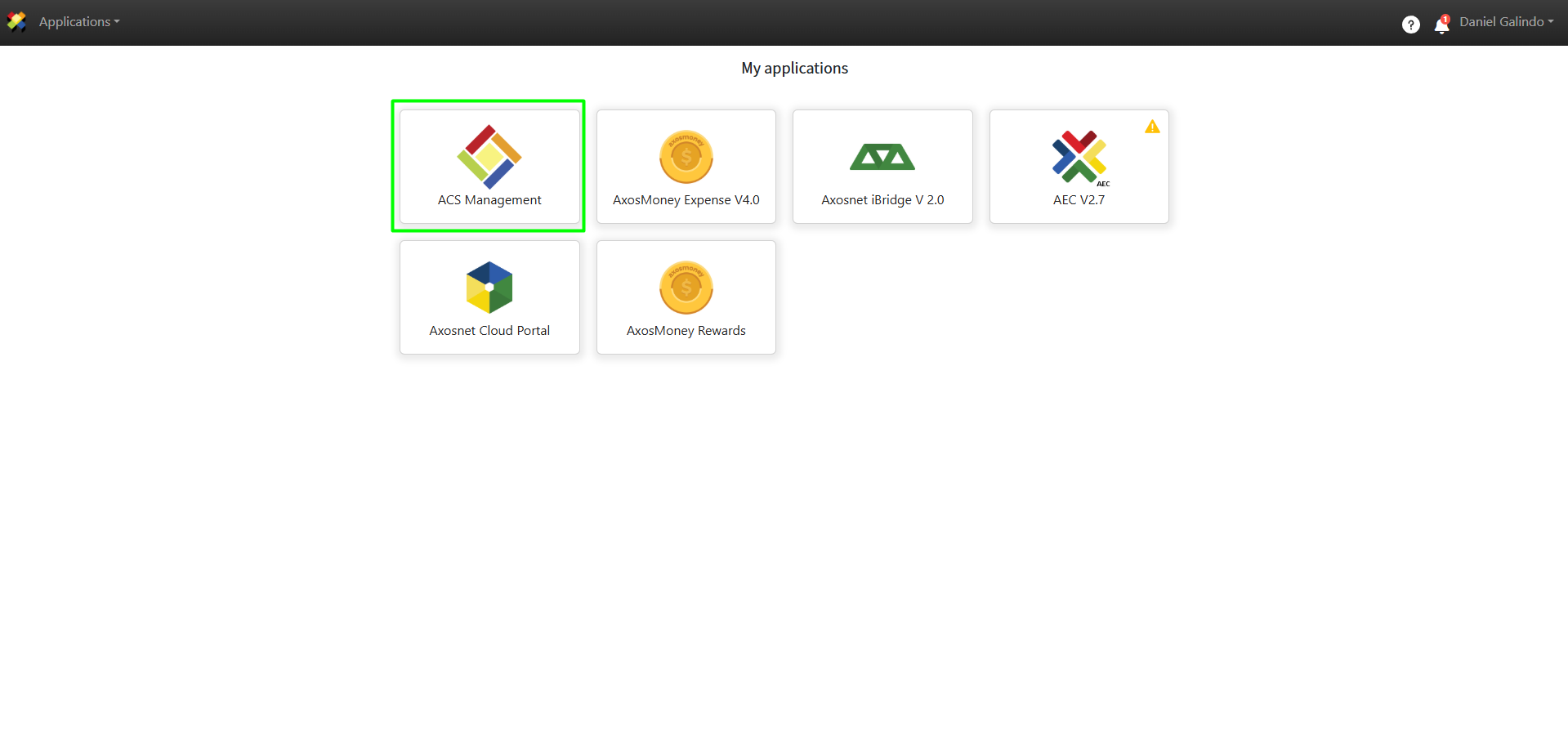
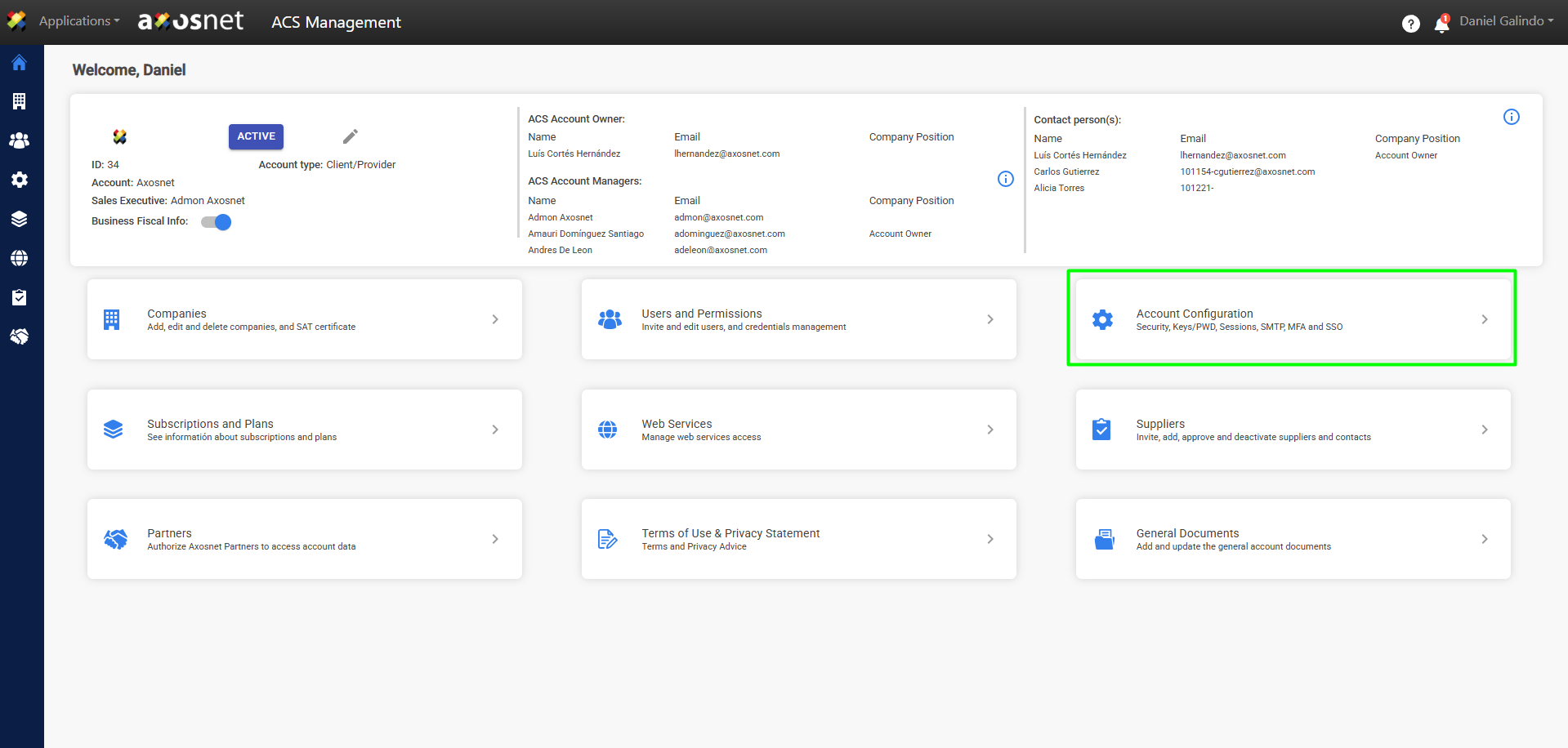
2. Go to the Account Configuration section.
3. Click on Access to Third-Party Services.
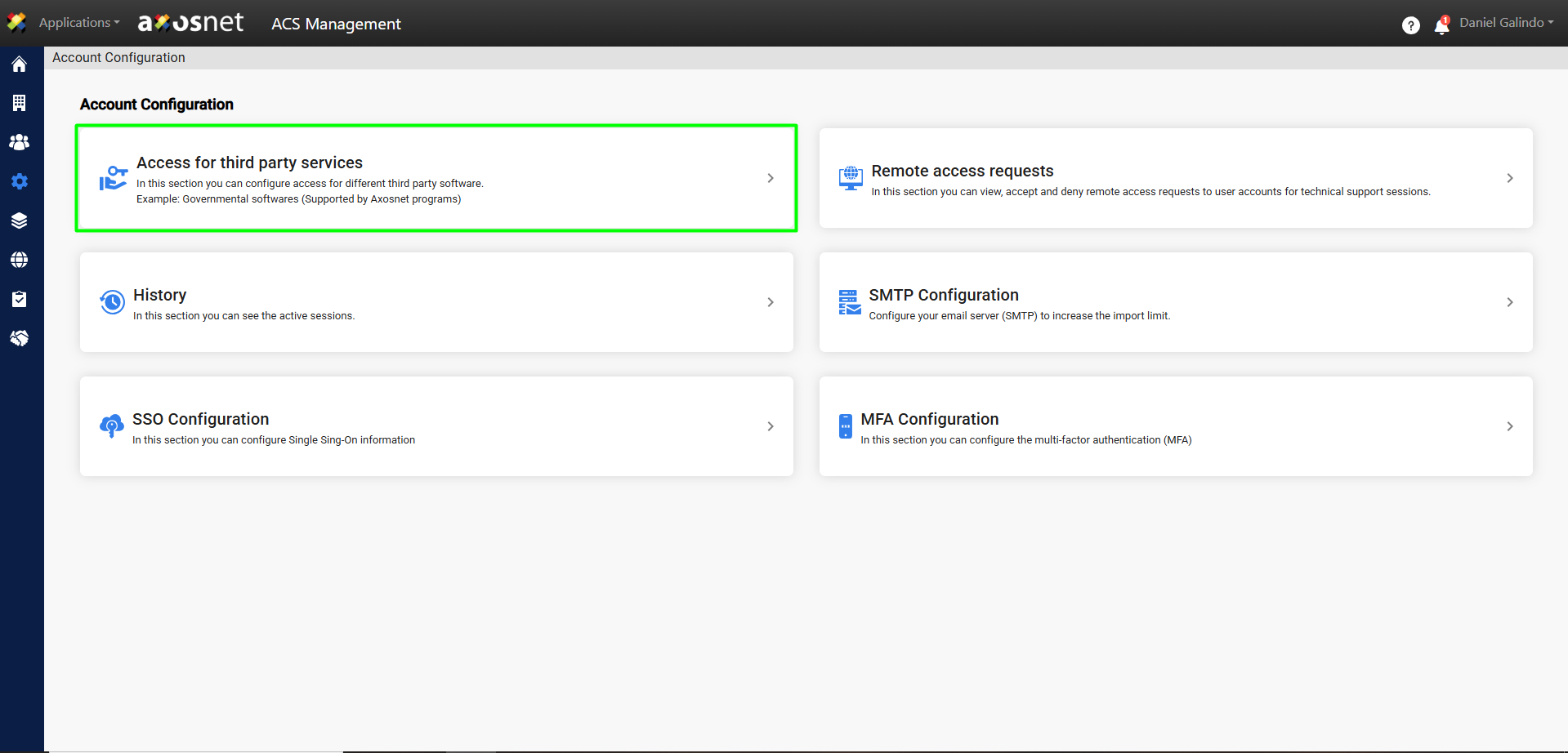
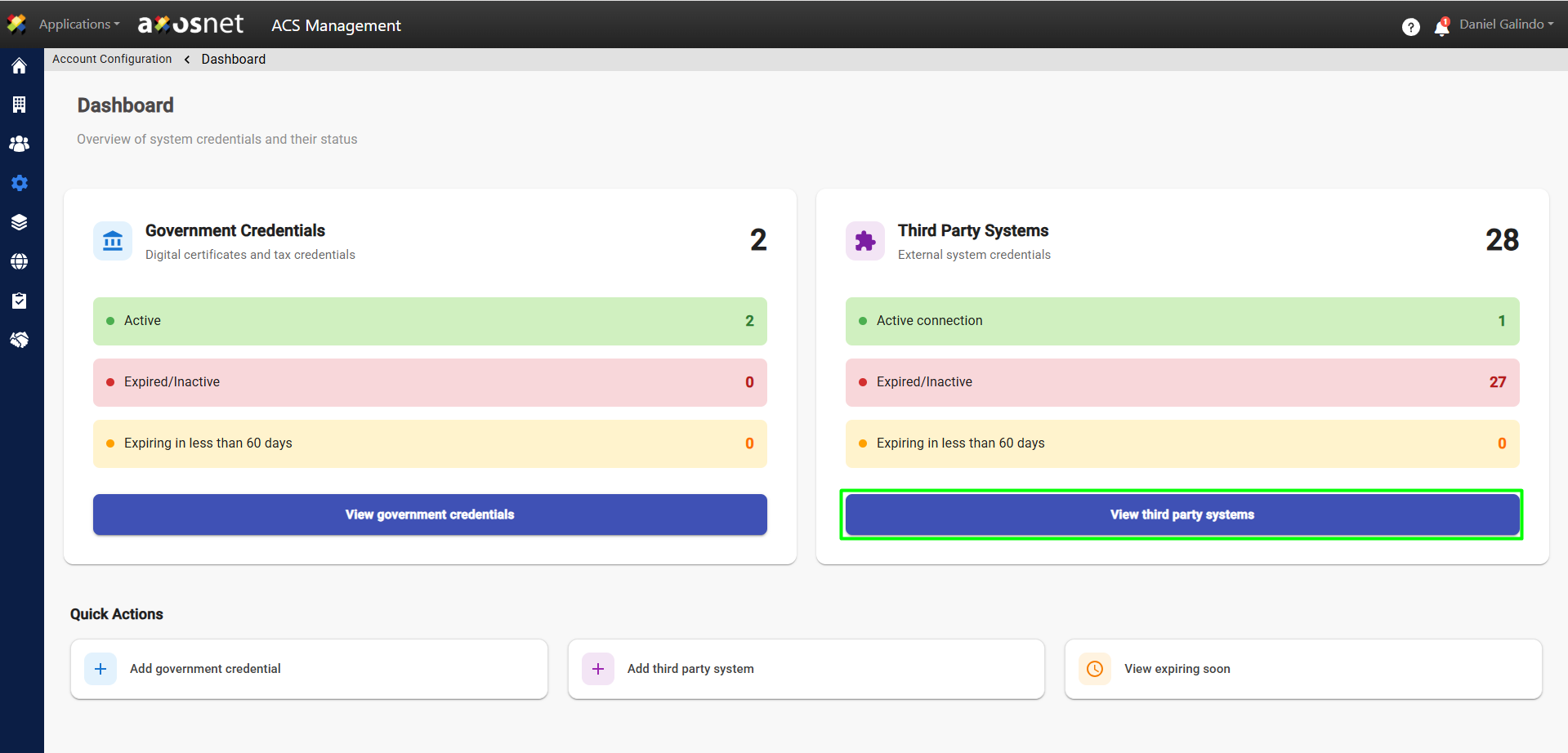
4. Click View Third-Party Systems.
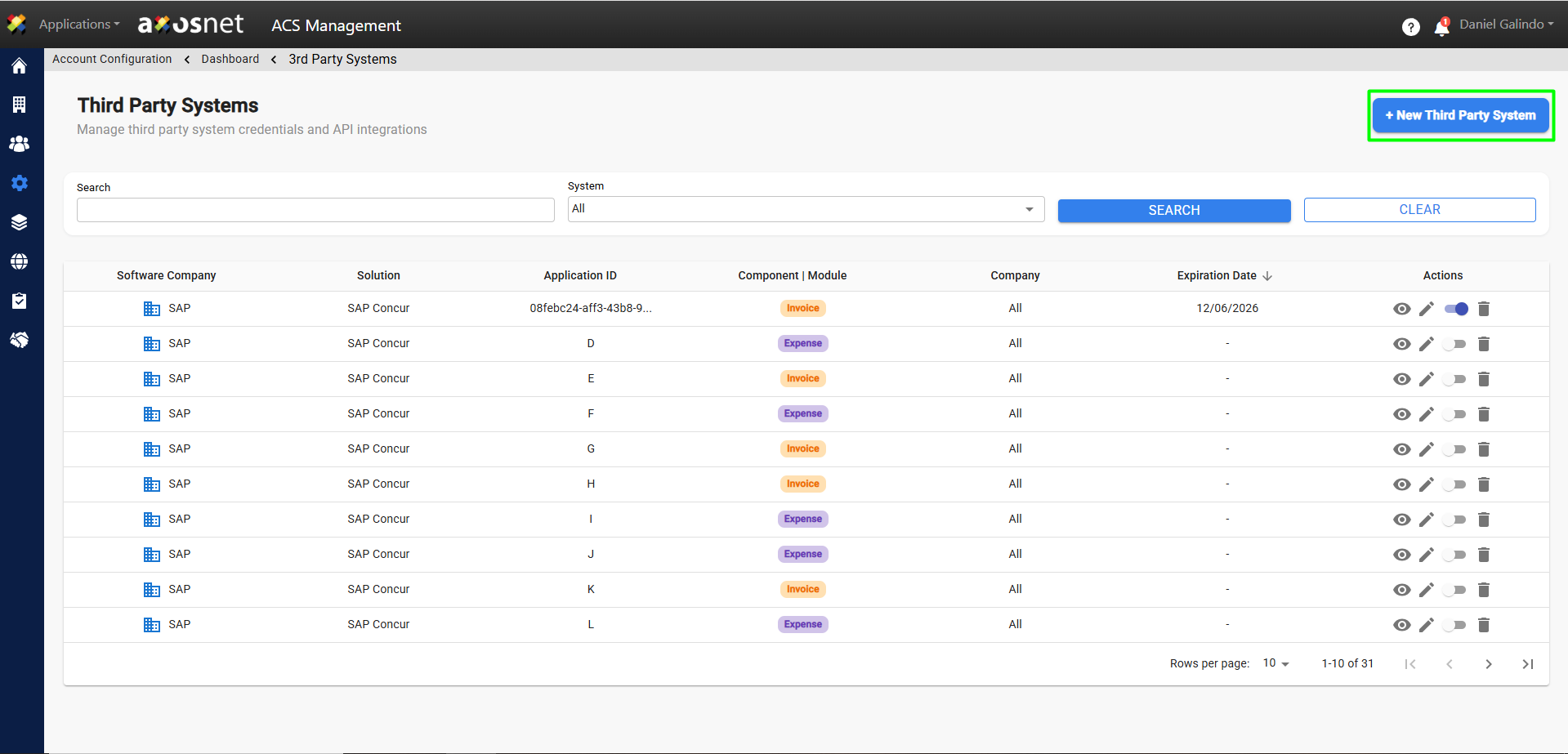
5. Click the New System button.
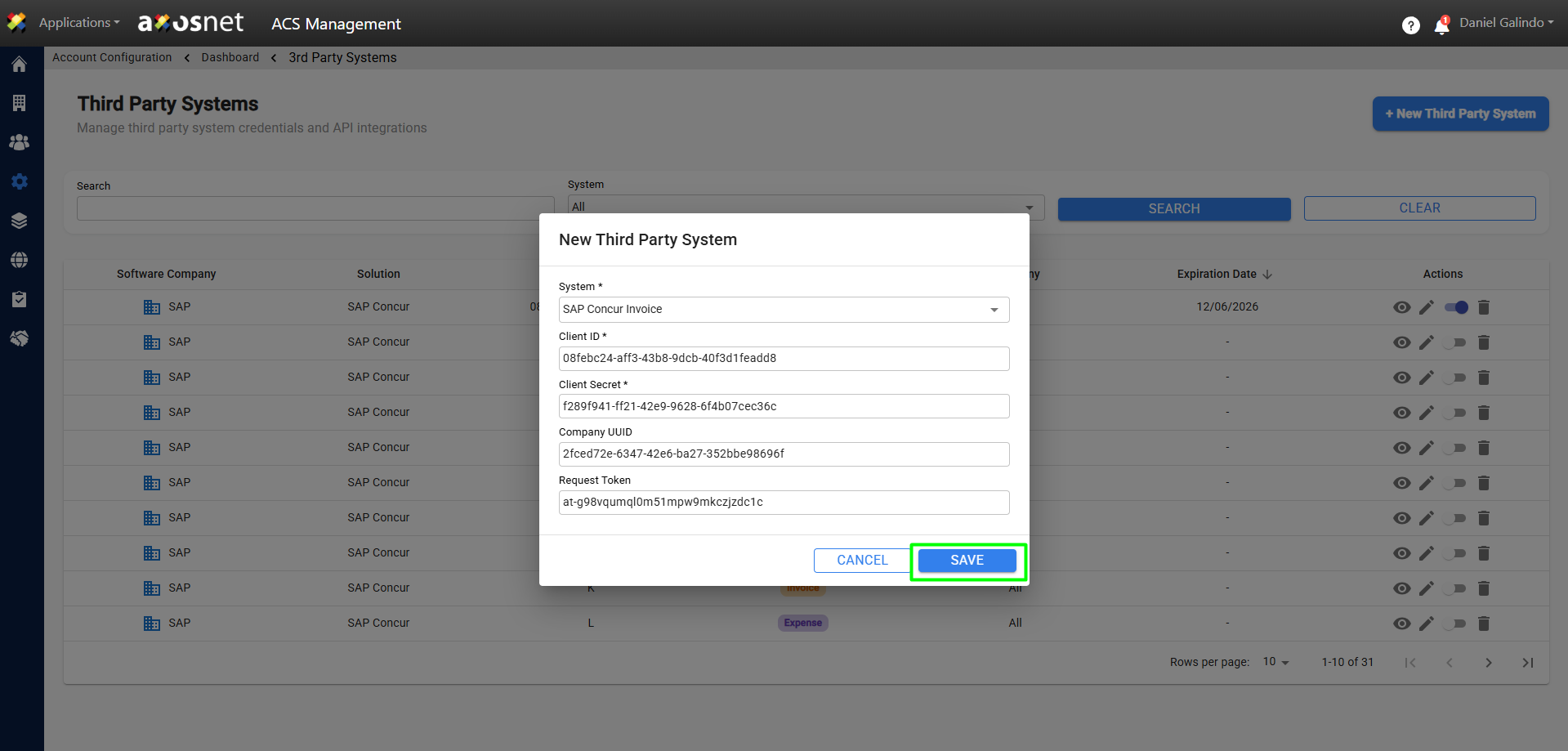
6. Provide the data required to create the new system. When finished, click Save.
Note: The information contained in the form, such as login credentials, is provided or generated directly by the external system, for example, SAP Concur.
7. A confirmation message will appear and the new system will appear in the Third-Party Systems list.