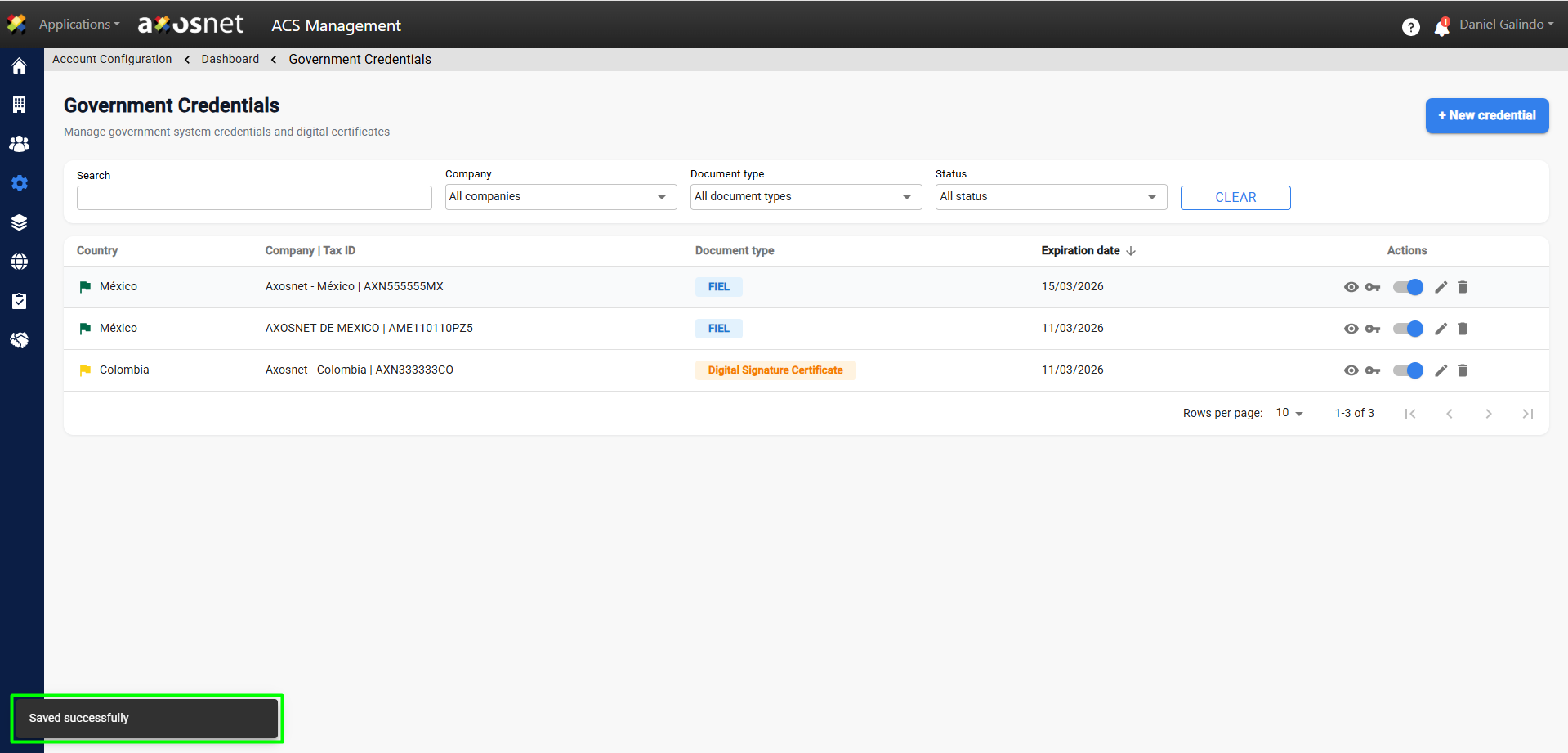
To create a new credential, follow these steps:
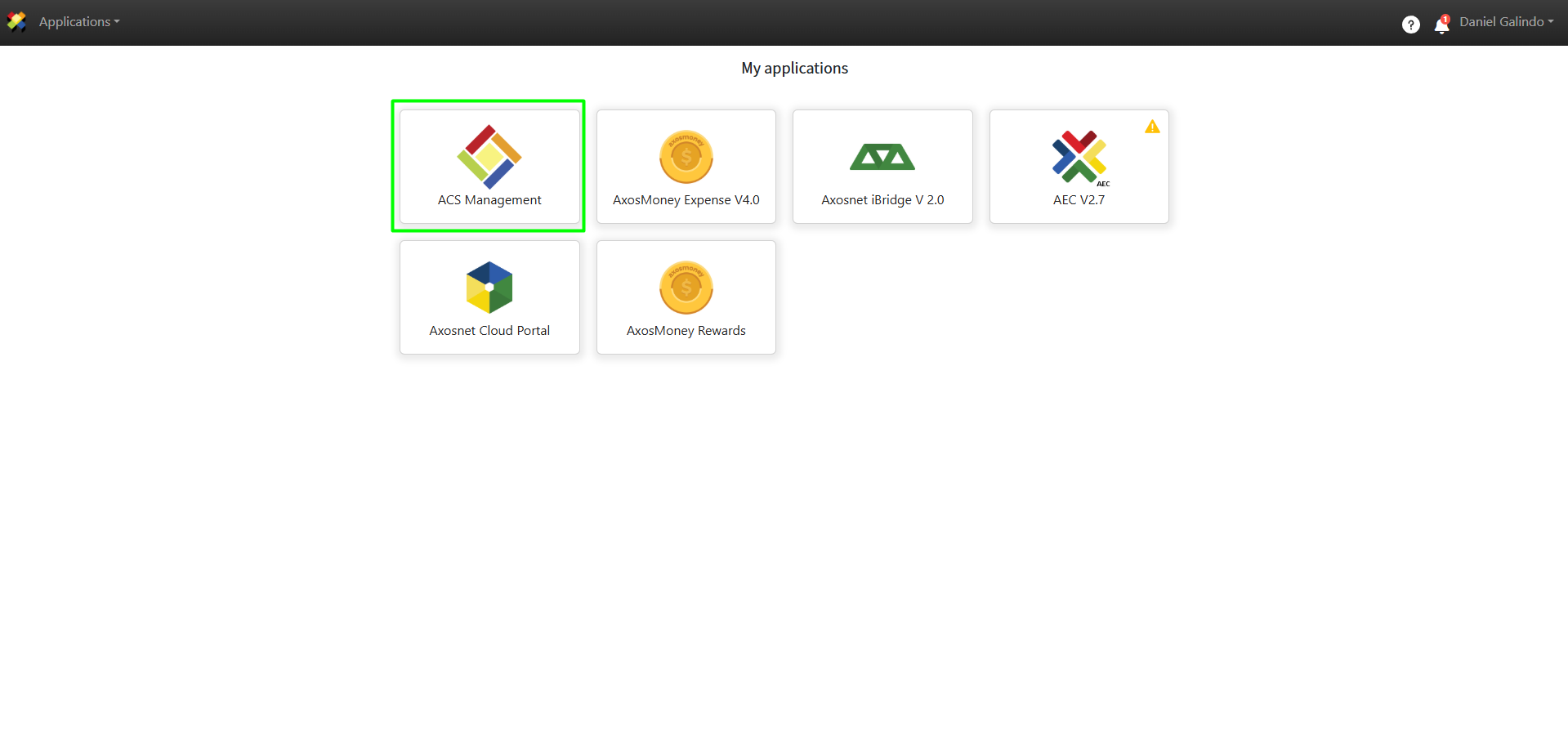
1. Log in to ACS Management.
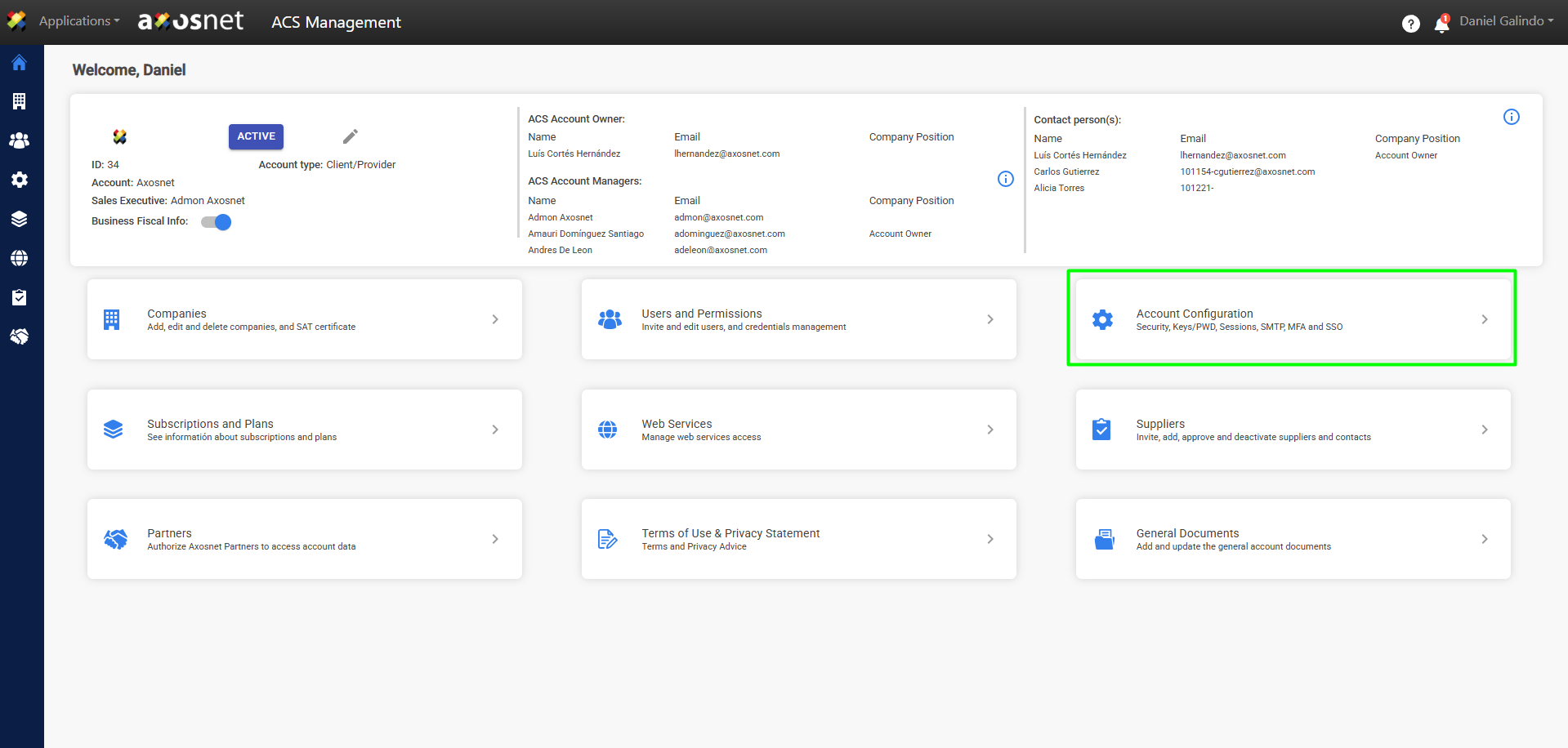
2. Go to the Account Configuration section.
3. Click on Access to Third-Party Services.
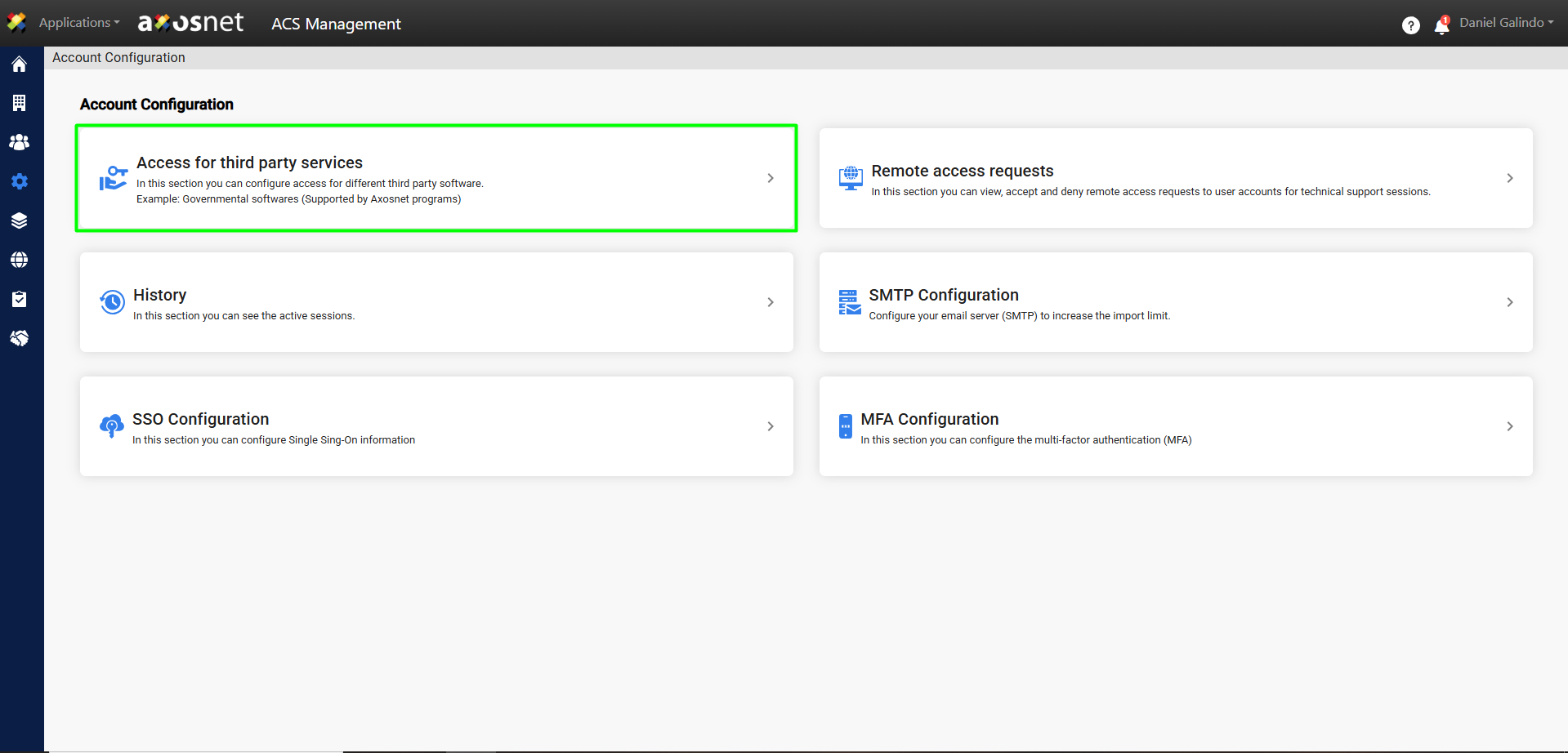
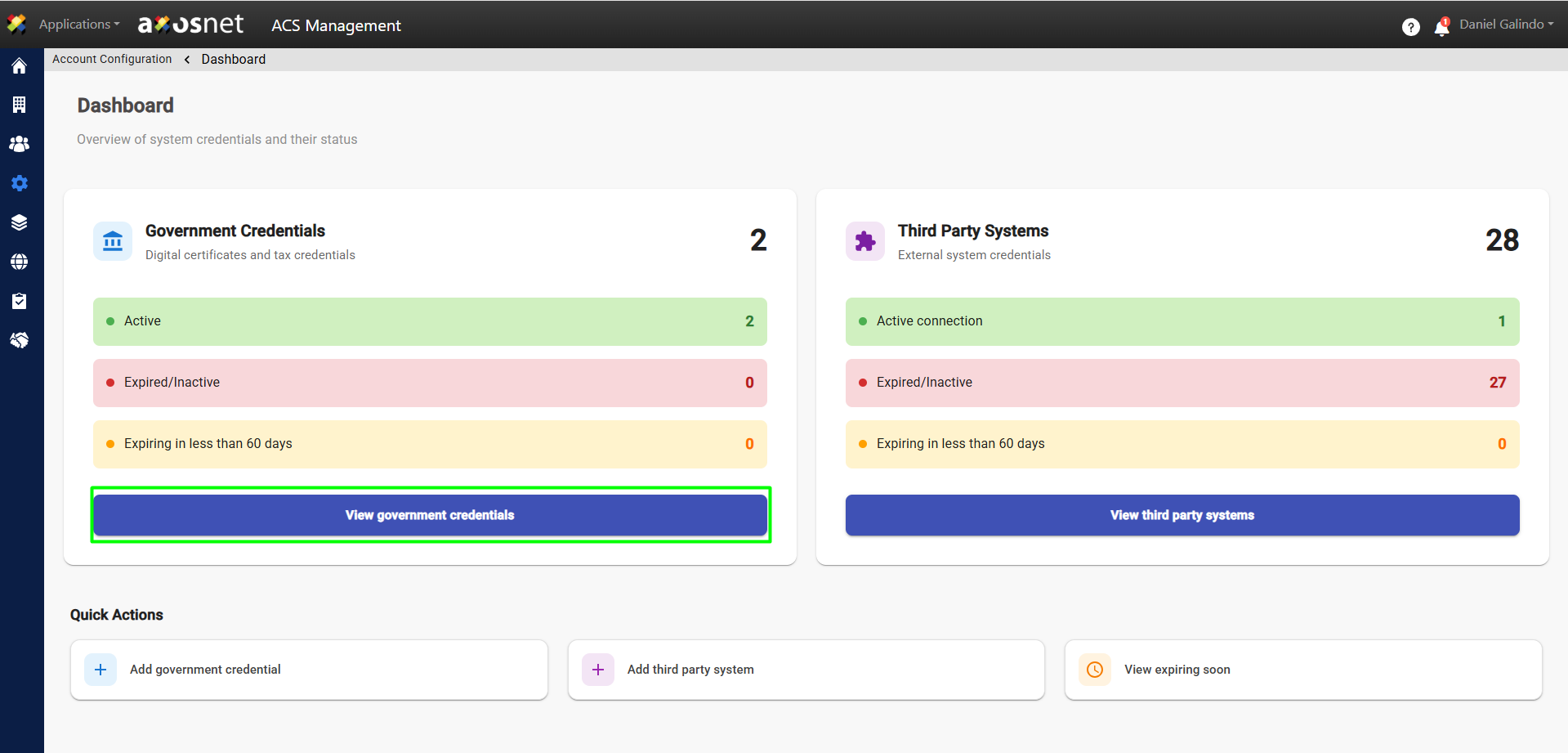
4. Click View Government Credentials.
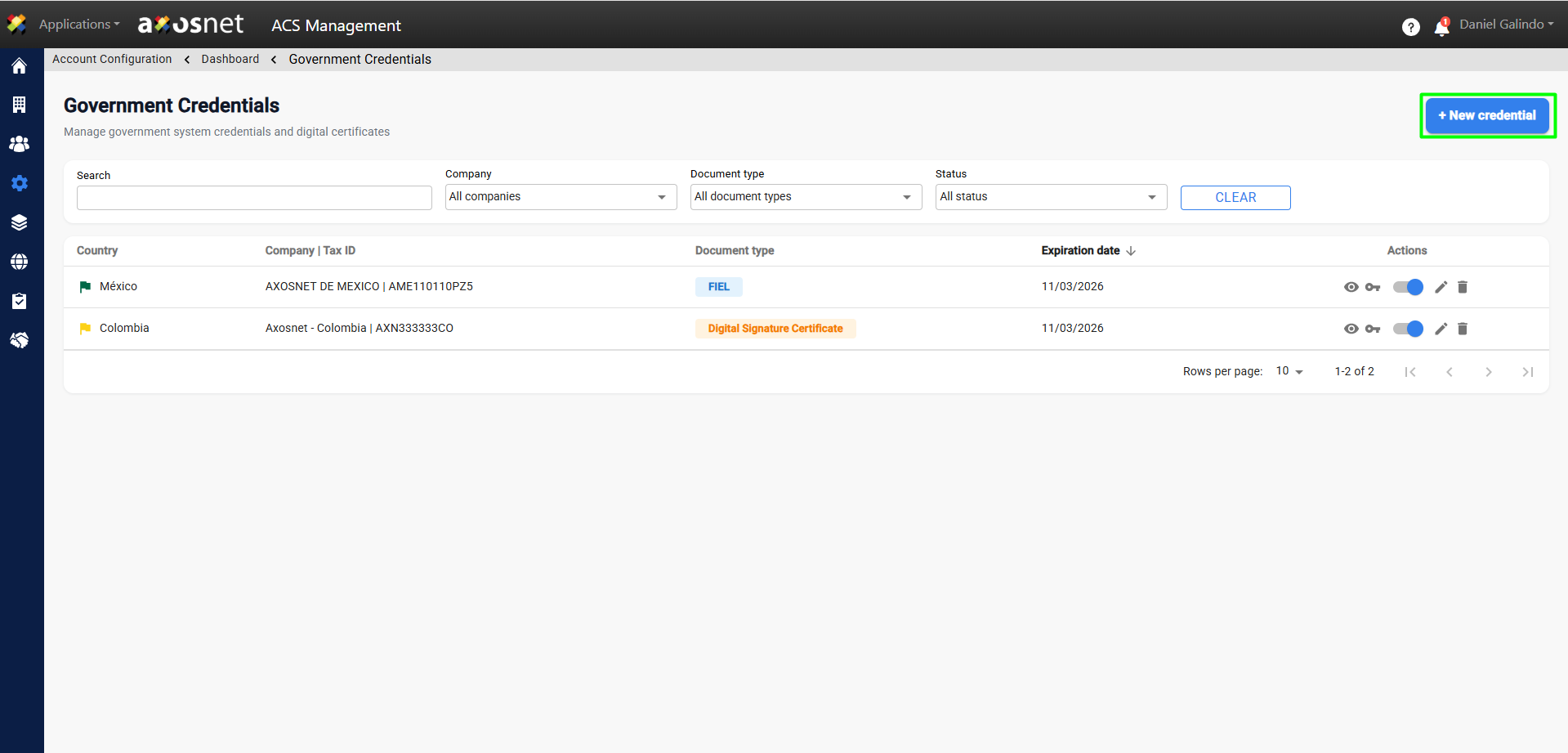
5. Click the New Credential button.
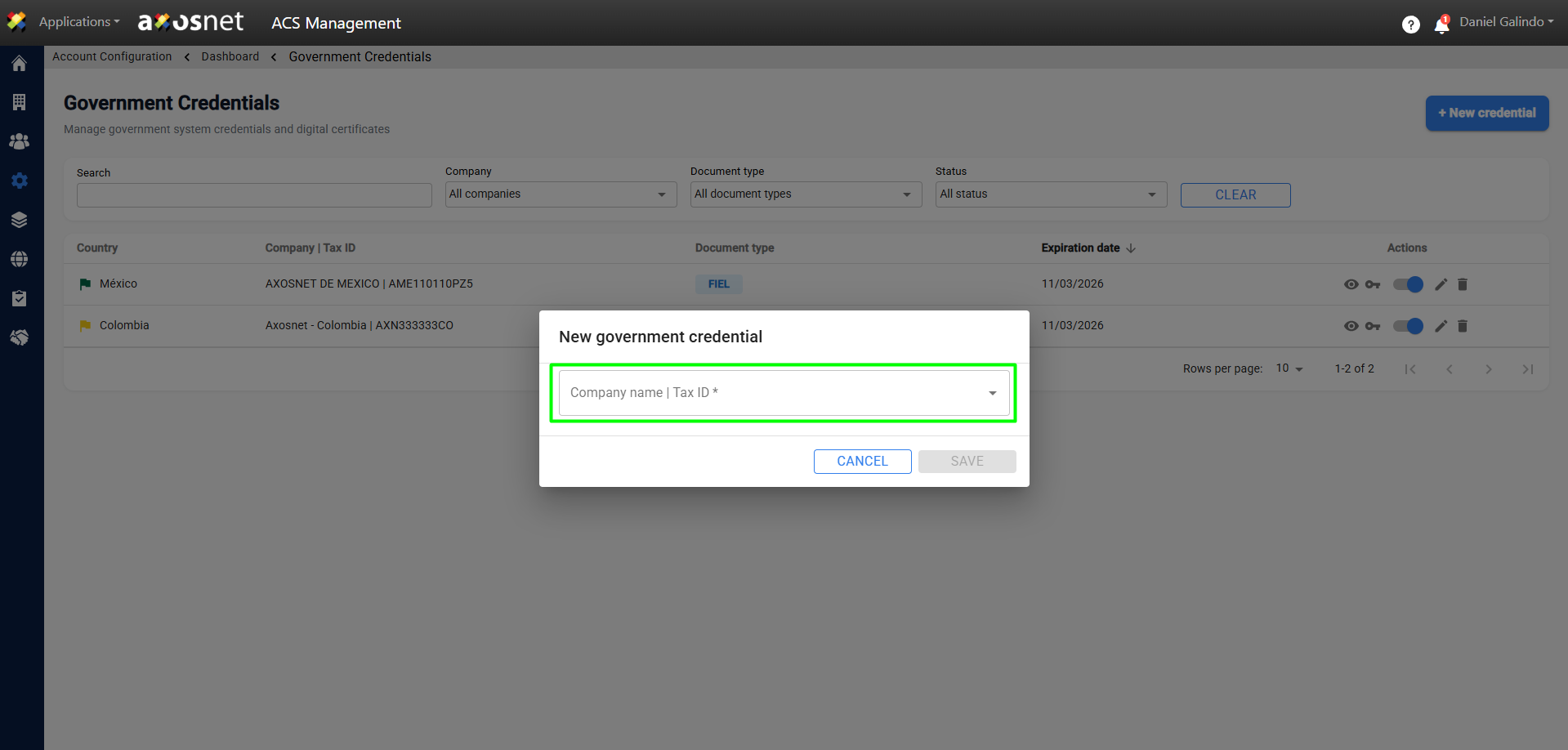
6. Select the Company Name from the drop-down menu.
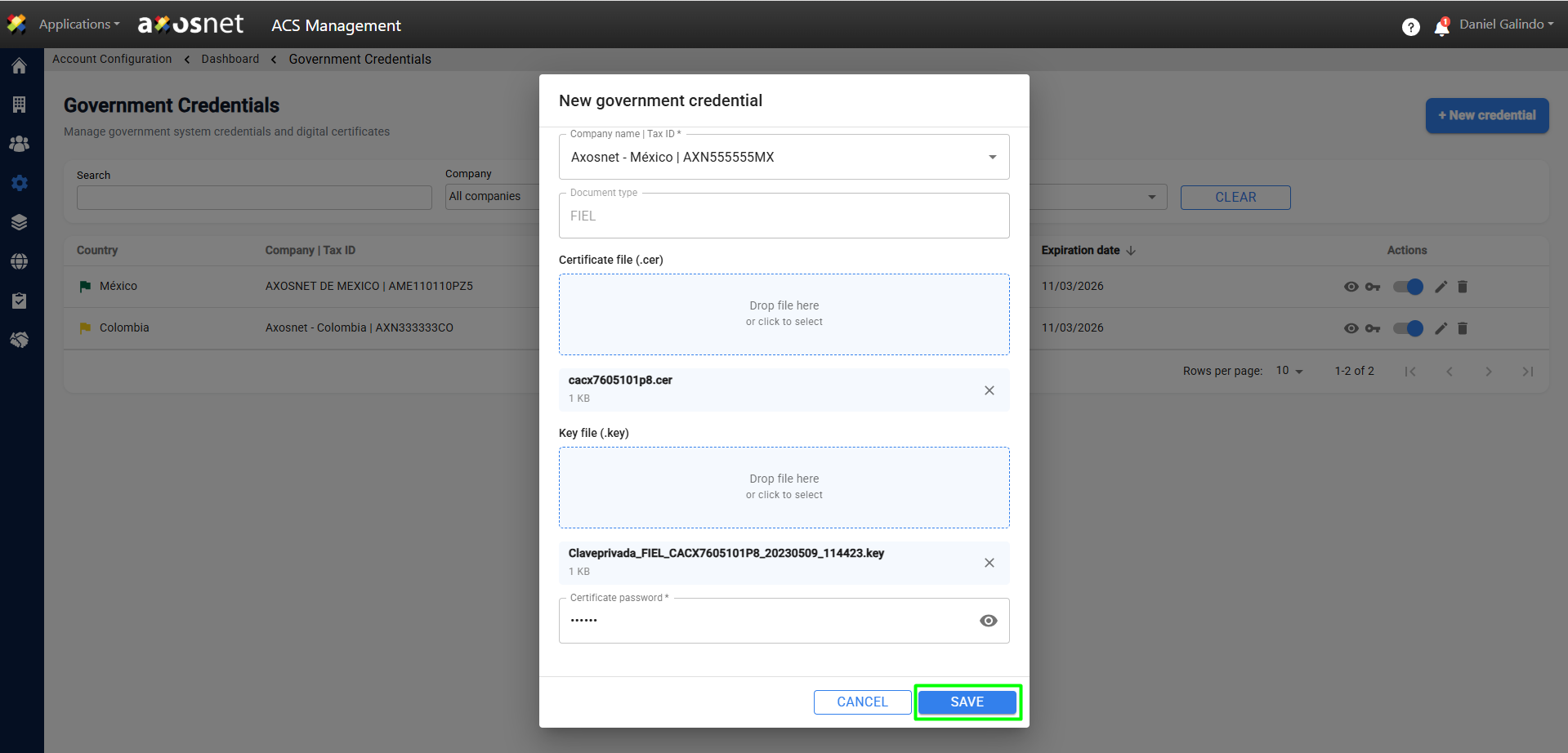
7. Provide the information and documents required to create the credential. When finished, click save.
Note: Depending on the country of origin of the company, the information requested to create the credential may vary.
8. A confirmation message will appear and the new credential will appear in the Government Credentials list.