In order to keep the information updated between the organizational structure and Rewards, it is necessary to synchronize the information after any change is made, so the steps to perform such synchronization are described below.
If you do not yet have an established Organizational Structure, you can do so by going to the ORGANIZATIONAL STRUCTURE MANAGEMENT section.
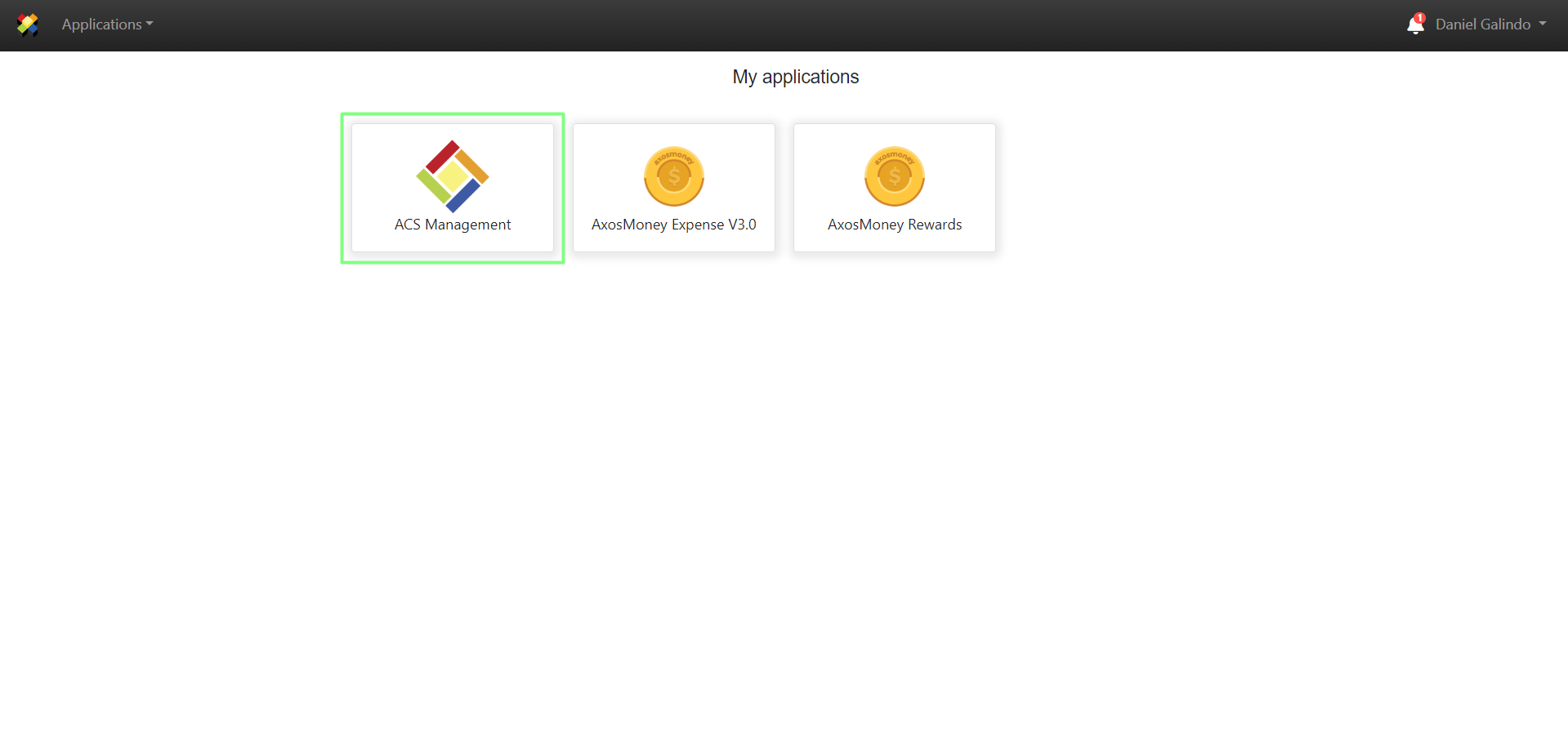
1. A user with Administrator credentials must log in to ACS Management.
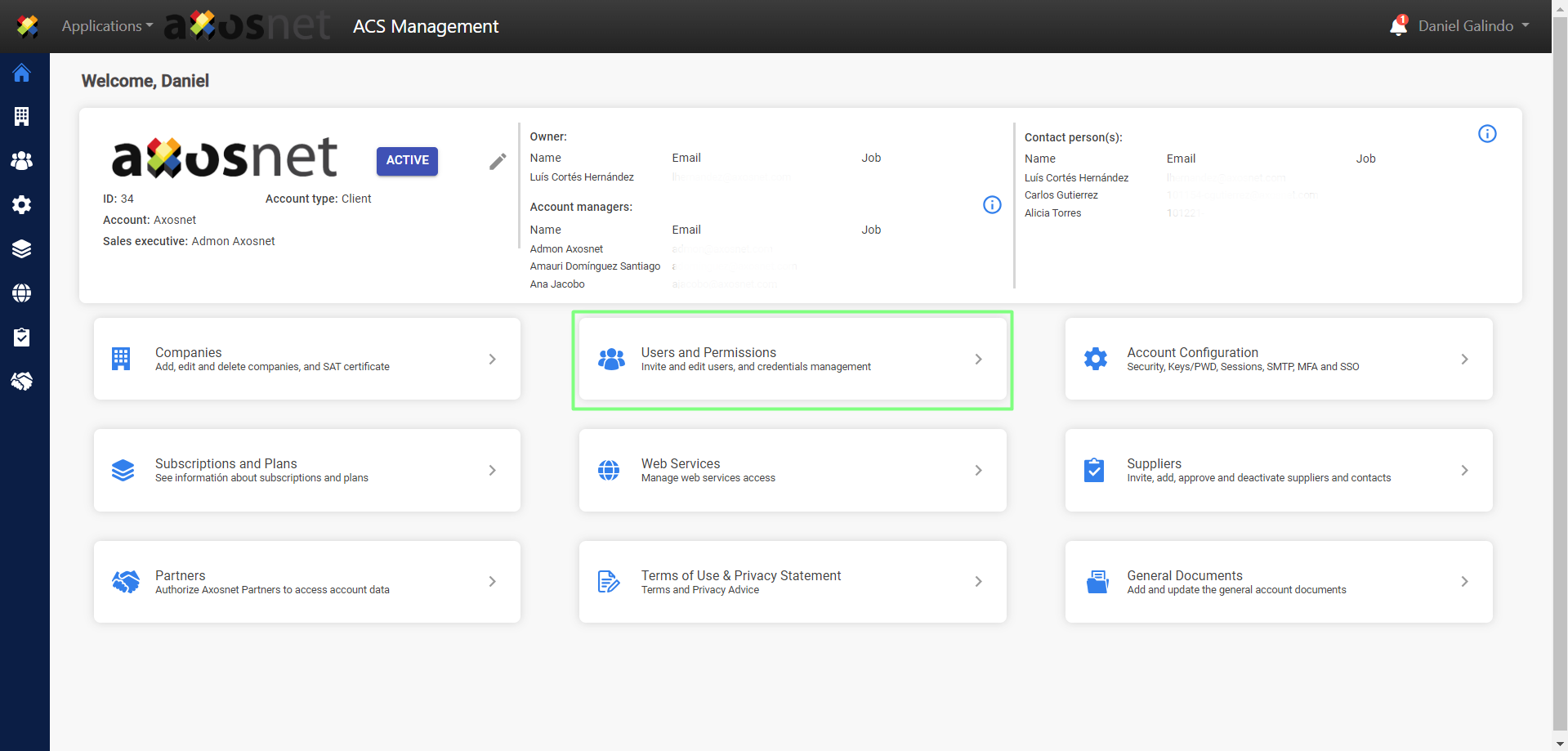
2. Go to the Users and Permissions section.
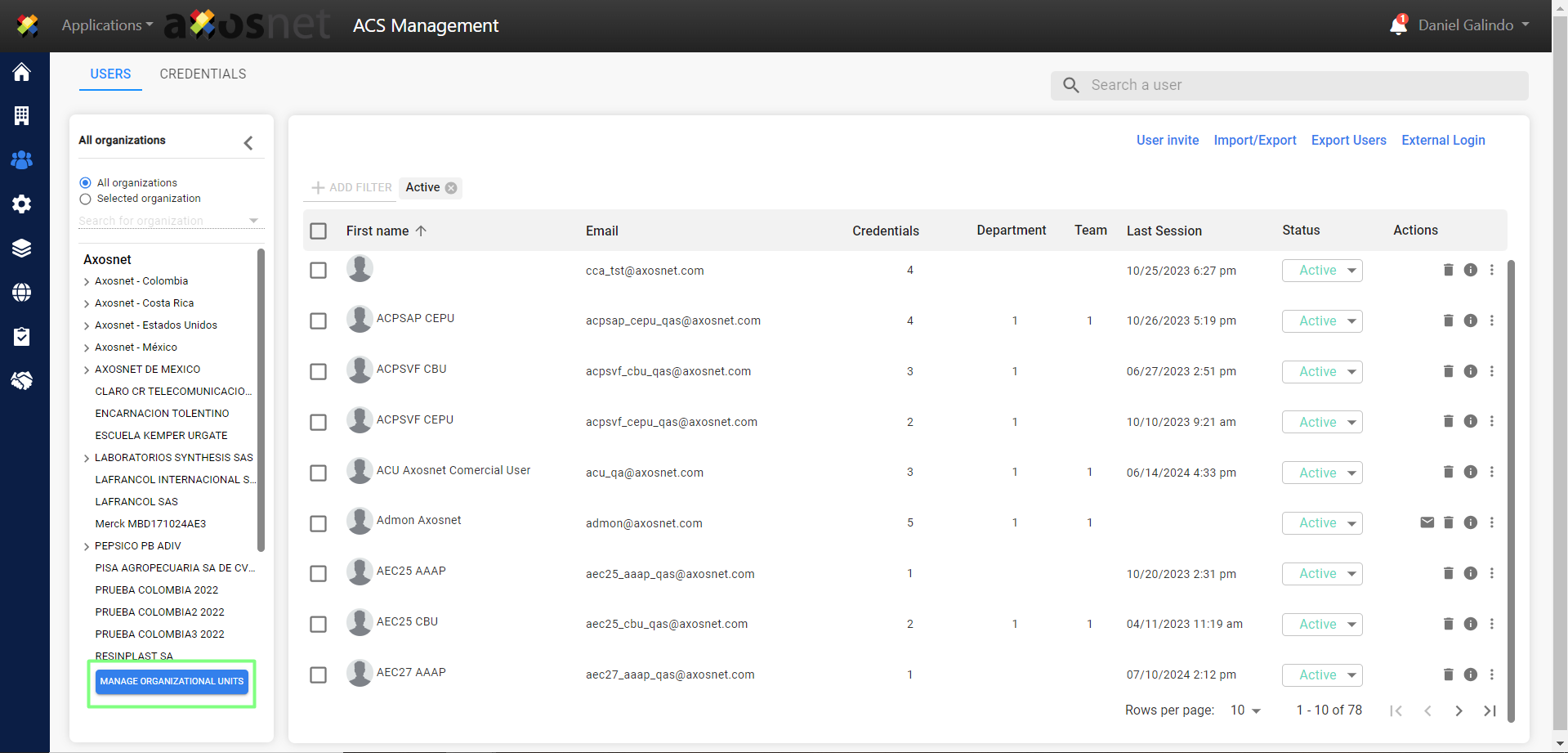
3. Enter the organizational structure by clicking on the MANAGE ORGANIZATIONAL UNITS button.
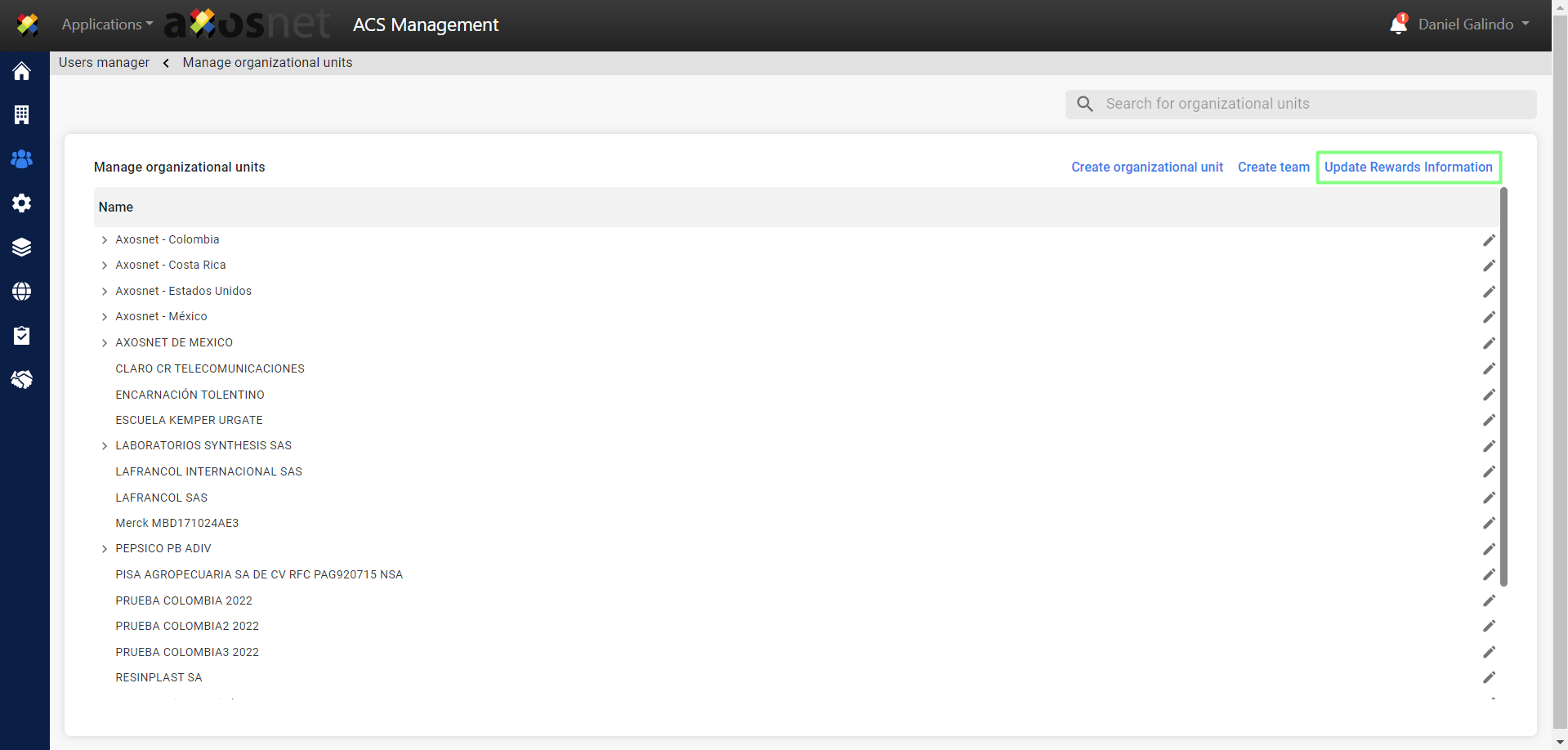
4. Click on “Update Rewards Information”.
5. A window will appear requesting confirmation of the update at account or company level, select the option of your preference according to your requirement.
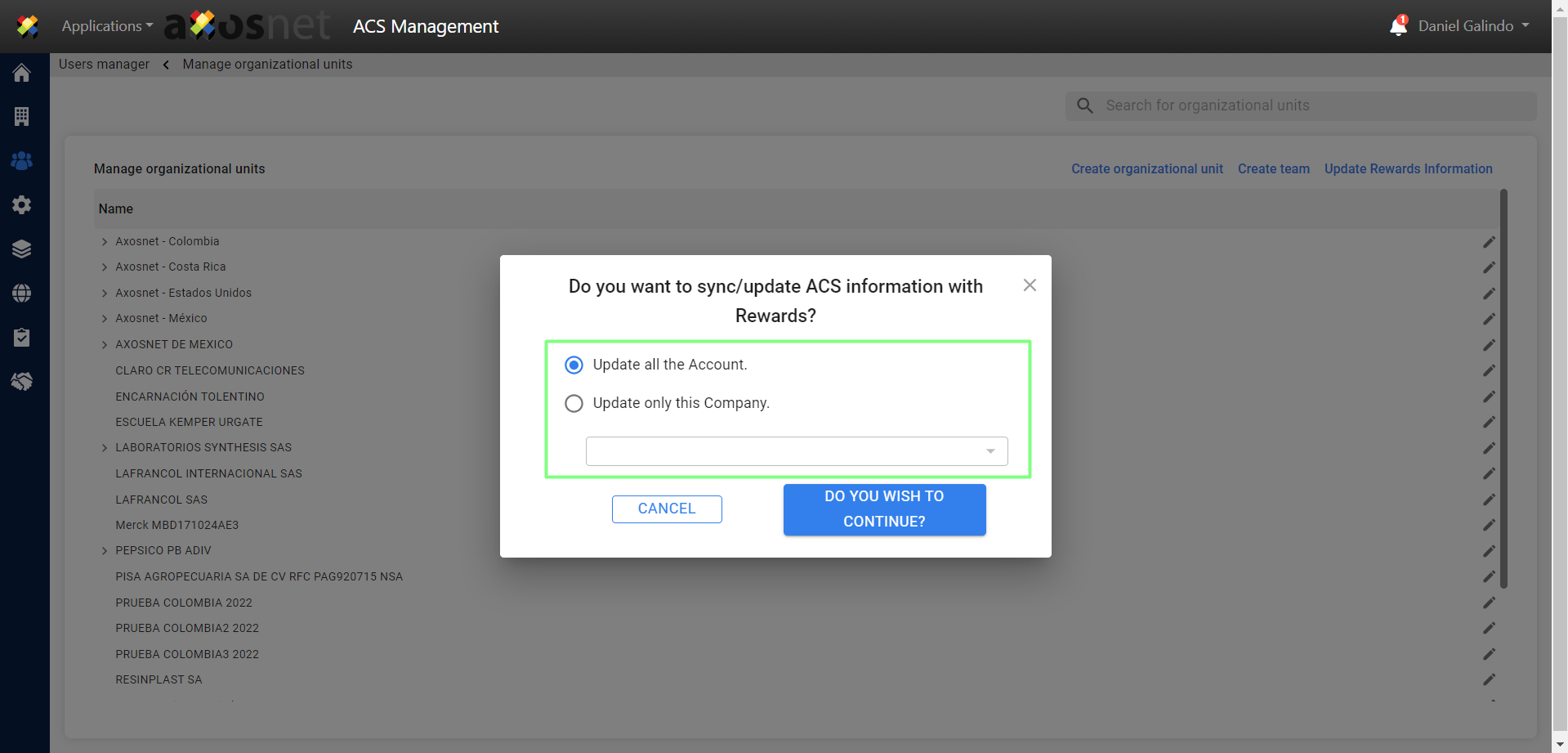
NOTE: If you select the option “Update only this Company” you must select the company to update from the list.
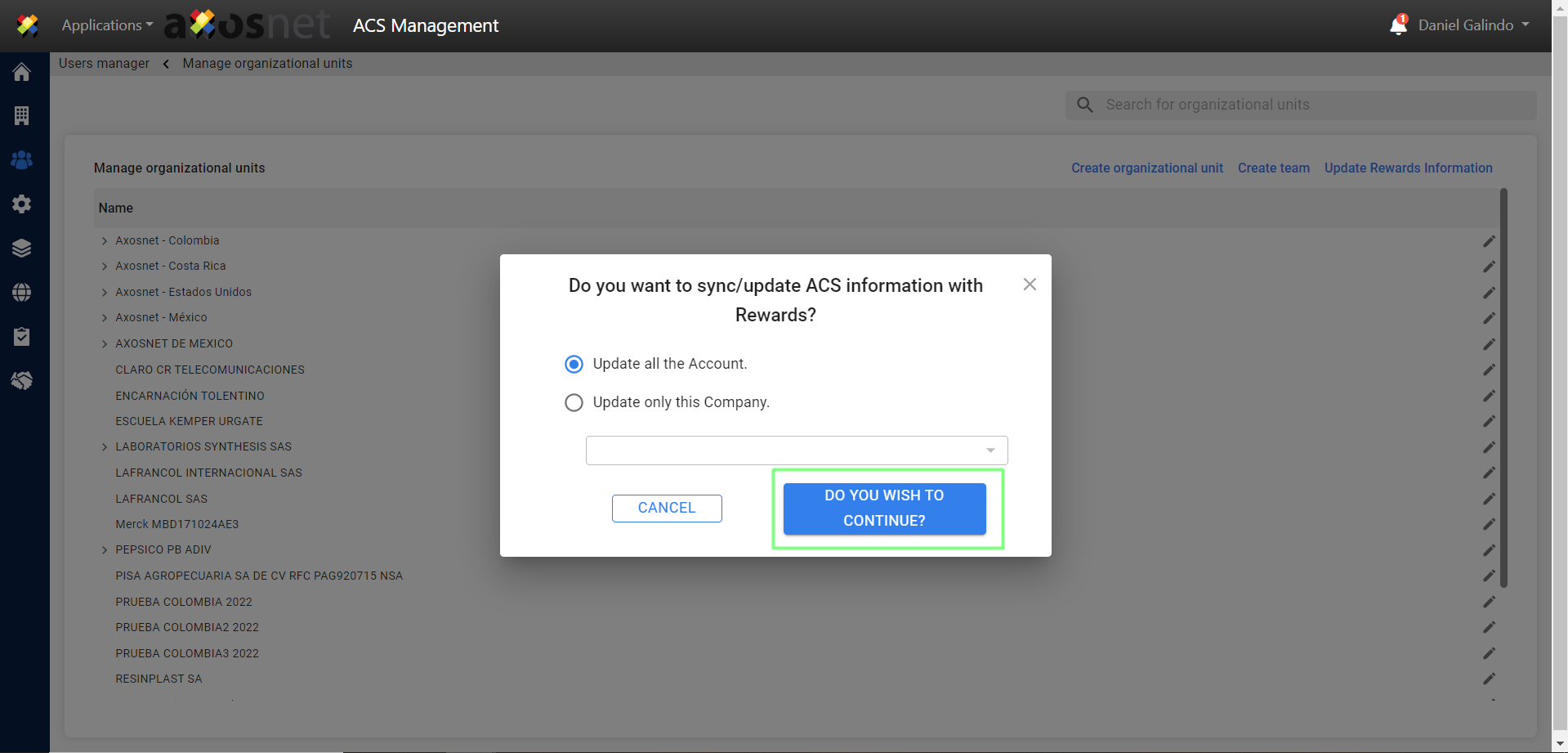
6. Click Continue to save the changes.
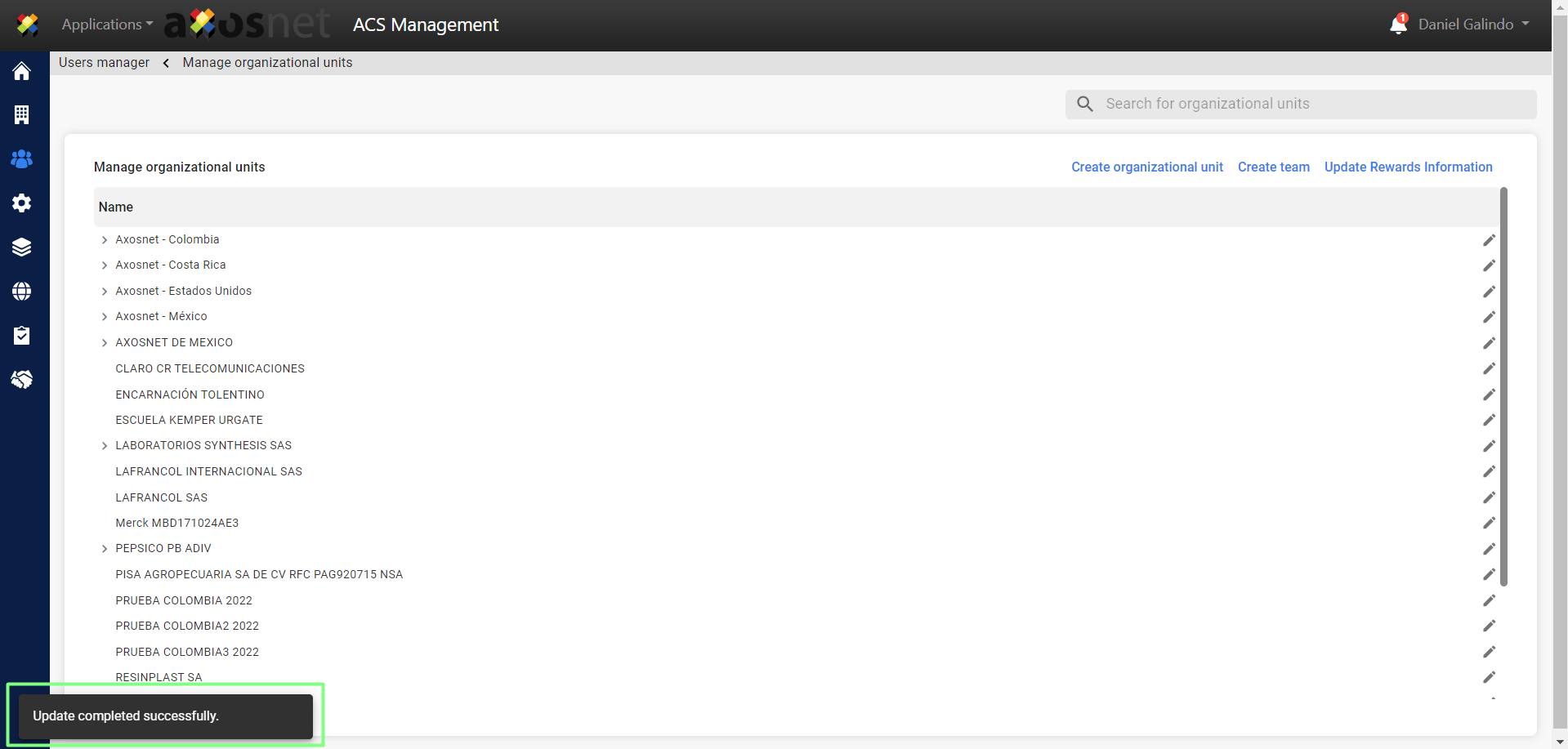
7. A confirmation message will be displayed indicating that the synchronization was successful.