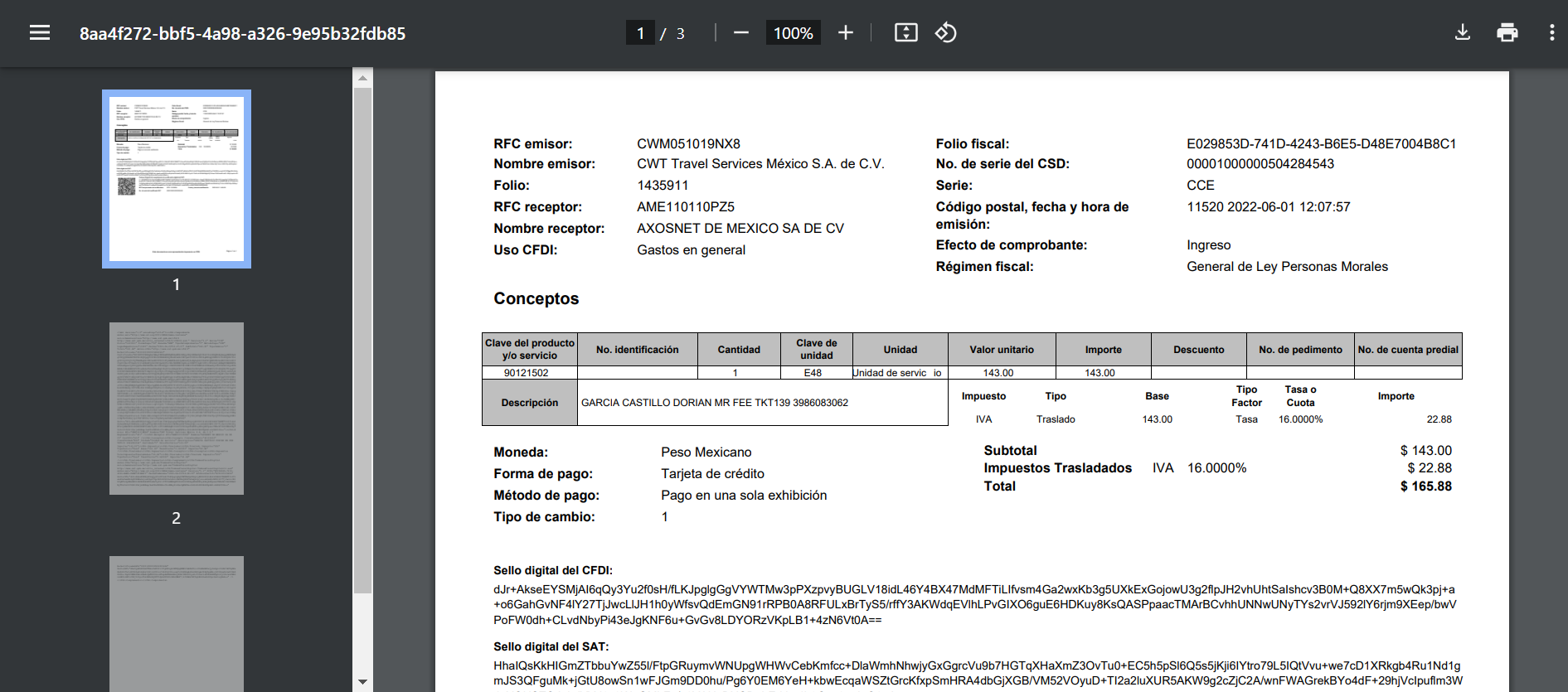
Unlike Valid Expenses, Invalid Expenses can only be viewed for details or deleted.
Reviewing an Invalid Expense
To consult an invalid expense, follow these steps:
1.Go to the “Expenses” page. Click on the “Invalid” tab.
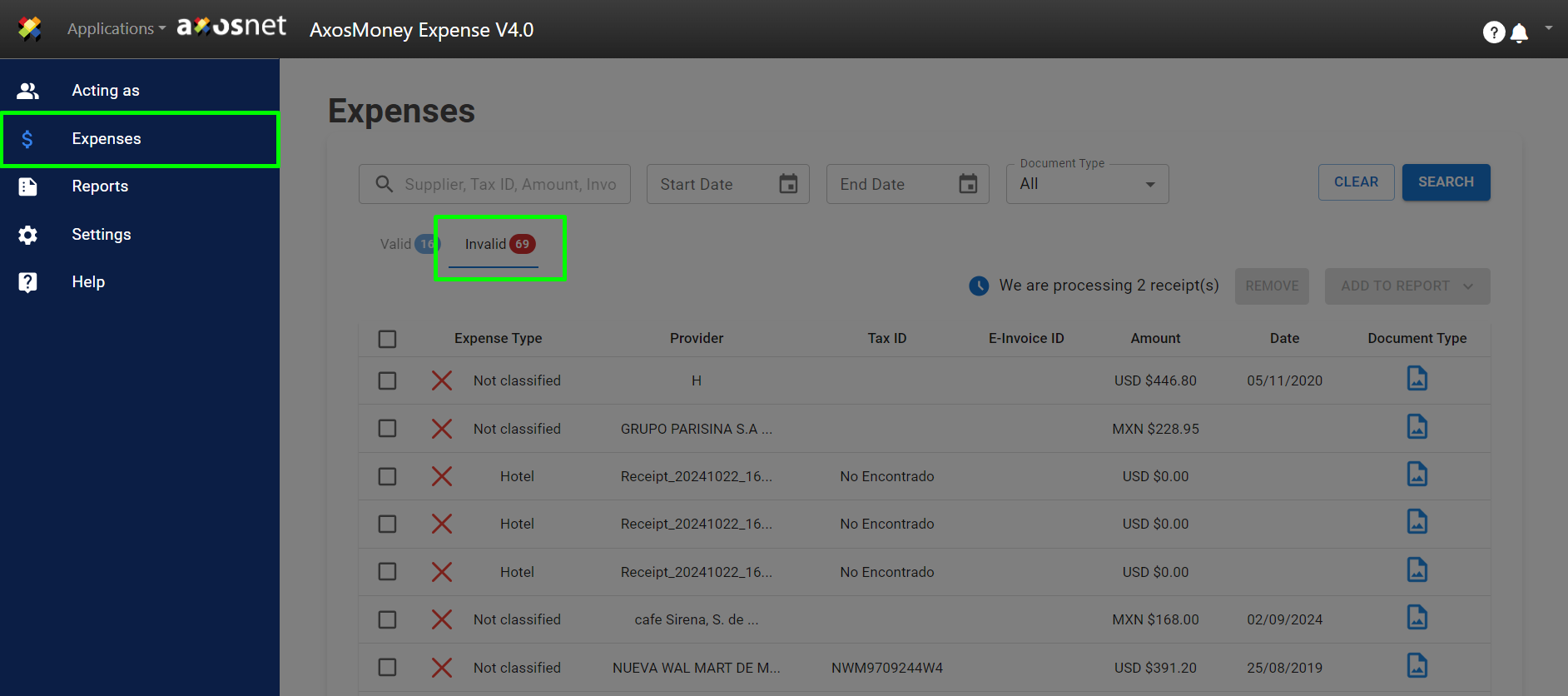
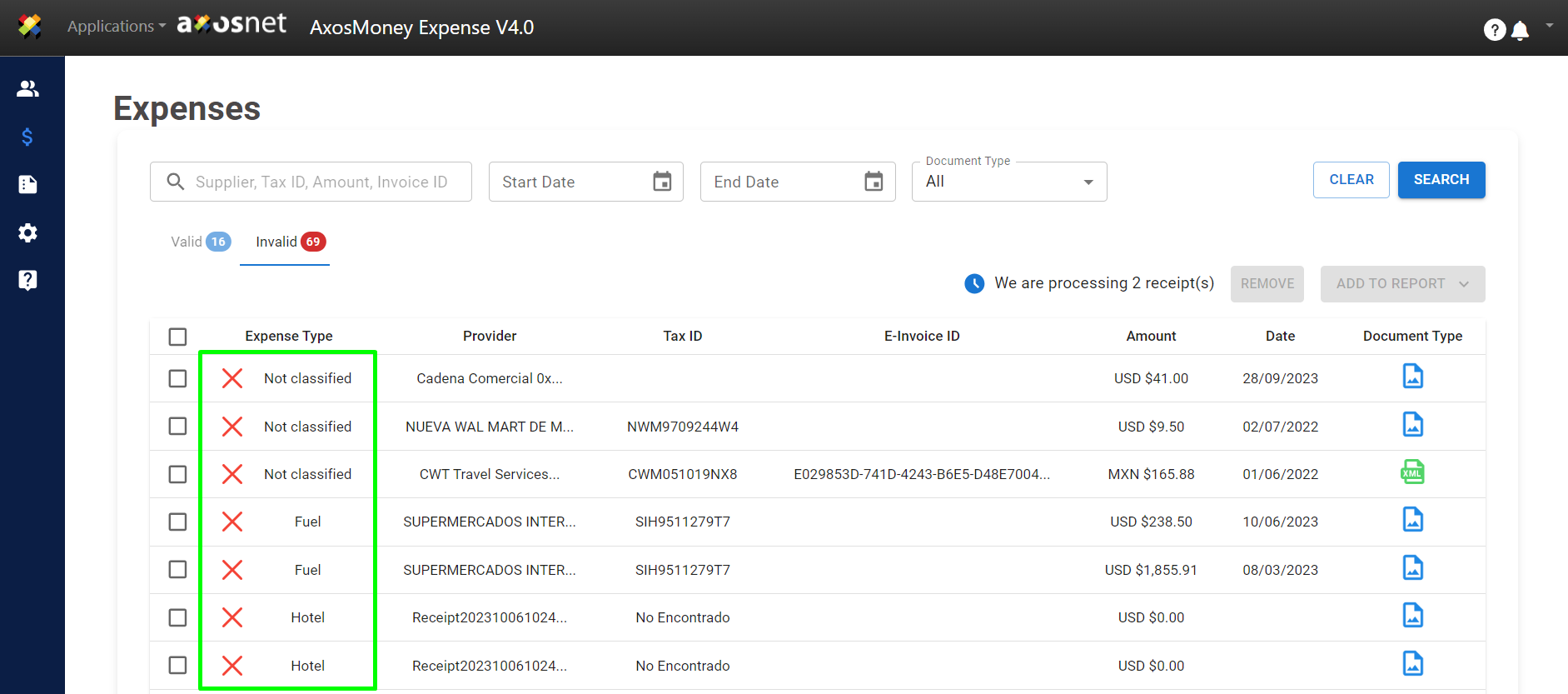
2. All invalid expenses will be displayed.
3. Click on the expense you wish to review.
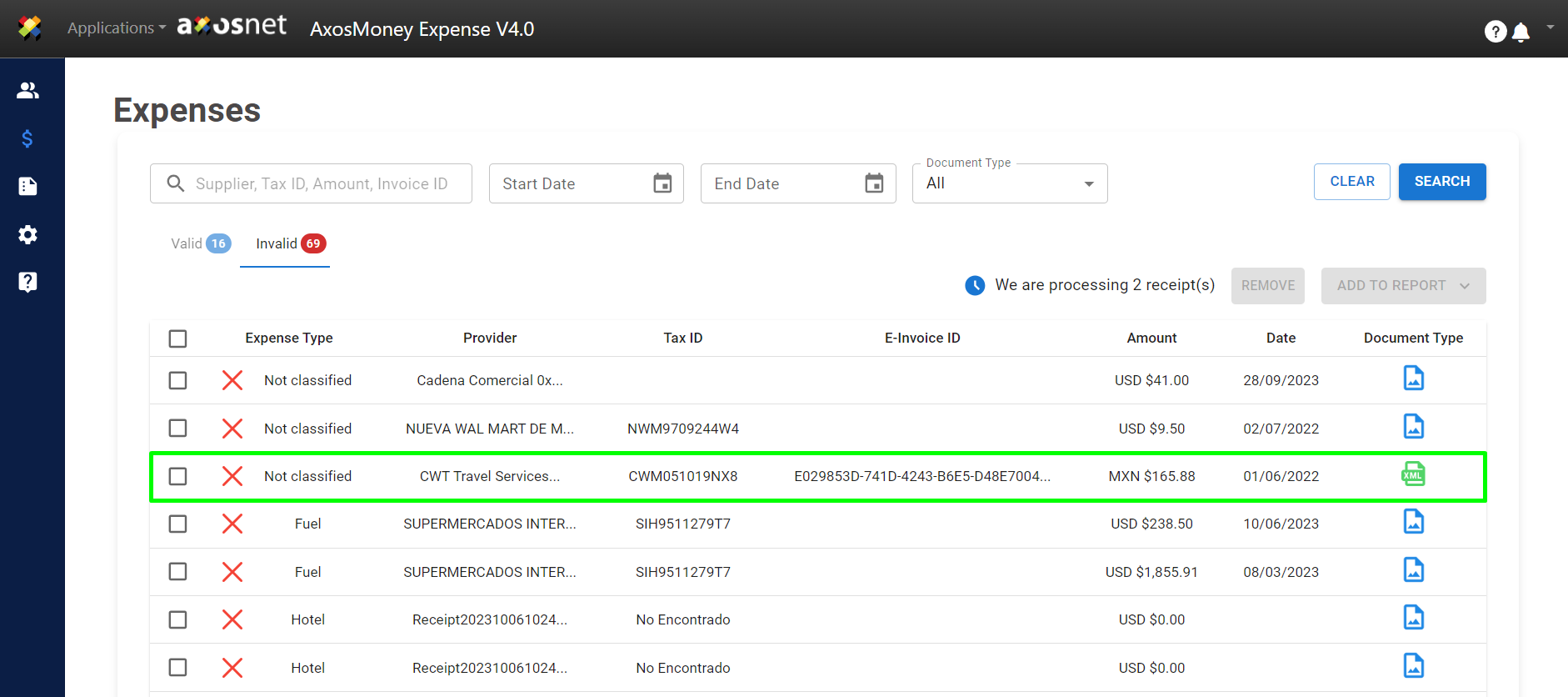
Two options will be shown:
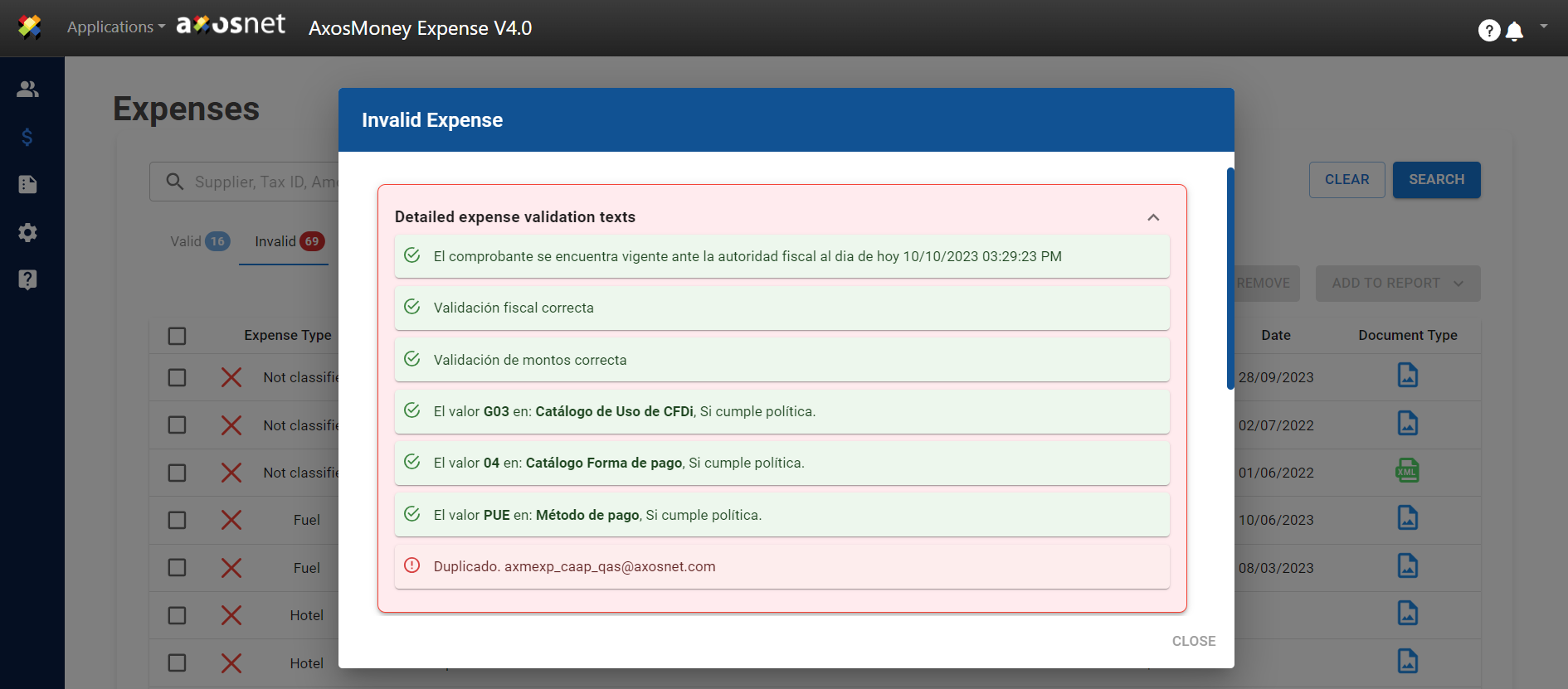
4. Expense Details.
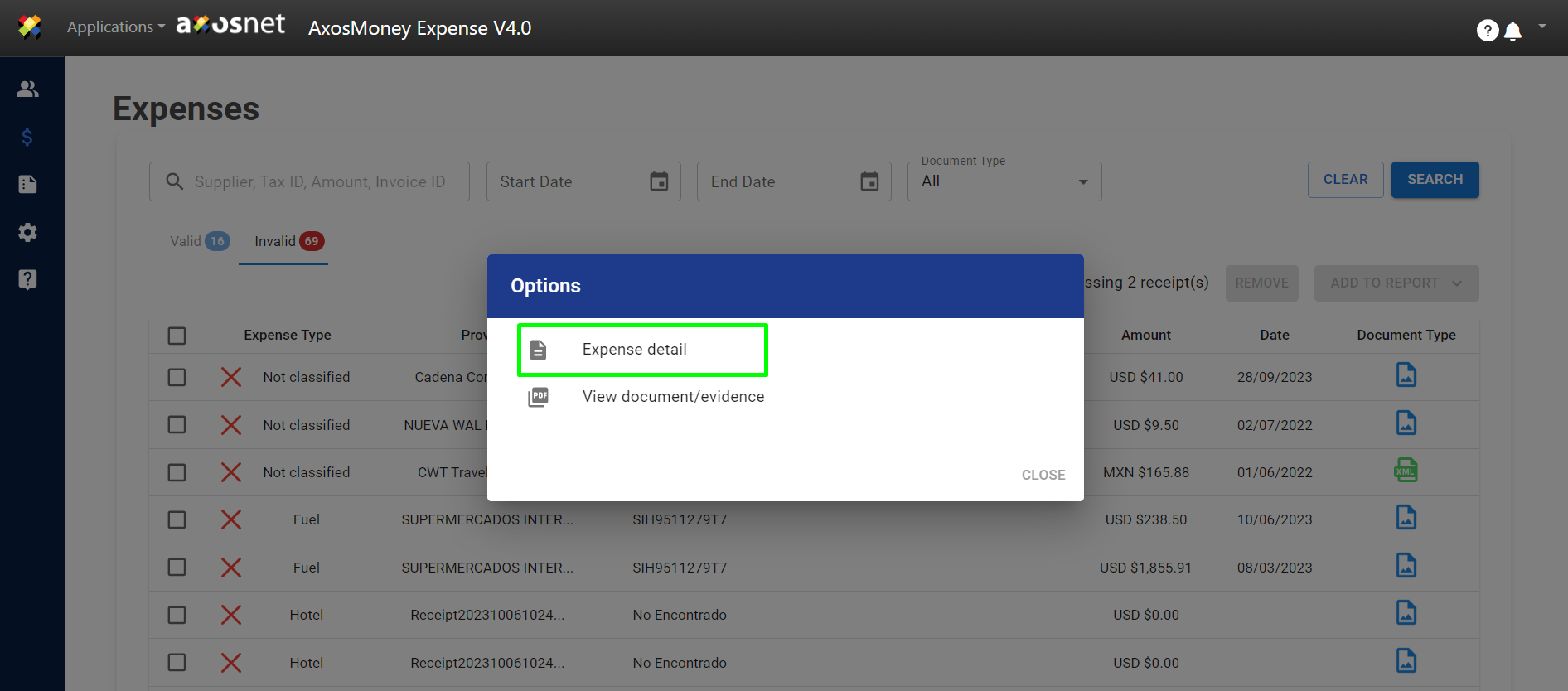
a) The details of the expense will be displayed.
 5. View Document/Evidence
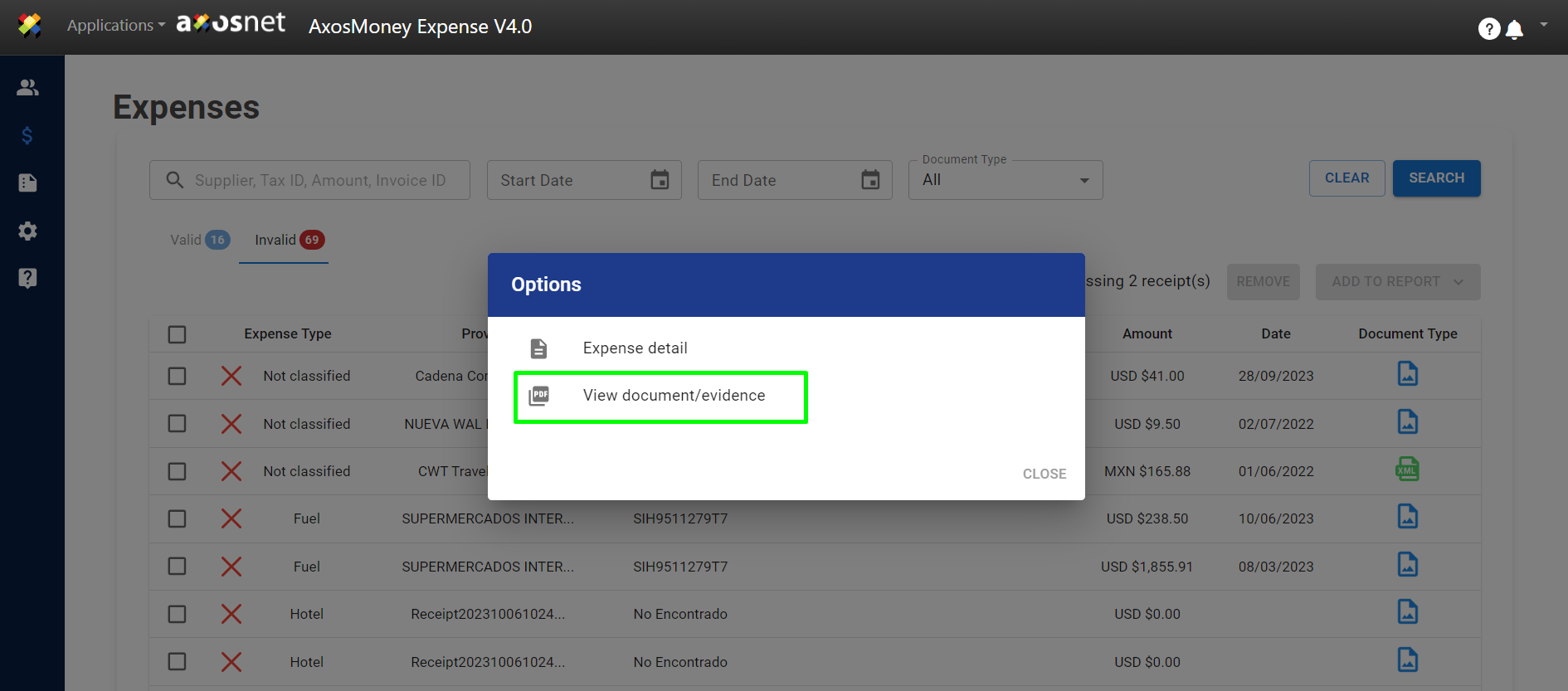 a) The documentation will be shown.