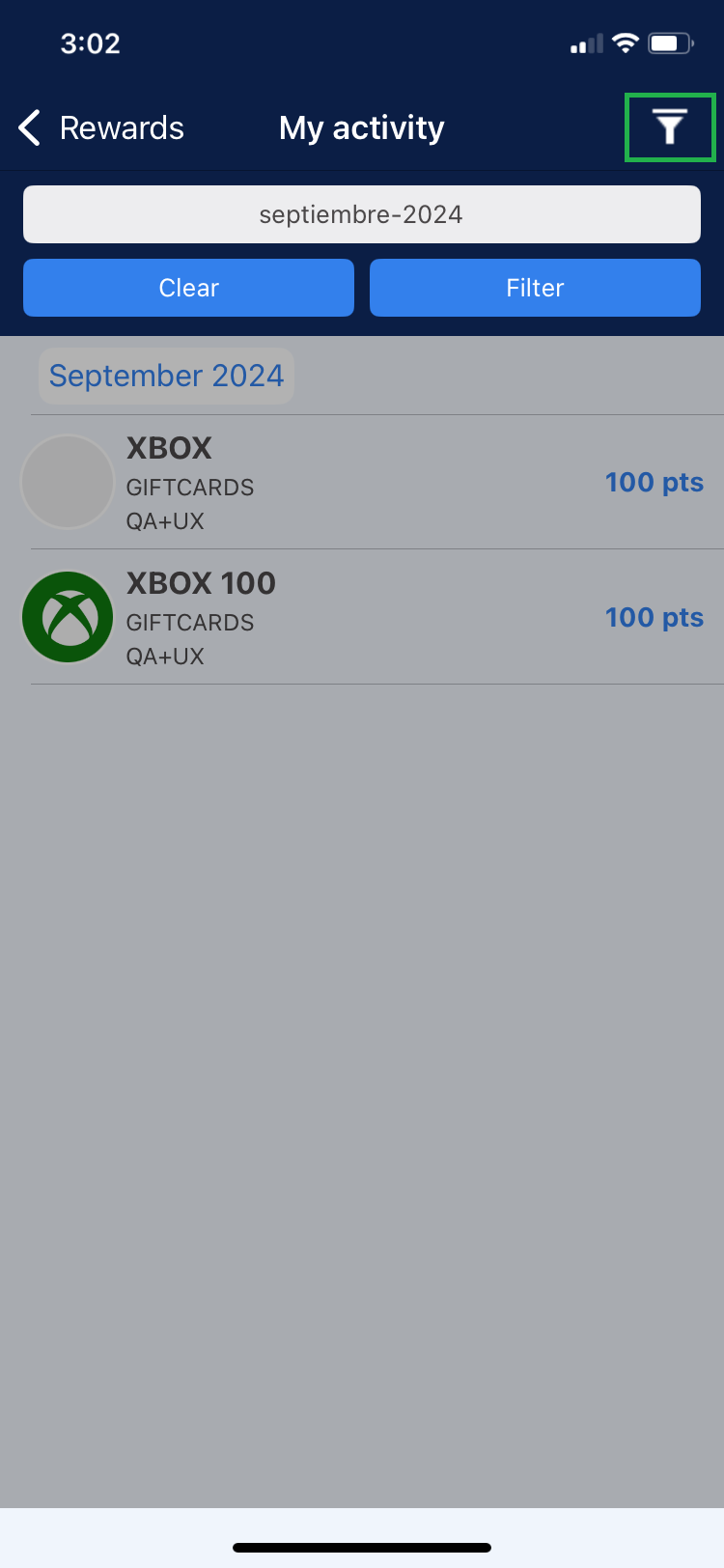
This section shows the redeemed rewards that are in “Approved” and “Delivered” status.
Note: When they are in Approved and Delivered, they disappear from Approved and are only visible in the Delivered section.
Approved
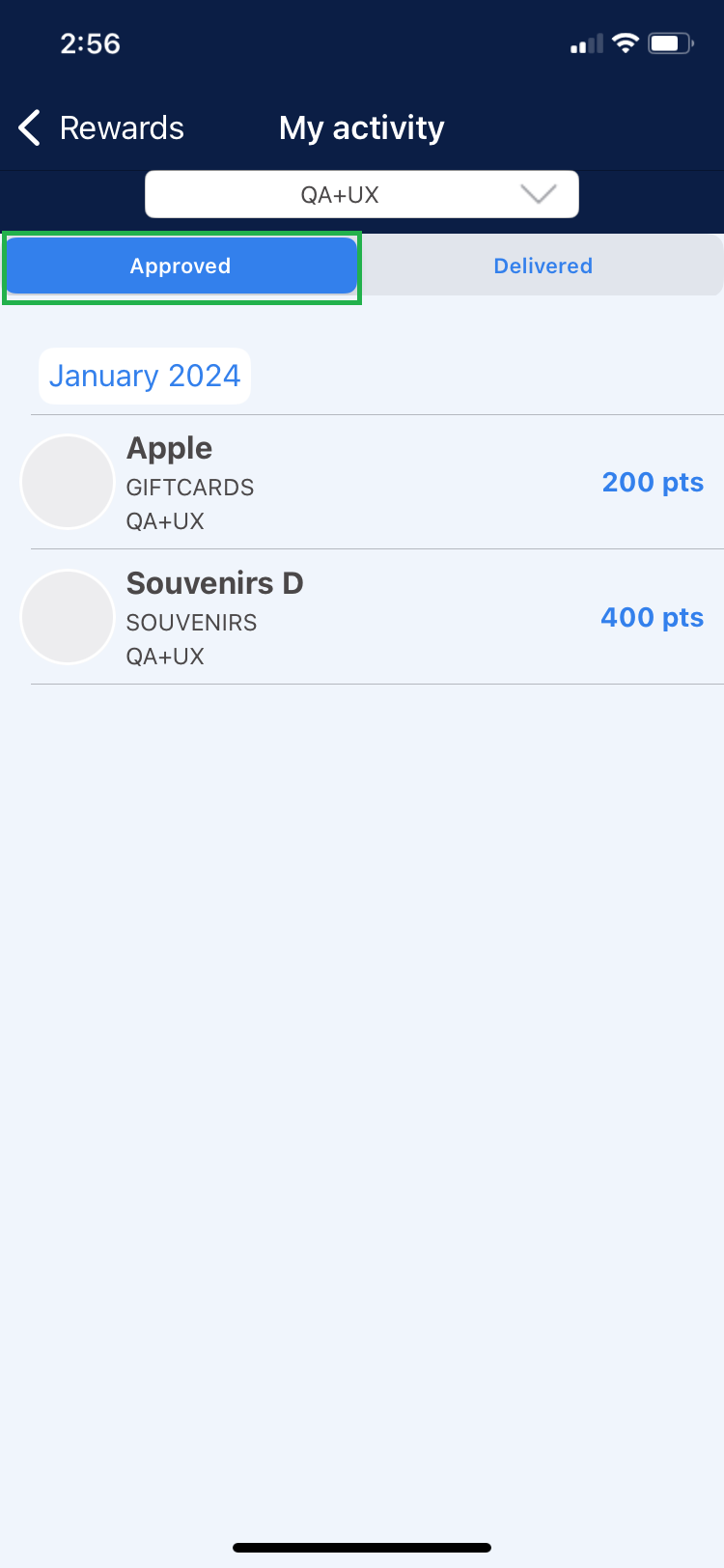
This section shows the rewards that have been redeemed, approved and are awaiting delivery
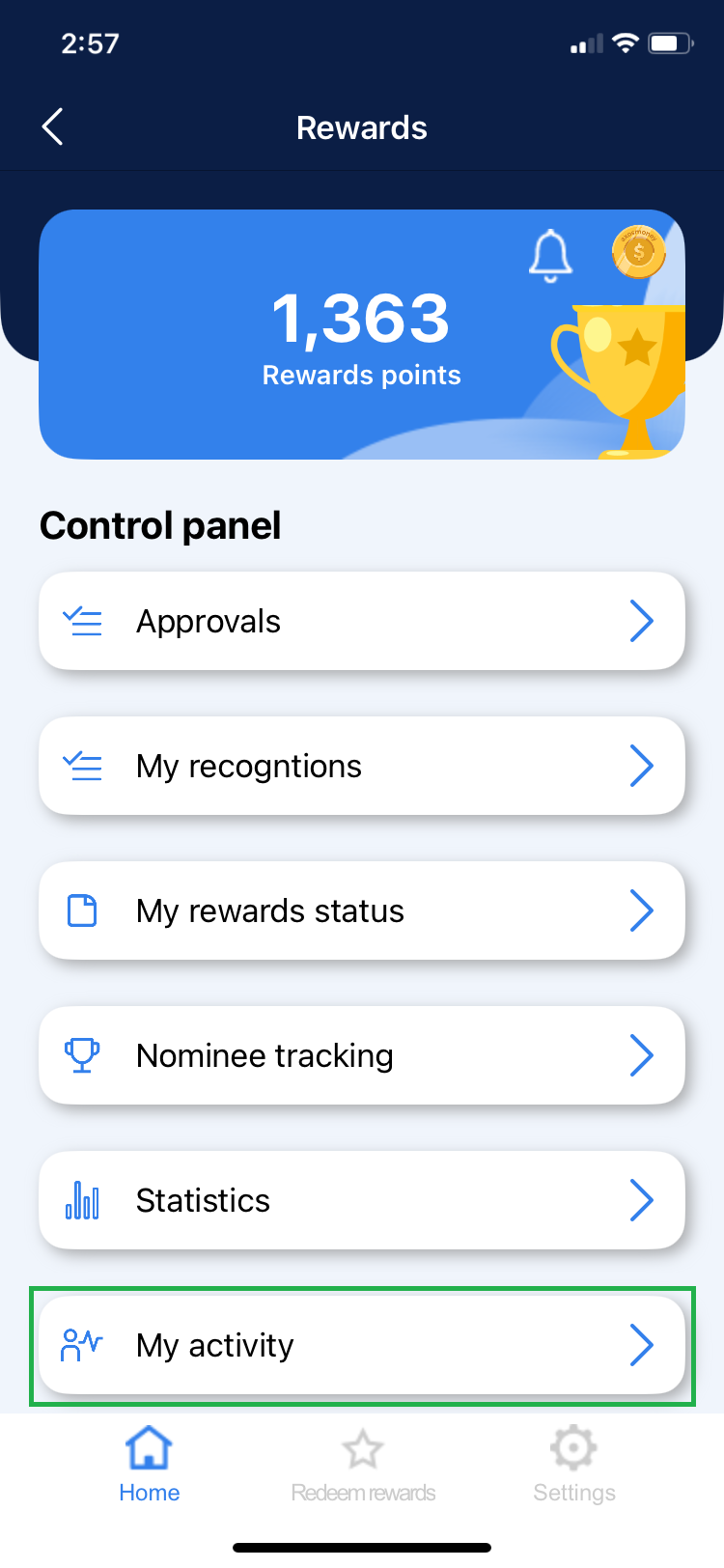
1. Go to “My Activity”.
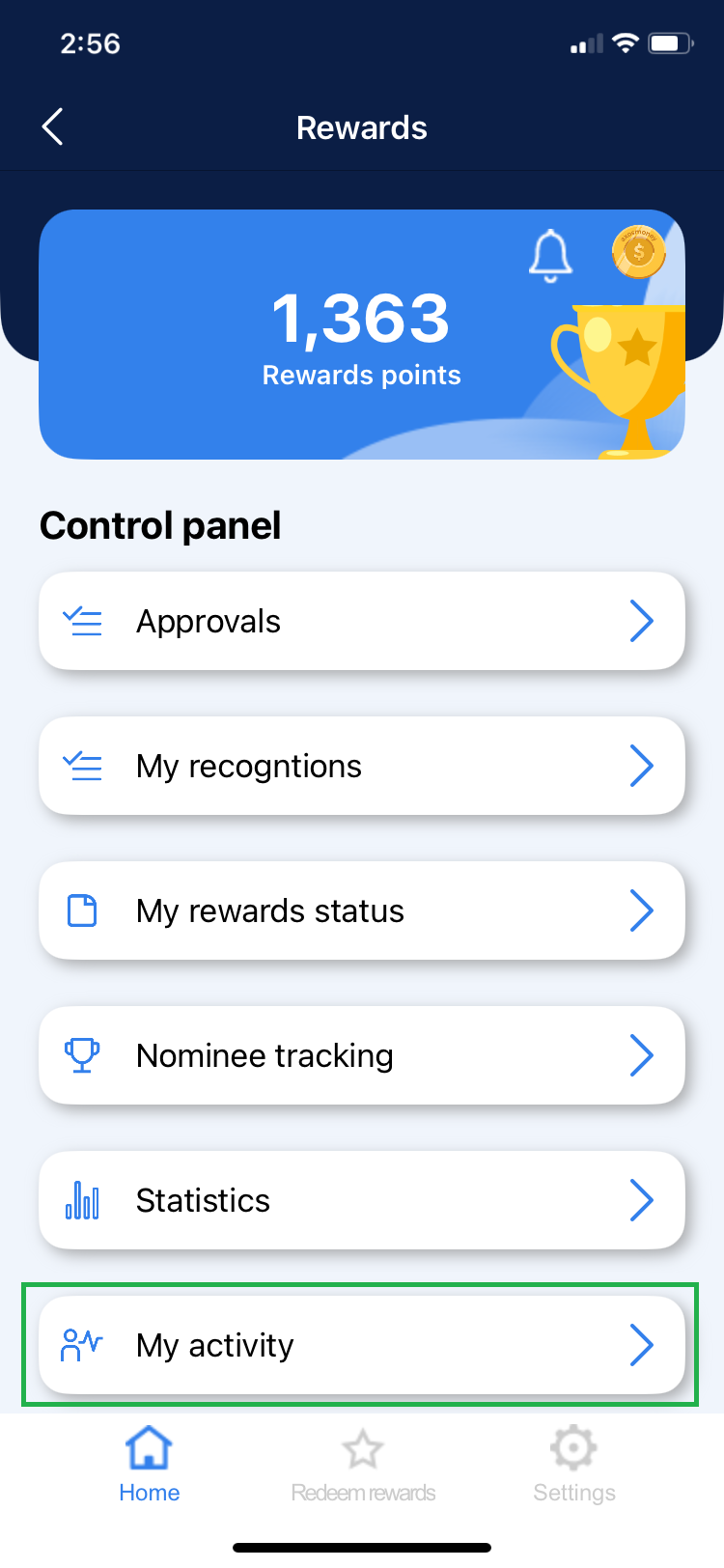
2. To see the “Approved” section click on the corresponding option in the menu.
3. To see the details of an approval, select a reward from the list shown.
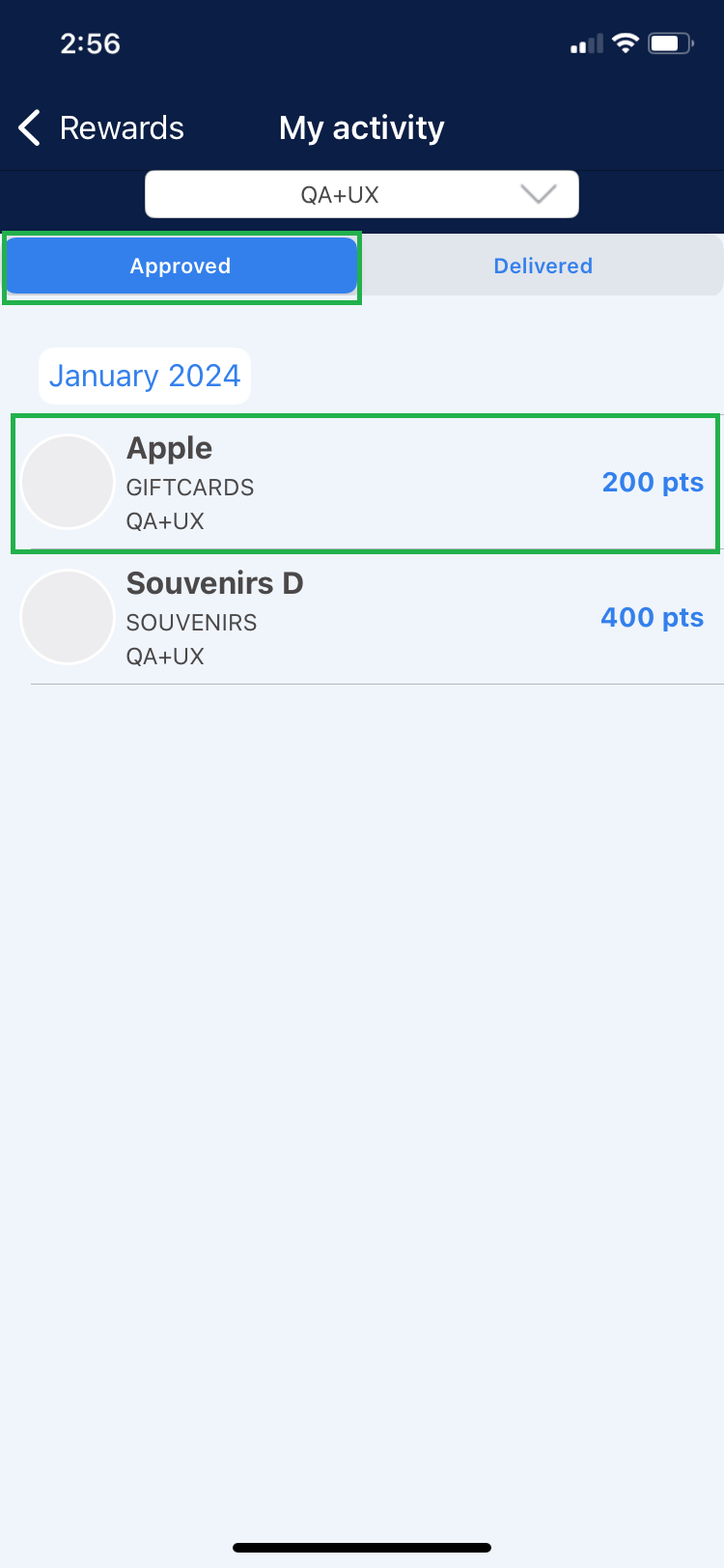
Note: Rewards approvals are made by the rewards super admin.
4. The detail shows the following information.
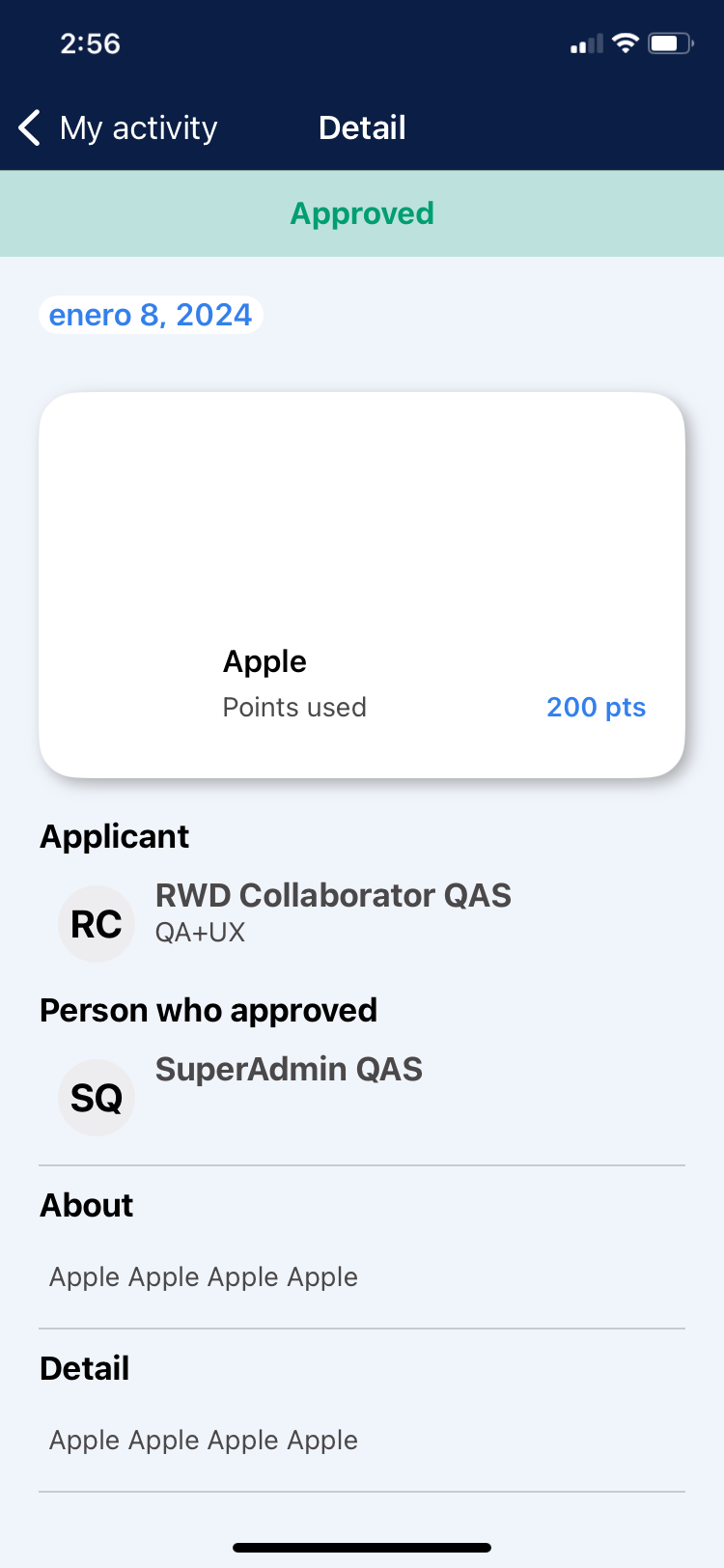
Date: Date of approval.
Points used: Value of the reward requested.
Applicant: Collaborator who redeemed the reward.
Person who approved: Rewards SuperAdmin username.
About: Information about the product being redeemed.
Details: Information about the product being redeemed.
Website: Link to the website corresponding to the product being redeemed.
Delivered
This section shows the rewards that were delivered to the collaborator.
1. Go to “My Activity”.
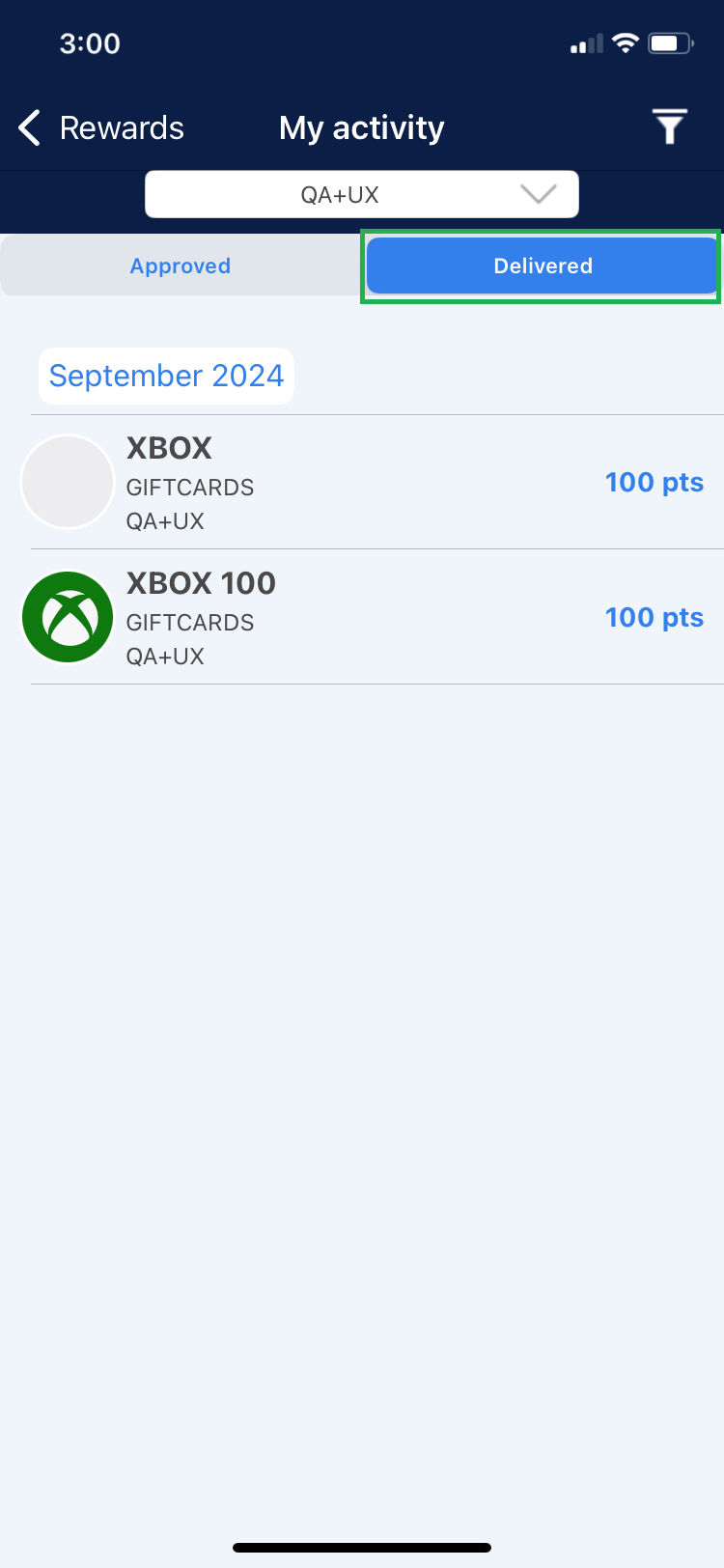
2. To see the “Delivered” section click on the corresponding option in the menu.
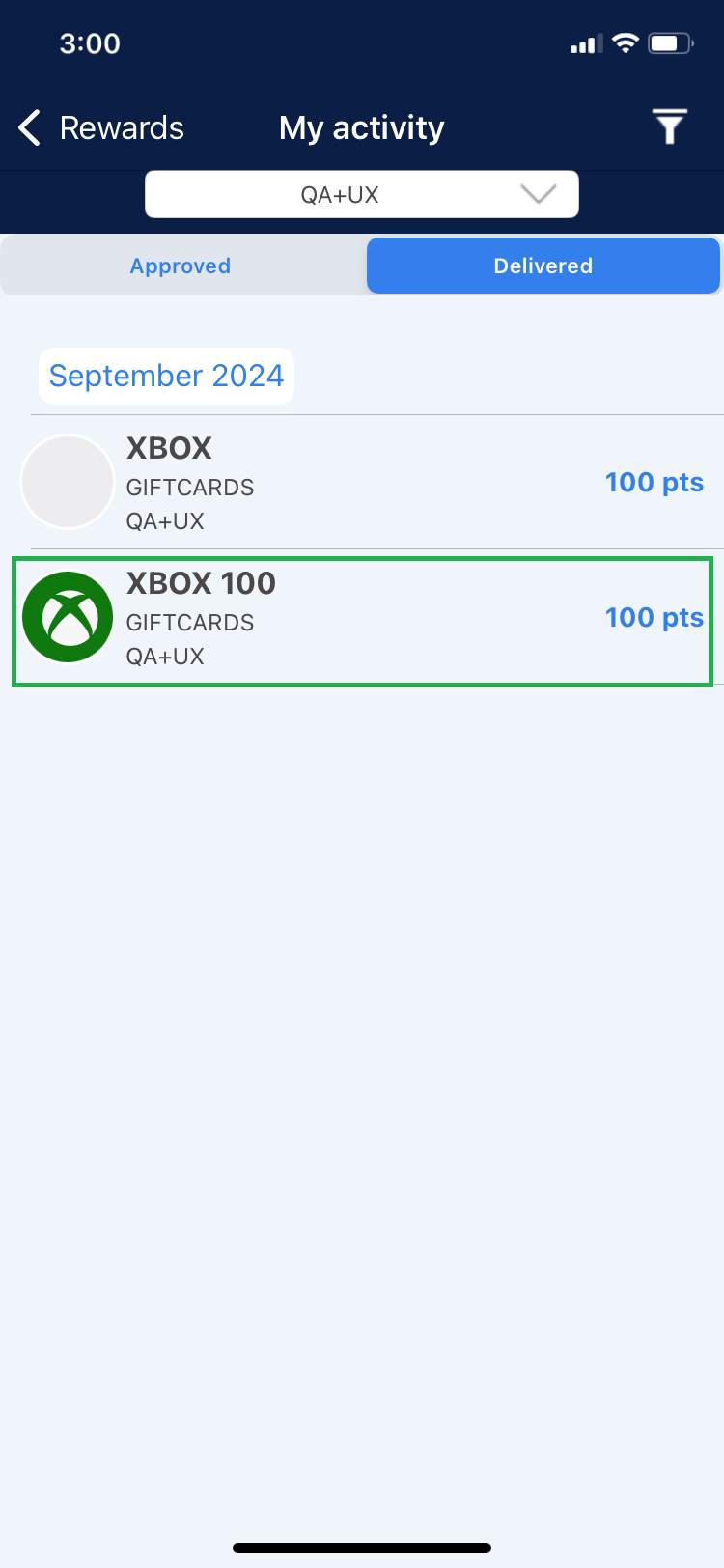
3. To see the details of a delivery, select a reward from the list shown.
Note: Rewards approvals are made by the rewards super admin.
4. In case of being Leader of 2 or more teams, go to the dropdown menu to select the team to manage.
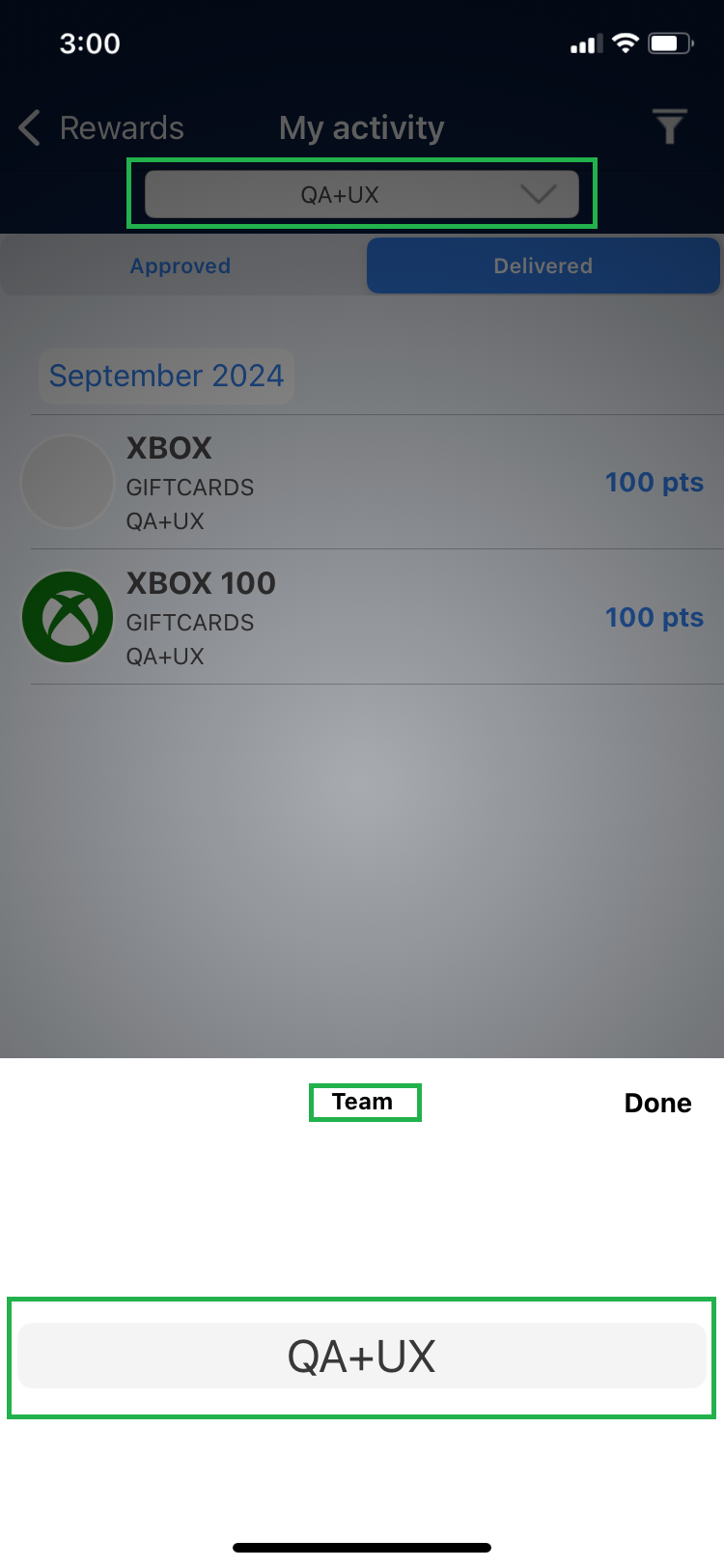
5. The detail shows the following information.
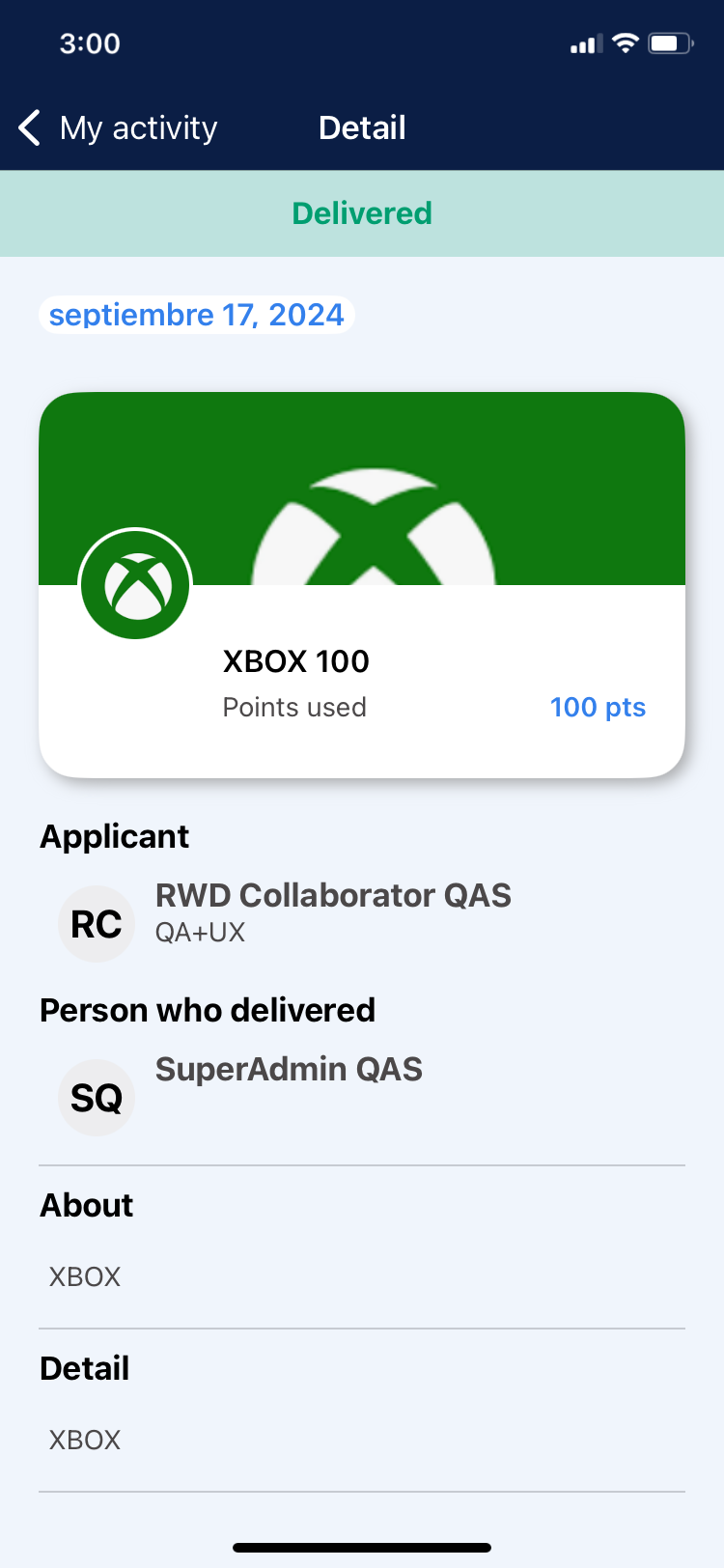
Date: Date of approval.
Points used: Value of the reward requested.
Applicant: Collaborator who redeemed the reward.
Person who approved: Rewards SuperAdmin username.
About: Information about the product being redeemed.
Details: Information about the product being redeemed.
Website: Link to the website corresponding to the product being redeemed.
6. To view deliveries from previous months, select the month and year from the date filter.