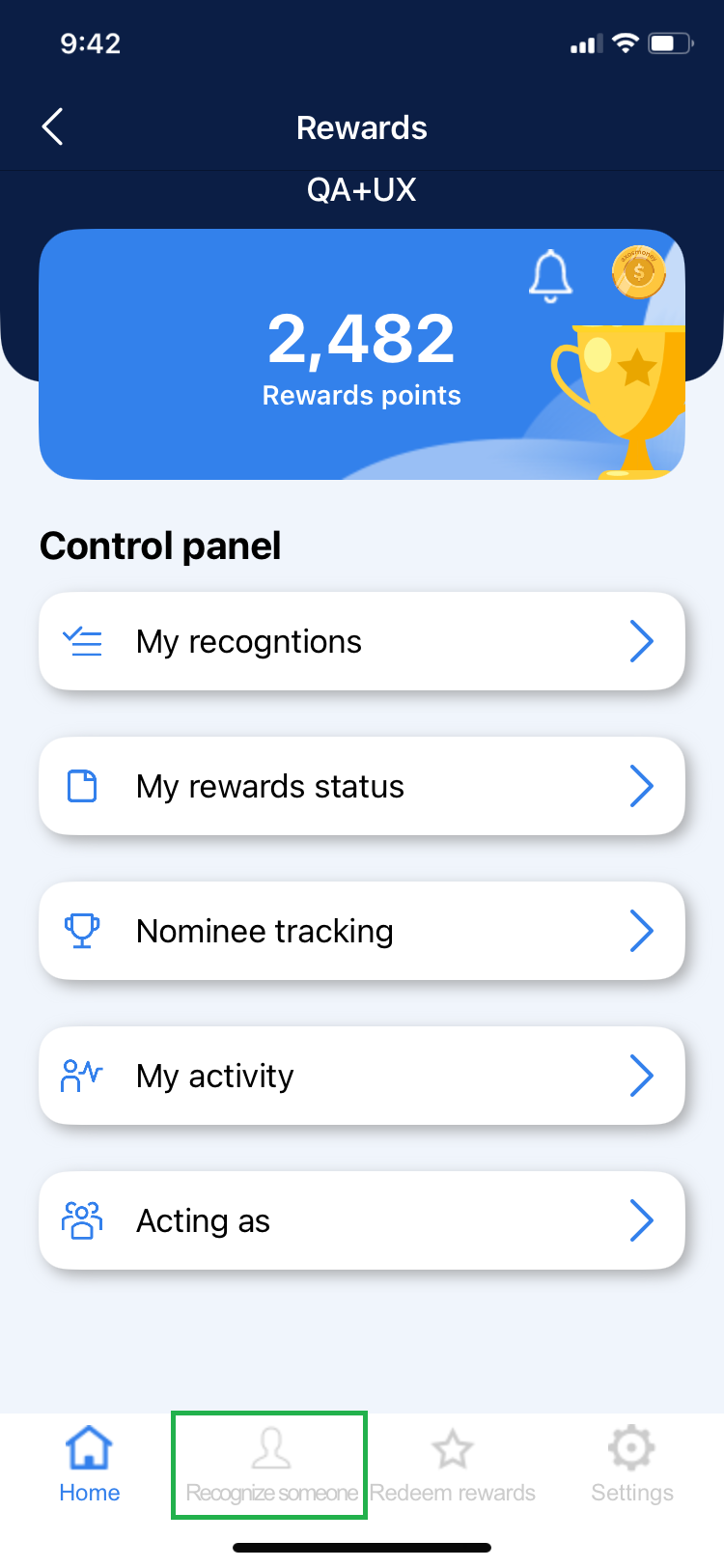
1. To make a recognition or nomination click on the “Recognize someone” option in the menu below.
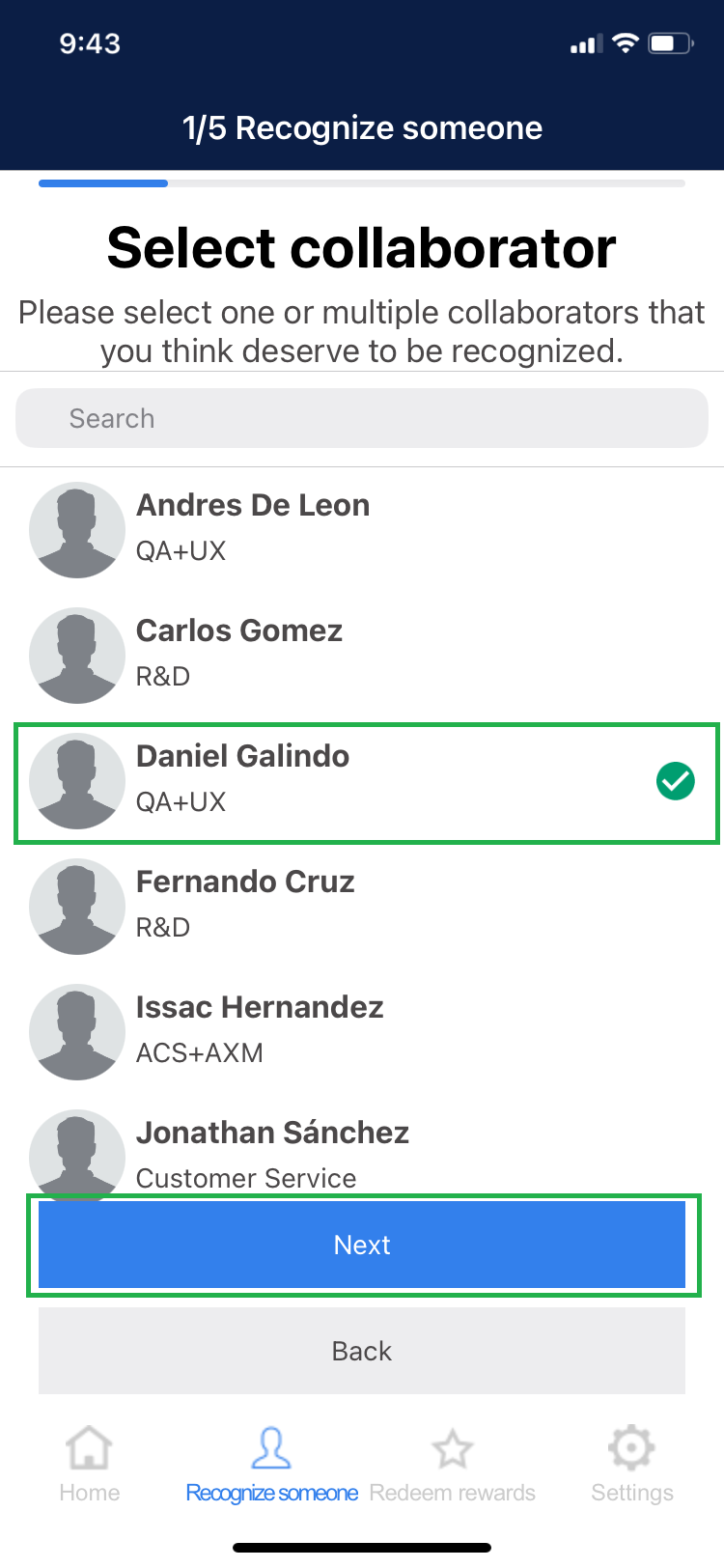
2. Select one or more collaborators you want to recognize and then click “Next”.
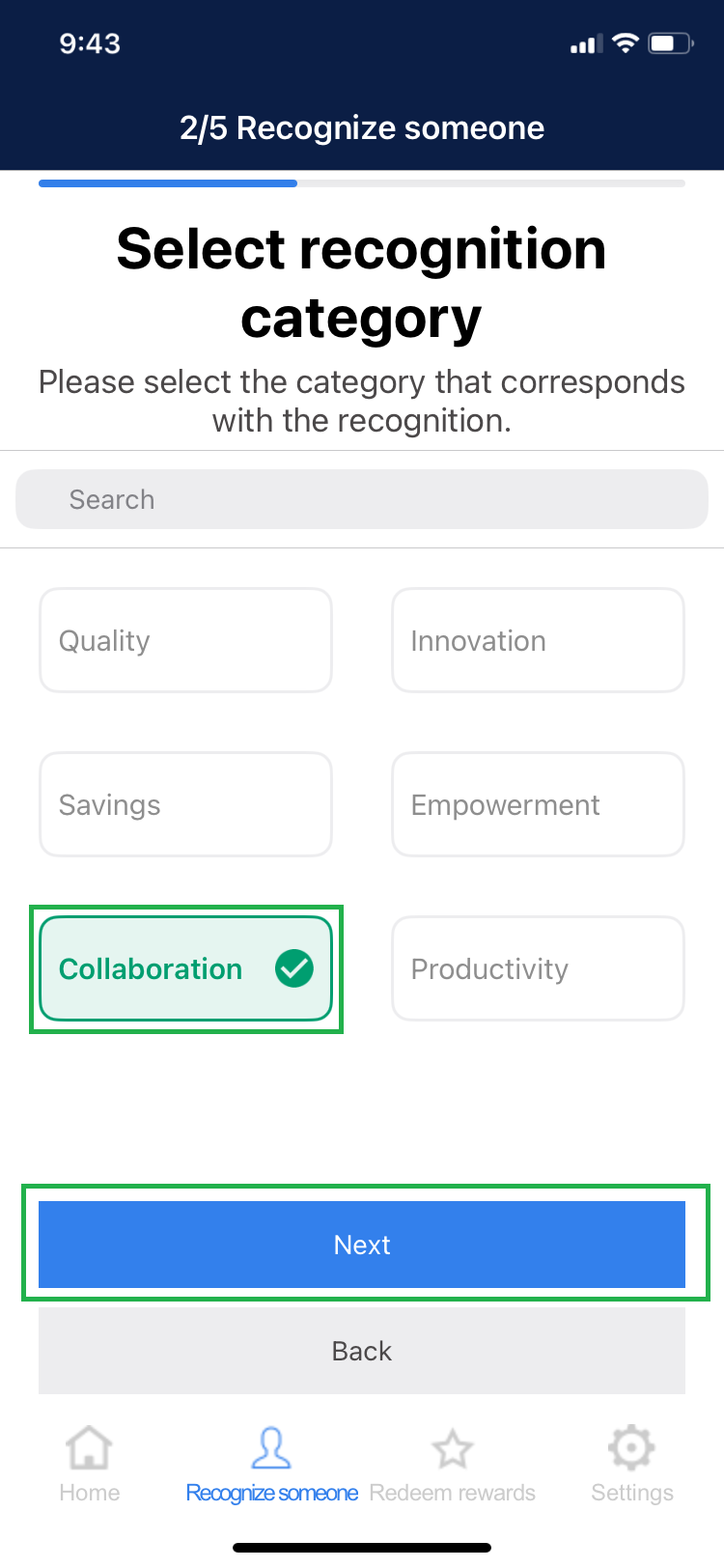
3. Select the category of recognition then click “Next”.
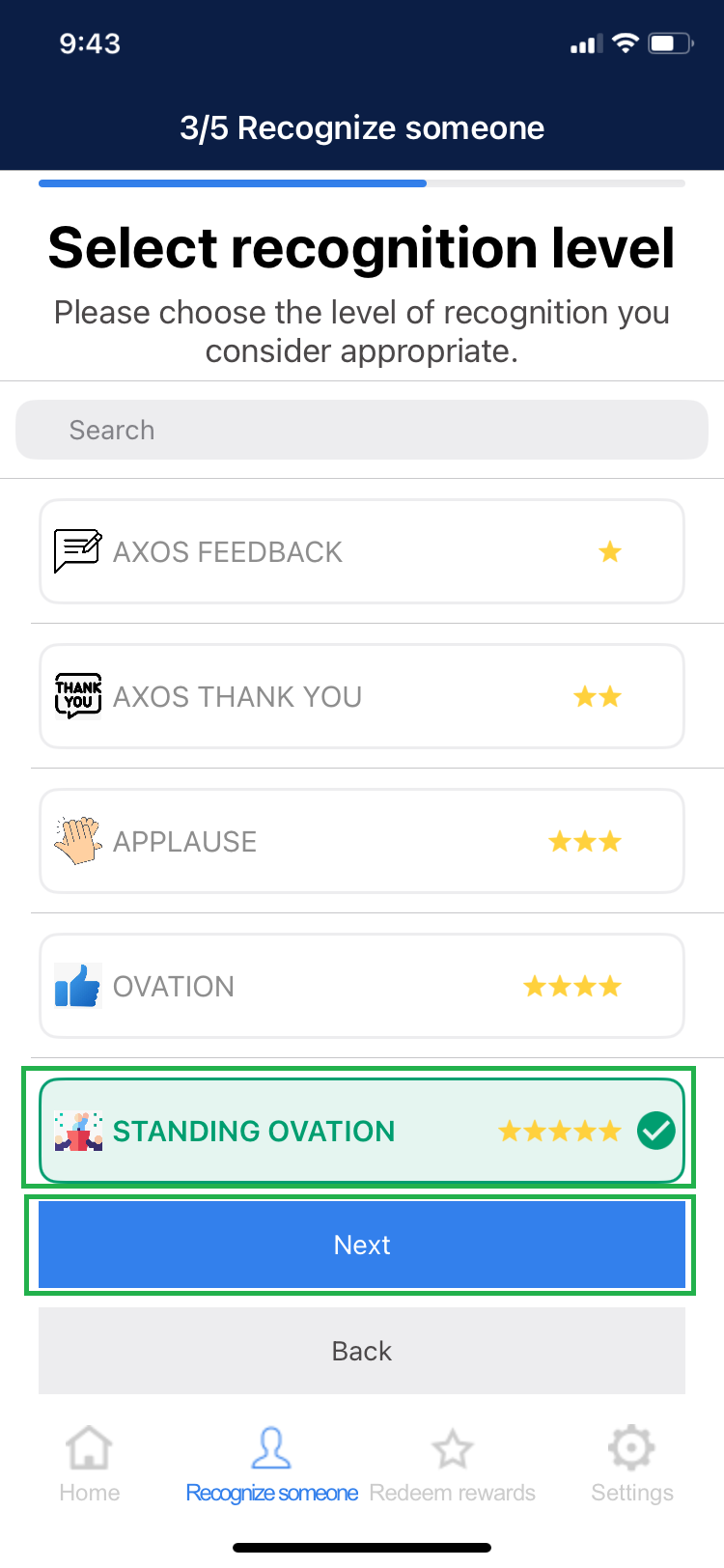
4. Select the level of recognition you want to award then click “Next”.
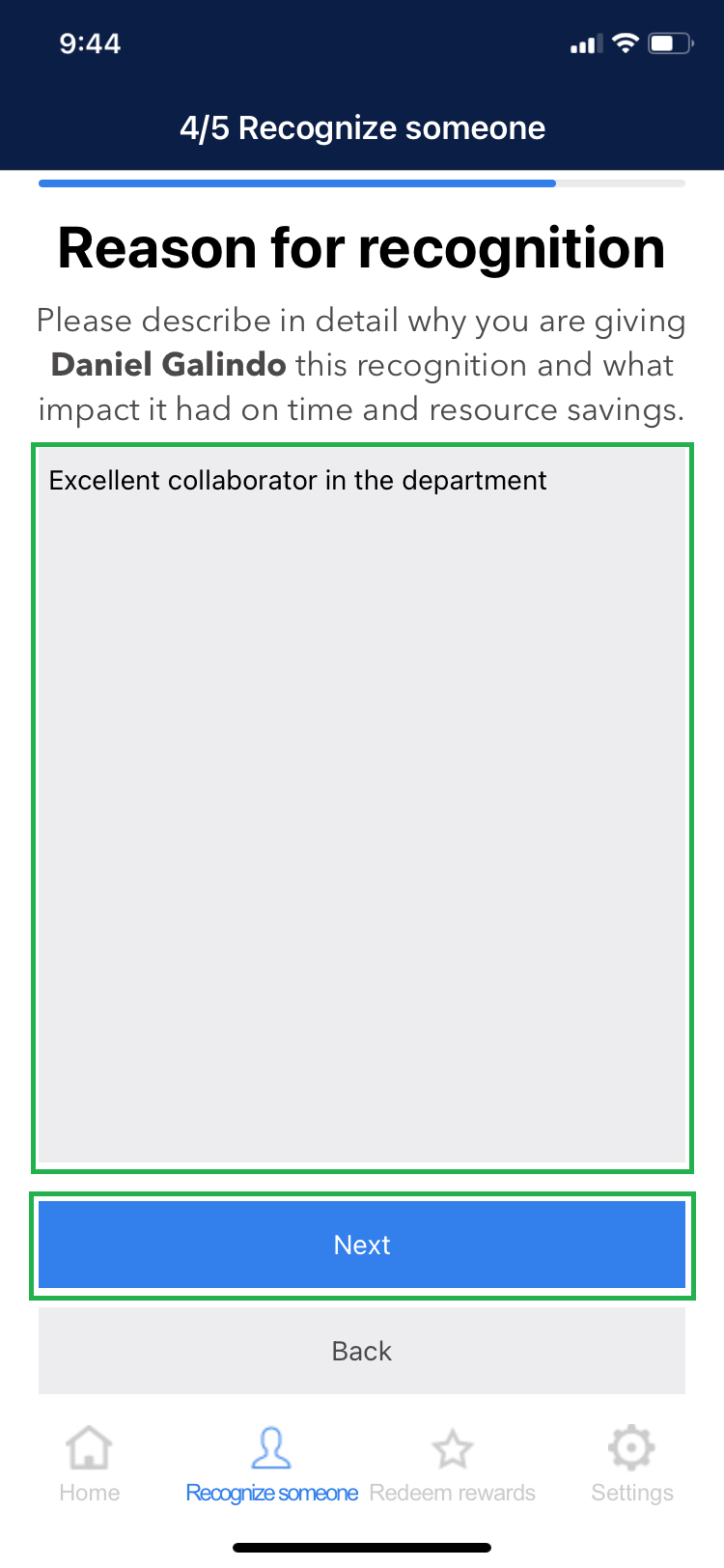
5. Enter the reason for recognizing the employee and then click “Submit”.
6. A message will be displayed for a successful recognition.
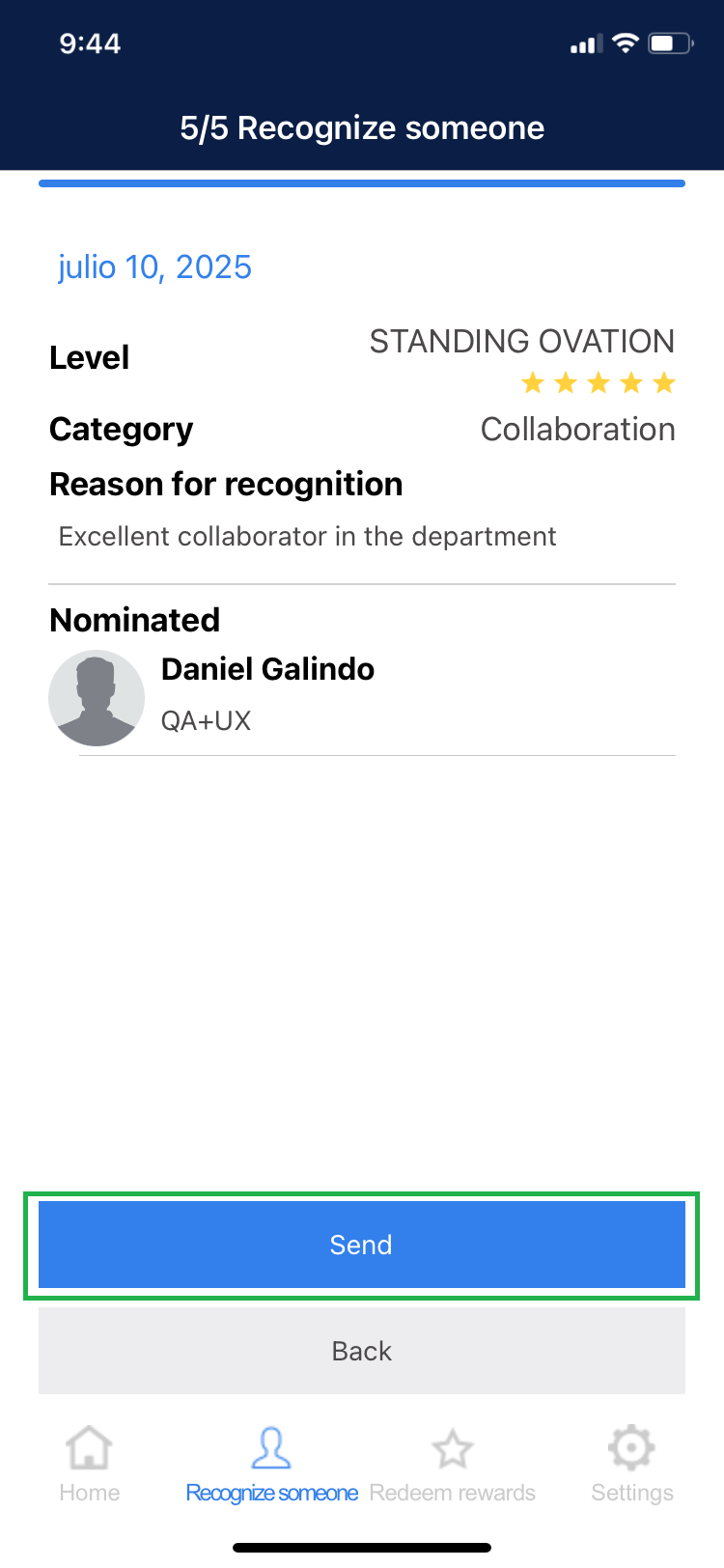
7. To confirm the action, click “Send.”
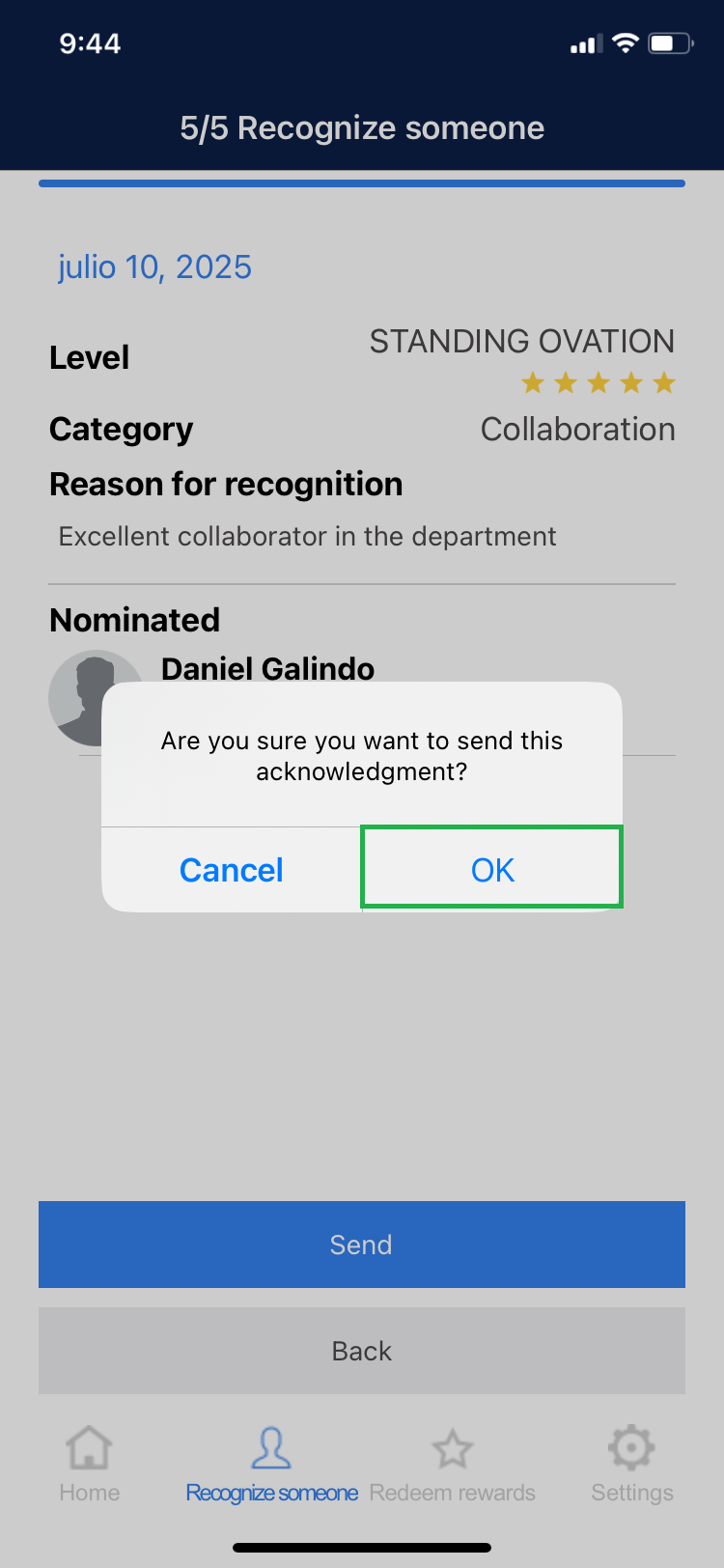
8. A message will appear indicating that the recognition has been successfully completed.