
For a collaborator the main functionality of “Acting As” is to take on the Role of Team Leader, who has assigned him/her to perform the team’s functions over a period of time.
How do I know if I have the “Acting As” functionality?
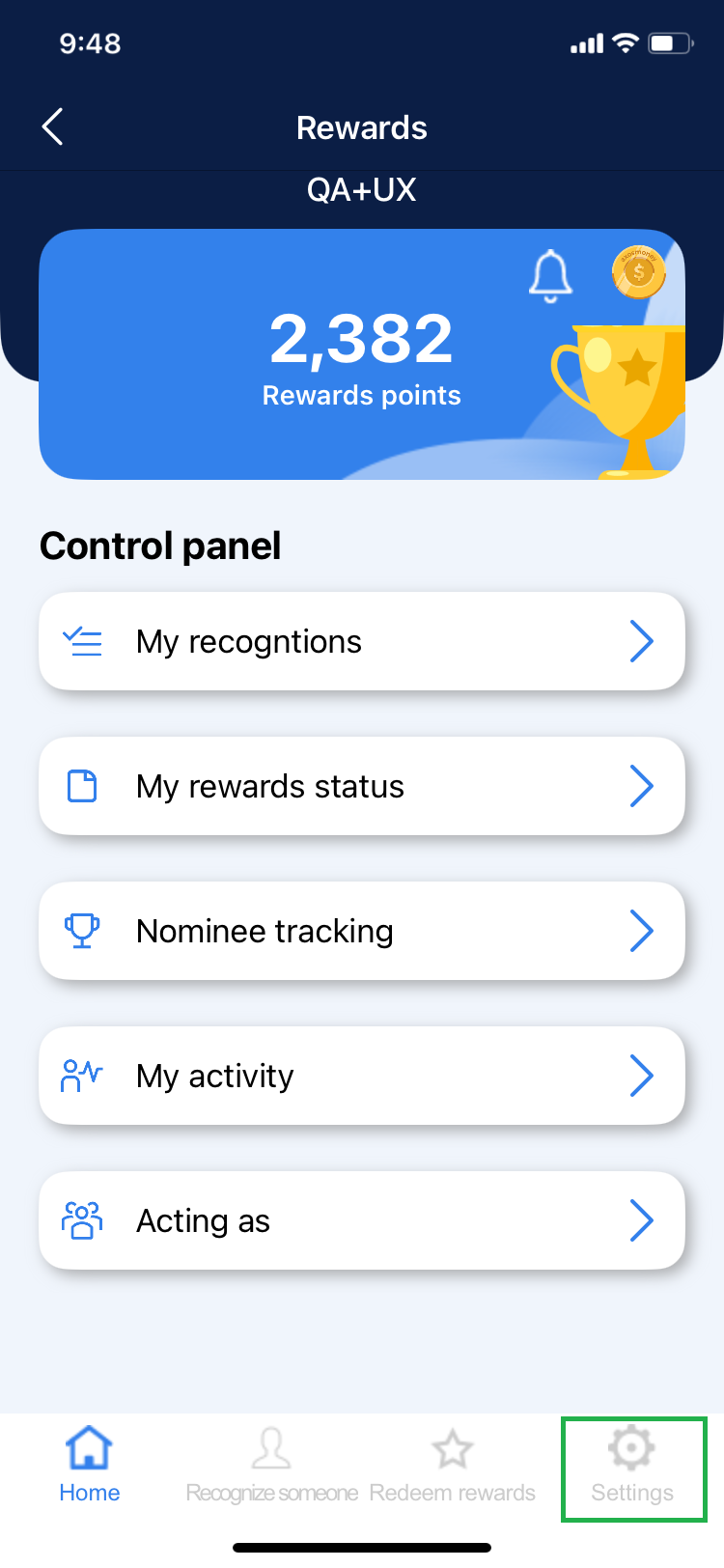
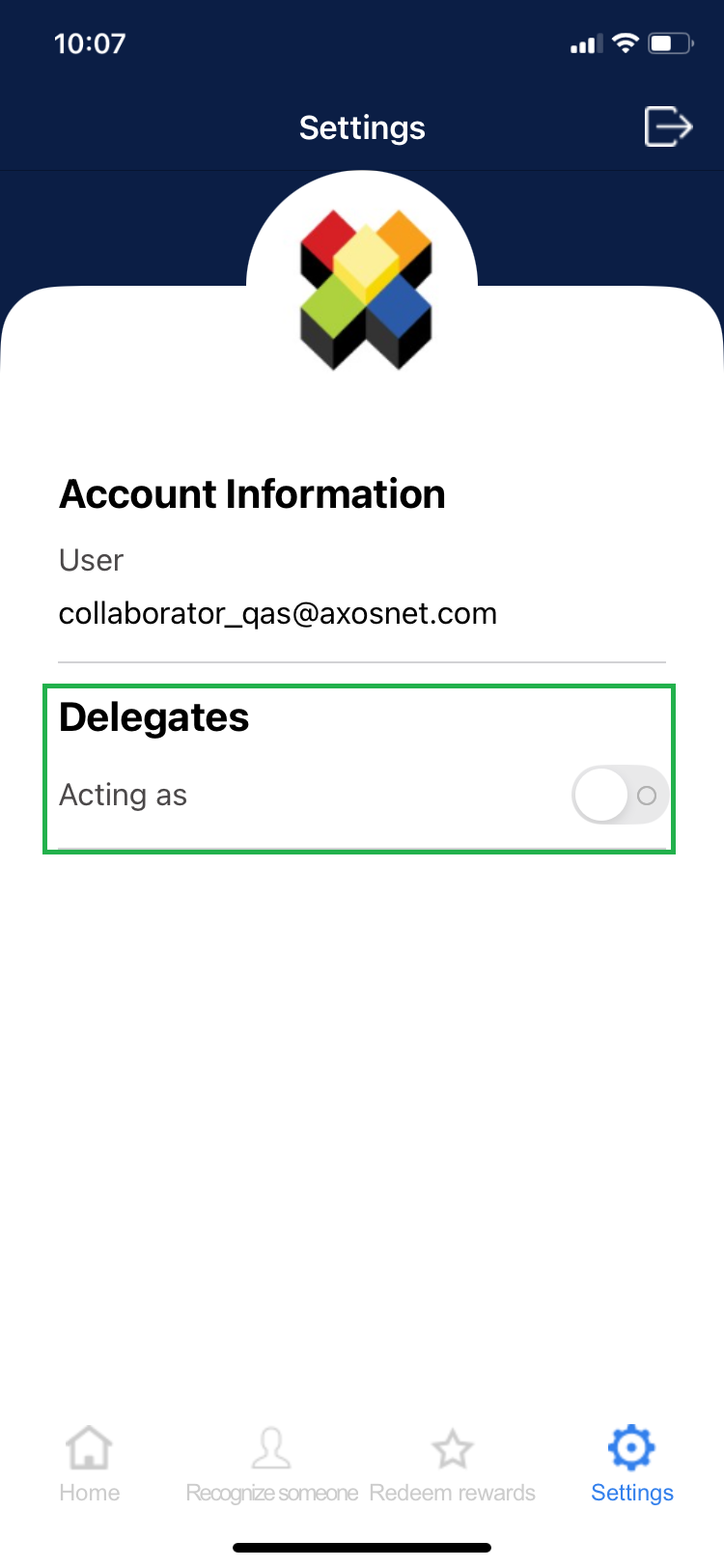
To find out if you have the “Acting As” functionality, which means that you are assigned as a delegate of a leader, you must follow the following steps.
1. Click on the “Settings” option in the bottom menu.
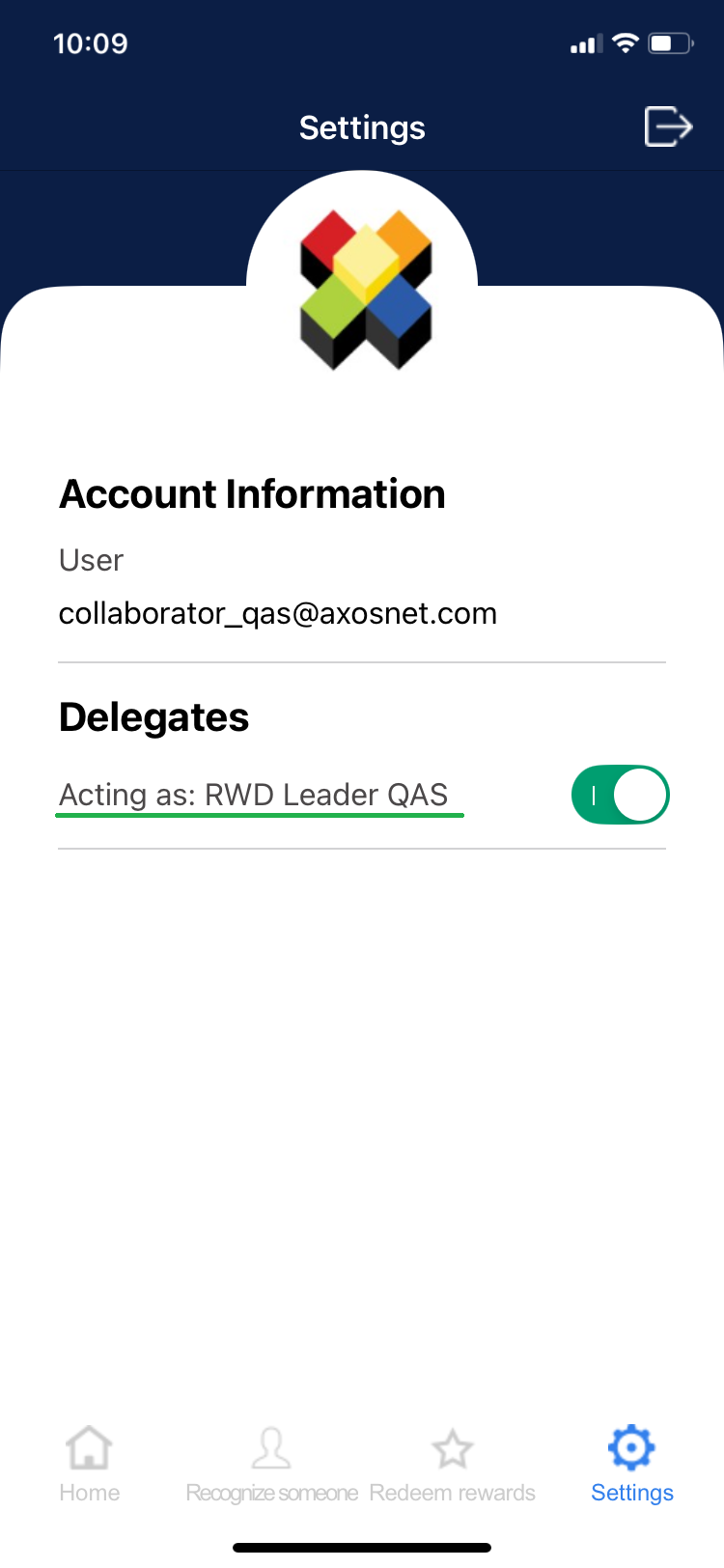
2. You will see a section that says “Delegates”, if you have this section it means that you are designated as a delegate of a leader and you will be able to perform their functions for a period of time.
How to activate the “Acting as” functionality?
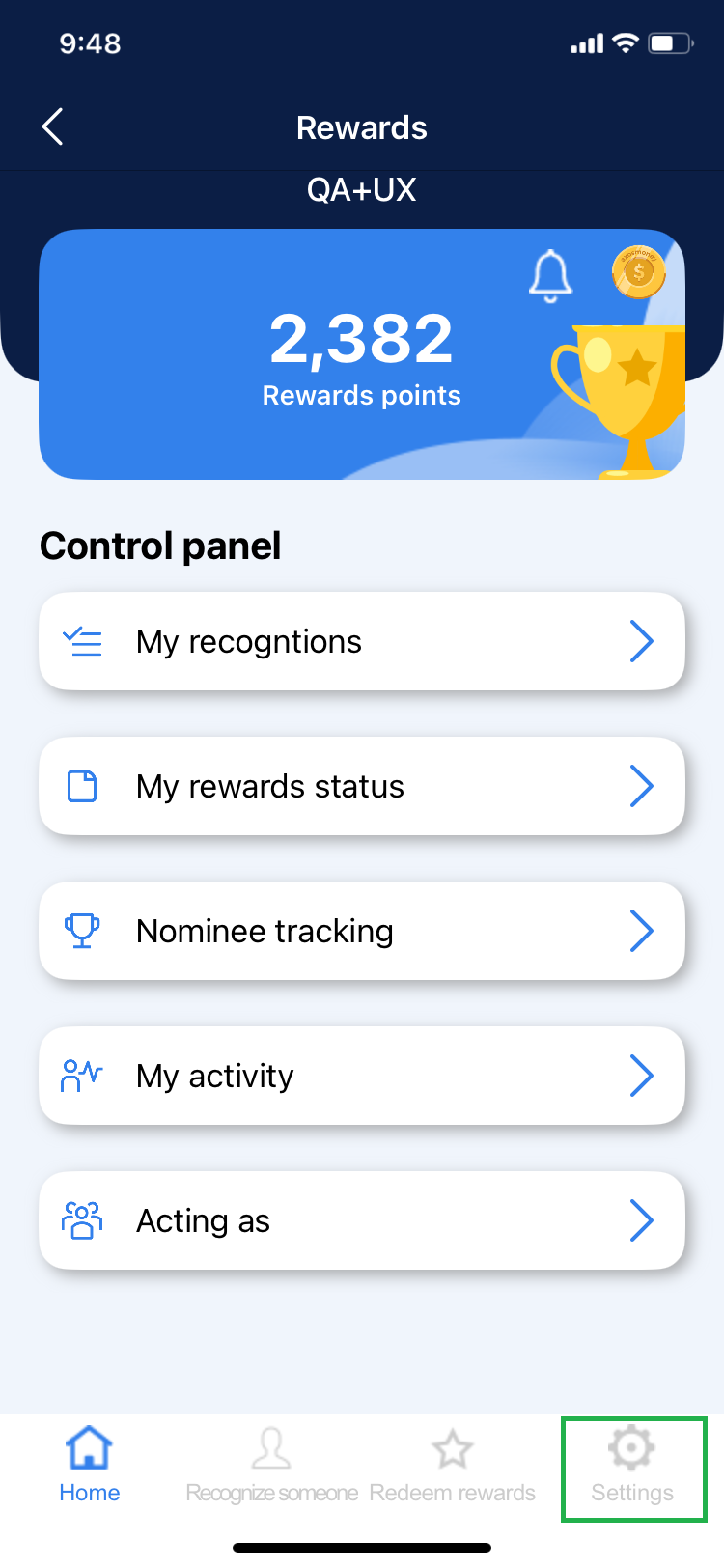
1. Click on the “Settings” option in the bottom menu.
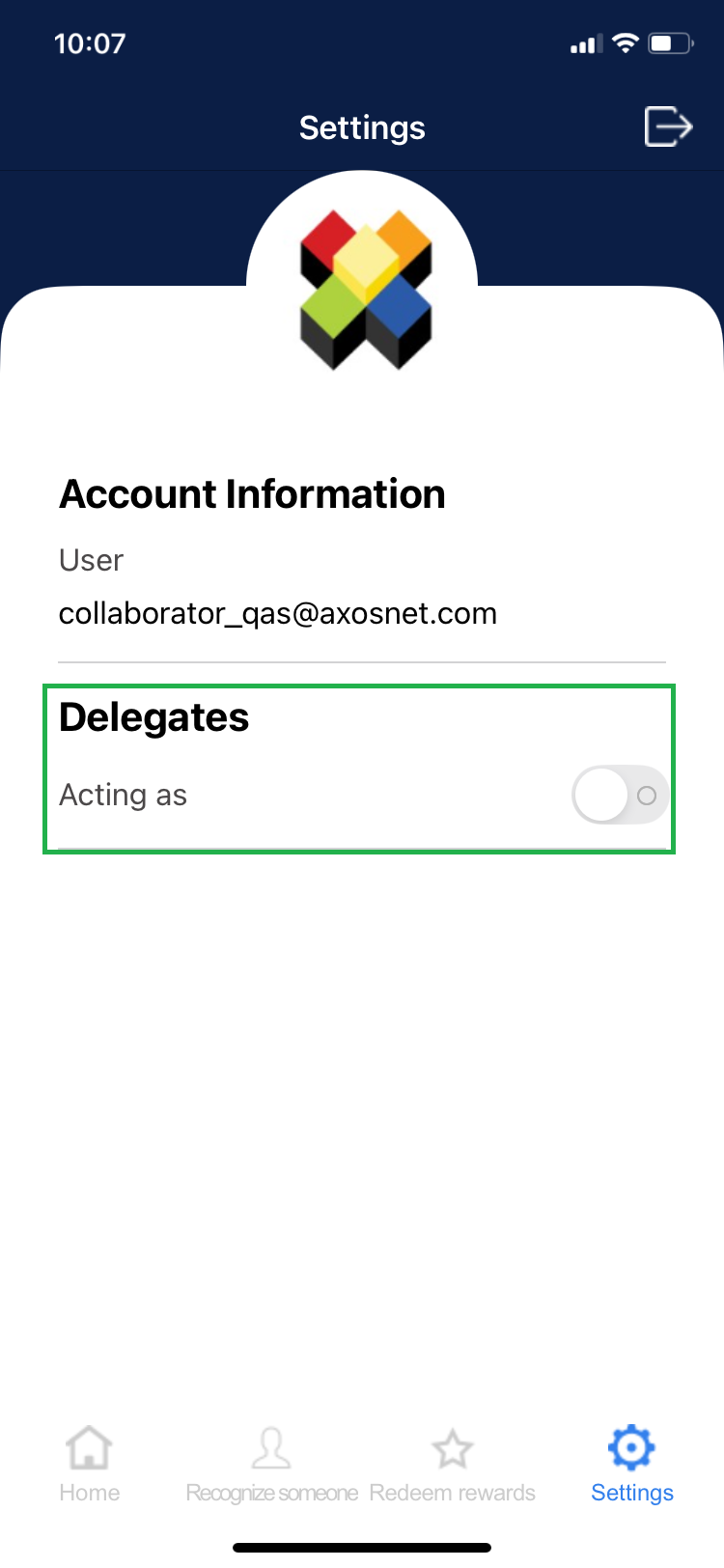
2. Go to the “Acting as” section and click on the switch to activate the functionality.
3. Select the name of the leader you will be substituting.
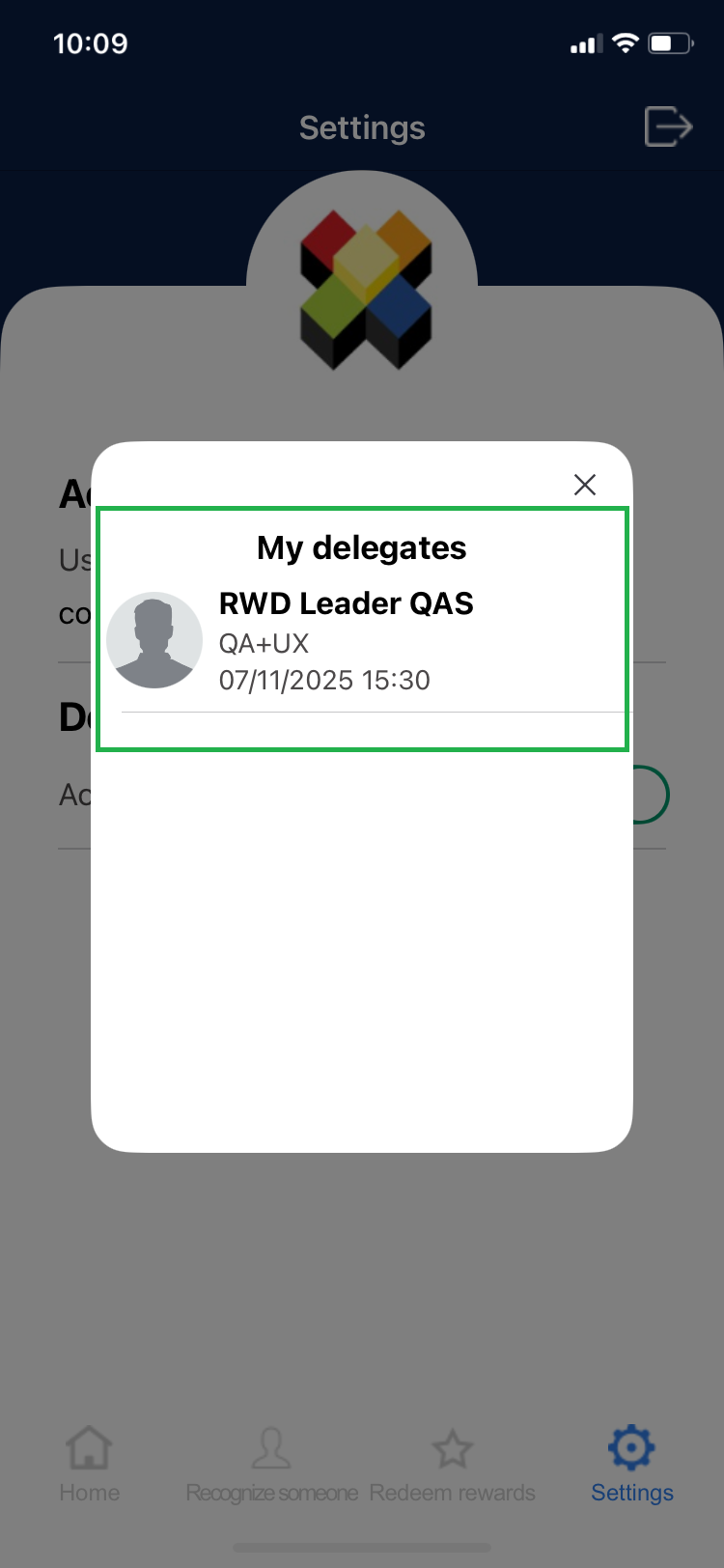
4. After selecting the leader, in the “Delegates” section you will see the text that says “Acting as” plus the name of the user you are substituting.
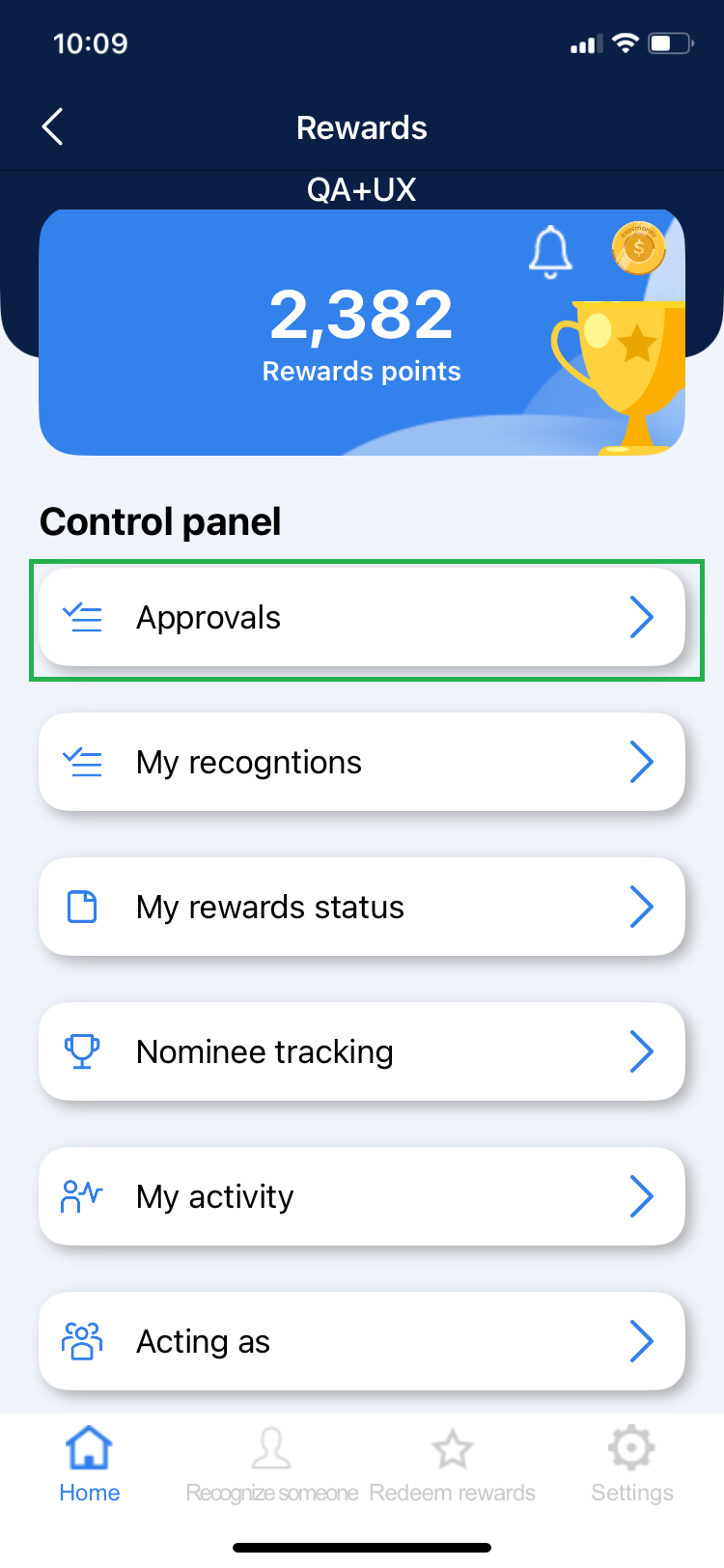
5. If you go to the “Control Panel” you will see that you now have a new section that says “Approvals”, this is displayed because you are acting as a leader.
6. Click on “Approvals” and it will show you at the top the text “Acting as” and the team in which you are acting as leader.
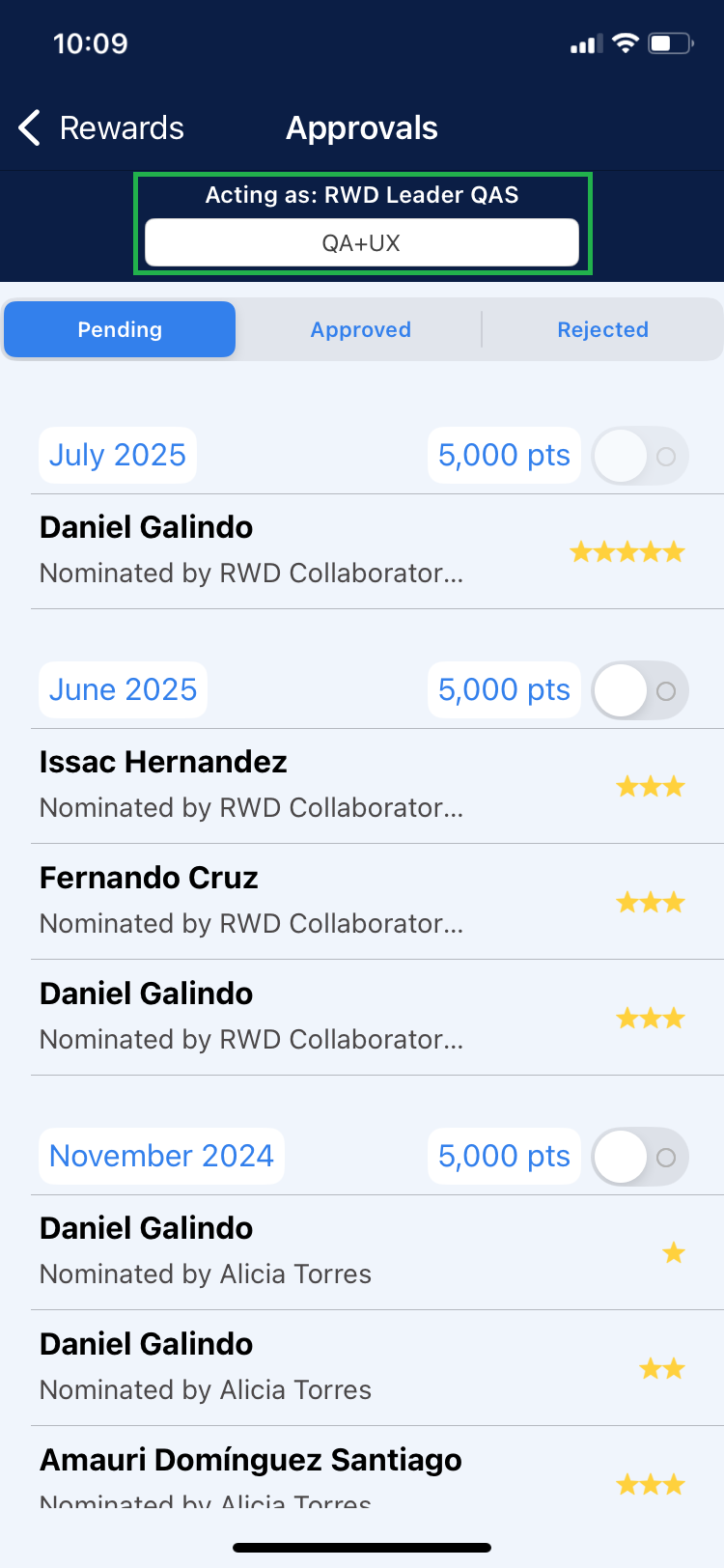
NOTE: If you do not see the “Acting as” label, it indicates that you are acting under your personal user.