In this section, the Super Administrator can identify statistical information within a specific period (Q) for a particular team, or alternatively, compare it with others within the same company.
1. Within the Rewards control panel, select the “Statistics” option.
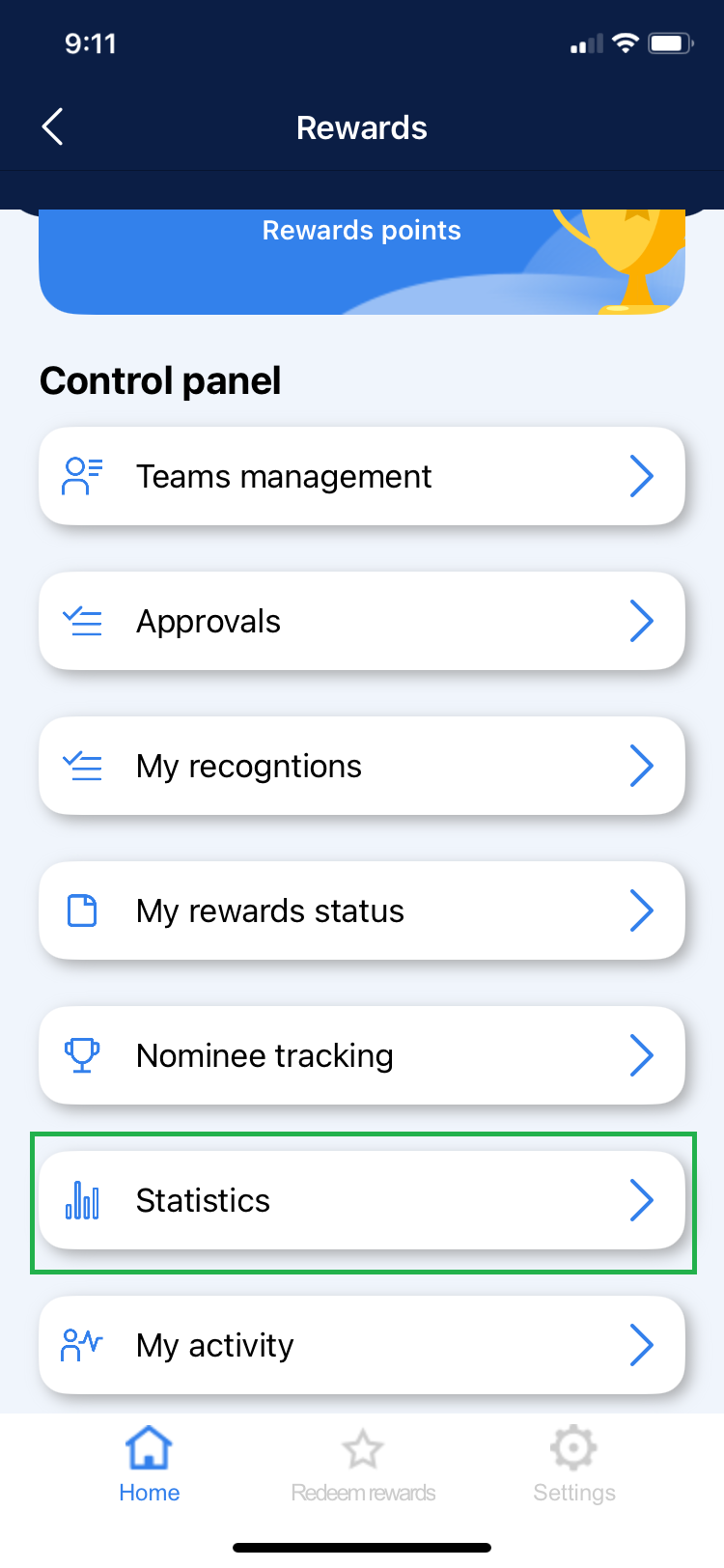
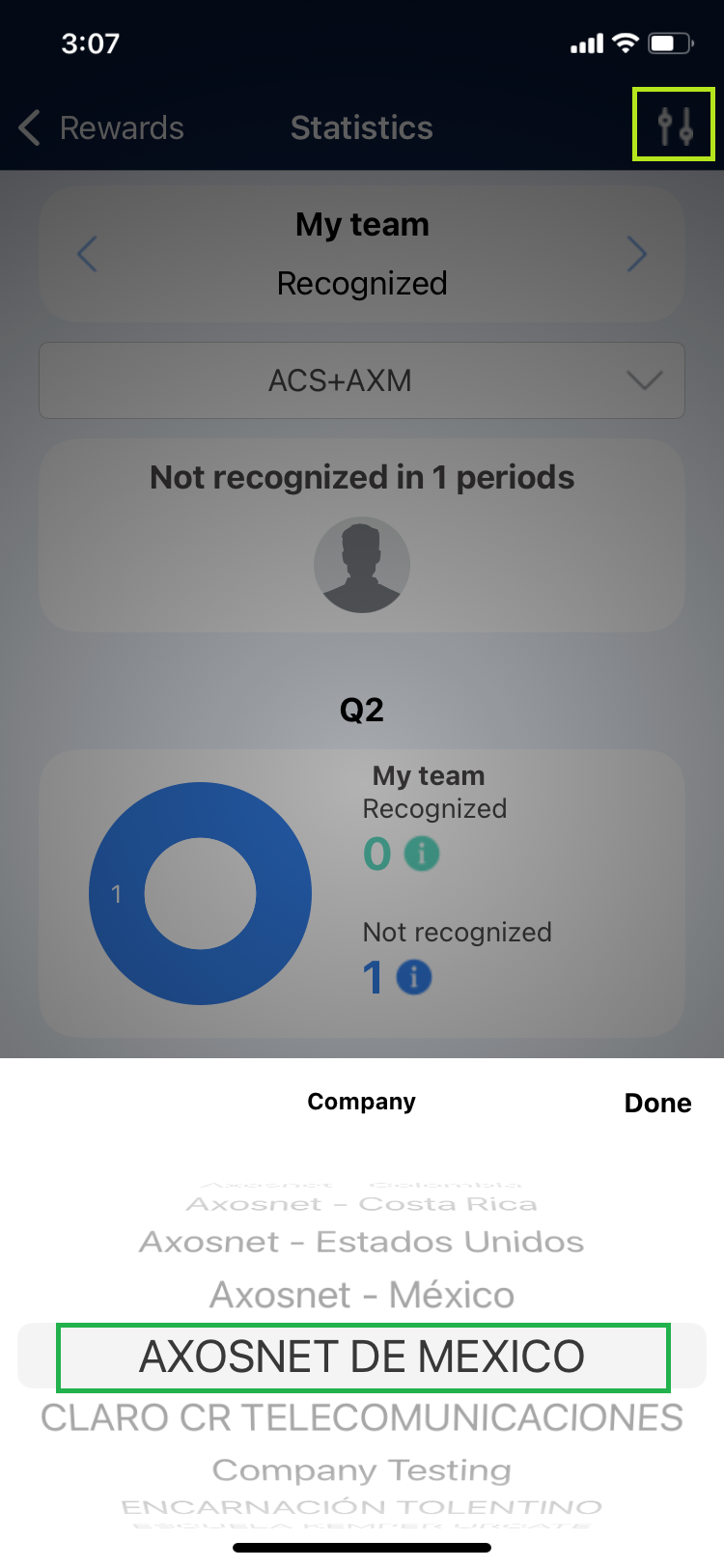
2. Ensure the company to which the teams needing management are integrated is selected.
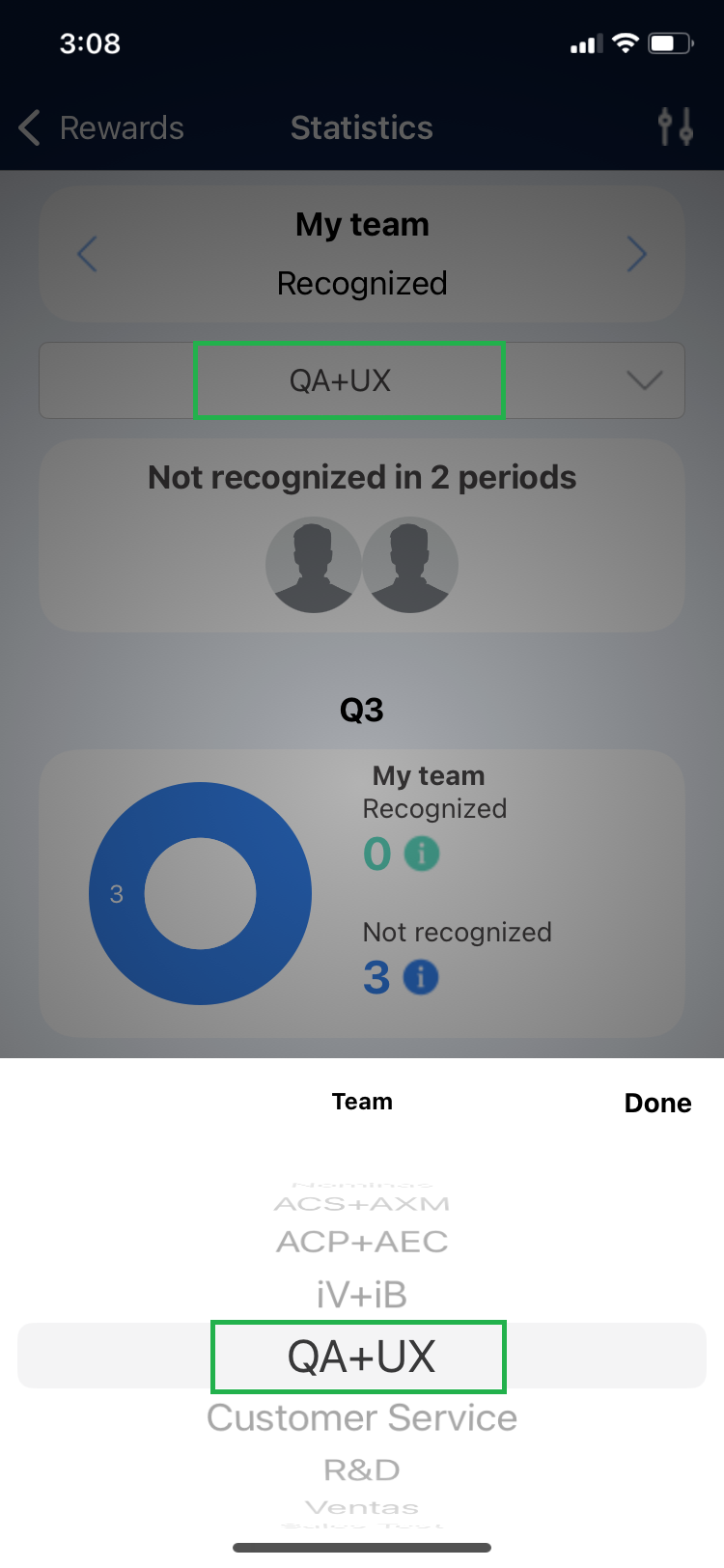
3. In the Statistics section, you can select the team you wish to review. Click on the dropdown menu and choose the team.
a) My Team – Recognitions
This section displays the number of recognitions received by team members from users of other teams within the same company over the last 2 periods.
1. You can identify the number of team members who have not received recognition in the last 2 periods.
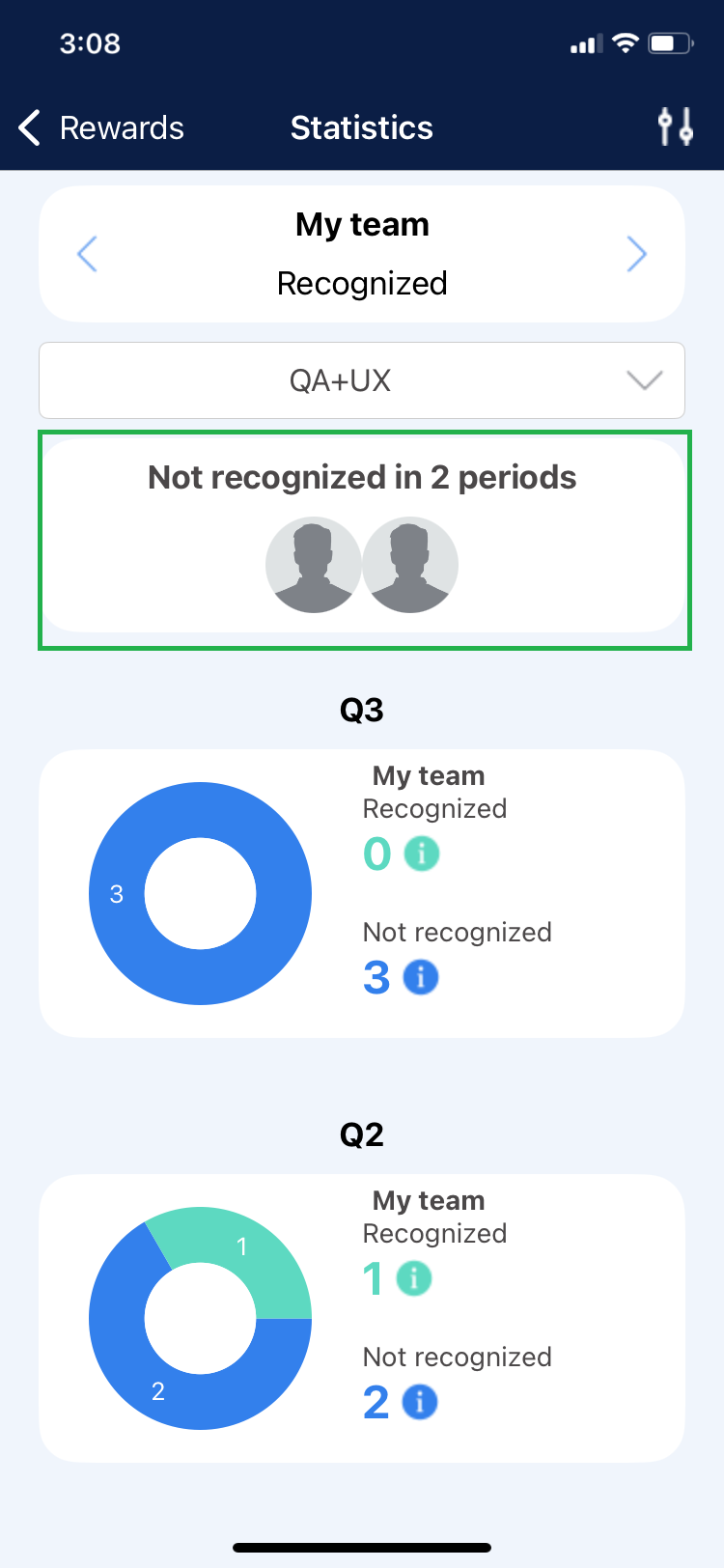
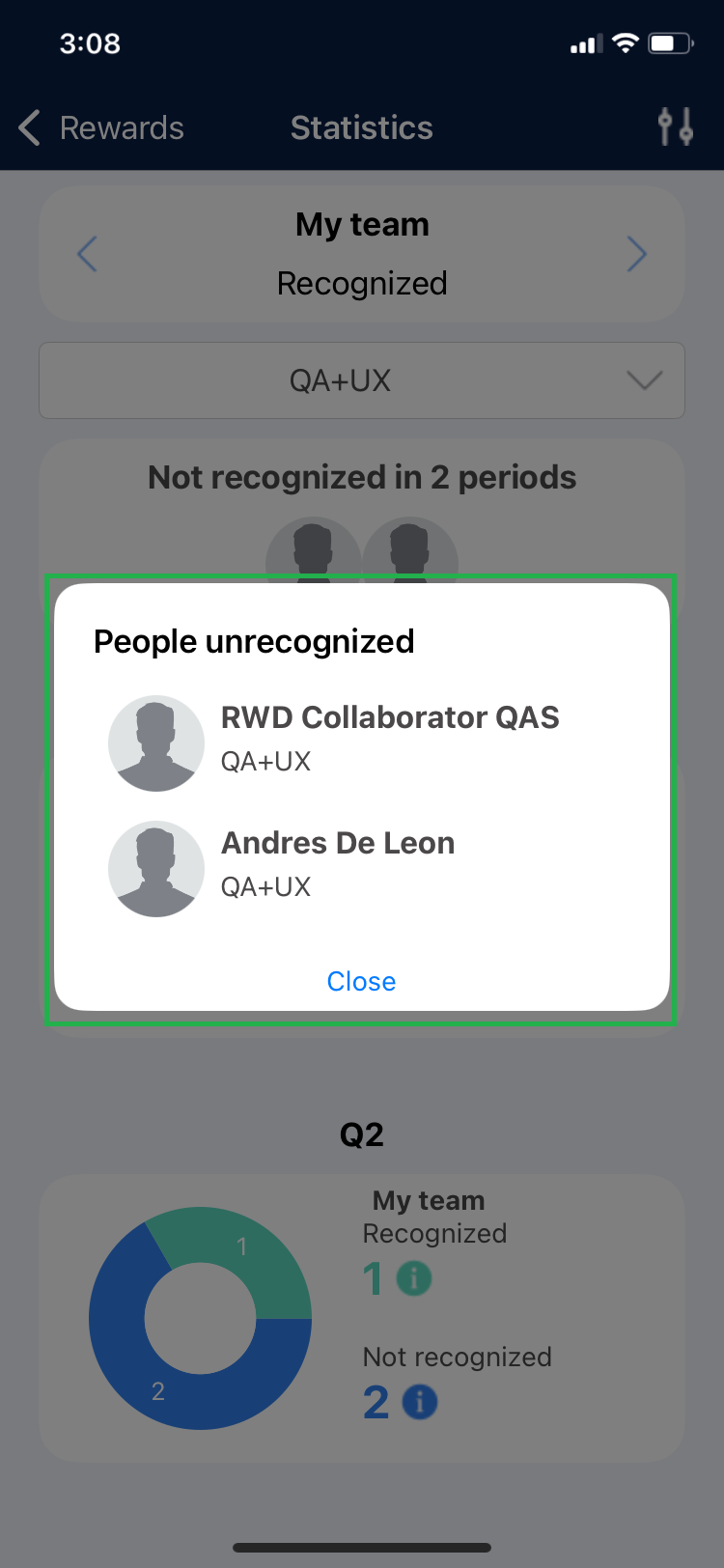
2. Select any user’s avatar to view detailed information for each.
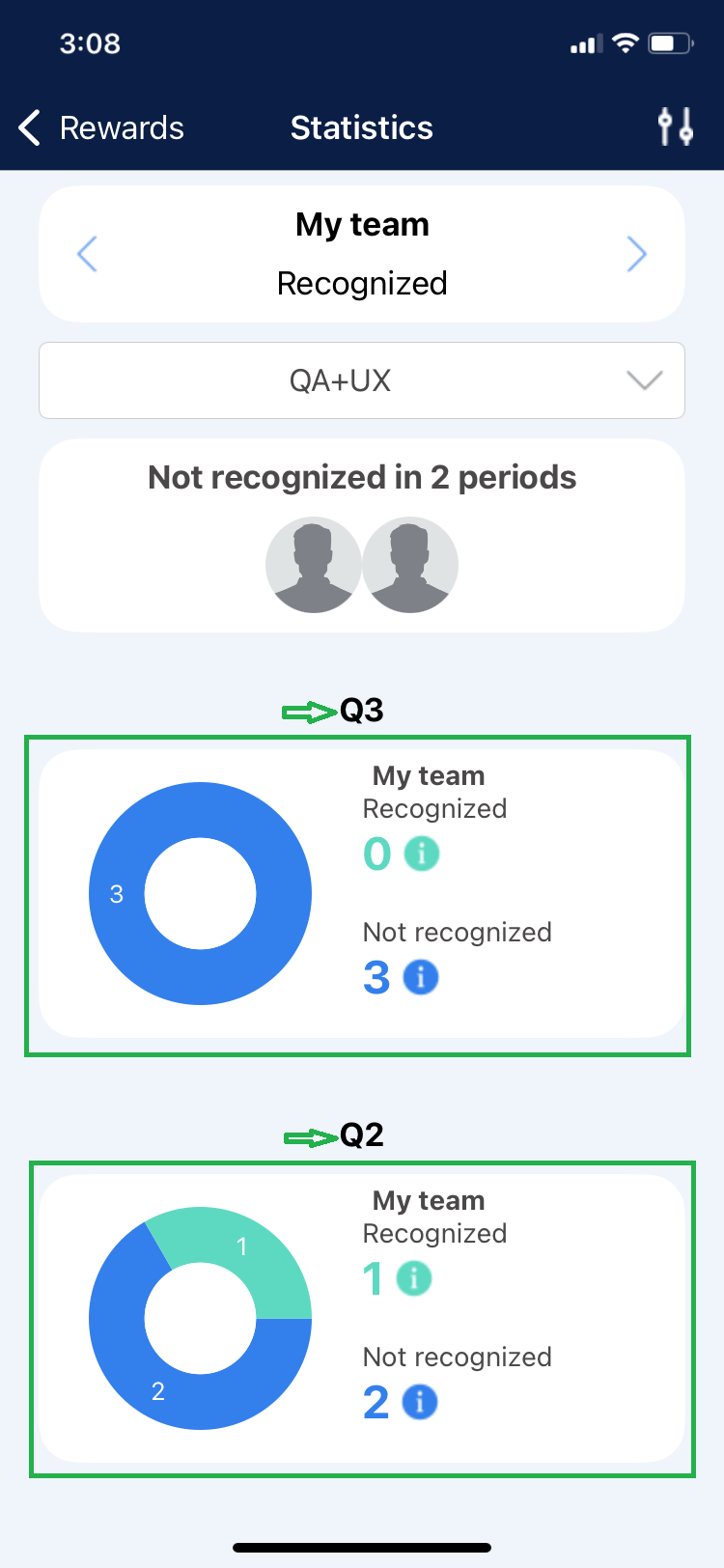
3. You can visualize team members who have been recognized compared to those who have not, represented graphically and categorized by periods.
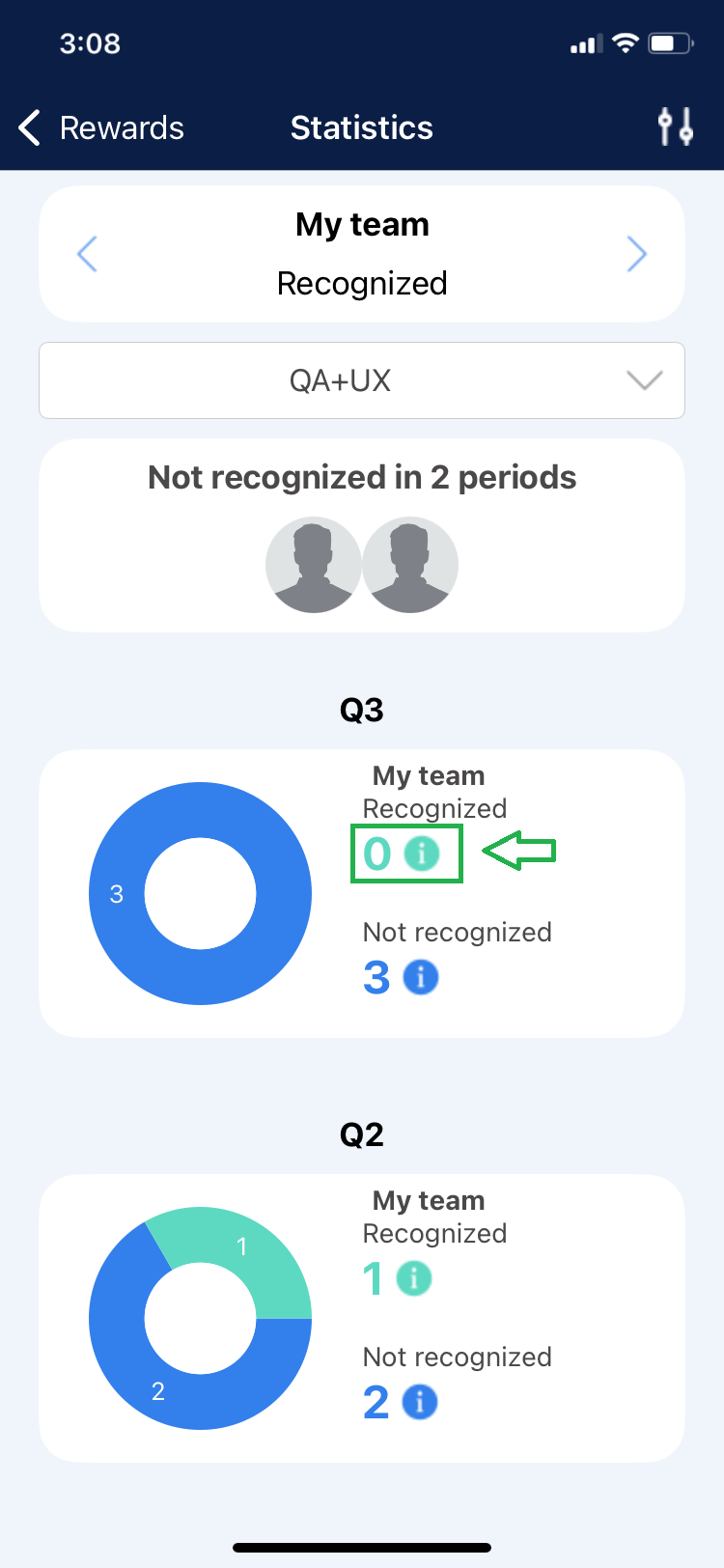
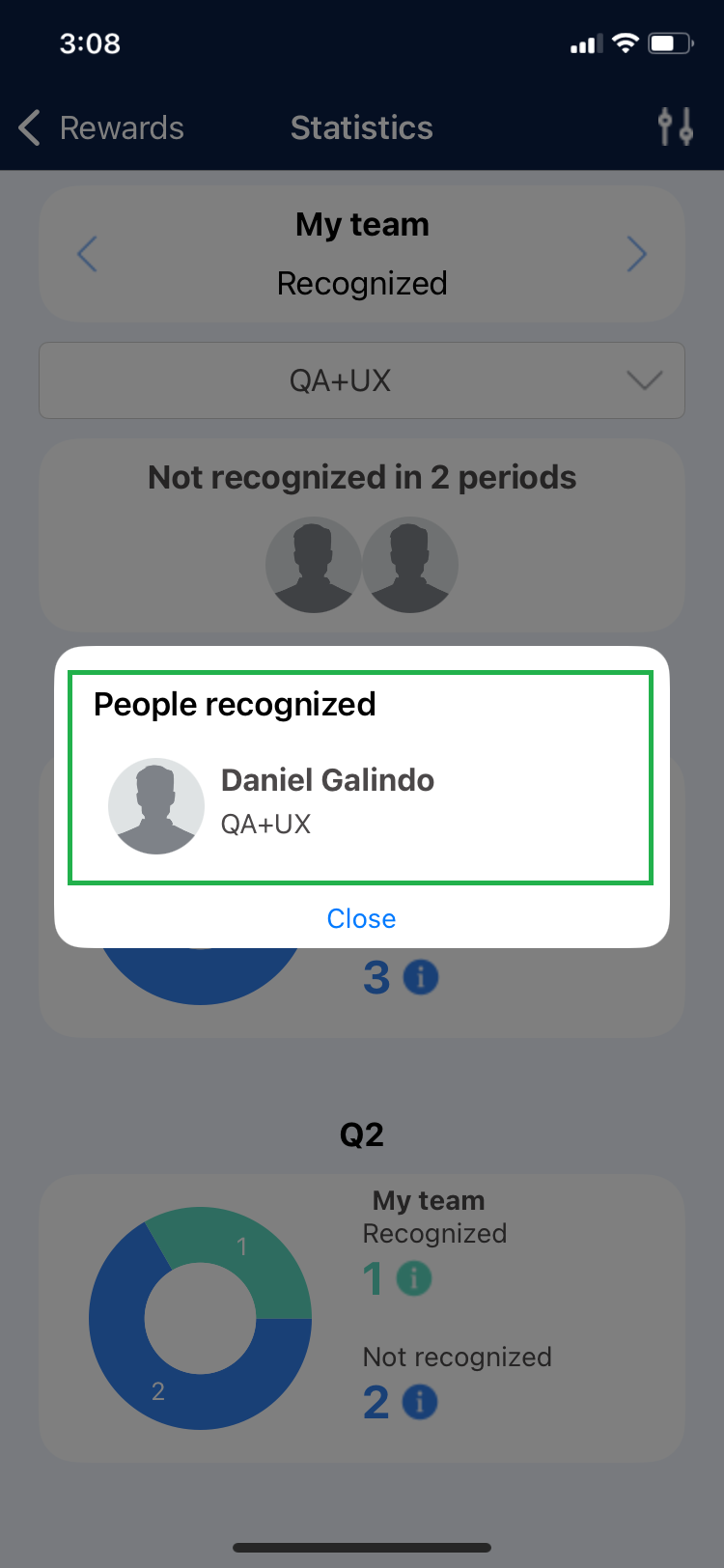
4. Click on the number of “Recognized” or “Not Recognized” to view team members who meet that criterion within the specified period.
 |  |
b) My Team – Rewards Usage
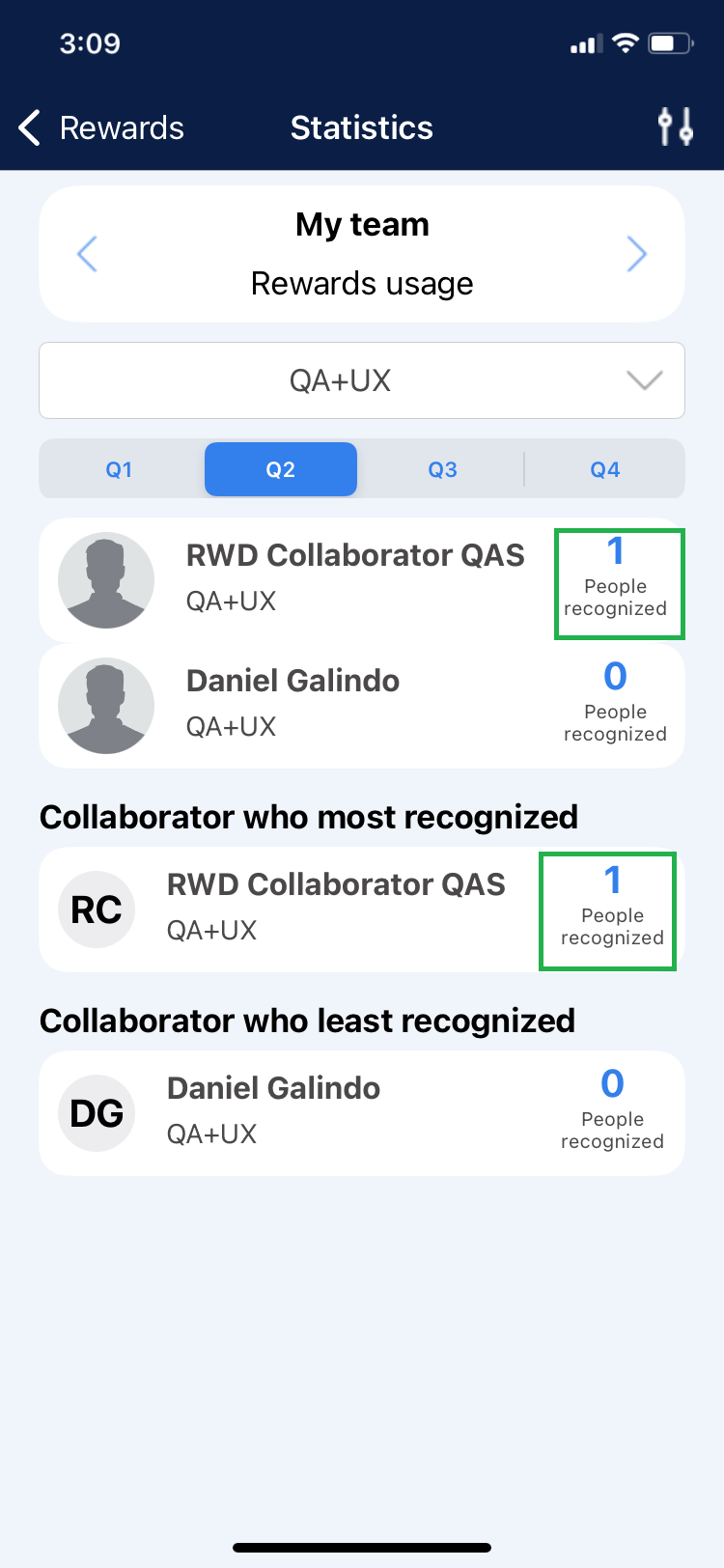
This option highlights team members who have given Recognitions to users from other teams within the same company. This information is categorized into 4 periods, and you can locate actions recorded within each time frame.
1. Select the period for which you wish to view the recognition statistics.
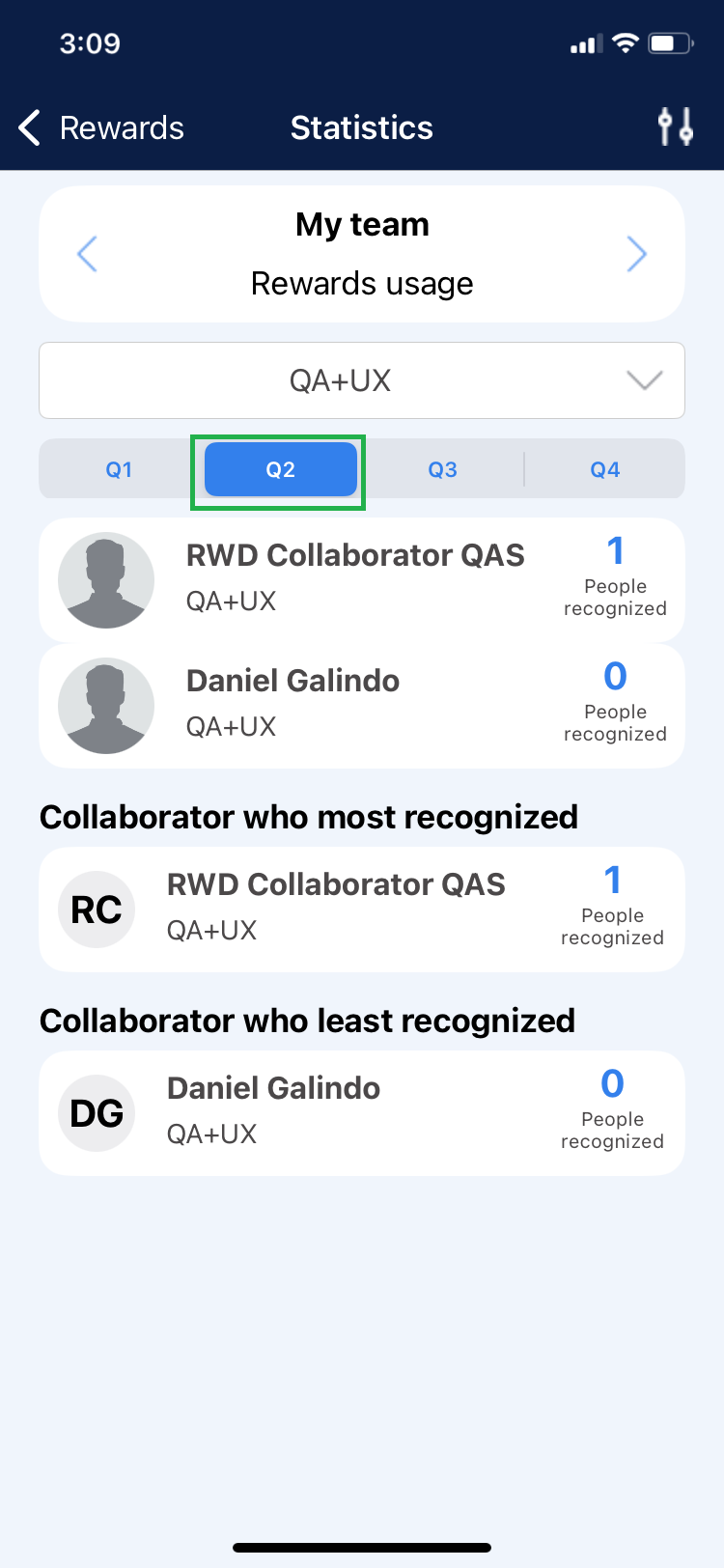
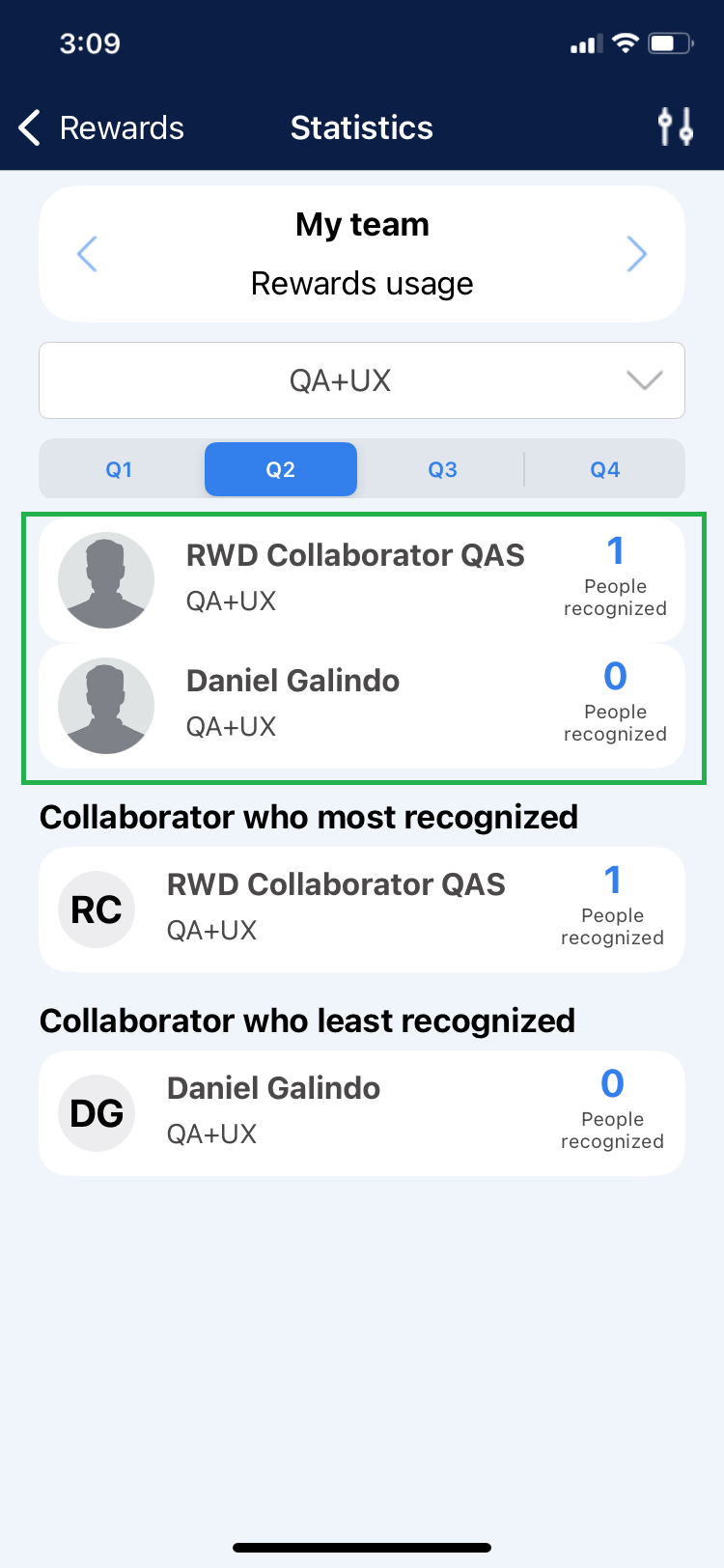
2. You will identify the names of the top-performing team members who have given recognitions.
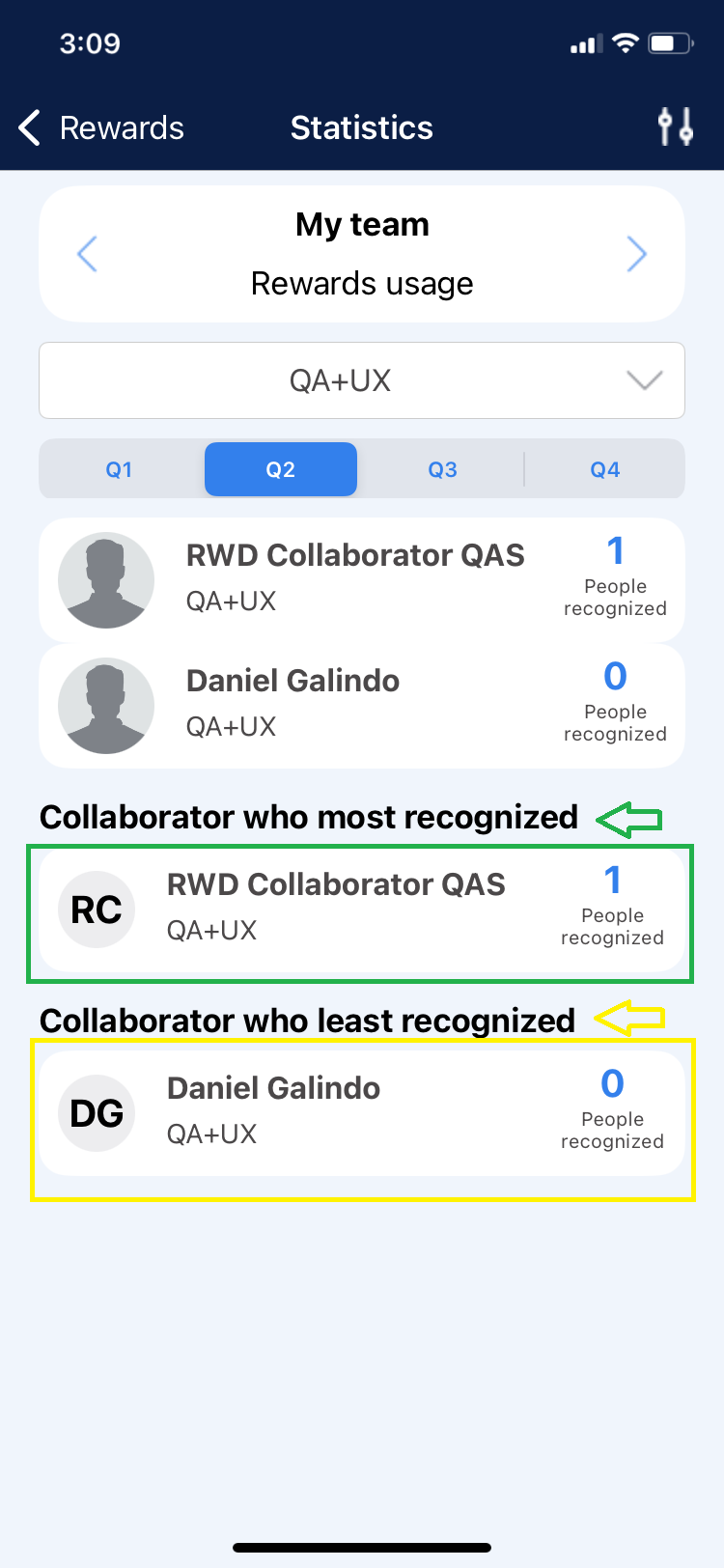
3. The application displays the name of the team member who “Recognized the Most” and the one who “Recognized the Least” during the selected period.
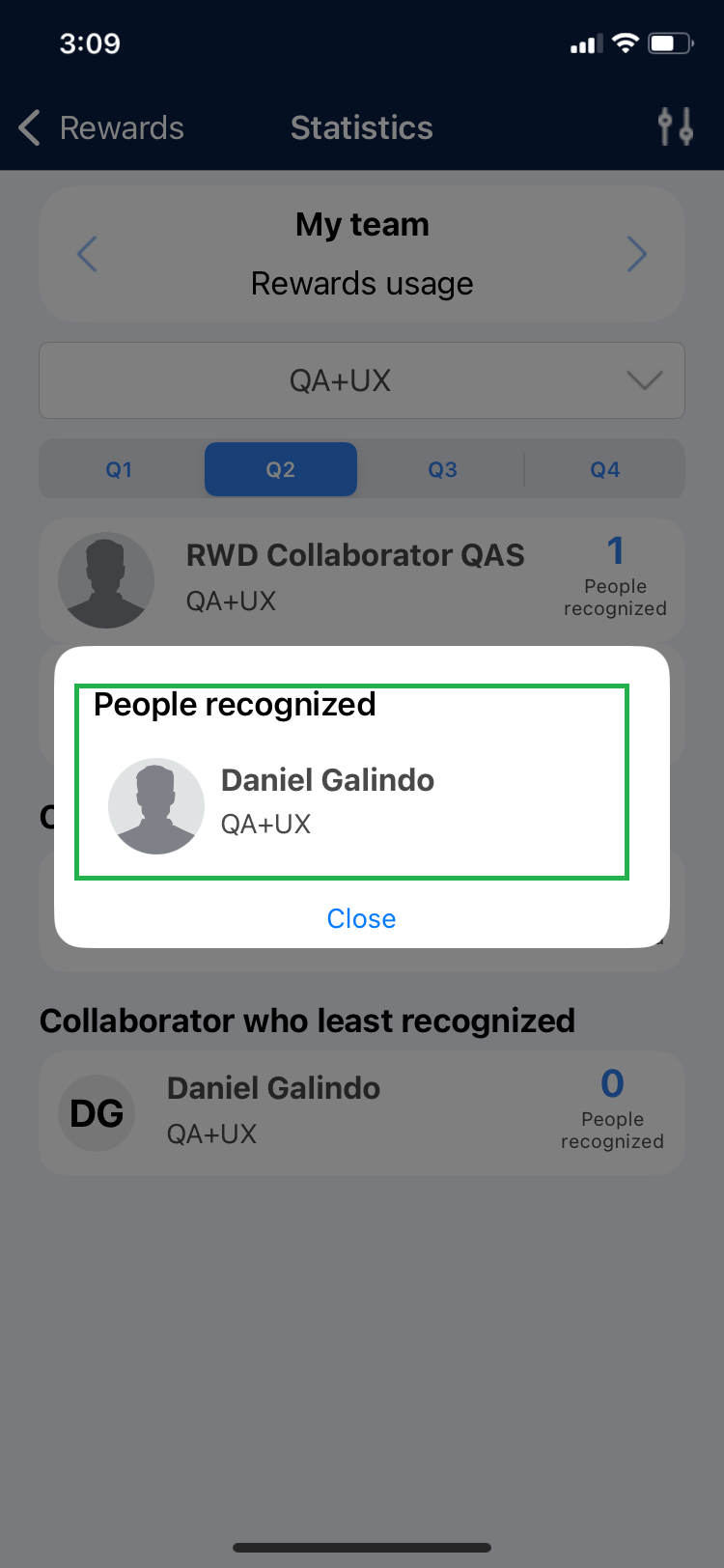
4. Click on the number of “Recognized Individuals” to see details of the users.
 |  |
c) Recognition Across Departments
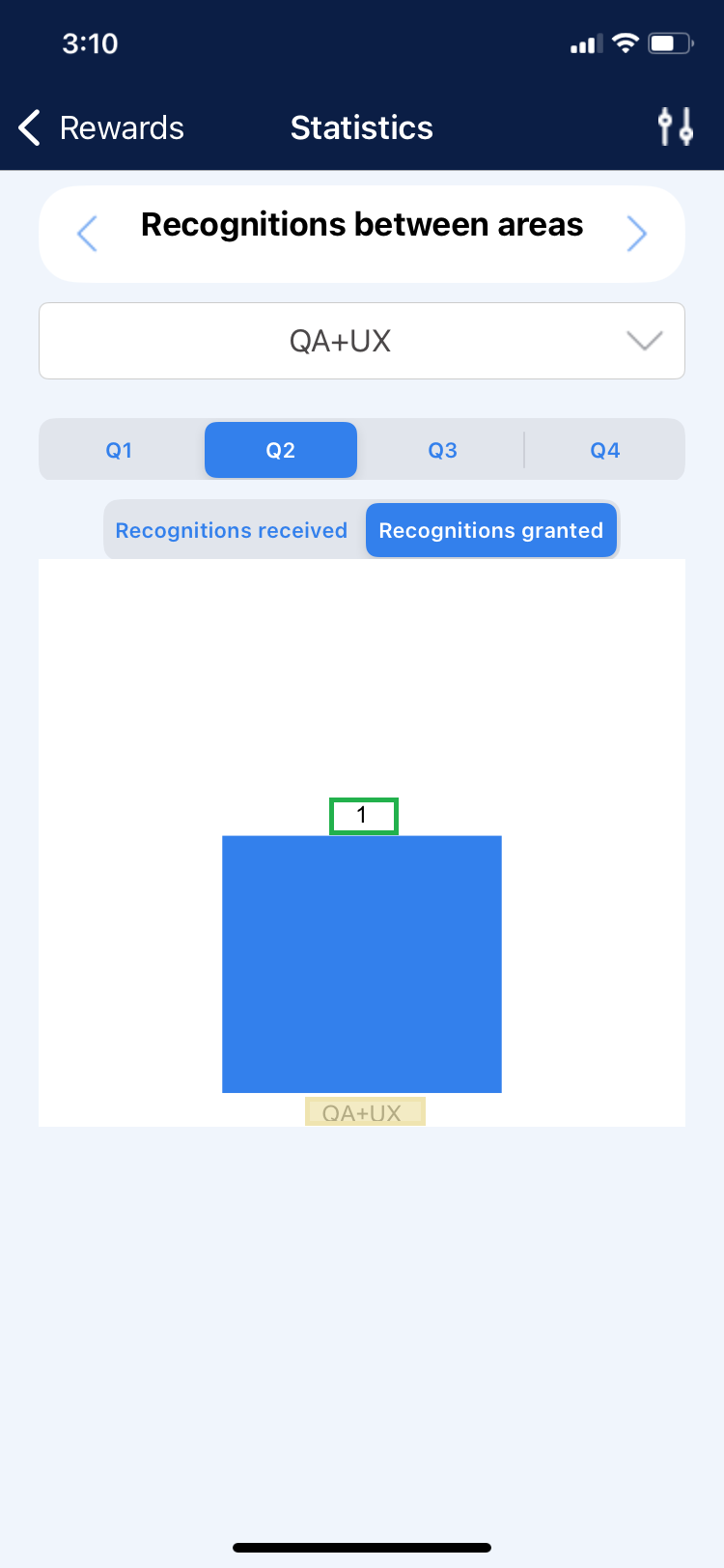
In this section, the Super Administrator will graphically identify the number of Recognitions Received and Given at the TEAM level, classified by period.
1. Select the period you wish to view the information for.
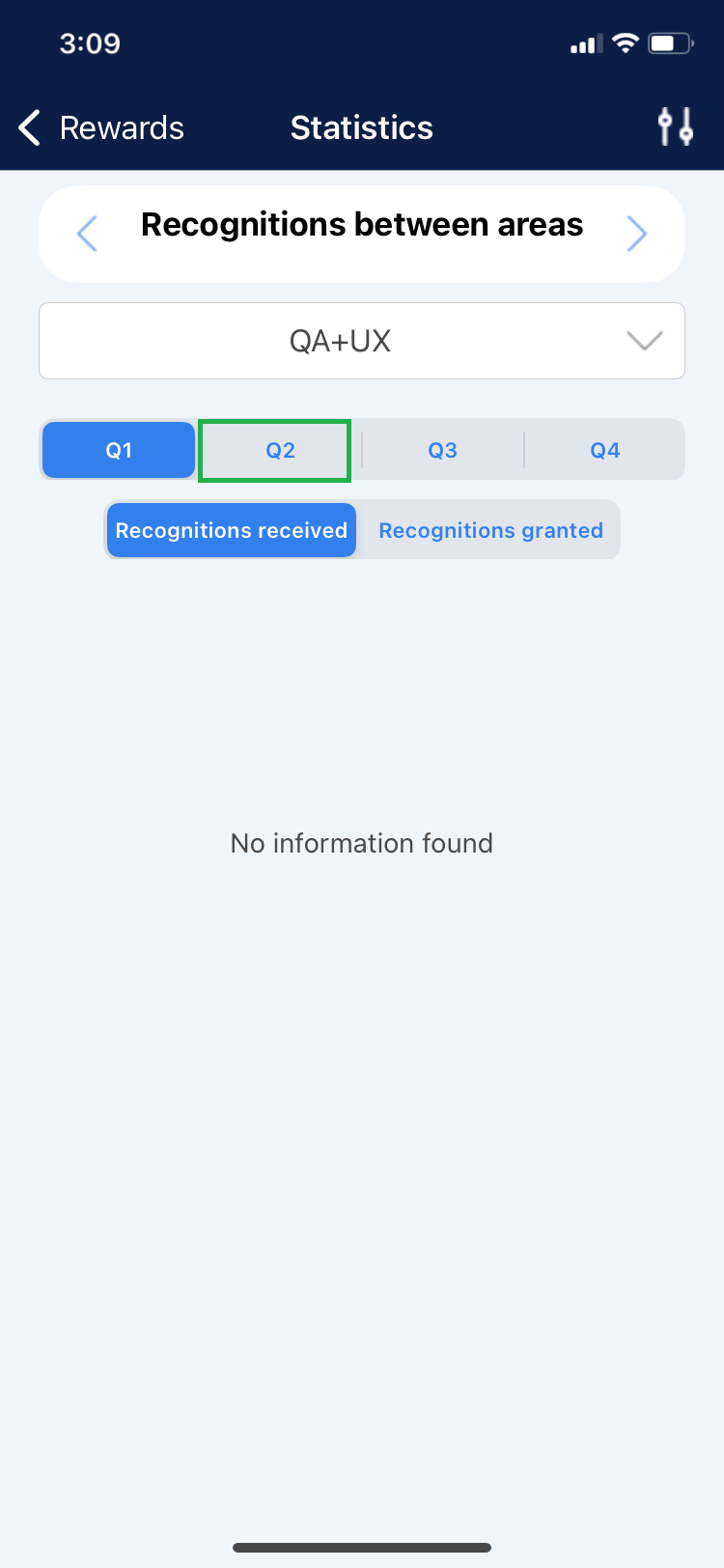
2. Click on the “Received Recognitions” tab.
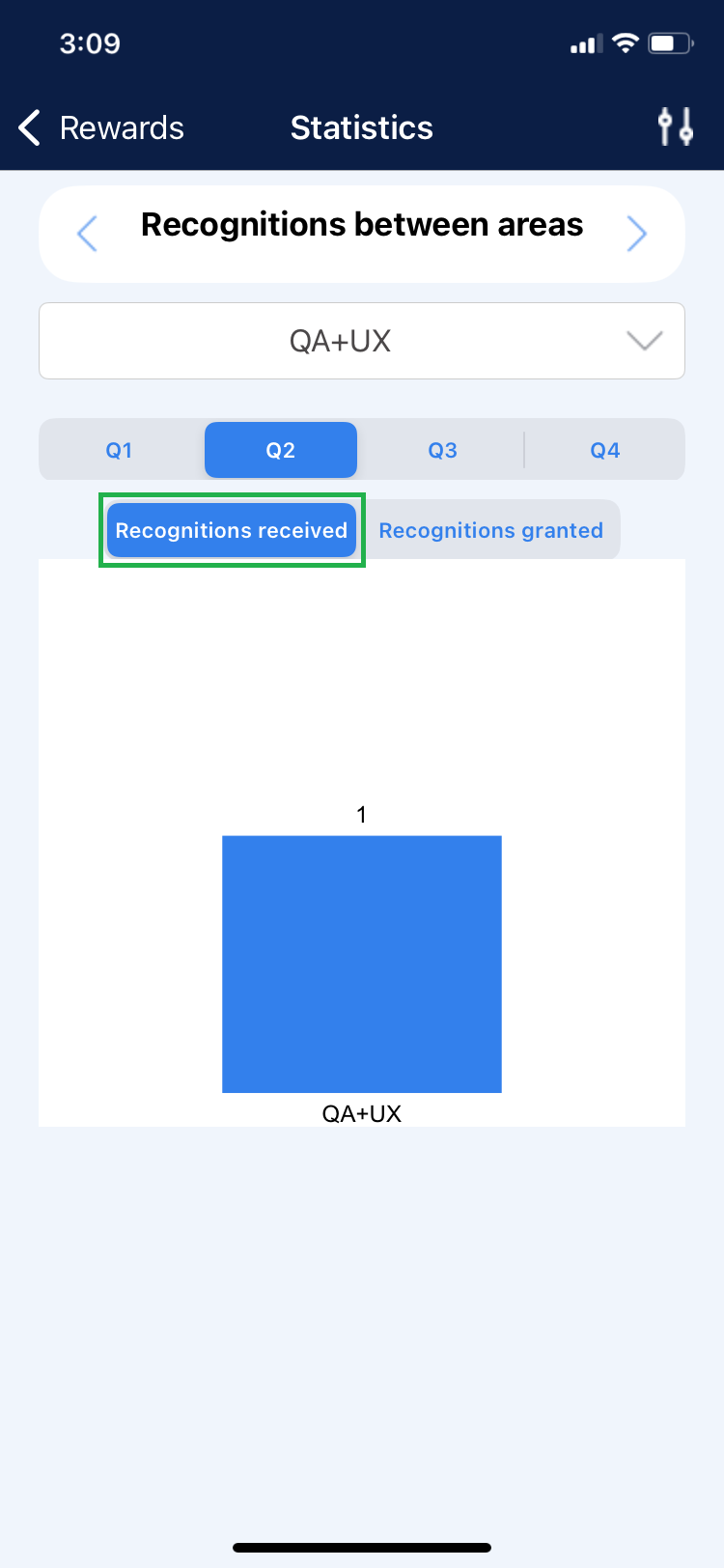
3. You can identify the teams that have given recognition to the displayed team in the list.
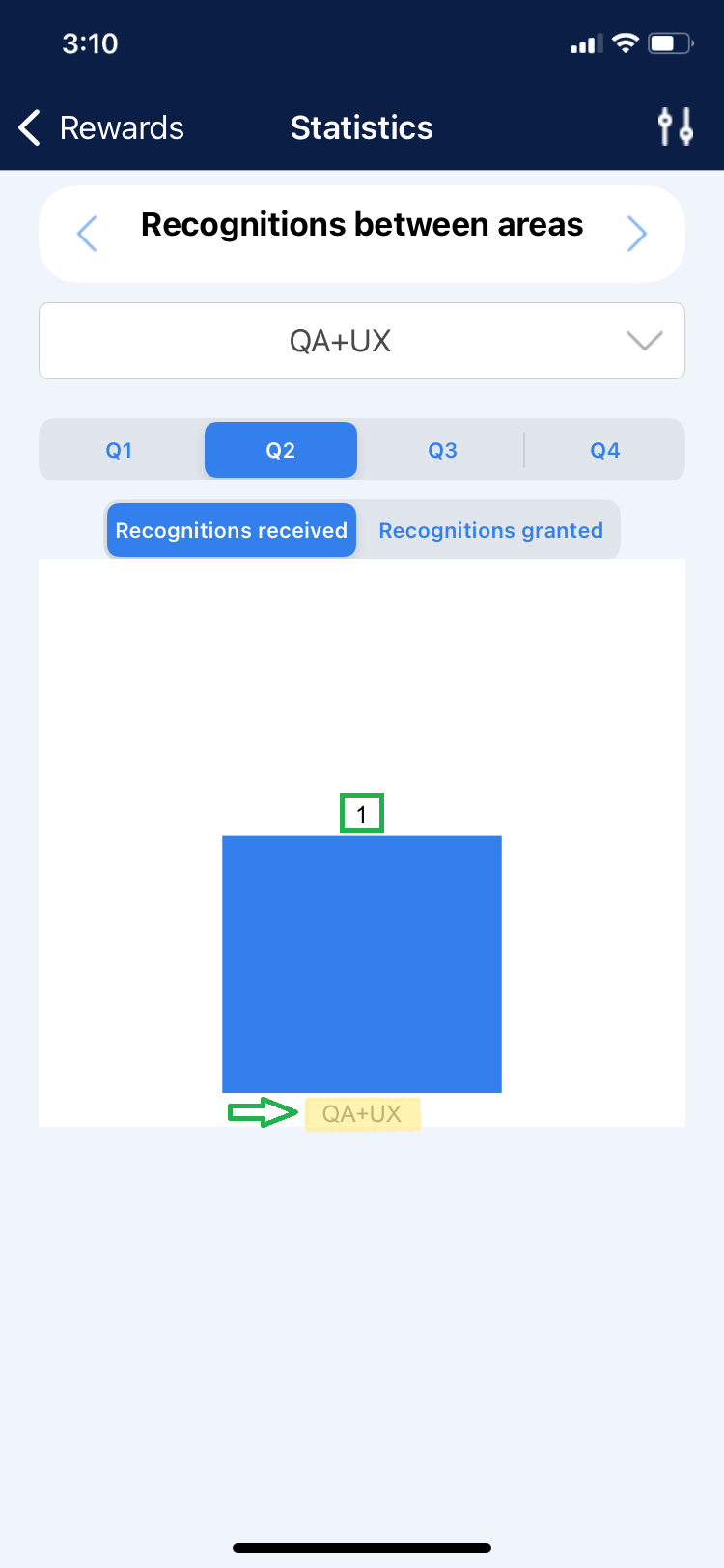
4. Select the “Given Recognitions” tab.
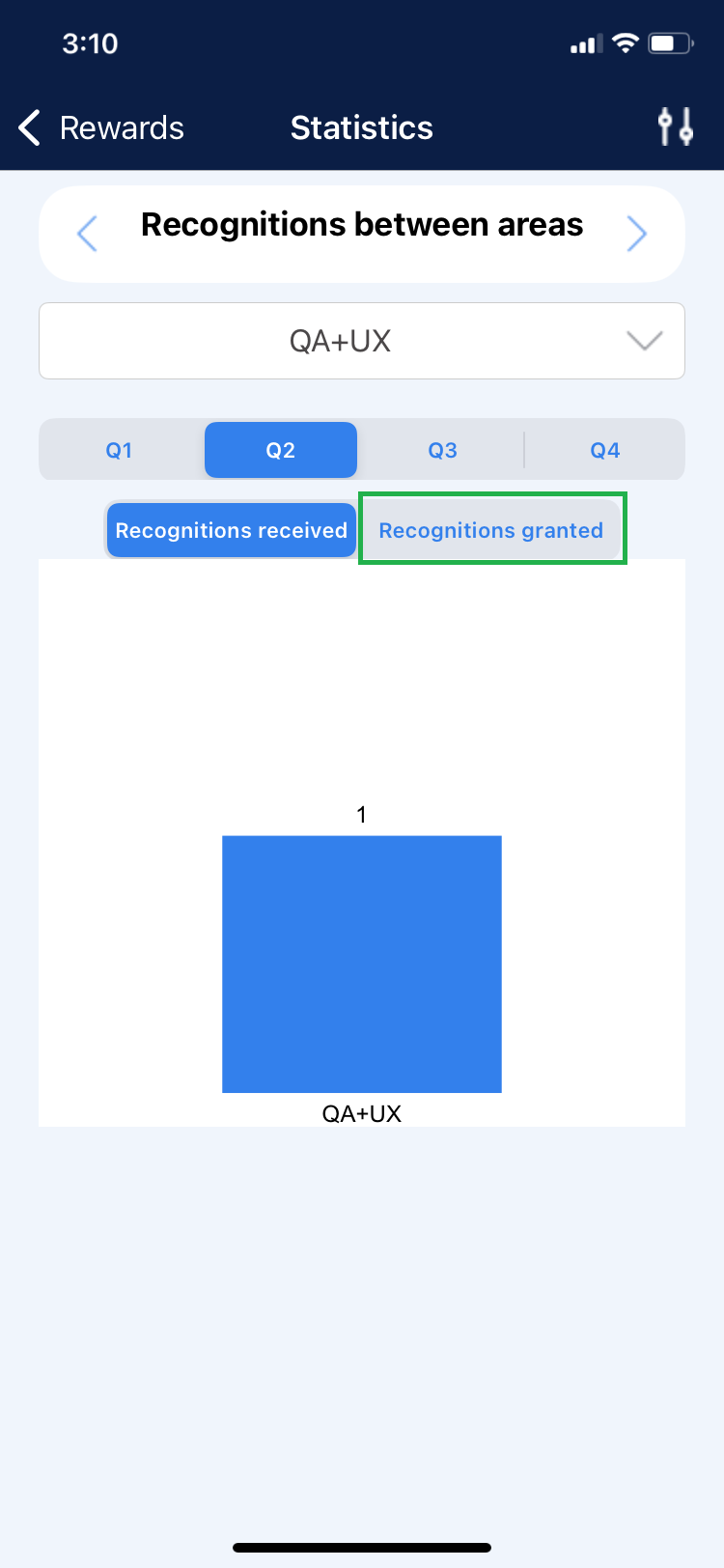
5. It shows the number of recognitions given to other teams. These are represented graphically.