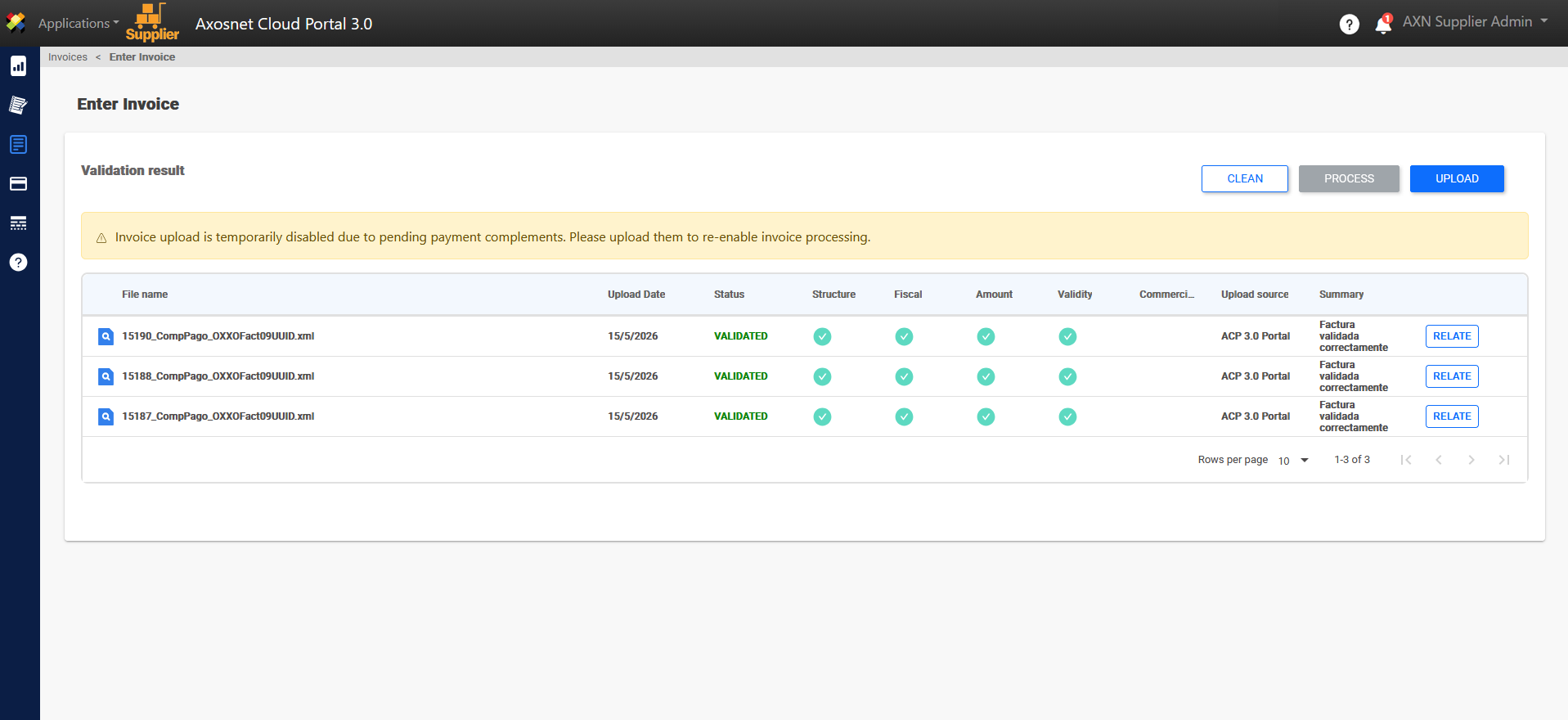
This setting blocks the uploading of invoices to providers with pending Payment Complements (REP). According to Mexican tax law, these must be issued and uploaded within the first 5 days of the month following payment.
Activating this function will automatically block any provider with overdue complements starting from the chosen calendar day.
To configure this function, you can follow these steps:
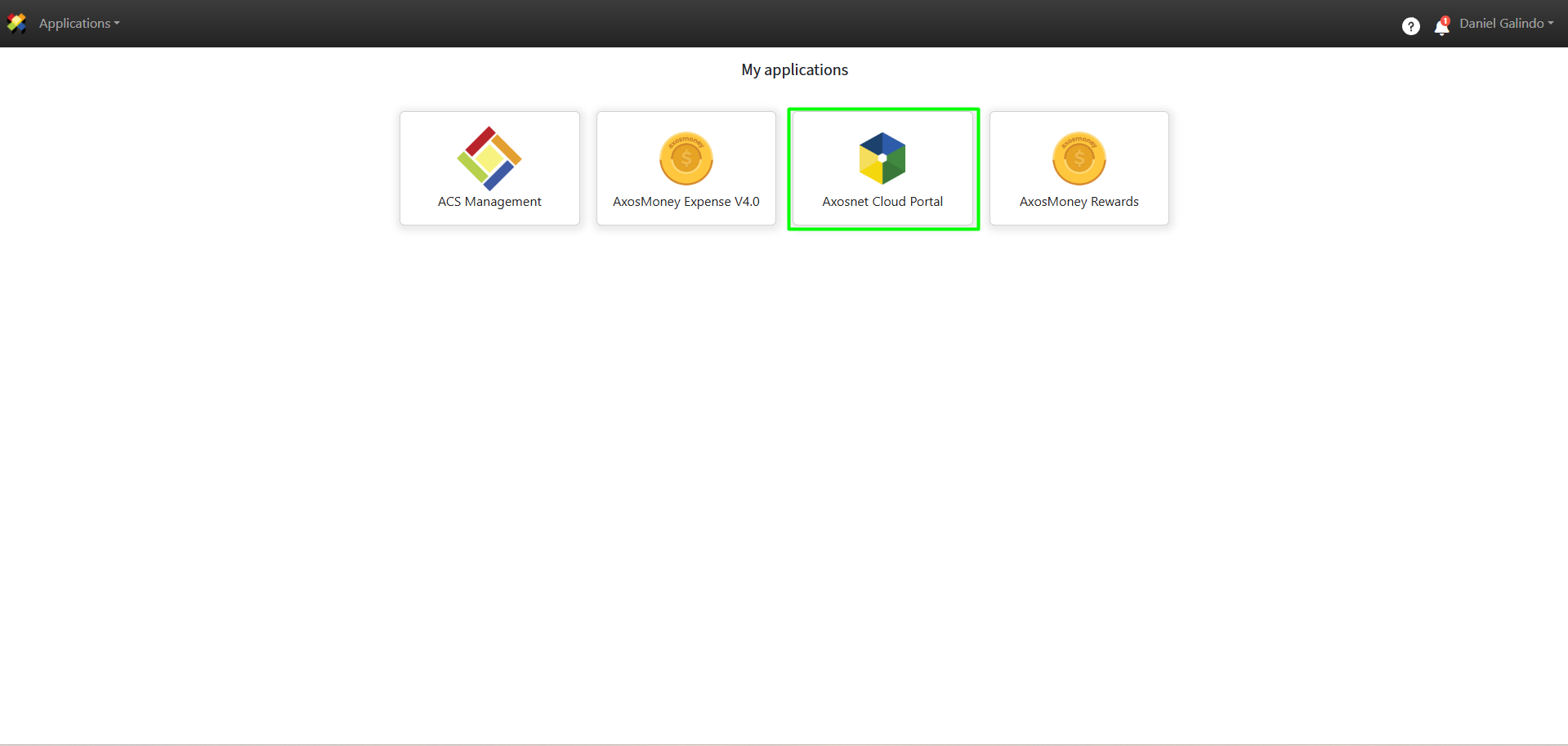
1. Go to Axosnet Cloud Portal.
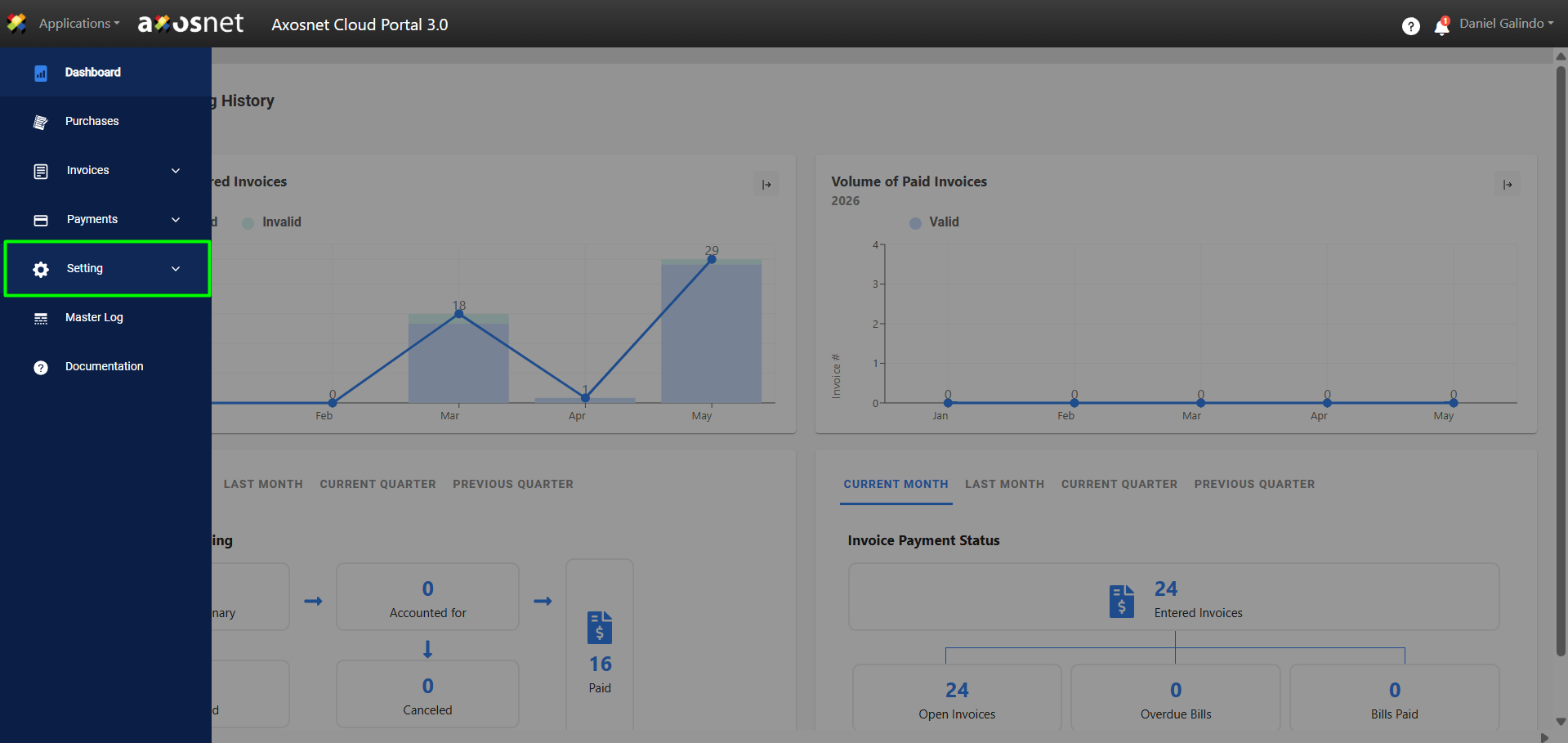
2. Select the Configuration option in the left side menu.
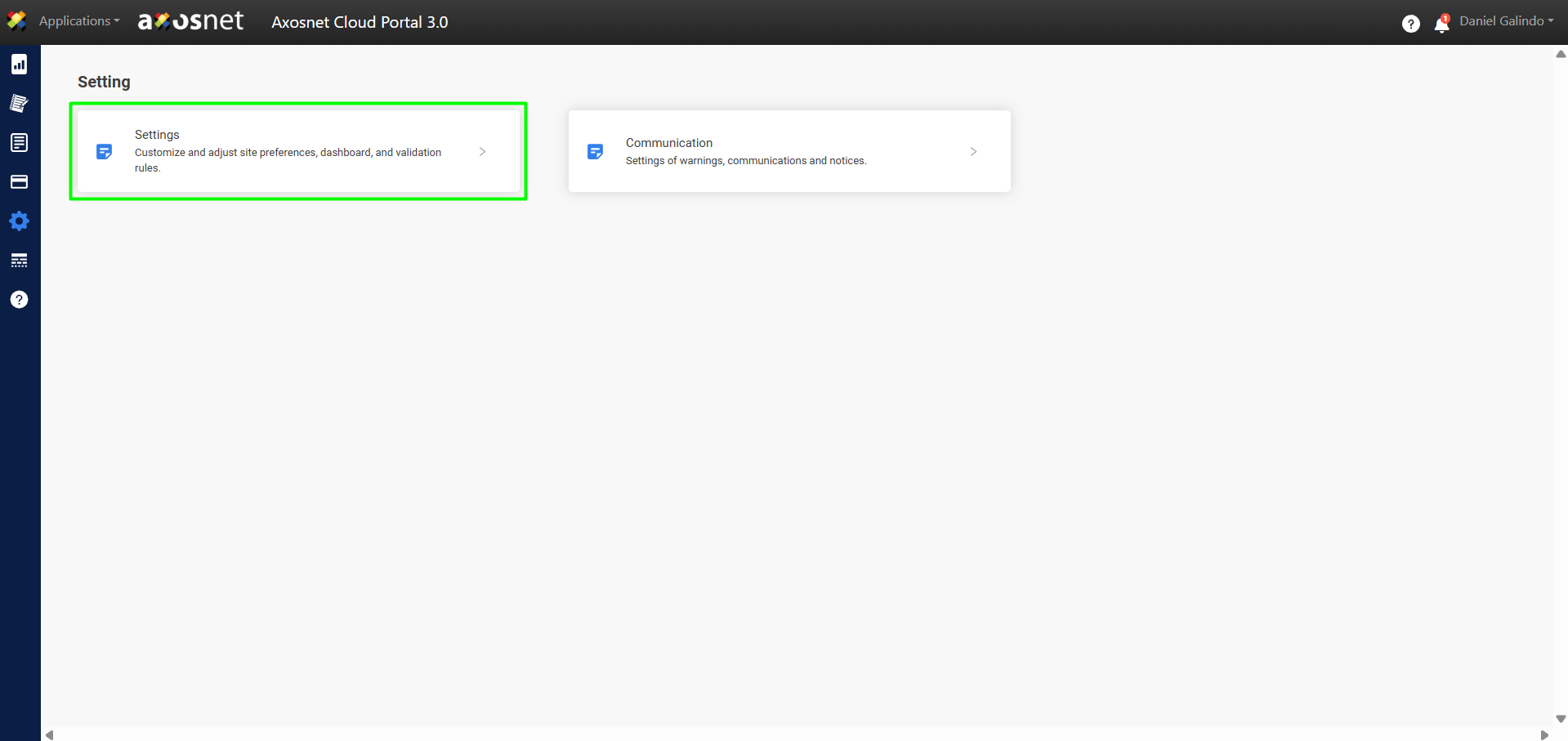
3. Click on Configuration.
4. Select the Validation Rules tab.
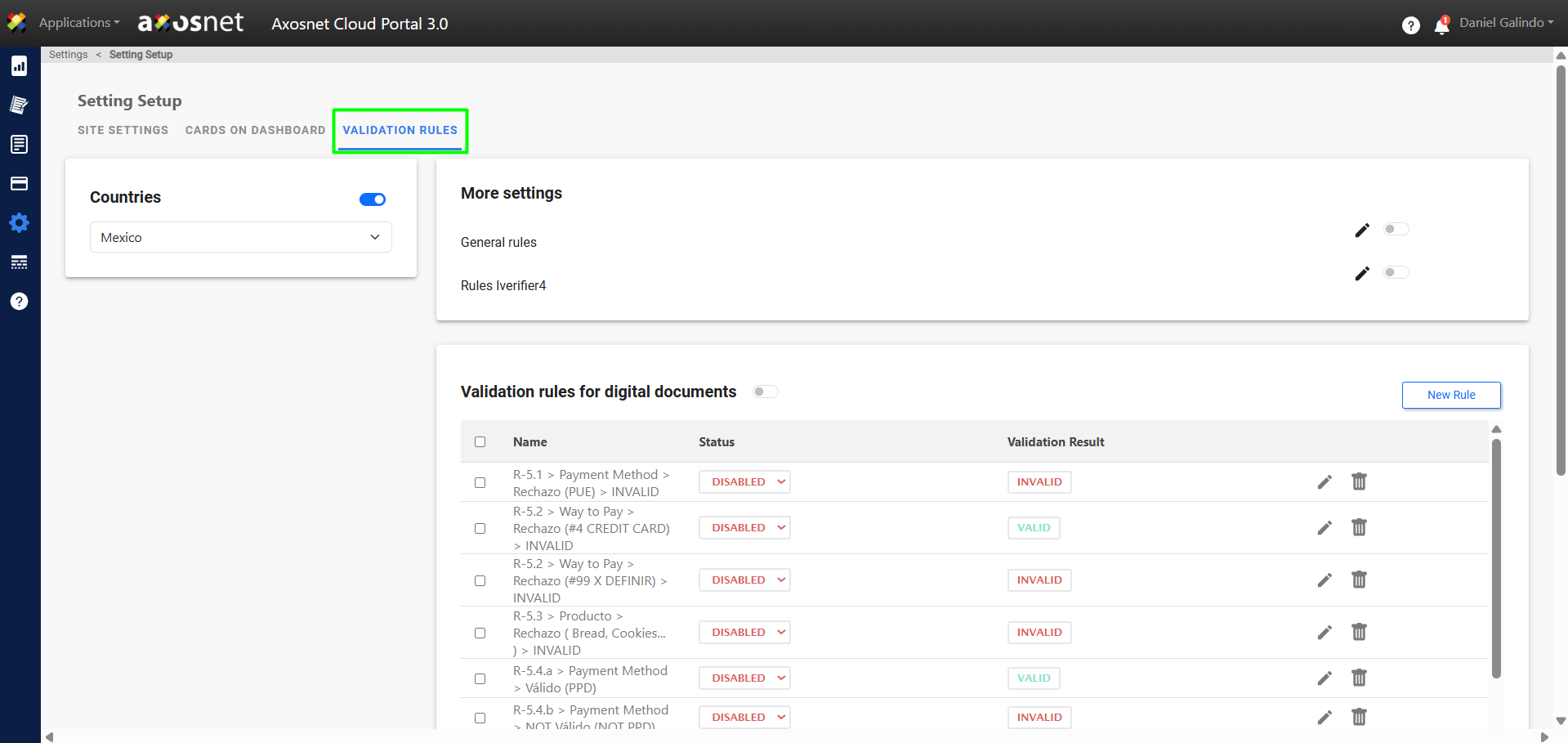
5. Scroll down and there you will find the option to configure Payment Complement Enforcement.
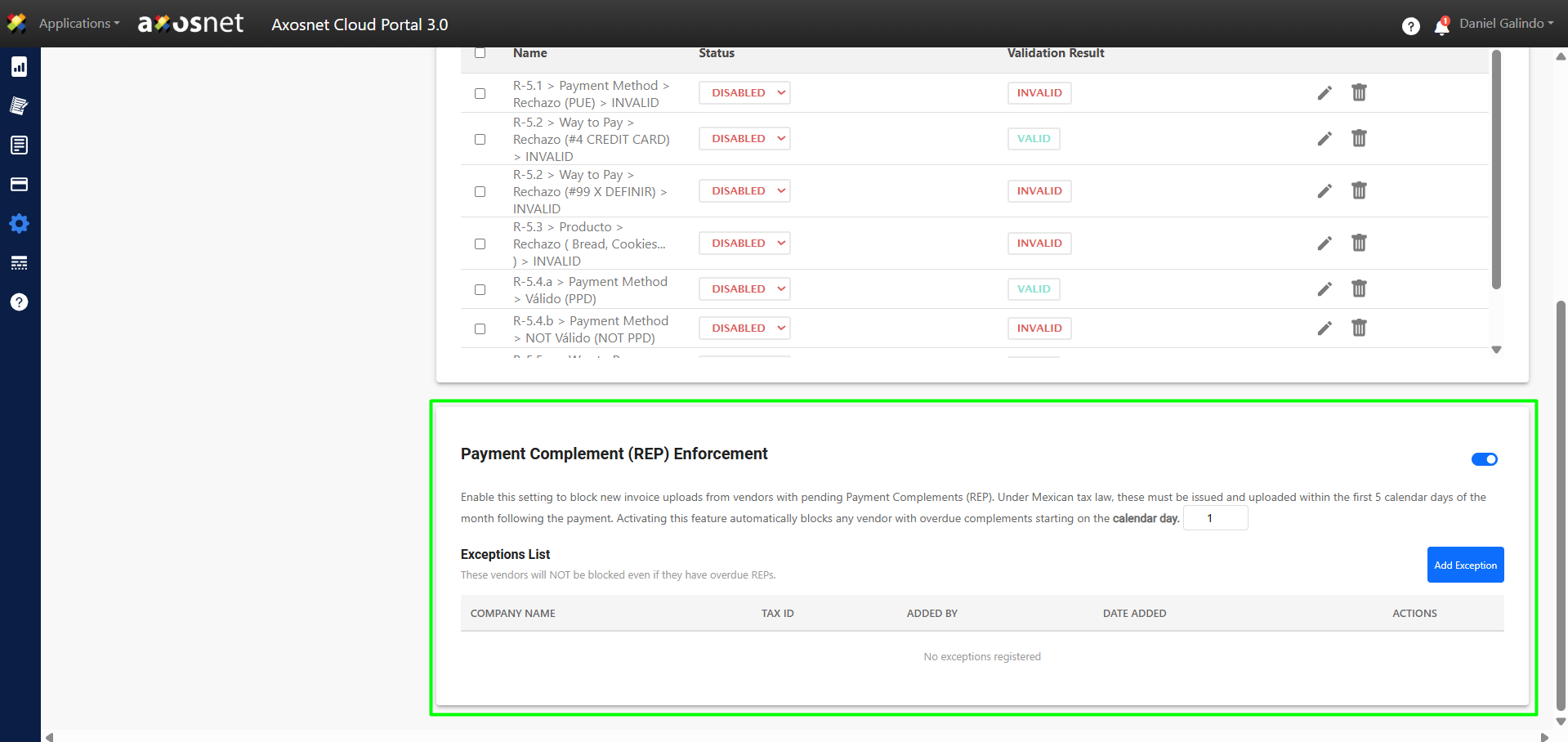
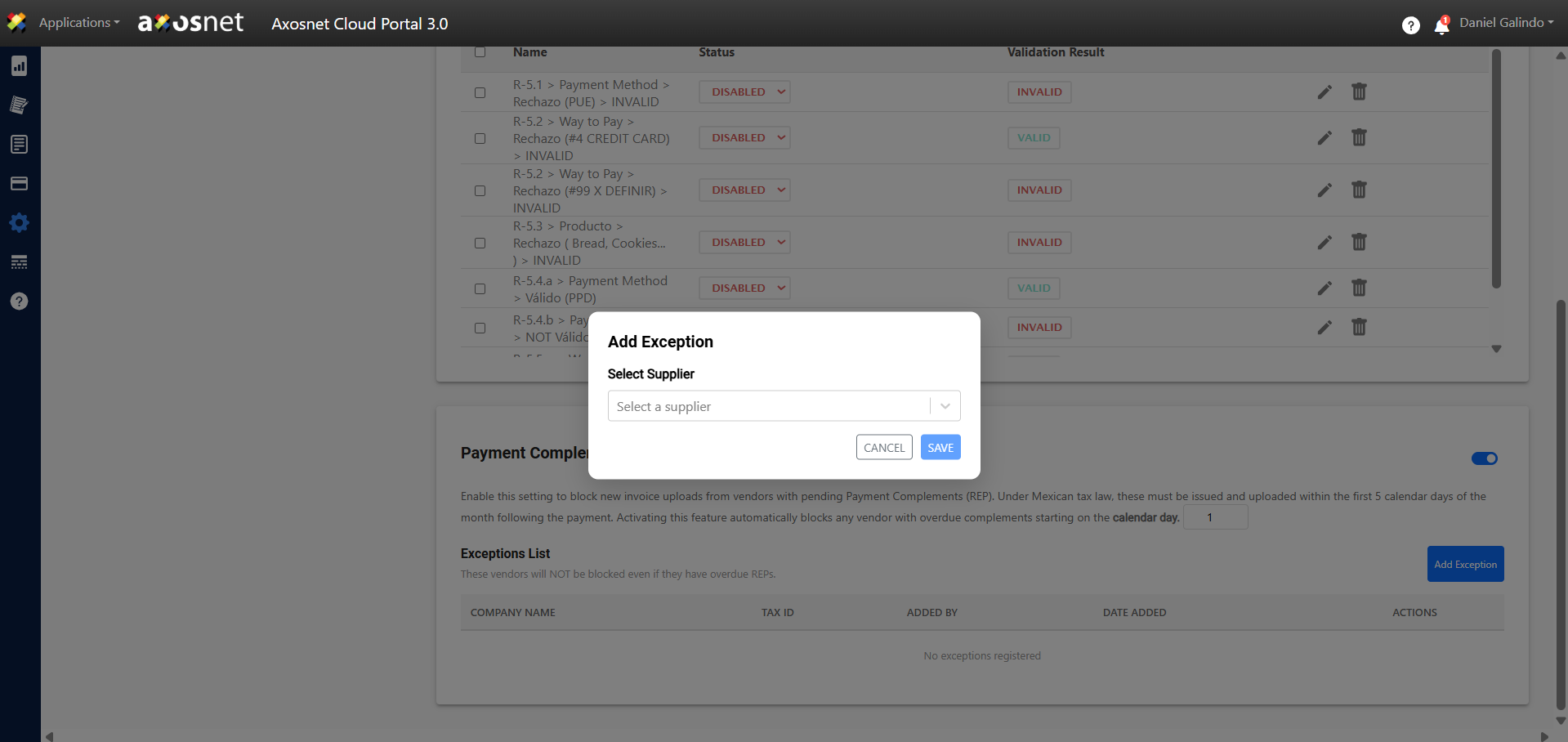
Note: It is possible to configure exceptions; providers on this list will NOT be blocked even if they have pending Payment Complements (REP).
Supplier´s Role
This is the message the supplier will see when they try to upload invoices and have a pending payment complement.