
This section details the different ways in which an collaborator or leader can access Rewards, depending on the teams to which they are assigned and whether they are within different companies.
To access Rewards, follow the steps below:
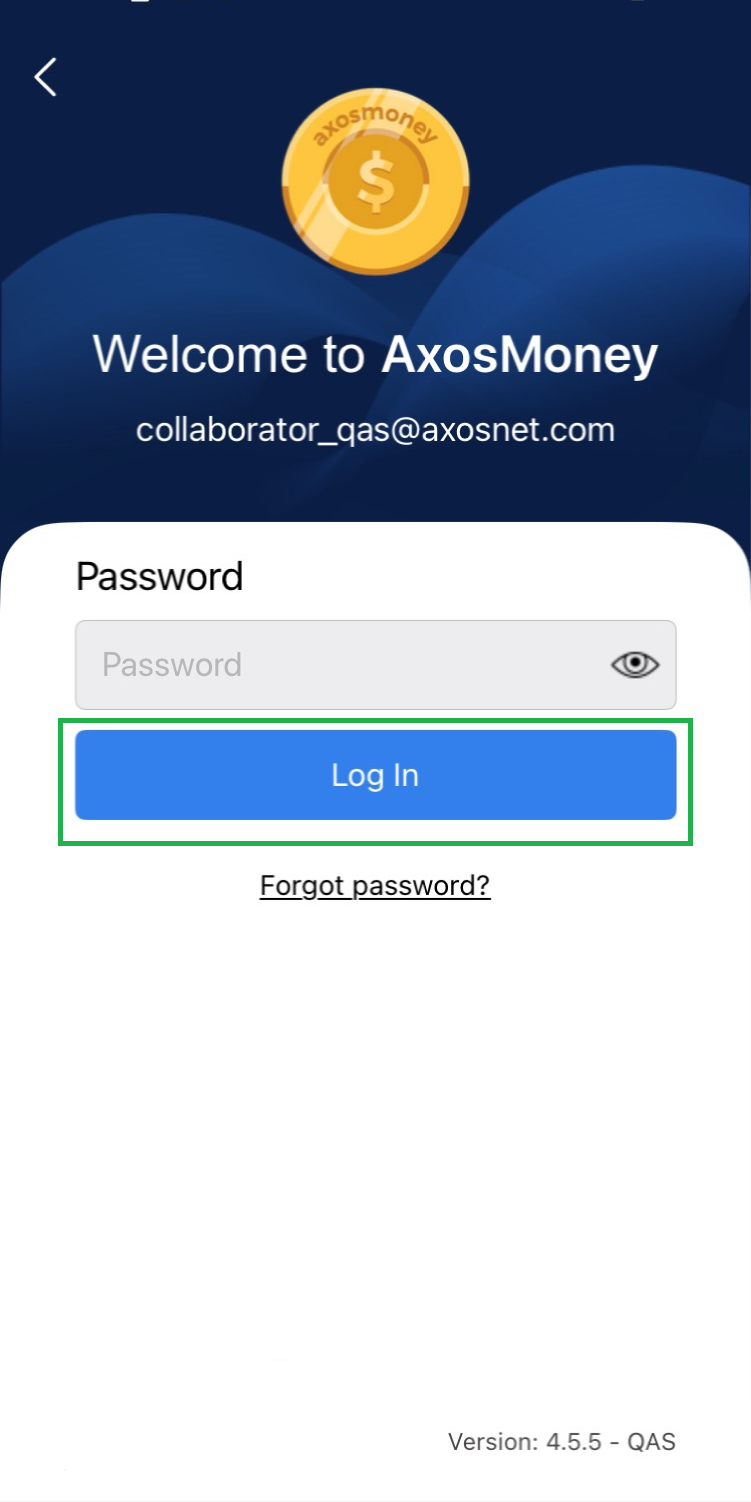
1. Log in to the Axosmoney® application.
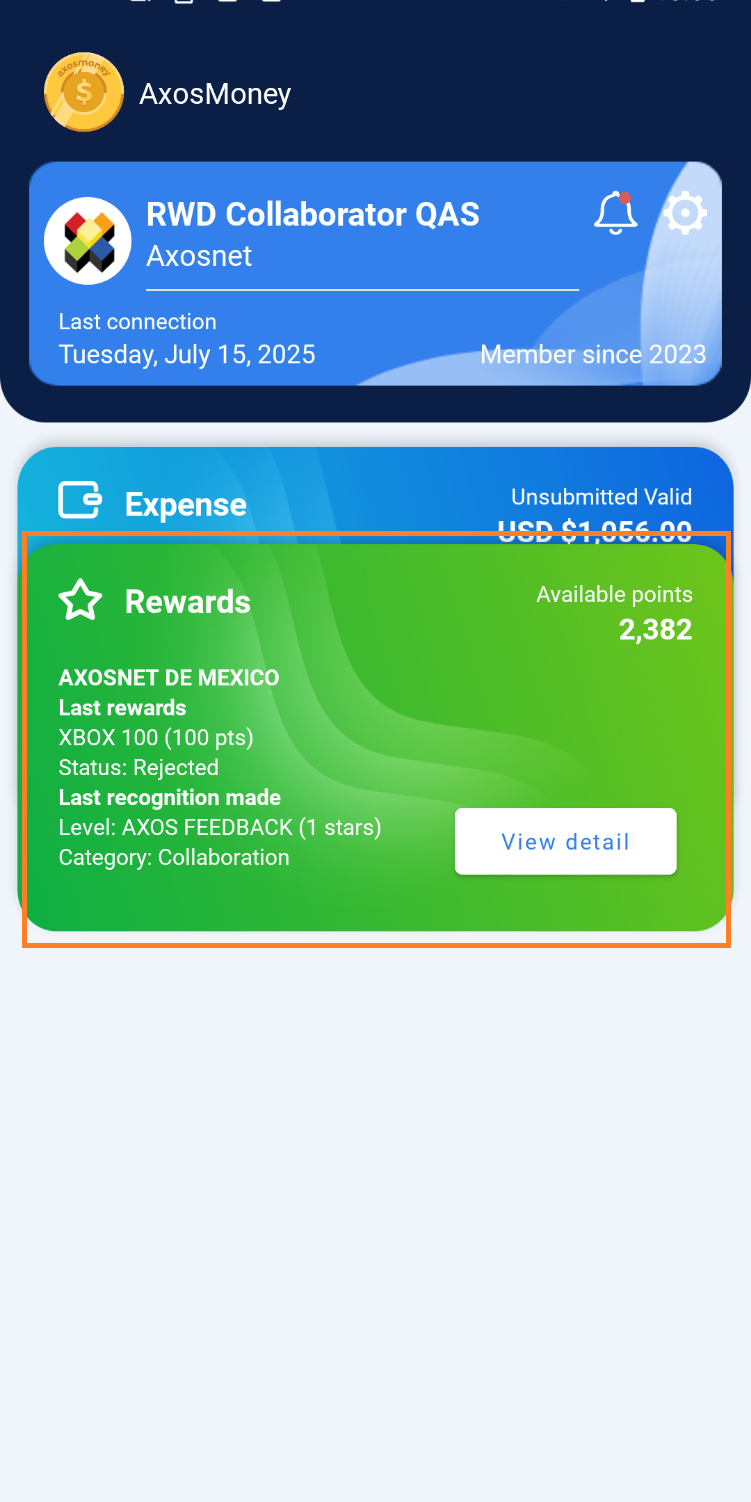
2. Locate the card that corresponds to Rewards and click on “See detail”.
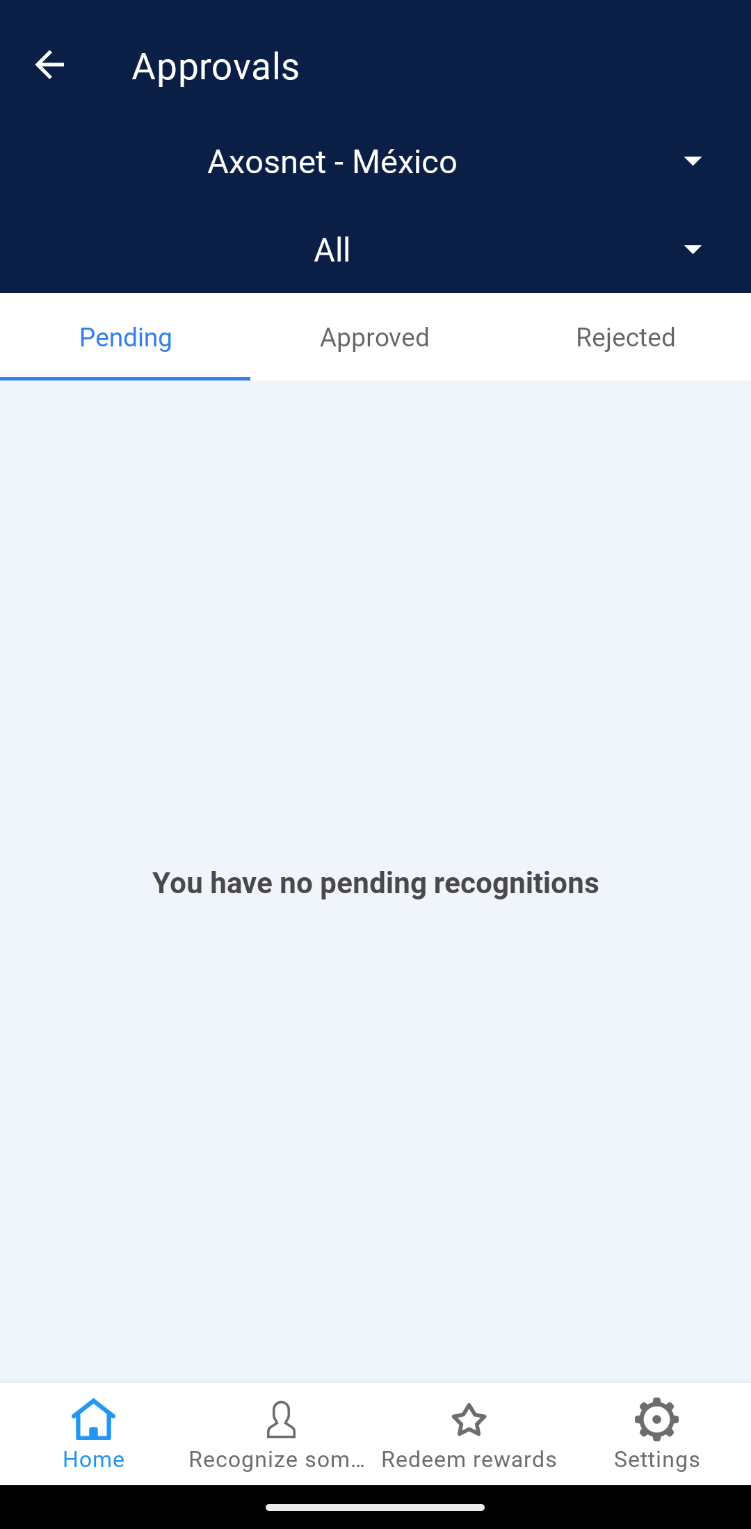
Login to REWARDS as SuperAdmin.
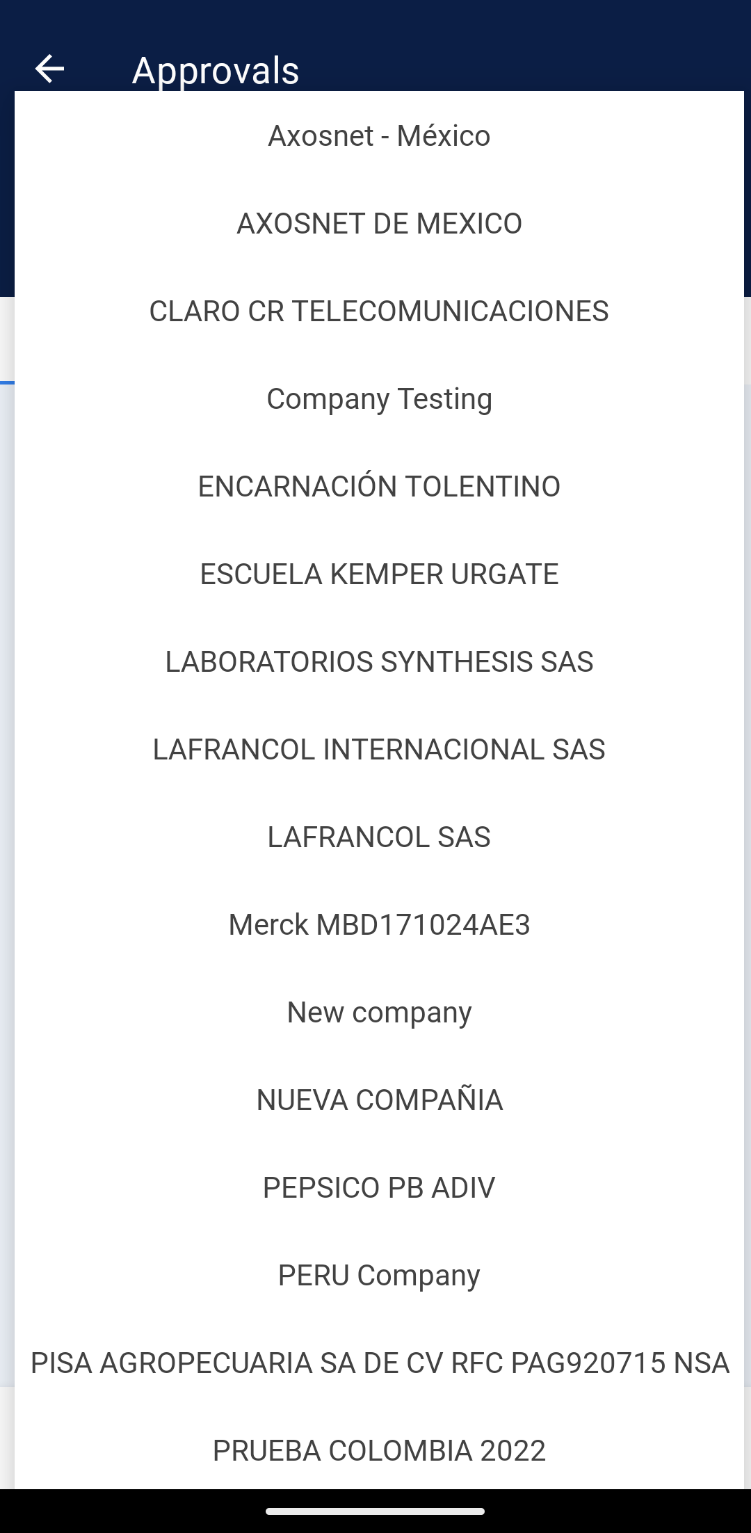
The SuperAdmin will always have direct access to the Rewards home page, as he has at his disposal the Companies filter located in all the Rewards sections.
 |  |
If the SuperAdmin is assigned a secondary role (Leader or collaborator) and also belongs to more than one team from different company, follow the steps in the sections Login to RWD as collaborator assigned to more than one company or Login to RWD as leader assigned to more than one company.