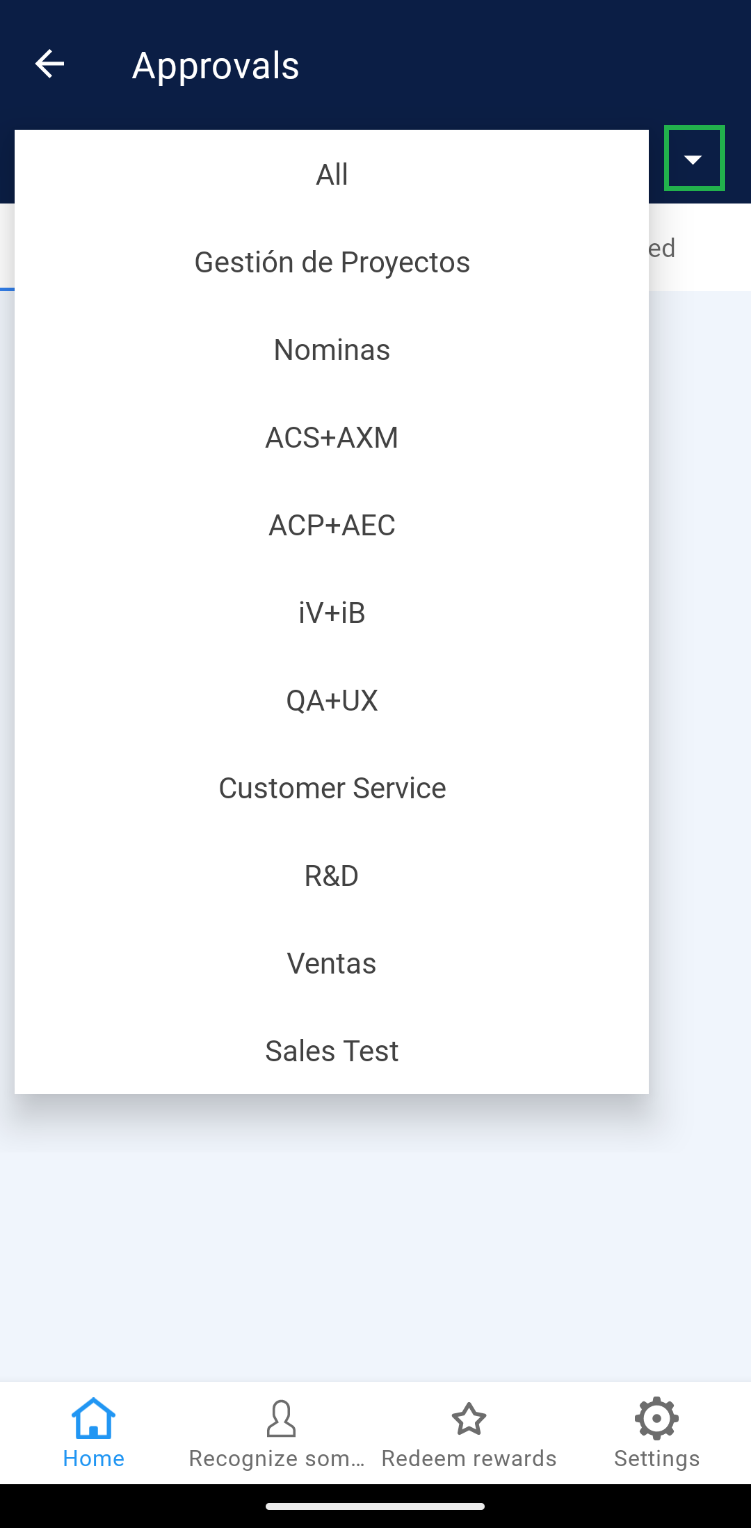
This section details the different ways in which an collaborator or leader can access Rewards, depending on the teams to which they are assigned and whether they are within different companies.
To access Rewards, follow the steps below:
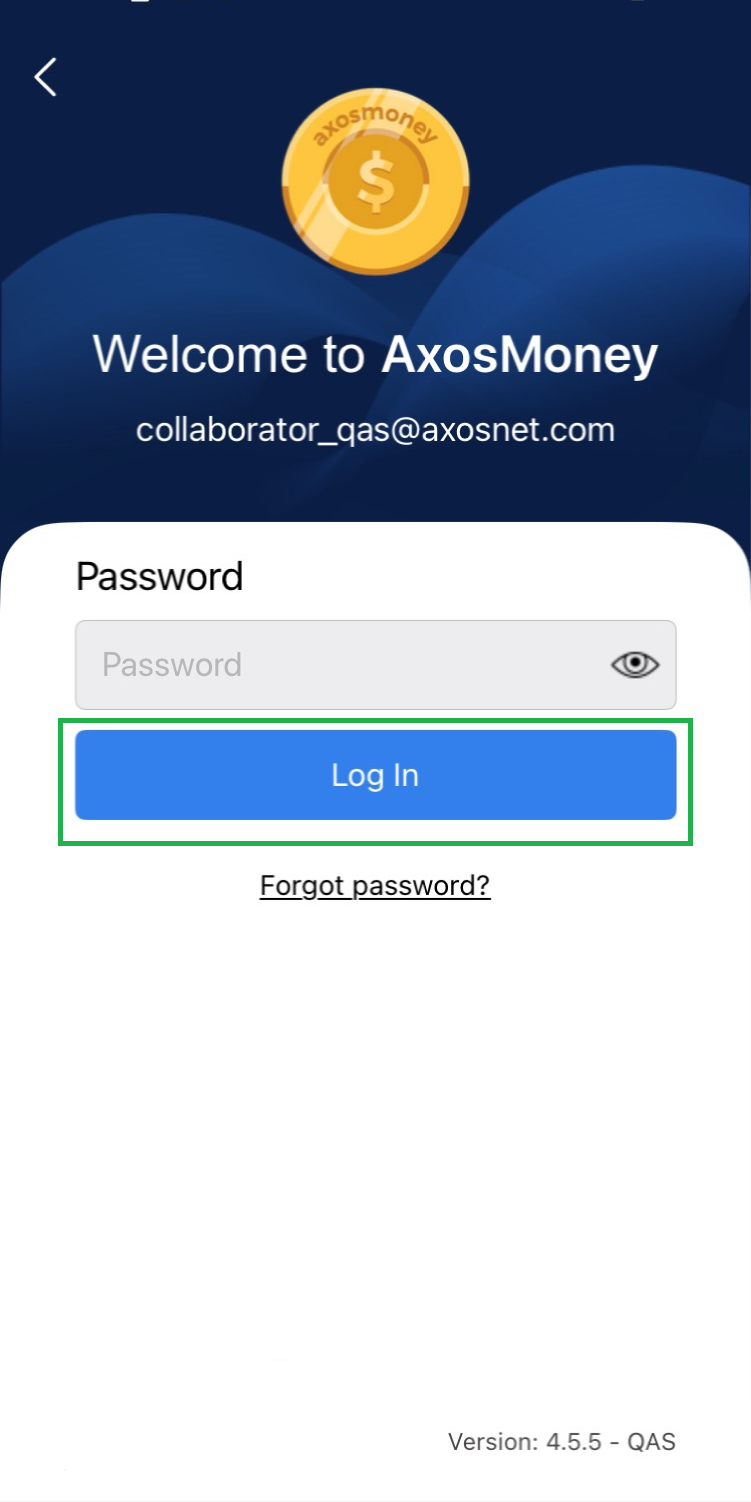
1. Log in to the Axosmoney® application.
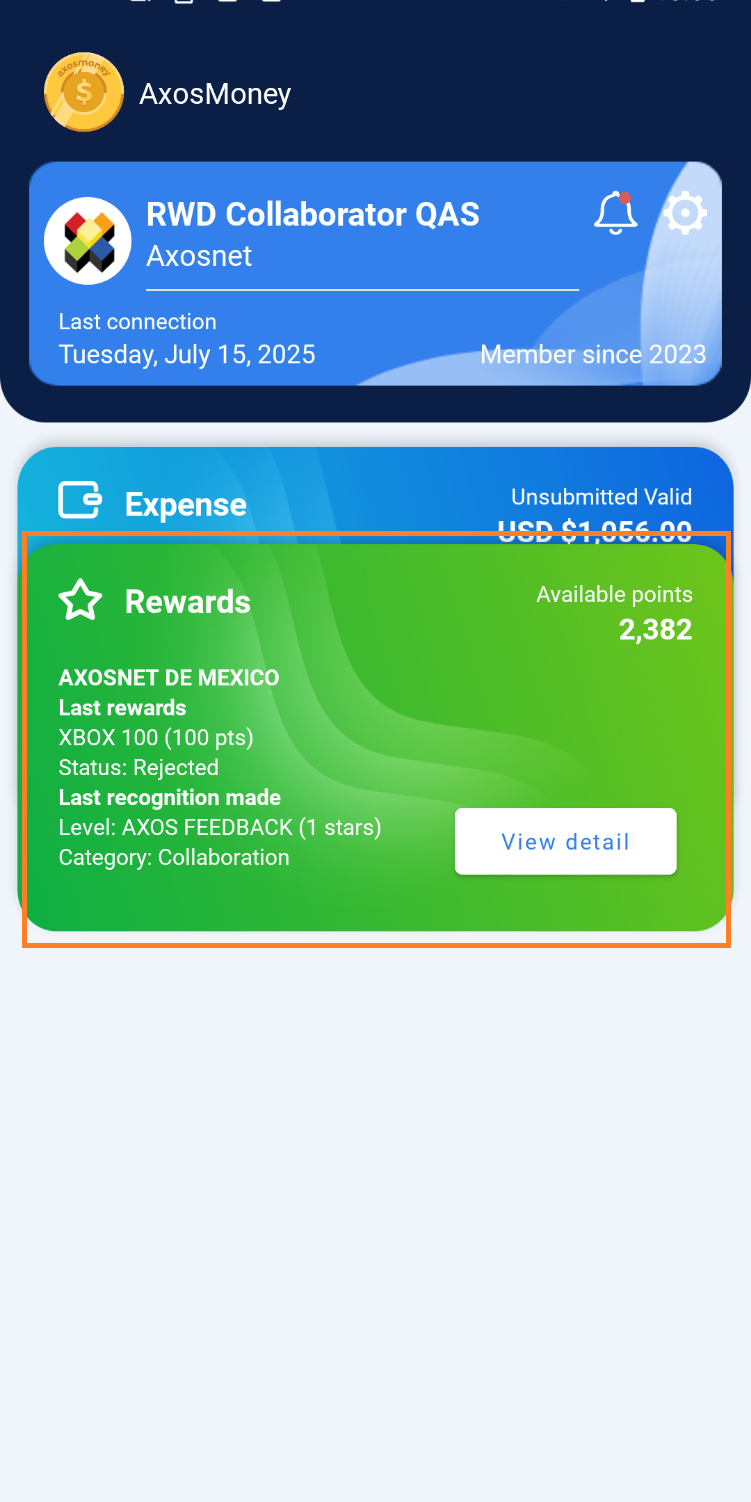
2. Locate the card that corresponds to Rewards and click on “See detail”.
Login to REWARDS as a collaborator belonging to a single company.
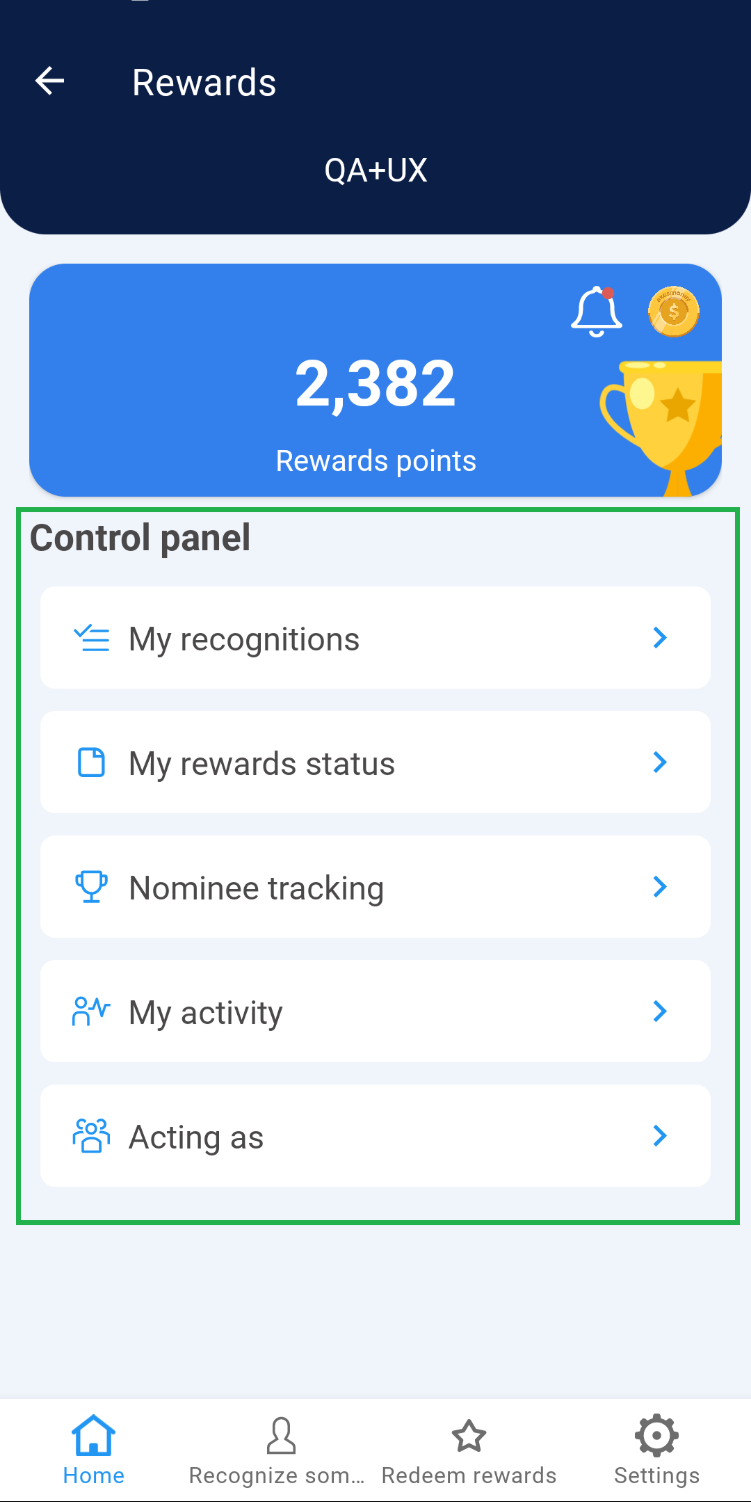
1. Rewards will display the home page, as well as the name of the team you belong to located at the top of the screen.
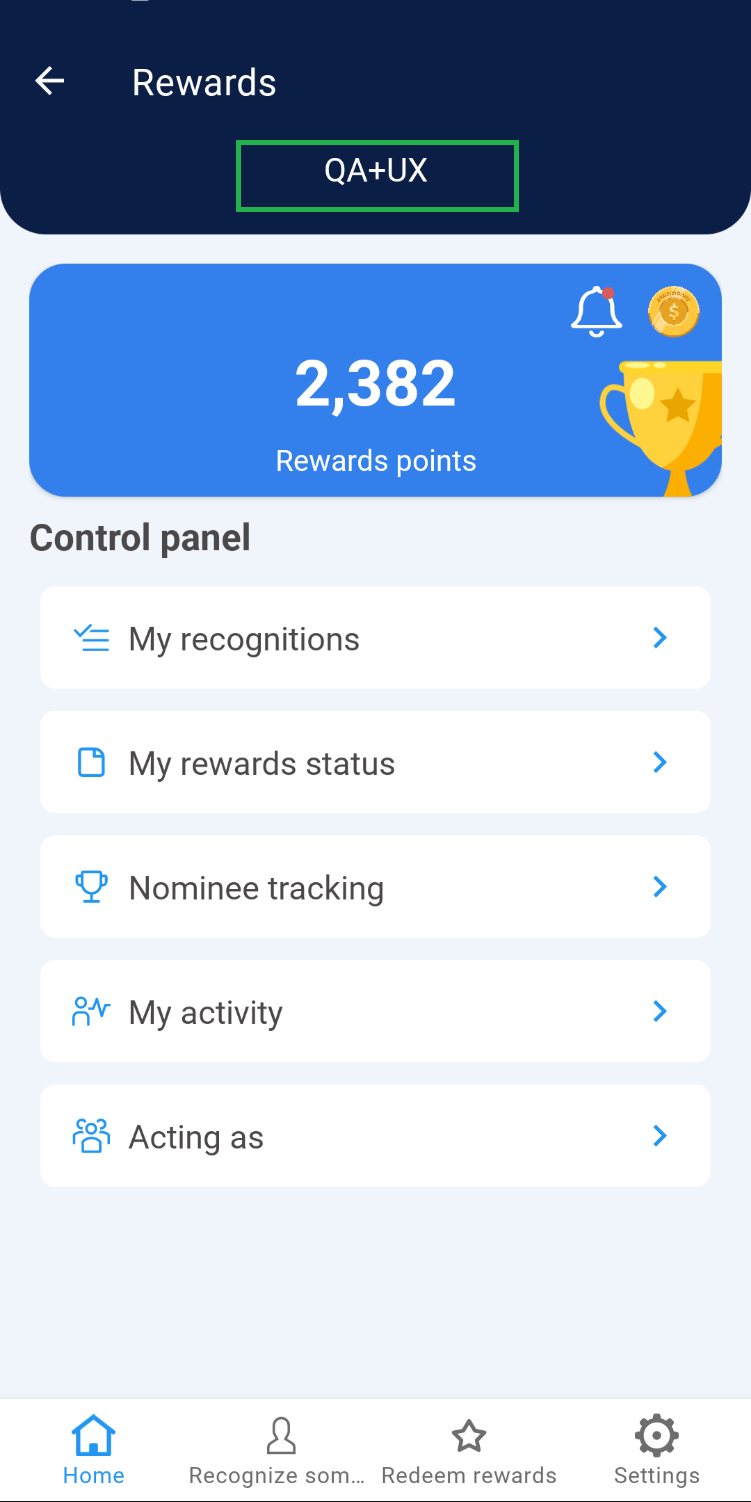
2. Within the Control Panel, you will find the exclusive options for a Rewards collaborator.
Login to REWARDS as a leader assigned to a single company.
1. You will identify the Rewards home page, as well as the options available to a team leader.
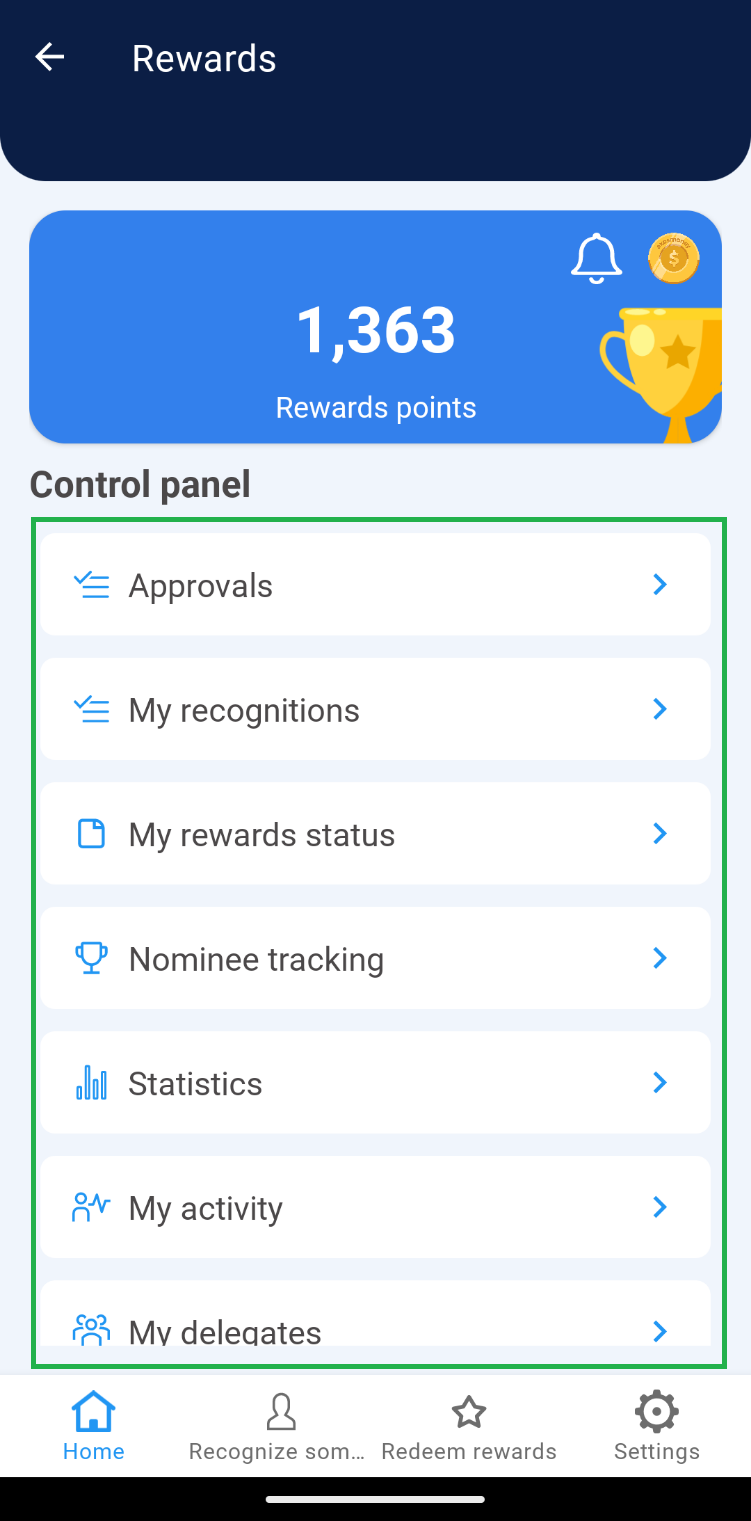
2. Click on any option in the Control Panel so that you can identify the name of the team to which you have been assigned as leader.
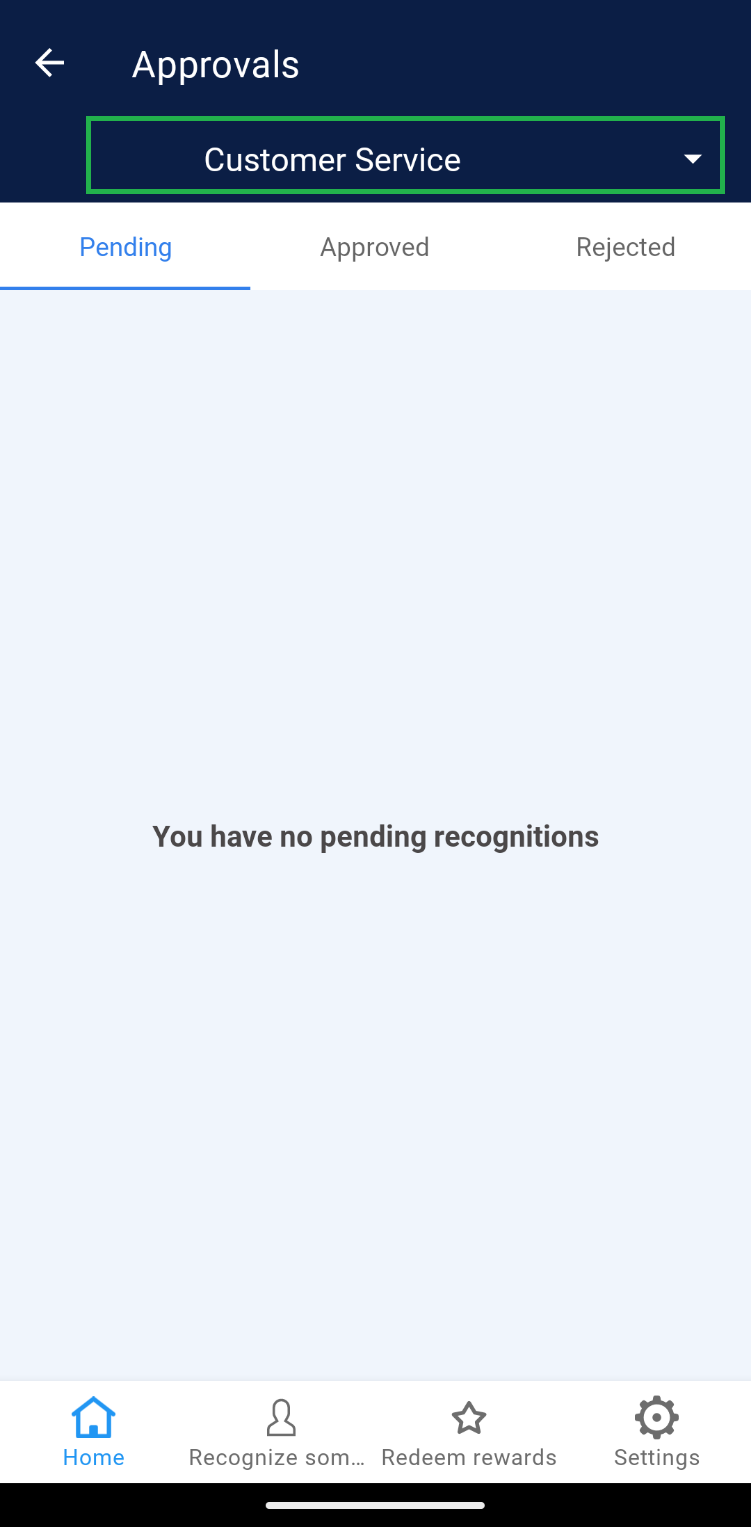
Note: If you are assigned as a leader in more than one team, scroll down the options and select the option you require.