
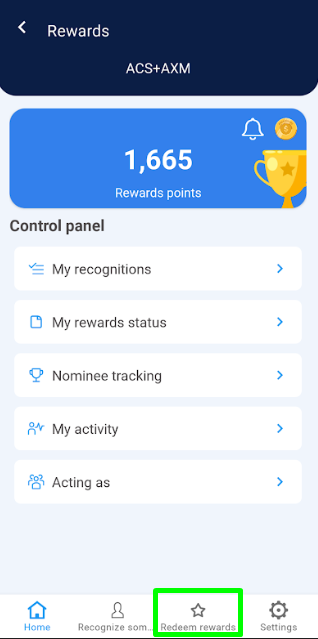
1. Click on the “Redeem Rewards” option located in the bottom menu.
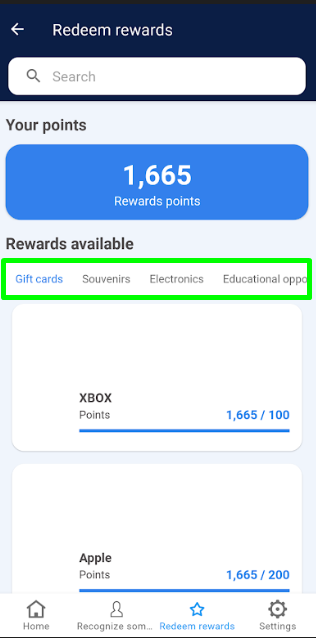
2. From the horizontal menu, select the category of the reward* you wish to redeem.
3. Click on the reward you want*, and if required, click the “Redeem Rewards” button.
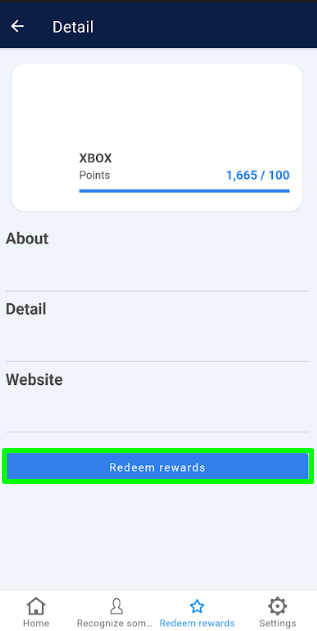
Note: If you do not have enough points to redeem the reward, the “Redeem Rewards” button will be disabled, as shown in the following image.
4. To confirm, click “OK”
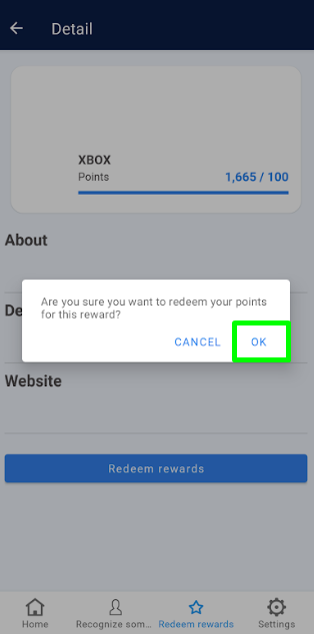
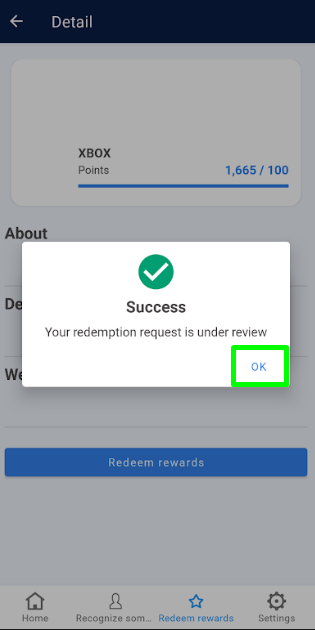
5. Click “OK” on the success message regarding your redemption request.
6. After redeeming, the application will automatically direct you to the “My Rewards Status” screen where you can track your rewards.
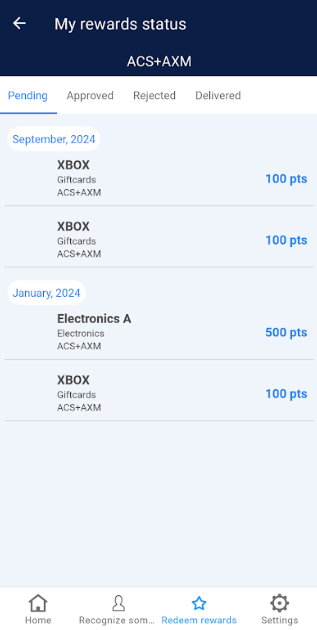
Note: To check the status of your rewards, you can view the Rewards Status section.