
1. On the “Log In” screen, introduce your email and click Next to continue.

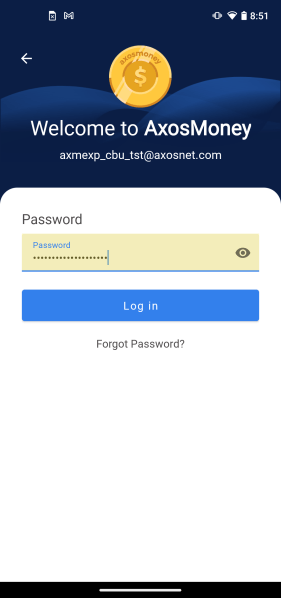
2. Now enter your password and click Log in.
3. You will be directed to the “Home” screen.
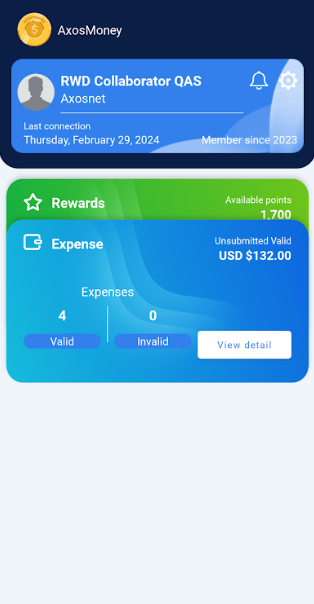
Note: If you have updated the version recently, a quick tour will appear as shown in the section below:
a. First Access, step 5.
Messages
| Message | Cause | Solution |
| warning Incorrect user or password | this message appears when the username and/or password have been incorrectly captured. | Capture user and password correctly |
| warning Please fill in the requested fields. | The User and/or Password fields are empty when you press the [Login] button. | Capture username and password. |
| Warning: It was not possible to refresh your session | You do not have an account linked to SAP Concur. | Link your account to SAP Concur. |