To create an iBridge application credential, you can follow these steps:
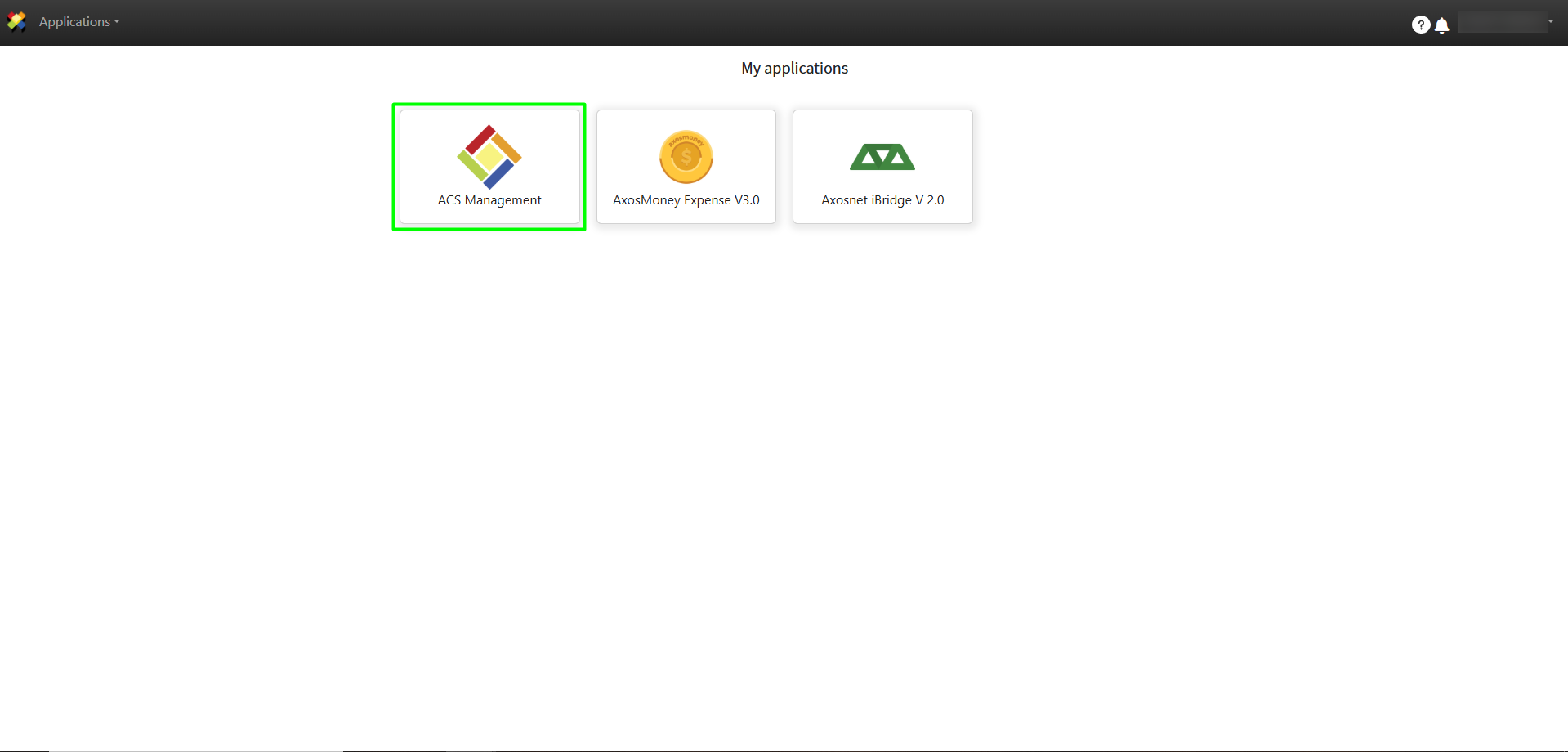
1. Log in to ACS Management
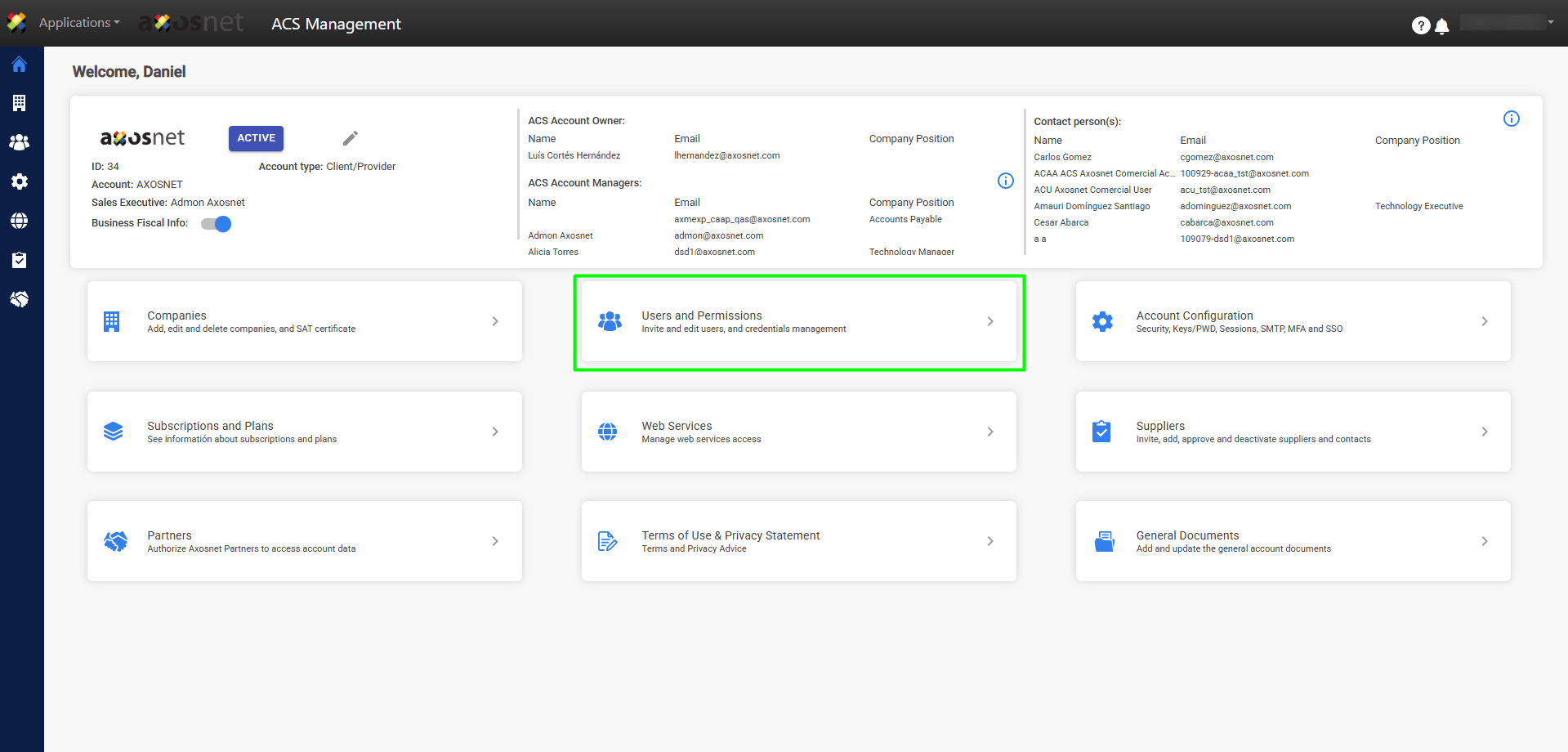
2. Click on the section Users and Permissions.
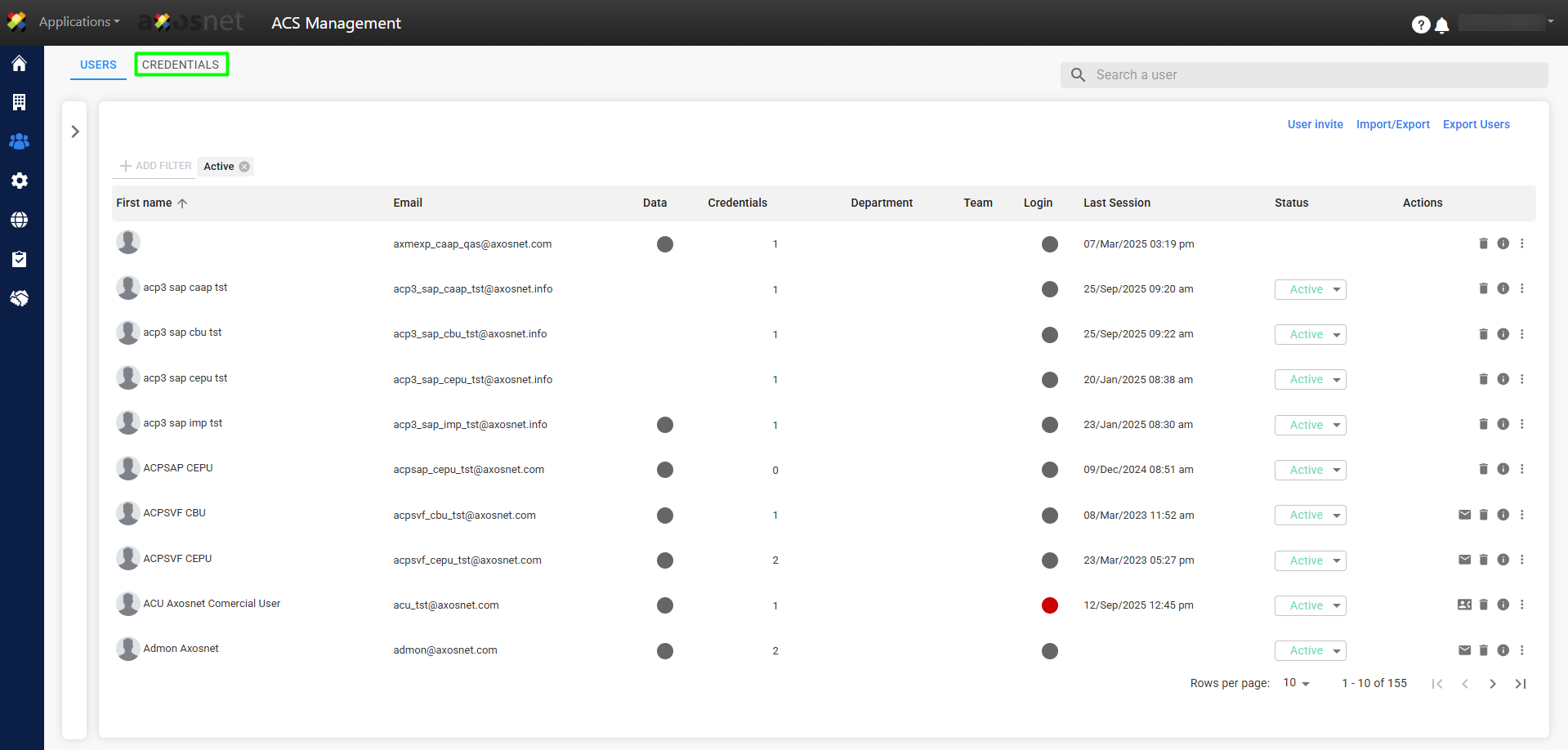
3. On this window select the tab Credentials.
4. On the Credentials tab click on the button New Credential.
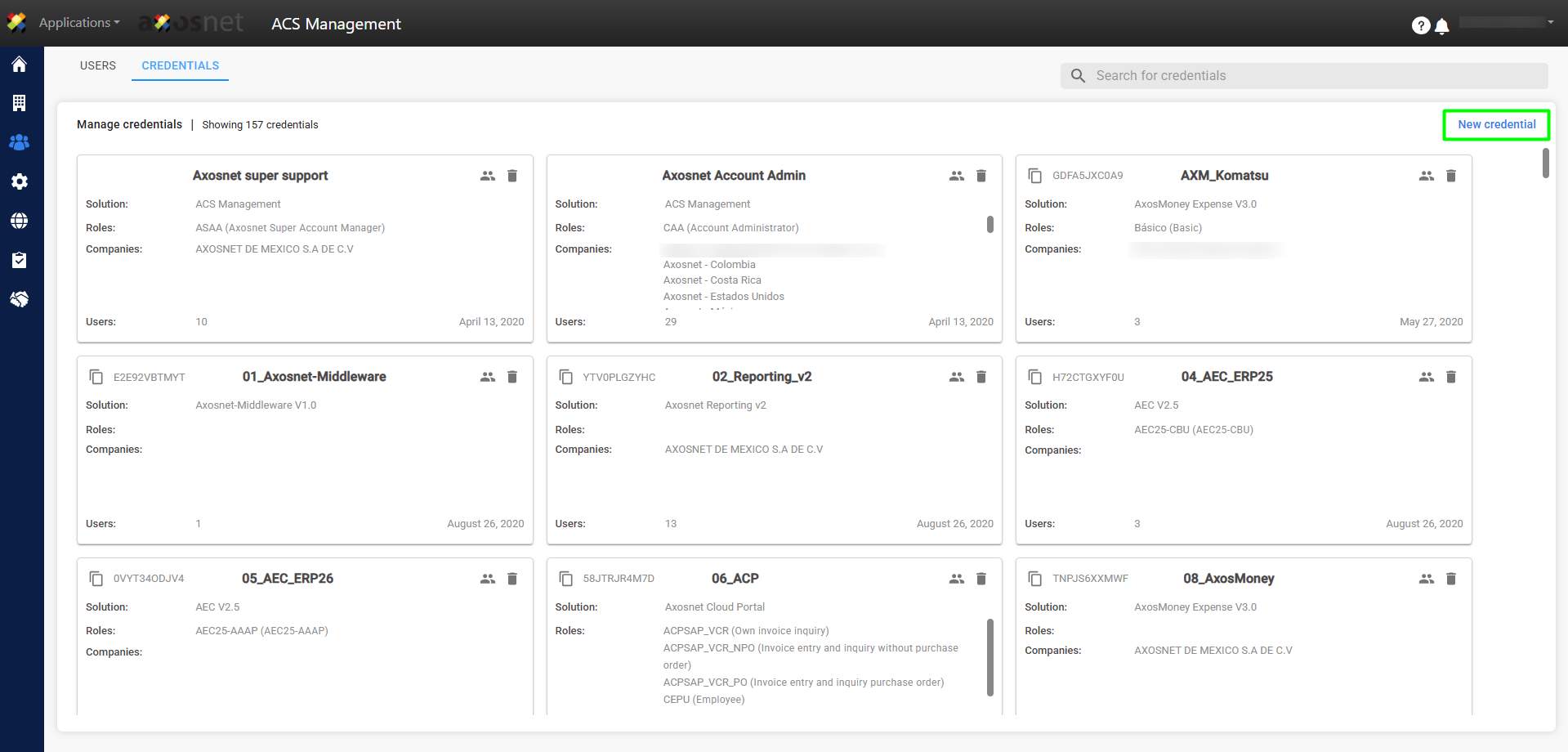
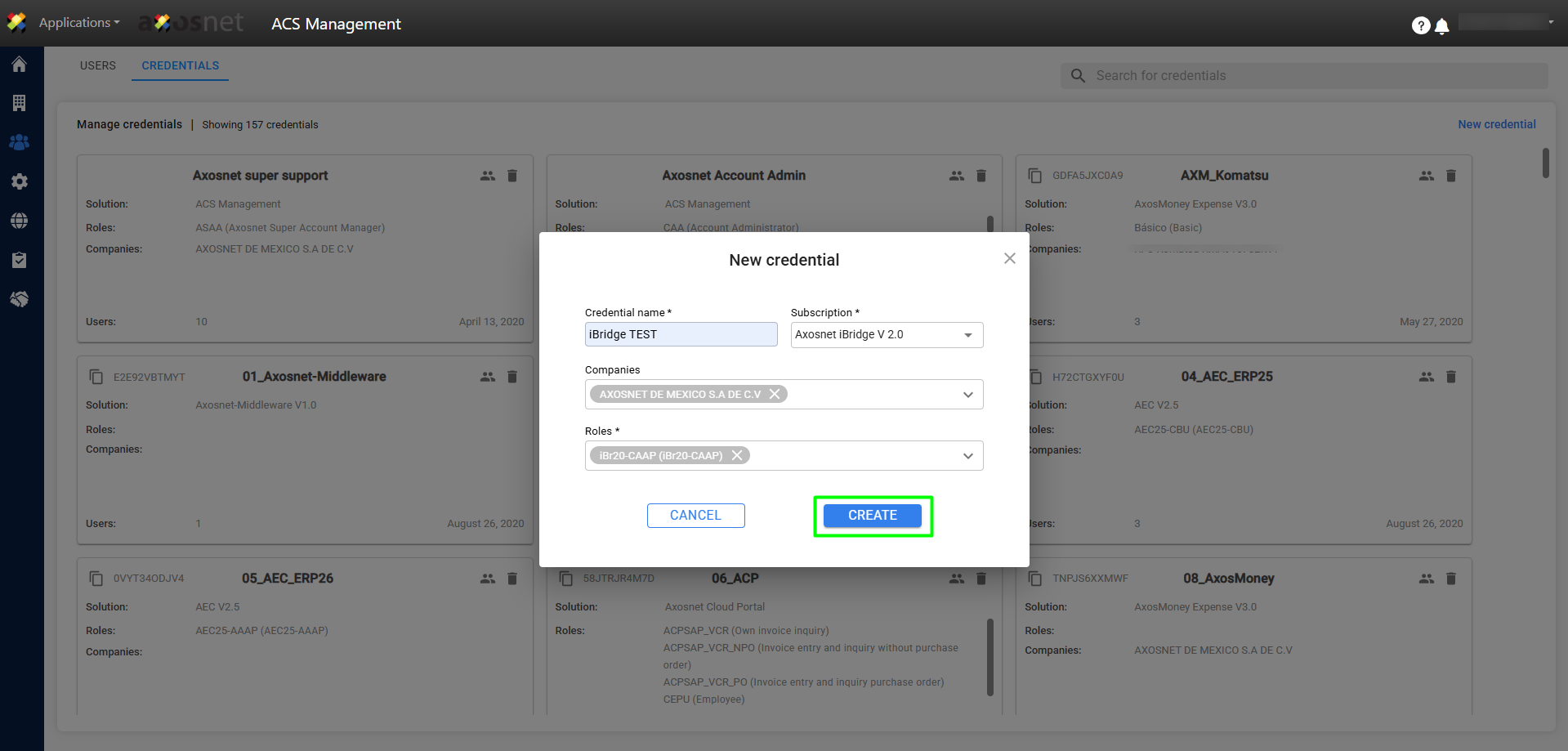
5. A pop-up window will open where you will fill in the credential details. When finished, click on Create.
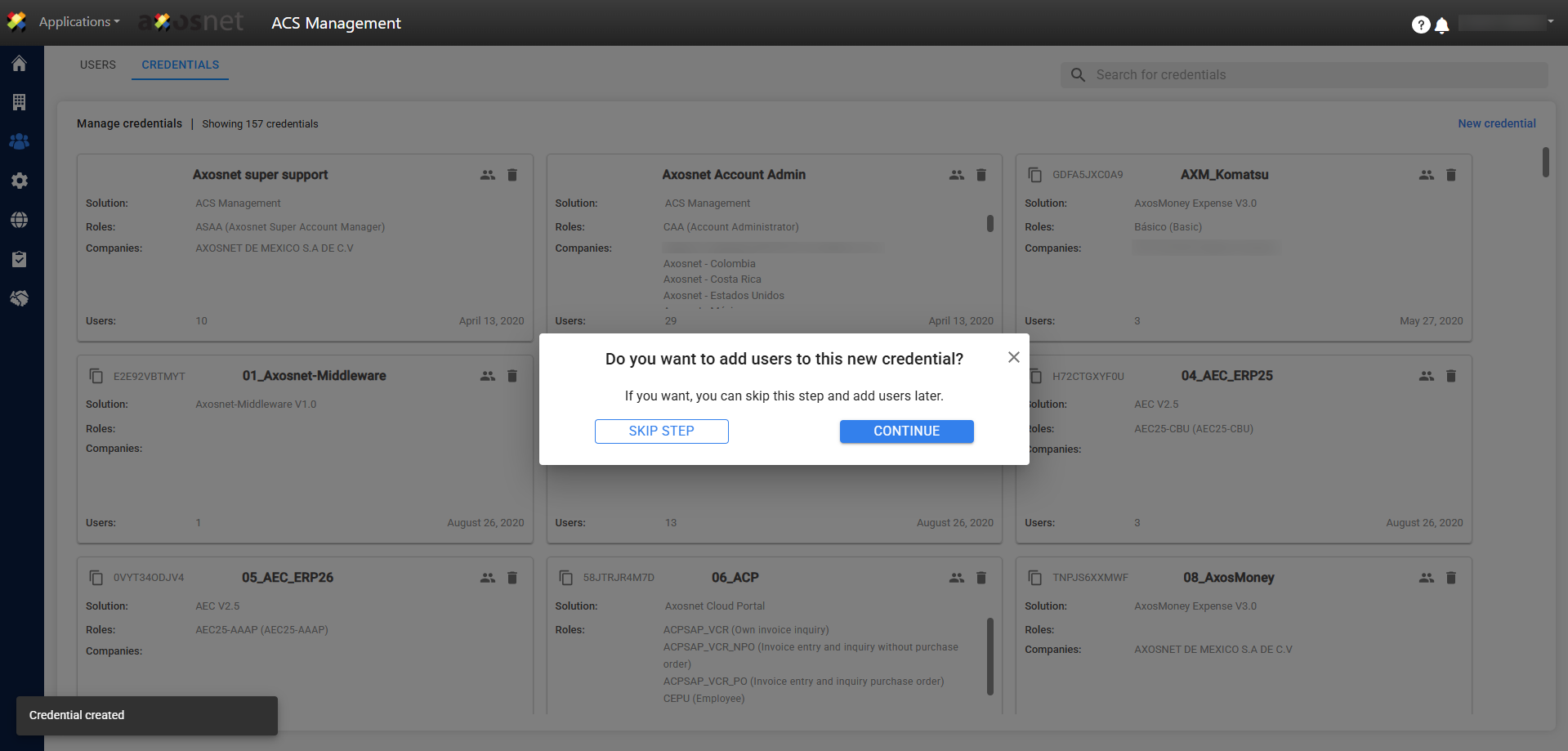
6. Una vez creada la credencial, aparecerá un mensaje de confirmación. En ese momento, una ventana emergente le preguntará si desea añadir usuarios. Si lo prefiere, este paso puede omitirse y los usuarios pueden ser añadidos posteriormente.
To add a user to a credential, you can refer to the following manuals: