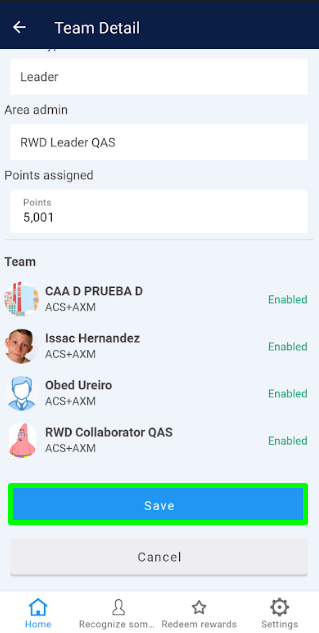
The “Team Management” section allows displaying the details of each registered team, and enables the Super Administrator to modify the status and the amount of points assigned so that team leaders can perform the corresponding approvals.
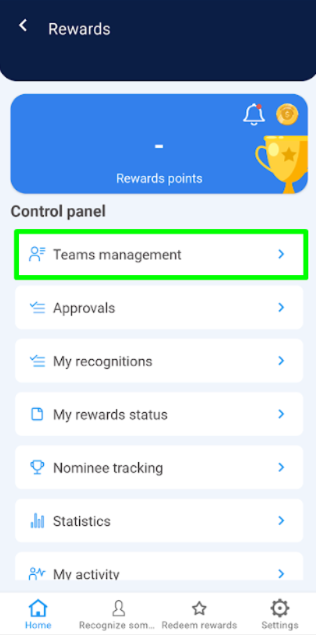
1. Within the Rewards control panel, select the “Team Management” option.
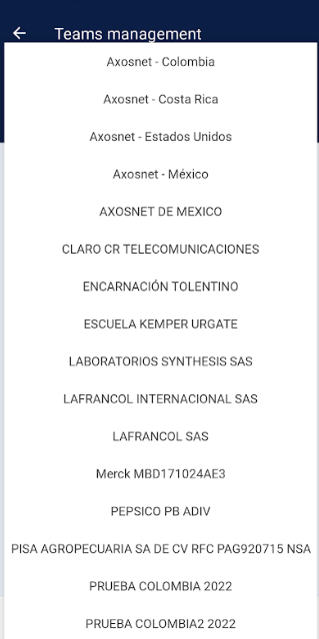
2. Ensure the company to which the teams needing management are integrated is selected.
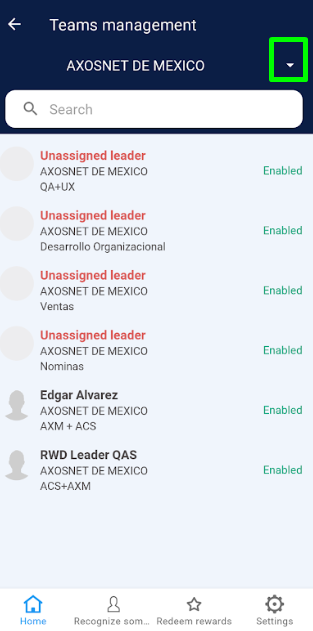 |  |
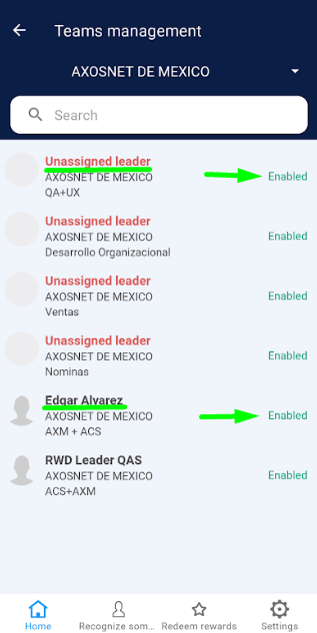
3. You will see a list of all teams, with the leader’s name highlighted in bold along with each team’s activation status. Select one of the available teams from the list.
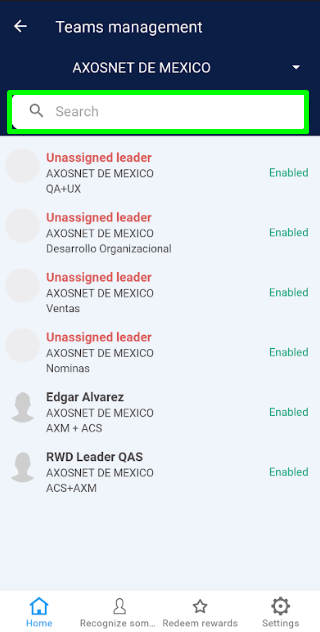
Note: To facilitate quick identification of a team, use the “Search” tool by entering the name of the leader assigned to the team you need to find.
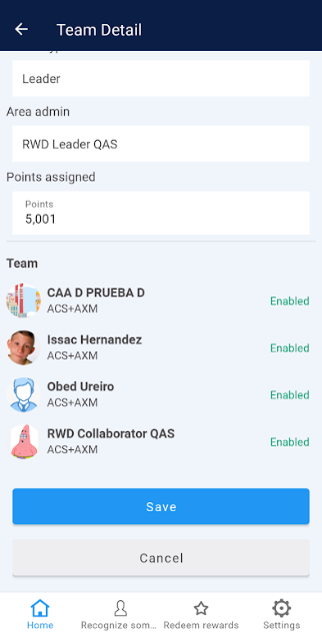
4. You can identify all detailed information about the team, as well as the collaborators who belong to it.
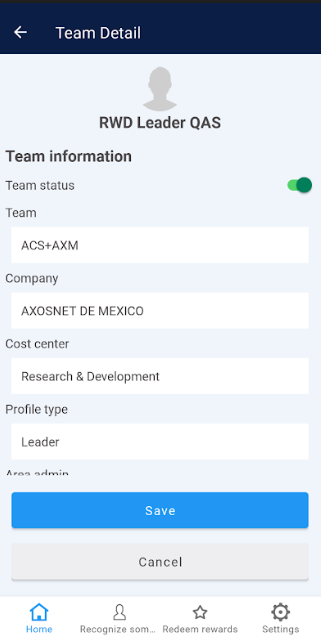 |  |
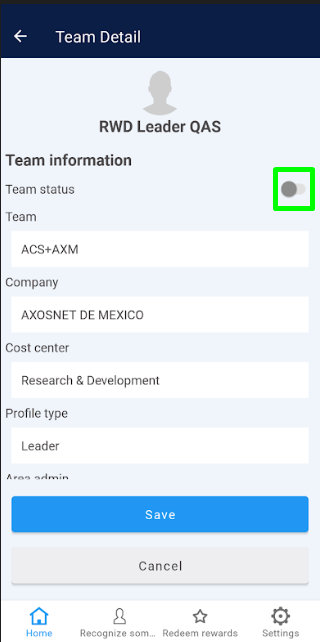
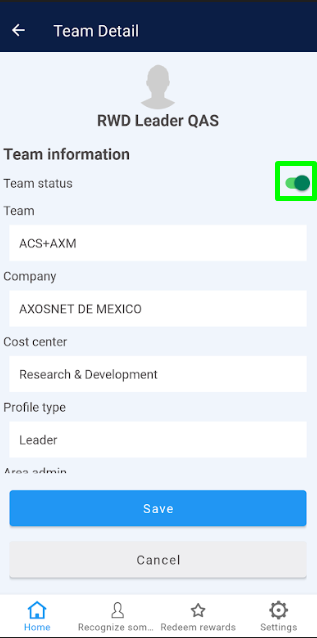
5. If you need to deactivate the team, click on the switch so it turns gray. To activate the team, leave the switch green.
 |  |
6. Identify the “Assigned Points” field, click on it, and if necessary, modify the amount of points.
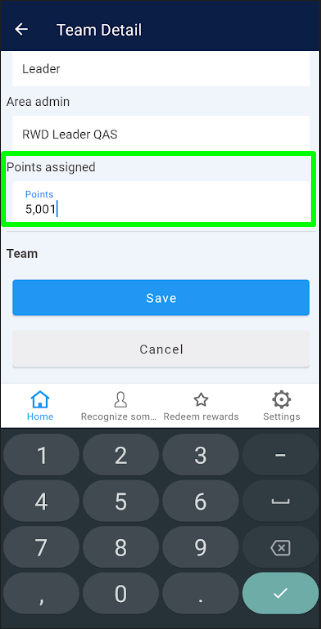
7. Finally, click on the “Save” button to update the team’s changes.