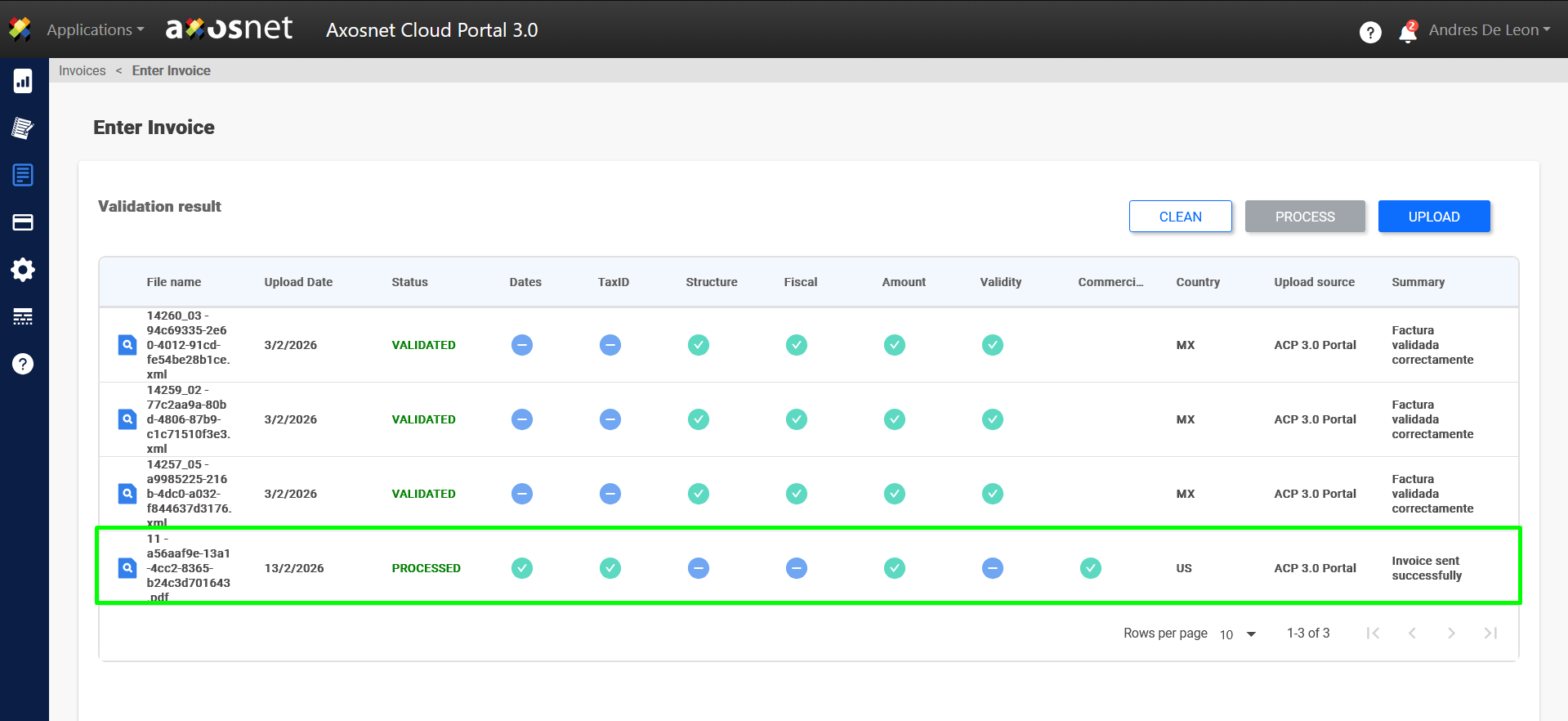
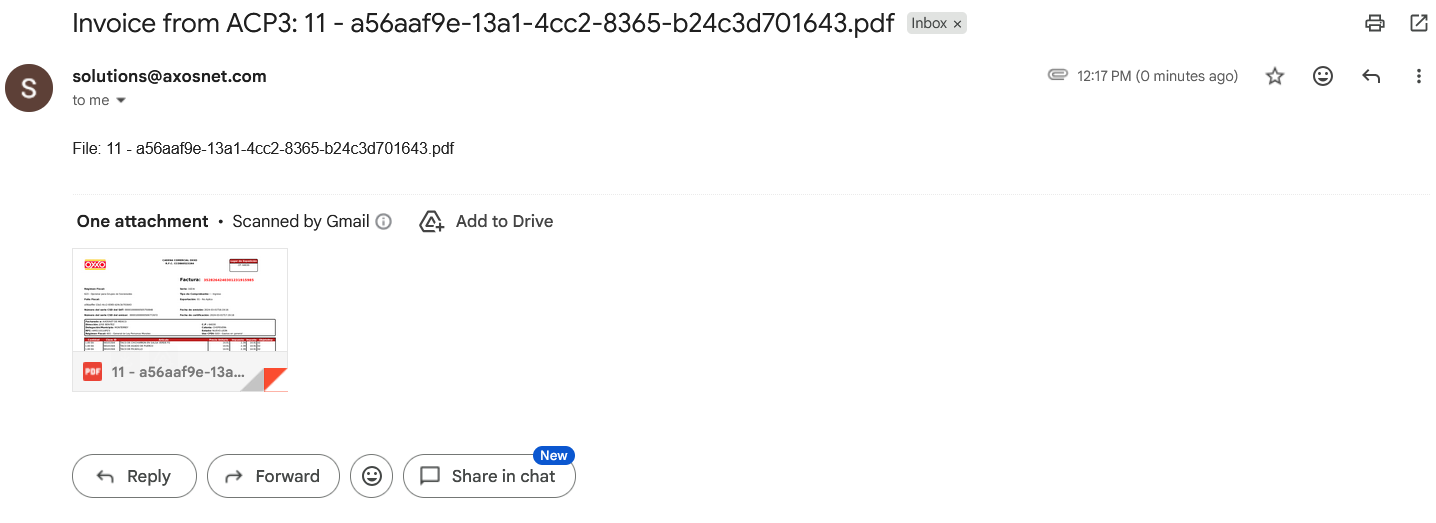
This functionality will allow you to receive invoices in PDF format in your email that have been uploaded and processed through the Axosnet Cloud Portal (ACP).
This is to streamline the workflow and ensure that invoices are accessible for review or filing as soon as they are available on the portal. Follow these steps:
1. Access the Invoices section on the left-hand menu in ACP.
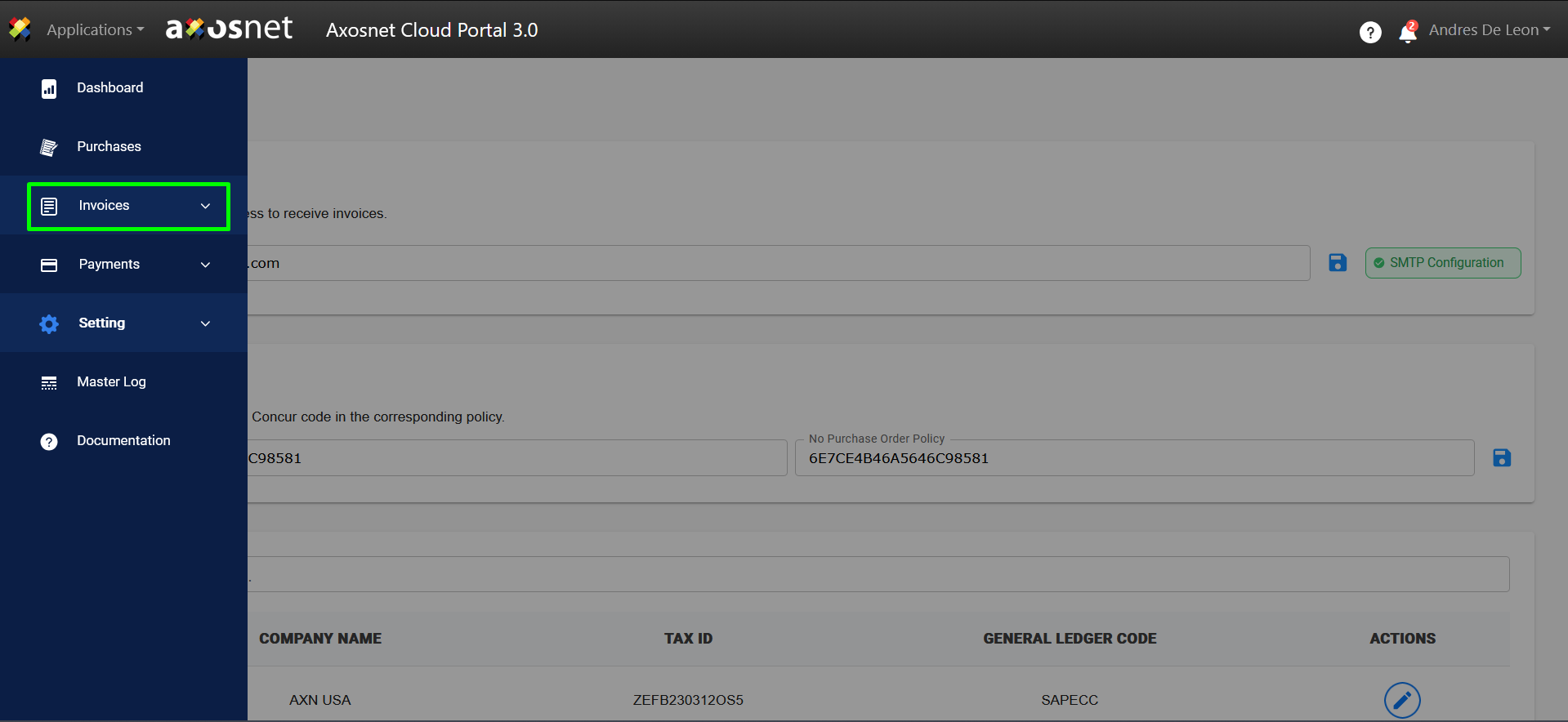
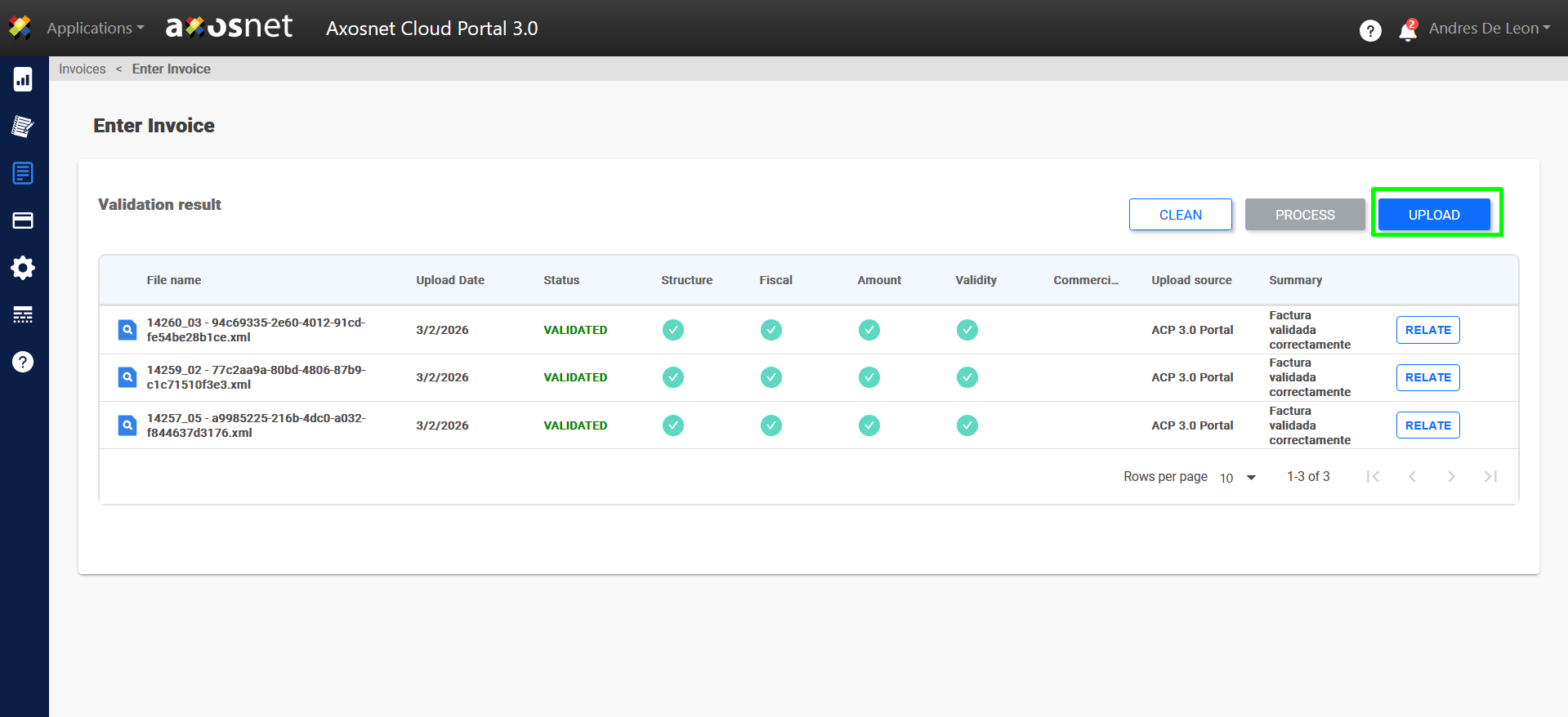
2. Select the option Document Entry.
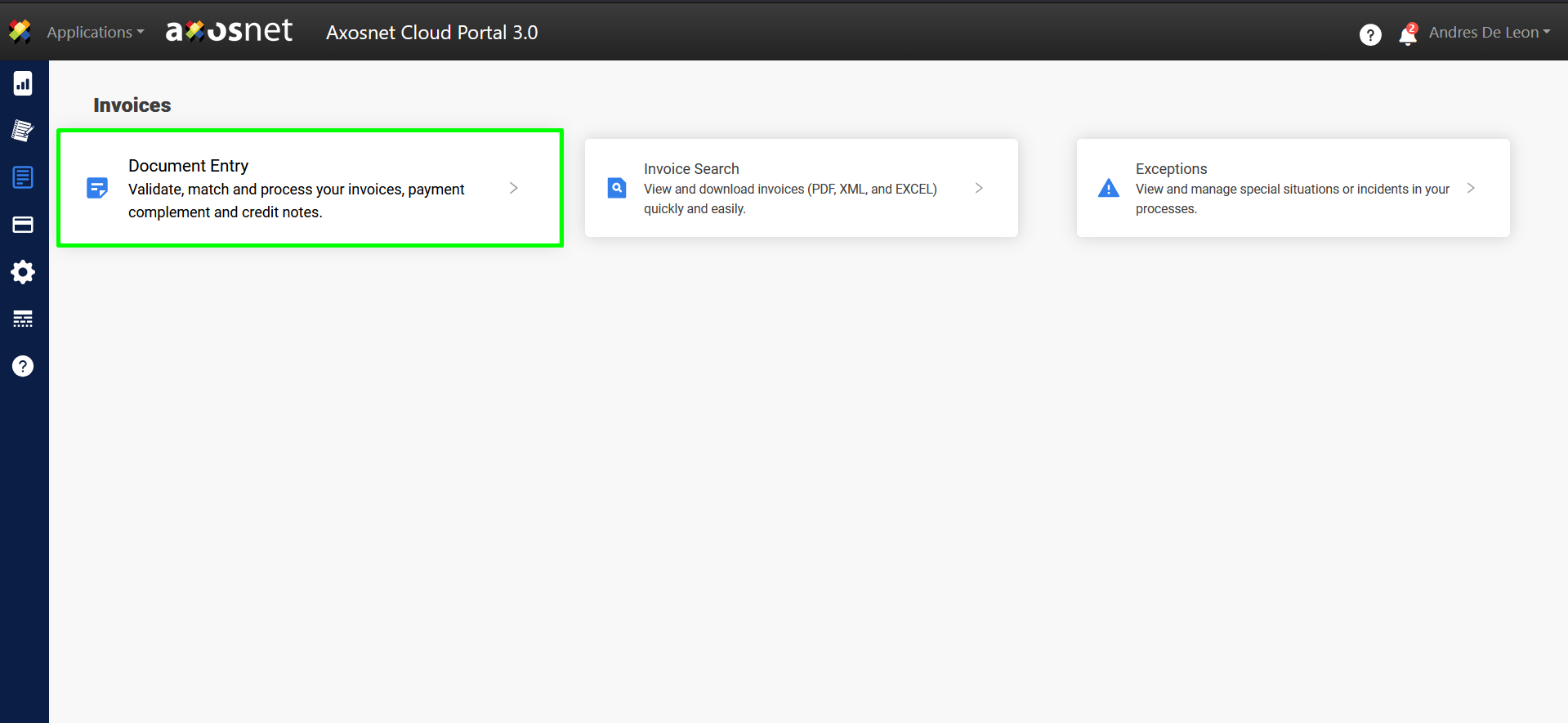
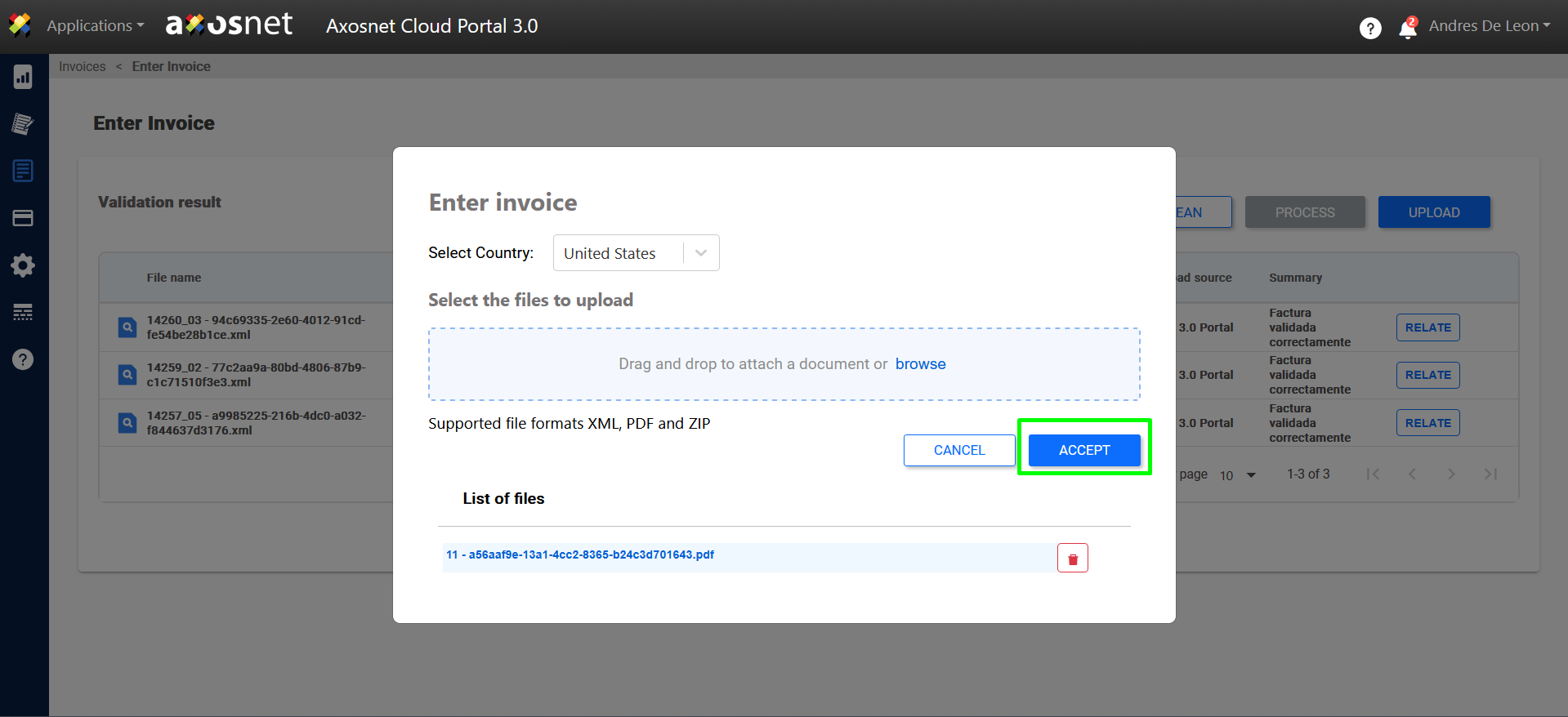
3. Click on Upload to upload the invoice, and in the country dropdown menu select United States.
Note: Currently this functionality is only available for invoices from the United States.
4. Upon processing the invoice, it will be sent to the email address designated in the Concur configuration of Axosnet Cloud Portal, and the posting depends on Concur.