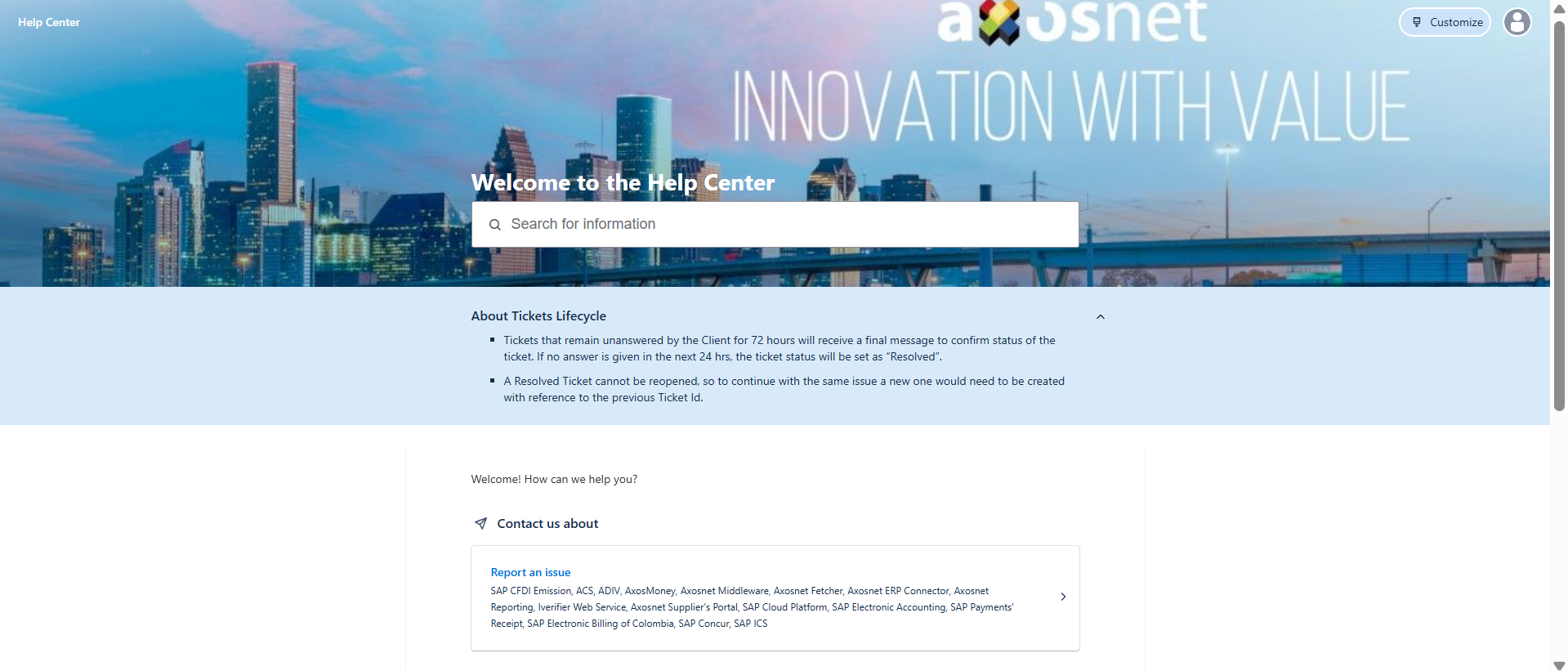
This option allows a collaborator to maintain access even if they no longer remember their password. It’s important to emphasize that this option only works for existing users, meaning those who have previously registered successfully.
1. Go to our help portal and click on the option “Reset Password“.
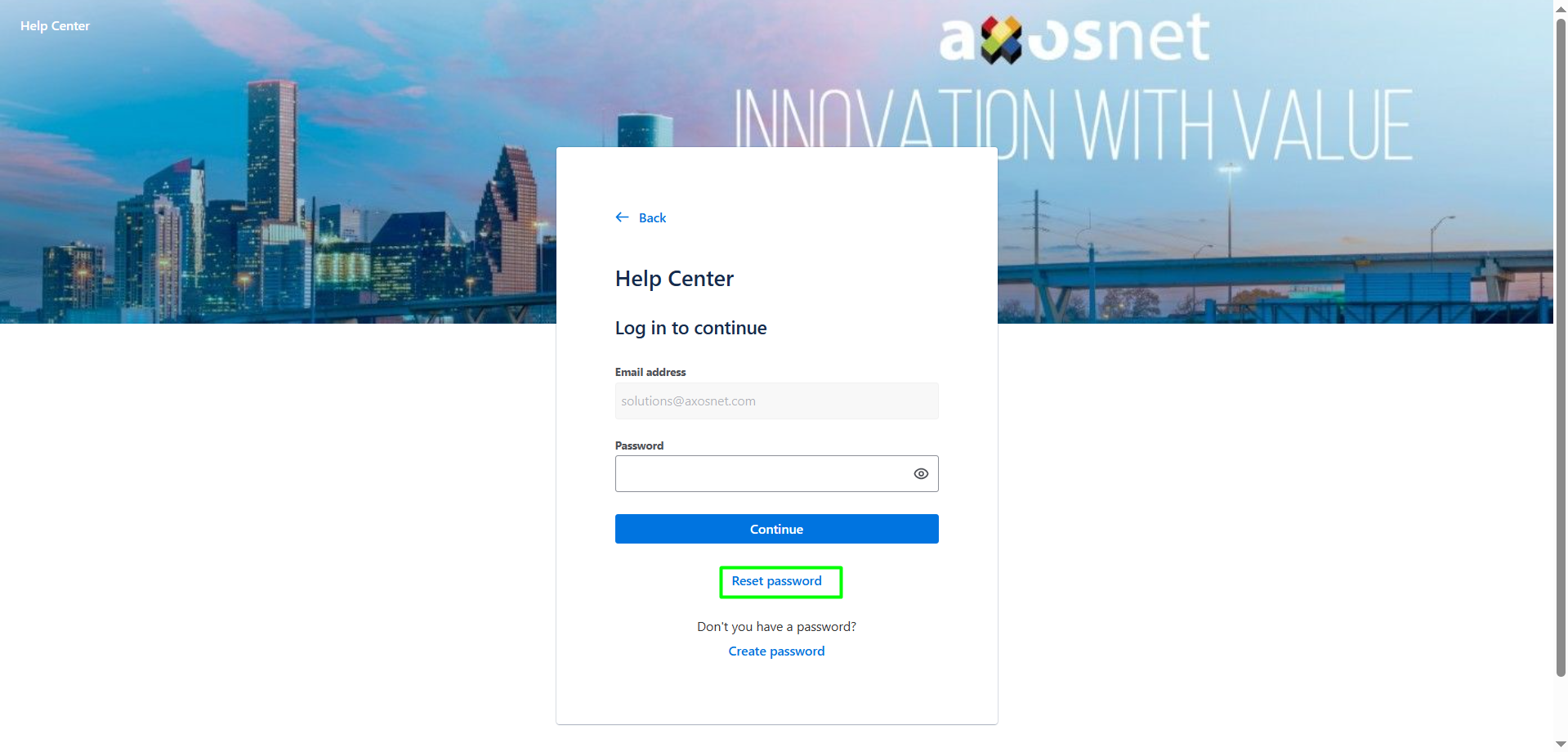
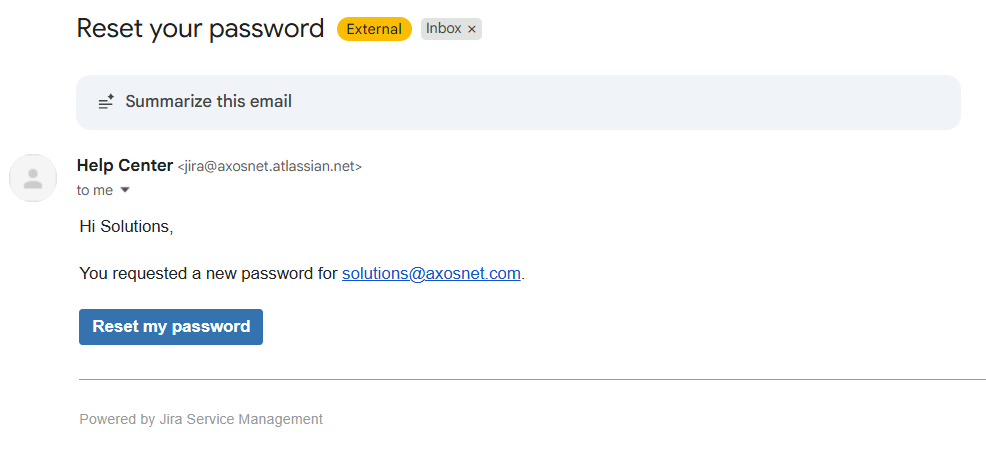
2. Next, confirm that a password recovery email has been sent to you. If the user is registered, an email will be sent to you with a link; click on the link to change your password.
3. Enter the new password and click Confirm.

4. After confirming the user will be able to access the help portal with the password they entered.