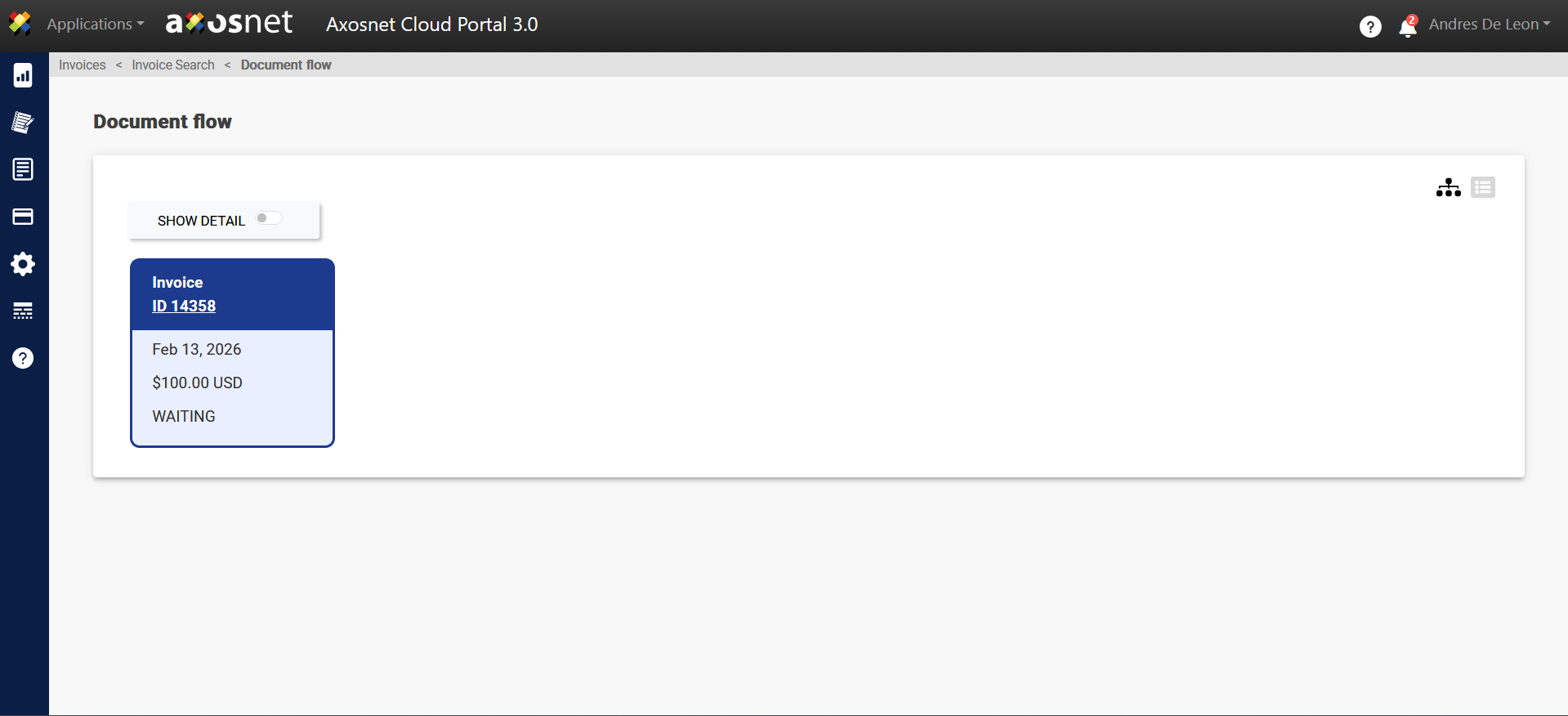
The integration of SAP Concur with Axosnet Cloud Portal (ACP) facilitates the viewing of invoices generated in Concur directly in the ACP invoice entry section. This allows for tracking the status updates of said invoices.
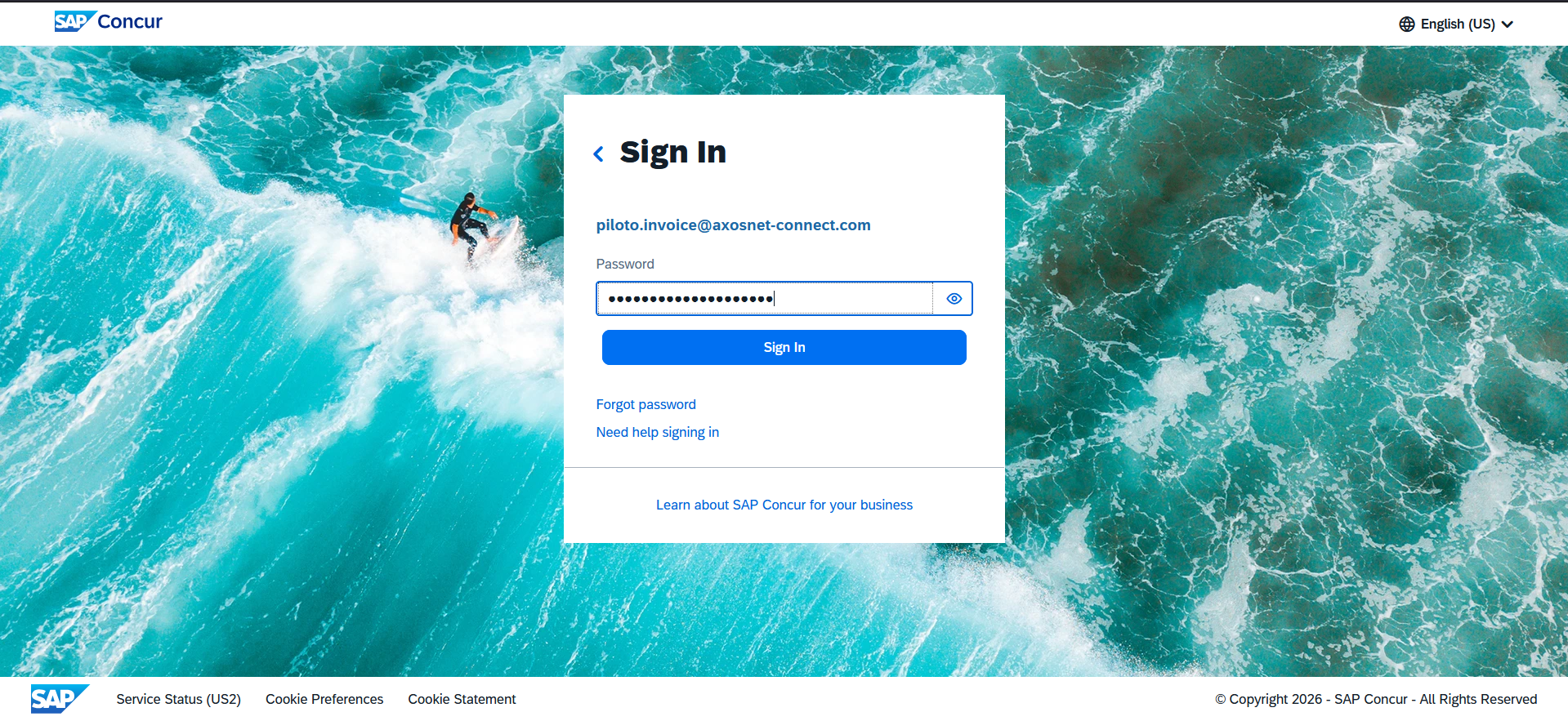
1. Log in to your SAP Concur account.
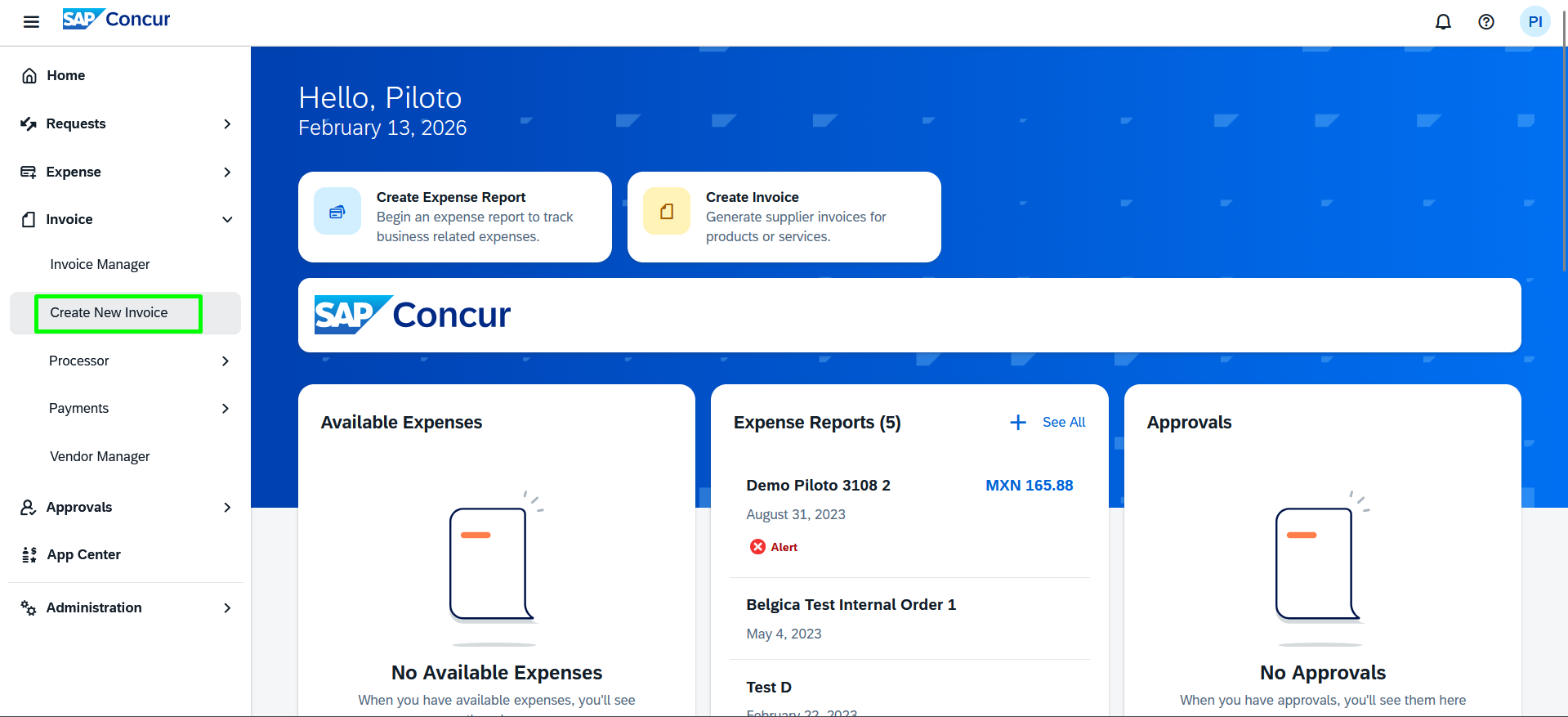
2. Go to the Invoice > Create new invoice section.
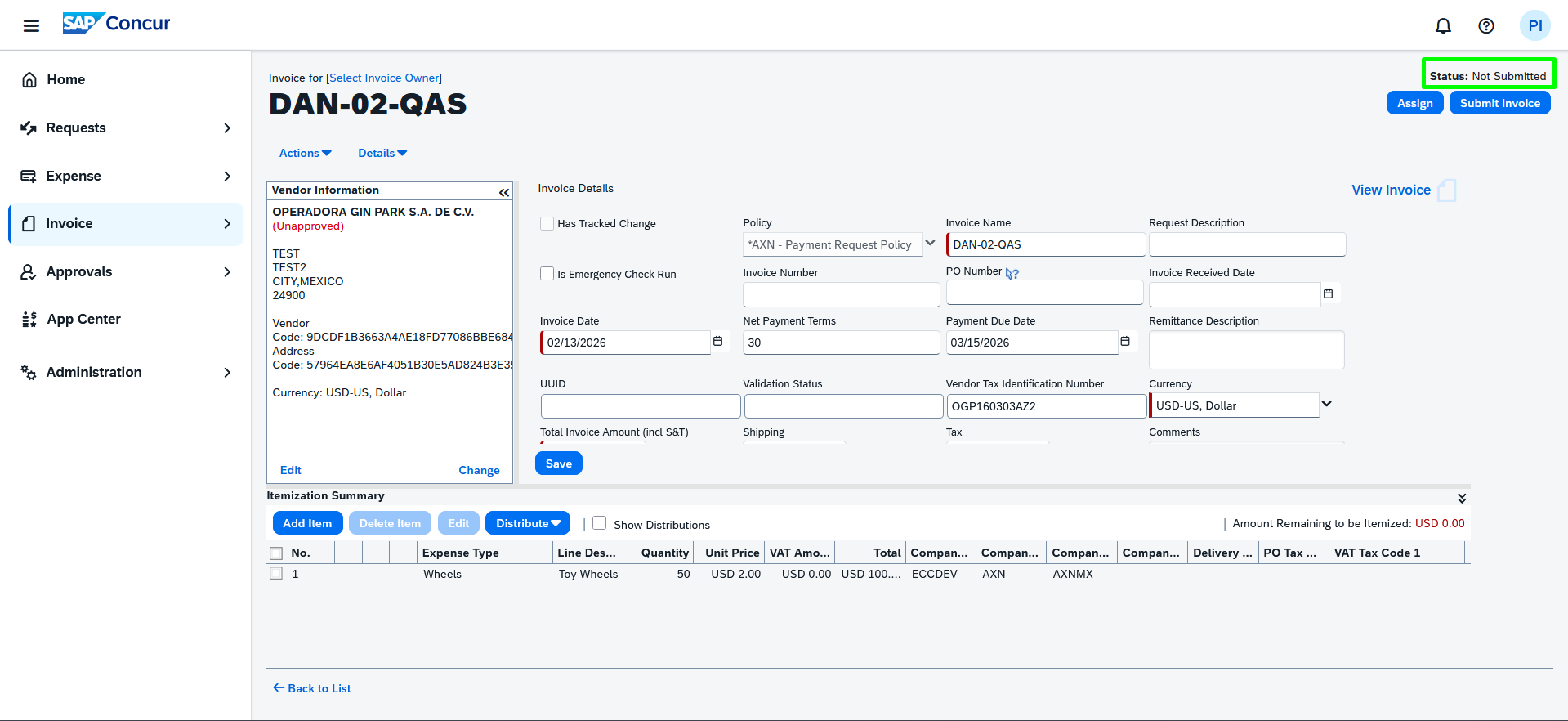
3. Enter the corresponding data to create the invoice.
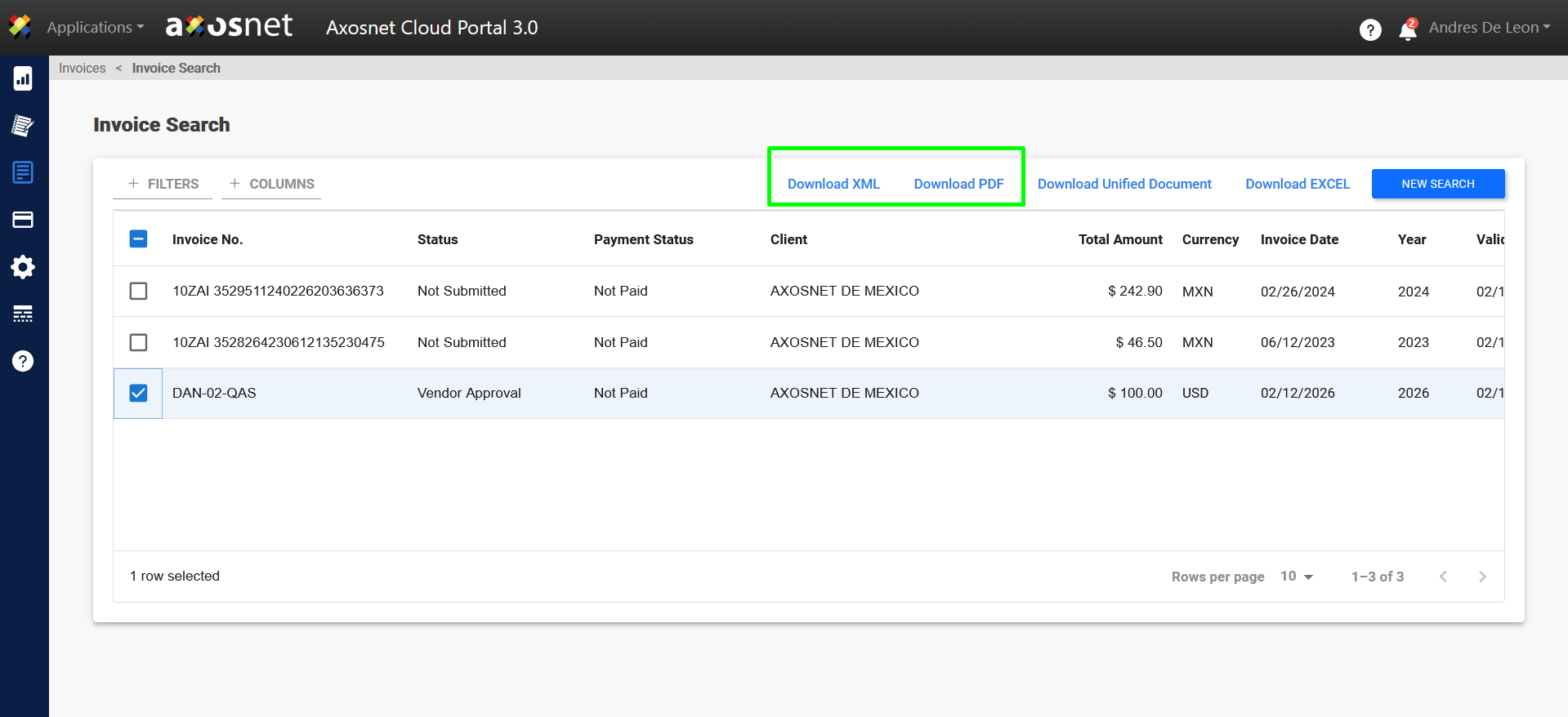
4. This invoice created in SAP Concur will appear in ACP in the Invoice Entry section.
The invoice is not shown immediately; its visualization may take a few minutes.
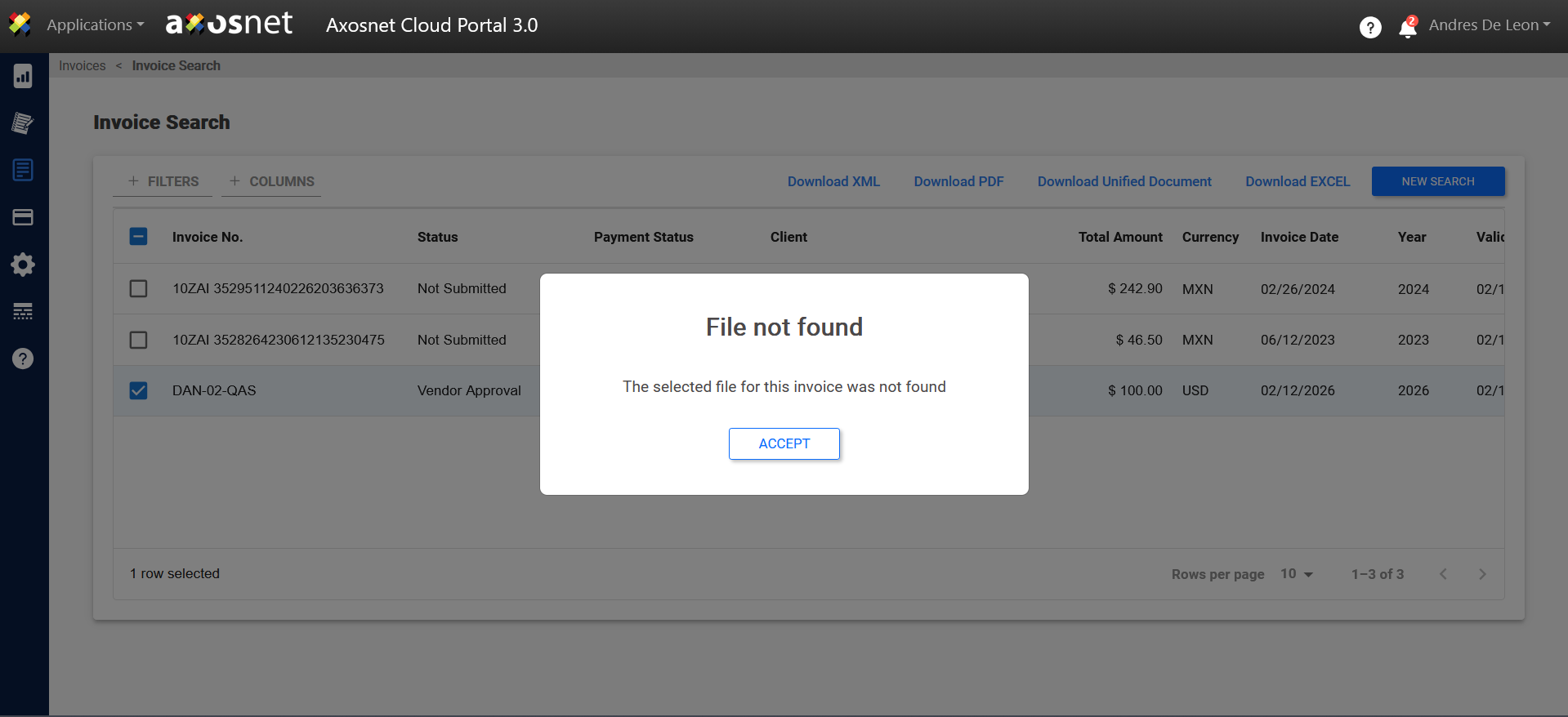
Note: The buttons for Download XML and PDF will display the message “File not found”.
5. The invoice extracted from SAP Concur will be visible in the ACP document flow.