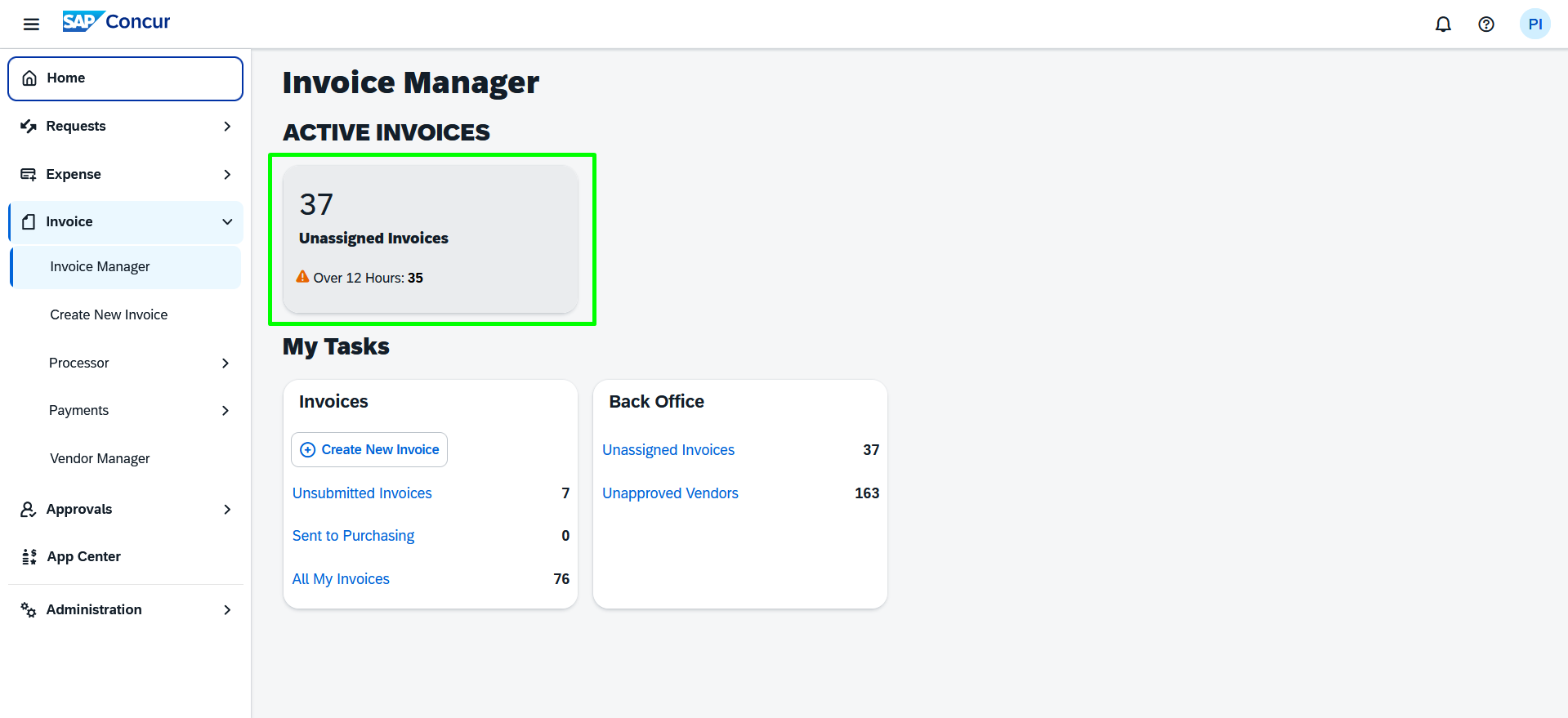
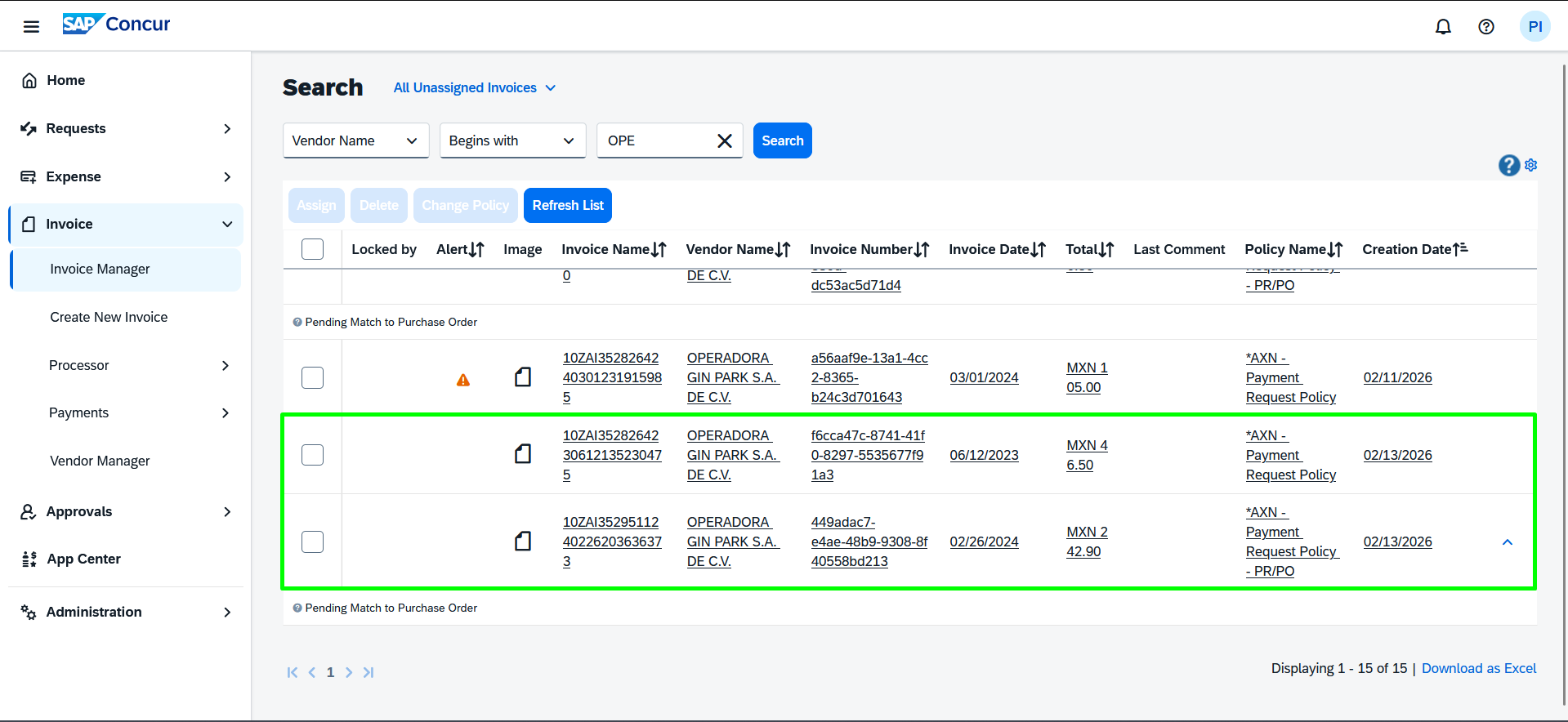
The functionality within Axosnet Cloud Portal (ACP) 3.0, specifically designed for the Concur Invoice module, offers an essential tool for efficient document management and reconciliation.
This feature allows users to accurately and directly link received electronic invoices with the Purchase Orders (PO) that have been previously generated and approved within the Concur Invoice system. Follow these steps:
1. After creating the purchase order in Concur, access the Invoices > Invoice Entry section in ACP to link the invoice with the SAP Concur purchase order.
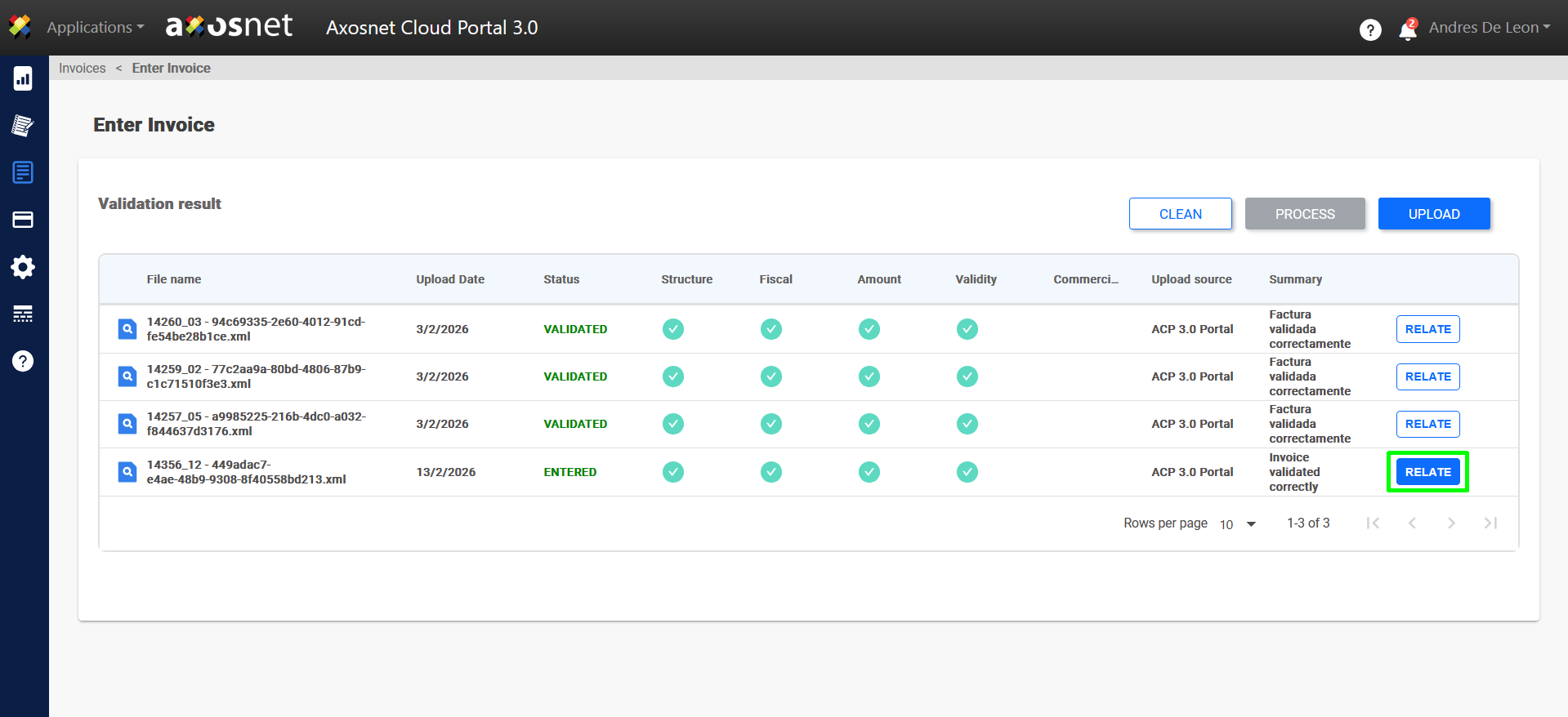
2. You can link the invoices in ACP by adding the purchase number provided in SAP Concur. Click Continue.
Note: Unlike ACP, which allows linking an invoice to multiple purchase orders, the integration with Concur currently only supports a single purchase order per invoice. If you enter several, only the last added order will be considered.
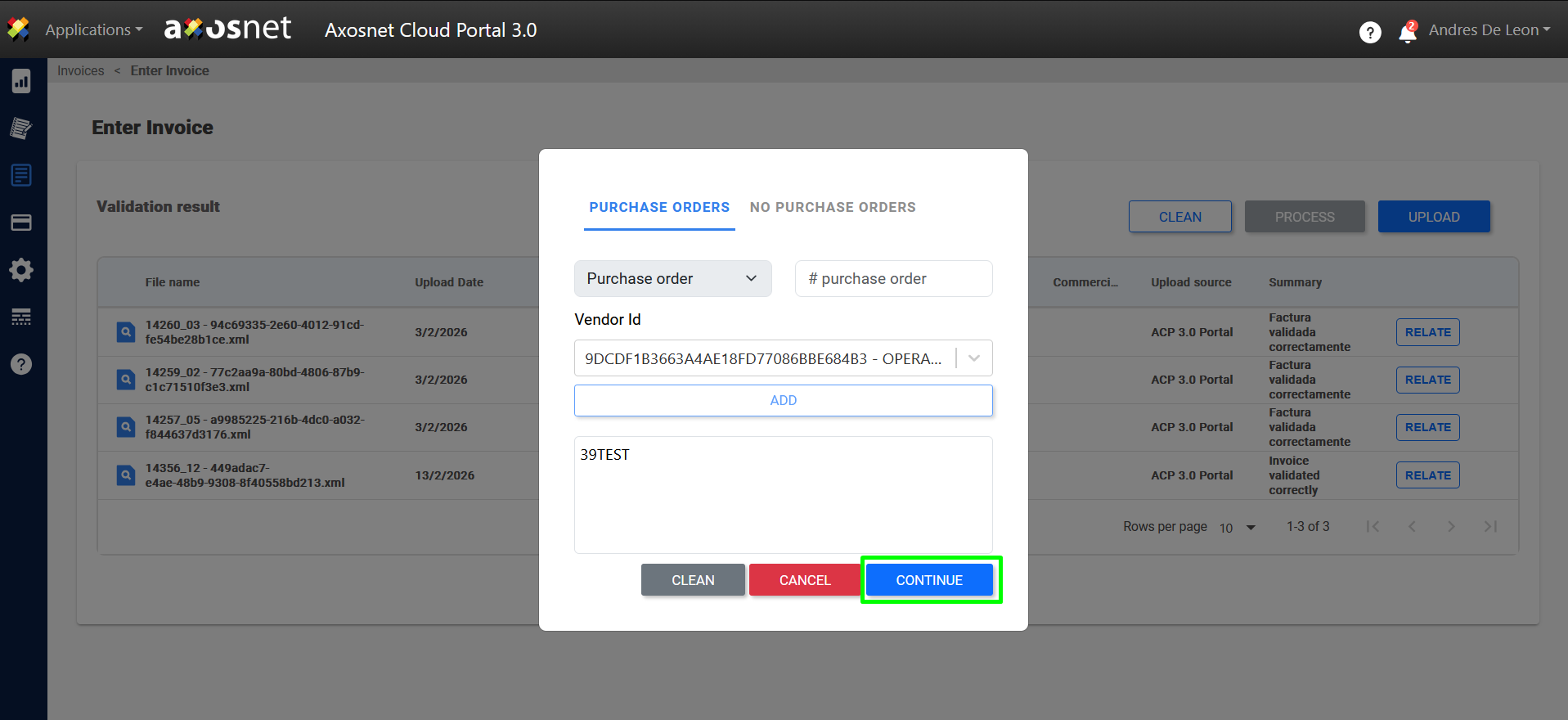
3. Click Process to process the invoice.
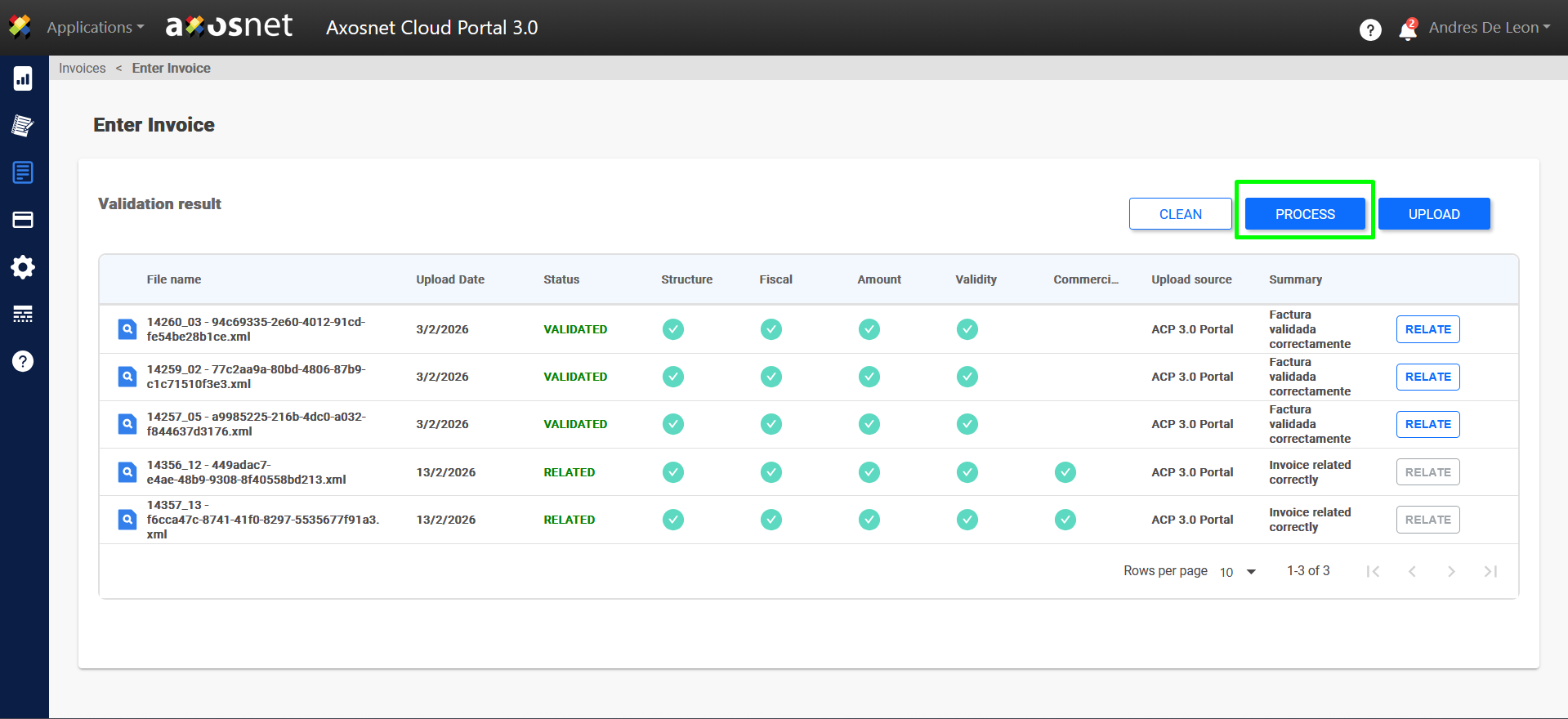
4. The invoice will be displayed in SAP Concur once processing is complete.
Note: It is possible to enter invoices without Purchase Orders.