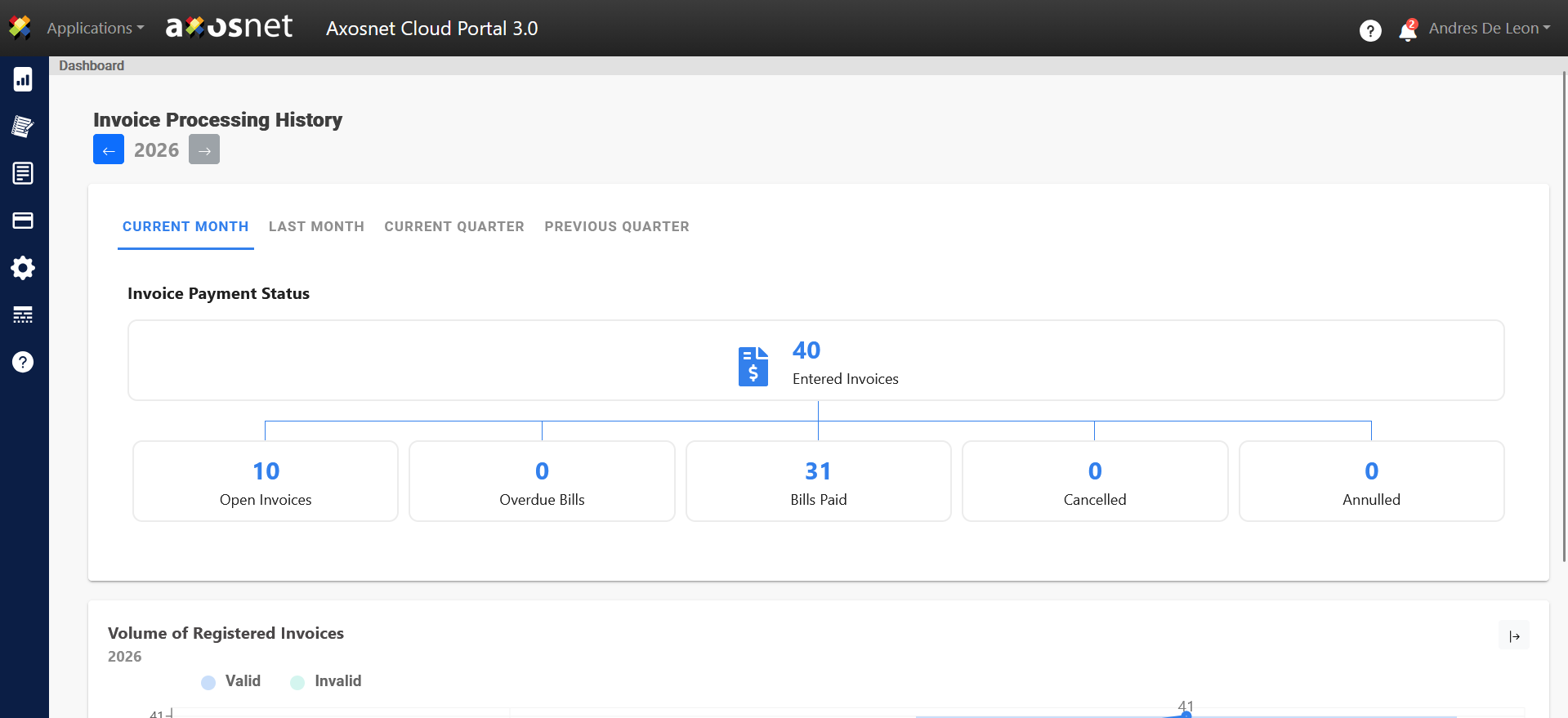
With the SAP Concur integration, you will be able to view invoices and their statuses on the Axosnet Cloud Portal Dashboard. Upon entering the configuration, you will be able to see the integration with Concur.
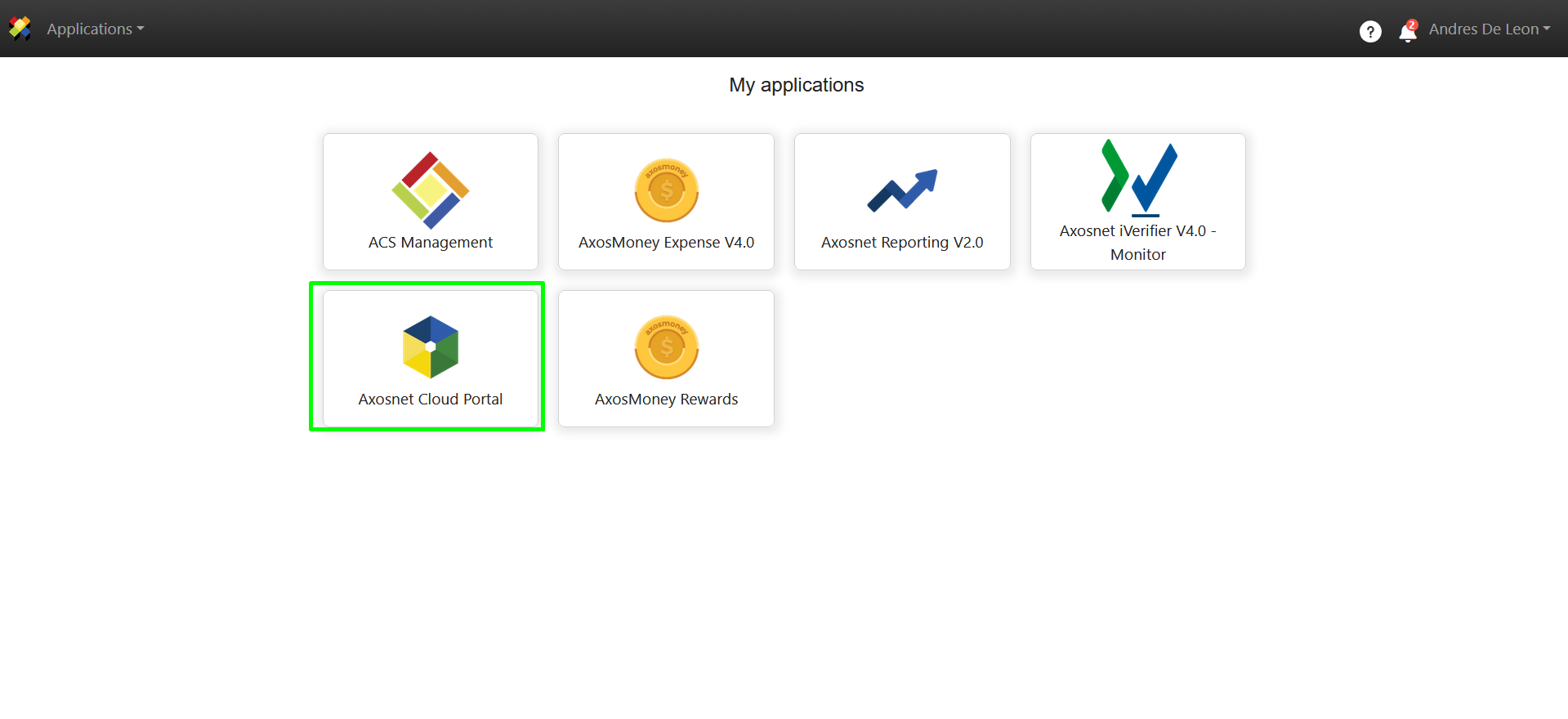
1. Enter Axosnet Cloud Portal.
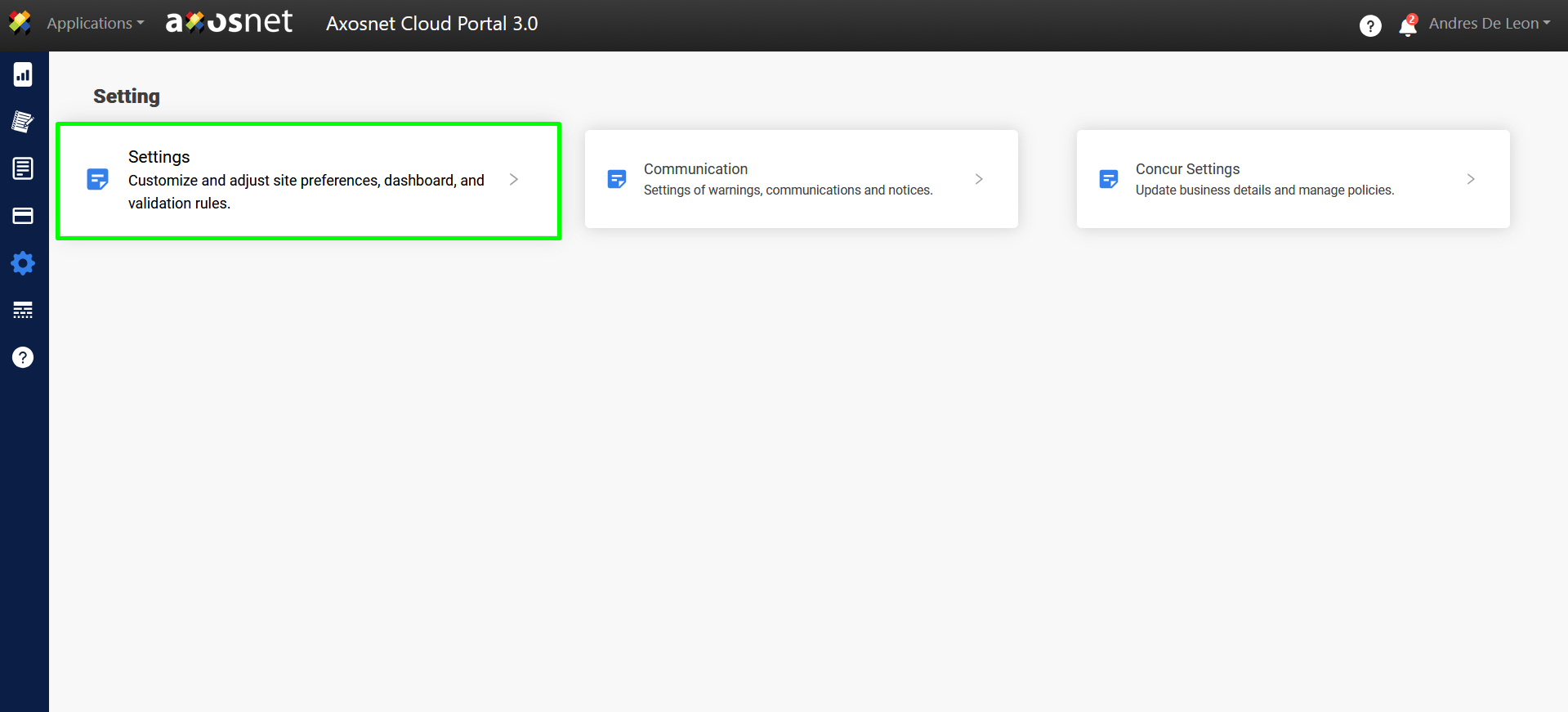
2. Go to Settings and select the Settings option.
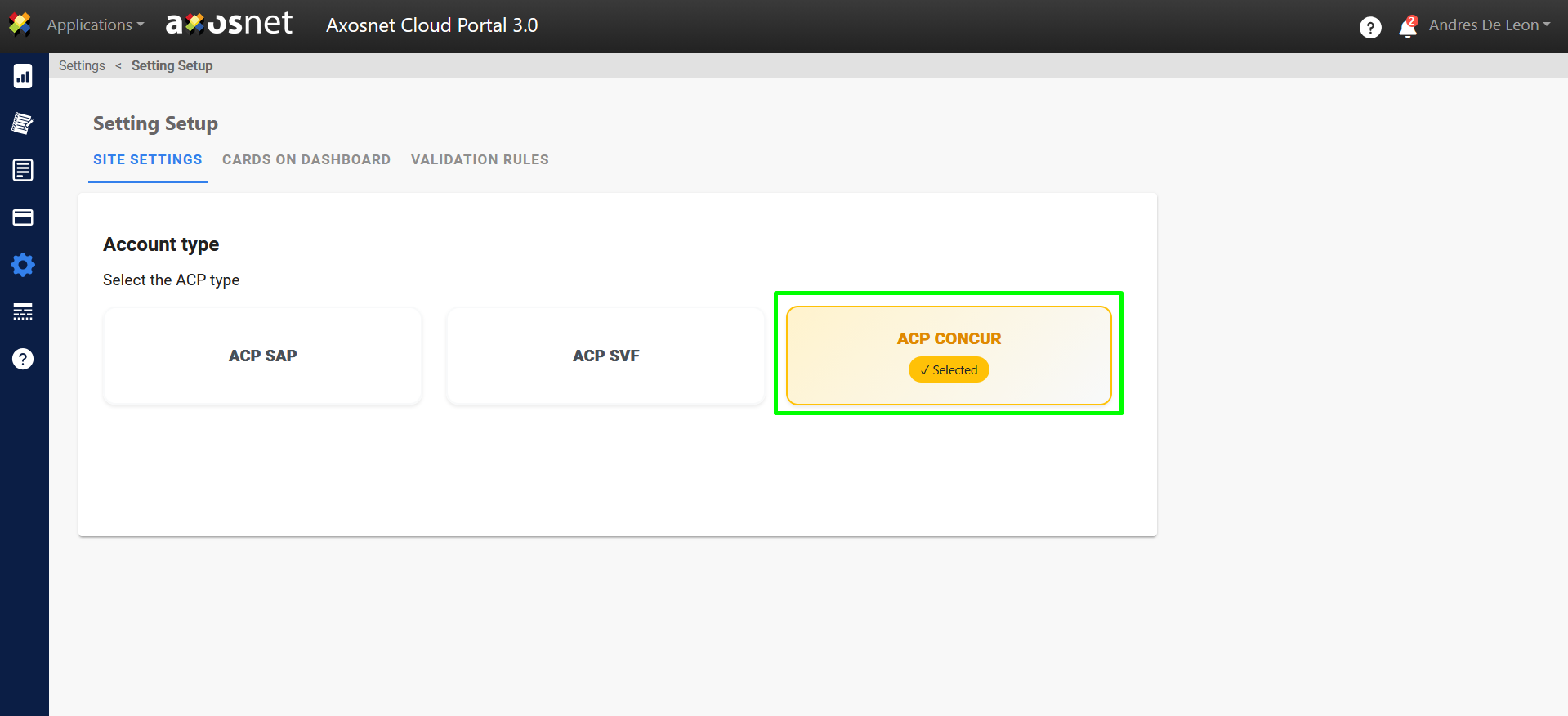
3. On the Site Settings tab, make sure you have the ACP Concur option selected.
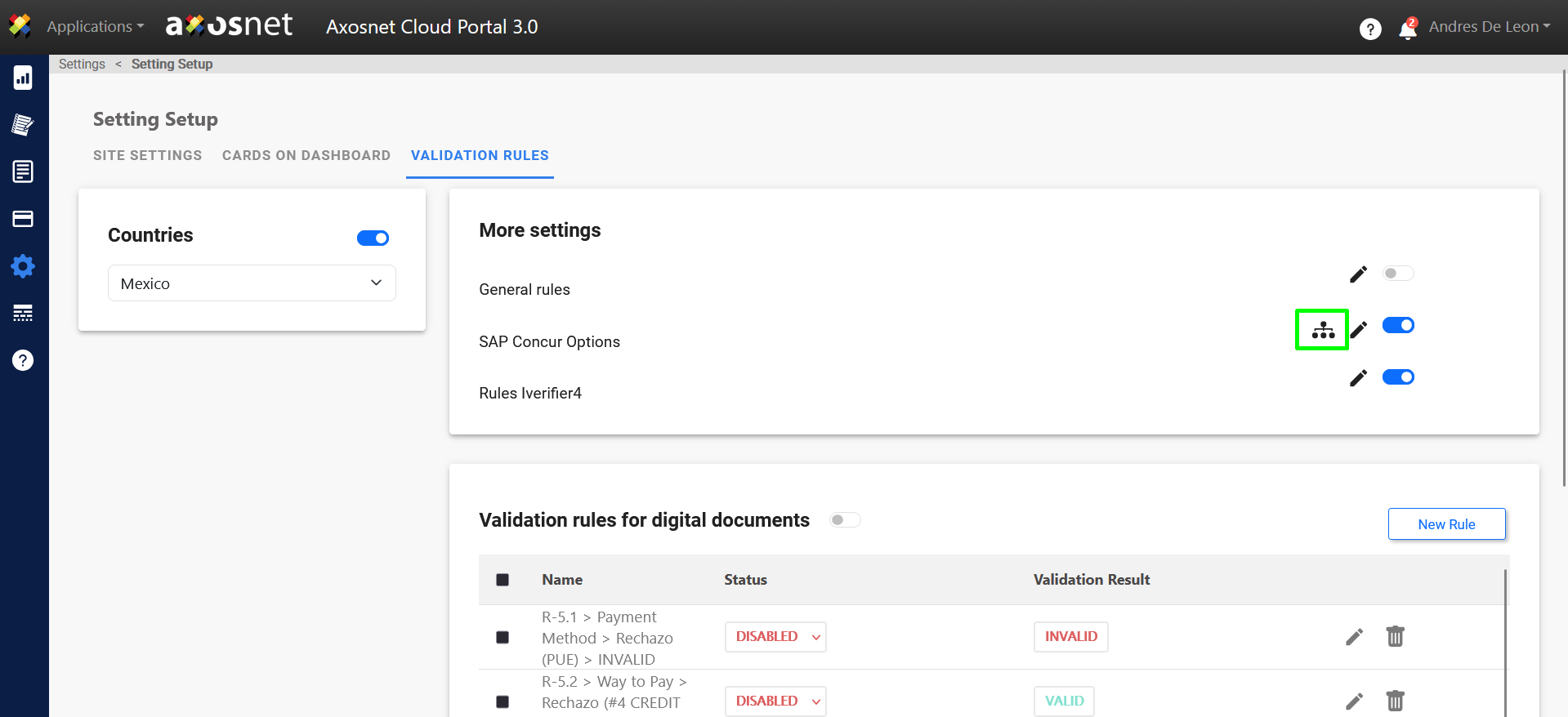
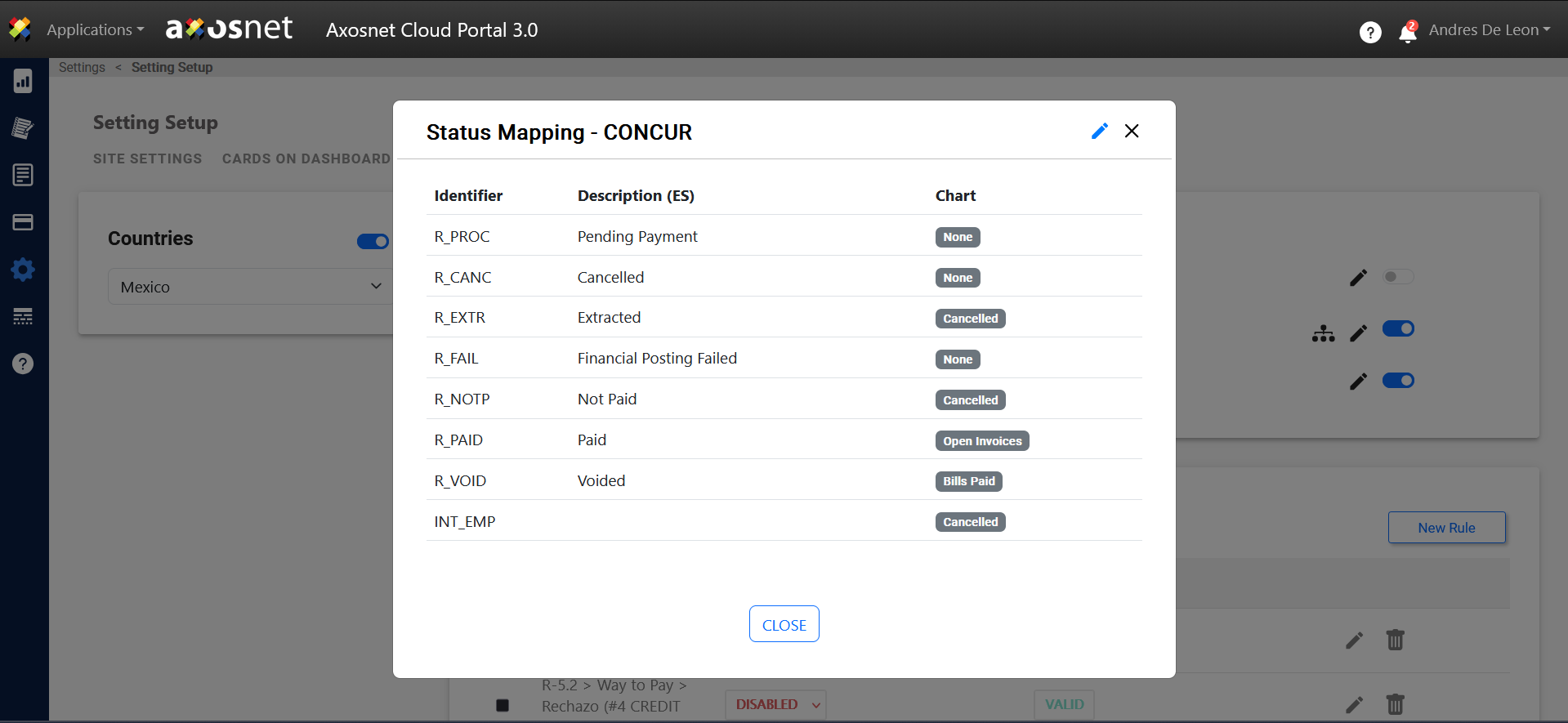
4. When the ACP Concur option is selected in the Validation Rules tab, the SAP Concur Options will be enabled. Here you can see the Status Mapping of invoices in Concur and edit how they are displayed in the Graph.
Note: The ACP administrator user has the authority to configure the statuses that will be shown in the ACP Dashboard, selecting them from the original statuses coming from SAP Concur and assigning them their corresponding status in the system.
5. With the selected ACP Concur configuration, SAP Concur invoices will be displayed on the Axosnet Cloud Portal dashboard with their respective statuses.