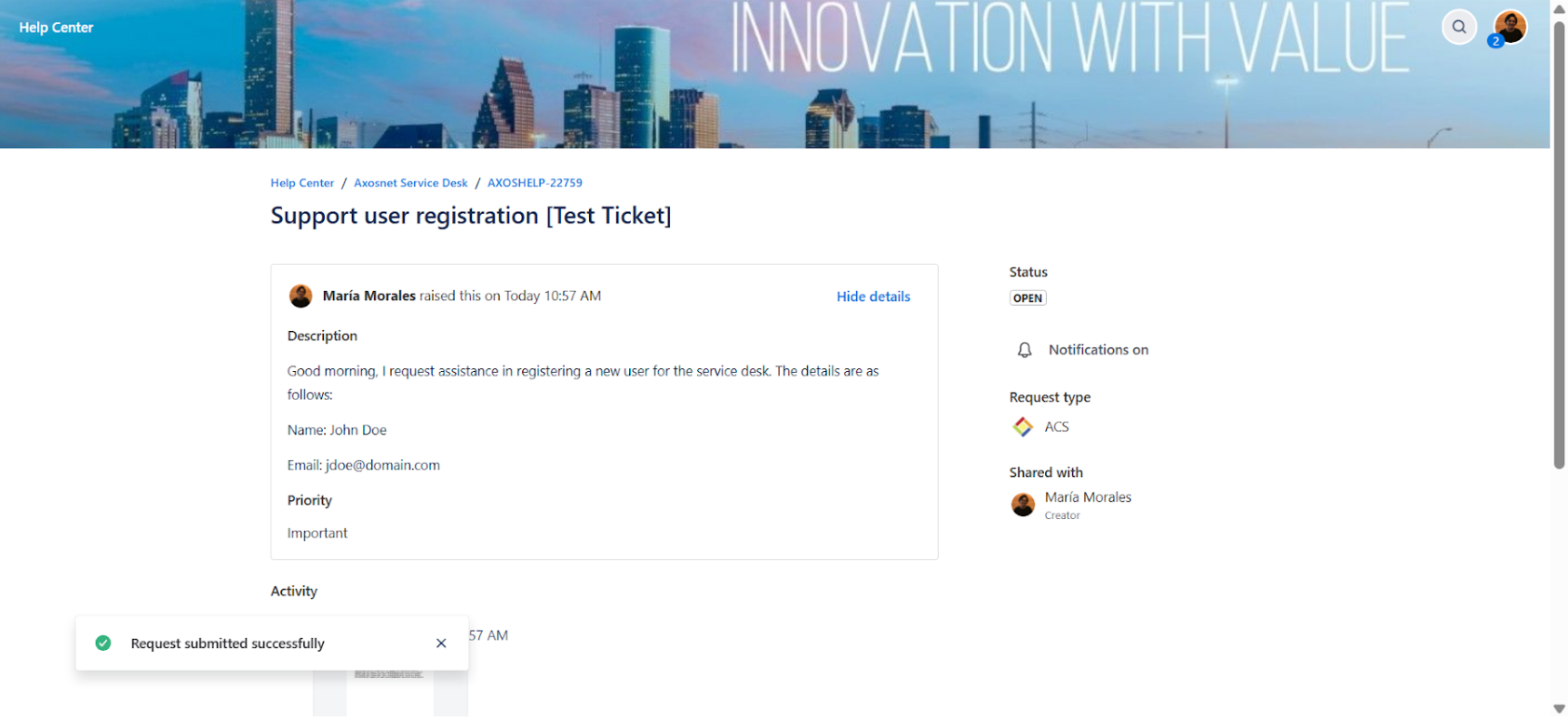
After accessing the portal, you can create support tickets as follows.
1. Click on the “Report an issue or Request new features” option.
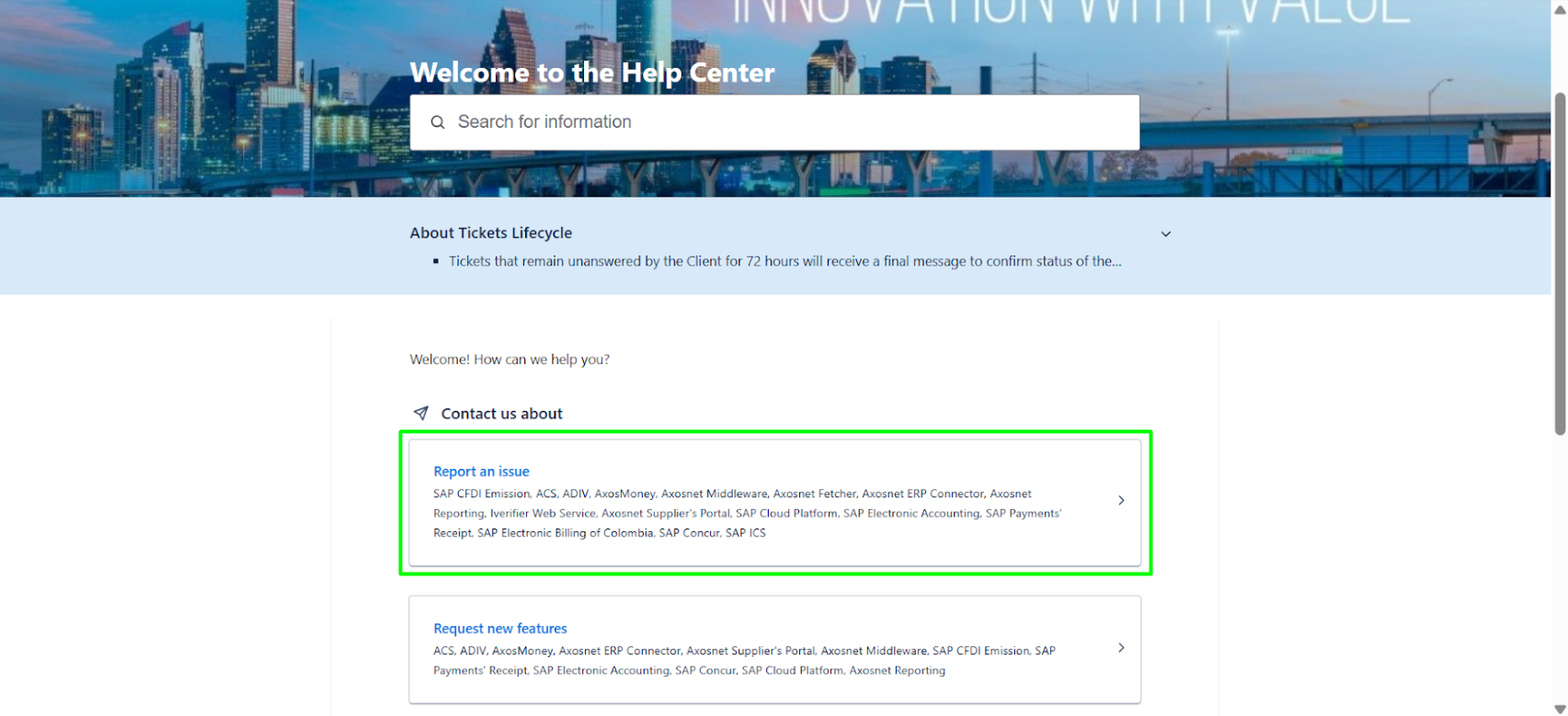
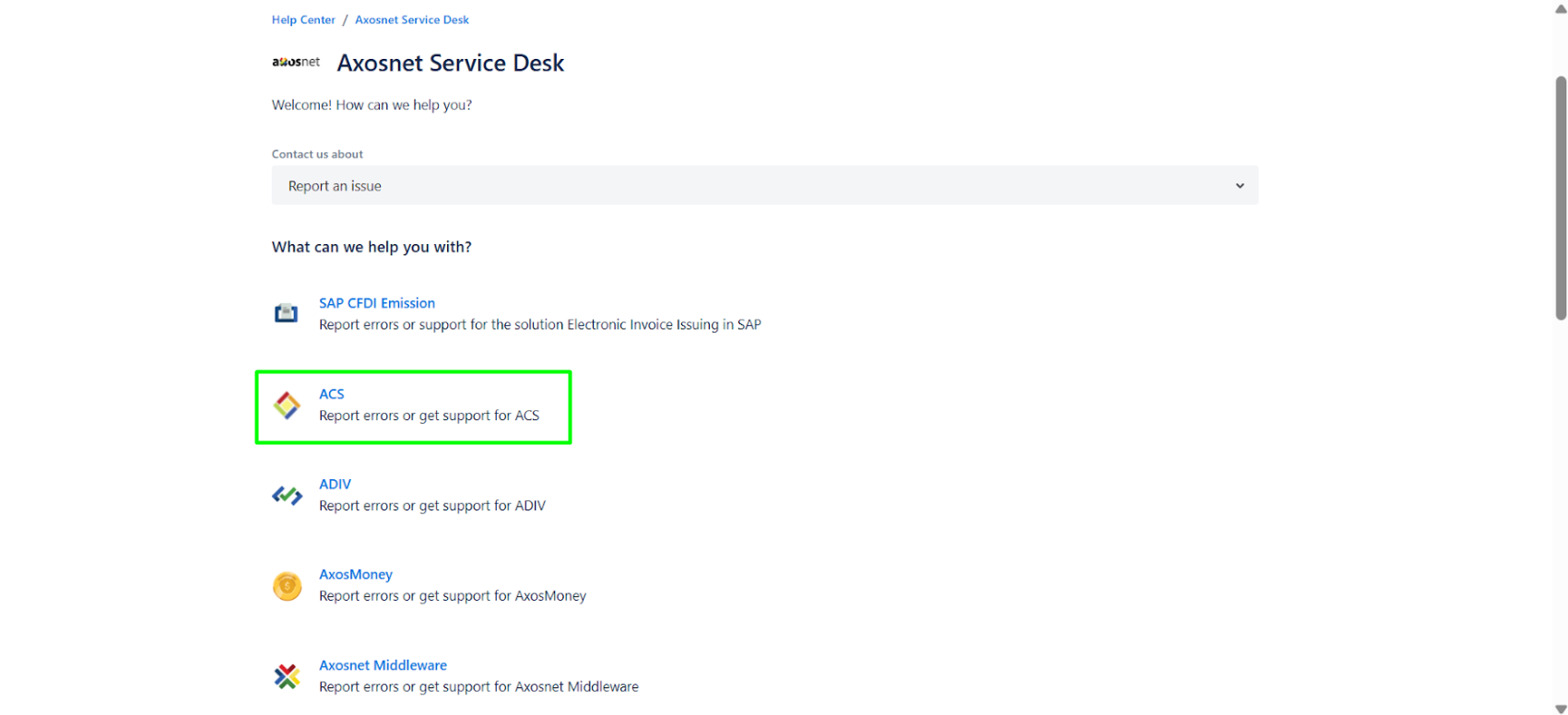
2. Select the application that corresponds to the problem.
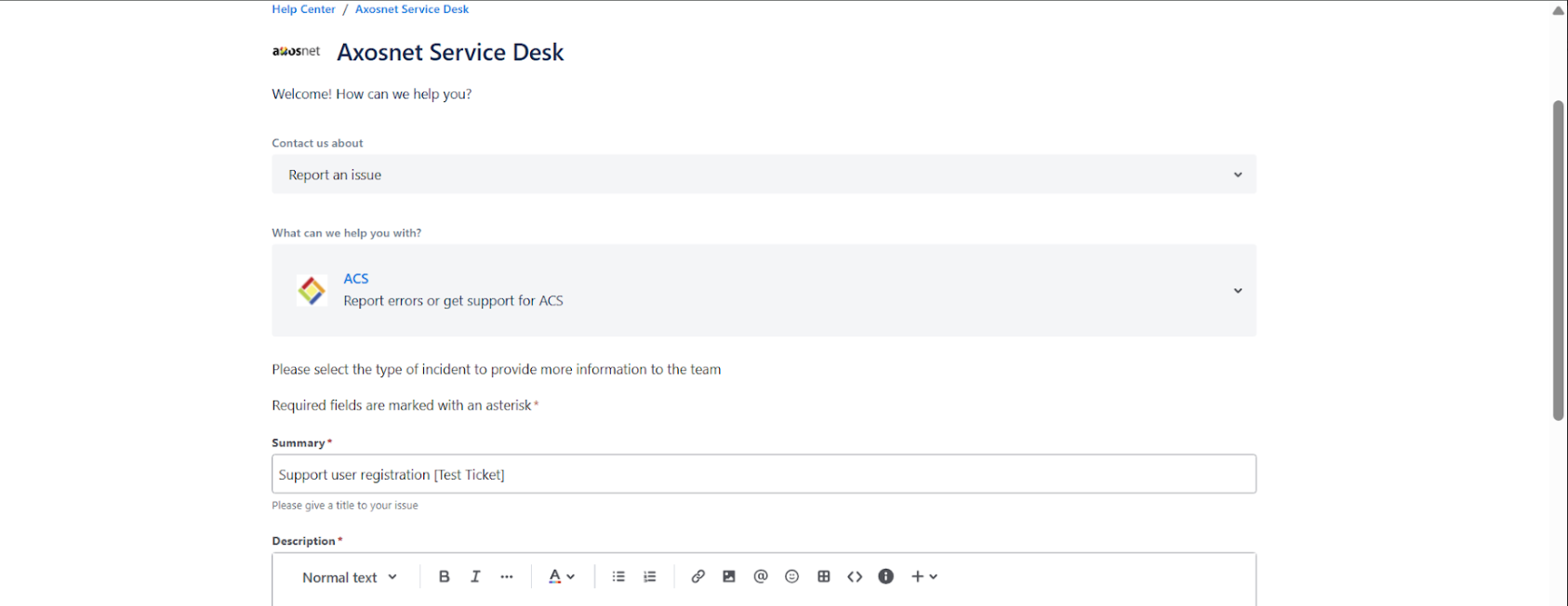
3. You will need to fill out a short form that asks for a title, description, priority, and evidence (either an image, document, PDF, error message, etc.) that clarifies the problem you are experiencing.
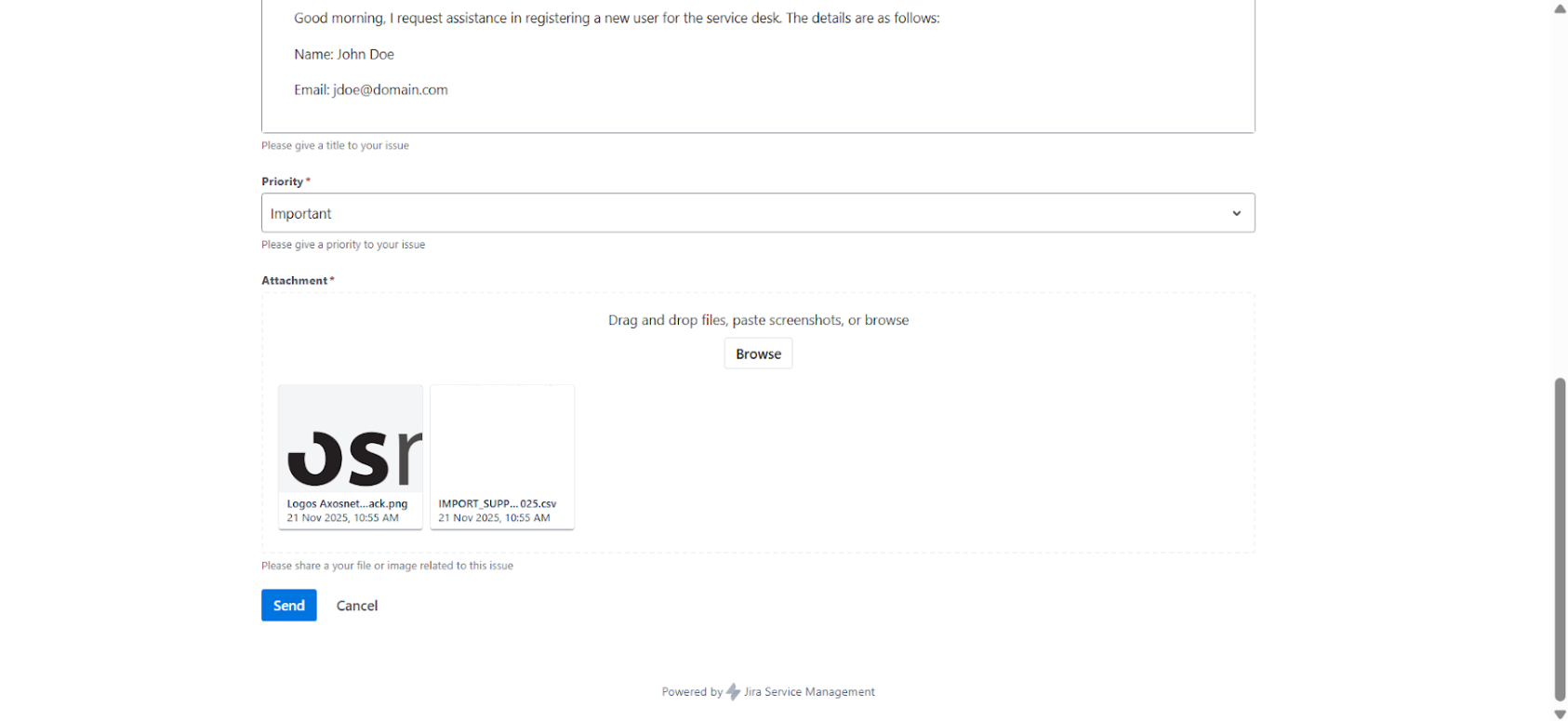
4. After completing the form, click “Send” A ticket will then be created with a unique folio, a nomenclature, and a number (in this case, AXOSHELP-#####.
This number is unique and cannot be repeated, so it is an identifier that can be used to track each case and you will receive an email confirming the creation of the ticket.
Note: When the team begins to resolve the ticket, you will receive an email with the status change from Awaiting Customer Confirmation to In Process.