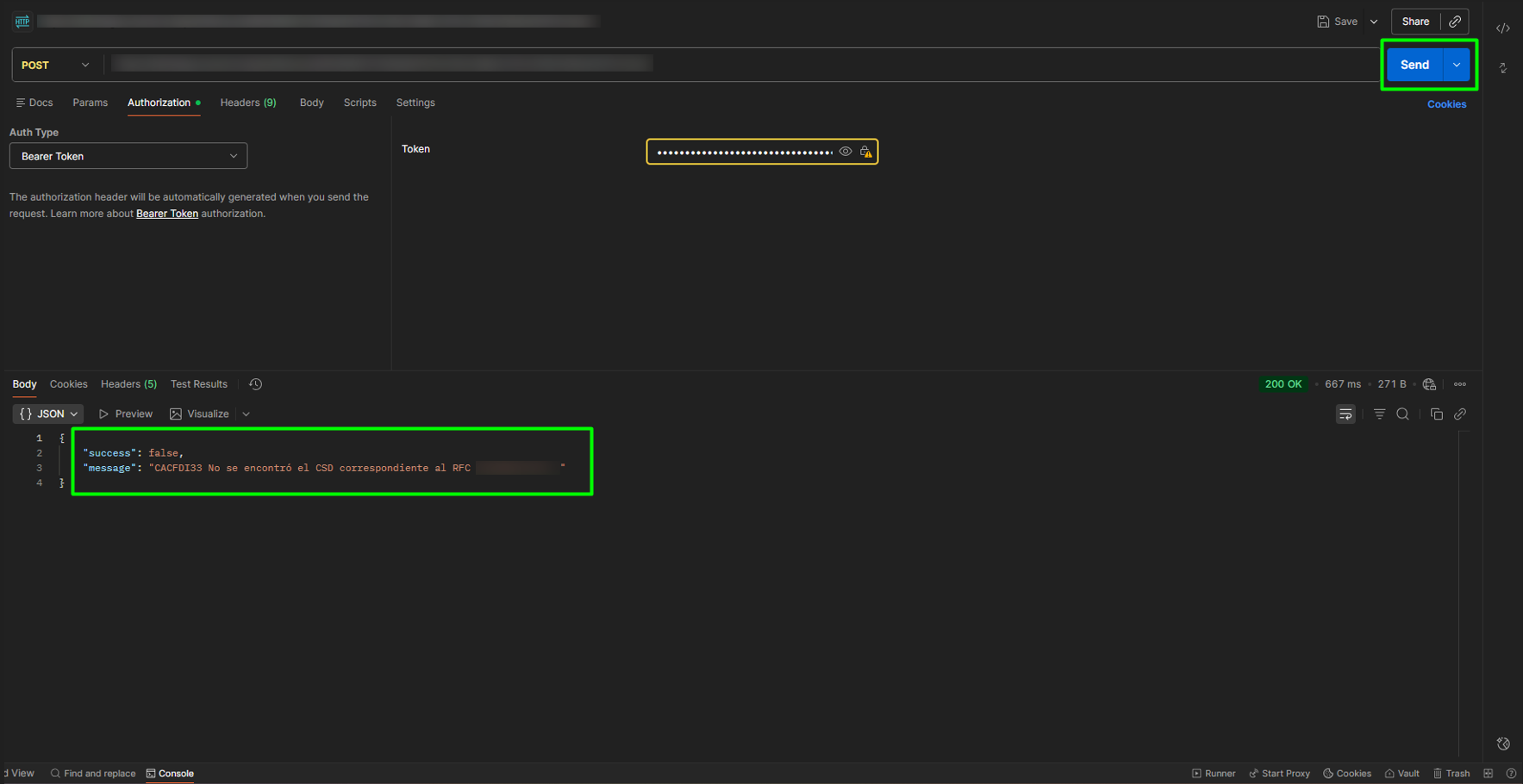
To cancel a stamp in Postman, follow these steps:
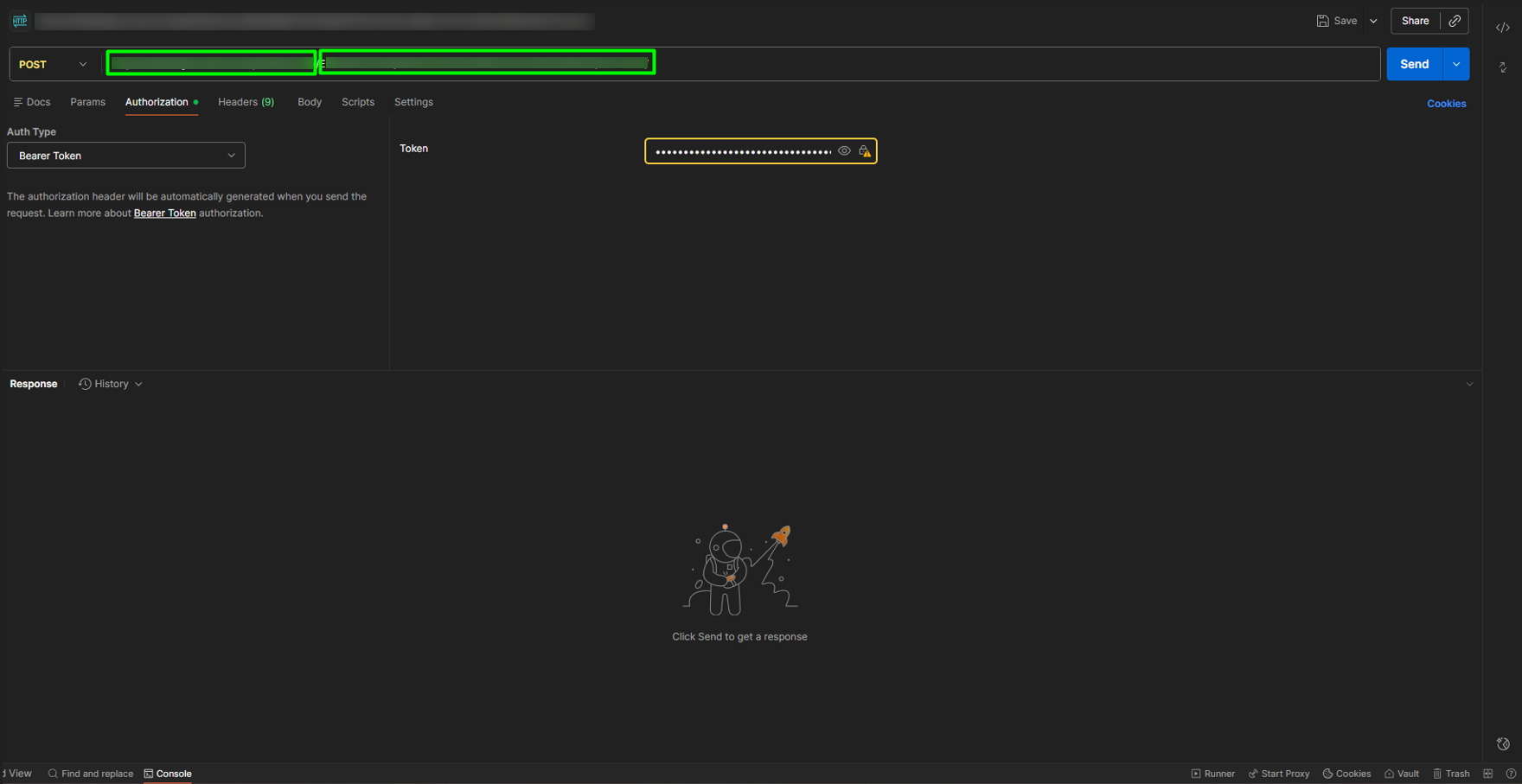
1. To use the cancellation endpoint, open a new tab in Postman, select the POST option, and enter the endpoint corresponding to the cancellation, completing the link with the following information:
- Issuer RFC
- UUID
- Reason for cancellation
- Replacement Folio
/api/cfdi/cancel/{rfcEmisor}/{uuid}/{motivo}/{folioSustitucion}
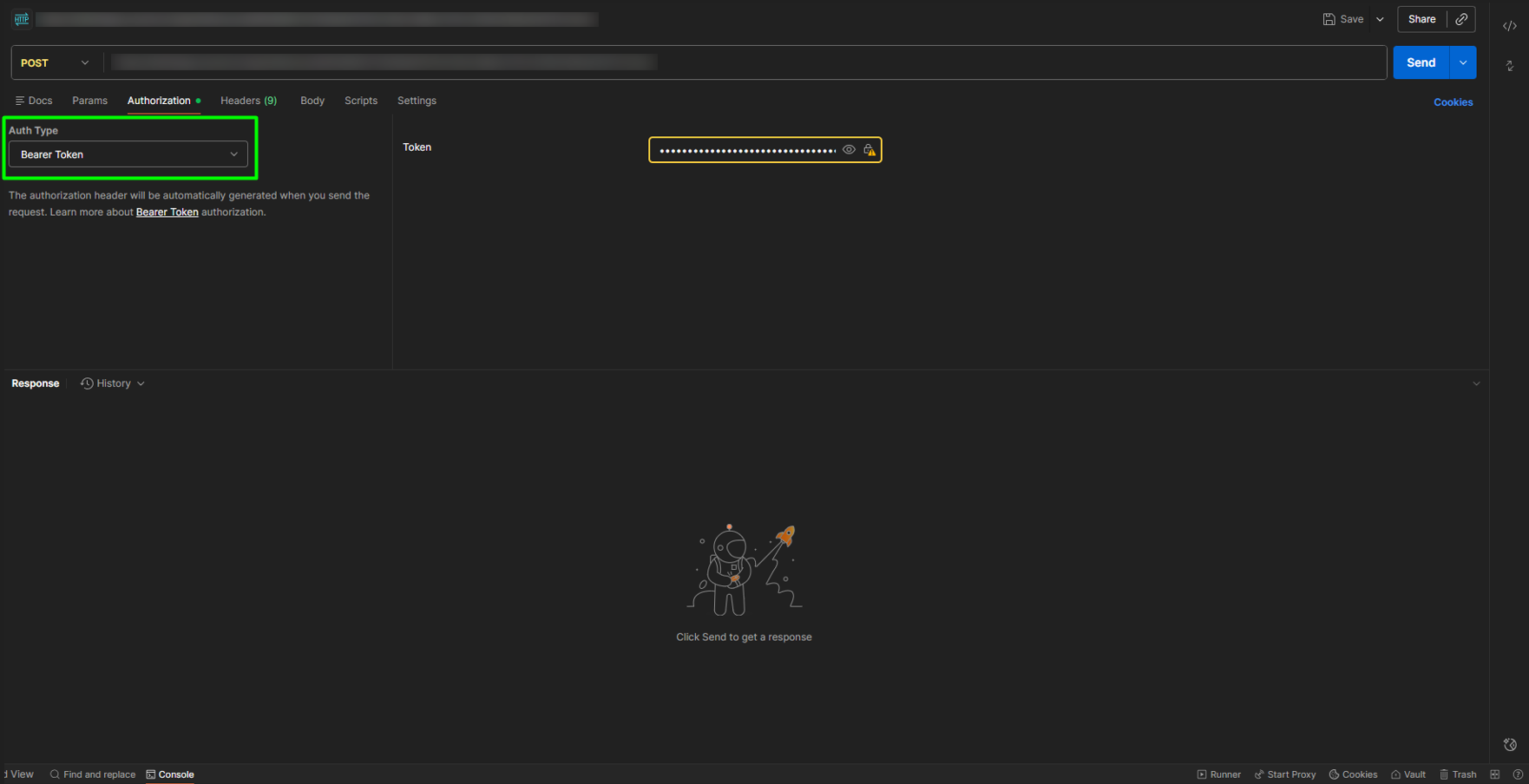
2. In the Auth Type dropdown, select the Bearer Token option.
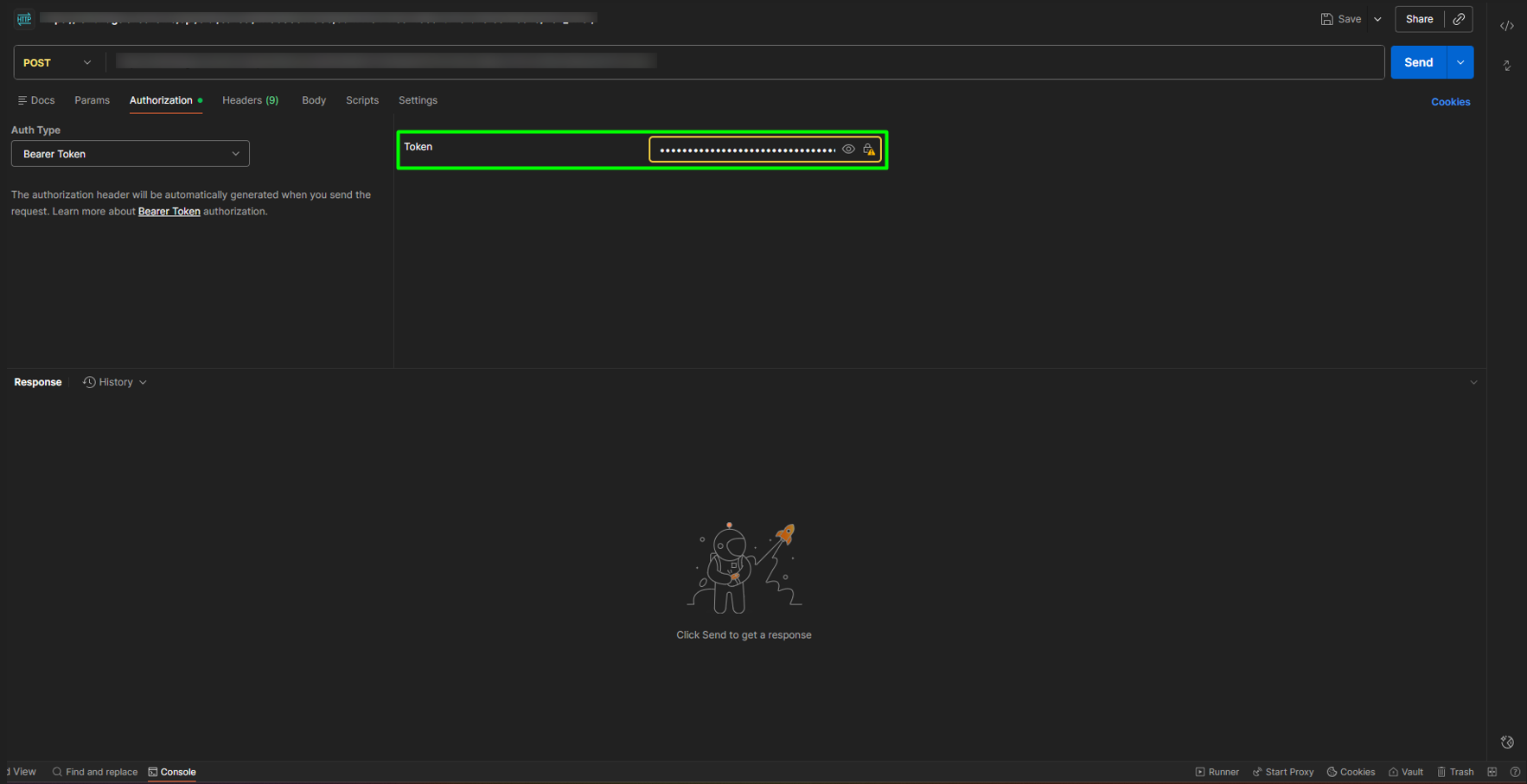
3. Copy the Access Token into the corresponding field.
4. Finally, click SEND to obtain the response to the cancellation.