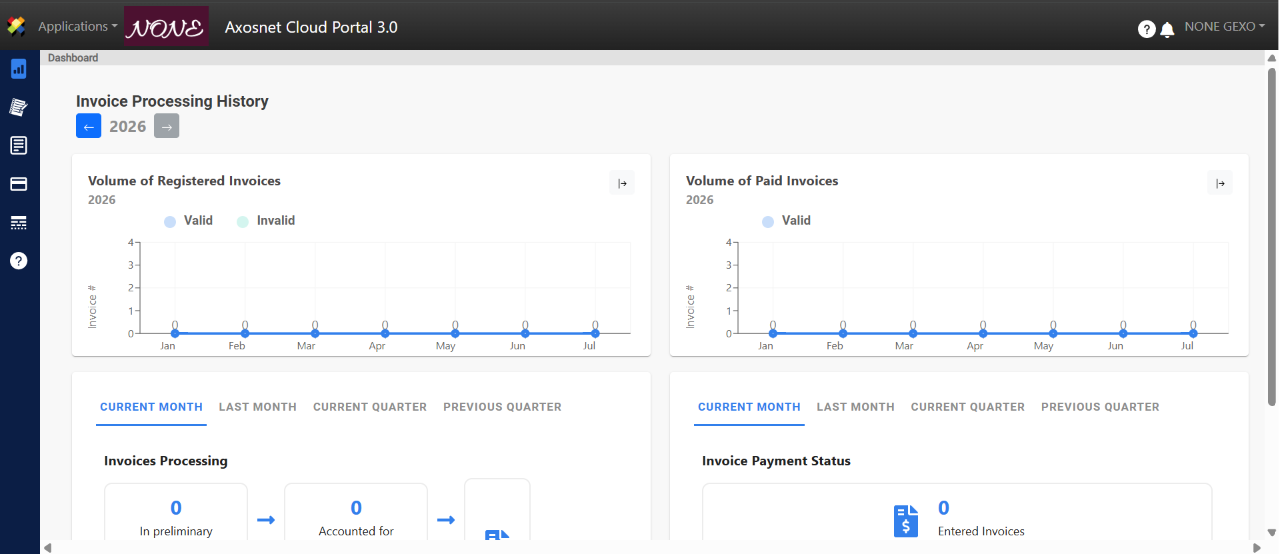
Once the provider has approved the contact request, the user must register on the ACS Management platform. To do so, follow these steps:
1. Once your application is approved, you will receive an invitation email from ACS Management. Click Start Now.
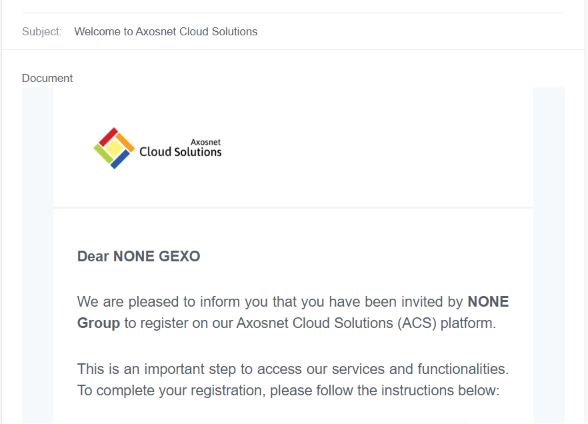
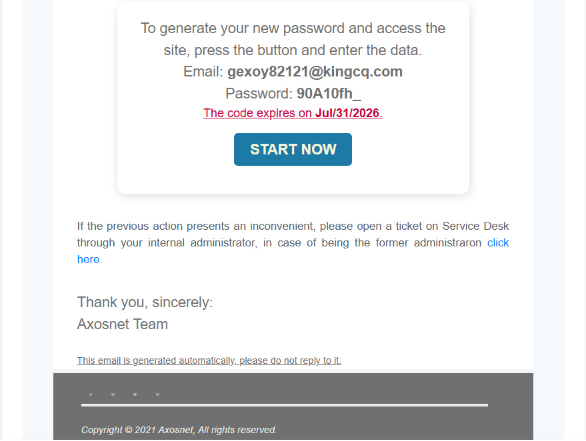
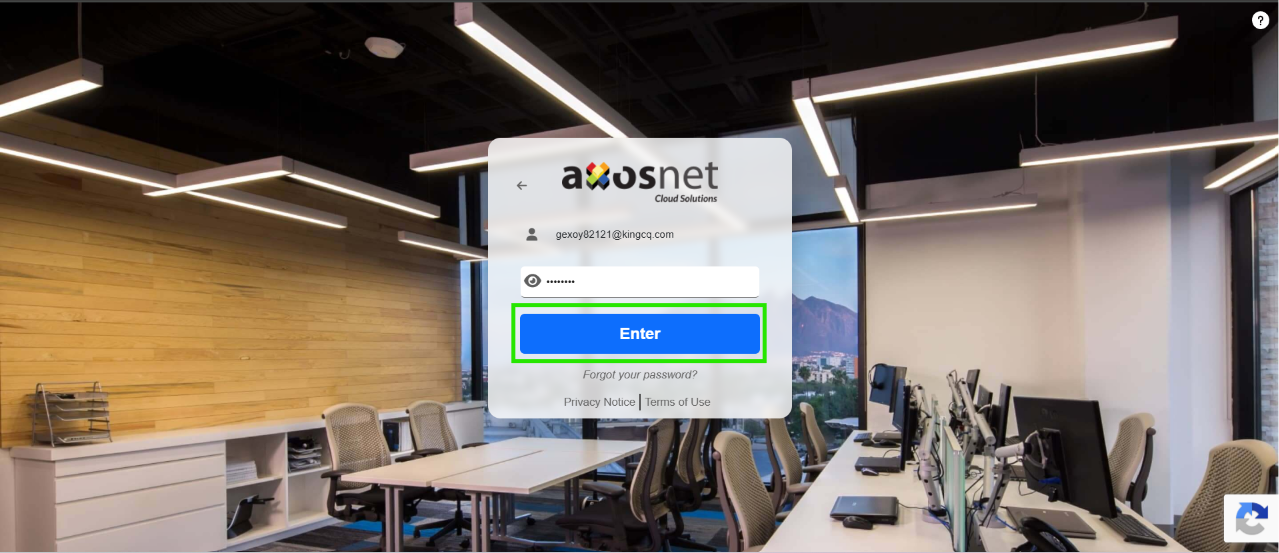
2. When you click Start Now, your email will be pre-filled. Click Enter.
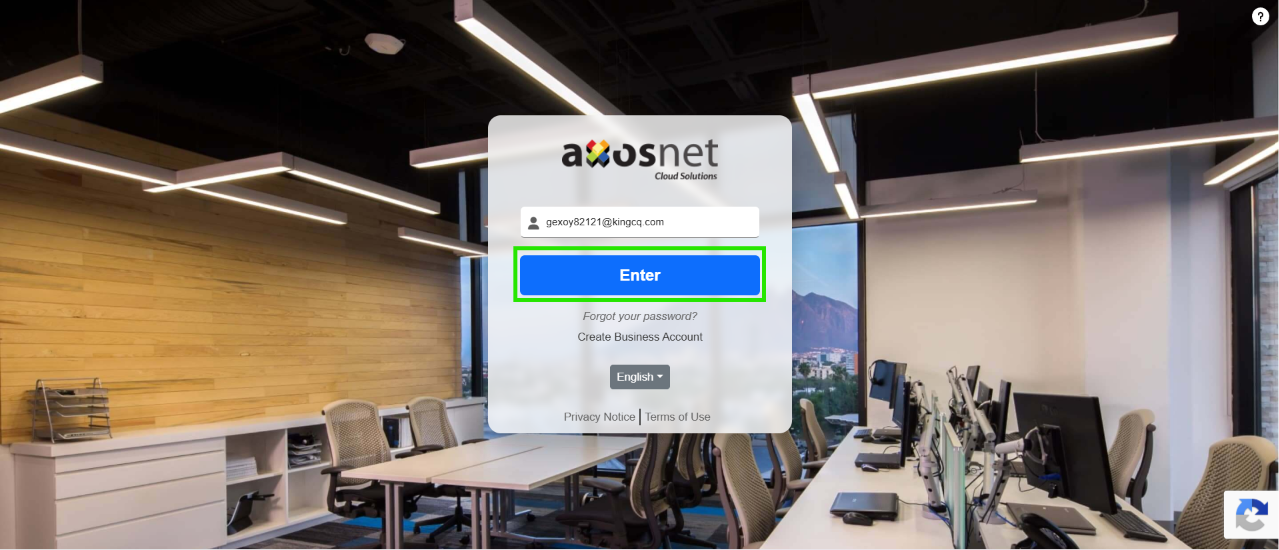
3. Enter or verify the temporary password that appears in the invitation you received by email, and click Enter.
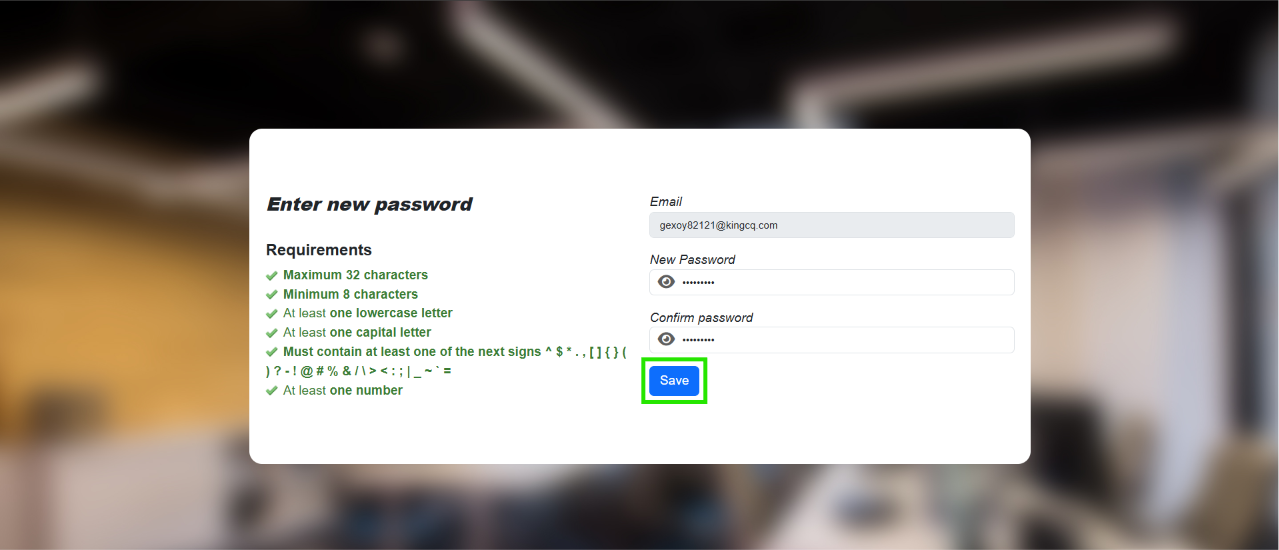
4. Enter a new password that meets the requirements, and click Save.
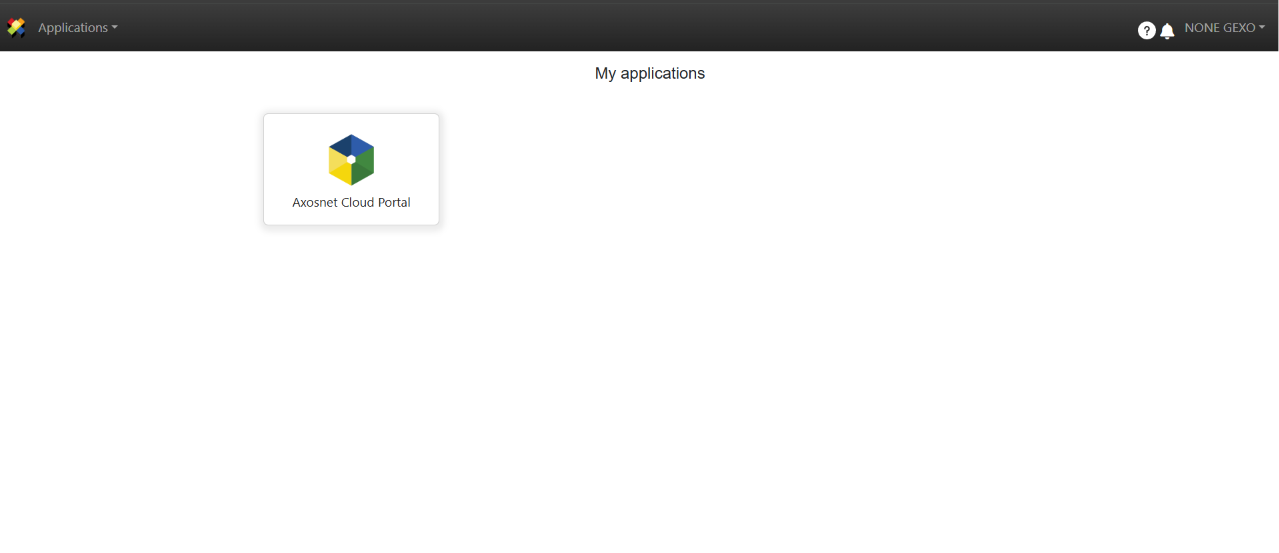
6. Once you log in, you will have access to the portal with the permissions requested by the customer and approved by the provider. Click on Axosnet Cloud Portal to enter.
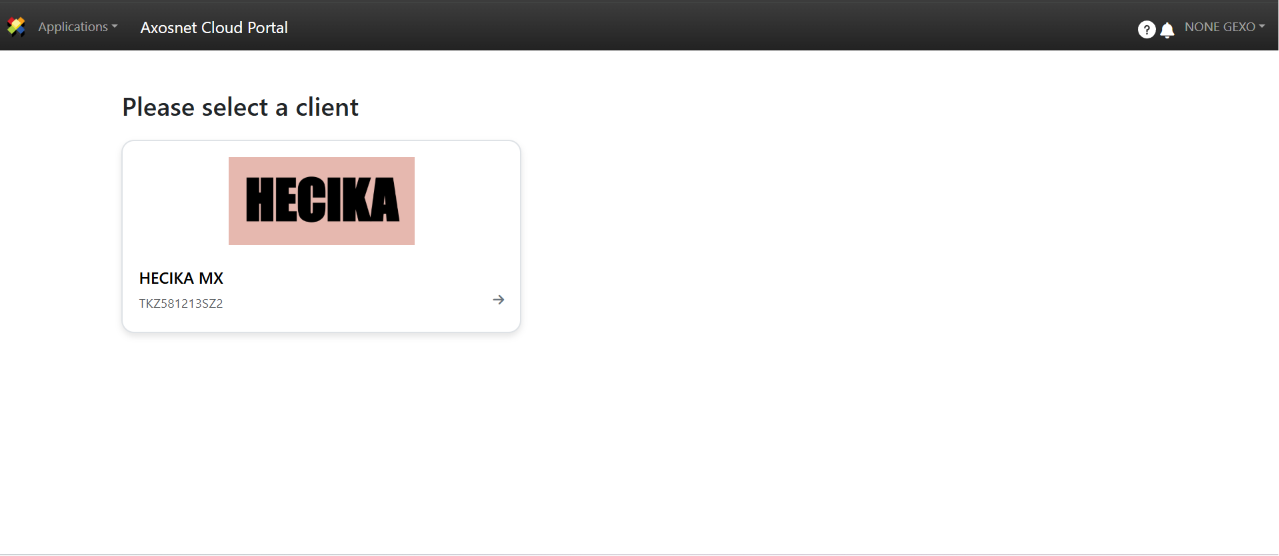
7. Select the client you want to work with.
8. From this section, you will be able to upload your invoices directly to the supplier portal and perform other actions based on your assigned permissions.