The Super Administrator can consult the activities performed by a team through the ACS page using the AxosMoney Rewards application.
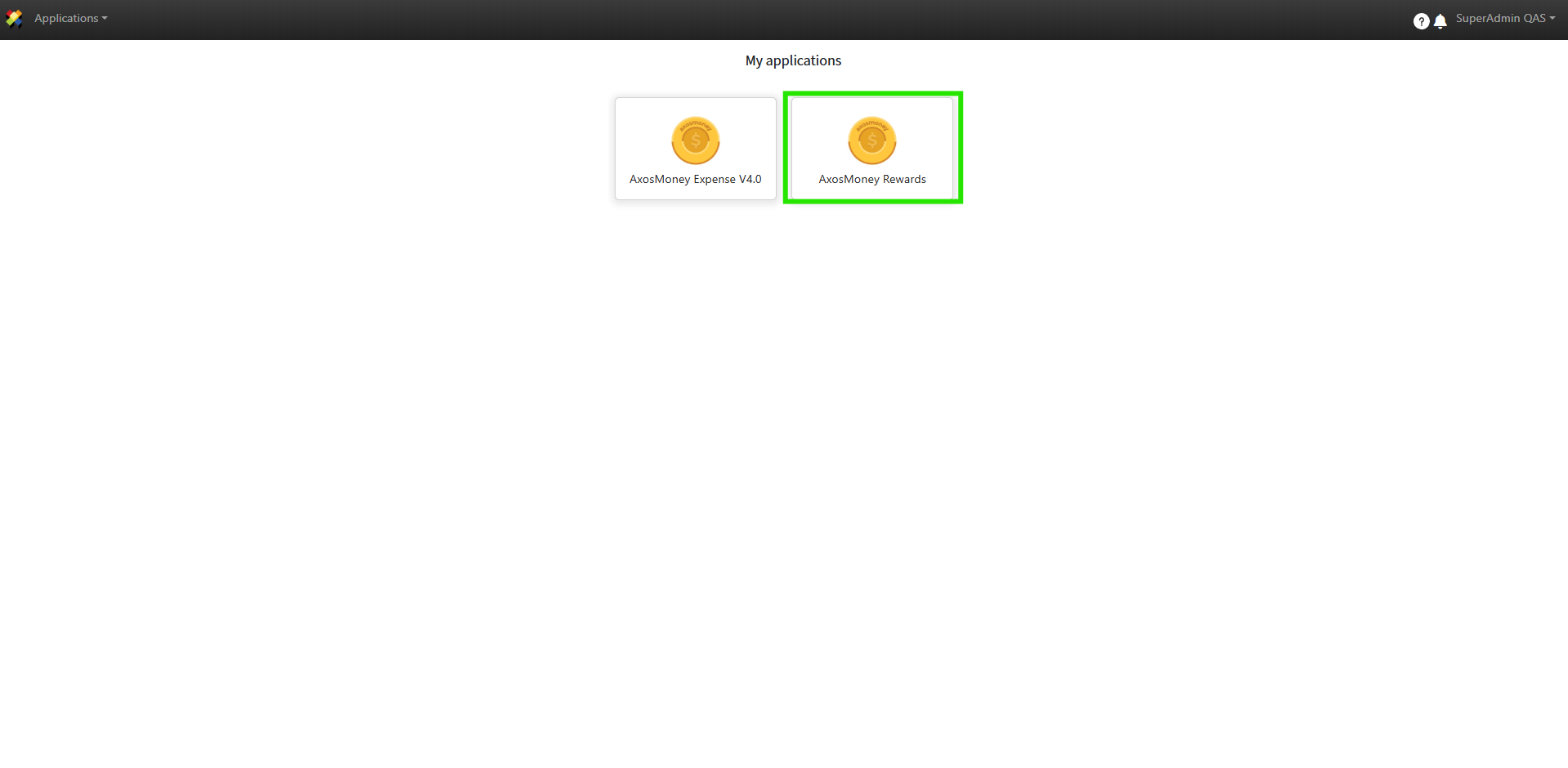
1. Log in to ACS and click on AxosMoney Rewards.
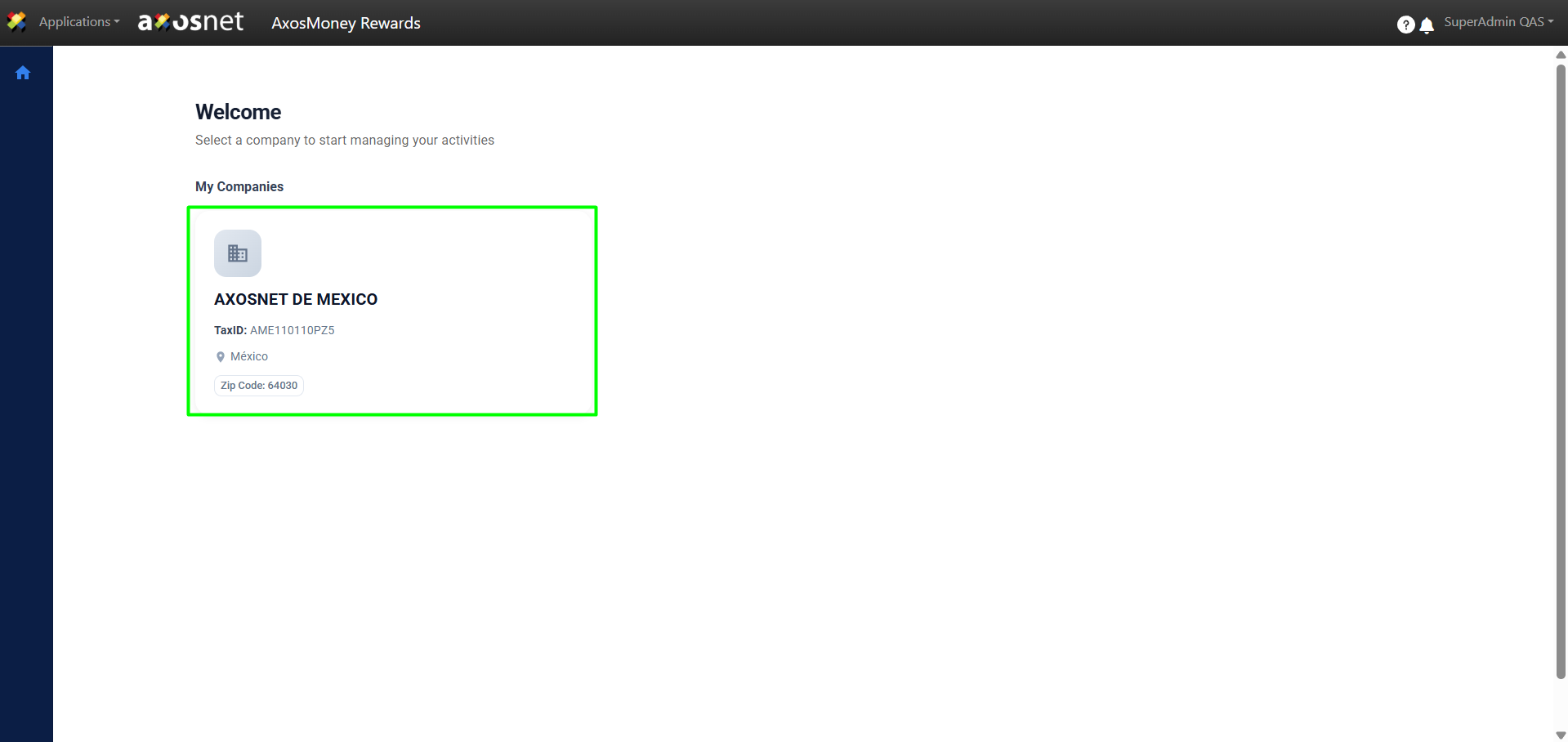
2. Select the company you want to work with.
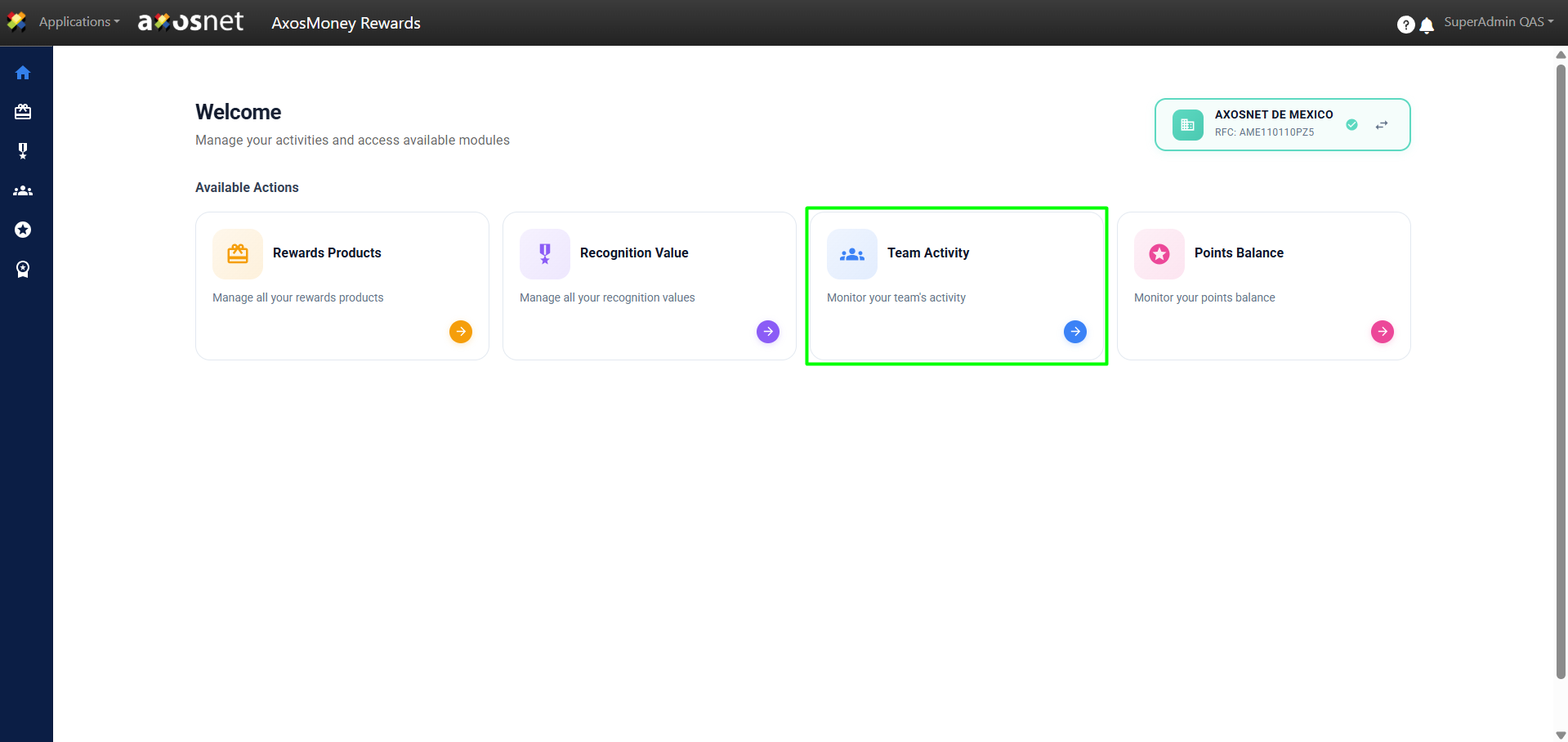
3. Click on Team Activity. In this section, the Super Admin can view tasks performed and approval statuses for either all teams or a specific team.
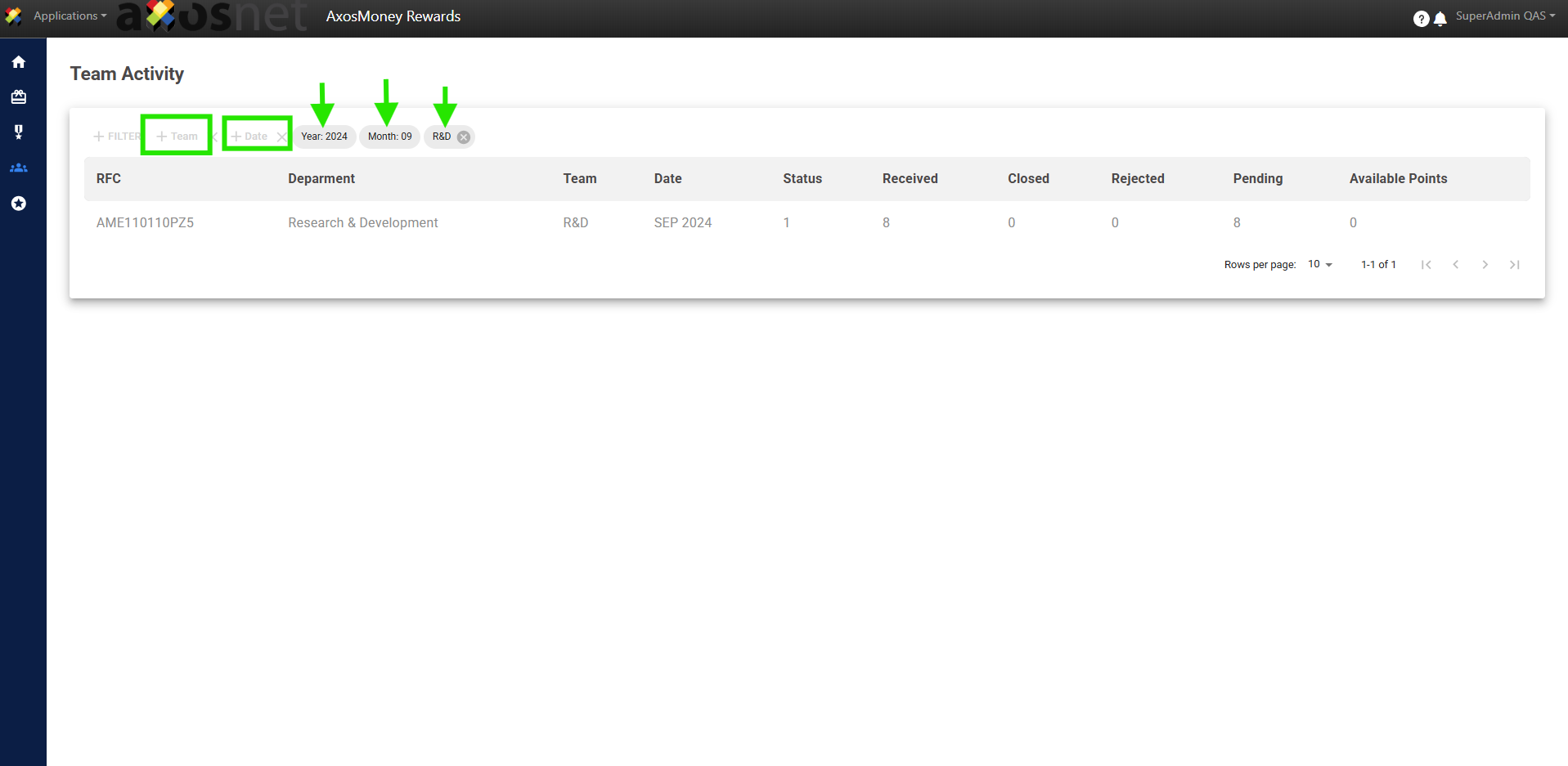
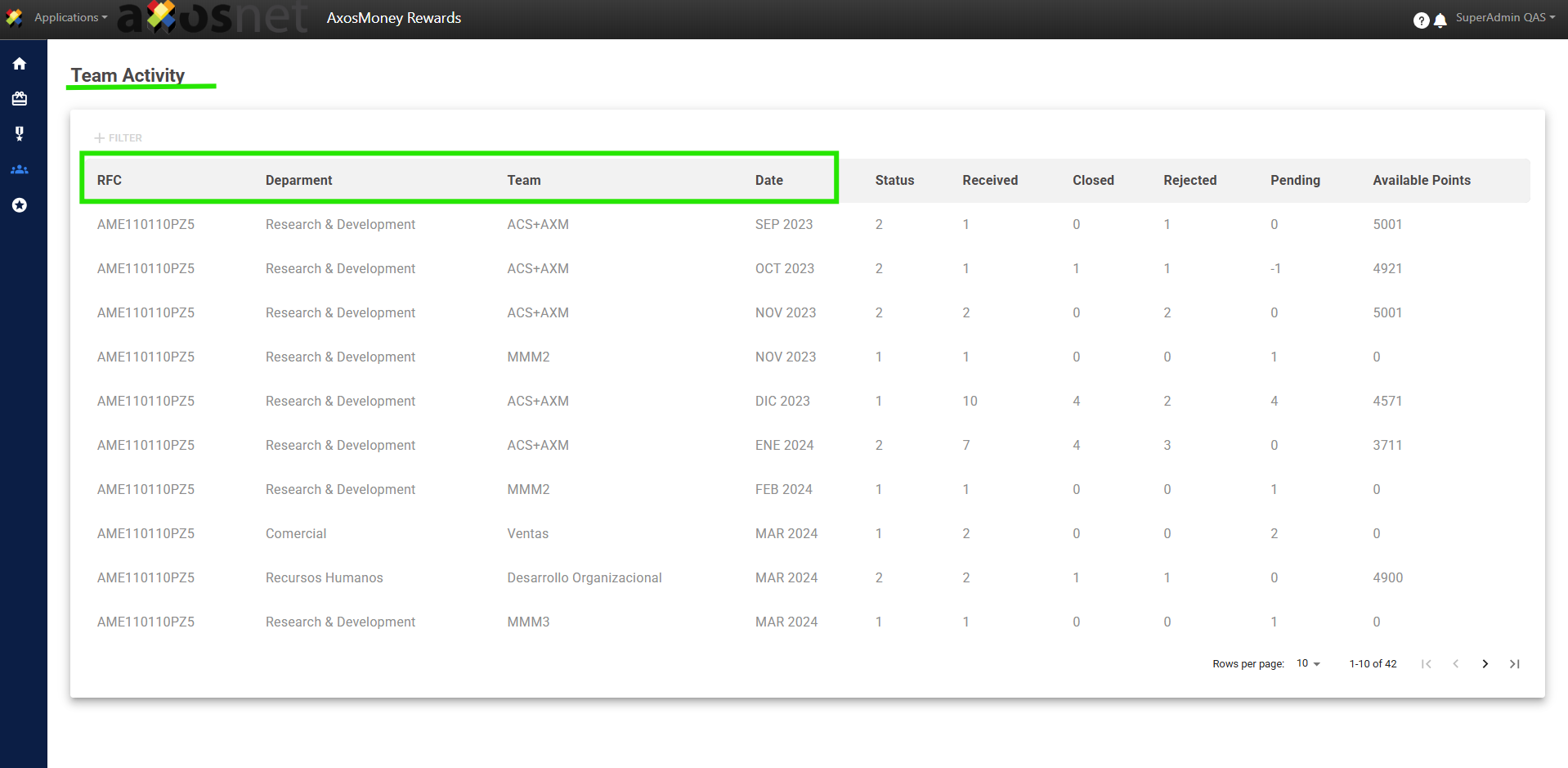
4. You can identify team information including: RFC, DEPARTMENT, TEAM, and DATE.
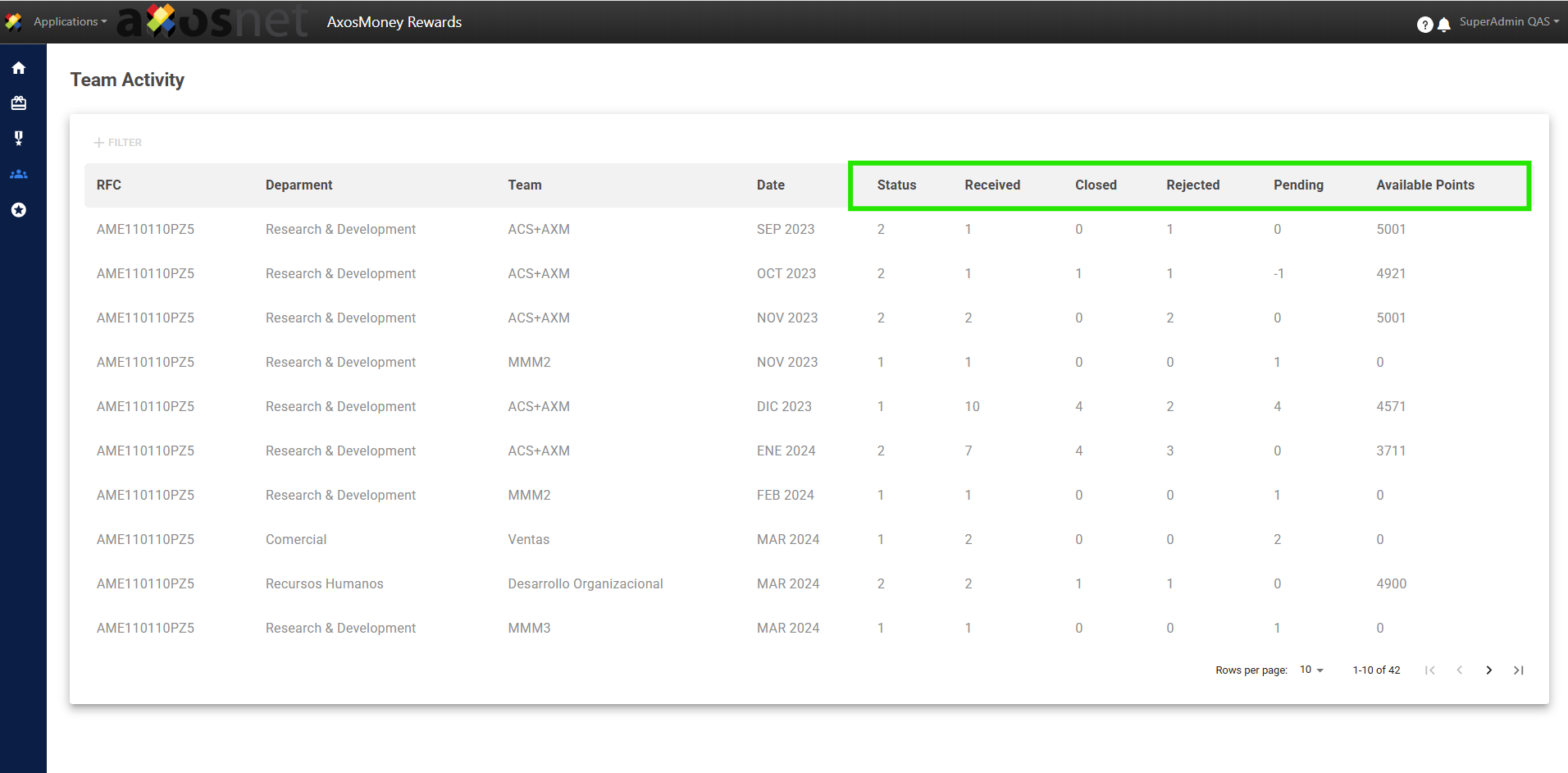
5. At the database level, the following is displayed:
- Status: The status for that month, whether closed (2) or still open (1).
- Open: Refers to the number of recognitions for that month.
- Close: Number of recognitions already approved.
- Rejected: Number of recognitions that were not approved.
- Pending: Pending approvals within the registered date.
- Available Points: Points assigned to each team.
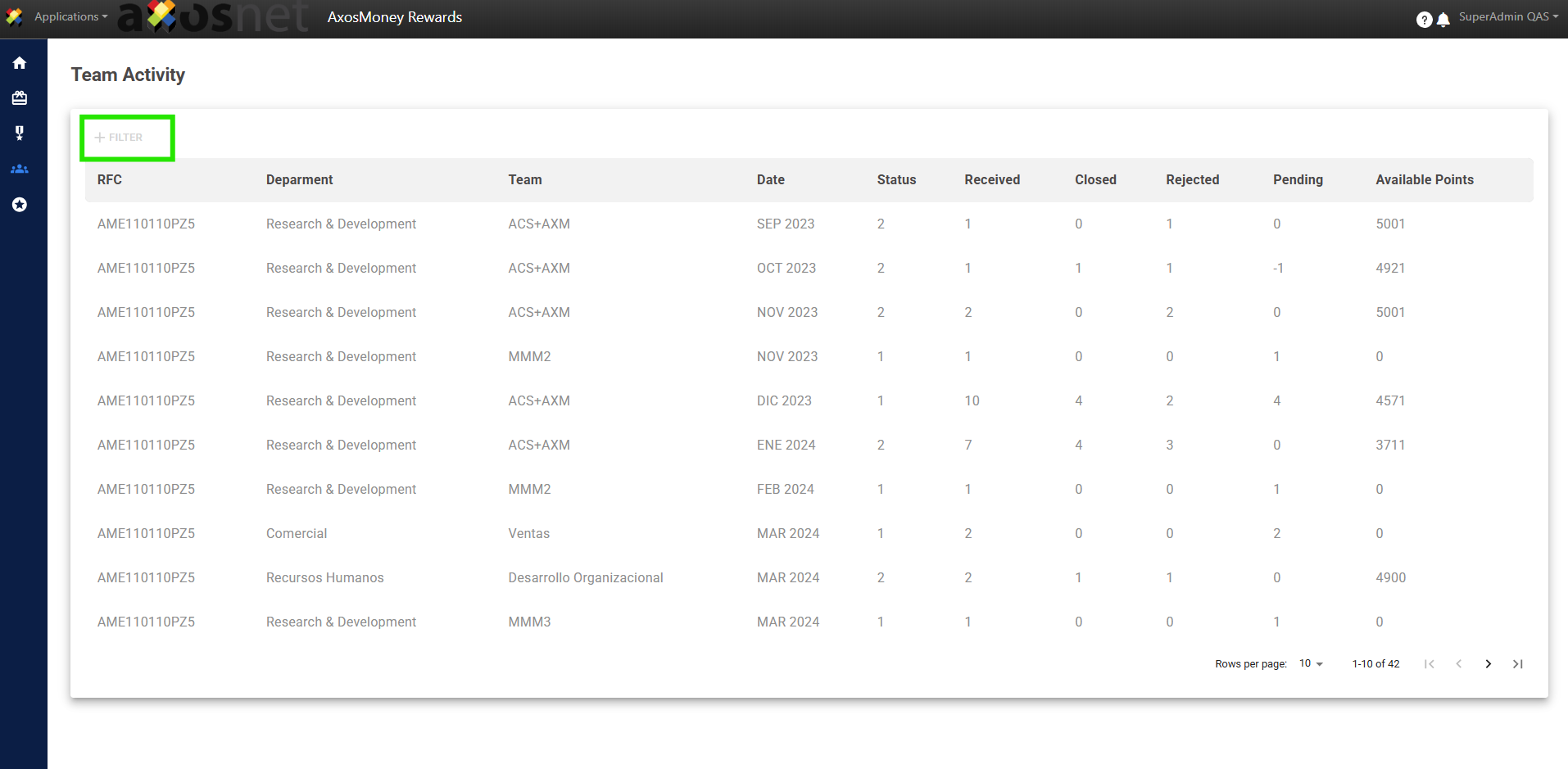
6. Click on “Filter” and select the option you need.
7. Click on the chosen filter option and specify by selecting the desired result. For example, if you choose the “Date” filter, click on that option and enter the date you wish to specify.
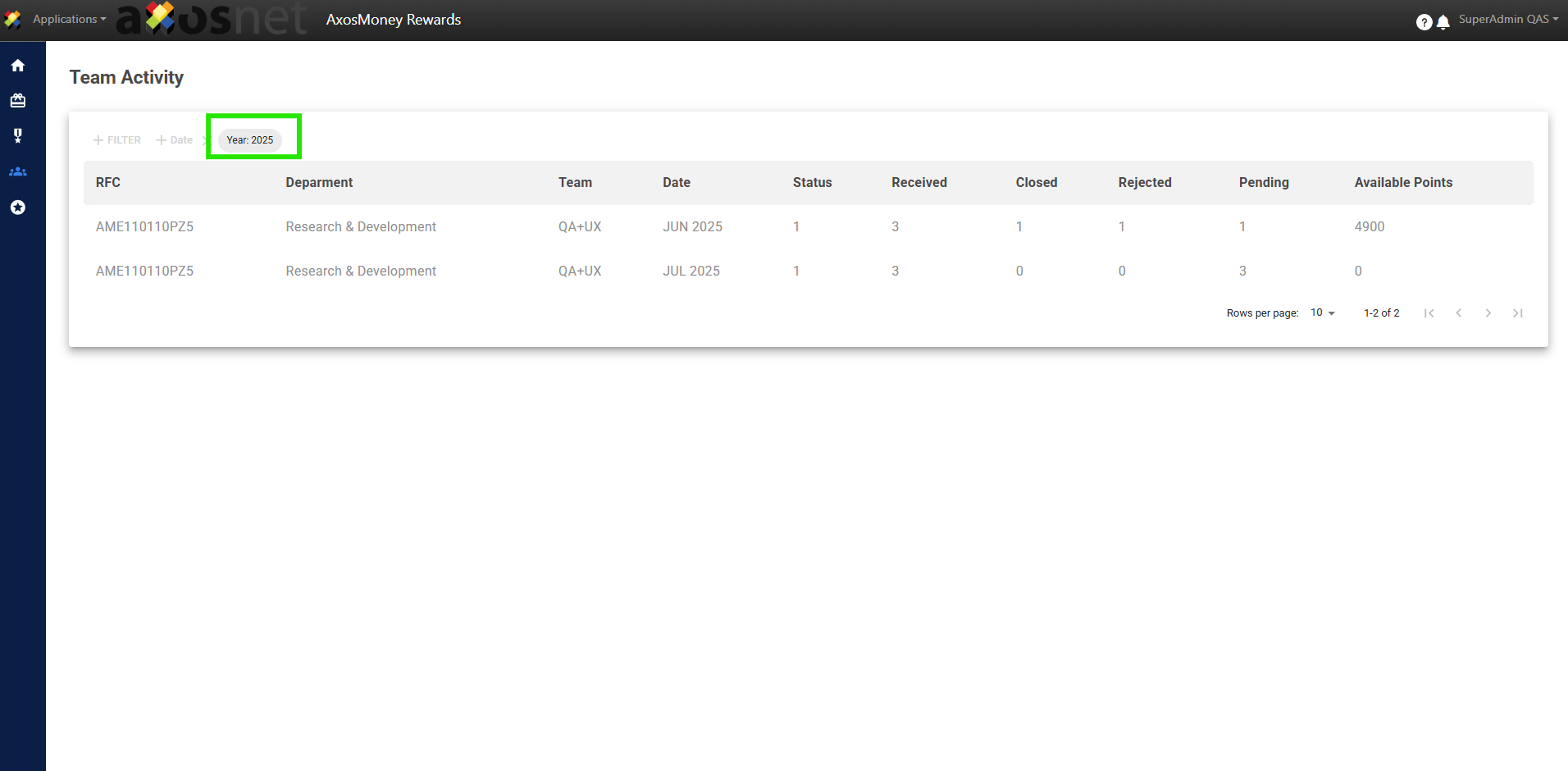
Note: If necessary, select multiple filters for a more specific and quicker search.