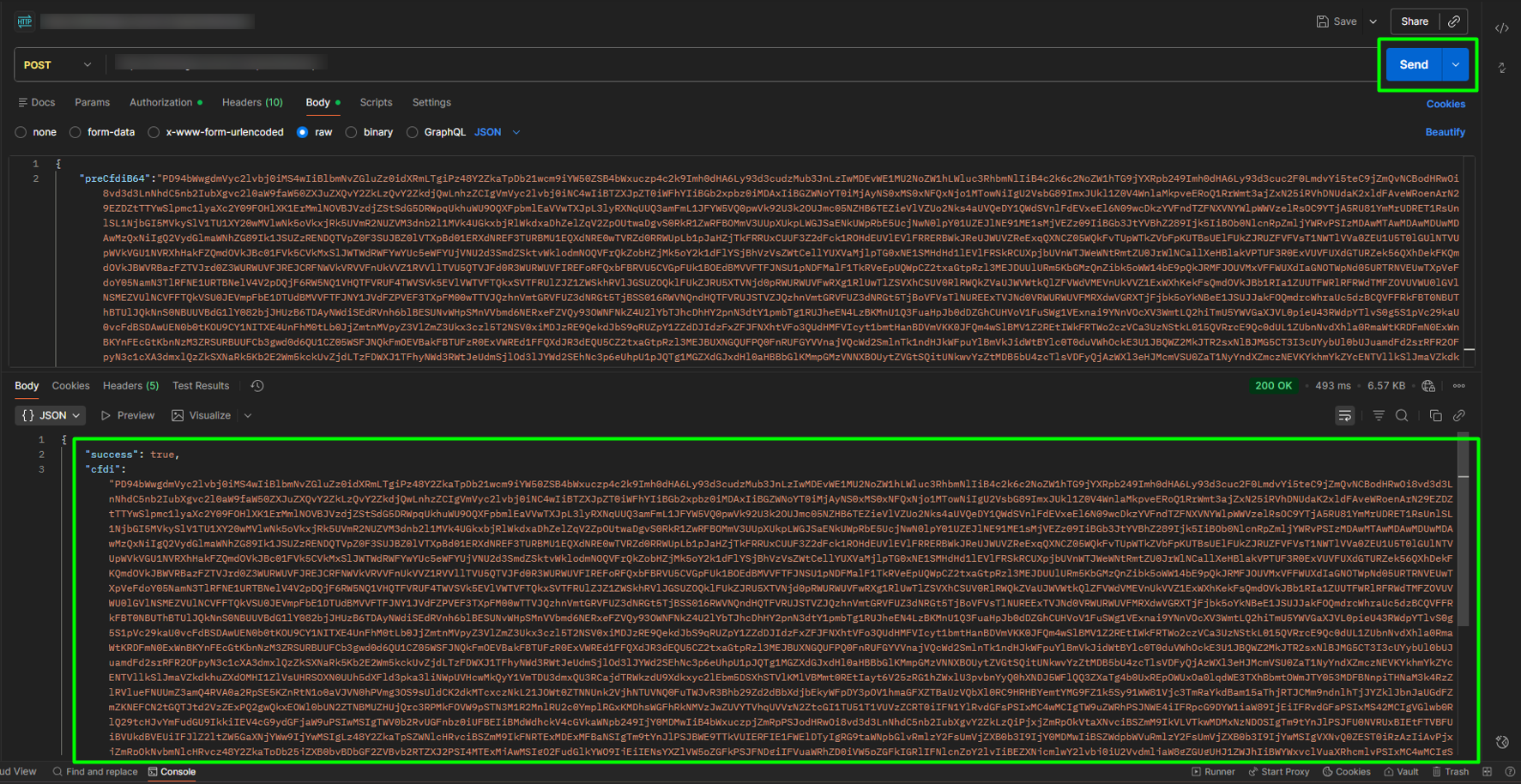
1. To use the stamping endpoint, open a new tab in Postman, select the POST option, and enter the endpoint corresponding to stamping.
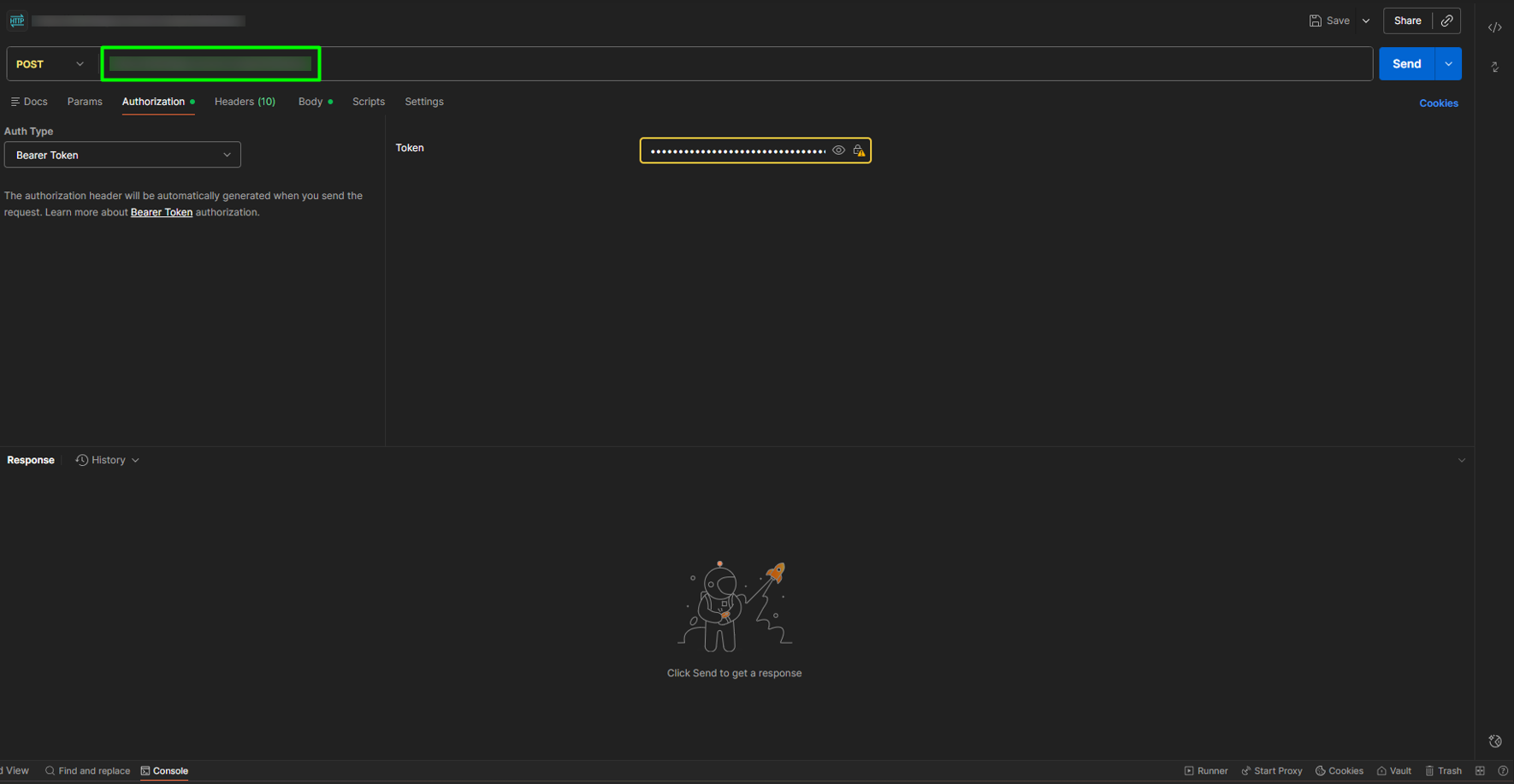
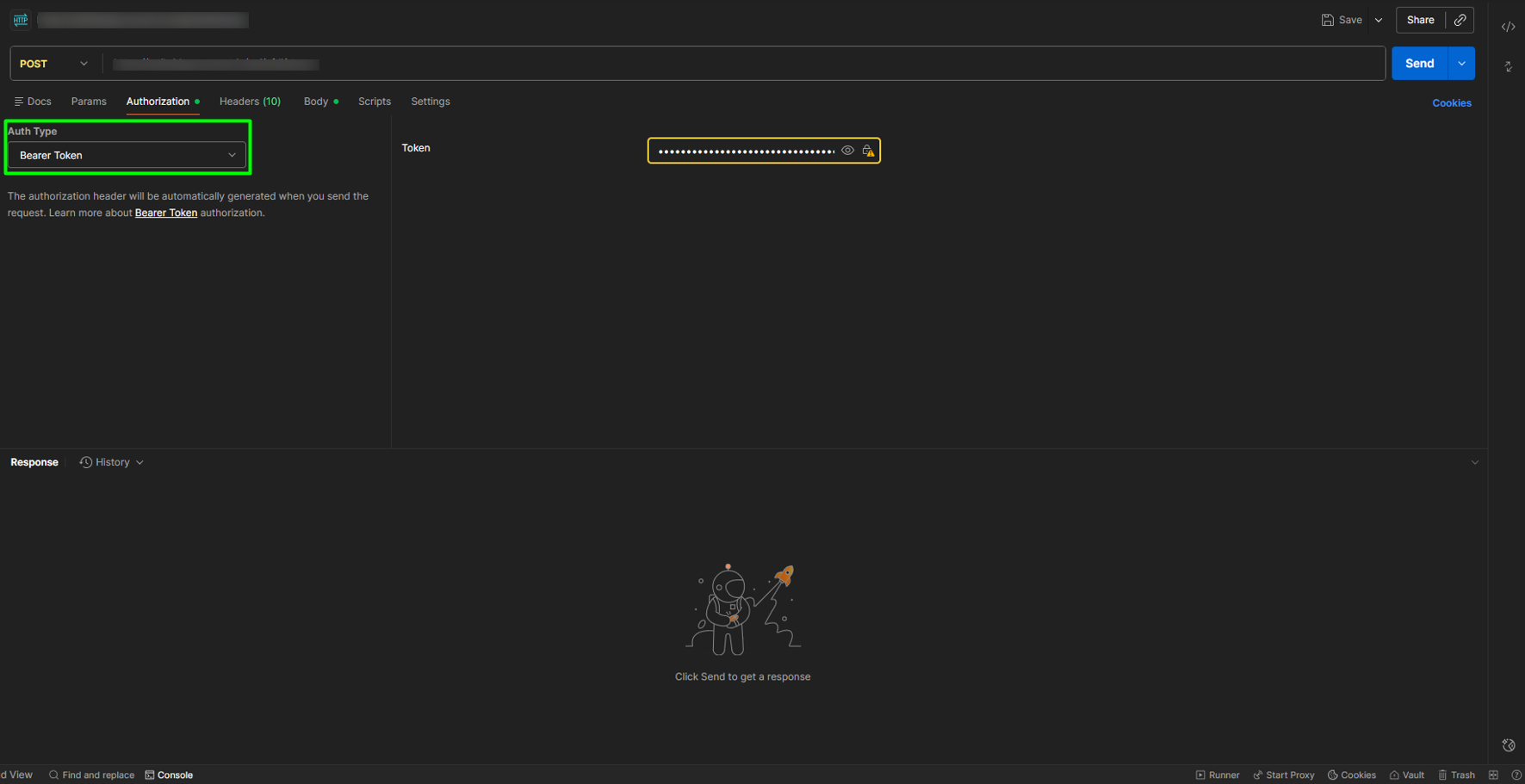
2. Go to the Authorization section and select the Bearer Token option from the Auth Type dropdown menu.
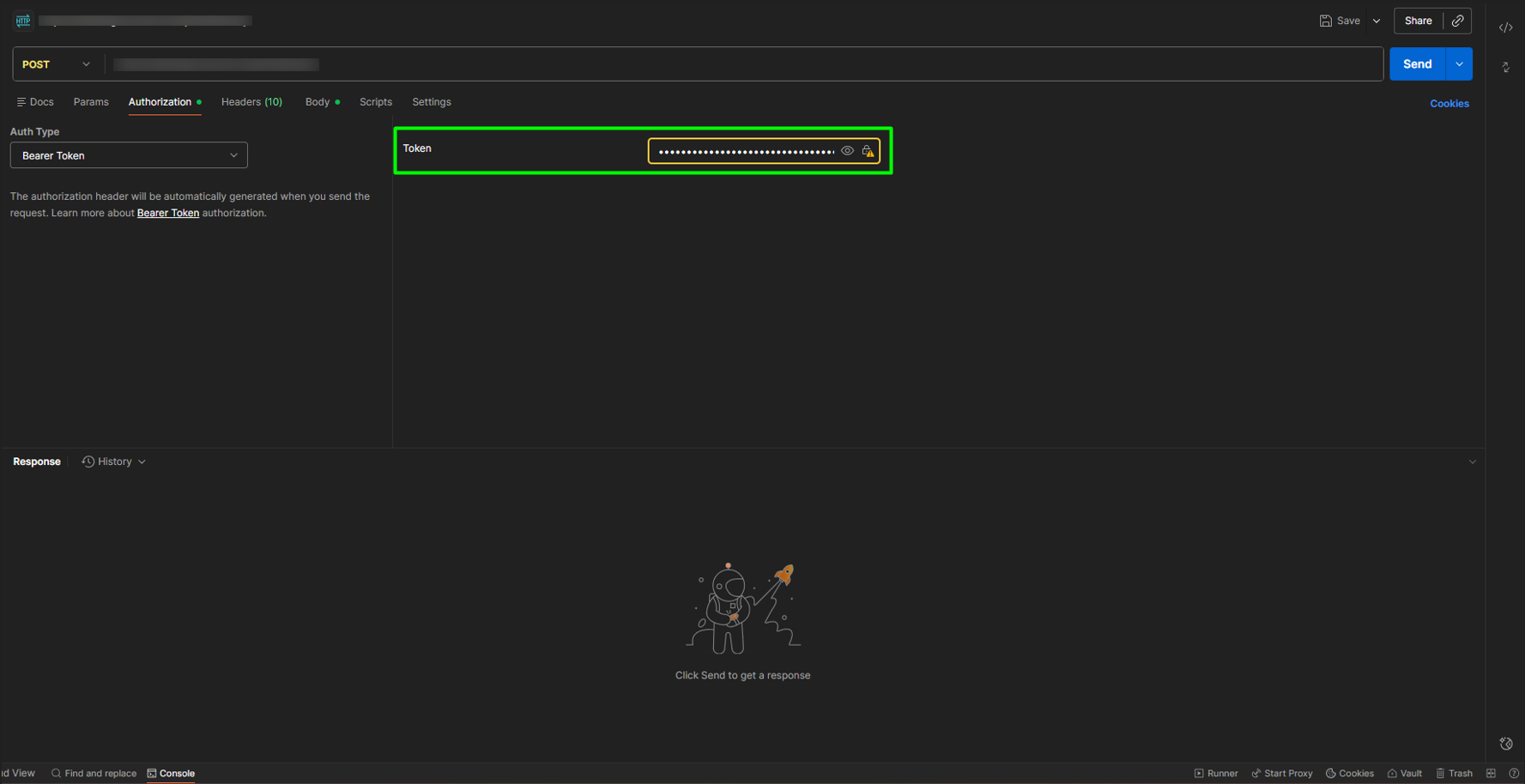
3. Copy the Access Token into the corresponding field.
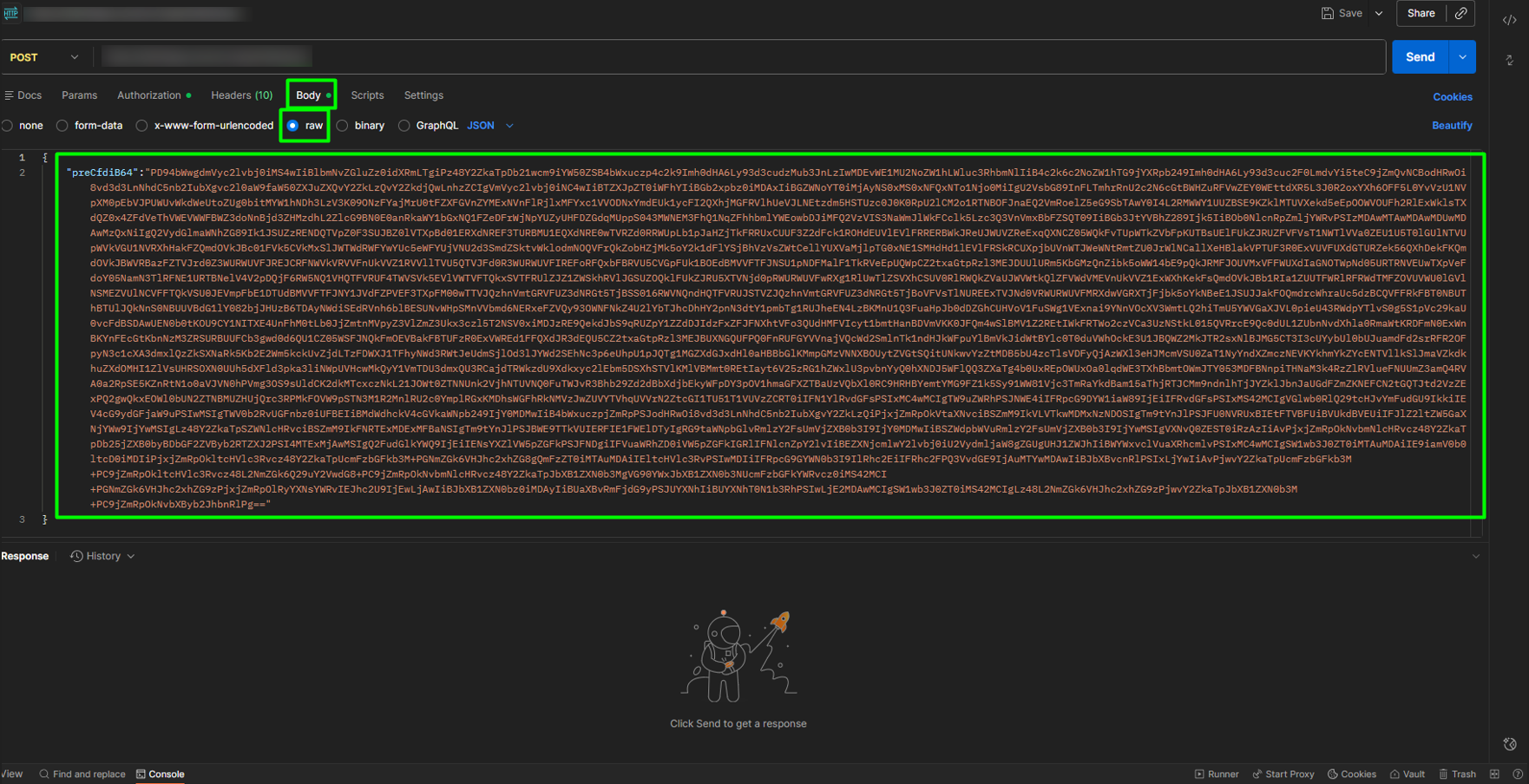
4. In the Body tab with the raw option selected, enter the preCFDI as follows:
{
“preCfdiB64”:“ ”
}
5. Finally, click SEND to obtain the stamp.