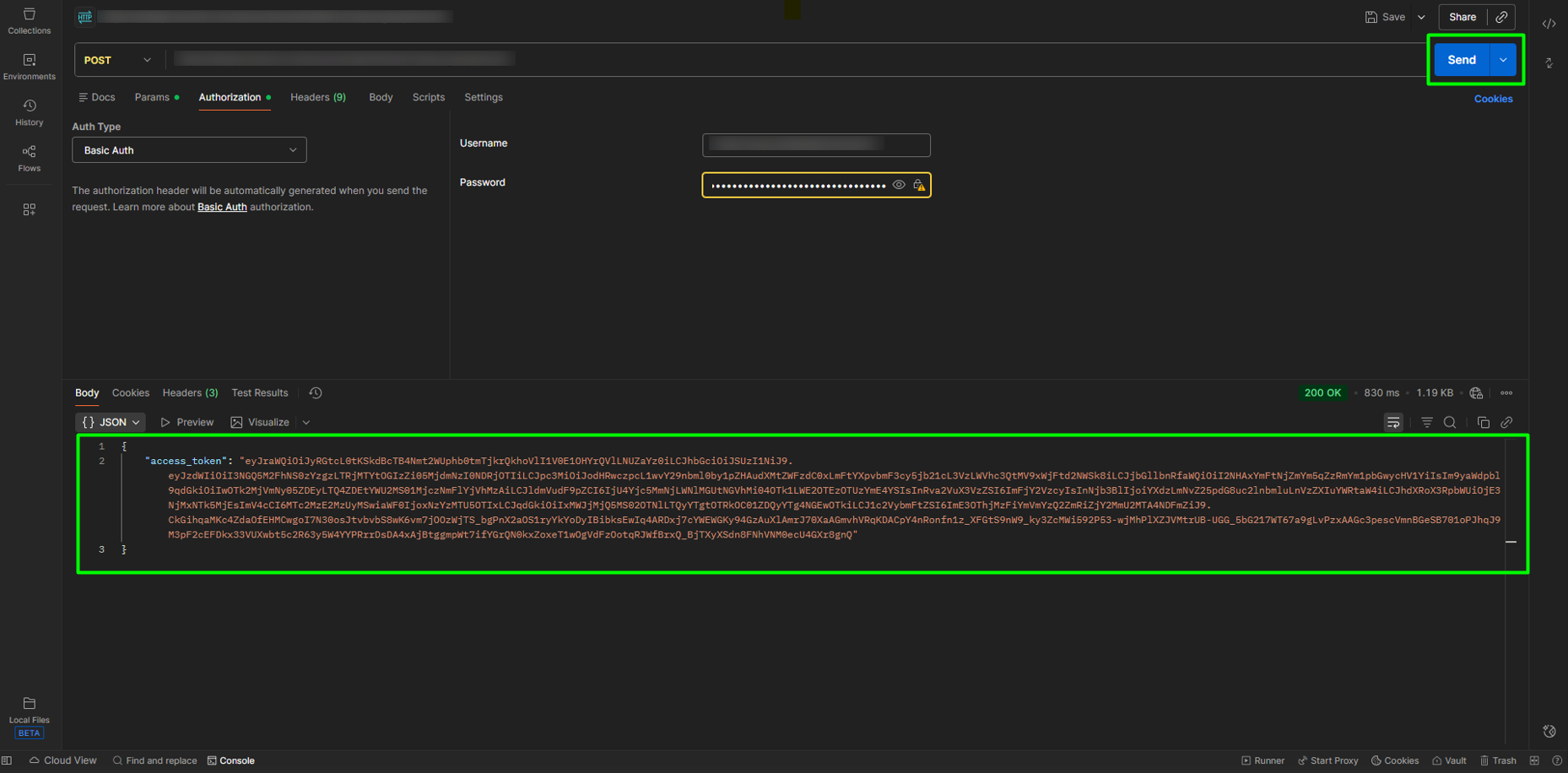
Once the iBridge application has been created in ACS Management, we can continue the process in Postman to create the access and stamping token. To do this, you will need the Client ID, Client Secret, Authorization Endpoint, and Endpoints data generated in ACS Management when creating access keys.
Note: If you have questions about how to create Access Keys, please refer to the manual: Create Access Keys for iBridge.
To continue the process in Postman, follow these steps:
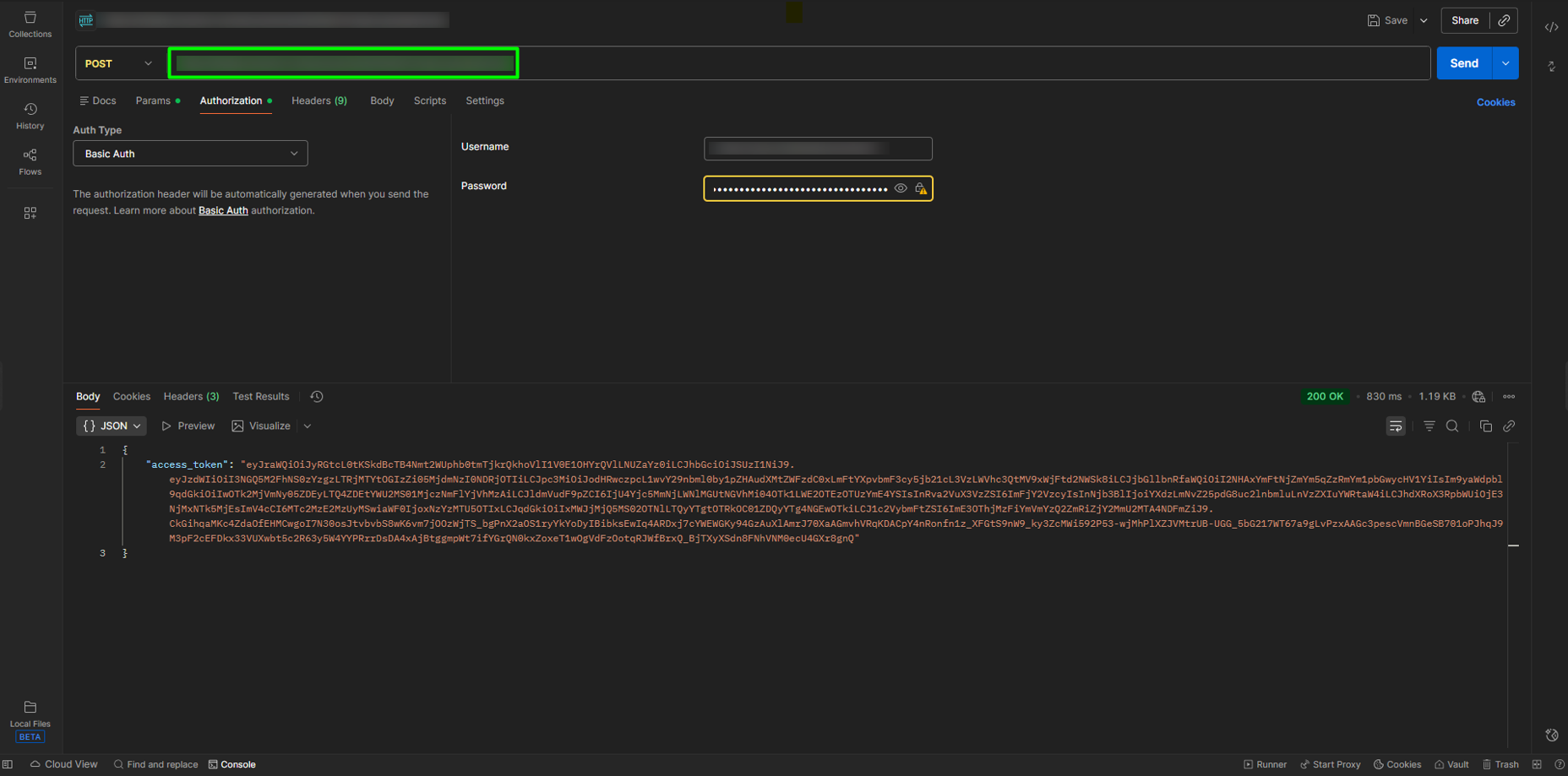
1. Open Postman, paste the Authorization Endpoint data into the corresponding field, and select the POST method.
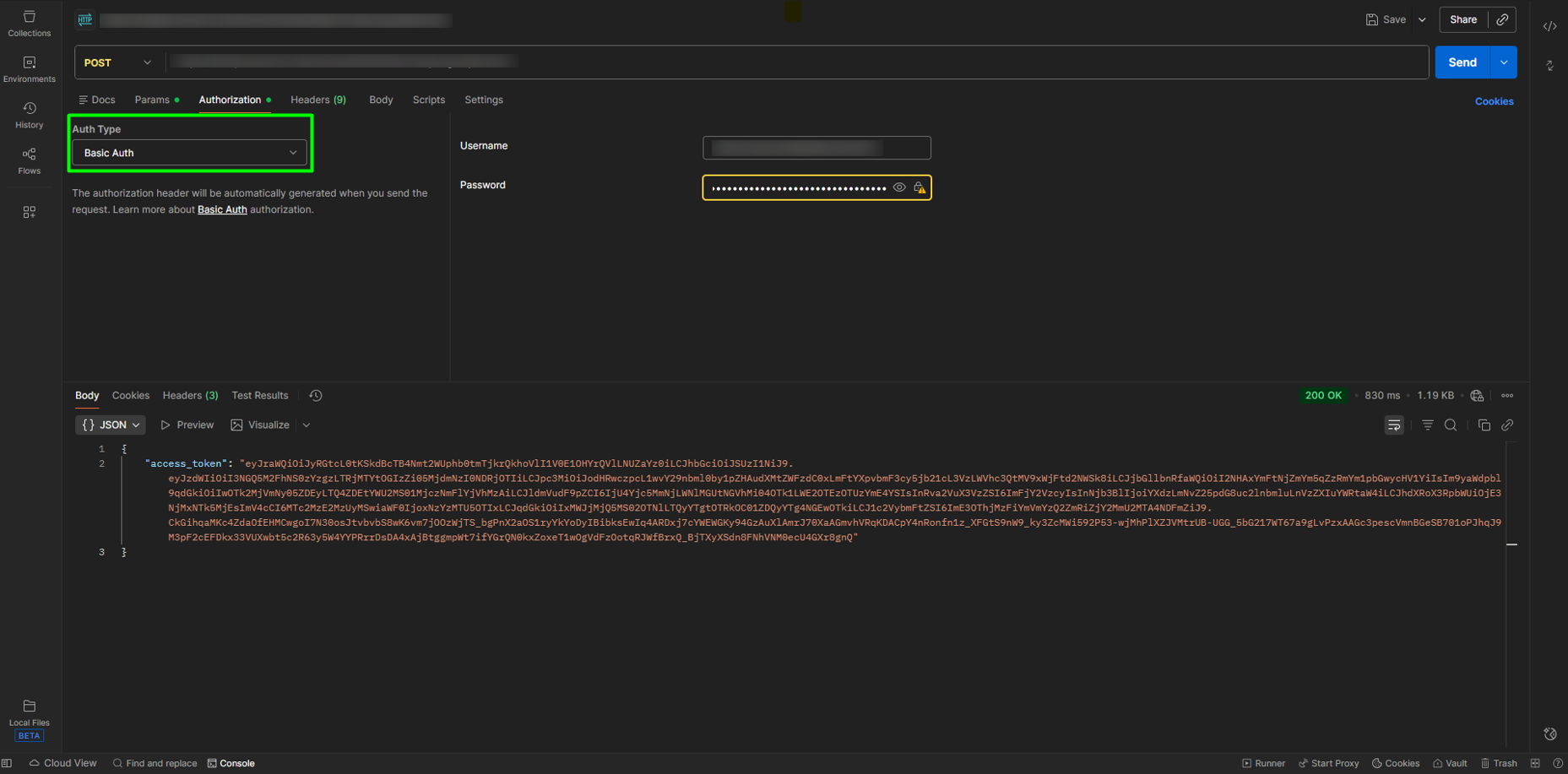
2. Go to the Authorization section and select the Basic Auth option from the Auth Type dropdown menu.
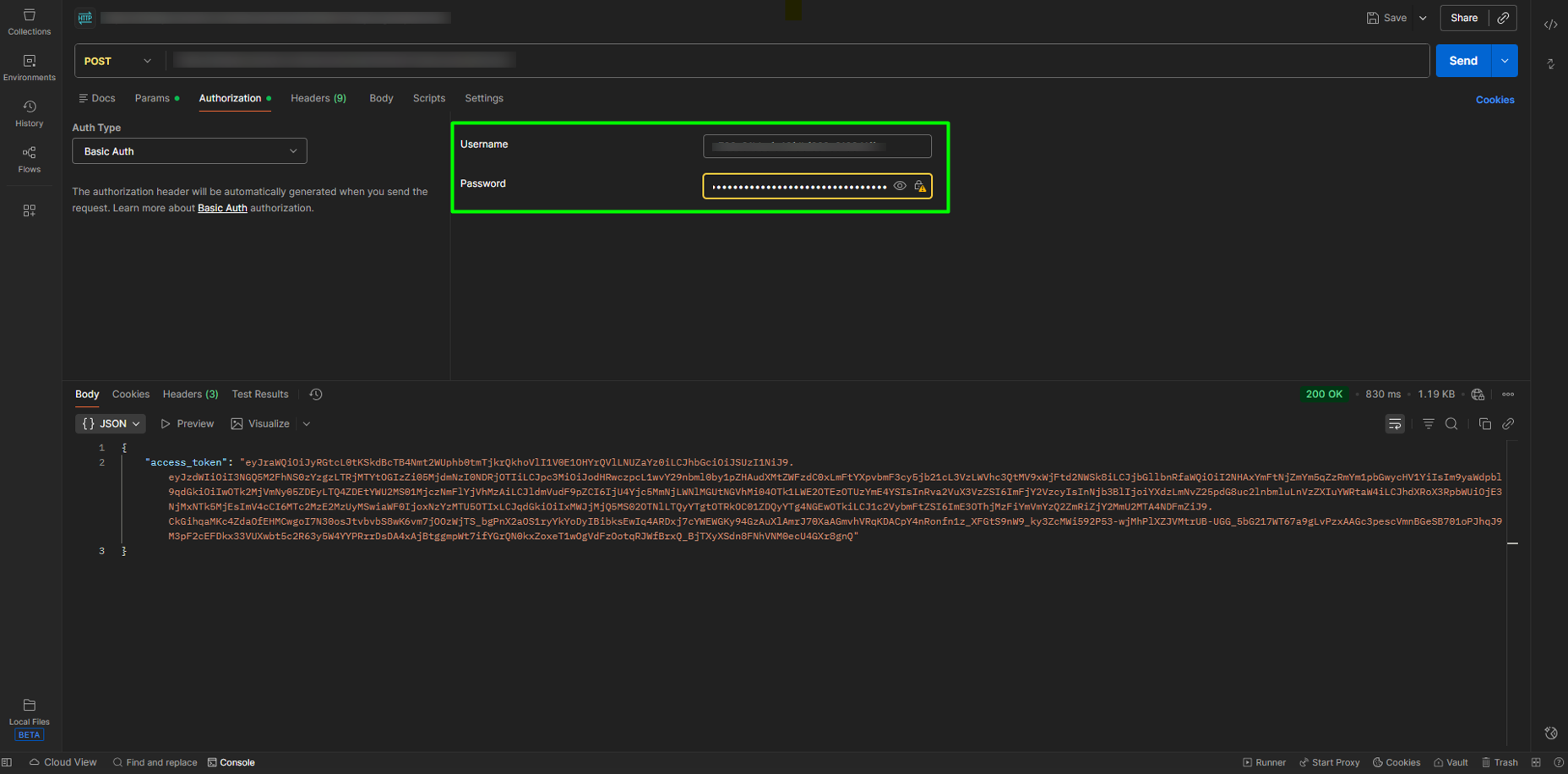
3. Enter the Client ID data in Username and the Client Secret in Password respectively.
4. Click SEND to generate the token, which will serve as your key to use the Stamping and Cancellation endpoints.