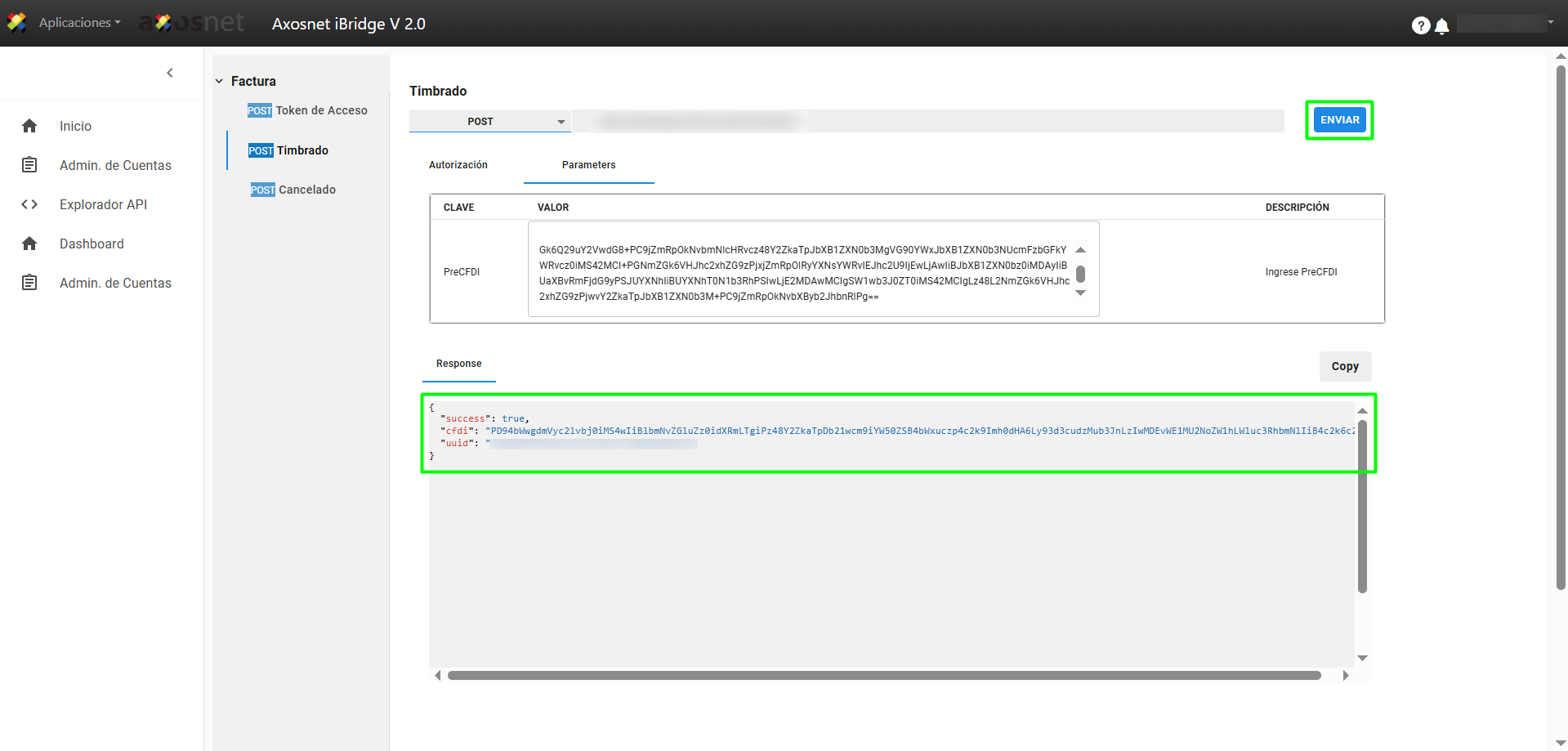
Once the iBridge application and credentials have been created in ACS Management, you can start using the application. To do so, follow these steps:
1. Log in to iBridge on the ACS home page.
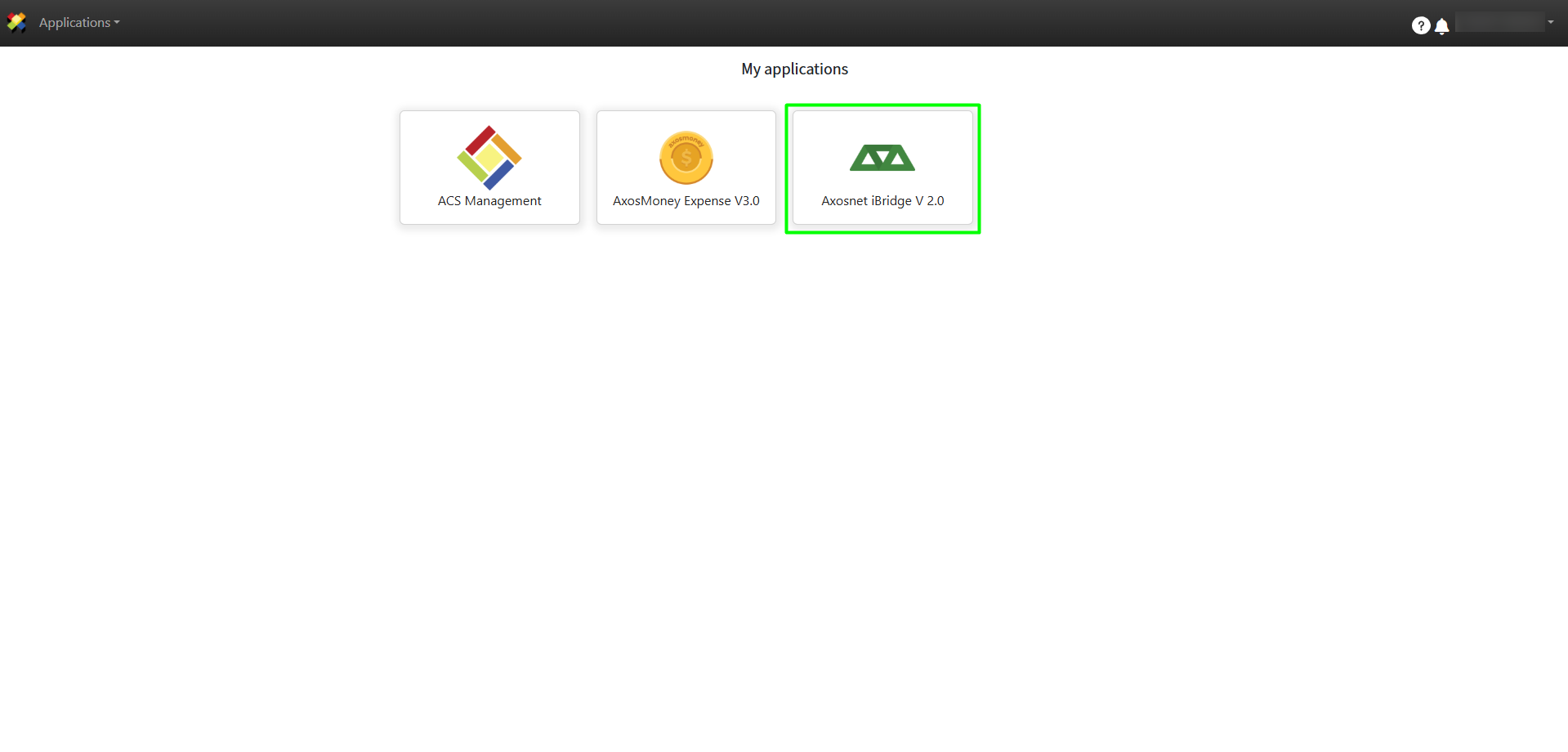
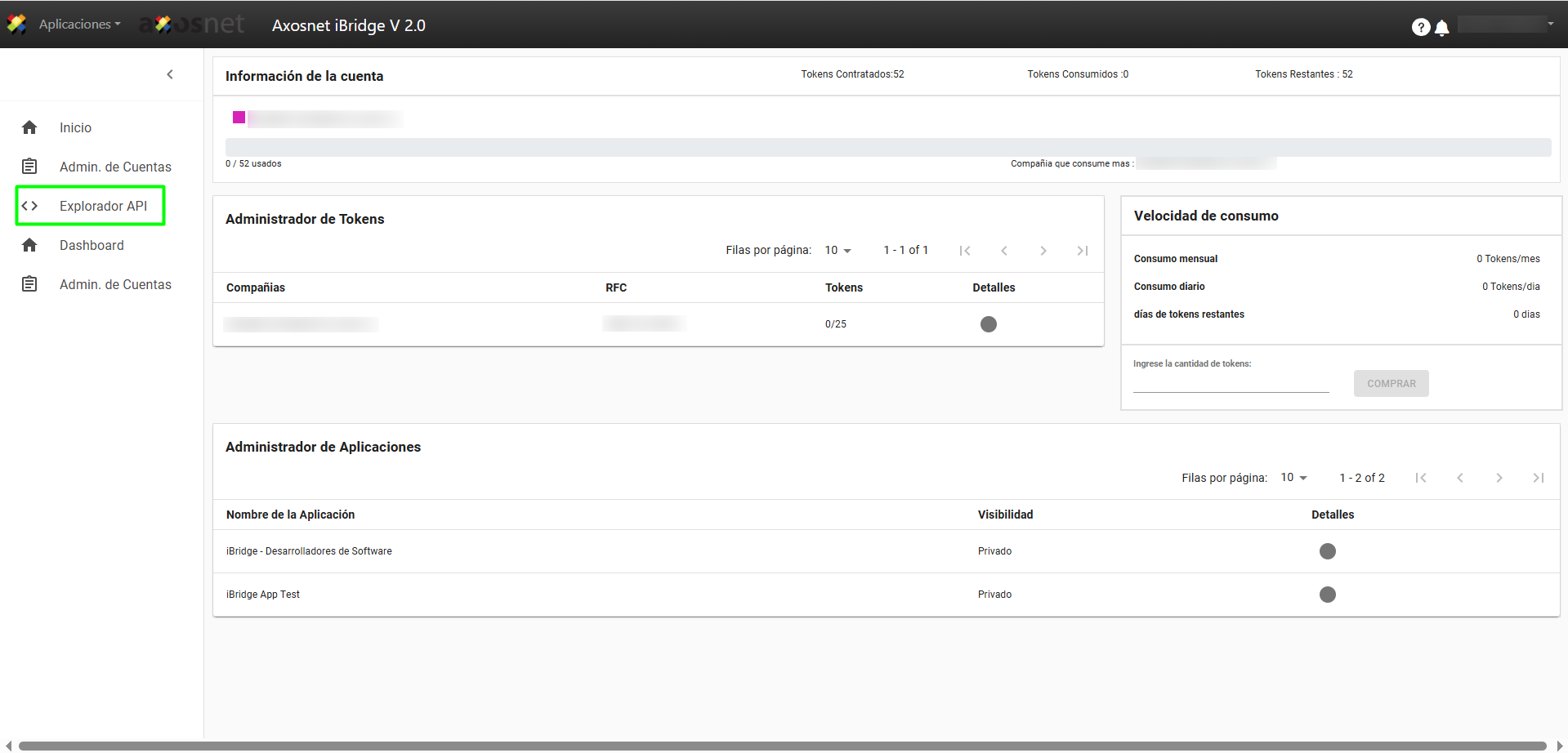
2. Open the left side menu and select the API Explorer option.
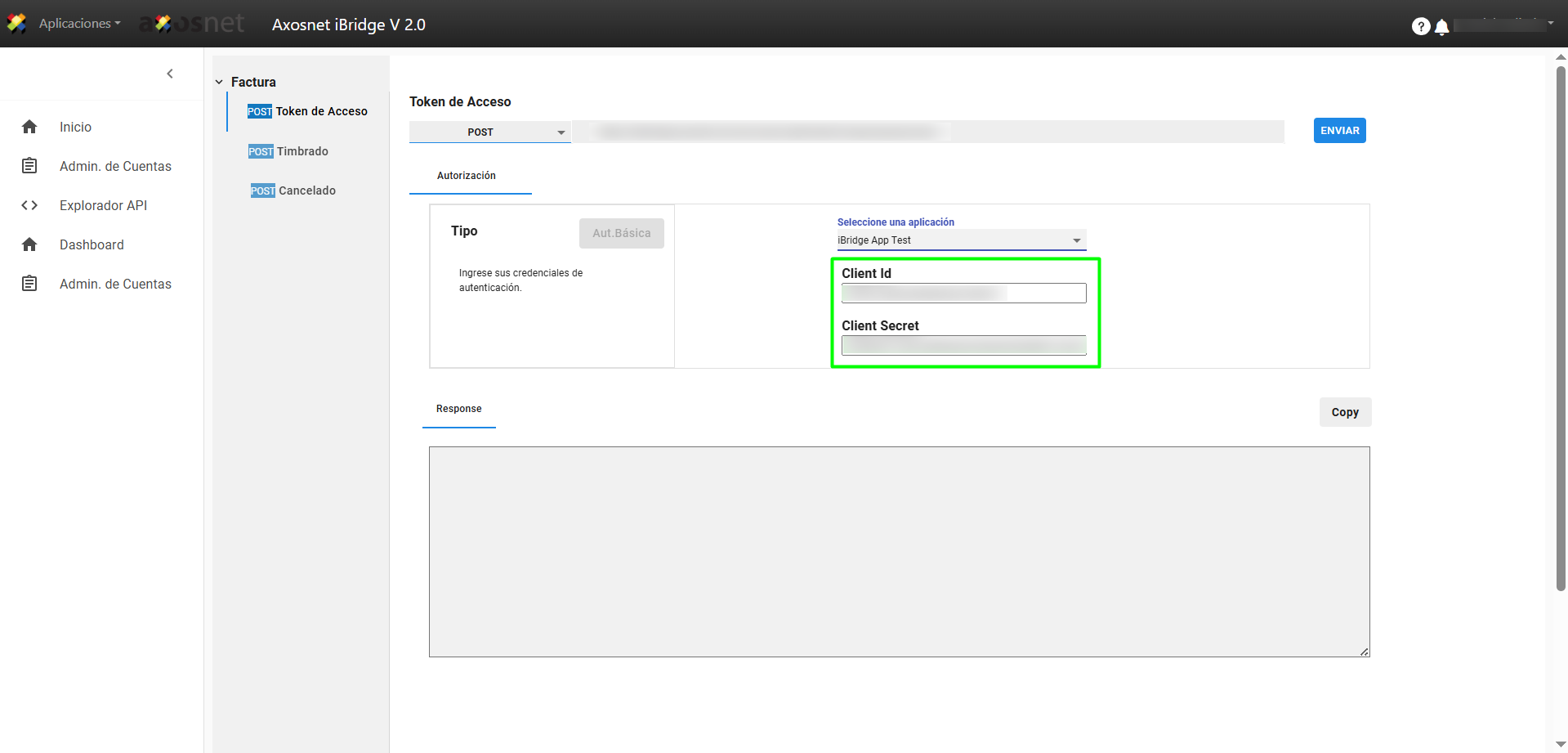
3. In the Access Token section, select the application that was previously created in ACS Management.
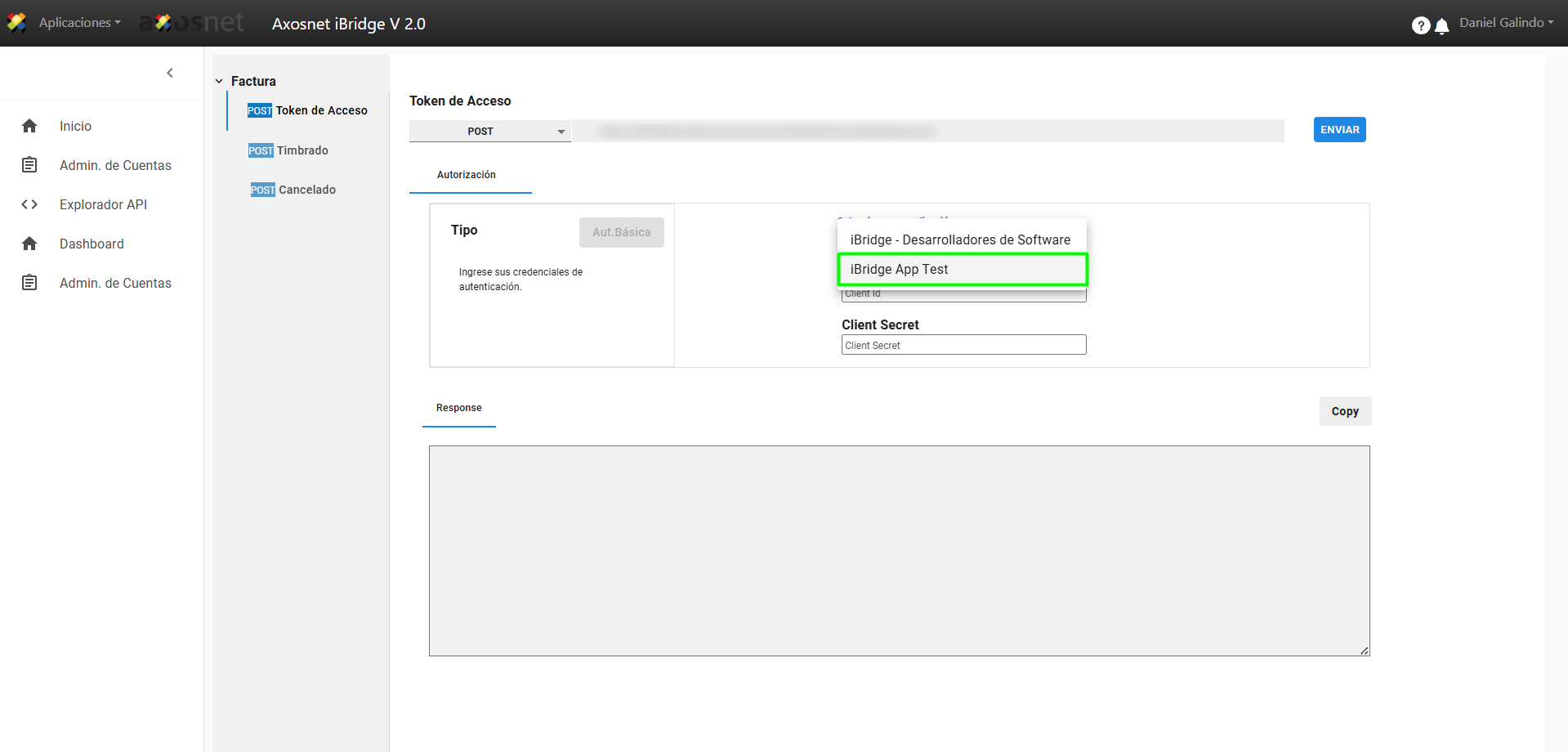
4. When you select the application, it will load the Client ID and Client Secret that were generated when it was created.
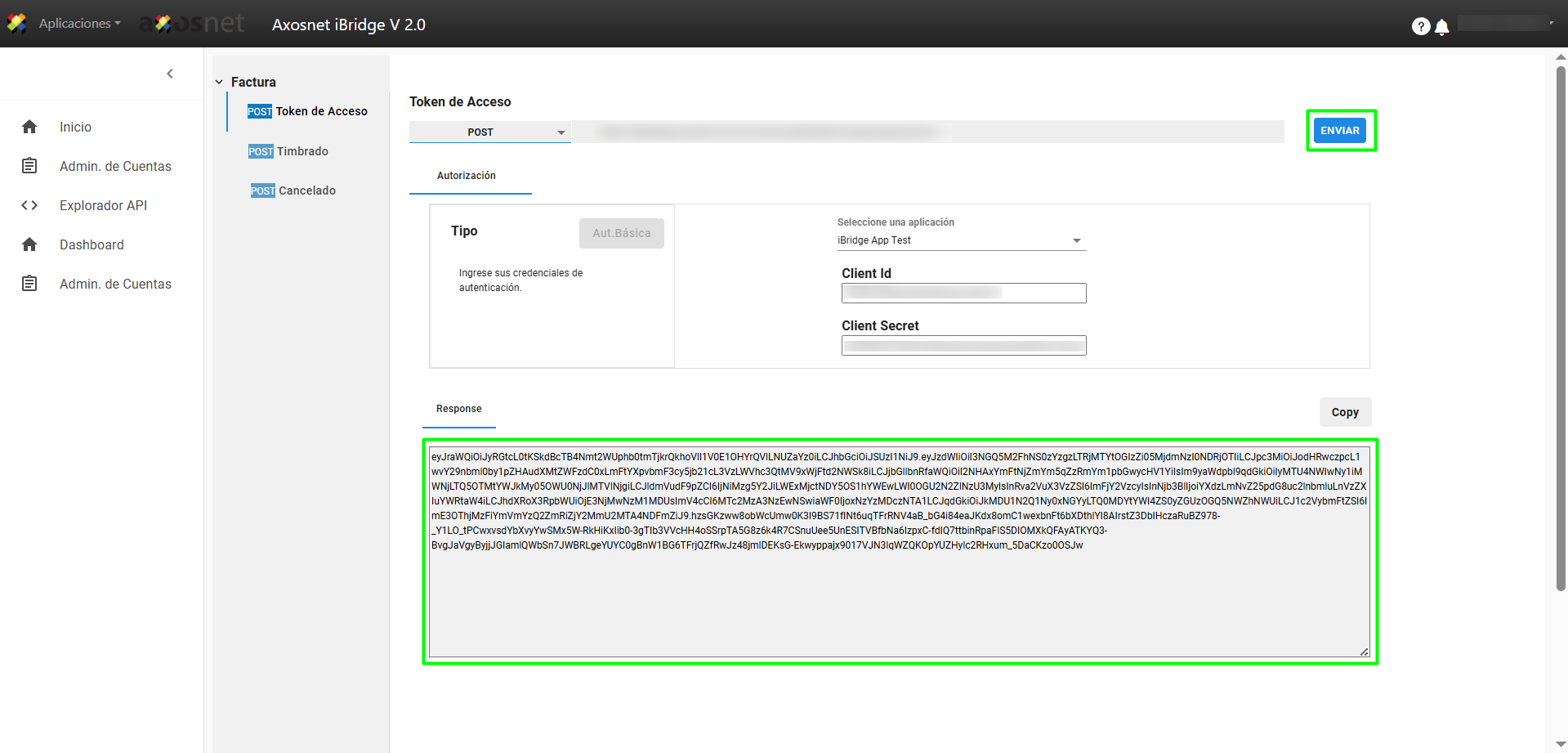
5. Click SEND to generate the token. To continue with the process, copy the token to your clipboard by clicking Copy.
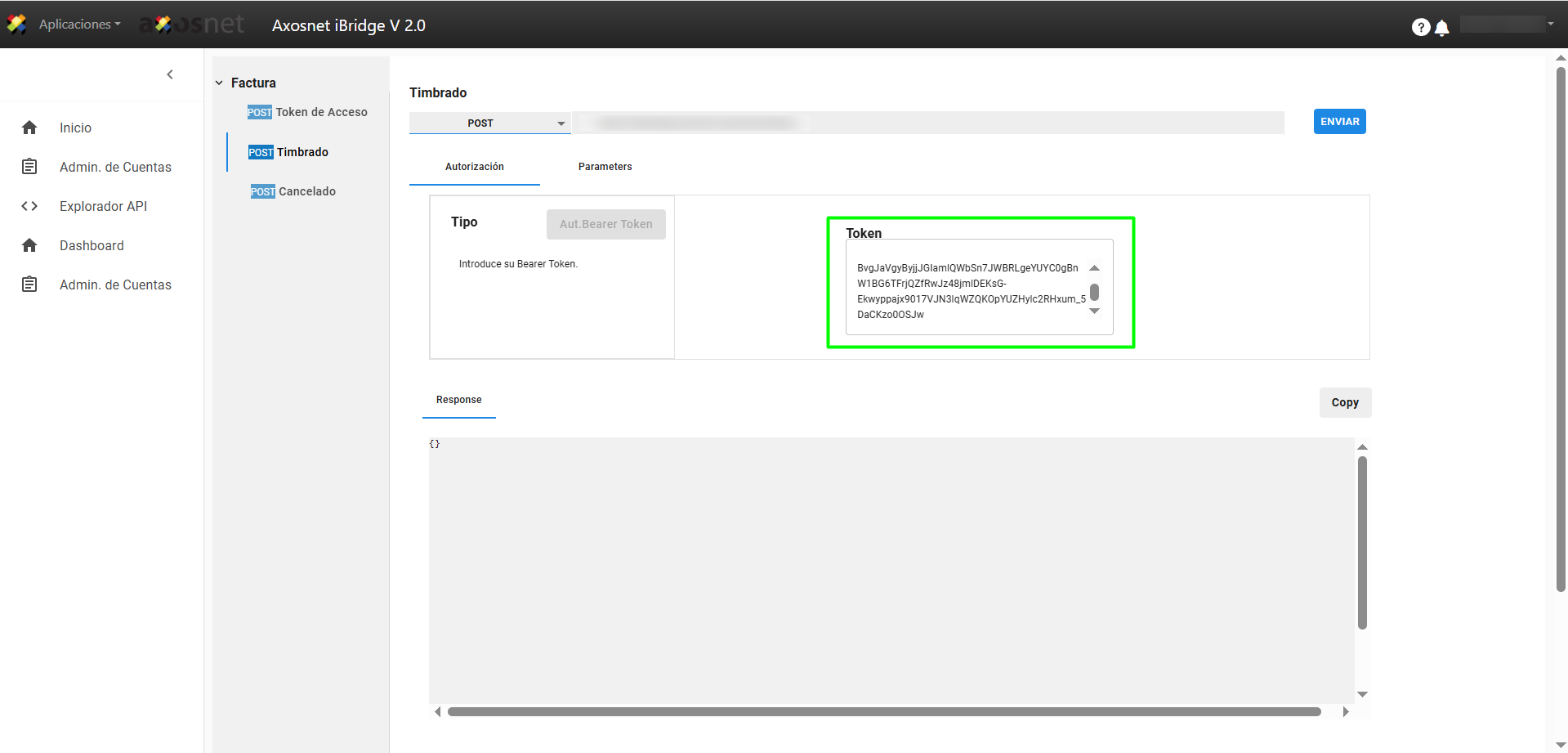
6. Go to the Stamping section and paste the Token in the corresponding field.
7. Then select the Parameters tab and enter the Pre CFDI.
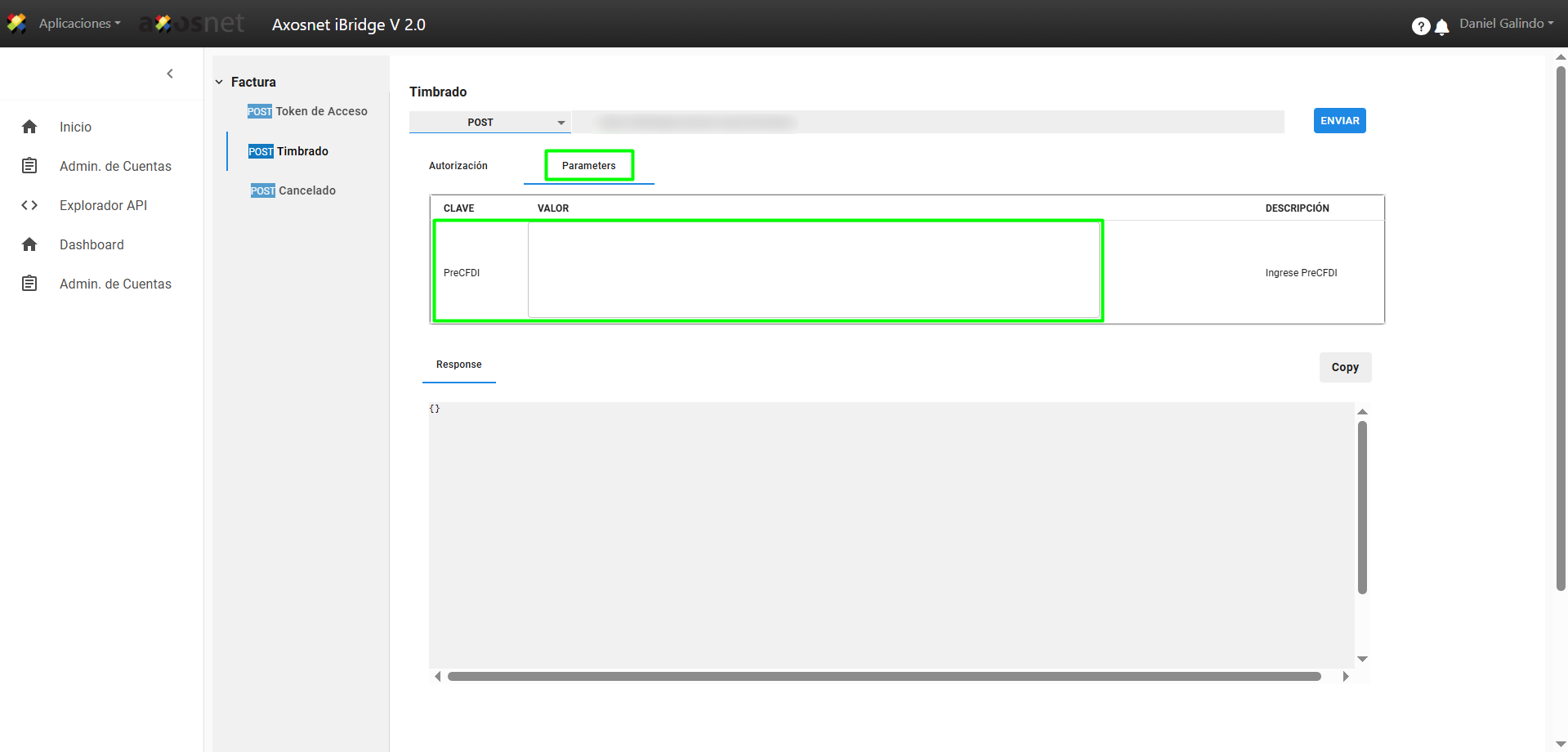
8. Click SEND to generate the response as shown in the image.