To start using iBridge, we must first create an application with the access keys from the Web Services section in ACS Management. To do this, follow the steps below:
1. Log in to ACS Management.
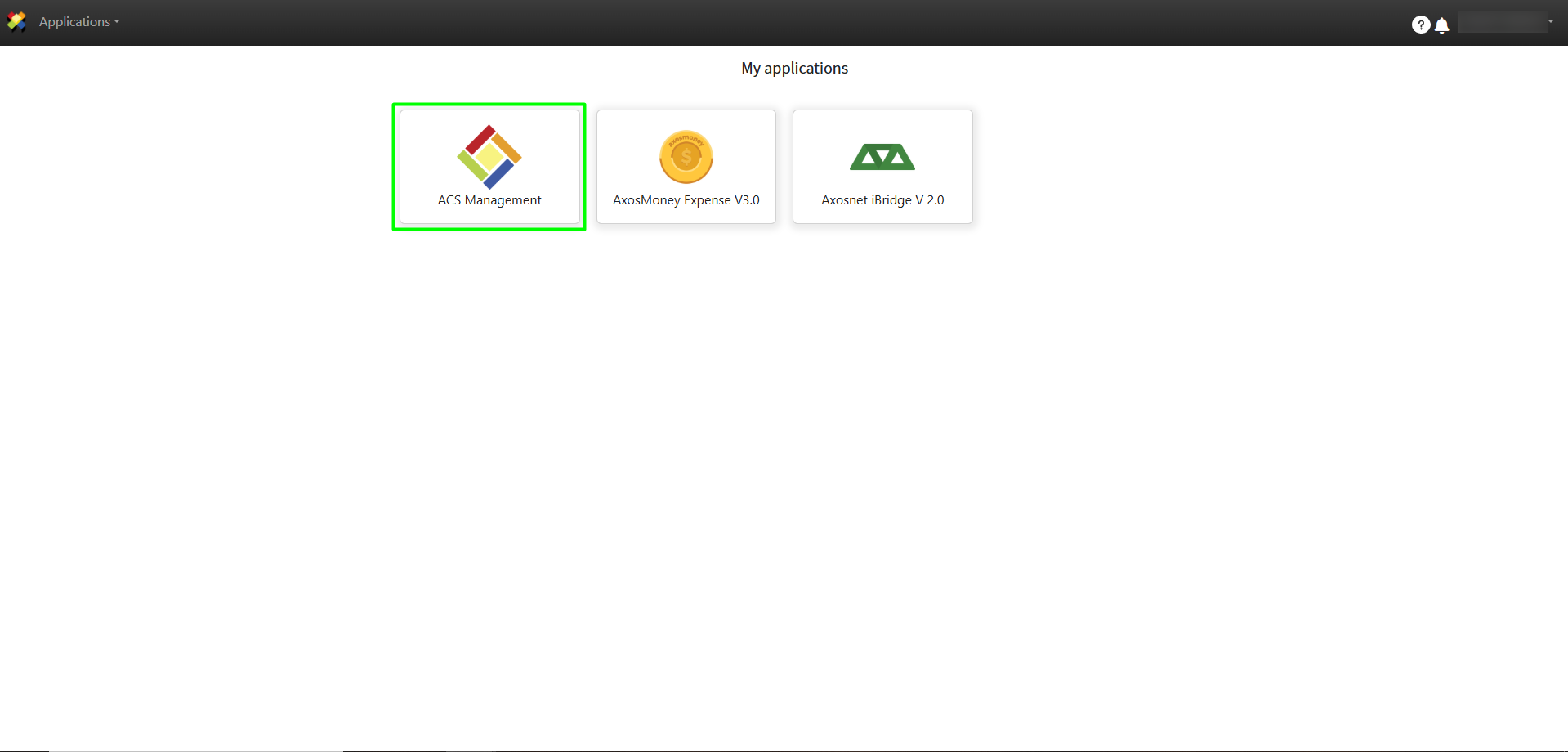
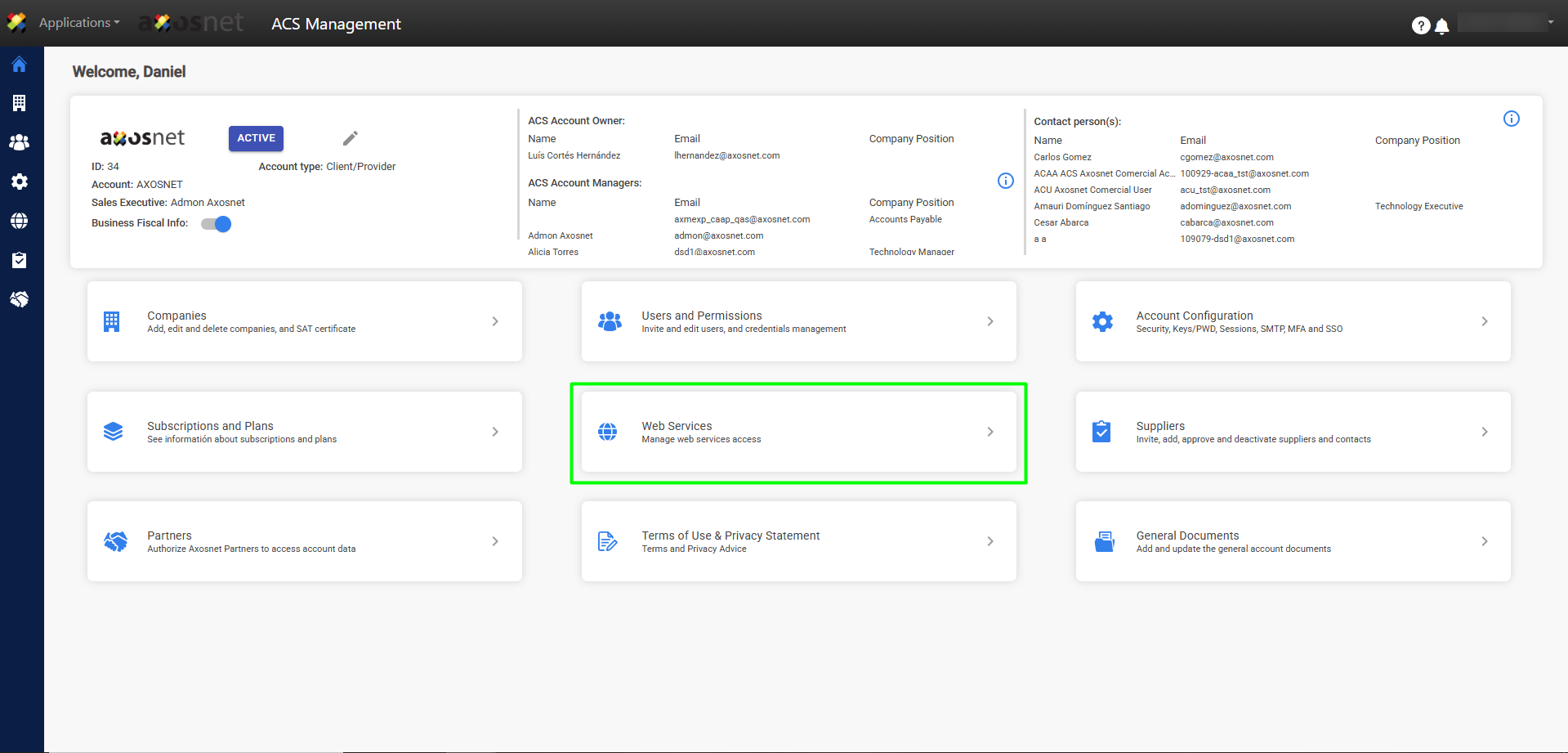
2. Click on the section Web Services.
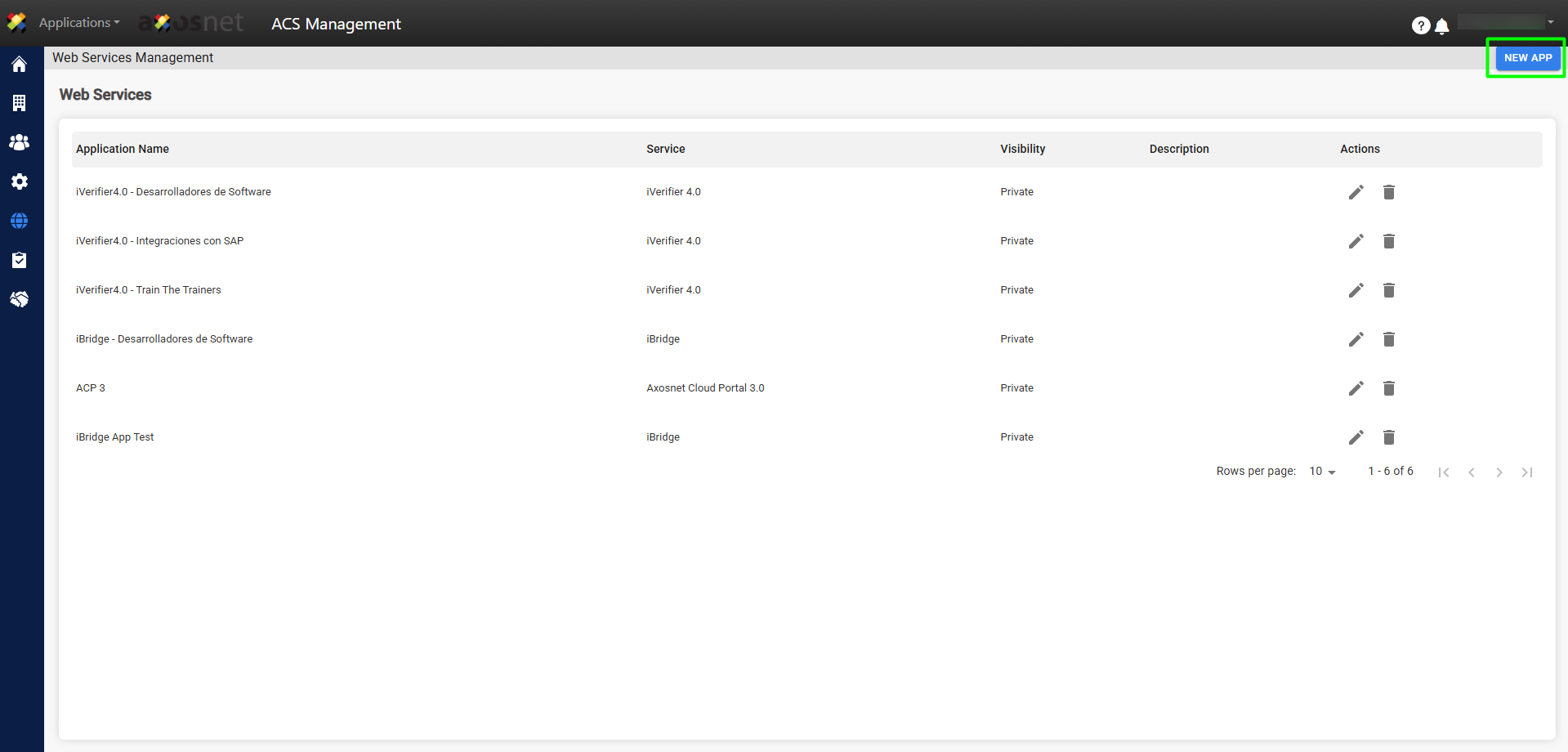
3. Click on New Application.
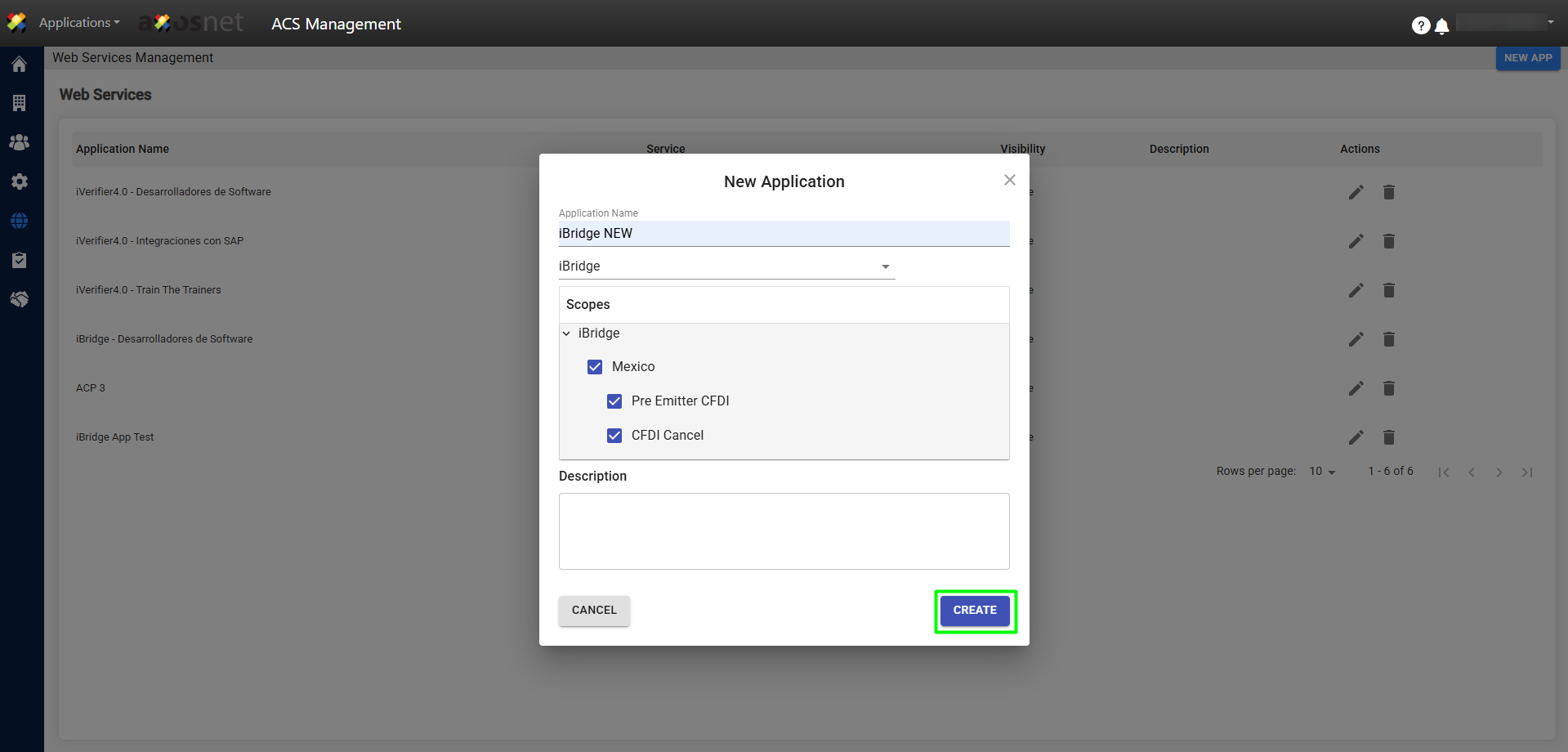
4. A pop-up window will appear. Add the name, select the iBridge application, the scope, and the description. Finally, click Create.
Scope Definition:
- CFDI Pre-issuance: This is the scope for invoice issuance.
- CFDI Cancellation: This is the scope for performing invoice cancellations.
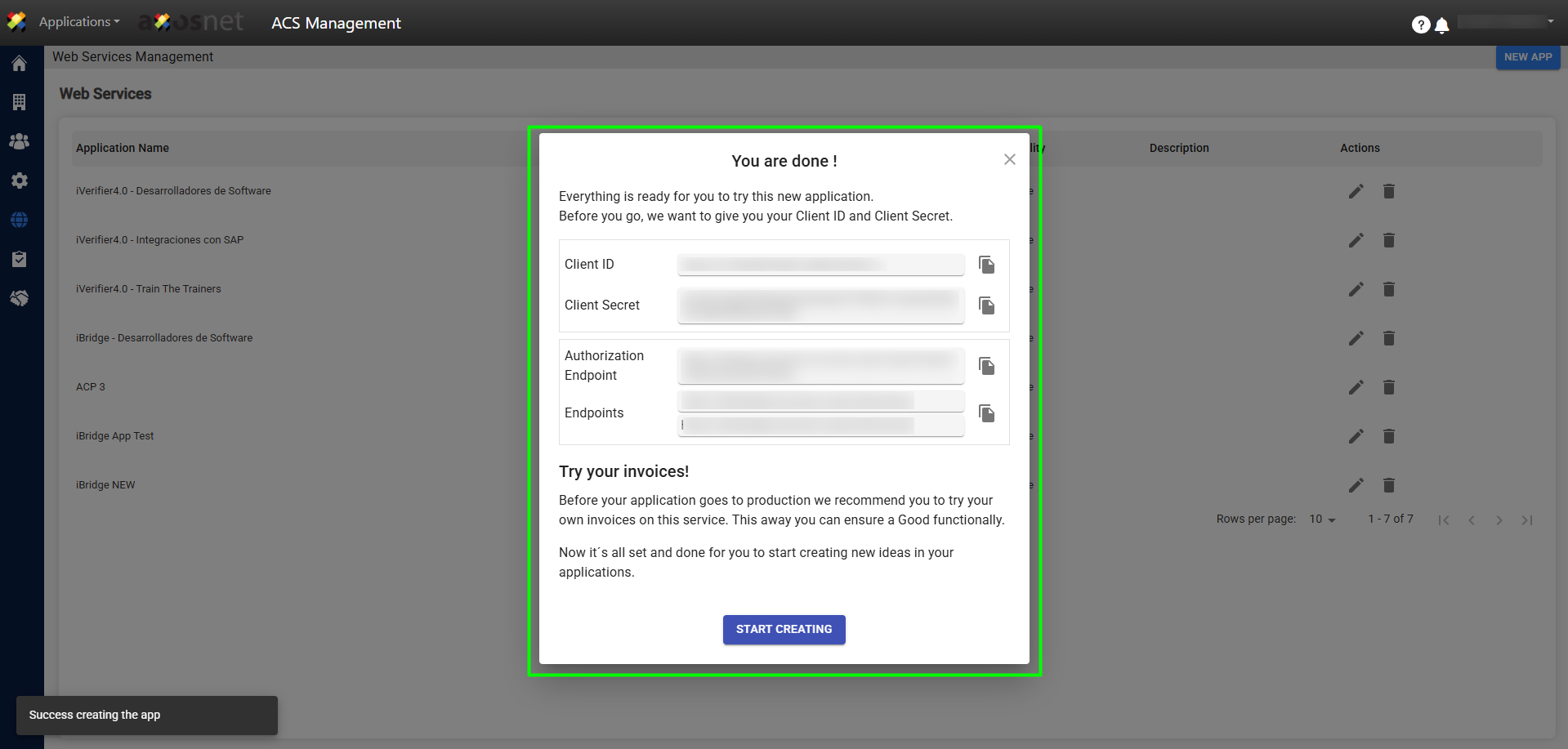
5. A new pop-up window will appear with the Client ID and Client Secret data so you can start using iBridge.