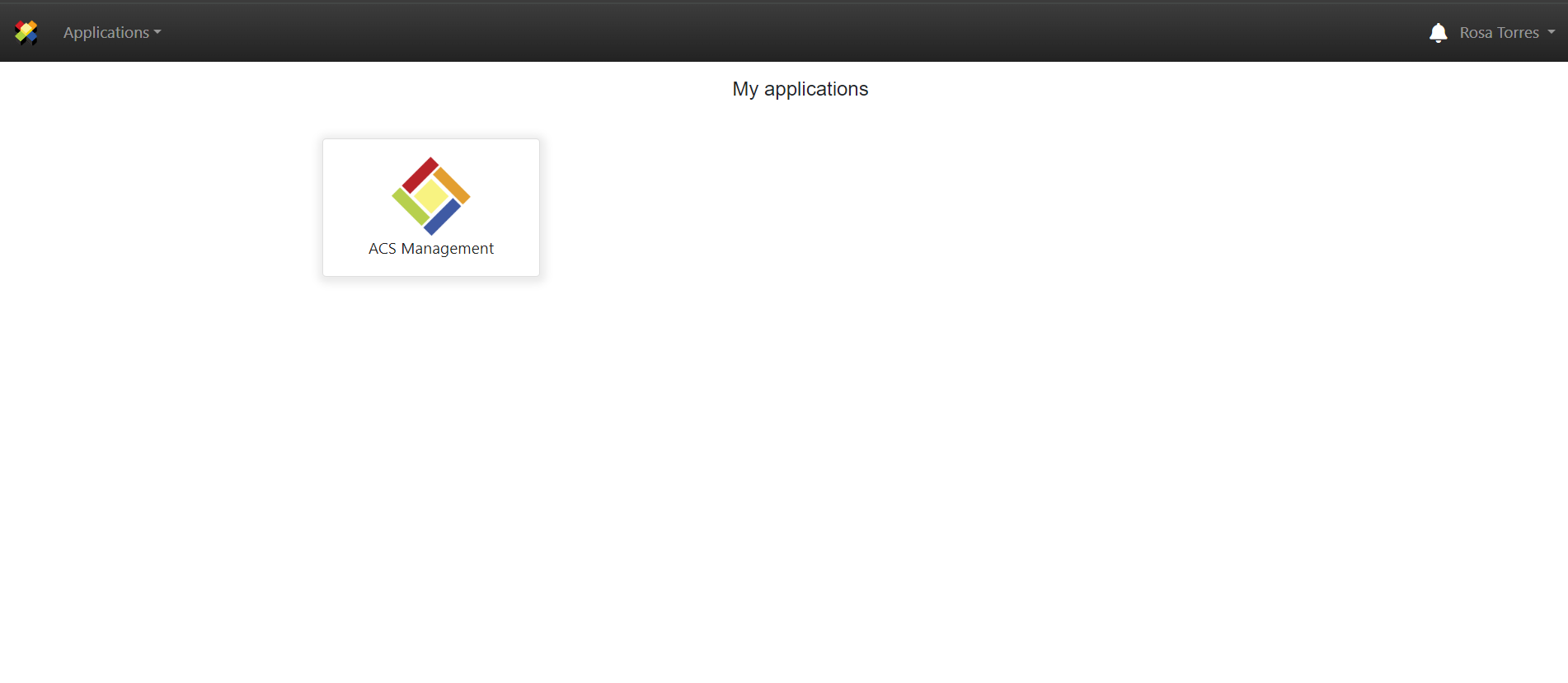
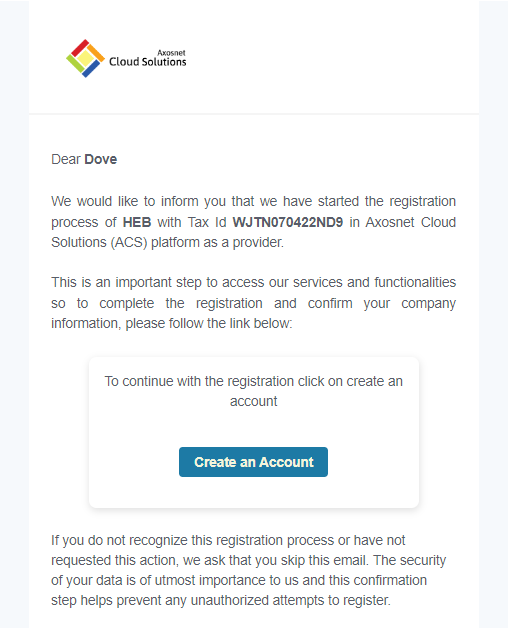
The supplier user will receive an invitation via email to join ACS as a supplier.
1. Click the “Create Account” button in the invitation email you received to begin the registration process.
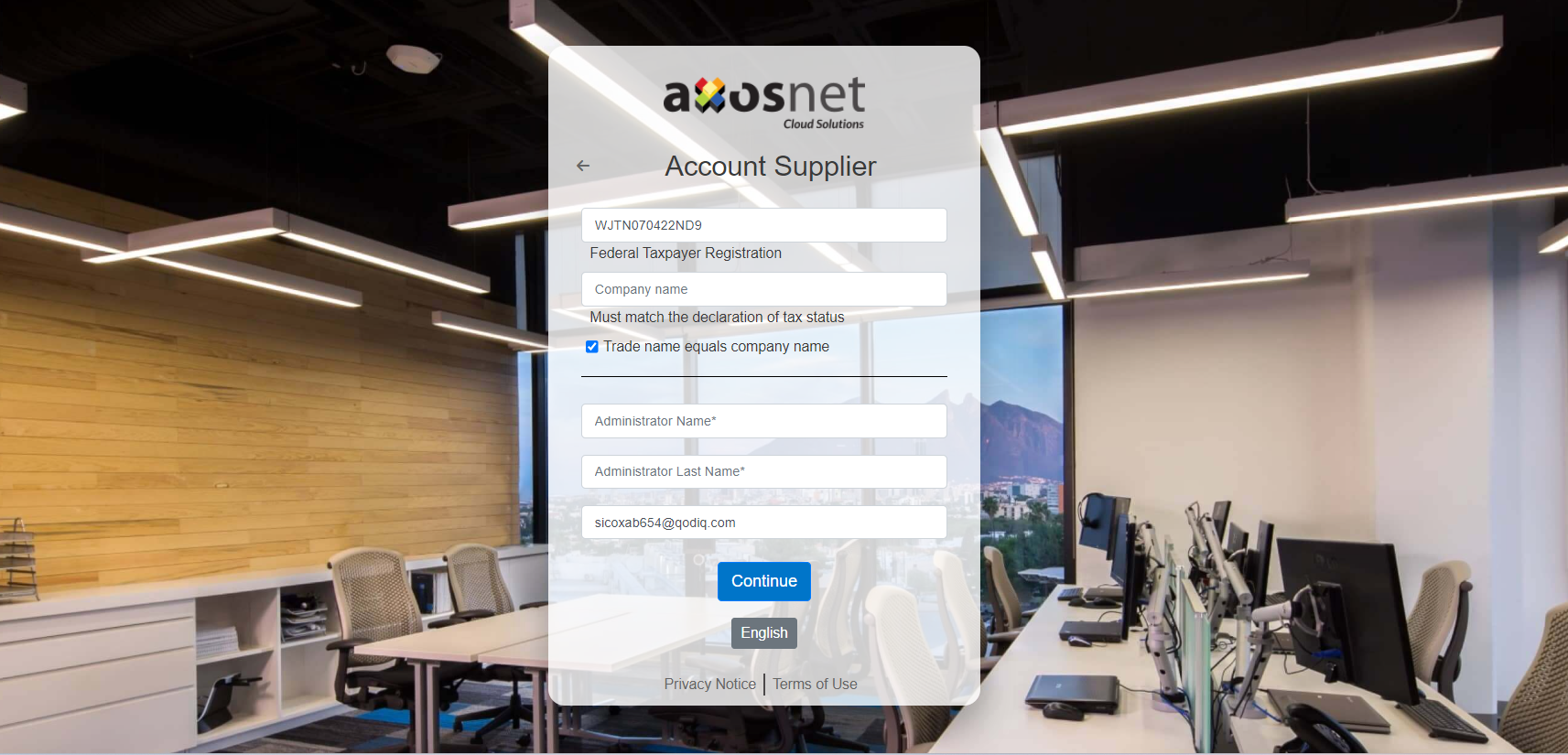
2. Enter your company details and click “Continue”.
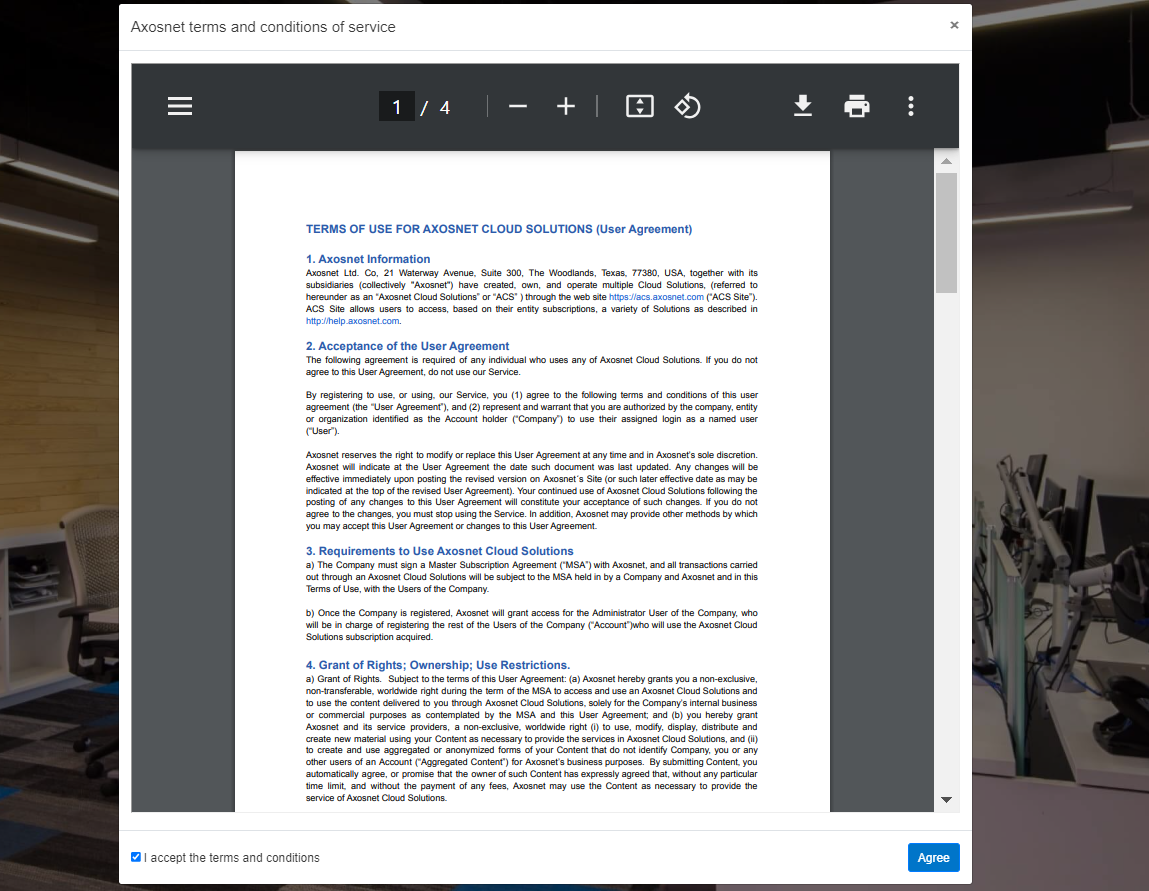
3. Read and accept the terms and conditions. Mark the checkbox and click “Accept”.
4. Enter a password that meets the required criteria and click “Create Account”.

5. You will receive an email with an activation code. Click “CONFIRM NOW”.
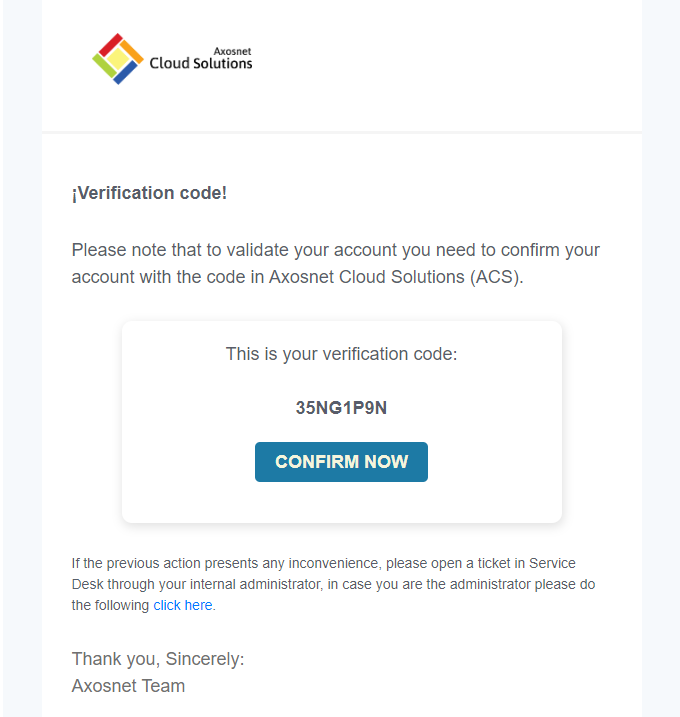
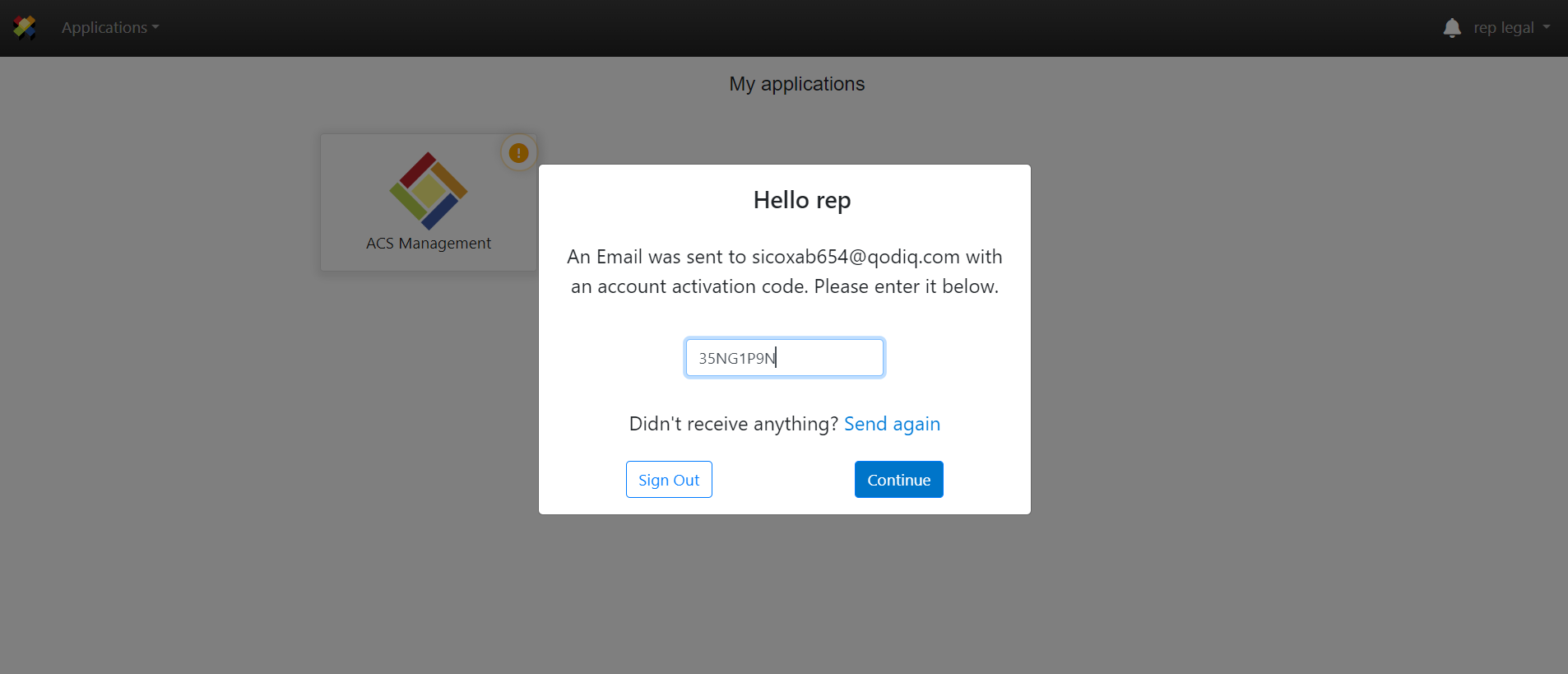
6. Enter the verification code and click “Continue.”
7. A success message will appear confirming account activation. Click “Close.”
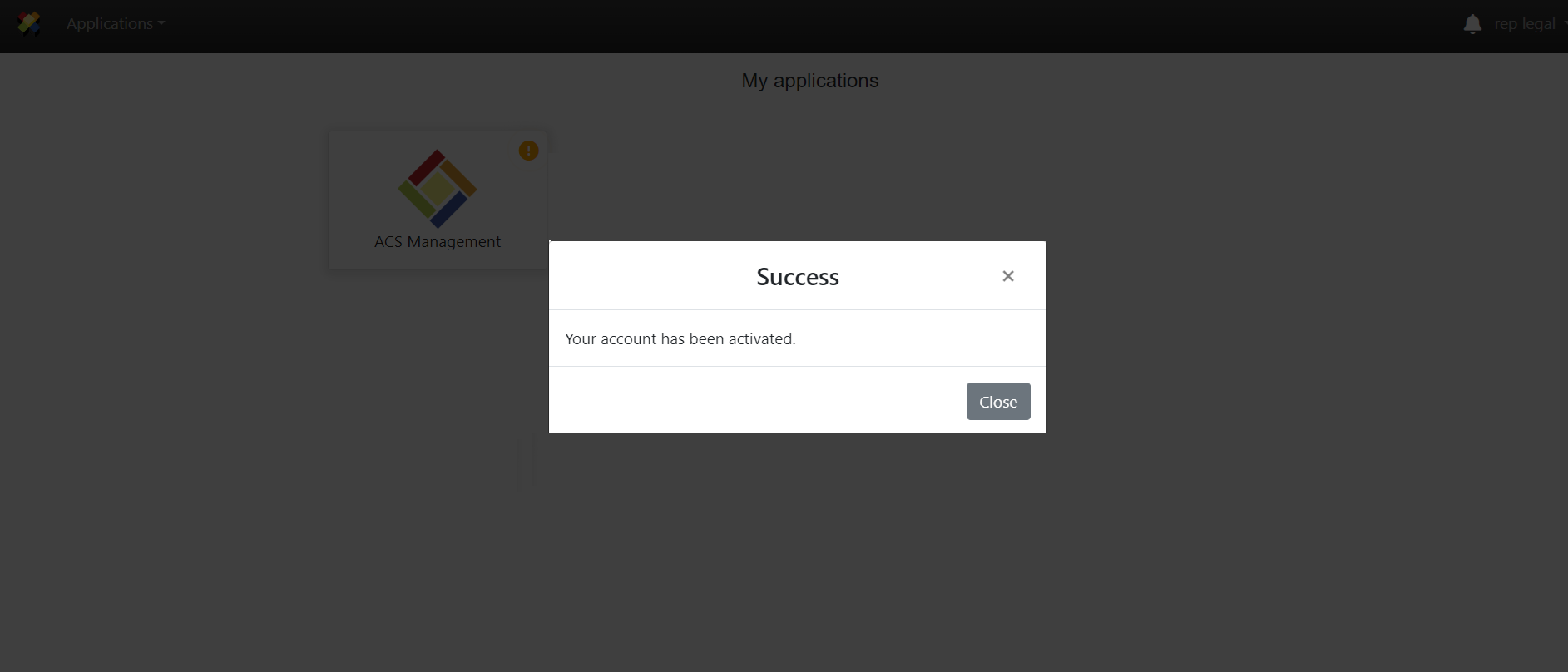
8. You will see the ACS Management icon with a warning icon indicating that, after your account is activated, you must complete the business registration process.
Note: Go to the “Complete Registration” section and follow the steps to successfully complete your business registration as a supplier.