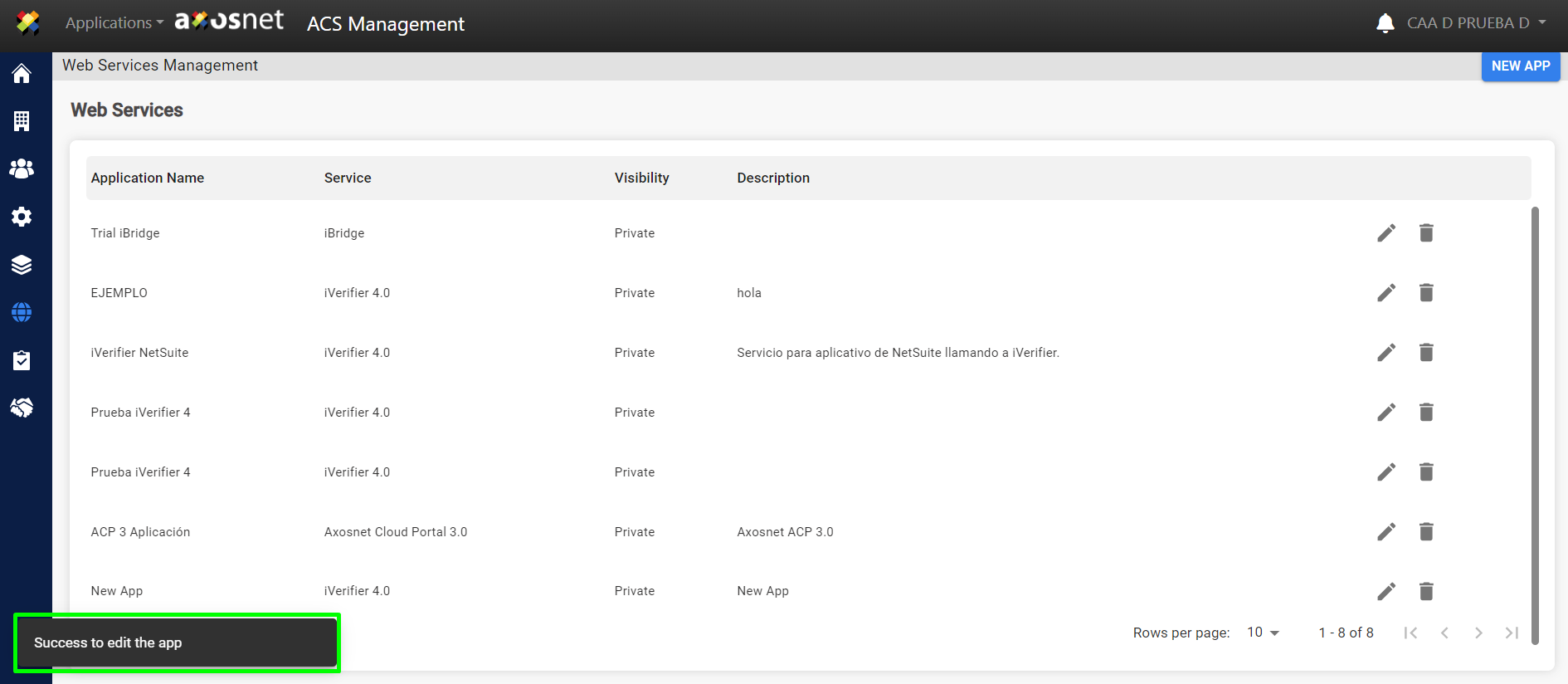
Follow these steps to modify the content of an application:
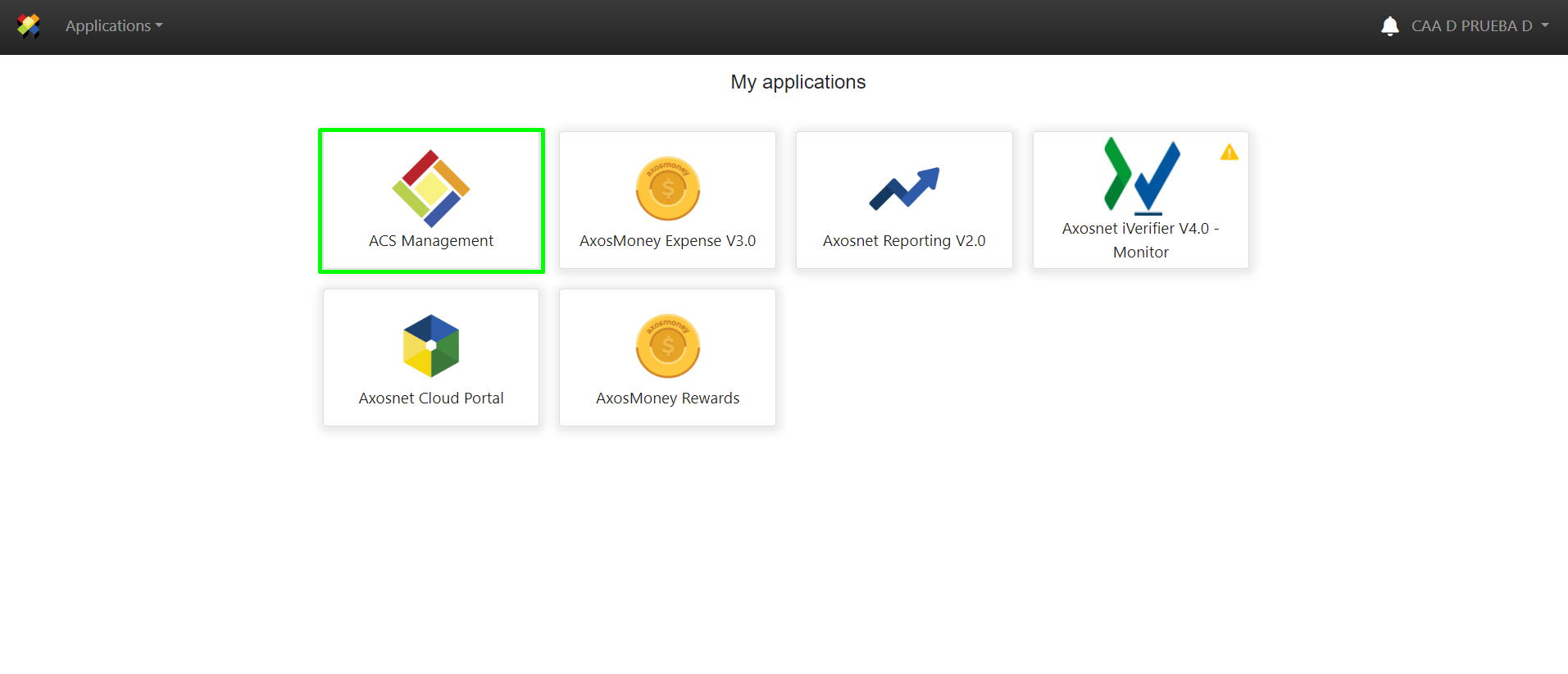
1.Access ACS Management.
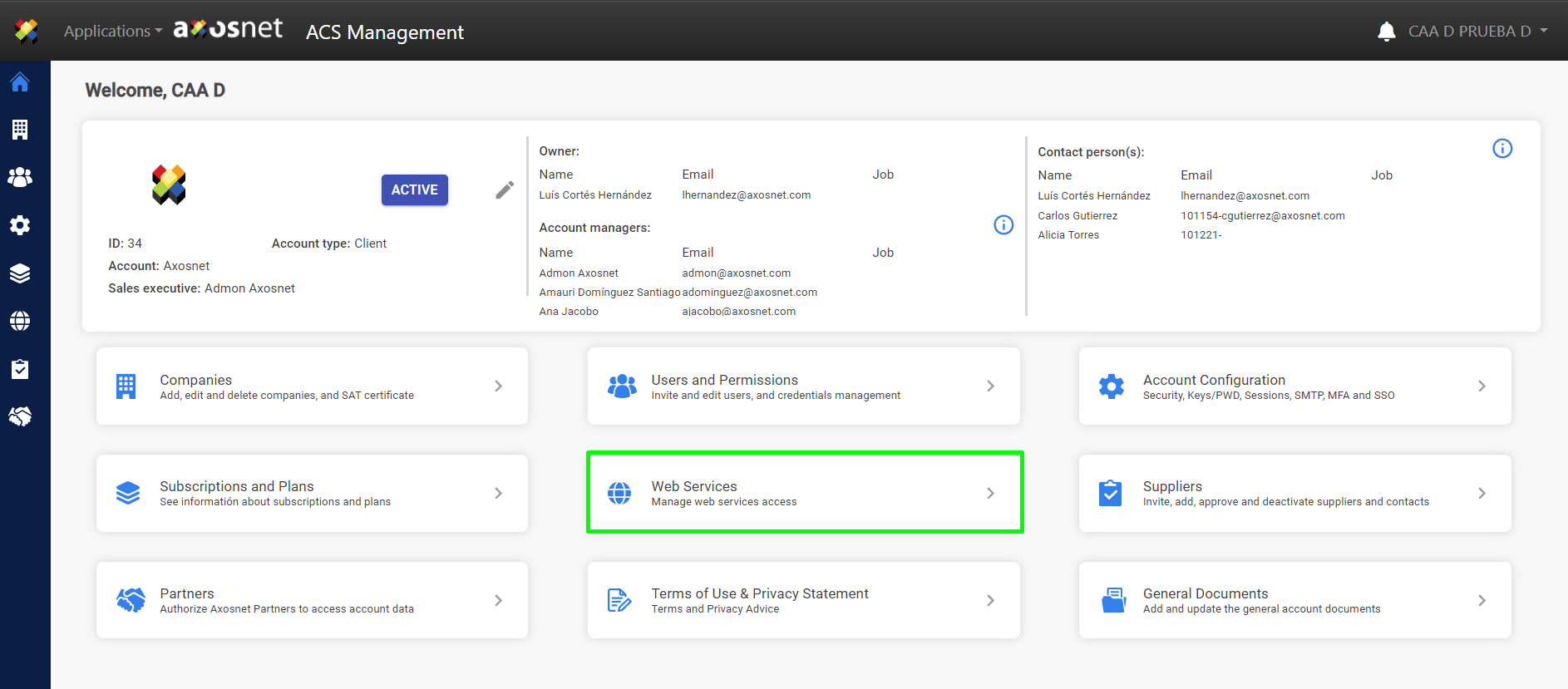
2. Select “Web Services.”
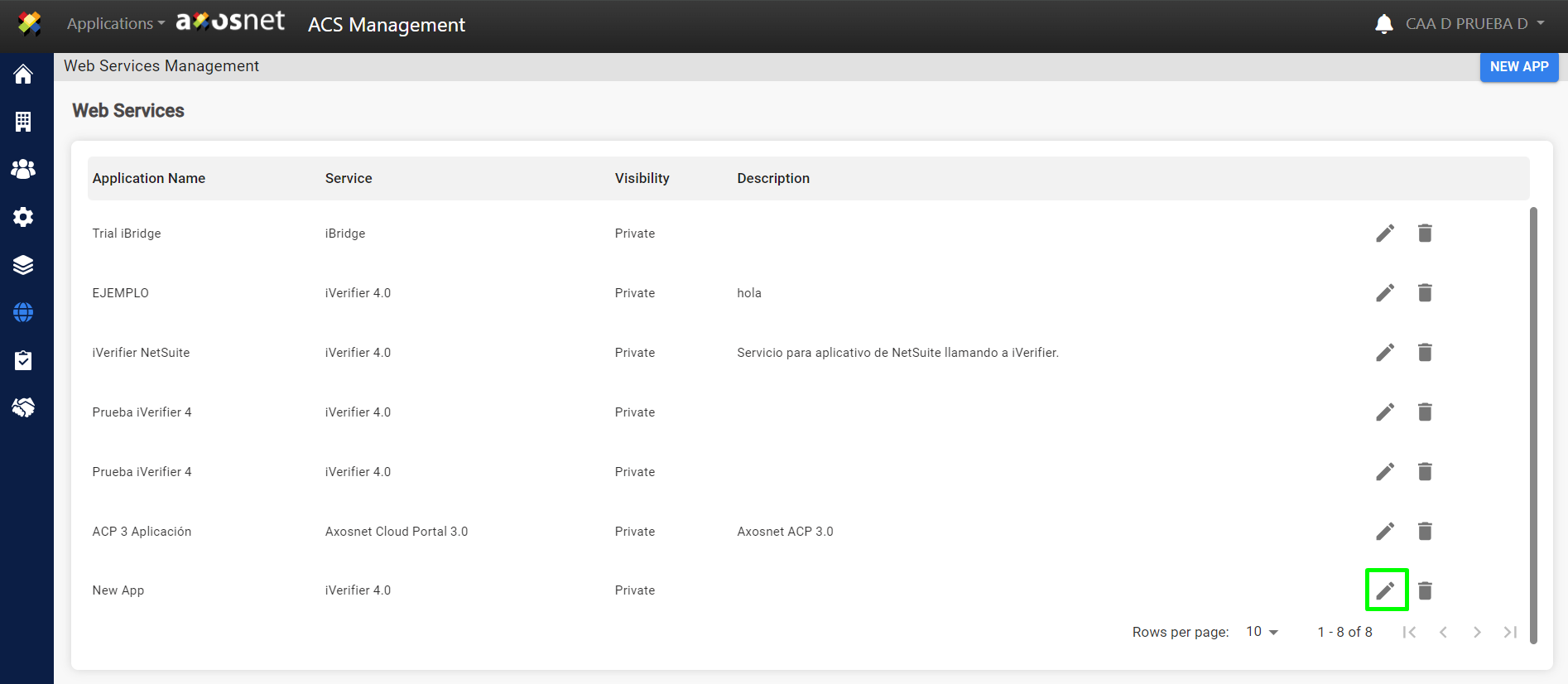
3. Click on the “Details” button.
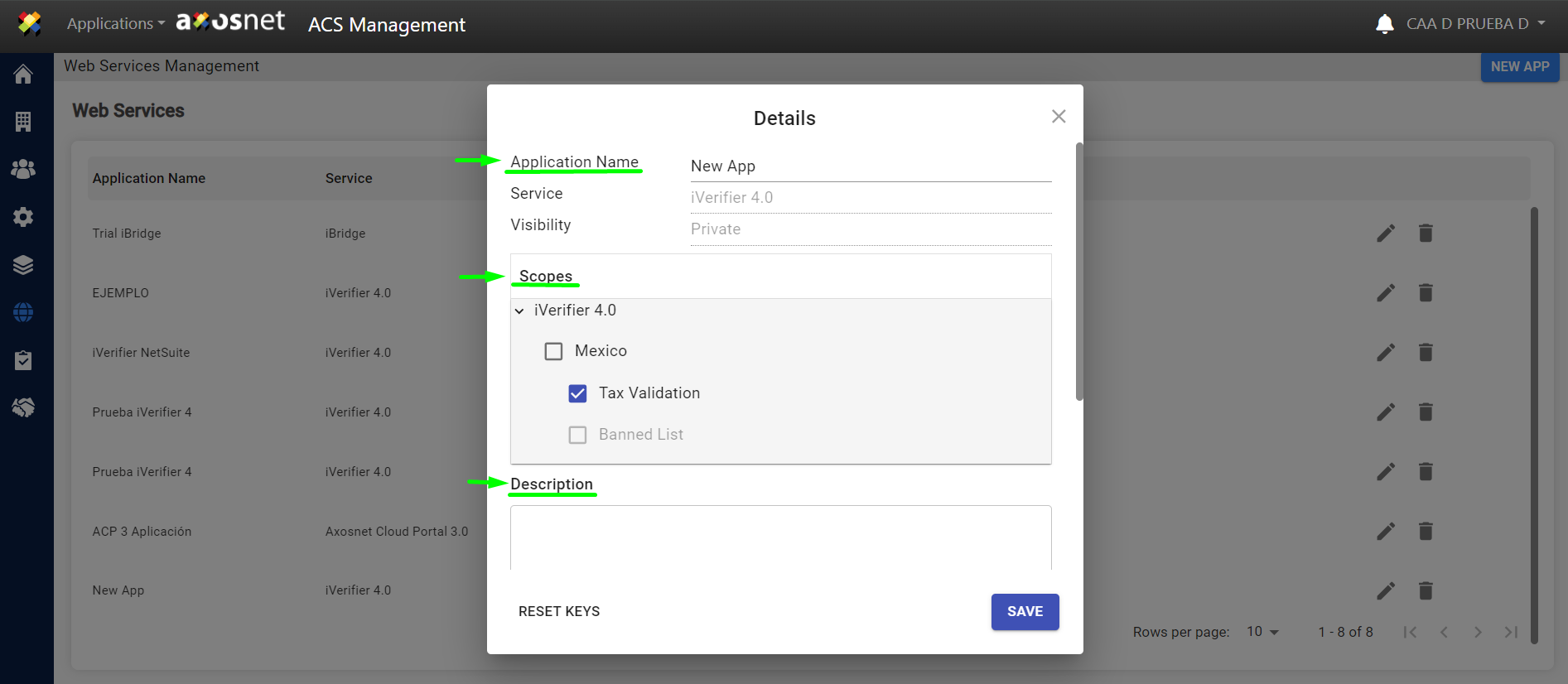
4. In this section, you can edit the fields:
- Application Name
- Scopes
- Description
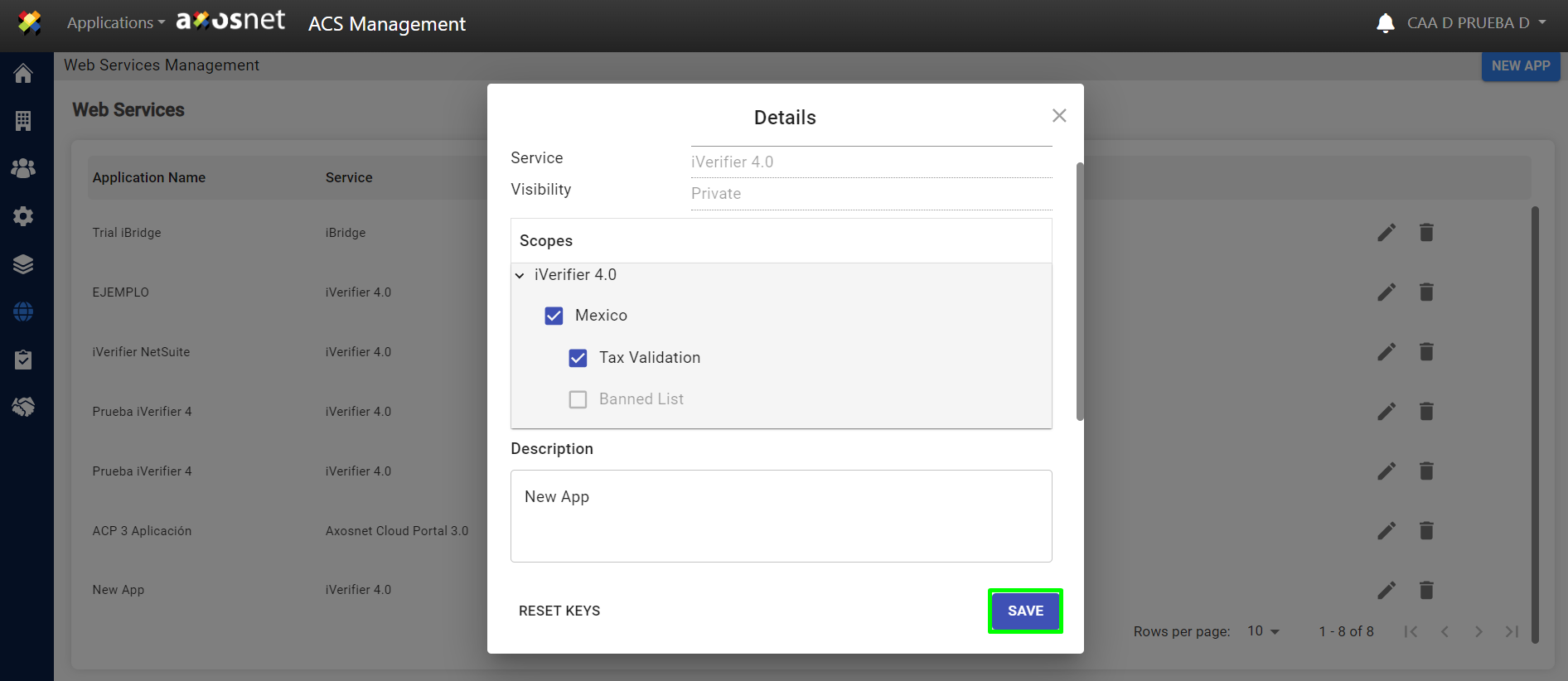
- After making changes, click on “SAVE.”
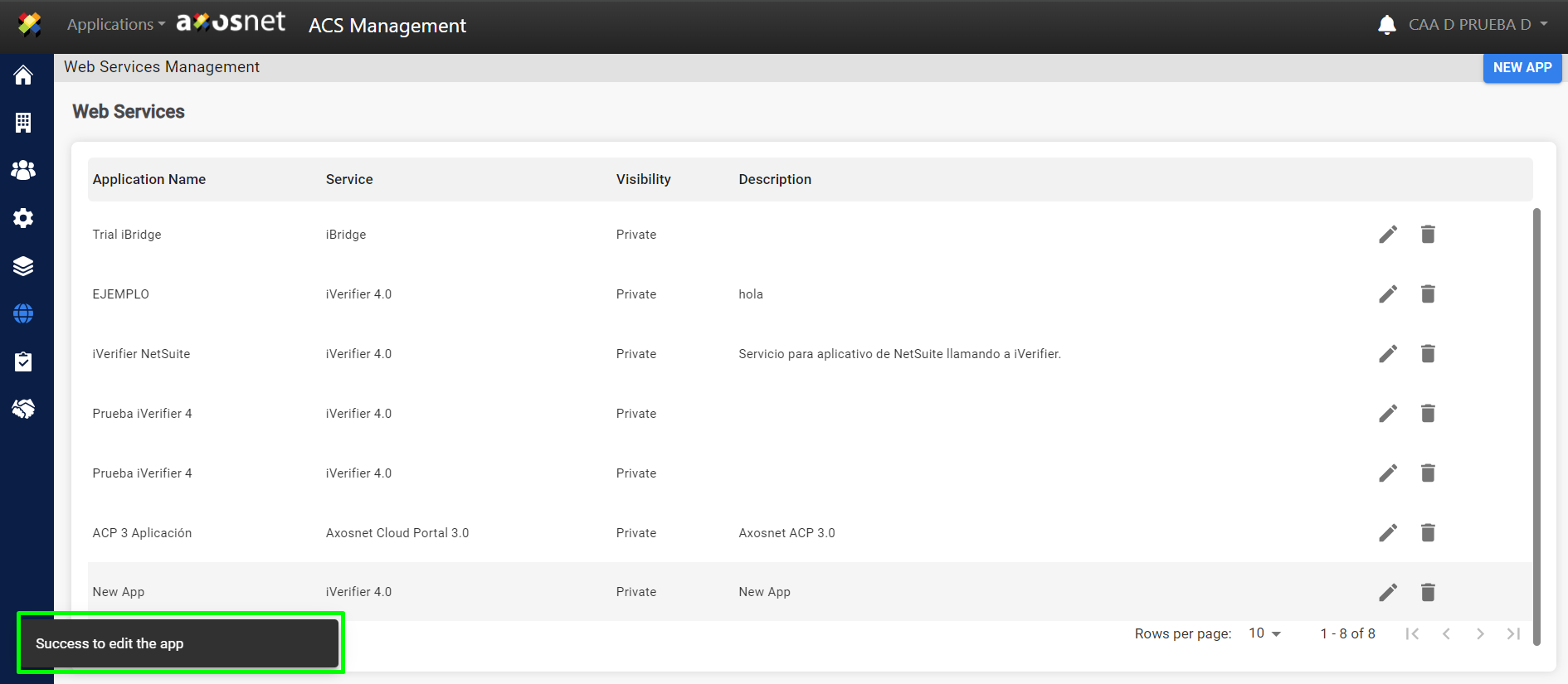
 2. A notification message will appear indicating that the modified data has been saved successfully.
b) Resetting Keys:
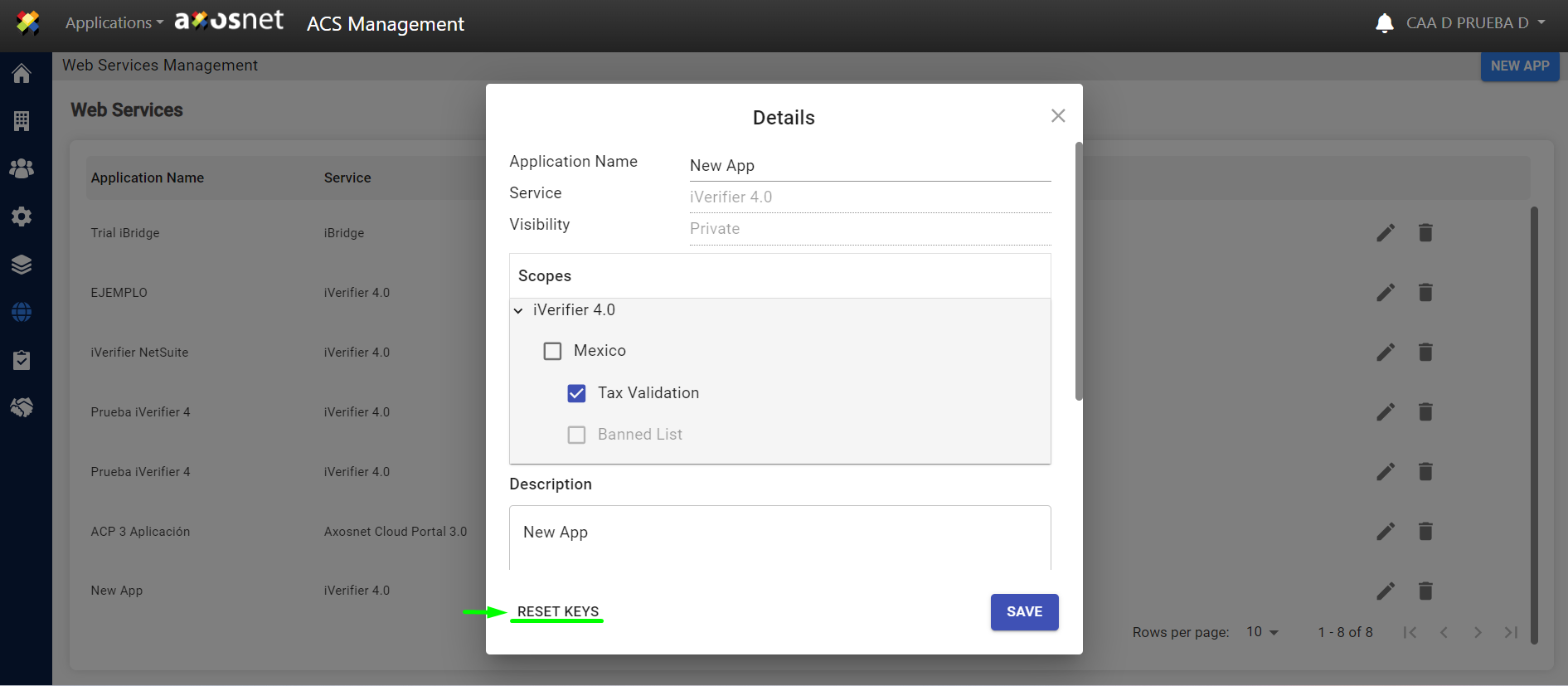
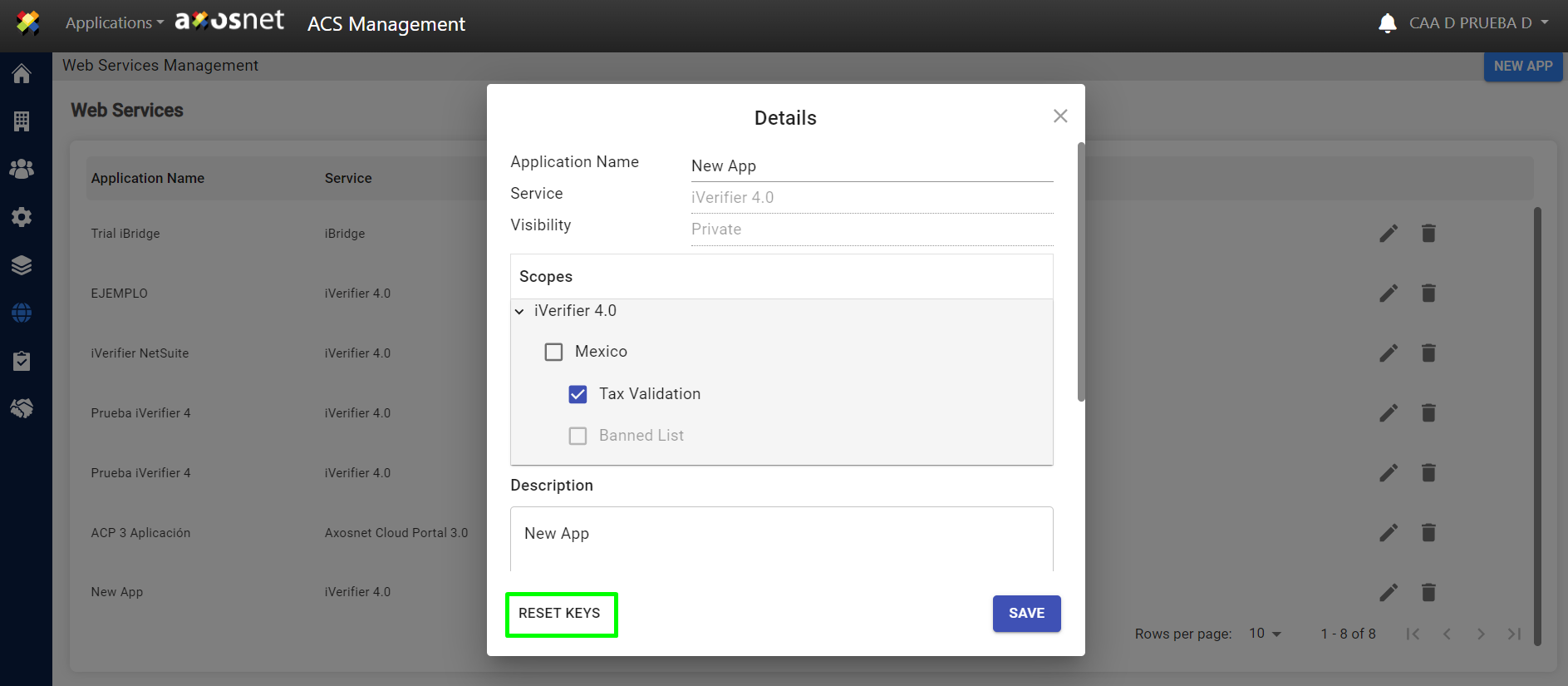
1.If you wish to reset the keys for this application, click on the “RESET KEYS” button.
2. To confirm the operation, click on the “ACCEPT” button.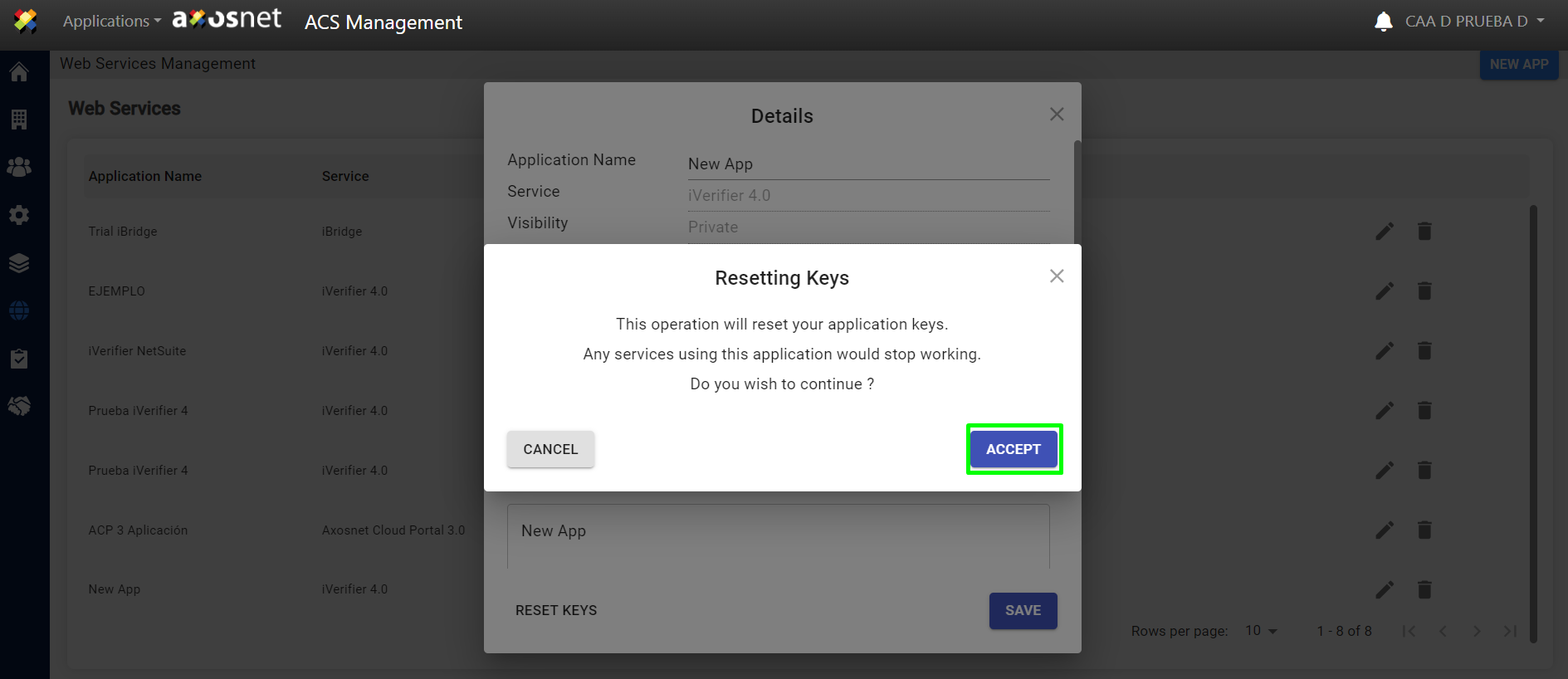
3. A confirmation message will appear indicating that the keys have been modified.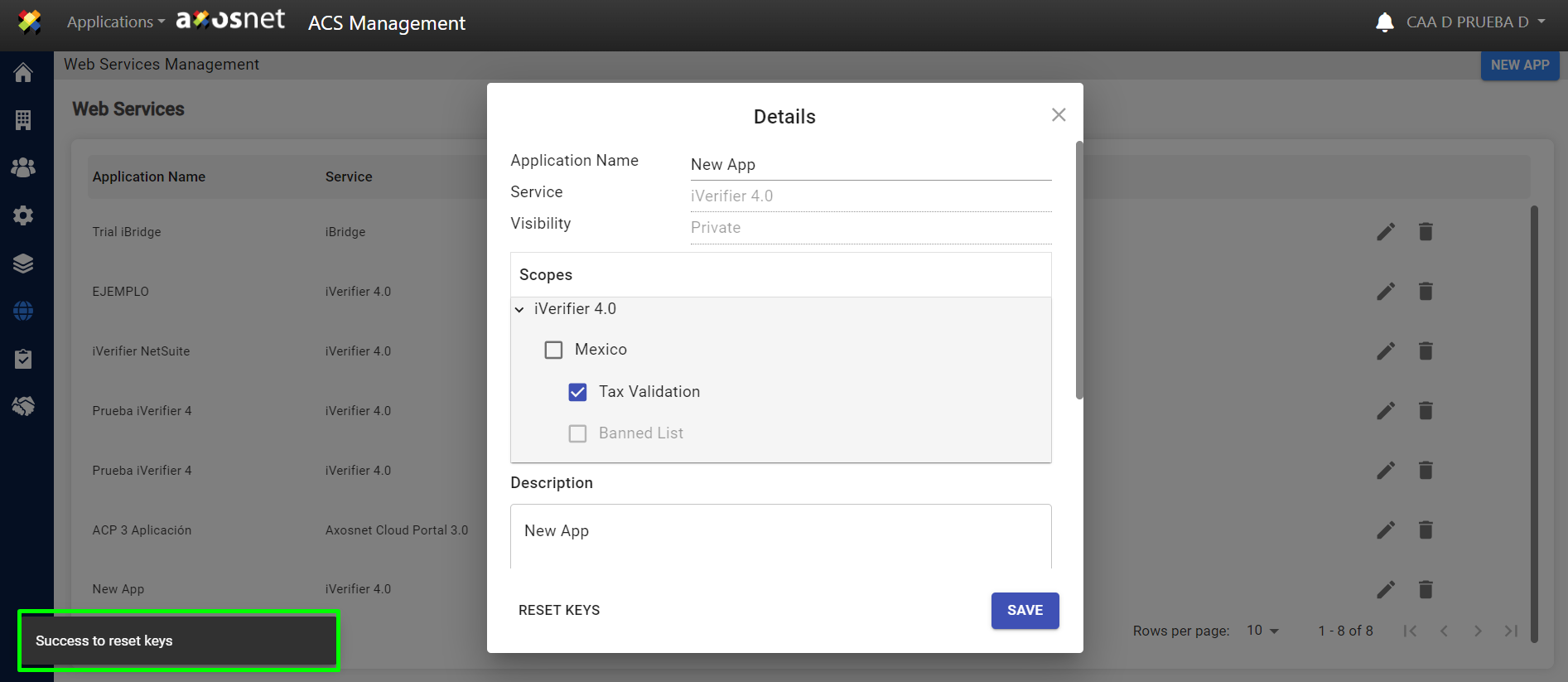
4. To retain the changes, click on “SAVE.”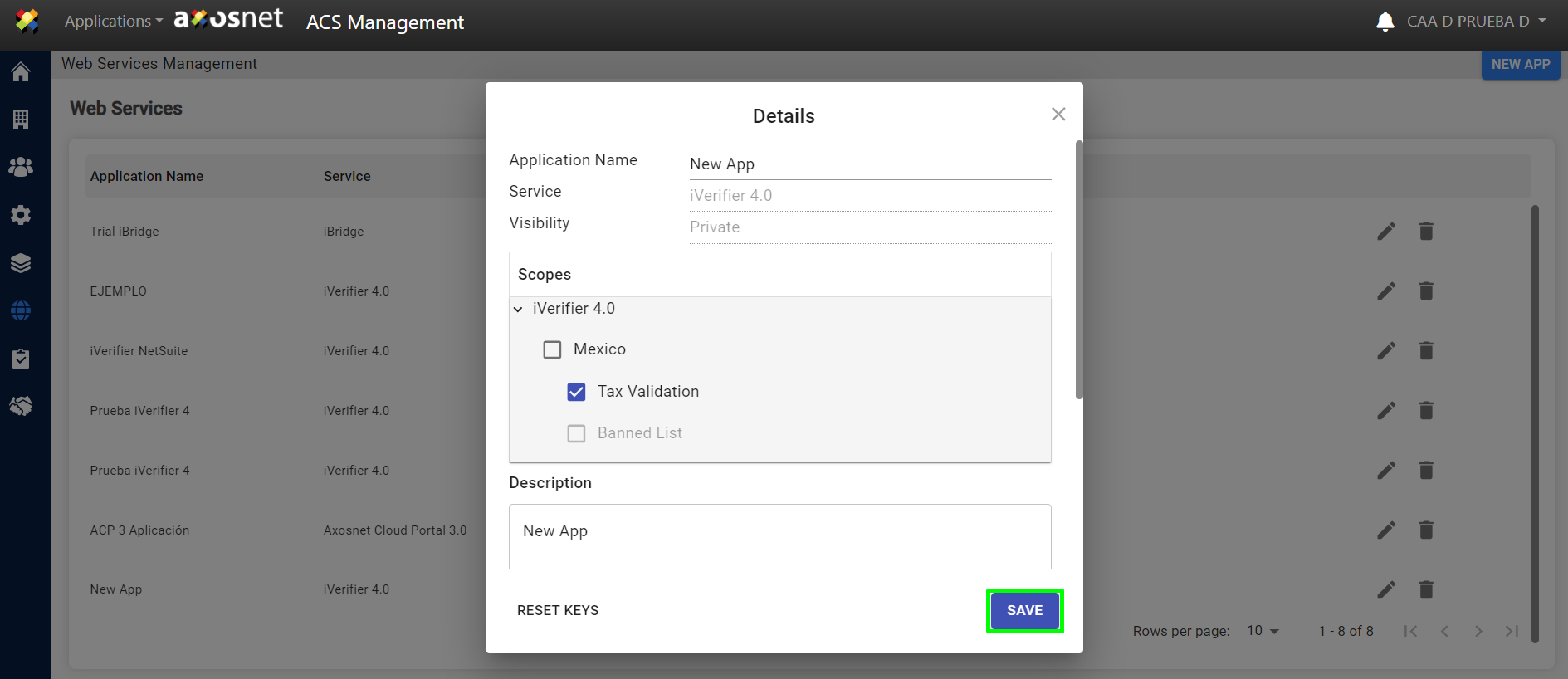
5. A notification message will appear indicating that the modified data has been saved successfully.