
A delegate is a collaborator who is assigned the role of temporary leader to perform the functions of approving or rejecting the established pending recognitions.
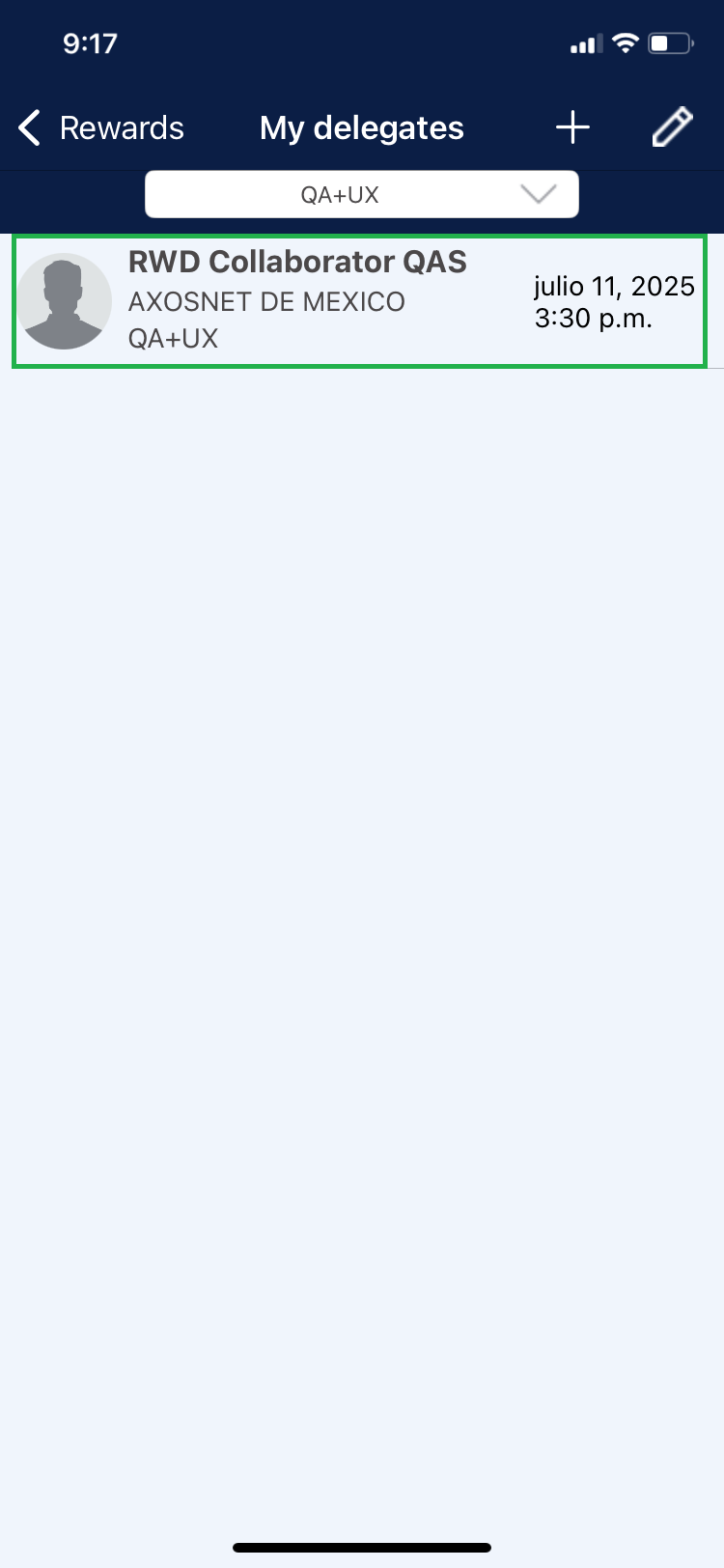
1. Click on “My Delegates” to display the list of all collaborators who are currently delegating to a team.
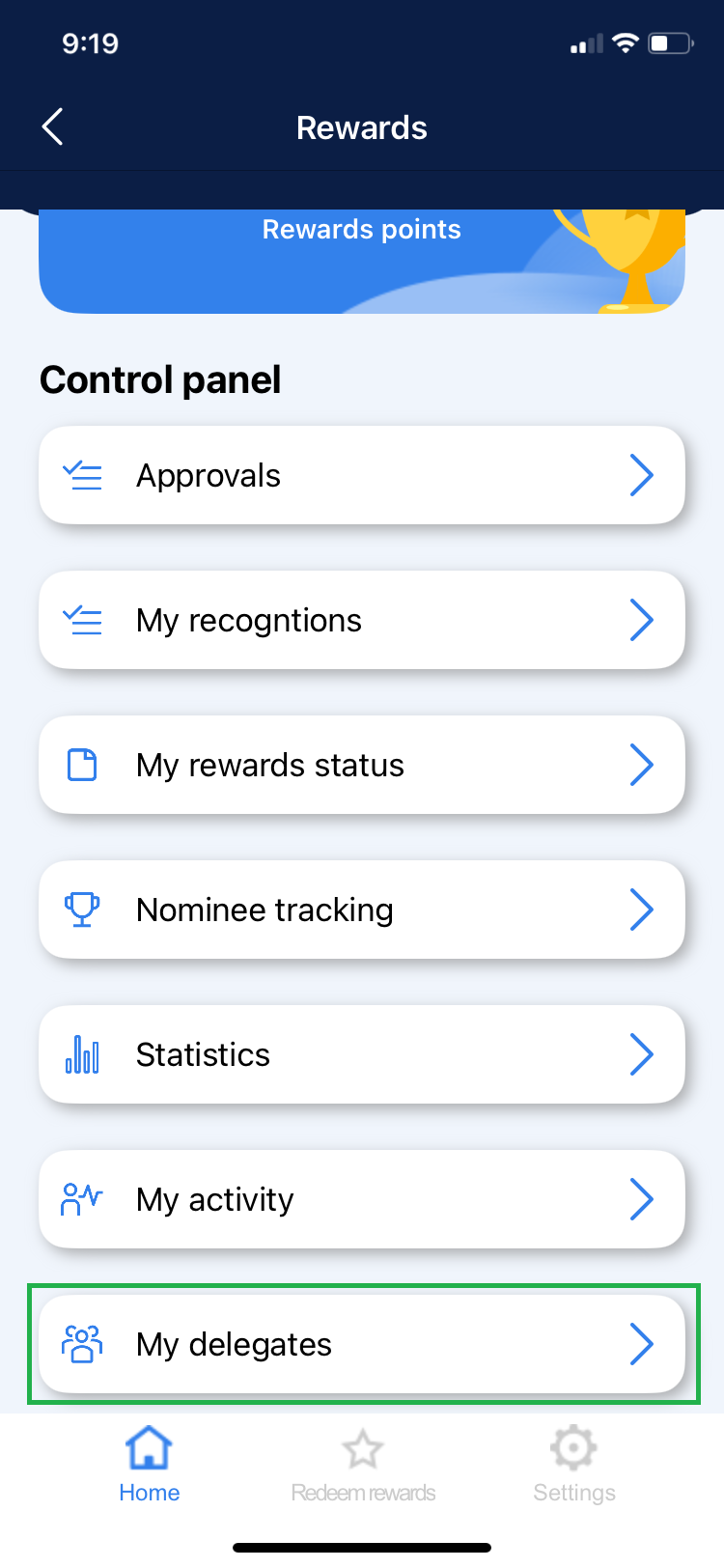
Note: Users who have already delegated previously and the time period has expired are highlighted in red.
Add Delegates
A team member can be assigned as a delegate in more than one team at a time, but a team cannot have more than one delegate at the same time.
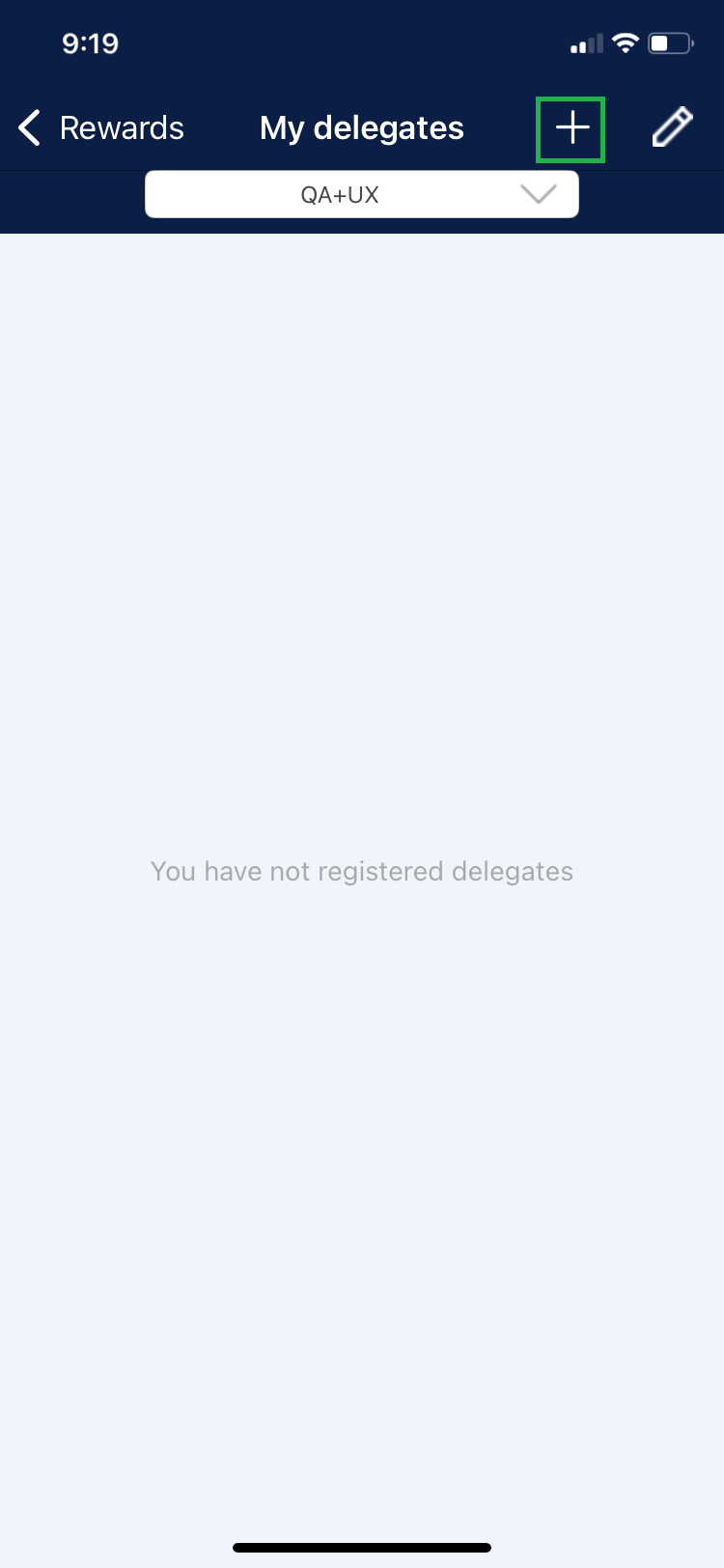
1. Click on the “+” icon to add a delegate.
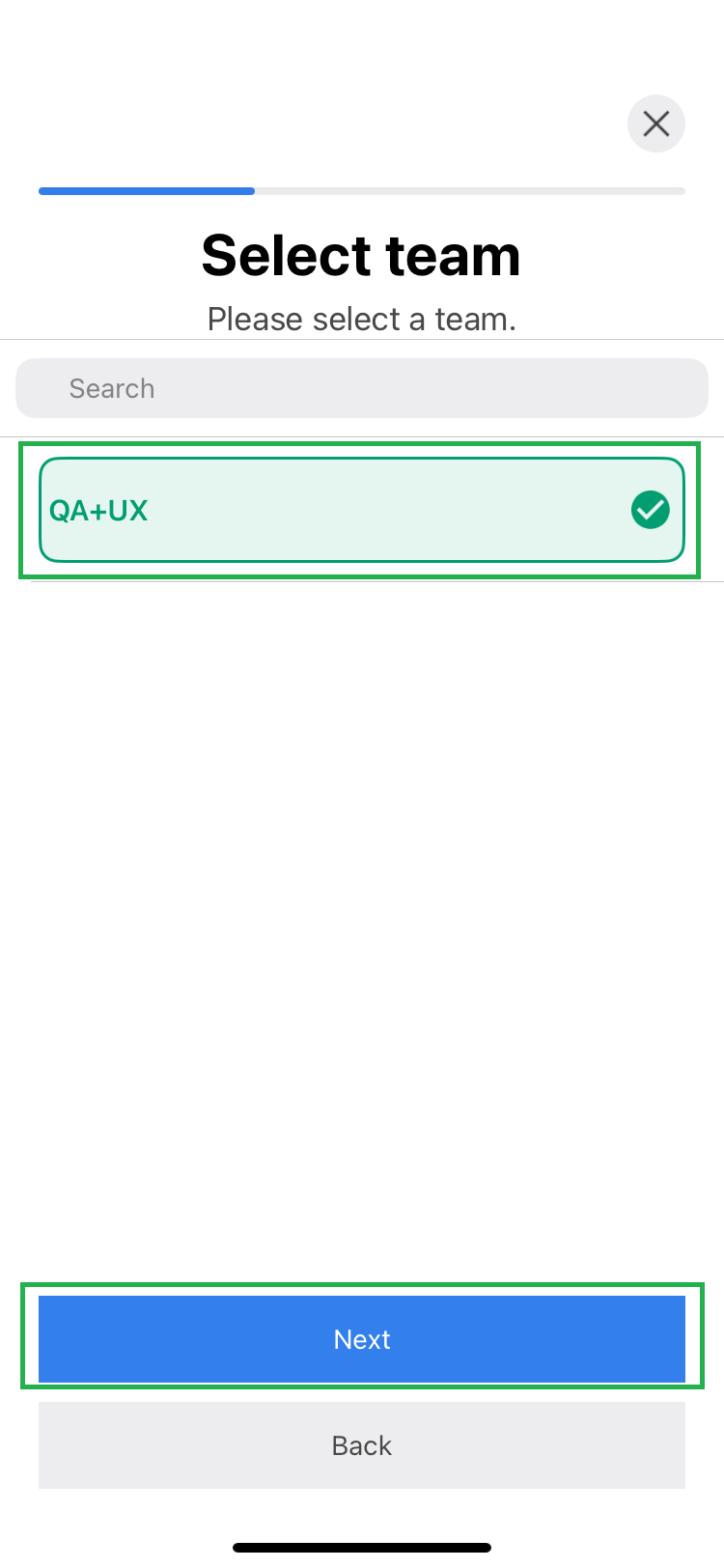
2. Choose the team to delegate and then click on “Next”.
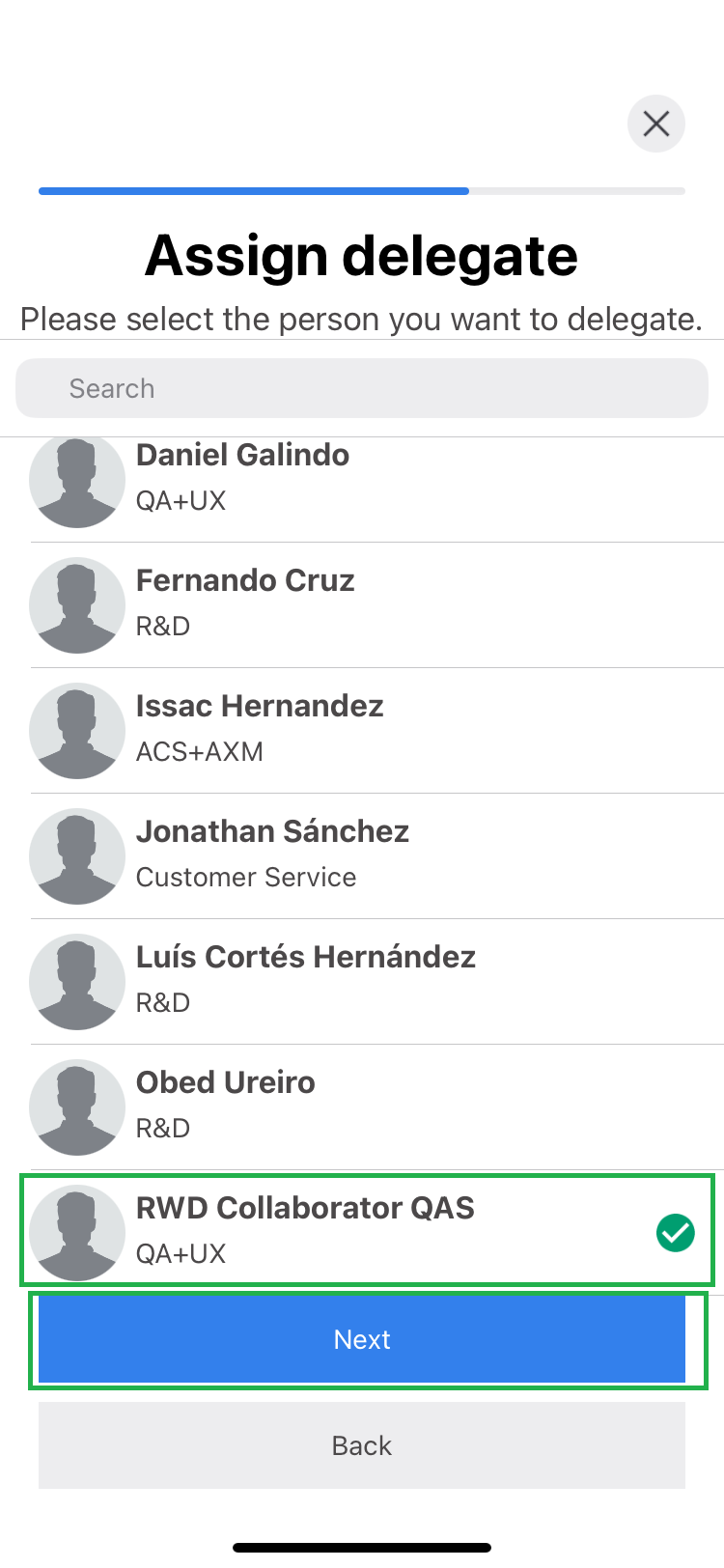
3. The list of available collaborators that you can assign as a delegate will be displayed, select the collaborator and click on “Next”.
4. Indicate the time that the assigned user will be able to delegate to the selected team. Then click on “Save”.
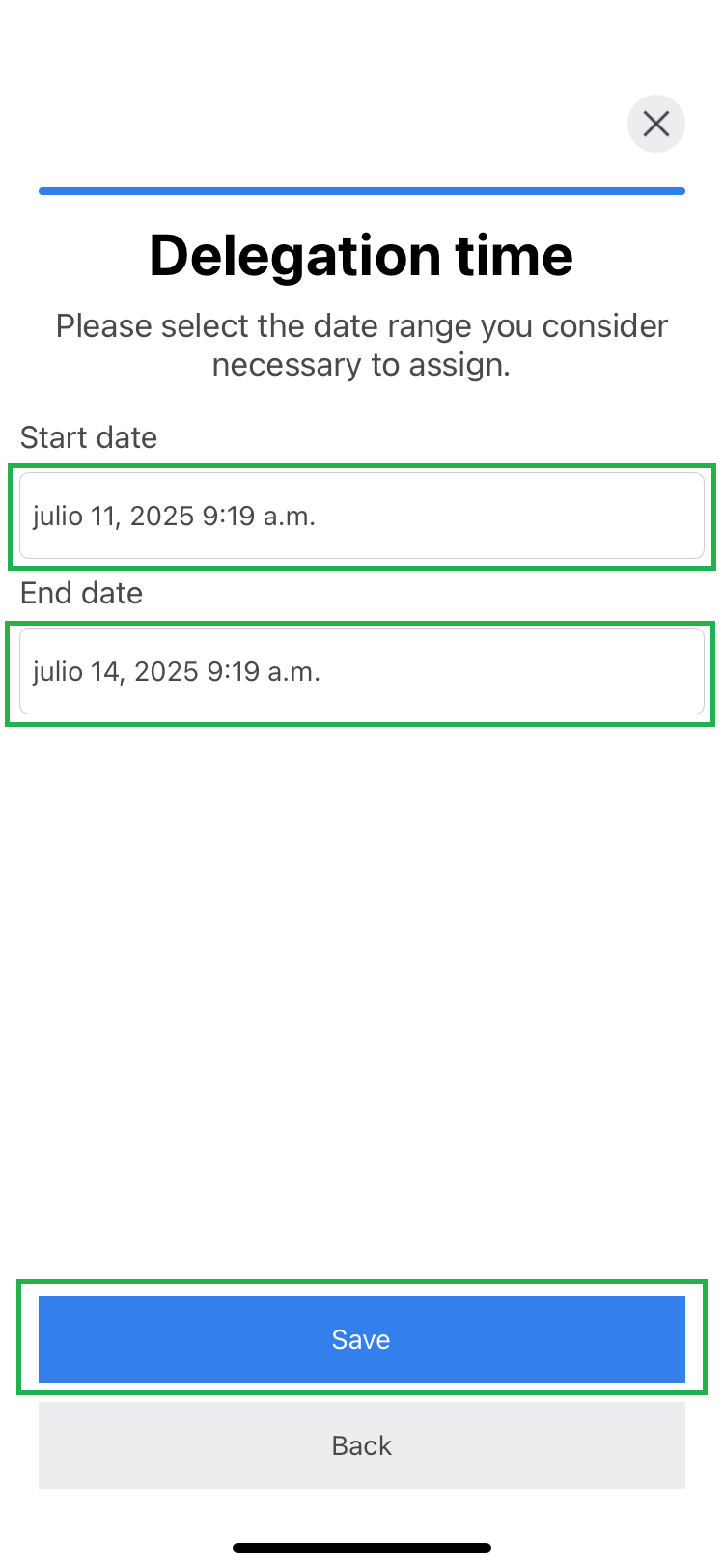
5. A notification message appears about the change made.

Edit a Delegate
You can adjust the duration of a team member’s delegation, either by shortening or extending the previously assigned period.
Note: This modification can be made by the super admin or only by the leader of the team to be delegated.
1. In the list of My Delegates, select the delegate you want to modify.
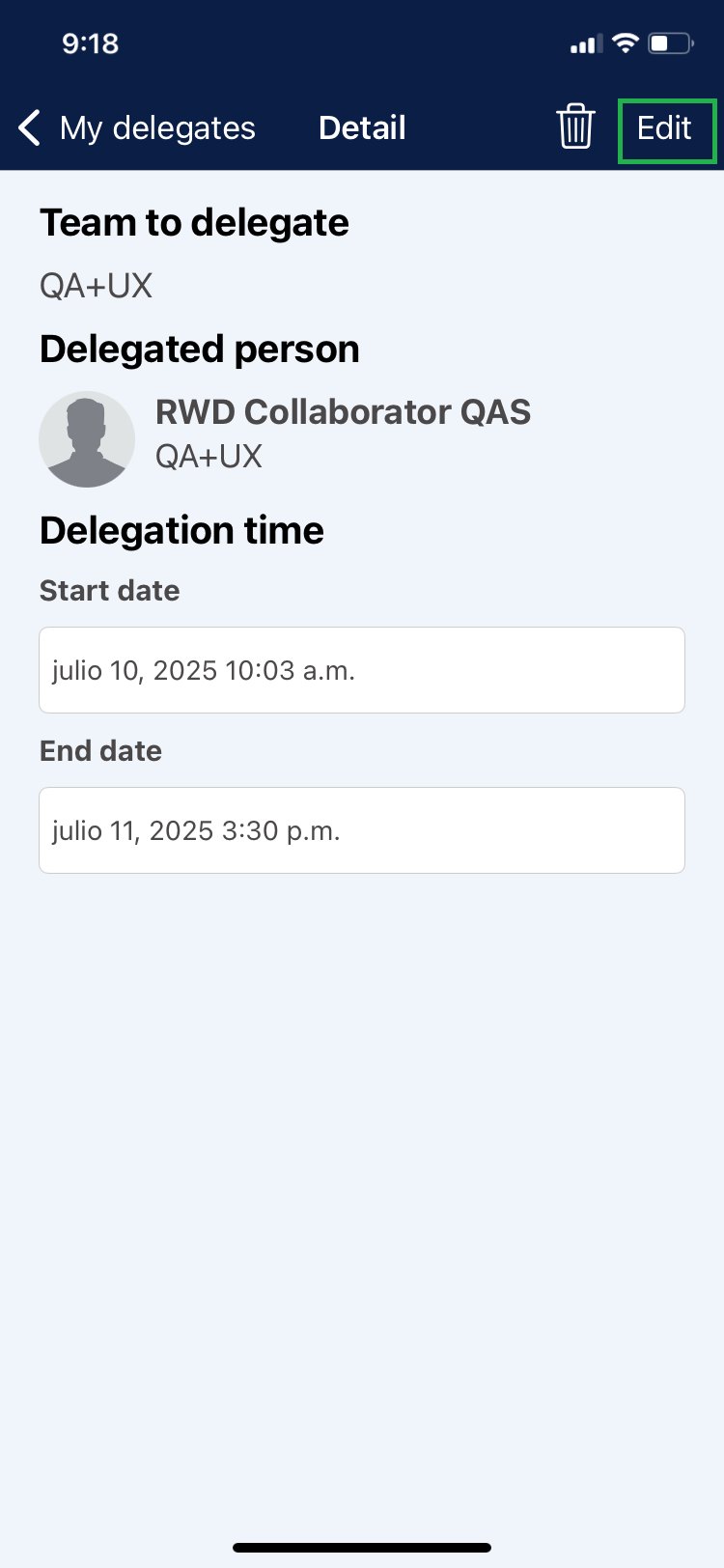
2. Click on the “Edit” button.
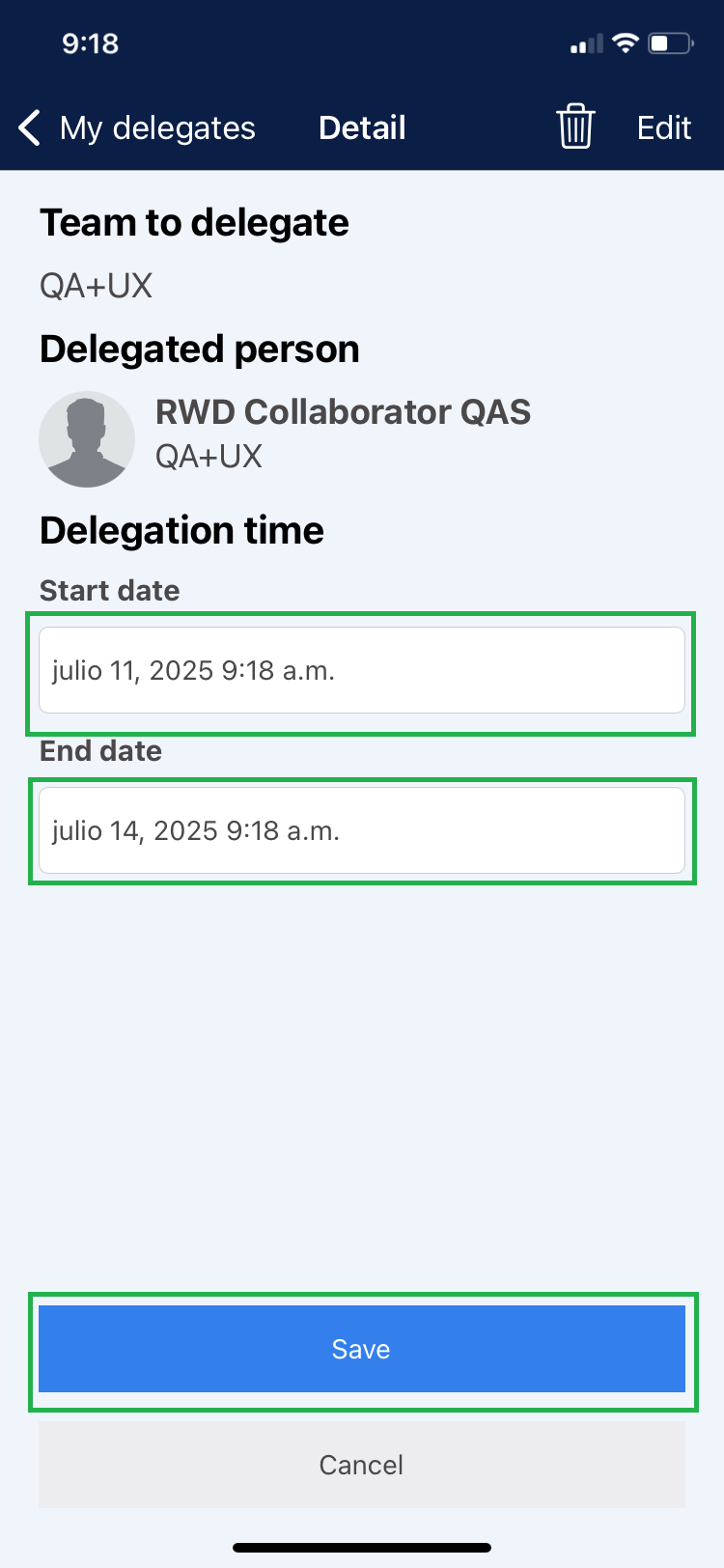
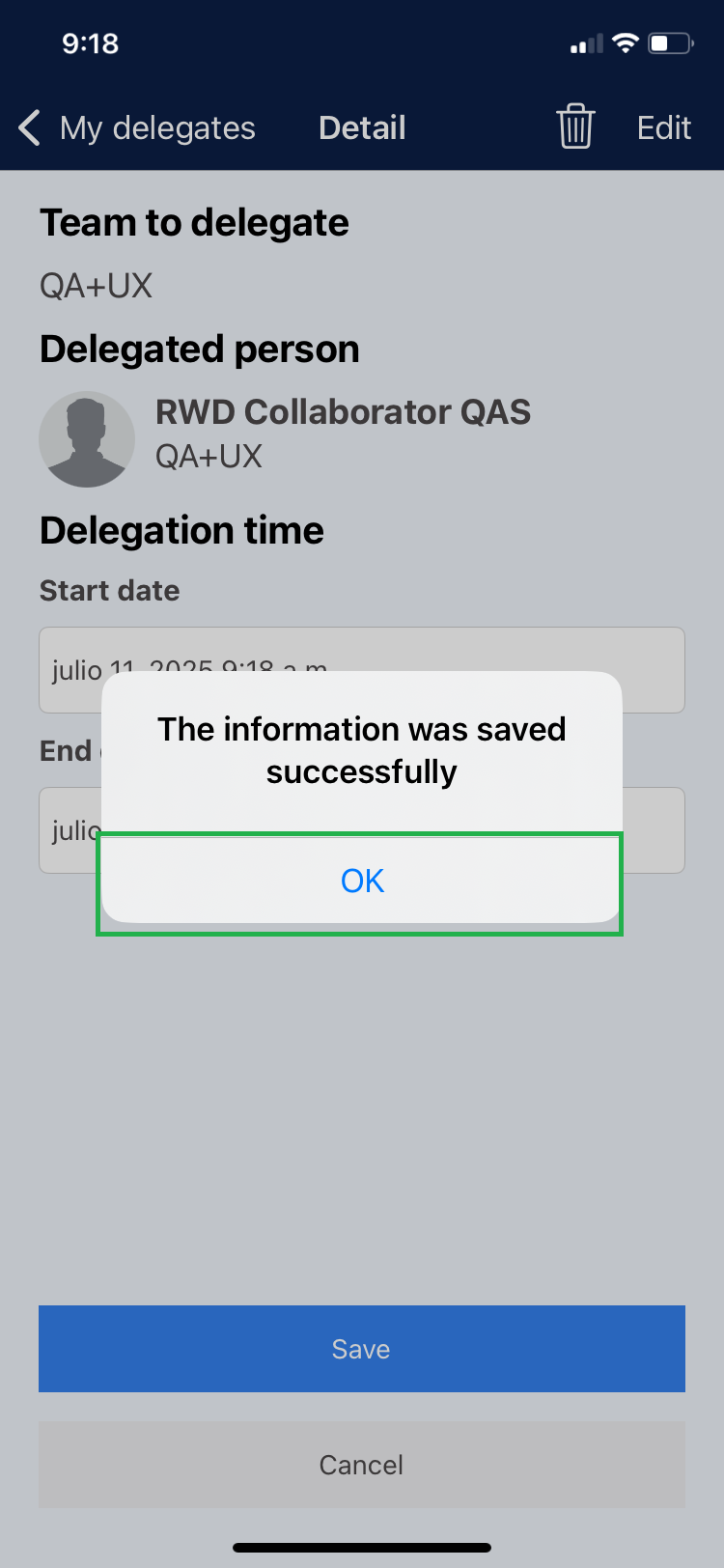
3. The “Start and End Date” fields will be enabled, modify the time period as required and click on “Save”.
4. Click on “Ok”.
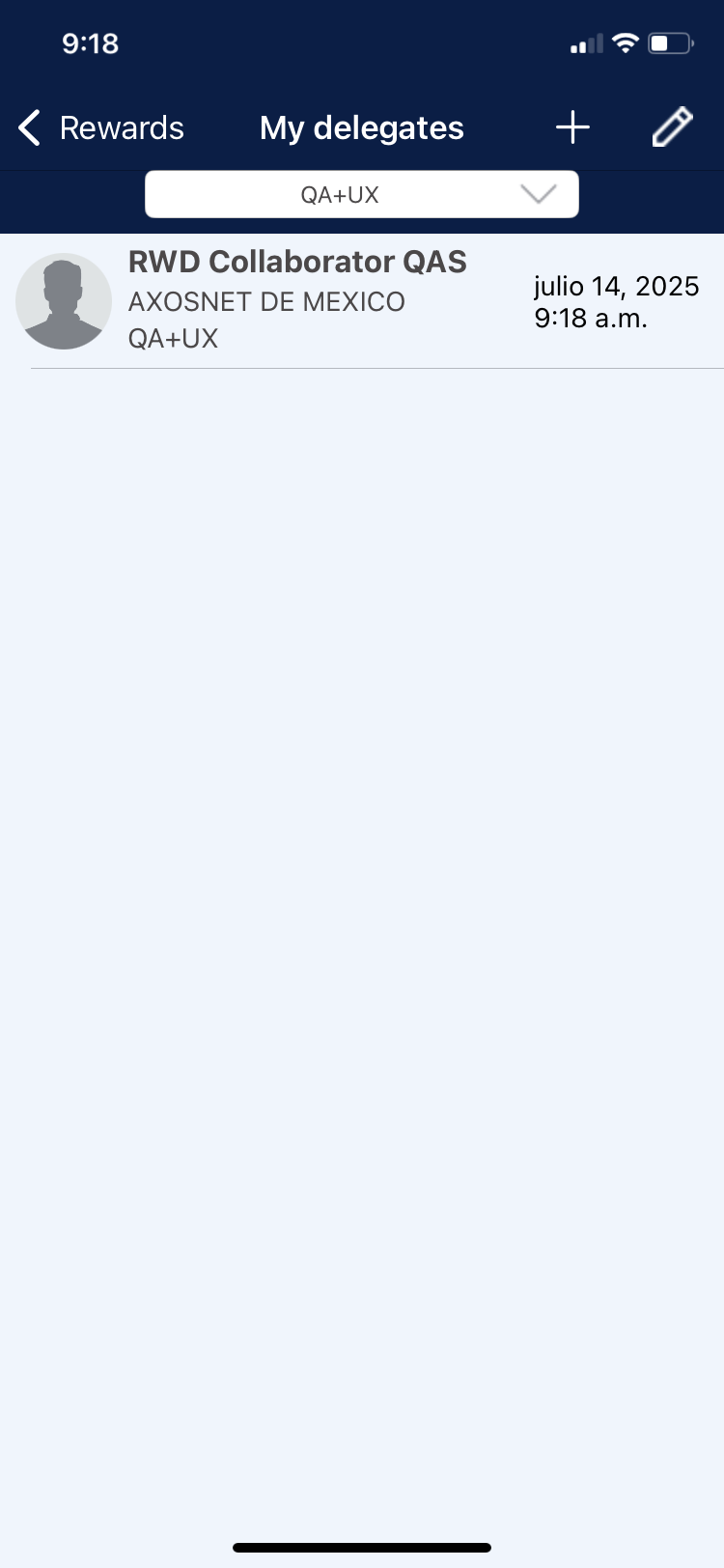
5. Go to the “My Delegates” section and the change is reflected.
Delete a Delegate
It is possible to withdraw the designation of a delegate, either by interrupting the delegation period or once the allotted time has expired.
Note: This modification can be made by the super admin or only by the leader of the team to be delegated.
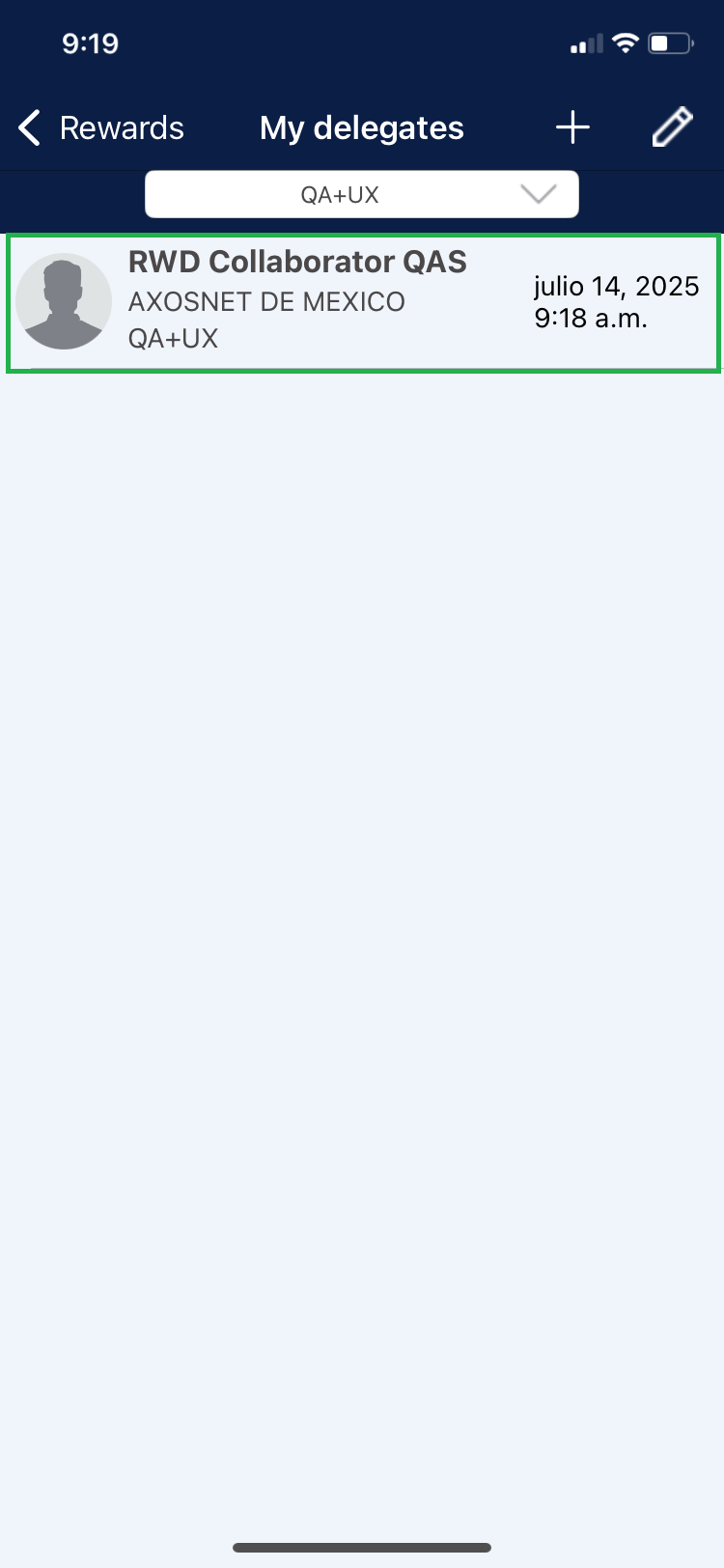
1. Select the delegate you wish to delete.
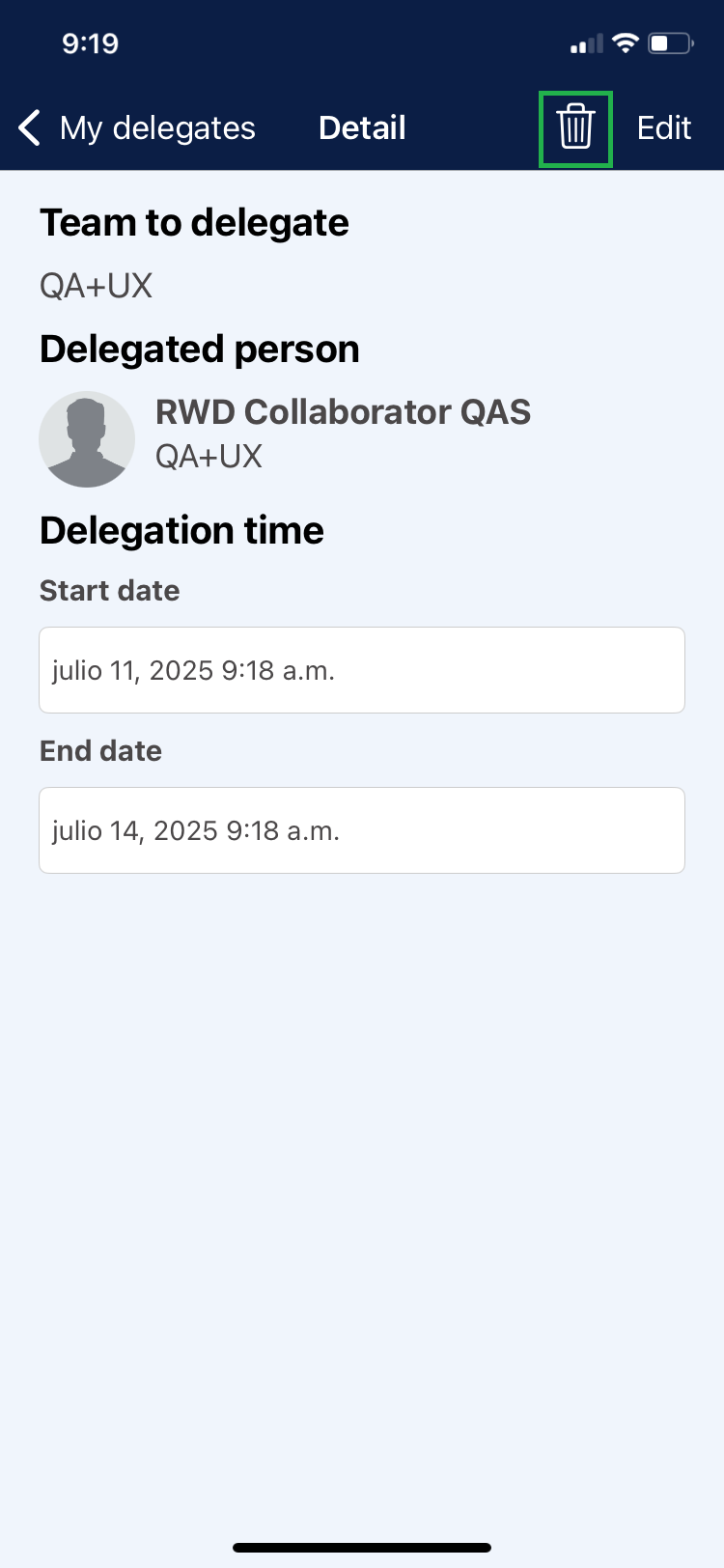
2. Click on the delete icon.
3. Click on ” Done” to confirm.
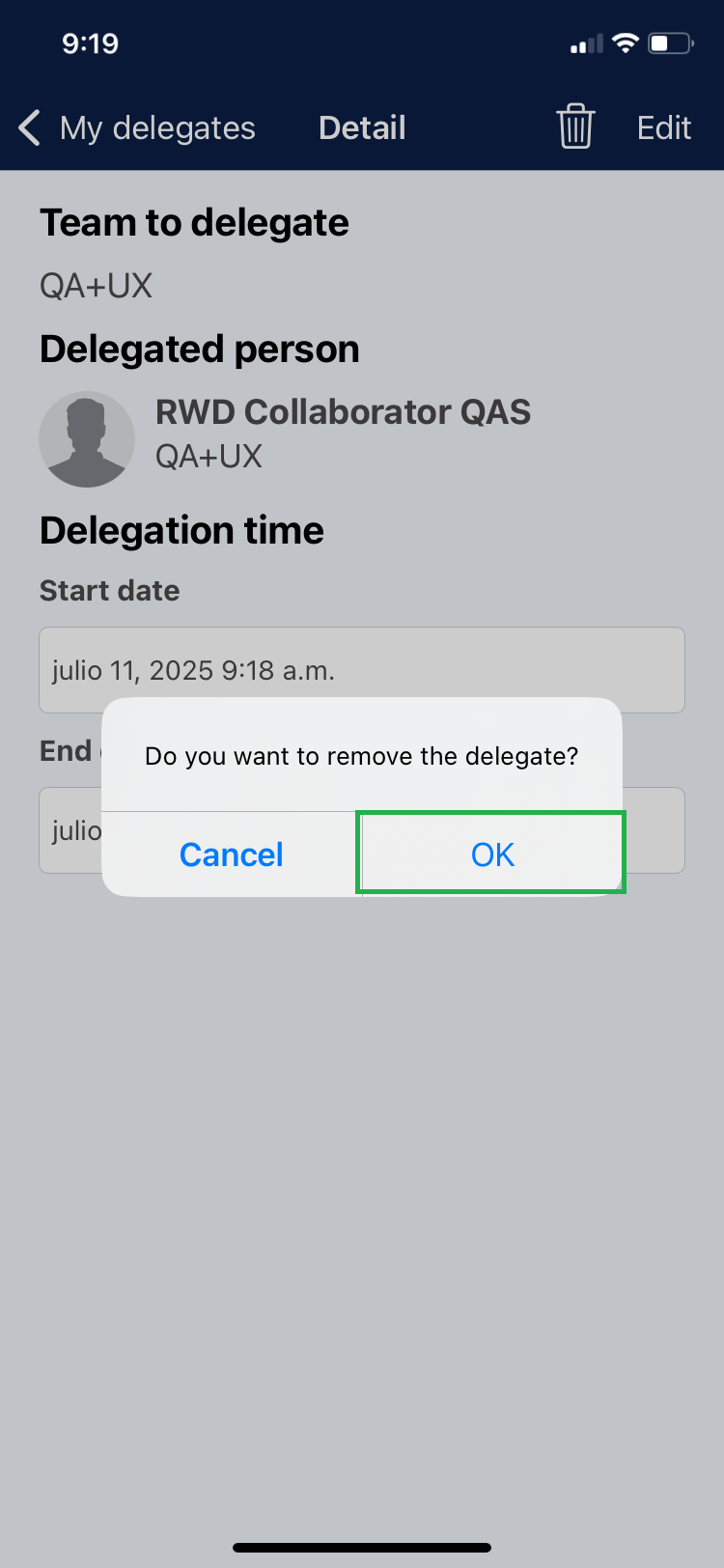
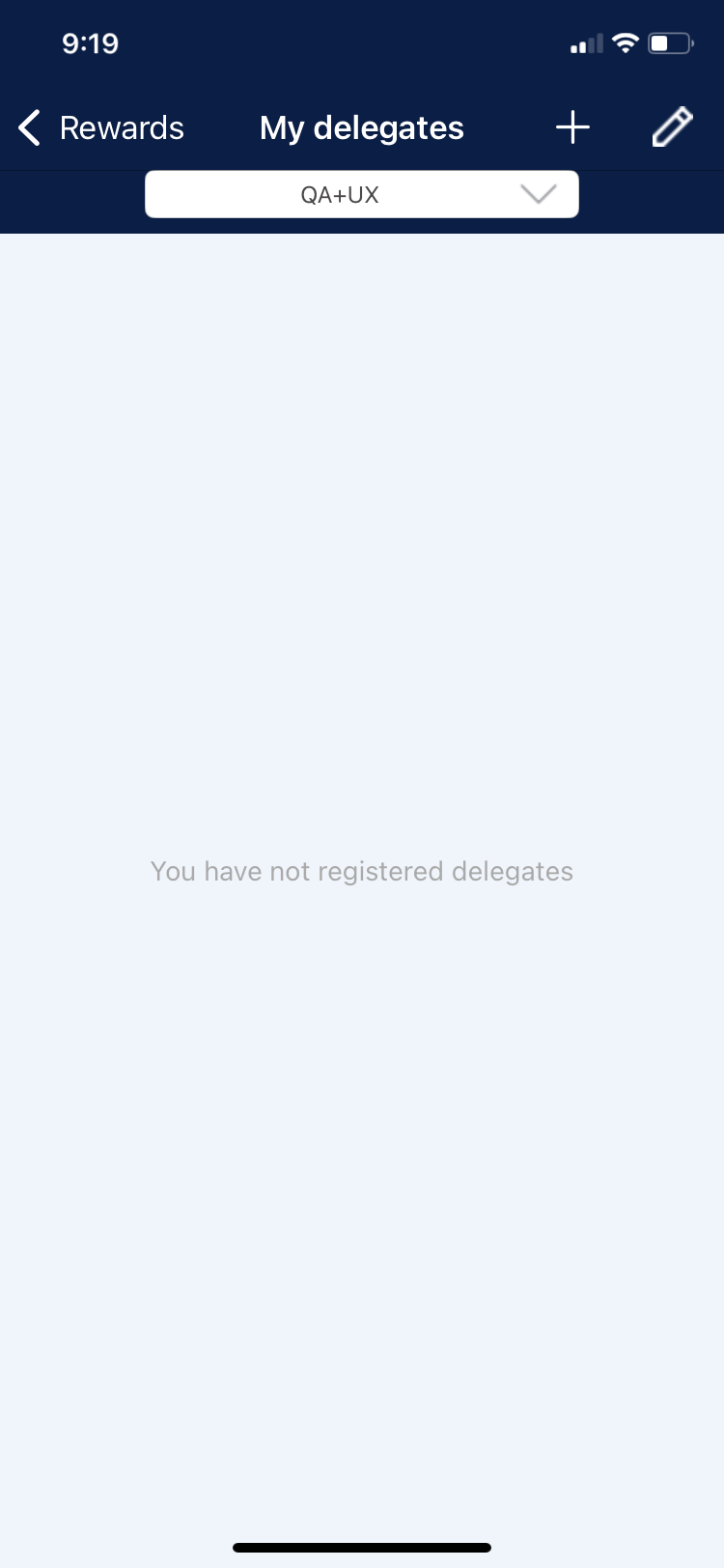
4. The “My Delegates” section is displayed and the changes made are reflected.
Delete Multiple Delegates
1. Within the main My Delegates list, click on the edit icon.
2. Select the delegate records you wish to delete and click on the delete icon.
3. Click “Continue” if you are sure to delete the selected records.