The nominee tracking is the visualization of the status of the awards or nominations you made in the section How to make an recognition?
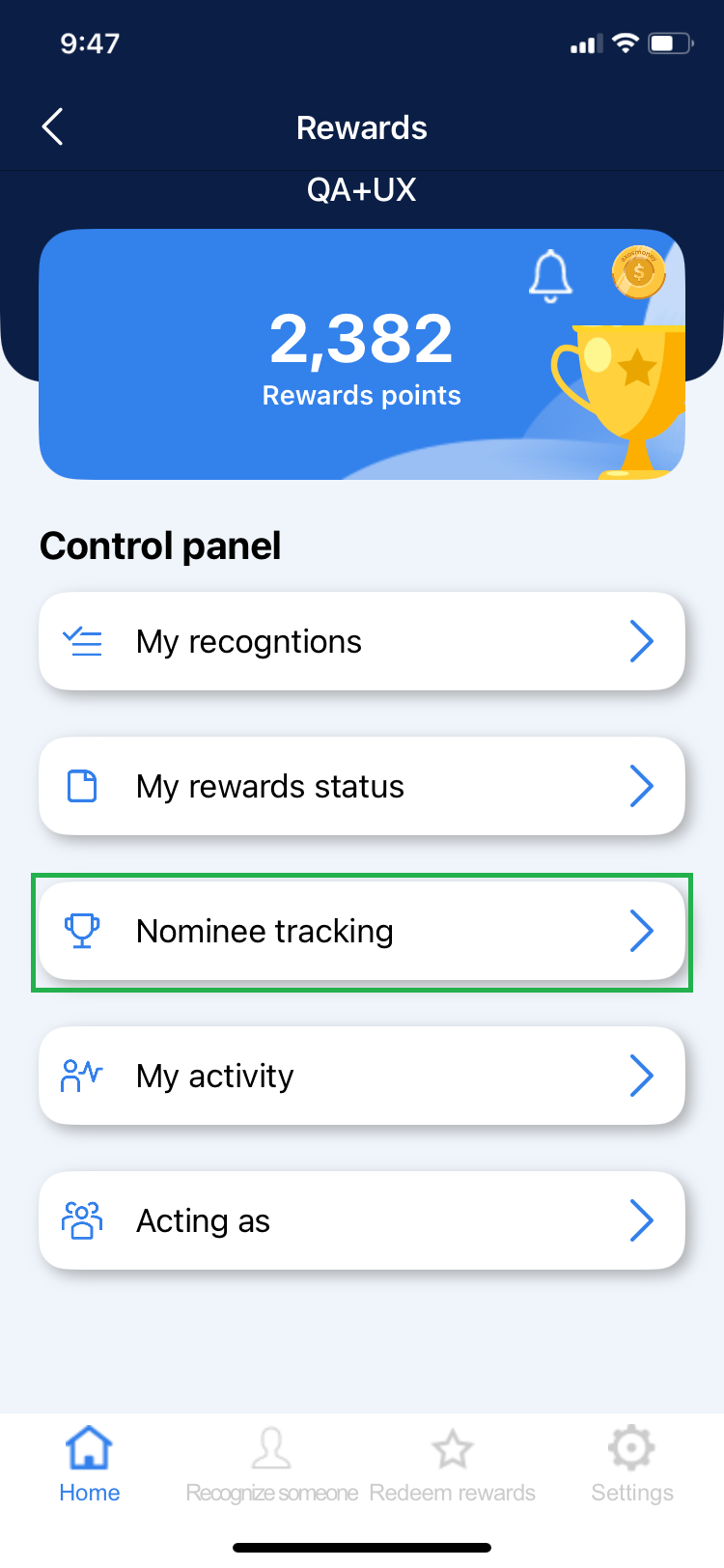
1. Click on the “Nominee Tracking” section in the Control Panel.
2. You will be able to see and navigate between the 3 different status in the horizontal menu.
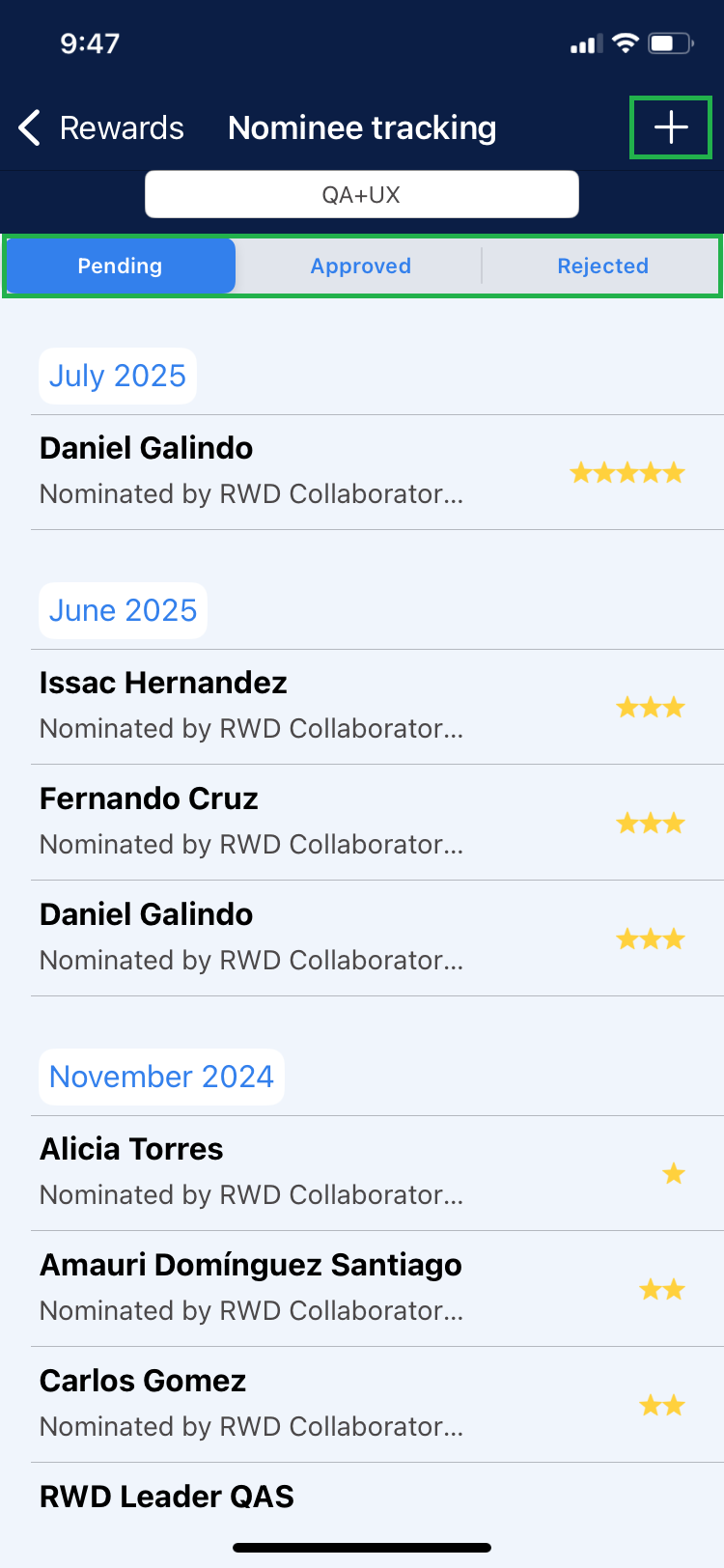
NOTE: From this screen you can also make a recognition by clicking on the ➕ icon in the upper right corner.
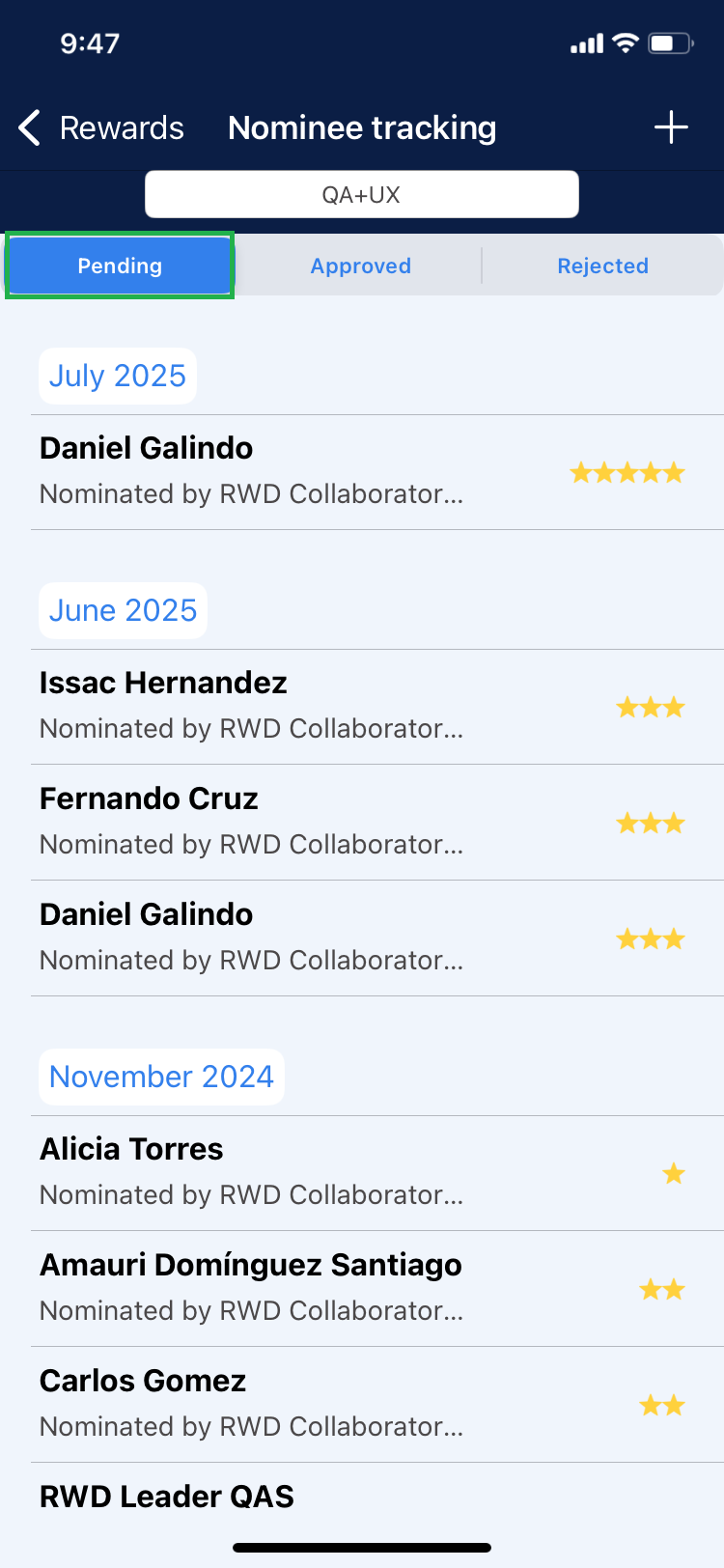
3. To view the pending recognitions click on Pending, where you can see the pending recognitions for all months.
4. To view the approved or rejected recognitions click on Approved or Rejected respectively, where you will be able to see the recognitions of the month immediately prior to the current month.
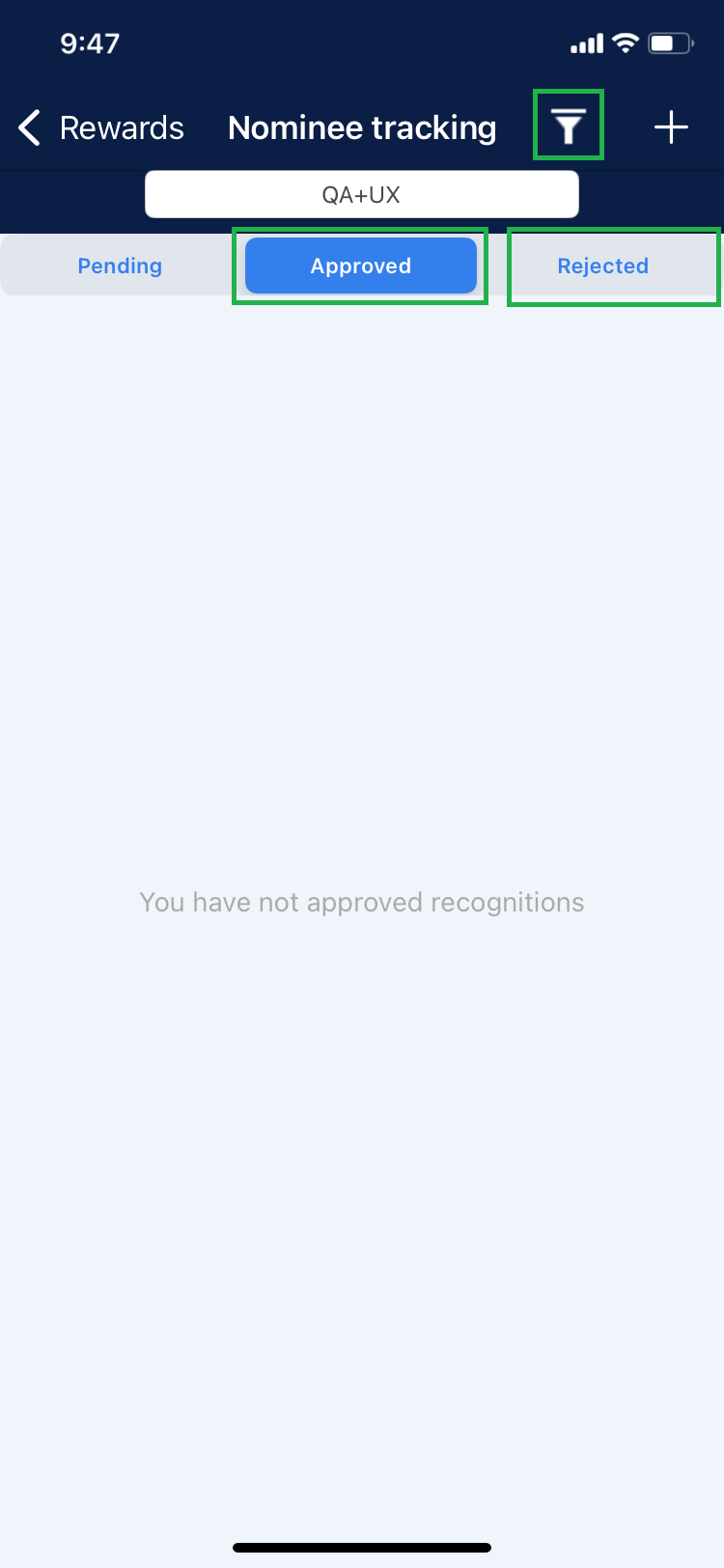
NOTE: If you want to view approved/rejected recognitions from previous months you can do so by filtering through the Y icon and selecting the month you want to view.
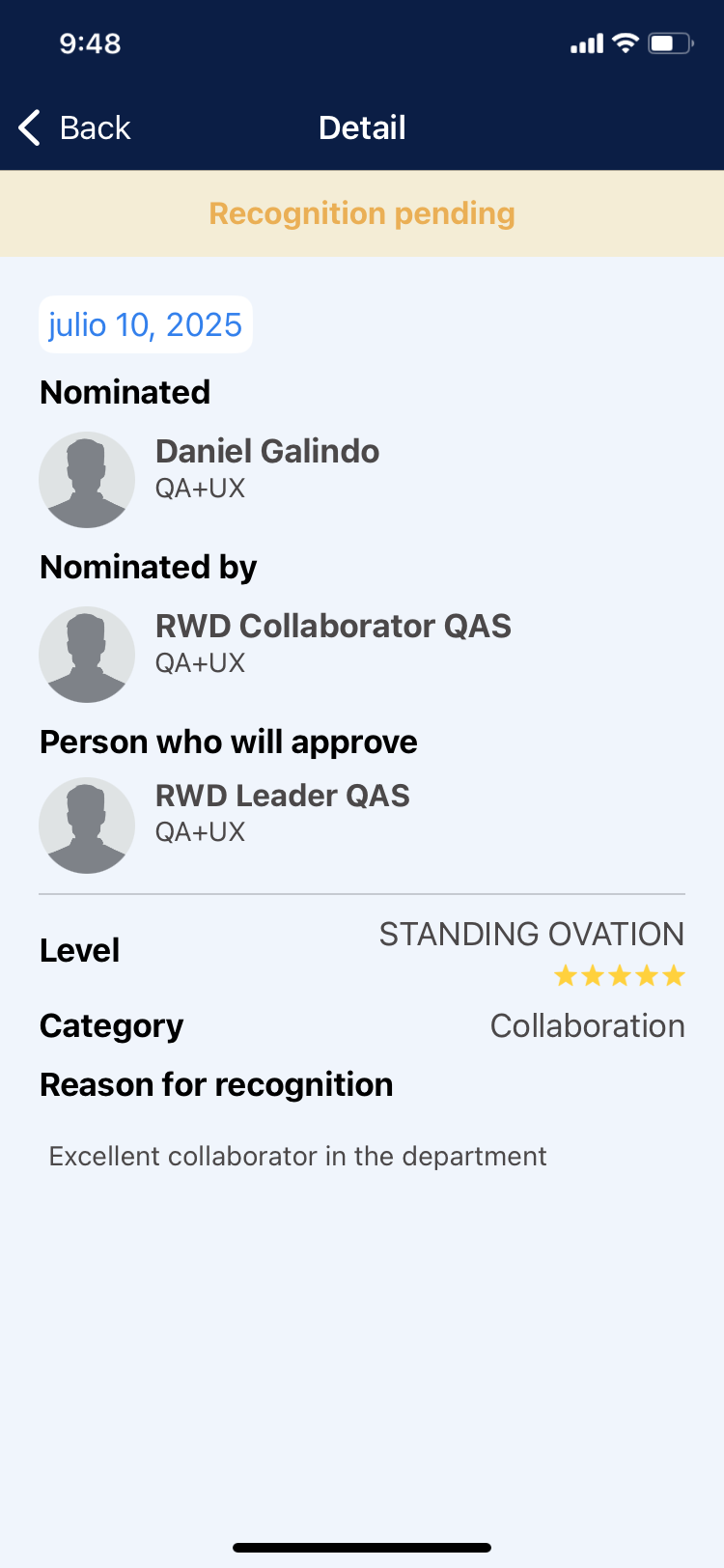
5. To see the details of a recognition, click on the recognition you wish to view.