
After redeeming a reward you can track its status as follows:
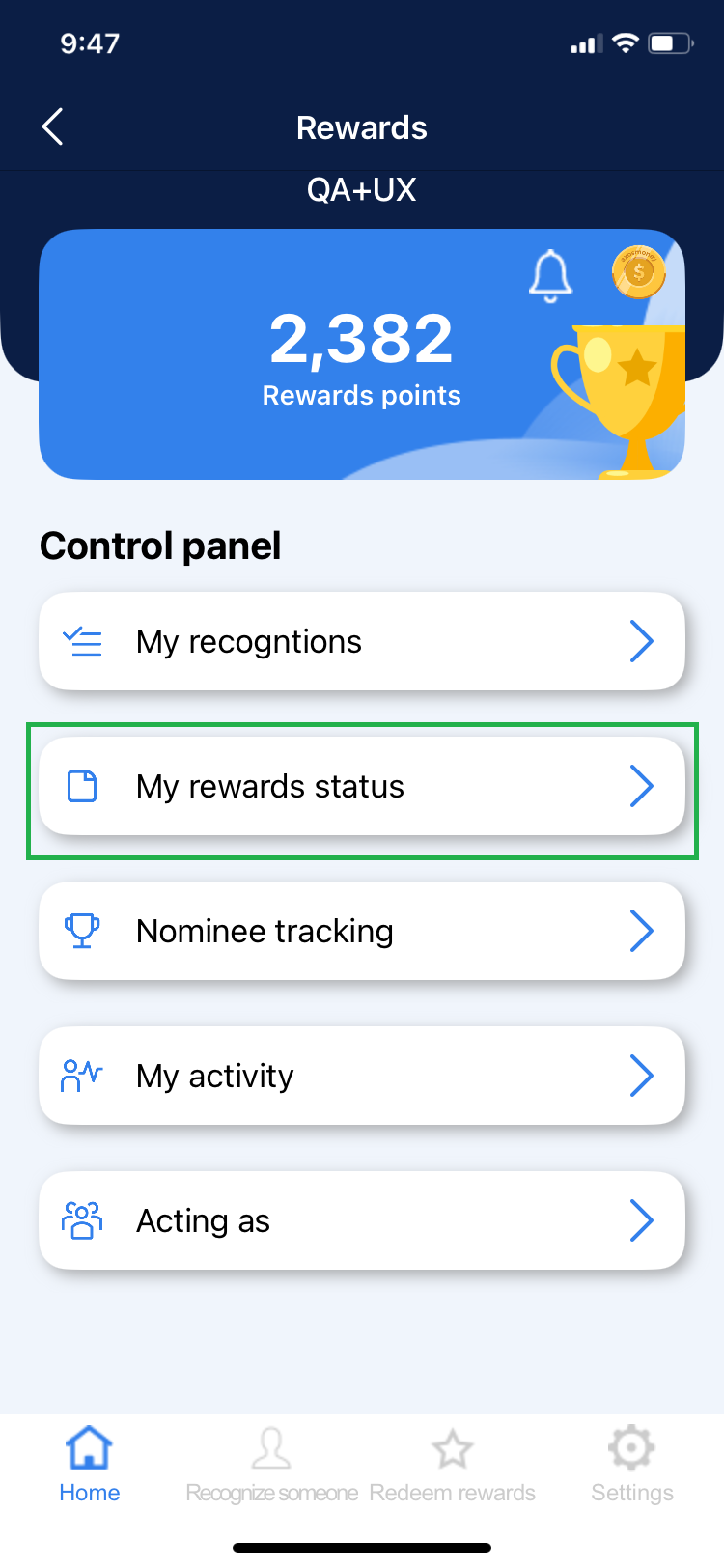
1. Enter the “My Orders” section found in the “Control Panel”.
2. In the horizontal menu you can see all the status a reward goes through.
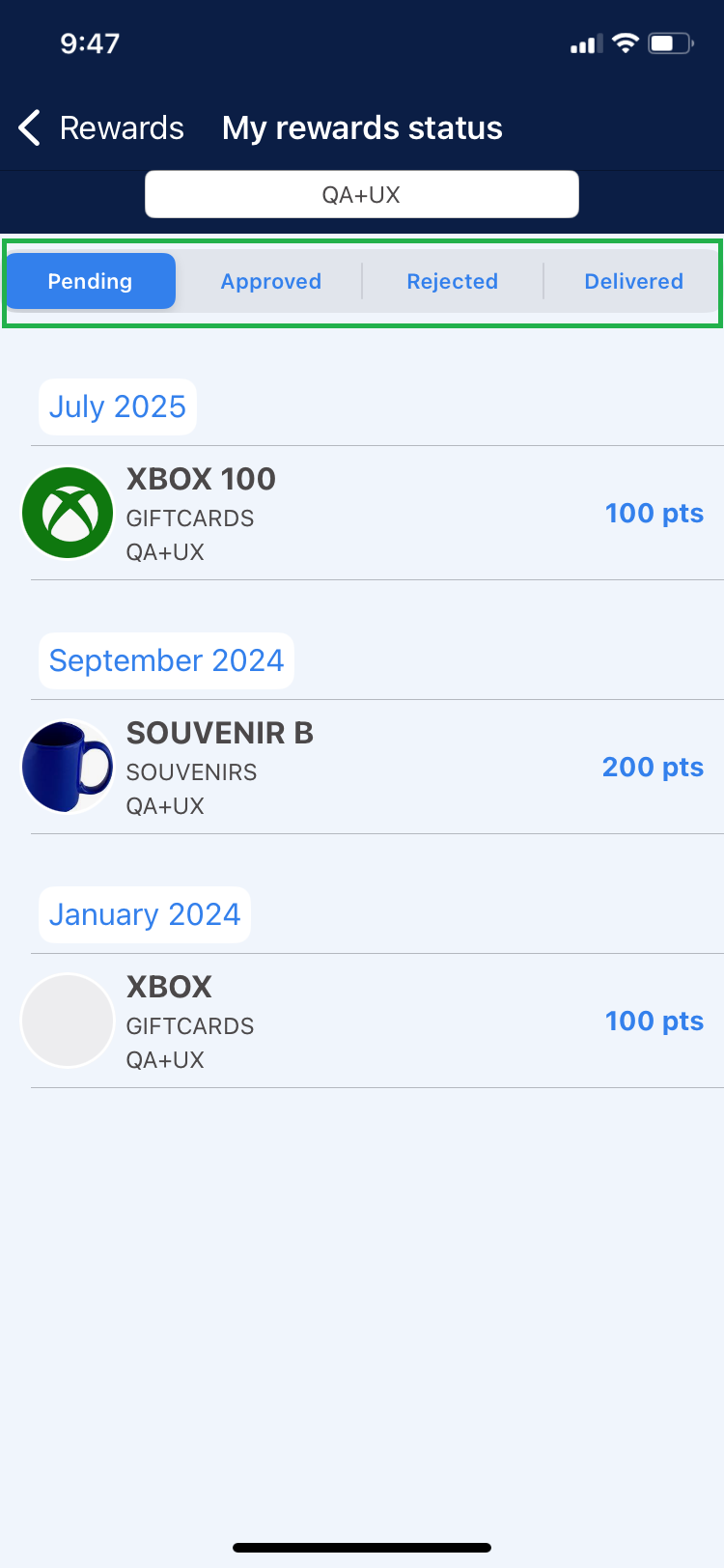
Pending: If you have just completed a reward redemption you will see it in the Pending section.
Approved: When a reward has been authorized by the Rewards Administrator it will be reflected in the Approved section.
Rejected: When a reward has been rejected by the Rewards Manager it will be reflected in the Rejected section.
Delivered: The reward will be in this section when the user has already received the reward he redeemed with his recognition points received.