To make a recognition or nomination, follow these steps:
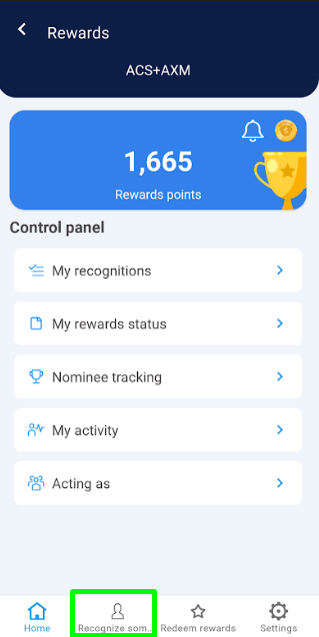
1. Click on the “Recognize Someone” option located in the bottom menu.
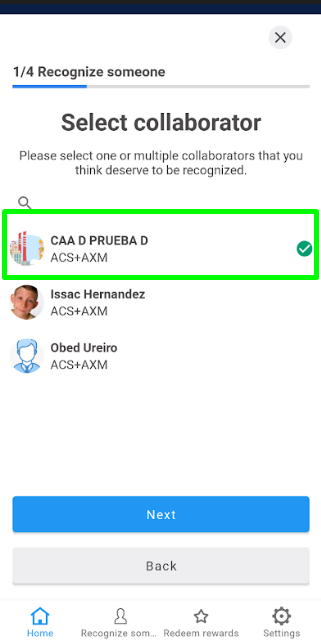
2. Select one or more collaborators you wish to recognize, then click “Next.”
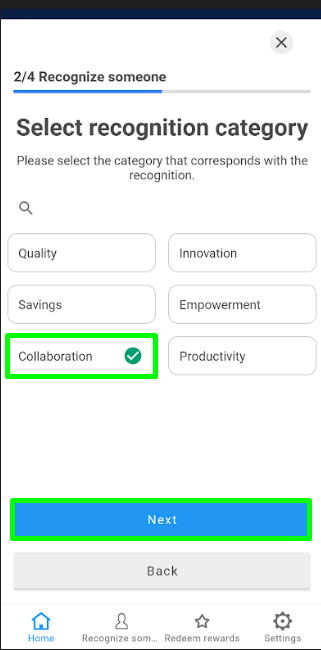
3. Choose the category of recognition* and click “Next.”
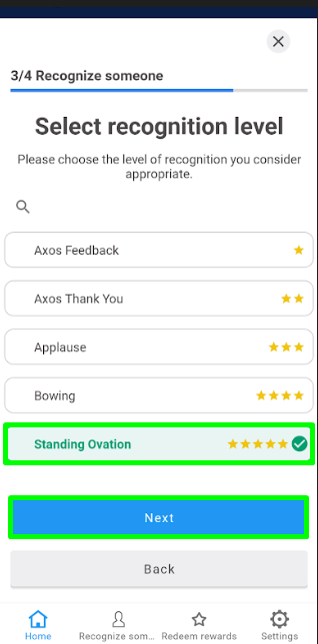
4. Select the level of recognition you wish to award and click “Next.”
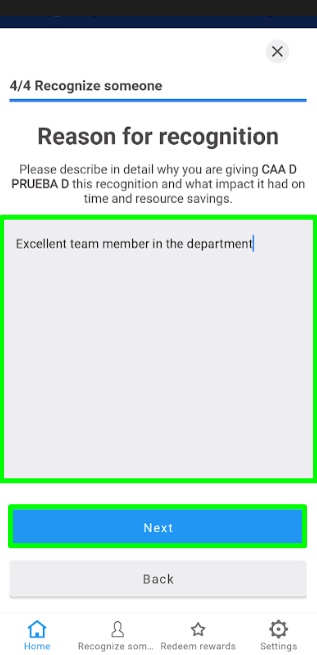
5. Enter the reason for the recognition and click “Next.”
6. A summary of the recognition you are about to make will be displayed. If everything is correct, click “Next.”
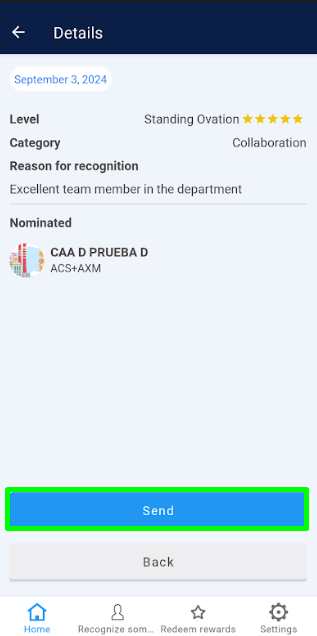
7. To confirm the action, click “Send.”
8. A message will appear indicating that the recognition has been successfully completed.